You've been sending PDFs. So has everyone else. And while they technically work, they quietly frustrate the people trying to read them, drain time from the people sharing them, and tell you absolutely nothing about what happens after someone opens one. Flipbooks AI offers a direct alternative that fixes every one of those problems, and the switch takes less time than formatting a PDF ever did.
Here are 5 concrete reasons to stop using static PDFs for your digital content, backed by what actually changes when you make the move.
The Problem With PDFs Nobody Mentions
PDFs were built for printing. That's not an opinion, it's engineering history. Adobe created the format in 1993 so documents would look the same on any printer, on any computer. The problem? We stopped printing, and the format didn't keep up.
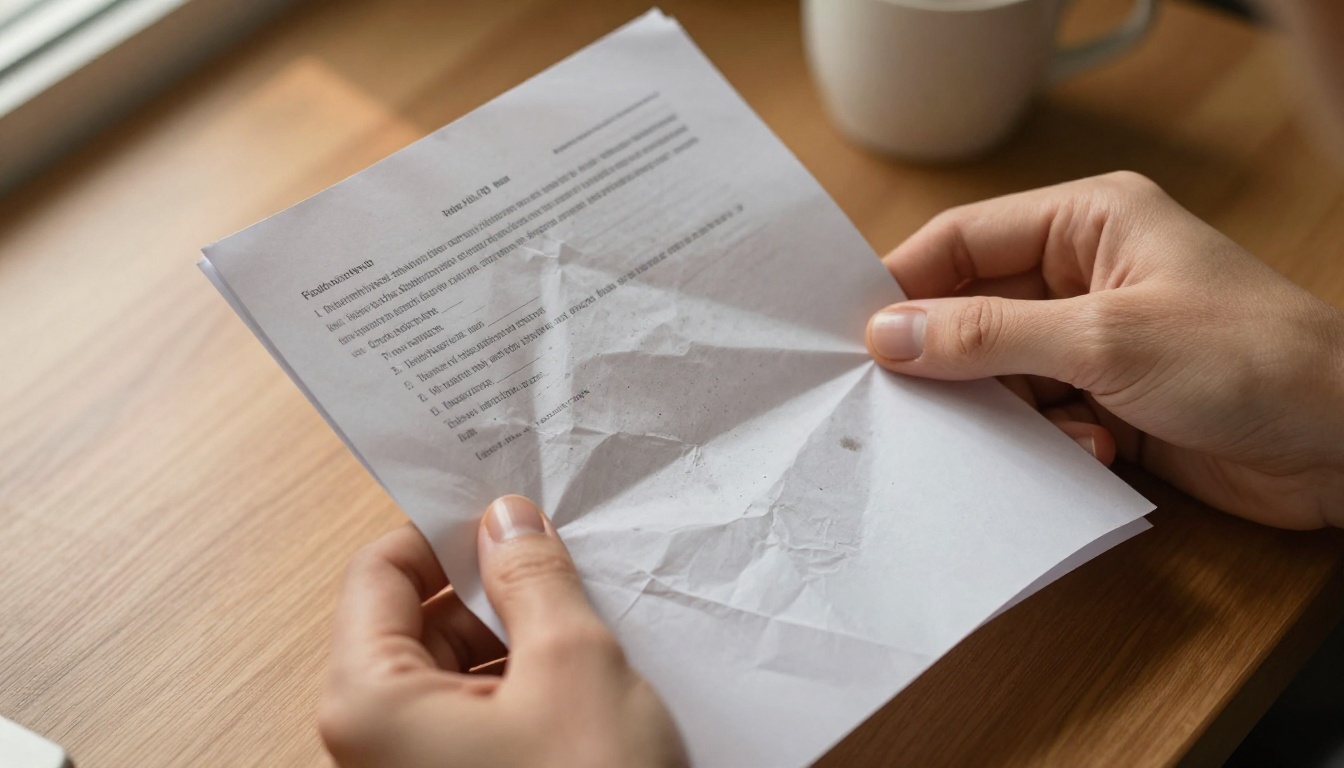
Today, PDFs are opened on phones, tablets, and laptops with wildly different screen sizes. They're shared via links that expire or get blocked by email filters. They're downloaded and forgotten in someone's Downloads folder. The format persists because of habit, not because it's the best tool.
They Break on Every Phone
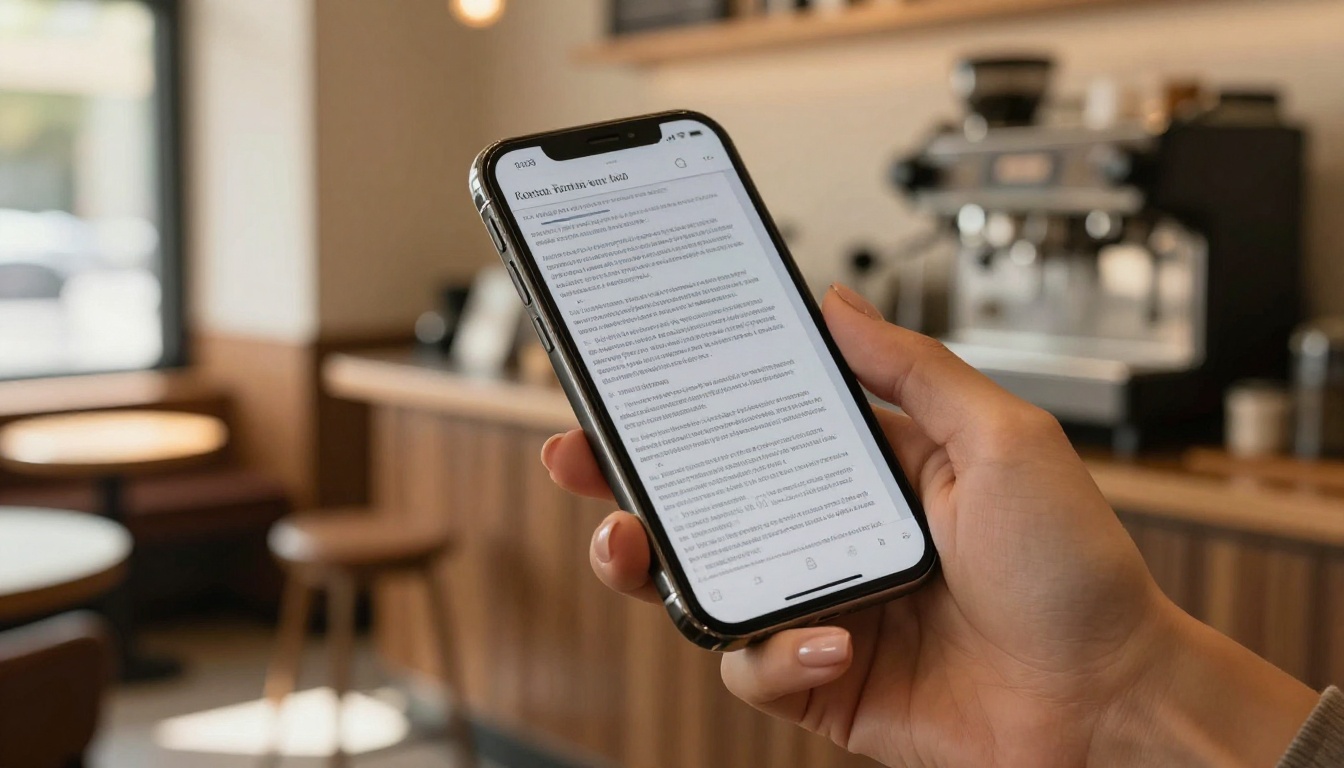
Open a typical PDF on a smartphone and you immediately run into the problem. The text is tiny. The columns don't reflow. You're zooming, scrolling left, scrolling right, losing your place, and zooming again. It's a frustrating experience that most readers simply abandon.
The Sharing Hassle
Sending a PDF means attaching a file, hoping it doesn't exceed the size limit, hoping the recipient has a compatible viewer, and hoping they actually download and open it. Each step is a drop-off point.
Reason 1: Reading That Feels Natural
The most immediate difference between a flipbook and a PDF is how it feels to read. Flipbooks are built for screens, with responsive layouts that adapt automatically to the device displaying them.
Mobile Users Suffer the Most
Over 60% of web traffic now comes from mobile devices. If your PDF requires zooming and horizontal scrolling to read, you're delivering a broken experience to the majority of your audience. A brochure that should take 3 minutes to read becomes a 12-minute pinch-and-drag ordeal.
Page-Turn Changes Everything
A digital flipbook uses responsive design from the ground up. Text scales to fit the screen. Images fill the viewport correctly. The page-flip animation creates a tactile reading experience that mirrors how people naturally consume magazines and catalogs. It signals to the reader: this was made for you, not for a printer.

💡 A flipbook adjusts to portrait and landscape orientation automatically. Your reader never has to rotate the phone to read a sideways column.
| Reading Experience | PDF | Flipbook |
|---|
| Mobile responsiveness | Requires zooming and horizontal scroll | Auto-adapts to screen size |
| Page navigation | Scroll bar or click arrows | Page-flip or thumbnail navigation |
| Orientation support | Often breaks on rotate | Adapts automatically |
| Font rendering | Fixed size, often too small | Scales to viewport |
| Image display | May crop or overflow | Fills container correctly |
Reason 2: People Actually Stay and Read
A document that is annoying to read gets closed. It's that simple. How the reading experience is structured directly affects how many pages someone sees and whether they act on what you've published.
Why Readers Bounce From PDFs
PDF bounce rates are notoriously high for a specific reason: the entry experience is jarring. The file either opens in a browser plugin that feels disconnected from the rest of the page, or it triggers a download prompt that removes the reader from the flow entirely. Neither creates momentum.
What Flipbooks Do Differently
A flipbook opens inline, in the browser, instantly. There's no download prompt, no plugin required, no waiting. The reader is in the content within seconds. The page-flip mechanic creates a sense of progress that mirrors the experience of browsing a physical magazine, a format humans are already wired to interact with.
Real-world examples make this concrete:
- Restaurant menus: A PDF menu on mobile is practically unreadable. A flipbook menu loads instantly, scales to any phone, and lets the customer flip through sections naturally. The Restaurant Menu Creator on Flipbooks AI is built specifically for this.
- Real estate brochures: Agents who share PDF brochures face the download-and-forget problem. A flipbook brochure shared as a link stays open in the browser, gets viewed from start to finish, and prompts action.
- Product catalogs: A 40-page product catalog as a PDF is a commitment to download. As a flipbook, it's a catalog people actually browse.
⚠️ If your content requires a download before it can be read, most mobile readers will leave before completing the download.
Reason 3: Sharing Without the Friction
Sharing is where PDFs create the most day-to-day operational pain. Every distribution method has a catch.
The PDF Distribution Problem
Email attachments have size limits, typically 10-25MB depending on the provider. File-sharing links expire or require sign-in. Embedding a PDF on a website requires a third-party viewer that may not render correctly across browsers. Updating the document means redistributing an entirely new file and hoping everyone throws away the old version.

One Link, Any Device, Any Screen
A flipbook lives at a URL. Sharing it is as simple as copying that link. No attachment size to worry about. No download required on the recipient's end. The link opens the same polished experience whether it's clicked on a desktop, a phone, or a smart TV browser.
Additional sharing advantages:
- Embed on any website: A single embed code drops the flipbook directly into a webpage. The Embed Flipbook on Website tool makes this a copy-paste operation.
- Password protection: For private content, flipbooks can be locked with a password, so you control exactly who sees them without managing file access permissions.
- Always current: Update the flipbook and the link automatically reflects the new version. No redistribution needed.
- No expiry: Unlike cloud storage links that expire after a set time, your flipbook URL stays active as long as your account is active.
✅ One URL works everywhere. Share it in an email, a text message, a social media post, or embed it in a website. The experience is identical across all of them.
Reason 4: Your Brand Actually Shows
PDFs can be designed. Some are very well designed. But they're ultimately static files with fixed layouts that look similar regardless of who made them. The reading experience offers no brand signals beyond what's printed on the page.
PDFs Are Visually Identical
Open a PDF and the experience is the same regardless of the brand behind it. There's no custom interface, no color-matched controls, no logo in the navigation bar. The reader interacts with Adobe Reader or a browser plugin, not your brand.

Flipbooks Are Built for Branding
With Flipbooks AI, the entire reading interface carries your brand. The flipbook background color, page texture, navigation controls, loading screen, and sharing page all reflect your visual identity. The reader is interacting with your brand throughout, not with a generic document viewer.
Branding elements you control:
- Custom background colors and gradients behind the pages
- Logo placement on the viewer interface
- Custom domain linking for professional presentation
- Page effects and textures that match your publication style
- Multimedia embedding: add videos and audio directly into pages
💡 For industries where brand perception drives purchase decisions, like real estate, hospitality, and fashion, this difference is significant. A Hotel Brochure that opens in a branded viewer with an embedded property video is a fundamentally different sales tool than a PDF attachment.
| Branding Feature | PDF | Flipbook |
|---|
| Custom viewer interface | No | Yes, full control |
| Brand colors on navigation | No | Yes |
| Logo in reading UI | No | Yes |
| Embedded video/audio | No | Yes |
| Custom background | No | Yes |
| Page flip animation style | No | Yes |
| Custom loading screen | No | Yes |
Reason 5: You Know What Your Readers Do
This is the most underrated reason to switch. PDFs offer zero native analytics. You send the file, and then you know nothing.
PDF Analytics Are Basically Nonexistent
Once a PDF is downloaded, it disappears from your view entirely. You don't know if it was opened. You don't know which pages were read. You don't know where readers stopped. You can't tell whether your product catalog drove any interest in specific items or if everyone closed it on page two.

Some marketers add UTM parameters to PDF download links to track how many times the file was downloaded. That's the entirety of the insight available.
Track Every Page Turn
Flipbooks with analytics, available on the Professional plan via Flipbooks AI pricing, track reading behavior at a granular level:
- Total views per flipbook
- Time spent on each page
- Page-by-page drop-off rates: see exactly where readers stop
- Device and location data: understand your audience
- Lead generation: collect reader information directly within the flipbook before or after viewing
For sales teams, this is the difference between sending a brochure blindly and knowing which clients actually read it, which pages they spent the most time on, and which ones closed it immediately.
💡 If you're using flipbooks for corporate reports or sales presentations, page-level data tells you which sections resonate and which need to be reworked. The Sales Presentation tool pairs directly with this capability.
| Analytics Capability | PDF | Flipbook (Professional) |
|---|
| Total open count | Download count only | Yes, view count |
| Time per page | No | Yes |
| Page drop-off data | No | Yes |
| Device breakdown | No | Yes |
| Lead capture form | No | Yes |
| Real-time data | No | Yes |
How to Convert Your PDF Today
Flipbooks AI converts any PDF into a fully interactive flipbook in minutes. Here is how the process works from account creation to sharing.
Step 1: Set Up Your Account
Go to flipbooksai.com/account and create your free account. No credit card required to start. The free tier lets you convert and publish flipbooks immediately so you can see the result before committing to a paid plan.
Step 2: Upload and Convert
Use the PDF to Flipbook Converter to upload your PDF file directly. The converter processes the file and builds the interactive flipbook automatically, preserving your layout, images, and typography. For most documents, this takes under a minute.
✅ Supported formats include any PDF, whether it was created in InDesign, Canva, PowerPoint, Word, or any other tool. If it exports to PDF, it converts to a flipbook.
Step 3: Customize Your Flipbook
Once converted, you have access to the full customization panel:
- Set your background color or texture to match your brand
- Upload your logo to appear in the viewer interface
- Choose your page-turn animation style (hardback, soft paper, or magazine)
- Add a password if the content is private or for a specific audience
- Embed any video or audio files directly into specific pages
- Enable lead generation forms if you want to capture reader information
For specific content types, the tool library offers specialized creators: the Fashion Catalog Creator for apparel brands, the Interactive Lookbook Designer for creative agencies, the Annual Report Creator for corporate publications, and the Digital Portfolio Creator for freelancers and agencies.
Step 4: Share It Everywhere
When the flipbook is ready, copy the shareable link and distribute it anywhere. For website embedding, copy the embed code from the Embed Flipbook on Website tool and paste it into any page, no developer required. For gated content, activate password protection in one click. For data tracking, turn on the analytics dashboard from Professional plan settings.

PDF vs Flipbook at a Glance
| Feature | PDF | Flipbook |
|---|
| Mobile reading | Poor, requires zooming | Responsive, auto-adapts |
| Sharing method | File attachment or download link | URL, embed code |
| Reader analytics | None | Full page-level data |
| Brand customization | Design only, no UI control | Full viewer branding |
| Multimedia support | Limited | Video, audio, links |
| Update without redistribution | No, new file needed | Yes, updates live |
| Password protection | Requires Adobe tools | Built-in, one click |
| SEO visibility | Low, file-based | High, URL-based |
| Offline access | Yes | Yes (Professional plan) |
| No watermarks | Depends on tool | Always on Standard plan and above |
Who Should Make the Switch?
The honest answer is anyone who publishes content that needs to be read, not just downloaded.
Specific use cases where the difference is most visible:
- Marketing teams sending product catalogs or campaign brochures to prospects
- Real estate agents sharing property listings and neighborhood overviews
- Restaurant and hospitality businesses with menus, venue brochures, and event programs
- Educators and trainers publishing course materials with the Training Manual Flipbook or Course Material Publisher
- E-commerce brands needing interactive product lookbooks or seasonal catalogs
- Corporate teams sharing annual reports, press kits, or investor presentations with the Corporate Report Maker
If you've been emailing PDFs and wondering why nobody seems to respond to them, you now have five specific answers. The format is the problem.
Ready to see the difference for yourself? Create your first flipbook for free and convert your next PDF before sending it. Browse all available tools and templates to find the right format for your content, or check the pricing plans to choose what works for you.



