When you're trying to communicate product details to a potential buyer, the format you choose does more than display information. It determines how that buyer experiences your brand, how long they stay on the page, and whether they click "buy." Two formats dominate this conversation right now: the interactive digital flipbook and the YouTube product video. Both have genuine strengths. Both have real blind spots. And depending on your product type, your audience, and your distribution channel, one will almost always outperform the other.
Flipbooks AI has helped thousands of brands convert static PDFs into browsable, interactive digital catalogs that live on their own website, not someone else's platform. But that doesn't mean video is irrelevant. This article breaks down both formats honestly so you can make the right call for your product marketing strategy.
Before comparing them, it's worth being precise about what each format delivers, because a lot of the confusion in this debate comes from comparing apples to oranges.
How a Product Flipbook Works
A product flipbook is an interactive digital publication converted from a PDF or built natively in a tool like Flipbooks AI. It mimics the physical experience of flipping through a printed catalog, with embedded links, video clips, zoom functionality, and analytics tracking built in. The reader controls the pace entirely. They can jump to page 34, zoom into a fabric swatch, click through to a product page, or download the catalog for offline viewing.
The content lives on your domain or embeds directly on your website. Your brand owns the experience from start to finish.
How a YouTube Product Video Works
A YouTube product video is a passive, linear media experience. The viewer presses play and watches content unfold on a timeline set by the creator. YouTube's algorithm may serve it to new audiences through search or recommendation, but once it's playing, the viewer has limited interaction: pause, rewind, skip, or click away.
YouTube is the world's second-largest search engine, which gives product videos built-in discovery potential. But that discovery happens on YouTube's terms, on YouTube's platform, surrounded by competitor ads and distracting thumbnails.
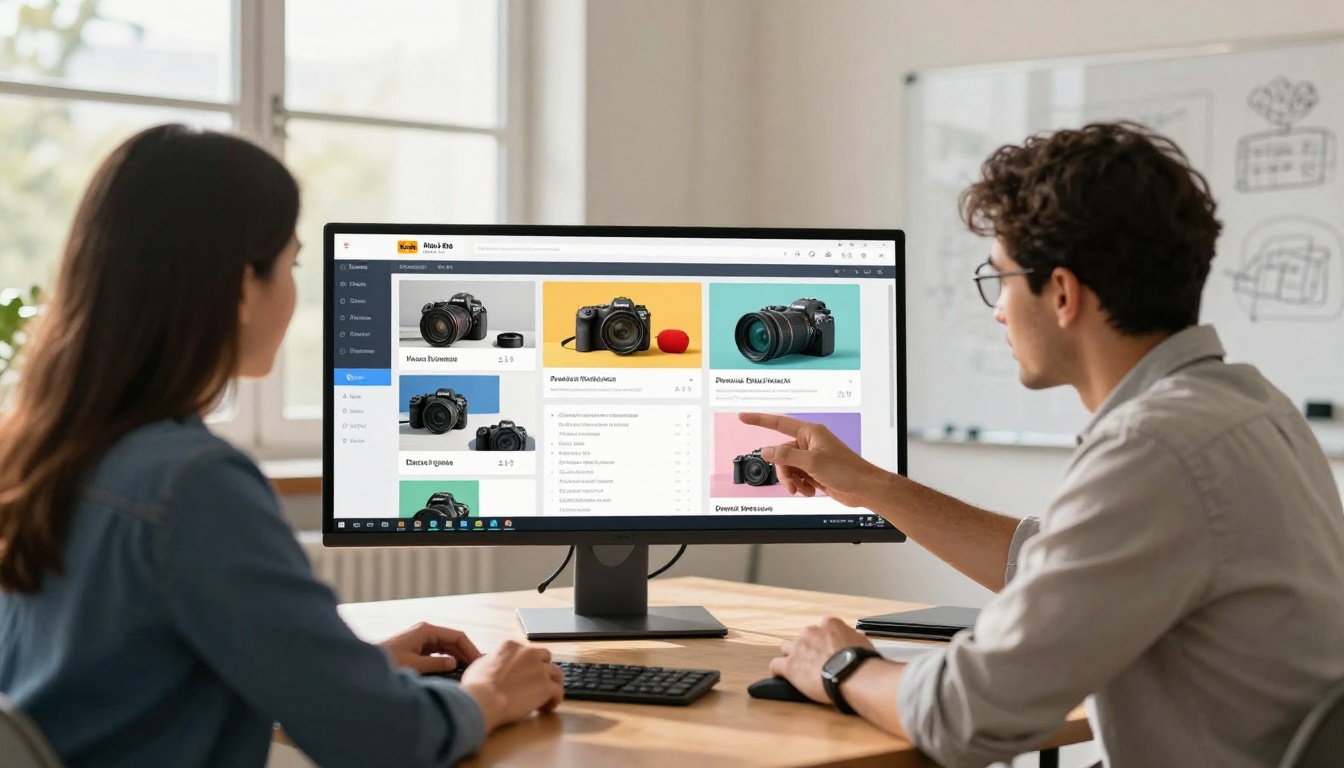
Head-to-Head Comparison
Here's where the two formats actually stand against each other across the metrics that matter most for product information delivery.
| Factor | Interactive Flipbook | YouTube Video |
|---|
| Viewer Control | Full: jump, zoom, skip pages | Limited: pause, rewind, skip |
| Platform Ownership | Your domain or embedded on site | YouTube's platform |
| SEO Benefit | Indexes text content, boosts dwell time | Builds YouTube authority separately |
| Production Cost | Low: upload your existing PDF | High: filming, editing, voiceover |
| Load Speed | Fast: no video buffering required | Depends on connection speed |
| Analytics Depth | Page-level, time-per-page, click tracking | Views, watch time, audience retention |
| Distraction Risk | None: closed branded environment | High: competitor ads, suggested videos |
| Mobile Experience | Responsive, touch-friendly page-turn | Native video player |
| Content Updates | Swap PDF, instantly live | Re-upload or edit with viewer loss |
| Offline Access | PDF download available | Requires YouTube Premium |
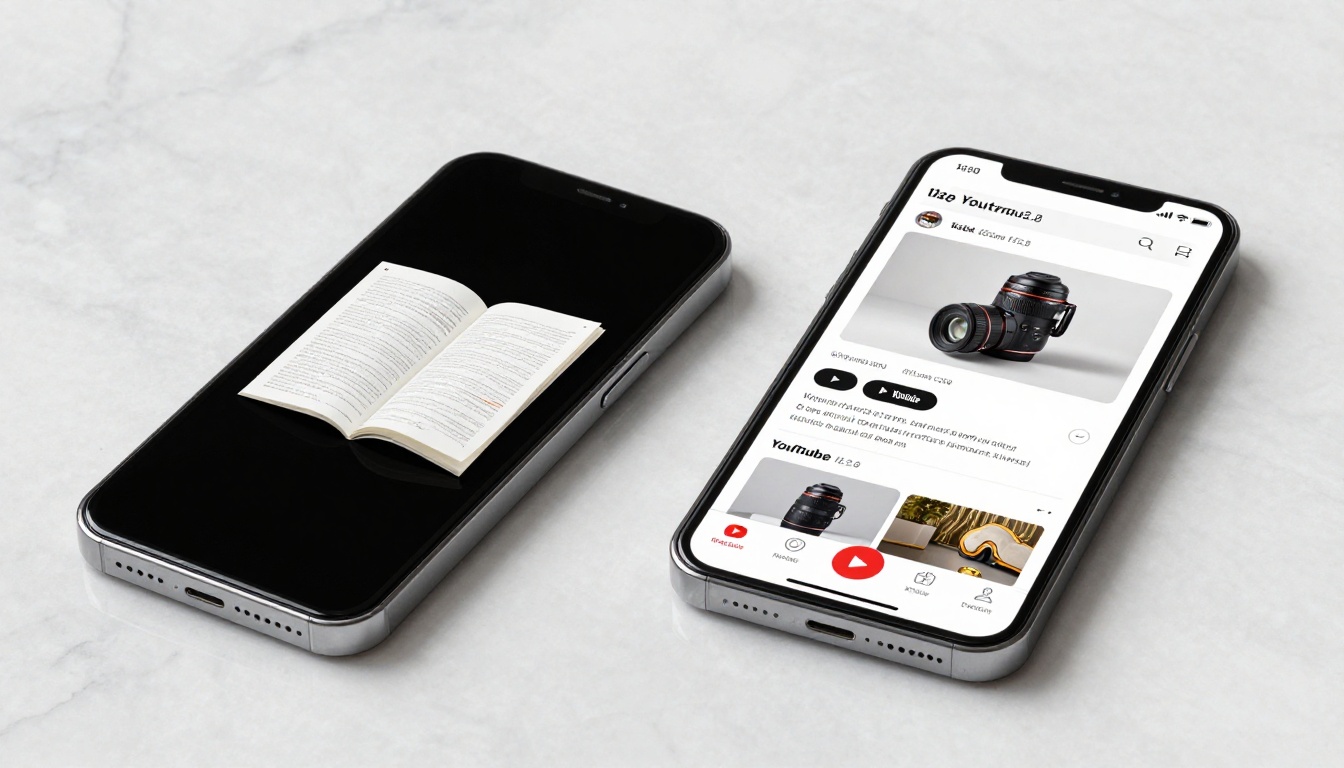
Where Flipbooks Have the Real Advantage
Browsing at the Buyer's Own Pace
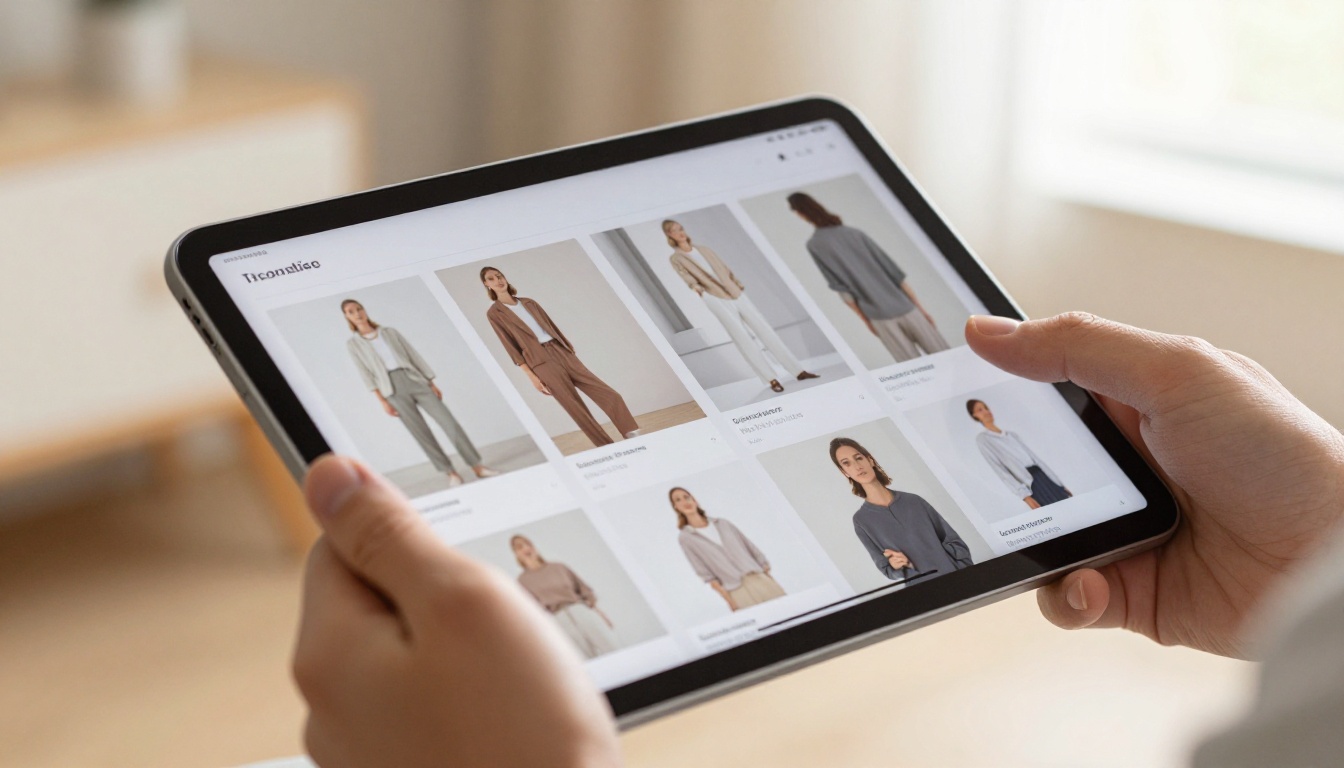
This is the single biggest functional difference between the two formats. A buyer researching a 48-page furniture catalog doesn't want to watch a 12-minute video from beginning to end. They want to jump to the bedroom section, zoom into a fabric detail, and click the price tag. A digital flipbook does all of that. A YouTube video cannot.
Product information is rarely consumed in a straight line. Buyers skip around. They compare. They zoom. They go back. The interactive flipbook is built for exactly this behavior, while video assumes the viewer will sit through a full presentation from start to finish. For most product categories, that assumption is wrong.
💡 Pro Tip: The Digital Catalog Maker from Flipbooks AI lets you embed clickable product links directly into pages, turning each spread into a shoppable experience.
SEO That Lives on Your Website
When a product flipbook is embedded on your domain, the time buyers spend browsing it counts toward your site's dwell time, a significant factor in search ranking. The text content within the flipbook is indexable. The page URL that hosts it builds authority for your domain.
A YouTube video, by contrast, builds SEO authority for YouTube's domain. When someone searches for your product category and finds your YouTube video, they land on YouTube, not on your website. They encounter competitor ads before your video even starts. If they close the tab, you have no retargeting data and no session recorded on your site.
No Competitor Ads. No Suggested Videos.
YouTube's recommendation engine is remarkable at keeping people on YouTube. The moment your product video ends, six thumbnails from competitors, entertainment channels, or completely unrelated content appear on screen. Mid-roll ads can interrupt the viewing experience at the exact moment a buyer was building purchase intent.
A flipbook embedded on your site offers none of those distractions. The buyer is in your environment, on your terms, with your catalog, your branding, and your calls-to-action filling the screen.
Updating Product Info Is Instant
Product pricing changes. Stock availability shifts. Seasonal variations mean catalog updates can happen every few weeks. With a digital flipbook, you upload a new PDF and the flipbook updates instantly. Every shared link, every site embed, every bookmarked URL serves the latest version automatically.
With a YouTube video, you have three poor options: re-upload and lose all views and comments, add a video card linking to a corrected version, or leave outdated information live and hope viewers notice a pinned comment. None of these options are clean or cost-free.
Where YouTube Video Genuinely Wins
Motion and Physical Demonstration
Some products need to move to sell. A blender needs to show its blending action. A jacket needs to show how it drapes when someone walks. A car needs the engine sound. For products where physical behavior, texture in motion, or functional demonstration is the deciding factor, video wins clearly.
No flipbook can replicate the visceral impact of watching a chef's knife slice cleanly through a tomato in slow motion. That sensory information is real and it converts. If your product's value proposition lives in motion, video is the right choice.
Built-In Discovery Potential
YouTube is the second-largest search engine on earth. A well-optimized product video with the right title, description, and tags can surface in front of millions of people who have never heard of your brand. That organic discovery is essentially free distribution, something a flipbook embedded on your website cannot replicate without existing traffic. For brands in the awareness-building phase, YouTube does meaningful top-of-funnel work that flipbooks are not designed for.
Social Proof Through View Counts
A video with 50,000 views carries implicit credibility. Viewers see the number before they press play, and it signals that other people found the content worth watching. This social proof mechanism is built into YouTube's interface and has a measurable impact on click-through rates.
What It Takes to Make a Video
A professional product video covering 20 to 30 SKUs might involve a videographer, lighting equipment, a full day of shooting, professional editing, color grading, voiceover recording, and motion graphics. Minimum professional cost in most markets: $1,500 to $5,000 for a single video. Then it's outdated in six months when products change.
Brands operating at scale, running multiple product lines across different seasons, can spend $50,000 to $200,000 per year on video production alone. That's a significant budget commitment for content with a short shelf life.
What It Takes to Build a Flipbook
A digital product catalog built on Flipbooks AI starts with your existing PDF, something most brands already have in some form. Upload it. Customize the branding. Publish. The entire process can take under an hour, and the result works across desktop, mobile, and tablet, and embeds anywhere.
There's no camera crew, no editing bay, no voiceover session. Seasonal updates mean uploading a new PDF, not reshooting a video. The cost difference isn't marginal. It's structural.
| Production Factor | Flipbook | YouTube Video |
|---|
| Starting Asset | Existing PDF or design file | Original scripted content |
| Time to Publish | Under 1 hour | Days to weeks |
| Minimum Equipment | None required | Camera, lighting, audio gear |
| Editing Required | No | Yes, professional-level |
| Seasonal Update Cost | Near zero (replace PDF) | Near full re-production |
| Platform Fee | Subscription to flipbook tool | Free to host, paid to promote |
Real-World Use Cases
The best way to make this decision isn't abstract. It comes down to your specific product type and the way your buyers actually shop.
When to Use a Flipbook
- B2B product catalogs: Wholesale buyers need to browse hundreds of SKUs at their own pace, with pricing and clickable product links. A flipbook is the professional standard for this audience.
- Fashion and apparel lookbooks: Seasonal collections with editorial photography are built for page-turn browsing. Use the Interactive Lookbook Designer to build shoppable seasonal editions.
- Furniture and home goods: Room-by-room browsing, zoom-in fabric detail, embedded spec sheets. This format was built for this content type.
- Restaurant menus: A digitally published menu that updates weekly without a reprint. The Restaurant Menu Creator handles this with precision.
- Technical product documentation: Multi-page spec sheets, compliance documents, and installation guides benefit enormously from the browsable, searchable format.
- Real estate brochures: Property buyers compare multiple listings side by side. A beautifully designed Real Estate Brochure flipbook gives agents a clear professional edge.
When to Use a YouTube Video
- Functional demonstrations: Showing how a product physically works, especially in action.
- Unboxing and first impressions: Consumer products with strong unboxing experiences convert well in video.
- Brand storytelling: Origin stories, behind-the-scenes content, brand values. Video is emotional and immersive for narrative content.
- Top-of-funnel discovery: When you're targeting cold audiences who don't yet know your brand and YouTube search or ads are your primary channel.
When Both Work Together
The most effective product marketing strategies don't choose one format. They deploy each where it's strongest. A cosmetics brand might run a YouTube video showing the transformation effect of a new serum, then link buyers to a beautifully designed interactive digital catalog where they can browse the full product range, click through to individual product pages, and access shade-matching guides, all inside a controlled, branded environment on the brand's own website.
✅ Best Practice: Use YouTube for awareness and initial attraction. Use a digital flipbook for the decision-making stage, when buyers need to compare, read details, and choose.

How to Create a Product Flipbook with Flipbooks AI
If the flipbook format fits your products (and for most catalog-heavy businesses, it will), Flipbooks AI is the fastest path from a PDF file to a published, shareable, embeddable interactive catalog.
Step 1: Create Your Account
Head to Flipbooks AI and sign up. No credit card is required to start. The platform offers a free tier so you can test the format before committing to a plan.
Step 2: Upload Your PDF
Click the upload button and drag in your product catalog PDF. Flipbooks AI converts each page into a crisp digital spread with the page-turn interaction built in. Conversion typically takes less than two minutes for a 50-page document.
💡 Pro Tip: Design your PDF with bleed margins and high-resolution product photography. The flipbook viewer renders at full resolution, so your images will look sharper than in a standard PDF viewer.
Step 3: Customize Your Flipbook
Use the editor to:
- Apply your brand colors to the toolbar and navigation elements
- Set a custom domain or subdomain for your flipbook URL
- Add password protection for B2B catalogs restricted to approved buyers
- Embed video clips within specific pages, such as a product explainer directly on the product spread
- Enable audio for auto-play ambient music or product narration
These options mean your flipbook isn't just a PDF conversion. It becomes a fully branded, interactive product experience that reflects your company's quality.
Step 4: Publish and Distribute
Flipbooks AI gives you three distribution options simultaneously:
- Direct link: A shareable URL you can drop into emails, messaging apps, or social media posts
- Embed code: A single iframe snippet that places the flipbook inside any website, Shopify store, or landing page
- QR code: Print it on packaging, business cards, or in-store displays to connect physical and digital touchpoints
Step 5: Track Performance with Analytics
Professional plan users on Flipbooks AI get page-level analytics showing which products generated the most reading time, which pages triggered the most outbound clicks, and which sections caused readers to close. This data is actionable in ways that YouTube's aggregate view counts simply are not.

The depth of analytics available from each format reveals which one was built for serious product marketing and which one was built for content broadcasting.
| Metric | Flipbook Analytics | YouTube Analytics |
|---|
| Page Activity Tracking | Time per page, most-viewed pages | Average view duration, retention graph |
| Click Tracking | Which links were clicked, from which page | Clicks on end cards and cards only |
| Traffic Source | Referral URL, embed location data | YouTube search, suggested video, external |
| Drop-off Insight | Which page caused readers to leave | Where viewers stopped watching |
| Lead Capture | Built-in form on entry (Pro plan) | Not available natively |
| Geographic Data | Viewer location broken down by city | Country-level breakdown only |
| Device Breakdown | Desktop, mobile, and tablet separately | Desktop, mobile, TV |
| Return Visits | Trackable by session and reader | View count only |
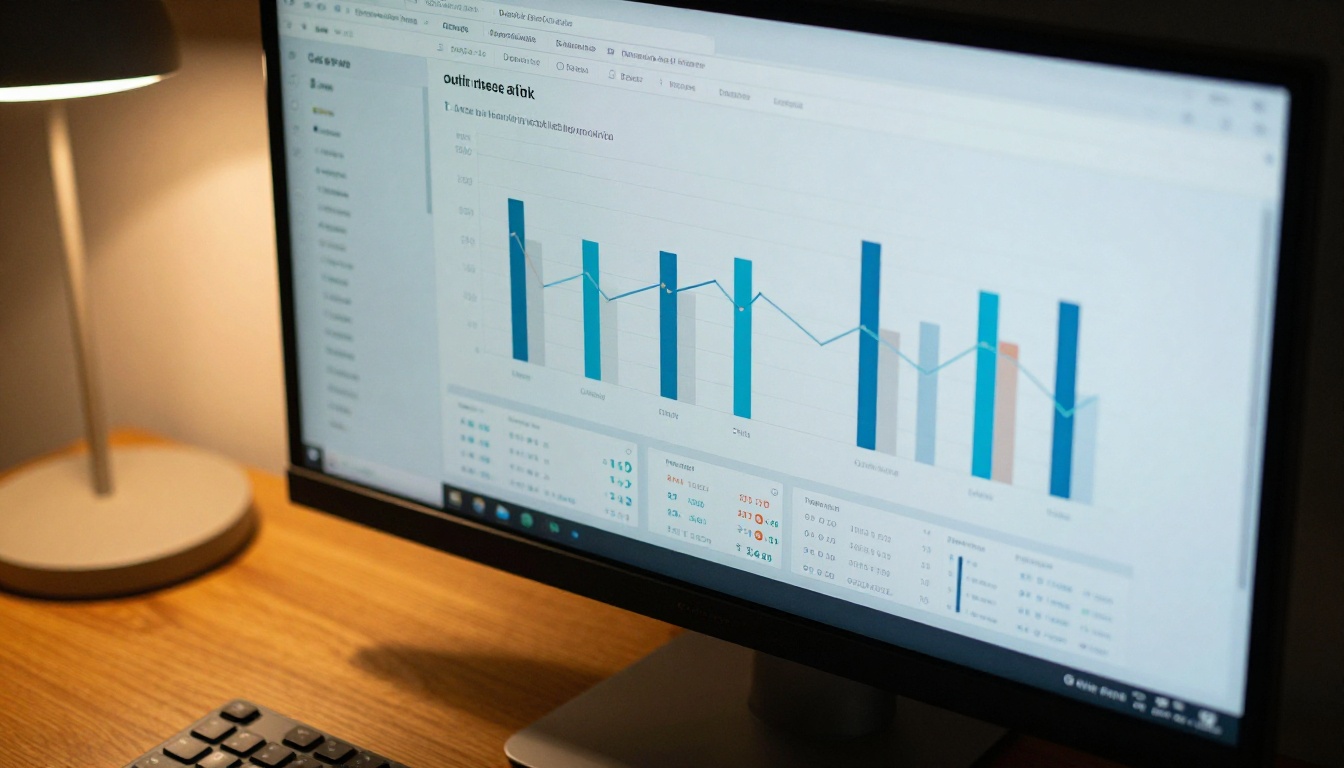
The Professional plan on Flipbooks AI also adds lead generation forms that appear before the flipbook opens, allowing you to capture email addresses from buyers before they access your full catalog. This is a direct revenue-generating feature with no equivalent in standard YouTube.
The answer isn't universal, but the lean is clear for most product marketing scenarios. If your goal is to deliver detailed product information to a buyer who is already interested and comparing options, interactive flipbooks outperform YouTube video on nearly every metric that matters: browsing control, SEO value, analytics depth, update speed, cost efficiency, and distraction-free presentation.
YouTube video wins for products that need to move to sell, for discovery-phase audiences who don't yet know your brand, and for emotional storytelling content. These are real and valuable use cases. They're just not the same job as helping an informed buyer work through a catalog of 40 SKUs and choose the right one.
For the core task of helping a buyer evaluate, compare, and select products from a catalog, the interactive flipbook format was designed specifically for this job. The evidence supports it.
Ready to Build Your Product Flipbook?
Your existing product PDF is already most of what you need. Get started free on Flipbooks AI and see how quickly your catalog becomes an interactive, branded, shareable experience that lives on your domain, not someone else's platform.
Browse the full tools directory to find the right option for your industry, from the Product Catalog Generator to the Interactive Lookbook Designer. Or compare pricing plans to see which tier matches your team's needs.
The flipbook format isn't a replacement for video. It's the right tool for the job that video was never designed to do.



