Static PDFs had a good run. For nearly three decades, the Portable Document Format was the default solution for sharing everything from company reports to restaurant menus. But something has changed. People no longer accept flat, unresponsive files that look identical on every device and offer zero interactivity. Flipbooks AI and the broader shift toward interactive digital documents have made the PDF feel dated, and the numbers back it up.
Why PDFs Are Losing Ground Fast
PDFs were designed in 1992 to preserve document formatting across different operating systems. That was revolutionary then. Today, that same rigidity is the problem. A PDF cannot respond to a touch, cannot embed a video that plays inline, cannot track whether readers actually reached page 12, and cannot adjust its layout for a smartphone screen without forcing users to pinch-and-zoom in frustration.
The modern reader has no patience for that friction. According to content interaction data, documents with interactive elements receive significantly longer read times and dramatically higher completion rates compared to static files. The format problem is not technical. It is behavioral. People have been trained by apps, websites, and social media to expect responsive, dynamic experiences. A flat PDF feels like handing someone a fax in 2025.
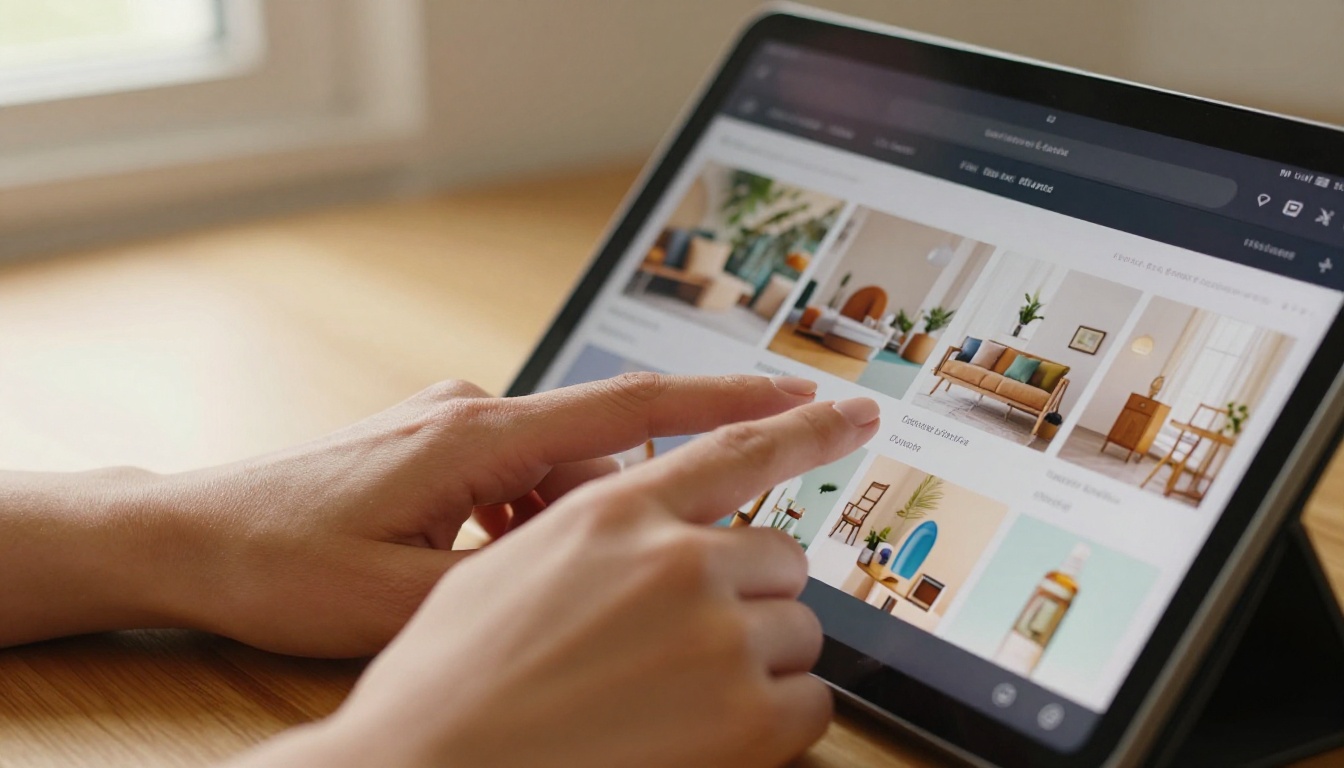
The Core Limitations of a PDF
- No interactivity: Readers cannot click embedded CTAs, fill forms inline, or navigate non-linearly
- Poor mobile experience: Fixed-width layouts require constant zooming on phones
- Zero analytics: You never know who opened it, how far they read, or what they clicked
- Static media: Images are frozen; video links open external players rather than playing inline
- Heavy file sizes: High-resolution PDFs clog inboxes and slow downloads
- No live updates: Once shared, outdated content cannot be corrected without redistributing the file
What a Flipbook Actually Does Differently
A flipbook converts a standard PDF into an HTML5 digital publication with a realistic page-turn animation. But that description undersells it. The real value is what happens underneath the animation: every page becomes a responsive web experience that can host video, audio, hyperlinks, contact forms, and real-time analytics.
When someone opens a flipbook on their phone, the layout adjusts automatically. When they reach a product page, they can tap a video and watch it play without leaving the document. When a marketing manager wants to know how many people read past page 5, the analytics dashboard shows exactly that. This is what interactive digital documents are supposed to be.
💡 Pro tip: The page-turn effect is not just cosmetic. Research consistently shows that familiar metaphors like turning a physical page reduce cognitive friction and increase the time readers spend with digital content.
PDF vs. Flipbook: The Real Comparison
| Feature | PDF | Flipbook |
|---|
| Mobile responsiveness | Poor (fixed layout) | Excellent (auto-adapts) |
| Embedded video | No (external link only) | Yes (plays inline) |
| Page-turn animation | No | Yes (realistic flip) |
| Real-time analytics | No | Yes (views, clicks, time) |
| Content updates | Replace entire file | Edit live without resharing |
| Password protection | Basic (reader password) | Full access control |
| Lead generation forms | No | Yes (Professional plan) |
| Offline downloads | Export only | Yes (enabled per publication) |
| Custom branding | No | Yes (colors, logo, domain) |
| Embedding on websites | Basic iframe | Native responsive embed code |
Industries Already Making the Switch
The shift from PDFs to flipbooks is not happening in one sector. It is happening everywhere. Different industries are finding unique advantages based on their specific content and audience needs.
Restaurants and Hospitality
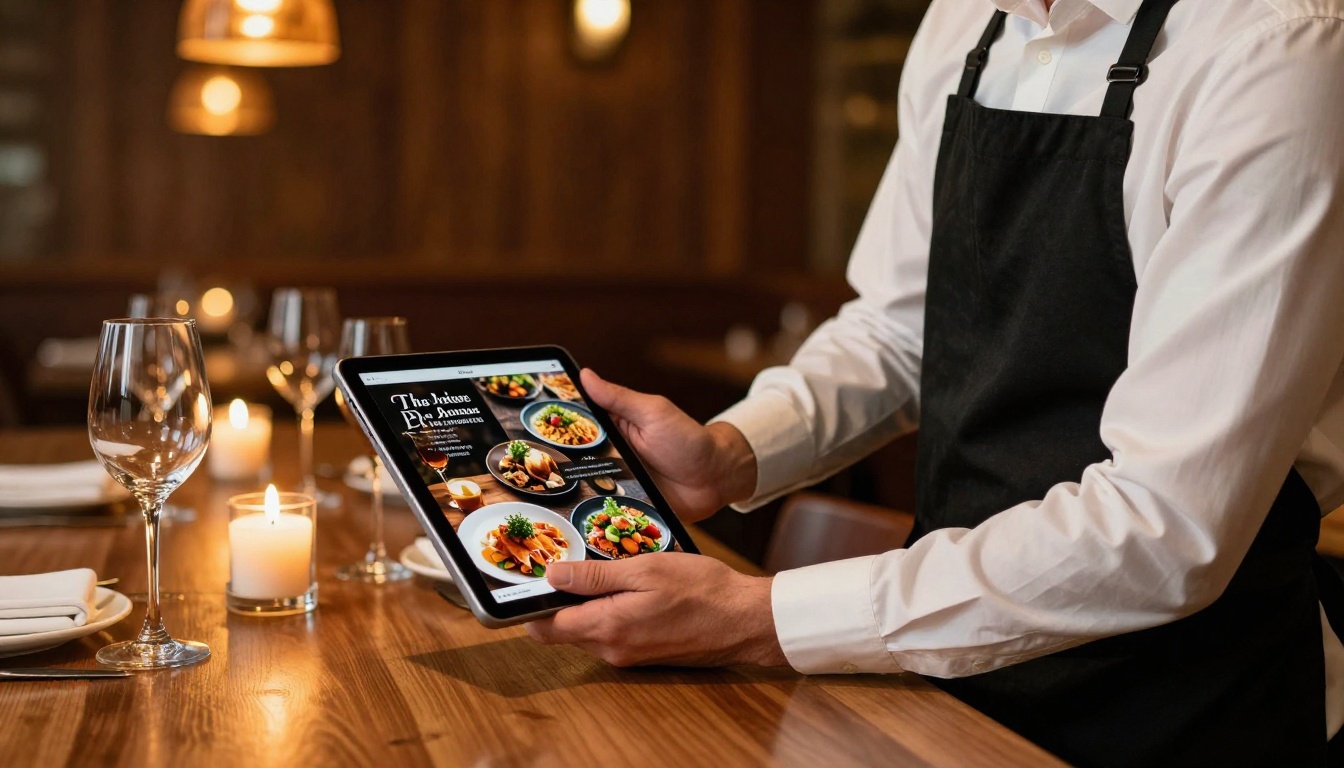
A printed menu PDF emailed to customers or embedded on a website is a poor experience. A restaurant using a Restaurant Menu Creator flipbook can present dishes with embedded photography, seasonal specials that update without resharing, and a QR code patrons scan at the table. The Spa & Wellness Menu format works the same way for wellness businesses looking to present treatment packages with atmospheric photography and detailed pricing tables.
Real Estate
A property PDF brochure sits in someone's downloads folder and gets forgotten. A Real Estate Brochure flipbook opens in any browser, displays floor plans and photography with cinematic quality, embeds a virtual tour video directly on the property page, and can be shared via a single link that works on any device. Agents using interactive brochures consistently report more qualified inquiries because prospects spend significantly more time with the content.

Fashion and Retail
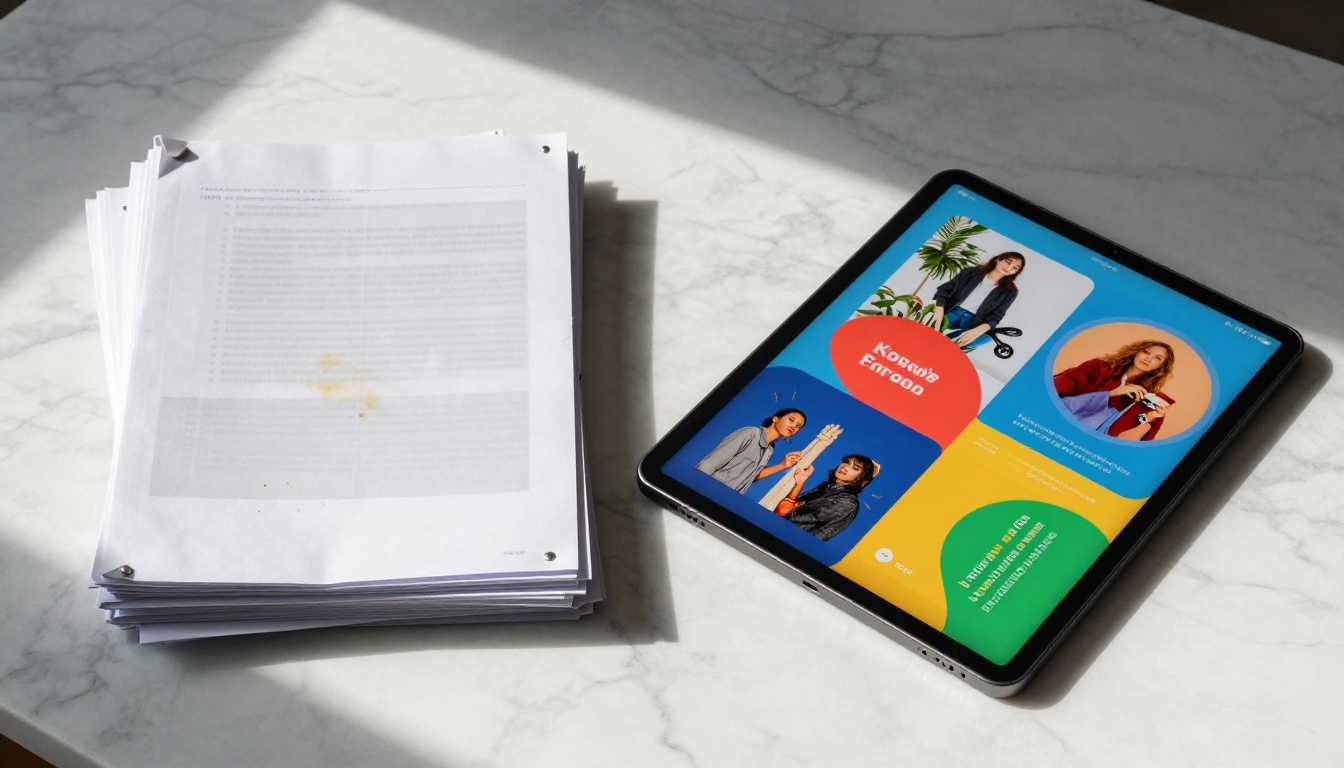
Seasonal lookbooks and product catalogs are among the most natural fits for the flipbook format. The page-turn metaphor mirrors the physical experience of flipping through a magazine or catalog, making it intuitive for fashion audiences. A Fashion Catalog flipbook can embed video lookbook clips directly beside product photography, link each item to a product page, and be shared via social media as a branded URL rather than a clunky attachment.

Corporate Publishing
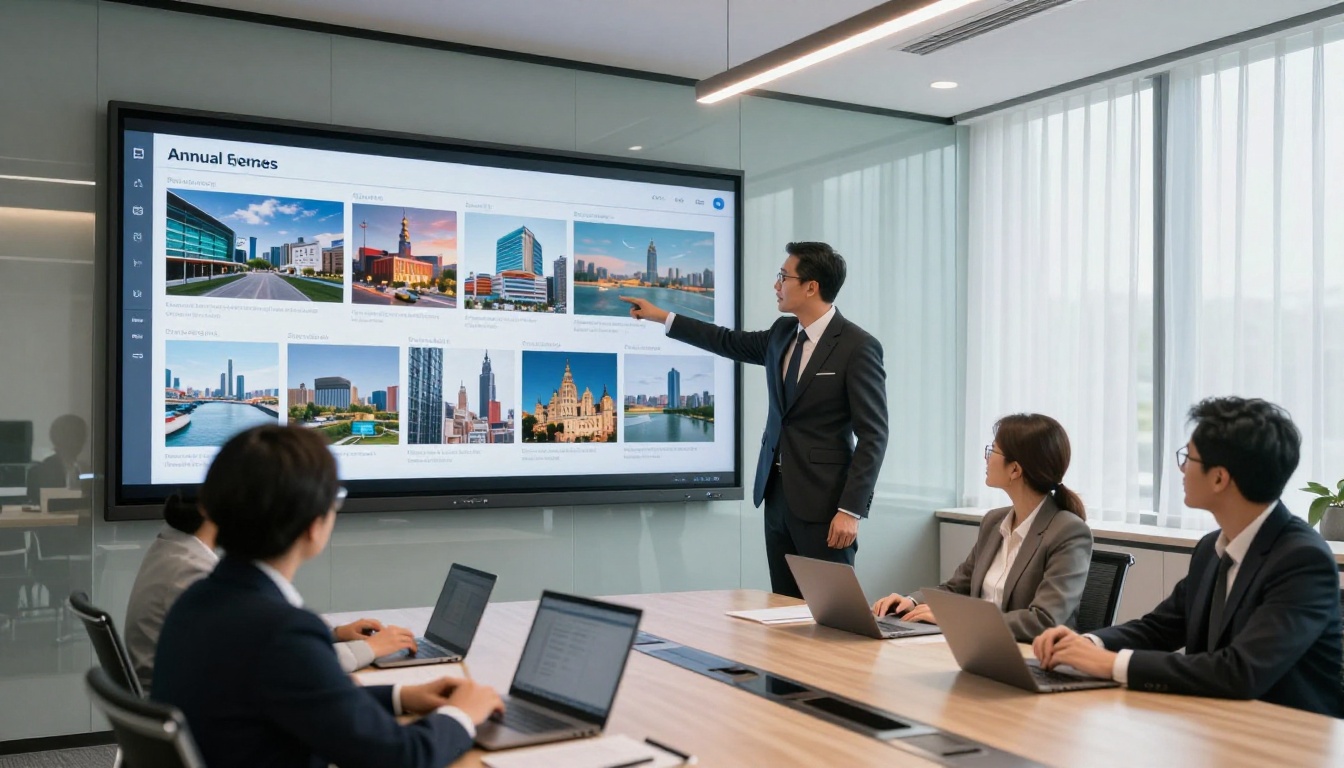
Annual reports, investor presentations, and corporate brochures distributed as PDFs are virtually guaranteed to receive minimal readership. A CFO who invests weeks in a well-designed Annual Report Creator publication deserves to know whether stakeholders actually read it. The flipbook format delivers that accountability through analytics, while also making the document significantly more compelling with interactive charts, embedded video messages from leadership, and mobile-responsive typography.
The Analytics Argument Nobody Talks About Enough
Most conversations about PDFs versus flipbooks focus on aesthetics. The analytics advantage deserves far more attention.

When you send a PDF, you know nothing about what happens next. You cannot tell if it was opened, how far someone read, which pages held attention longest, or whether the call-to-action on page 8 ever received a click. This is a fundamental strategic blindspot for any organization that creates documents to drive behavior.
Flipbooks on the Professional plan change this completely. The analytics dashboard shows:
- Total views and unique visitors per publication
- Time spent per page (which pages hold attention, which lose readers)
- Click-through rates on embedded links and CTAs
- Geographic distribution of readers
- Device breakdown (mobile vs. desktop vs. tablet)
- Lead capture data from embedded contact forms
For sales teams, this data is invaluable. Knowing that a prospect spent 4 minutes on the pricing page of your proposal but never reached the case studies section tells you exactly how to follow up. No PDF has ever provided that kind of intelligence.
⚠️ Warning: If you are still sharing sales proposals, product brochures, or investor decks as PDF attachments without any interaction tracking, you are operating blind. Every reader interaction with your content is a signal you are currently ignoring.
Education: Where Interactivity Changes Outcomes
The education sector has been slower to adopt interactive documents, but the momentum is unmistakable. Static course PDFs, training manuals, and student handbooks are giving way to publications that embed instructional videos, link to supplementary resources, and confirm completion through integrated forms.

A Training Manual Flipbook for employee onboarding can include embedded explainer videos on each procedure, links to relevant internal resources, and a lead capture form to confirm completion. A Course Material Publisher flipbook allows educators to distribute rich multimedia curricula as a single shareable link that works on any device without installing anything.
✅ Best practice: For educational content, use the password protection feature to control access and ensure only enrolled students or employees can view the material.
How to Create Your First Flipbook with Flipbooks AI
Flipbooks AI makes the conversion process straightforward enough that no technical knowledge is required. Here is how to publish your first interactive digital document.
Step 1: Create your account
Go to flipbooksai.com/account and sign up. No credit card is required to start. The platform immediately gives you access to the PDF conversion tools and the flipbook builder.
Step 2: Upload your PDF
From your dashboard, select the PDF to Flipbook Converter. Drag and drop your PDF file or click to browse. The conversion engine processes your document and renders each page with accurate typography, color, and image fidelity.
Step 3: Customize your publication
Once converted, the editor allows you to:
- Add your brand logo and set custom brand colors
- Choose from page-turn styles and transition effects
- Set background music or ambient audio for immersive publications
- Embed videos directly onto specific pages
- Add clickable hyperlinks to any element on any page
- Configure a custom front page and back page design
Step 4: Set sharing and access controls
Before publishing, configure who can see your flipbook:
- Public link: Anyone with the URL can view it
- Password protected: Readers must enter a password before accessing content
- Embed code: Use the Embed Flipbook on Website tool to place your publication directly on any webpage or CMS
Step 5: Publish and share
Hit publish and your flipbook is live. Share the direct link, send it via email, embed it on your website, or download the QR code to print on physical materials. Every share points to the same live URL, so any updates you make going forward are reflected instantly without resharing.
Step 6: Monitor performance
If you are on the Professional plan, open the analytics dashboard to monitor views, reading depth, and lead captures in real time.
Plan Comparison
| Feature | Free | Standard | Professional |
|---|
| Flipbooks per month | 3 | Unlimited | Unlimited |
| Watermarks | Yes | No | No |
| Password protection | No | Yes | Yes |
| Custom branding | No | Yes | Yes |
| Analytics | No | Basic | Full |
| Lead generation | No | No | Yes |
| Offline downloads | No | Yes | Yes |
| Embed on website | No | Yes | Yes |
| Video embedding | No | Yes | Yes |
The Real Scope of the Shift
The replacement of PDFs by flipbooks reflects a structural change in how people consume digital content. Attention is finite. Formats that respect that by delivering information in responsive, measurable, and immersive ways win. Formats that do not get abandoned in downloads folders.

The organizations already using interactive publications have a measurable content performance advantage over competitors still distributing flat PDFs. Their materials get read. Their links get clicked. Their leads get captured. Their analytics inform better decisions.
Use Case Reference Table
| Content Type | Best Tool | Primary Benefit |
|---|
| Restaurant menu | Restaurant Menu Creator | QR table sharing, always-current |
| Product catalog | Digital Catalog Maker | Linked products, embedded video |
| Real estate brochure | Real Estate Brochure | Virtual tour embed, mobile-ready |
| Annual report | Annual Report Creator | Full analytics, interactive charts |
| Fashion lookbook | Interactive Lookbook Designer | Video clips, shoppable links |
| Training manual | Training Manual Flipbook | Completion tracking, gated access |
| Hotel brochure | Hotel Brochure | Immersive photography, booking links |
| Portfolio | Digital Portfolio Creator | Shareable link, professional presentation |
| E-book | Interactive E-Book Publisher | Cross-device reading, multimedia |
| Sales presentation | Sales Presentation | Lead capture, interaction tracking |
Stop Sending Files. Start Publishing.
The distinction matters. A PDF is a file you send and lose control of. A flipbook is a publication you own, update, and track. That difference alone explains why flipbooks are replacing boring PDFs everywhere: not because PDFs became worse, but because audience expectations and business intelligence requirements have outpaced what static files can deliver.
Every team that switches from PDF to flipbook reports the same thing: their content actually gets read now. That is not a small improvement. That is the entire point of creating the content in the first place.
Ready to publish your first interactive document? Create your free account on Flipbooks AI and convert your first PDF in minutes. Browse all available tools and templates to find the right format for your use case, or compare pricing plans to find the tier that fits your publishing volume.
The PDF era is not ending dramatically. It is just quietly losing to something better.



