The moment a diner sits down, your menu tells them exactly what kind of restaurant you are. A faded laminated card says something very different from a beautifully designed, image-rich flipbook that turns pages with a satisfying click. More restaurant owners are switching to Flipbooks AI to build menus that look as good as the food they serve: digital, interactive, and built to make every dish impossible to resist.
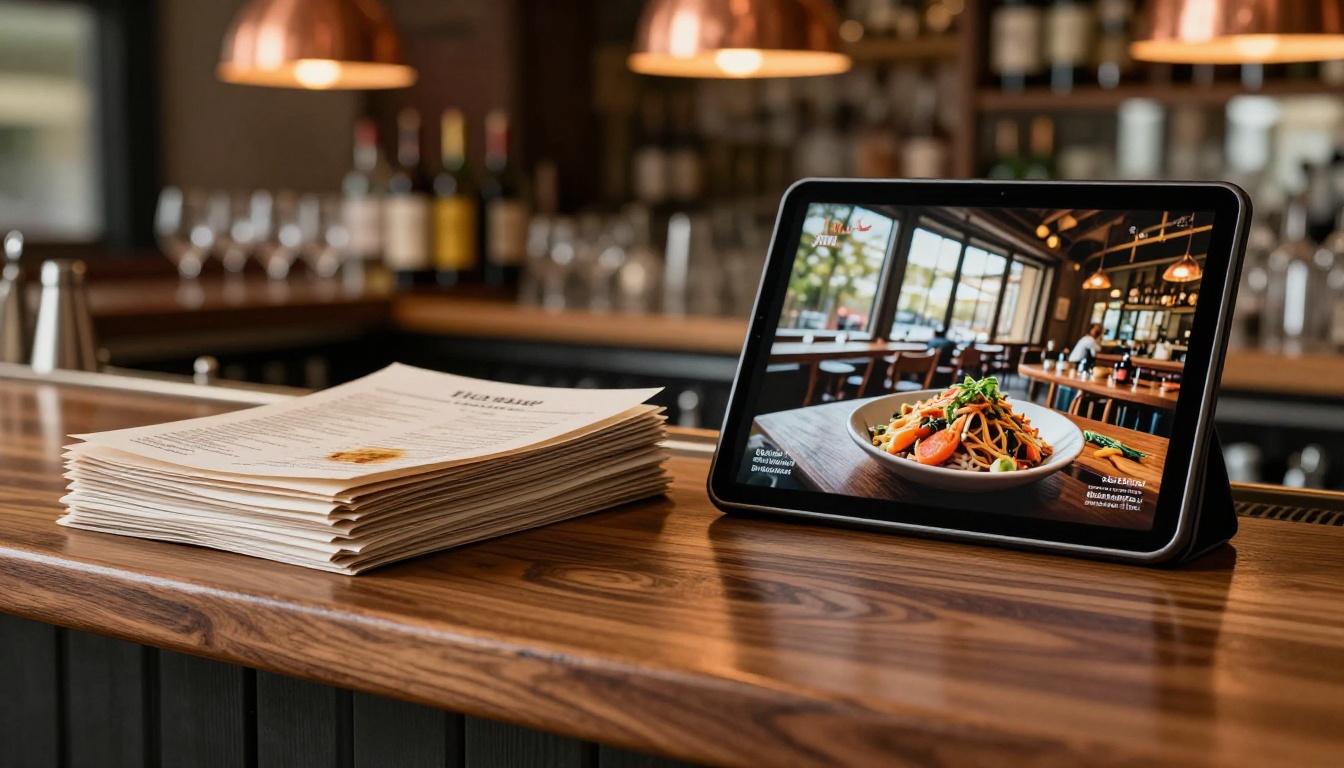
Most restaurant menus have not changed in format for decades. You design them, send them to a printer, and wait. Then the season changes, a dish rotates, or prices go up, and you are back at the printer spending money you did not budget for.
The Real Cost of Seasonal Reprints
A standard restaurant menu reprint can run anywhere from $200 to over $1,000 depending on quantity, paper quality, and lamination. Do that four times a year for seasonal updates, and you have spent a significant chunk of your marketing budget on something diners will hold for six minutes and then set face-down on the table.
| Cost Type | Paper Menu | Digital Flipbook |
|---|
| Initial design | $300 - $800 | $0 - $200 (one-time) |
| Seasonal reprint | $200 - $1,000 | $0 |
| Updates and edits | Reprint required | Instant, no cost |
| Distribution | Physical copies only | Link, QR, embed |
| Replacement (damage/loss) | Reprinting fee | Not applicable |
The math is straightforward. A digital menu costs less over time and gives you more control.
How Presentation Shapes Appetite
Food psychology research consistently shows that high-quality food imagery increases order values. A study from Cornell's Food and Brand Lab found that menus with vivid photographs increased the likelihood of ordering specific dishes by up to 30%. Paper menus cap your visual potential: ink bleeds, colors shift in print, and photos that looked stunning on screen look flat on laminated card.
A flipbook menu plays entirely by different rules. Full-bleed photography. Rich color reproduction. Smooth page transitions that make browsing feel like flipping through a premium food magazine.
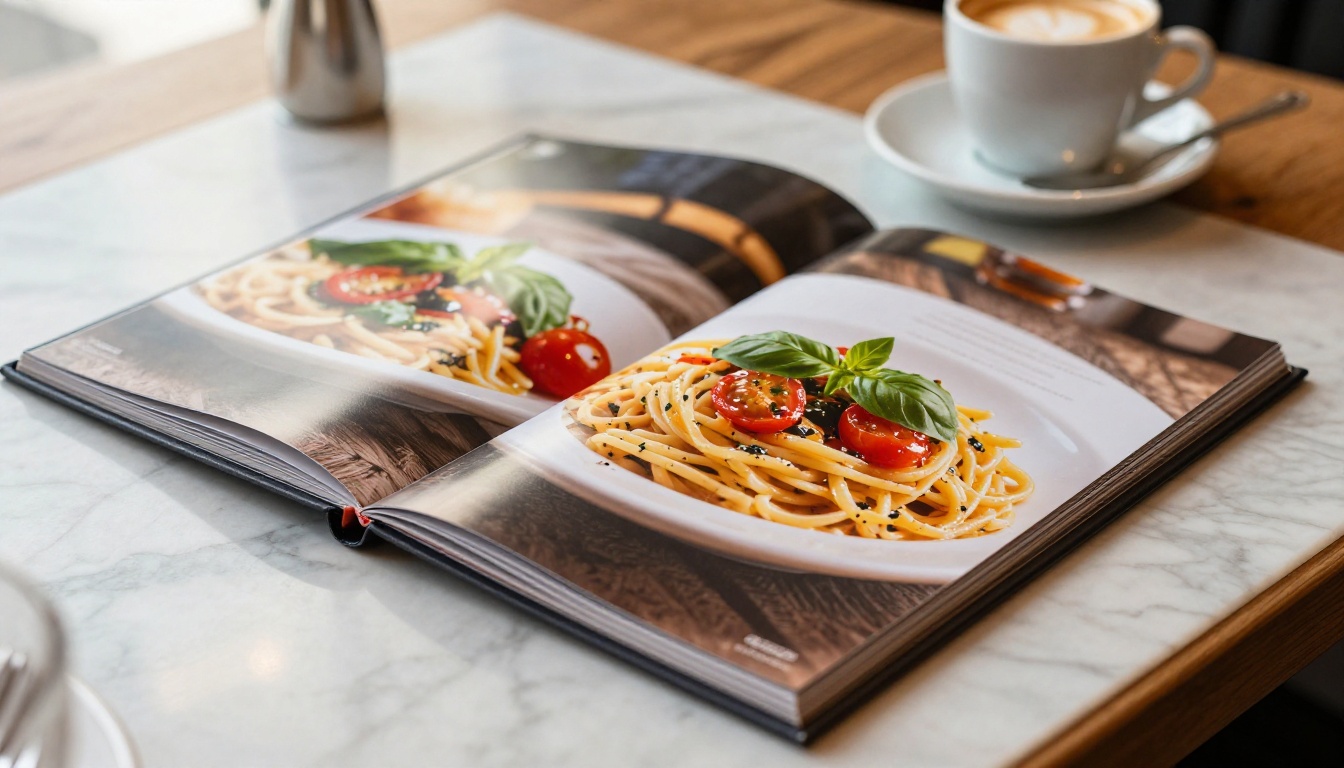
A flipbook menu is a digital publication that mimics the physical sensation of turning pages. Guests swipe or click through spreads, each one designed exactly as you intended, with photos, typography, and layout all preserved perfectly from your original design file.
Page-Turning That Feels Premium
The page-turn animation is not a gimmick. It signals quality. When a guest swipes to the next section and sees a full-spread photograph of your signature pasta before reading the description, you have already made the sale. This is the difference between handing someone a text list and handing them a beautifully produced magazine about your food.
The Menu Flipbook Designer from Flipbooks AI lets you create that experience from any PDF you already have. No special software needed. No developer required.
Food Photos That Sell Dishes
The most powerful tool in your menu is a photograph that makes someone say "I want that." A digital flipbook gives you the full canvas to use those photographs at maximum impact. Full-page spreads. Side-by-side comparisons of starters. A visual journey through your tasting menu.
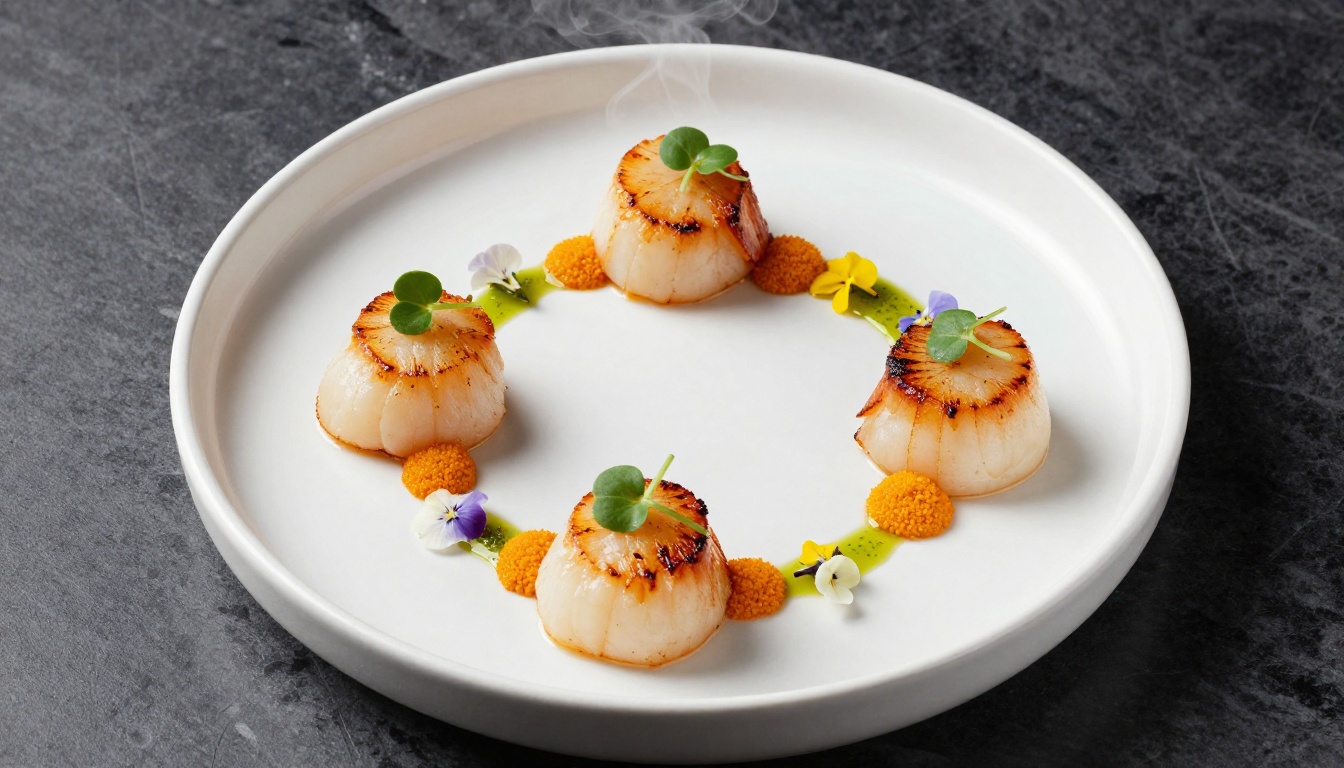
💡 Pro tip: Place your highest-margin dishes on right-hand pages near the center spread. Studies show diners spend more time on these positions, and a flipbook preserves this intentional layout exactly as designed.
How to Create Your Restaurant Flipbook
The process is straightforward, even if you have never created a digital publication before. The Restaurant Menu Creator tool walks you through every step from PDF upload to a shareable link.
Step 1 - Design Your PDF Menu
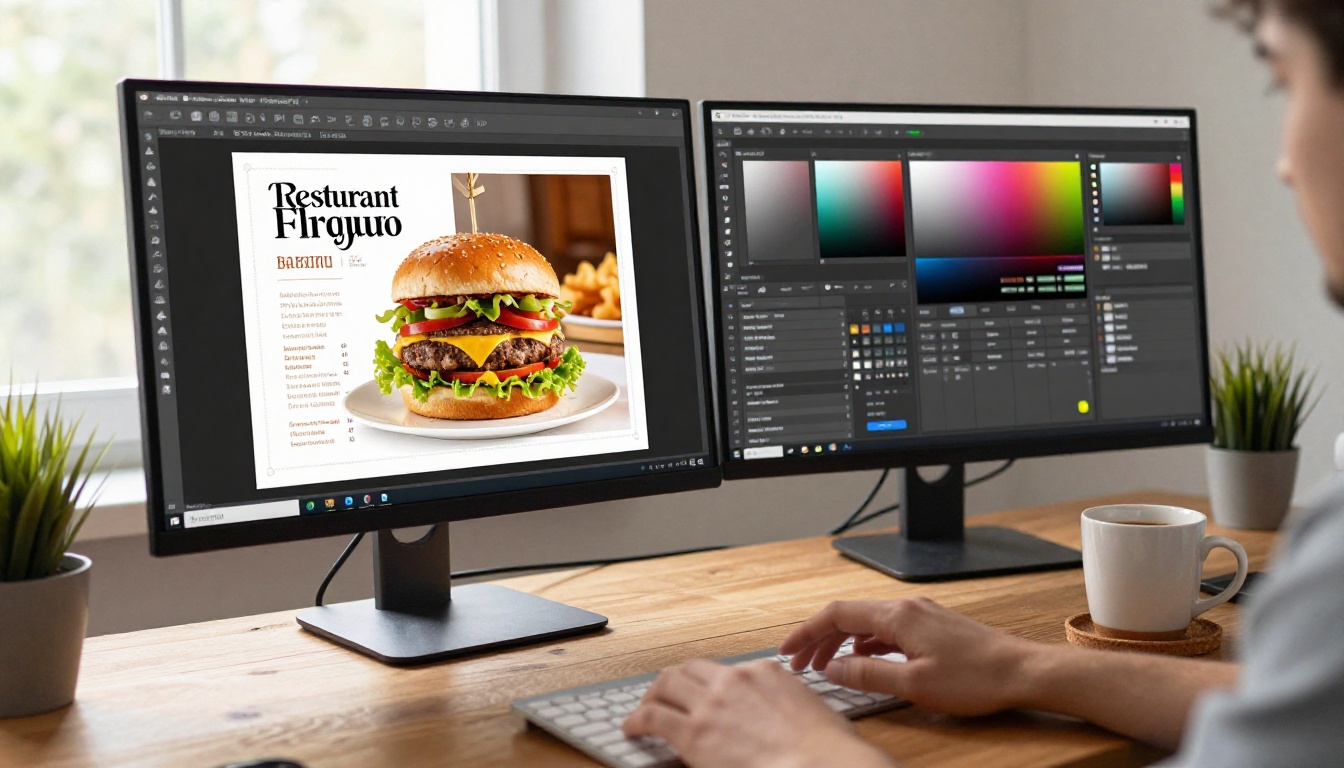
Start with what you already have. If you have an existing menu as a PDF, you are ready. If starting fresh, design your menu in Canva, Adobe InDesign, or Google Slides, then export to PDF. Focus on full-bleed design with high-resolution photography.
- Use 300 DPI images for crisp screen reproduction
- Design in landscape orientation for standard flipbook spreads
- Keep margins generous so text does not get clipped on smaller screens
- Use RGB color profiles for optimal digital display
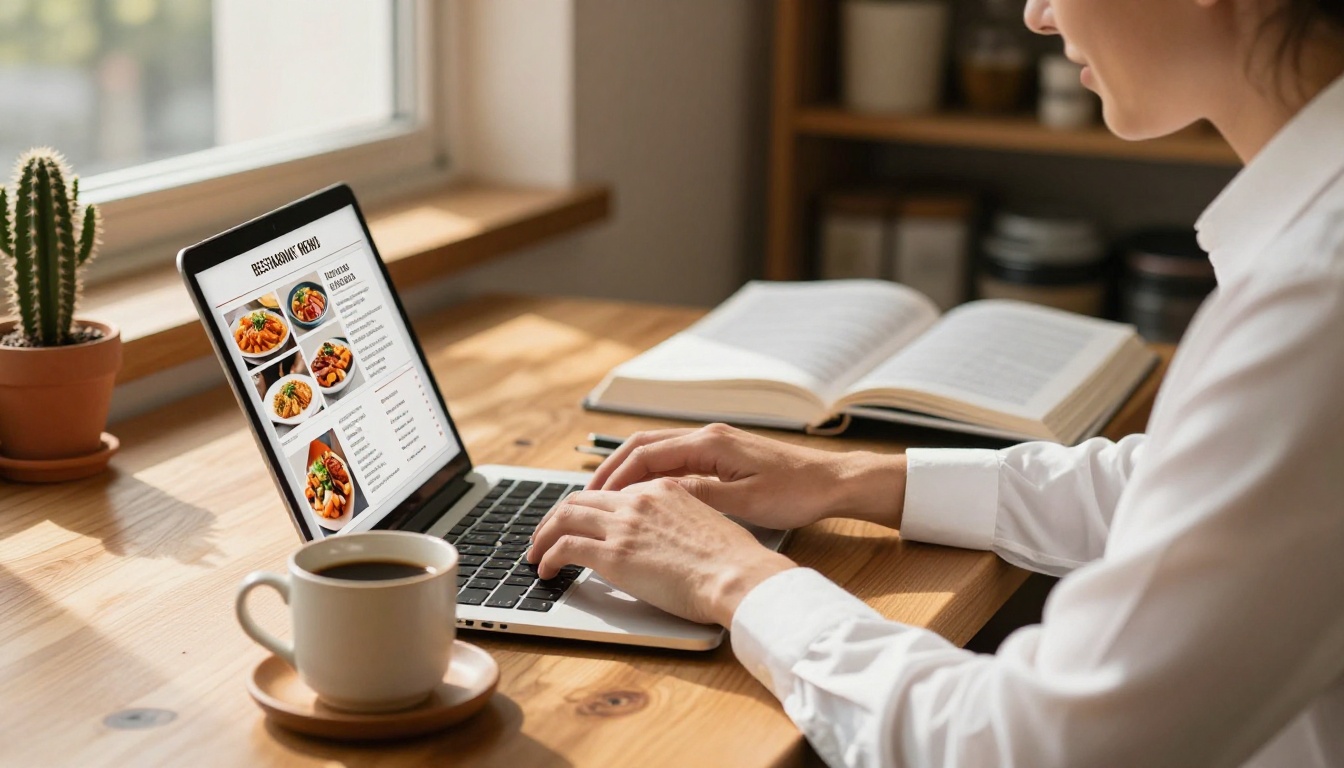
Step 2 - Upload and Convert Instantly
Go to Flipbooks AI and create your account. Upload your PDF using the PDF to Flipbook Converter. The platform processes your file in seconds and generates a fully interactive flipbook with page-turn functionality, zoom, and mobile-responsive layout applied automatically.
No technical setup. No code. No waiting.
Step 3 - Brand It Your Way
Once converted, customize your flipbook to match your restaurant's identity:
- Colors: Apply your brand palette to the viewer interface and controls
- Logo: Add your restaurant logo to the flipbook header or title page
- Page effects: Choose from realistic page-curl or flat modern transitions
- Background: Set a custom background color or texture behind the pages
- Auto-flip: Enable automatic page turning for lobby displays or digital signage
✅ Best practice: Use your restaurant's accent color for the flipbook controls and navigation arrows. This small detail makes the viewer feel like a branded experience rather than a generic tool.
Step 4 - Share It Everywhere
This is where a digital flipbook separates entirely from paper. One menu, infinite distribution:
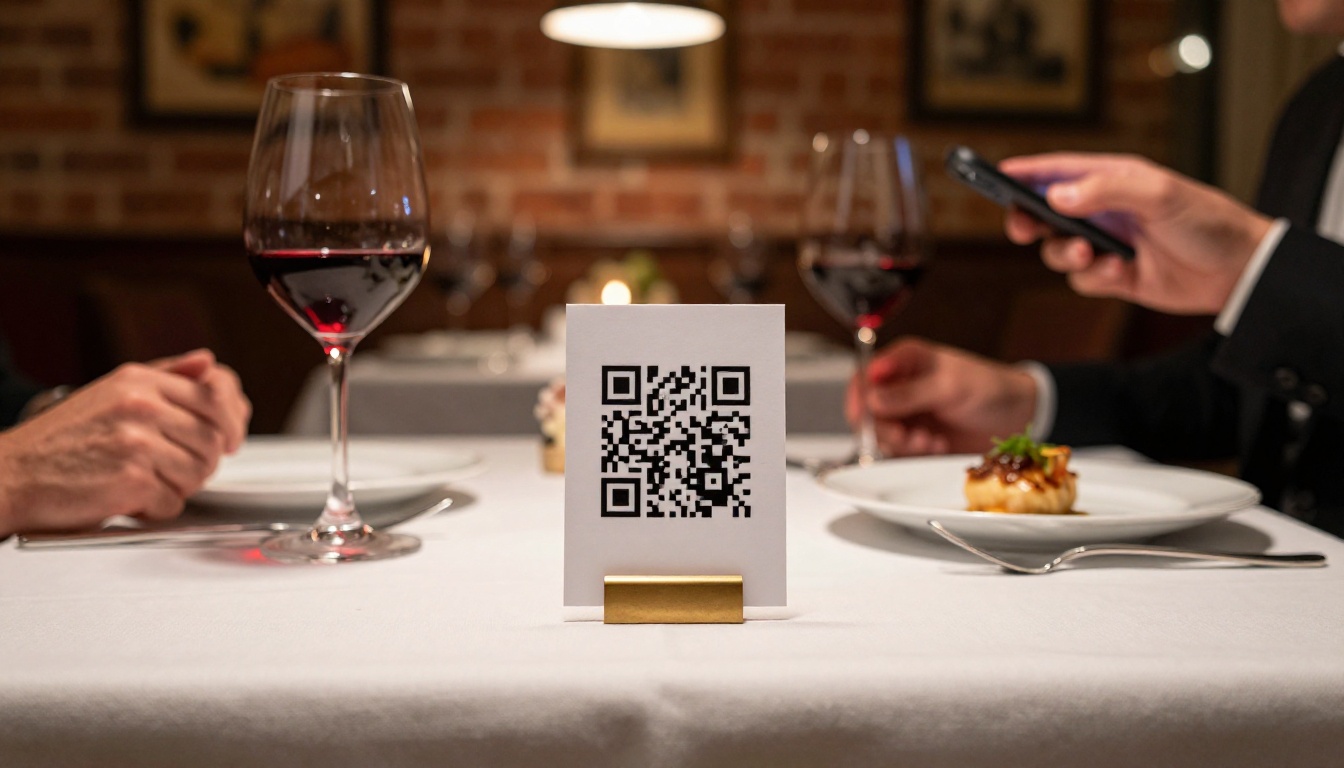
- QR code: Print a small QR card for each table. Guests scan and open the full menu on their phone
- Direct link: Send via WhatsApp, Instagram DM, email newsletters, or reservation confirmations
- Website embed: Use the Embed Flipbook on Website tool to place your menu directly on your homepage
- Password protection: Lock seasonal tasting menus or private event menus behind a password
- Offline download: Let guests save a copy for events or catering inquiries
Paper vs. Digital Flipbook
Still weighing whether to make the switch? Here is the full comparison.
| Feature | Paper Menu | Digital Flipbook |
|---|
| Update speed | Days to weeks | Seconds |
| Photography quality | Print-limited | Screen-perfect |
| Mobile access | None | Full mobile support |
| Sharing capability | In-person only | Link, QR, embed, email |
| Analytics | None | Page views, time per page |
| Branding control | Fixed at print | Editable anytime |
| Accessibility | Physical only | Any device, anywhere |
| Environmental impact | Paper waste | Zero print waste |
| Cost over time | Increases with reprints | Flat subscription |
| Password protection | Not possible | Available |
The column that matters most for most restaurant owners: update speed. When your supplier calls on Tuesday to say they are out of the fish you had as tonight's special, you change it in the flipbook in thirty seconds. No crossed-out items. No handwritten additions. No awkward "we are actually out of that" conversations.
3 Restaurant Types Winning With Flipbooks
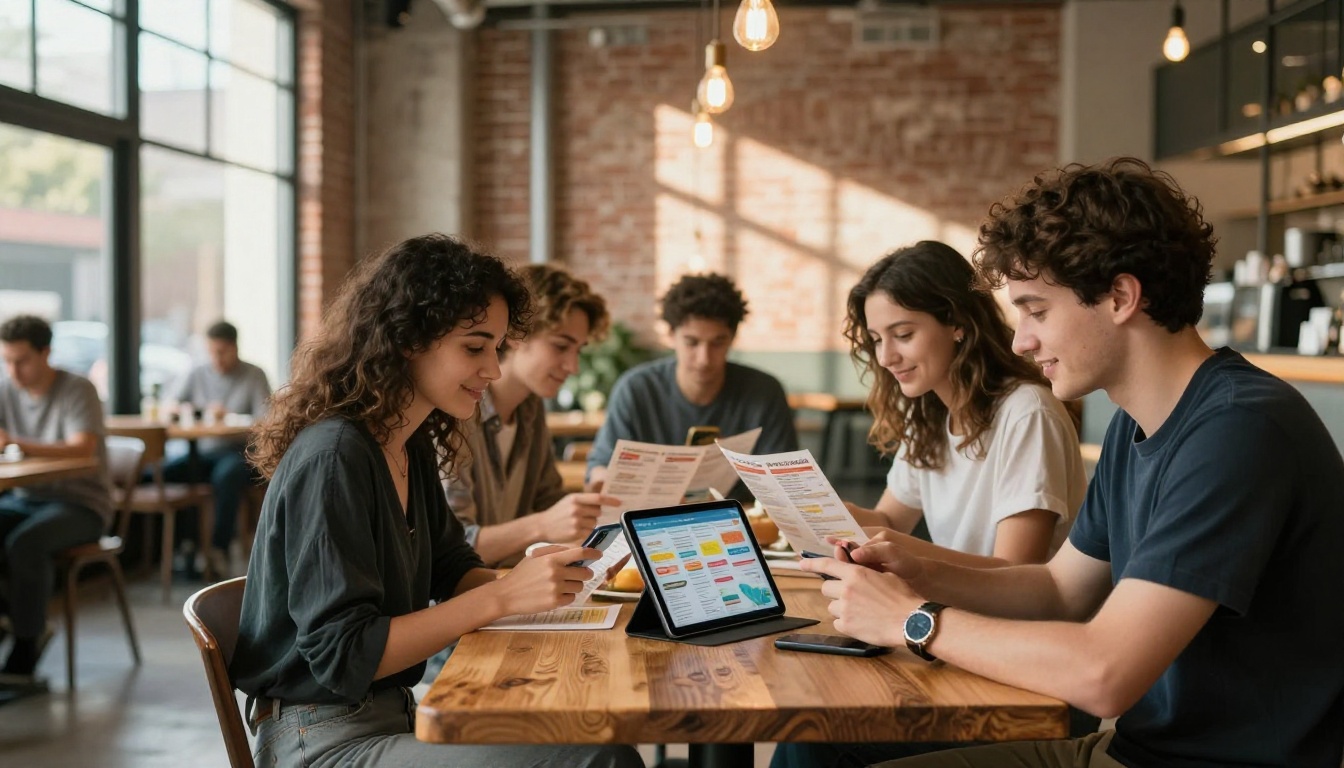
Digital flipbook menus work across the full spectrum of food service, each use case slightly different in how it benefits most.
Fine Dining
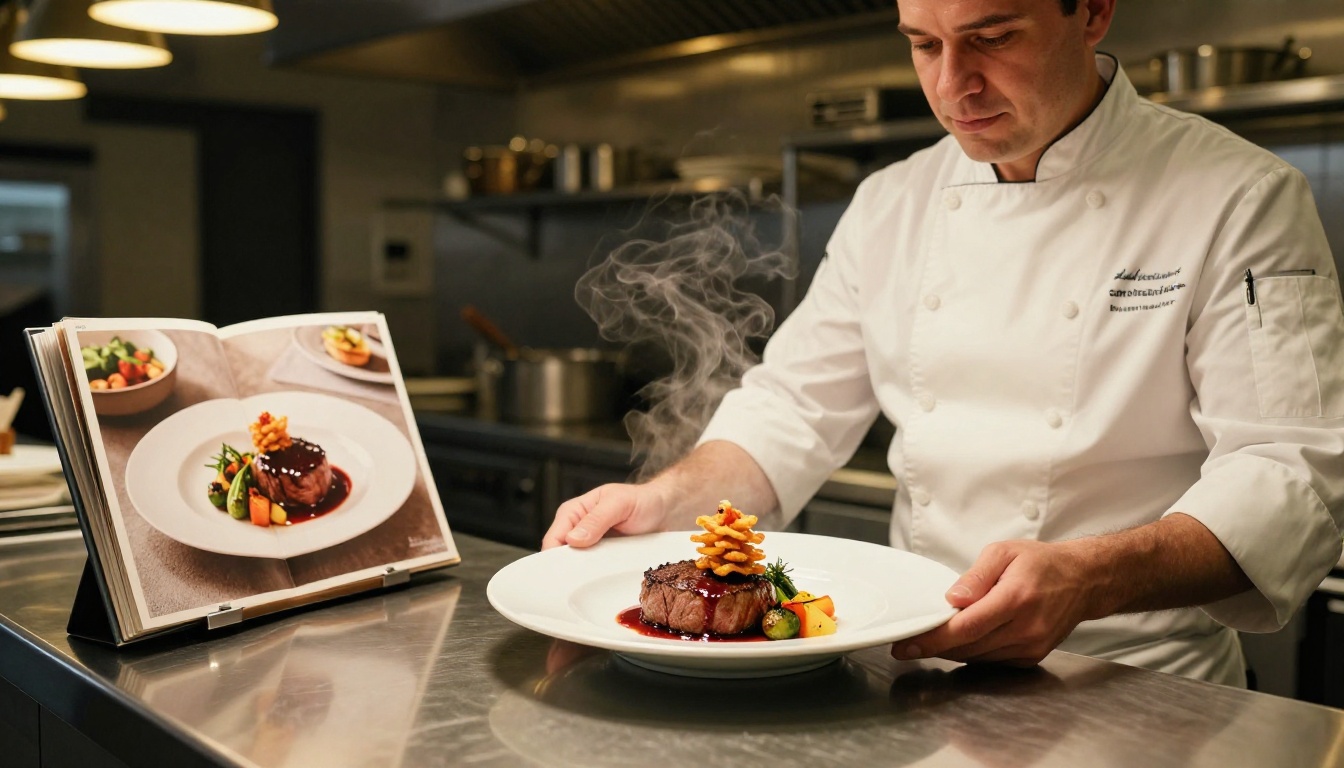
Fine dining restaurants benefit most from the visual and tactile quality of a flipbook. The page-turn experience matches the elevated, deliberate pacing of a fine dining meal. Sommeliers can present a wine list that looks and feels like a printed booklet without actually being one. Seasonal tasting menus can be updated nightly and shared in advance as a link in the reservation confirmation email.
💡 Use the Digital Price List Generator for wine lists and spirits menus. The visual presentation holds up against any printed wine card.
Fast Casual and Quick Service
For fast casual restaurants, a flipbook menu embedded on a website or sent via SMS before an order reduces friction and increases average order value. When someone sees the full visual spread of your bowl customization options or your seasonal limited offers in a beautifully formatted flipbook, they order more intentionally and often spend more.
QR code menus at the counter or drive-through-adjacent seating also reduce the need for disposable paper menus entirely, which more guests actively prefer.
Cafes and Bakeries
Cafes and bakeries rotate offerings constantly: new seasonal drinks, daily baked specials, limited pastries. A paper menu is either perpetually outdated or perpetually being reprinted. A flipbook menu updated each morning takes two minutes and looks completely polished.
The Recipe Book Flipbook tool is a useful adjacent option for cafes that also sell recipe cards, home baking kits, or branded merchandise alongside their menu.
Features Worth Knowing
Not all digital menu tools offer the same capabilities. Here is how Flipbooks AI performs on the features that matter most for restaurants:
| Feature | Why It Matters for Restaurants |
|---|
| No watermarks | Your menu looks professional, not like an ad for a software tool |
| Unlimited flipbooks | Create separate menus for lunch, dinner, bar, and events |
| Custom branding | Logo, colors, and domain match your restaurant's identity |
| Password protection | Lock private event menus or tasting menu previews |
| Analytics (Professional) | See which pages diners spend the most time on |
| Lead generation (Professional) | Collect emails from catering inquiries |
| Offline downloads | Guests save menus for events or catering reference |
| Mobile-responsive | Works on any phone, tablet, or laptop |
| Embed on website | Put your menu on your homepage without a third-party link |
| Video and audio embed | Add a chef's welcome video to the opening spread |
⚠️ Worth noting: Analytics and lead generation are Professional plan features. If you run a multi-location restaurant or use your menu for catering outreach, the data these features provide is genuinely valuable. Check pricing plans for the full breakdown.
Pricing at a Glance
Flipbooks AI pricing is structured around how many flipbooks you publish and what features you need. For most single-location restaurants, the Standard plan covers everything.
| Plan | Best For | Watermarks | Unlimited Flipbooks | Analytics |
|---|
| Free | Testing the tool | None | Limited | No |
| Standard | Single-location restaurants | None | Yes | No |
| Professional | Multi-location, catering, events | None | Yes | Yes |
Every paid plan removes watermarks entirely. This is worth emphasizing because many competitors add prominent branding to the flipbook viewer, which makes your menu feel like it belongs to someone else's platform rather than your restaurant.
Who Should Switch Today
If any of these situations describe your restaurant, a digital flipbook menu is worth trying this week:
- You reprint menus more than twice a year because prices, dishes, or seasonal items change
- You want food photography to be central to how guests browse and choose dishes
- You take reservations and want to send the menu as part of a pre-visit experience
- You do events or private dining and need custom menus without separate print runs
- Your website menu is a static PDF or a poorly formatted page
- You are competing with restaurants that already have polished digital menus
The switch does not require throwing out your current design. Upload what you have today, see what it looks like as a flipbook, and decide from there.
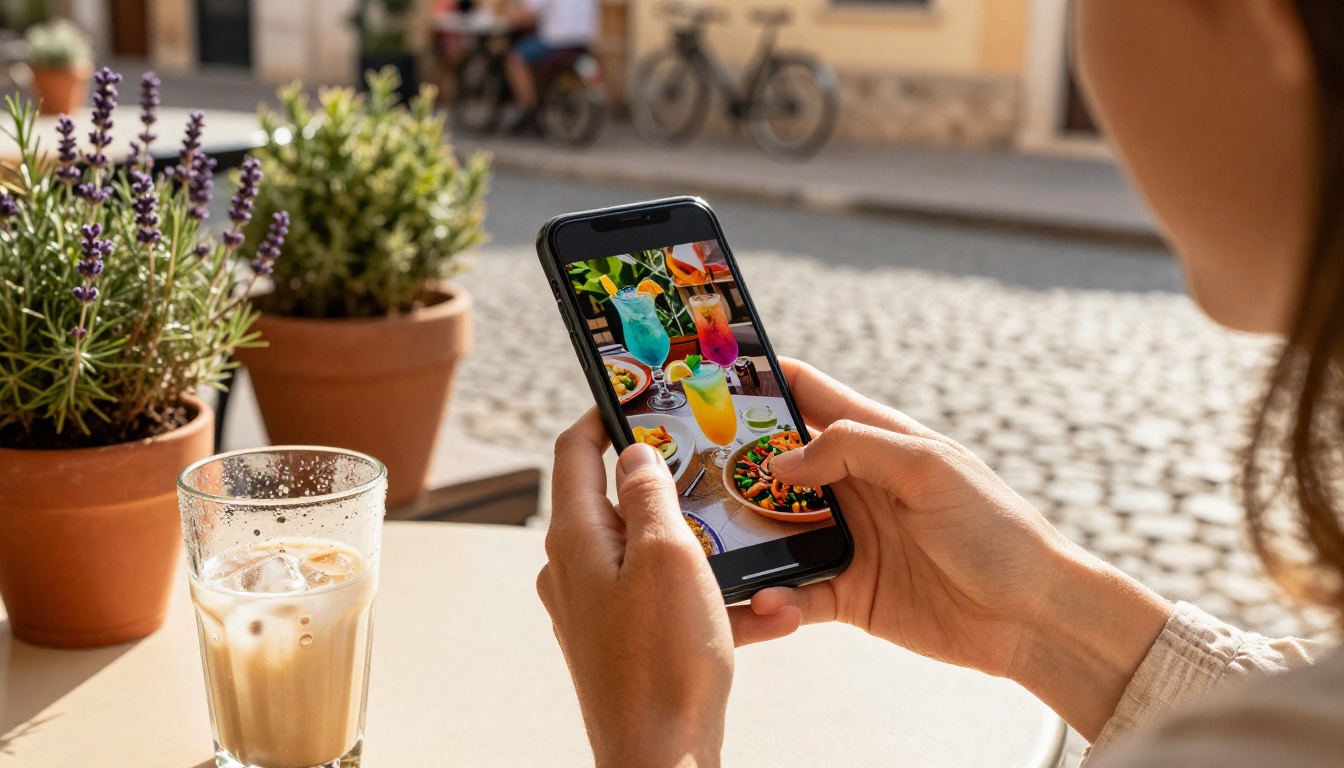
A menu is not just a list of what you serve. It is the first piece of content a diner reads before placing their trust in your kitchen. Restaurants that treat the menu as a marketing asset, not an operational necessity, win more tables, drive higher average checks, and build a more consistent brand impression across every touchpoint.
Flipbooks AI gives you the tools to make that shift without a full redesign budget or a developer on call. Use the Restaurant Menu Creator to convert your existing PDF today. Or browse all flipbook tools to see what fits your concept best.
Ready to see what your menu looks like in flipbook format? Create your free account and upload your first menu in under five minutes. If you are considering a full plan upgrade, compare features and pricing to find the plan that works best for your restaurant.



