eBooks face a brutal reality online: most get downloaded, never opened, and forgotten. The static PDF format that worked for desktop downloads fails miserably in today's mobile-first, attention-starved digital landscape. Readers expect more than words on a screen—they want experiences. This is where flipbook technology transforms eBooks from forgettable documents into memorable digital publications that actually get read, shared, and remembered. Flipbooks AI provides the tools to make this transformation accessible to every author and publisher.
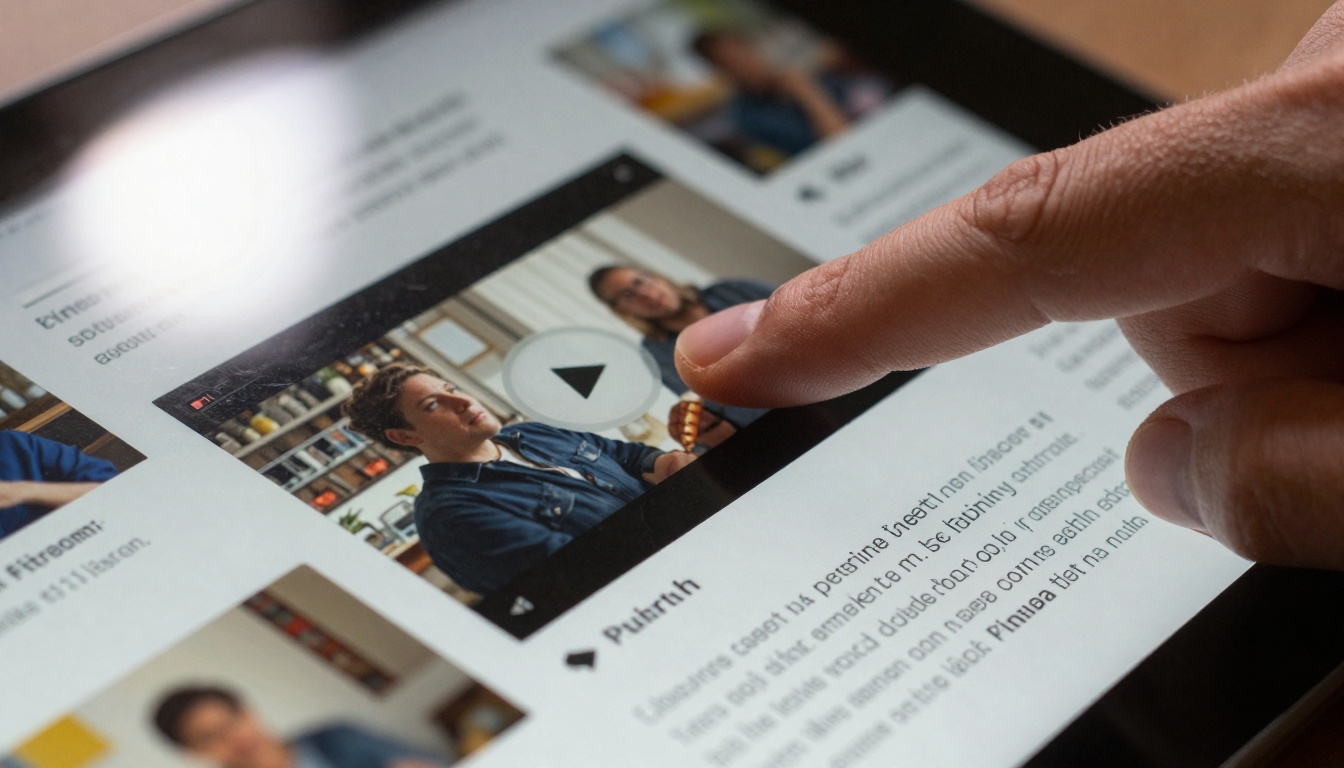
Readers engage with embedded media in flipbook eBooks
Why Static eBooks Fail Online
Traditional eBook formats like PDFs and EPUBs suffer from fundamental limitations in the modern reading environment:
- Mobile incompatibility: Fixed layouts break on smaller screens
- Zero interactivity: Readers can't click, tap, or engage with content
- No analytics: Authors have no idea which pages get attention
- Shareability issues: Static files don't encourage social sharing
- Branding limitations: Generic formats dilute author presence
The average eBook reader spends 47 seconds with a PDF before abandoning it. Flipbooks increase engagement time by 300% because they work with human psychology rather than against it.
The Flipbook Advantage for eBooks
Flipbooks solve the engagement problem by transforming static content into living digital publications. Unlike PDFs that require scrolling, flipbooks use natural page-turning animations that mimic physical books while adding digital capabilities impossible with paper.
💡 Psychological advantage: Page-turning animations trigger the same mental satisfaction as reading physical books, creating stronger emotional connections with content.
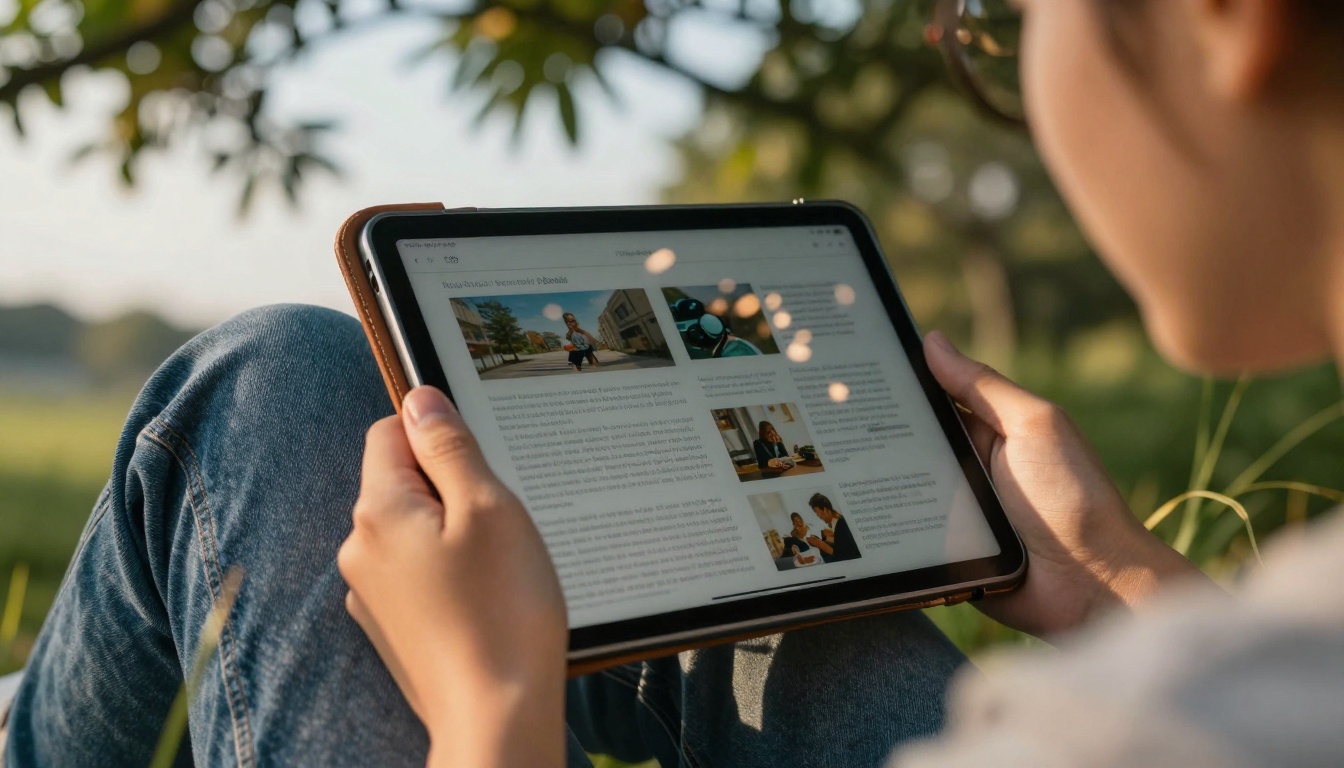
Flipbooks adapt perfectly to mobile reading environments
7 Ways Flipbooks Make eBooks Memorable
1. Embedded Multimedia Integration
Flipbooks allow direct embedding of videos, audio clips, and interactive elements within pages. A cooking eBook can include demonstration videos, a language learning book can embed pronunciation audio, and a photography guide can show before/after sliders.
2. Responsive Design That Actually Works
Unlike PDFs that require zooming and panning, flipbooks automatically adjust layout for every device size. The same eBook looks perfect on phones, tablets, and desktops without reader effort.
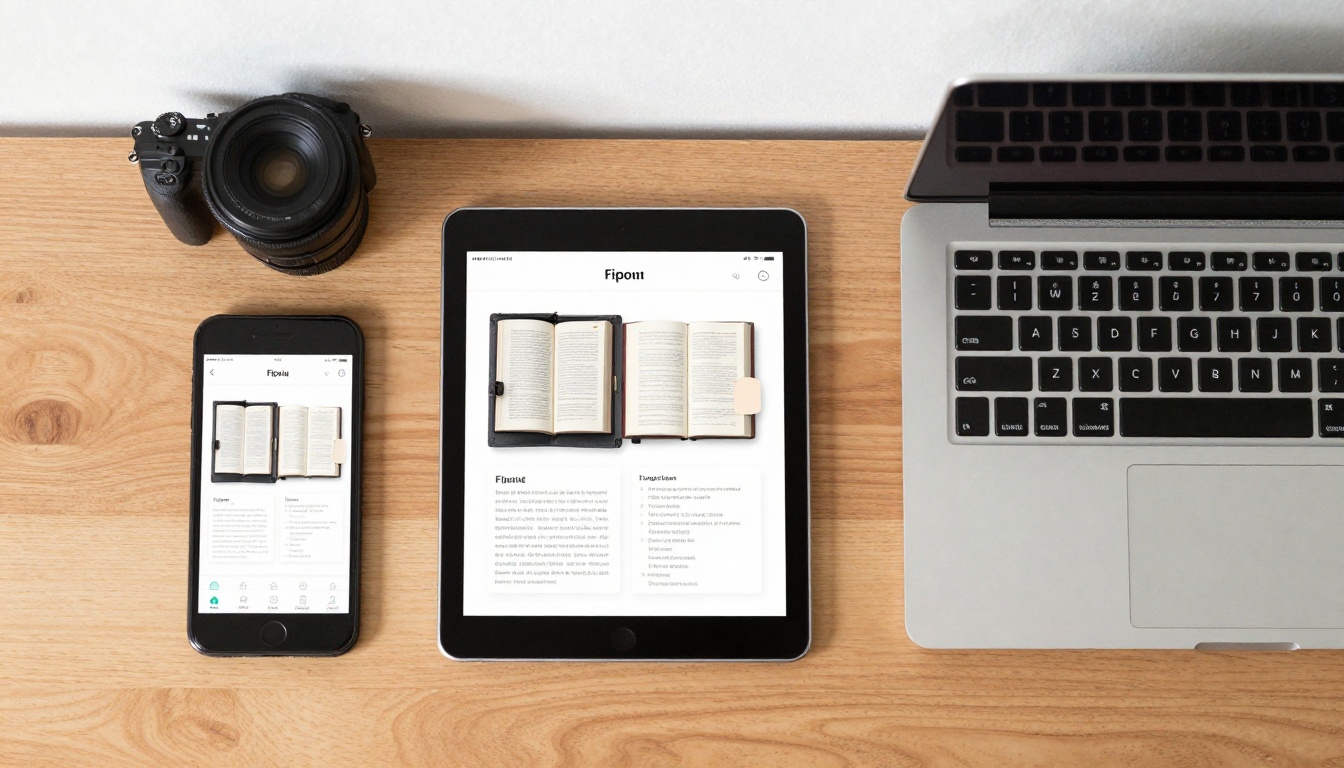
Flipbooks maintain perfect presentation across all devices
3. Interactive Navigation
Clickable table of contents, search functionality, and bookmarking systems make navigation intuitive. Readers can jump to specific chapters or search for terms without scrolling through hundreds of pages.
4. Social Sharing Built-In
Each flipbook page generates individual shareable URLs. Readers can share specific quotes, images, or sections directly to social media, driving traffic back to your eBook.
5. Brand Consistency
Custom logos, color schemes, and fonts maintain your brand identity throughout the reading experience. Unlike generic eBook formats, flipbooks become branded publications.
6. Offline Accessibility
Modern flipbooks support offline reading through progressive web app technology. Once loaded, readers can access content without internet connection.
7. Analytics and Reader Insights
Know exactly how readers interact with your content: which pages get most attention, where readers drop off, and what media elements engage them longest.
| Feature | PDF eBook | EPUB eBook | Flipbook eBook |
|---|
| Page Turning | Scroll only | Scroll only | Animated page turns |
| Mobile Optimization | Poor | Good | Perfect on all devices |
| Embedded Media | Limited | Limited | Full video/audio support |
| Interactive Elements | None | Basic | Clickable, tappable content |
| Analytics | None | None | Complete reader insights |
| Social Sharing | File only | Limited | Page-level sharing |
| Brand Customization | Minimal | Limited | Full branding control |
| Offline Reading | Download | Download | Progressive web app |
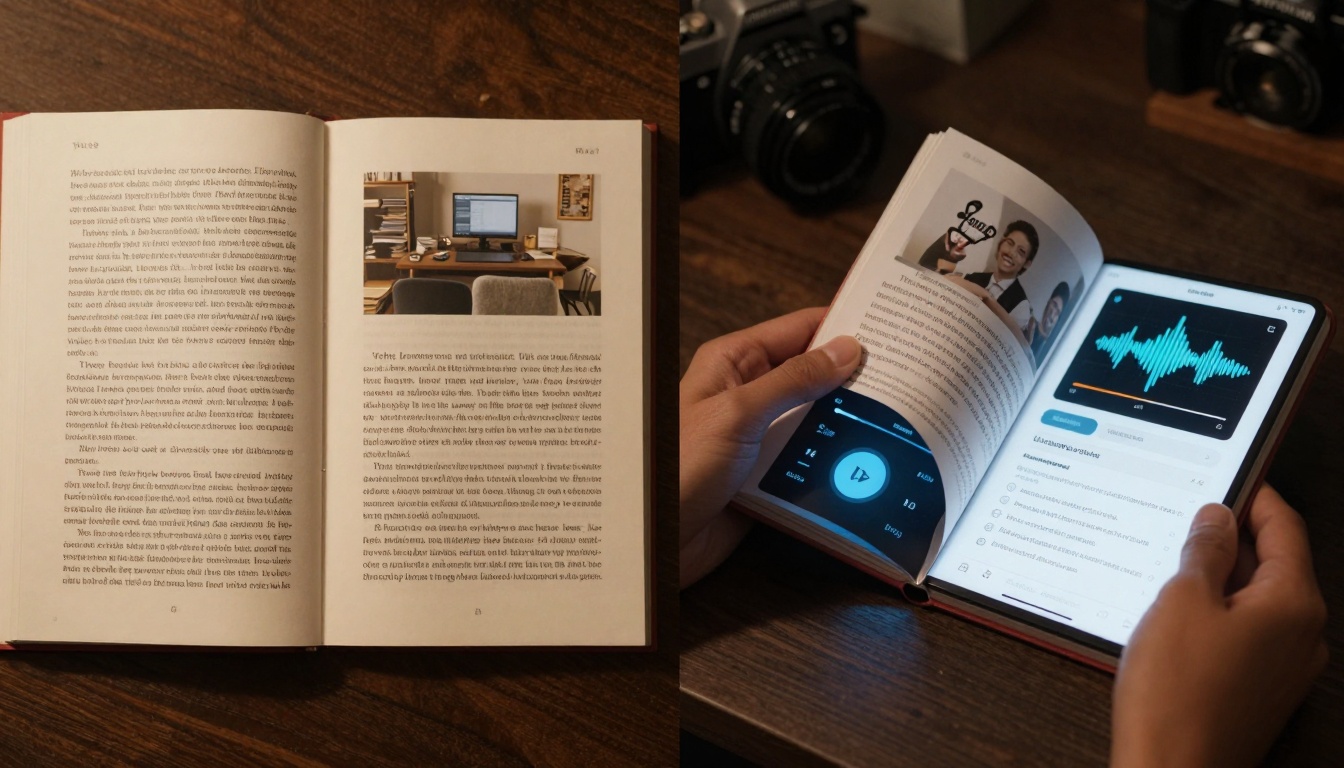
Visual comparison showing the dramatic difference between static and interactive formats
How to Create Interactive eBooks with Flipbooks AI
Creating a flipbook eBook requires no technical skills. Flipbooks AI provides a straightforward process that transforms any PDF into an engaging digital publication.
Step 1: Prepare Your Content
Start with your finished eBook in PDF format. Ensure images are high resolution and text is properly formatted. Consider where interactive elements would enhance the reading experience.
Create an account on Flipbooks AI and upload your PDF. The platform automatically converts your file into flipbook format in seconds.
Step 3: Add Interactive Elements
Using the editor, embed videos, audio clips, and interactive elements:
- Videos: Upload or link to YouTube/Vimeo
- Audio: Add narration or sound effects
- Links: Make references clickable
- Forms: Add email capture or feedback forms
Step 4: Customize Design
Apply your branding:
- Custom colors matching your website
- Logo placement on every page
- Typography that reflects your style
- Page transition effects
Step 5: Preview and Test
Test your flipbook on multiple devices before publishing. Check all interactive elements work correctly and the reading experience flows naturally.
Step 6: Publish and Share
Generate shareable links, embed codes for your website, or downloadable versions. The platform provides multiple distribution options.

The complete workflow from manuscript to interactive publication
Flipbook Features That Drive eBook Success
Analytics That Matter
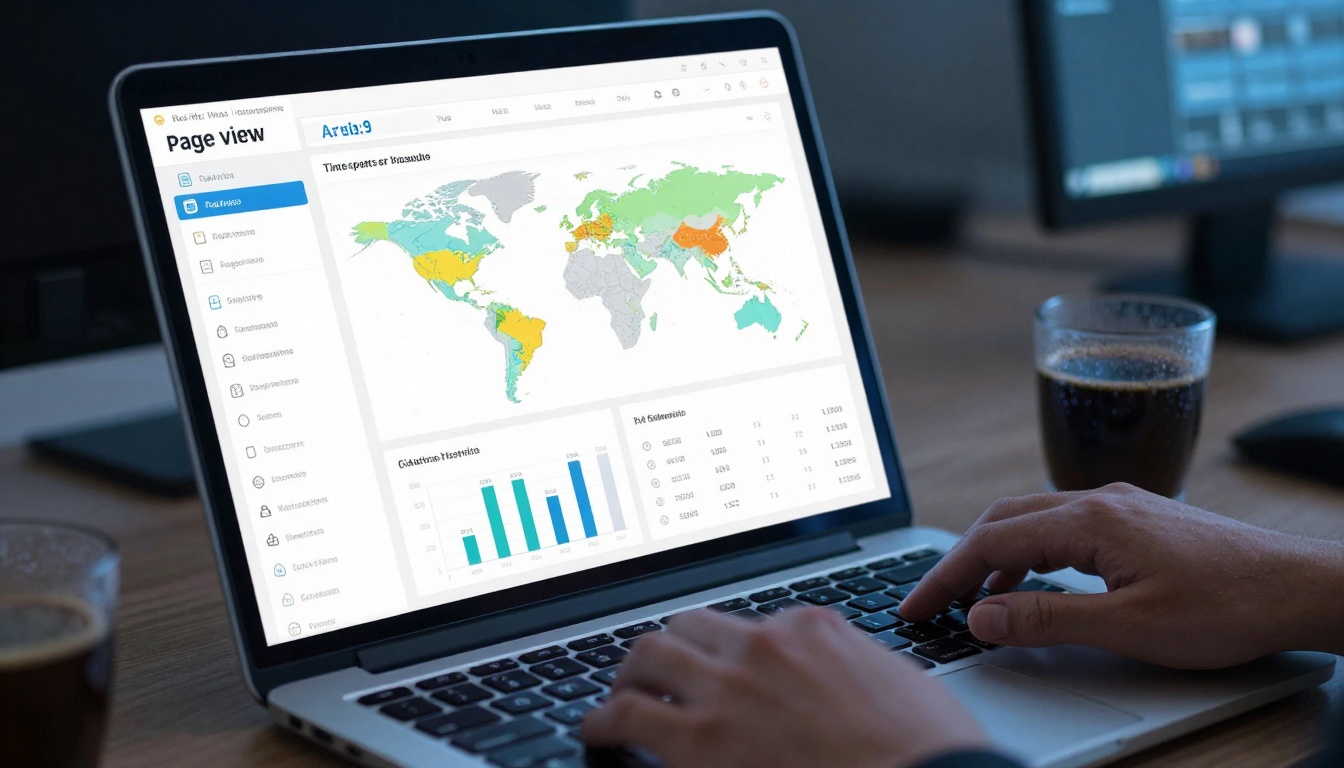
Real-time analytics show exactly how readers engage with your eBook
Flipbook analytics provide actionable data:
- Page engagement: Which chapters readers spend most time on
- Drop-off points: Where readers lose interest
- Media interaction: Which videos get watched completely
- Device usage: Mobile vs desktop reading patterns
- Geographic data: Where your readers are located
✅ Pro tip: Use analytics to identify weak chapters. If readers consistently drop off at chapter 3, that section needs improvement in your next edition.
Professional Features for Serious Authors
| Plan Feature | Basic | Standard | Professional |
|---|
| Flipbooks | 5 limit | Unlimited | Unlimited |
| Watermarks | Yes | No | No |
| Analytics | Basic | Standard | Advanced + heatmaps |
| Lead Generation | No | Basic forms | Full CRM integration |
| Offline Downloads | No | Yes | Yes |
| Priority Support | No | Email | 24/7 chat + phone |
| Custom Domain | No | No | Yes |
| API Access | No | No | Full API |
Pricing plans range from free testing to professional publishing. Compare all options on the Flipbooks AI pricing page.
Real-World eBook Success Stories
Academic Publishers Increase Course Material Engagement
University publishers using flipbooks report 78% higher student engagement with digital textbooks. Embedded video lectures and interactive quizzes keep students engaged longer than static PDFs.
Authors Build Stronger Reader Communities
Fiction authors using flipbooks for sample chapters see 3x higher conversion rates to full book purchases. Interactive character bios and author interview videos create personal connections with readers.
Businesses Generate More Leads from Whitepapers
B2B companies transform whitepapers into interactive flipbooks with embedded contact forms, generating 42% more qualified leads than PDF downloads.
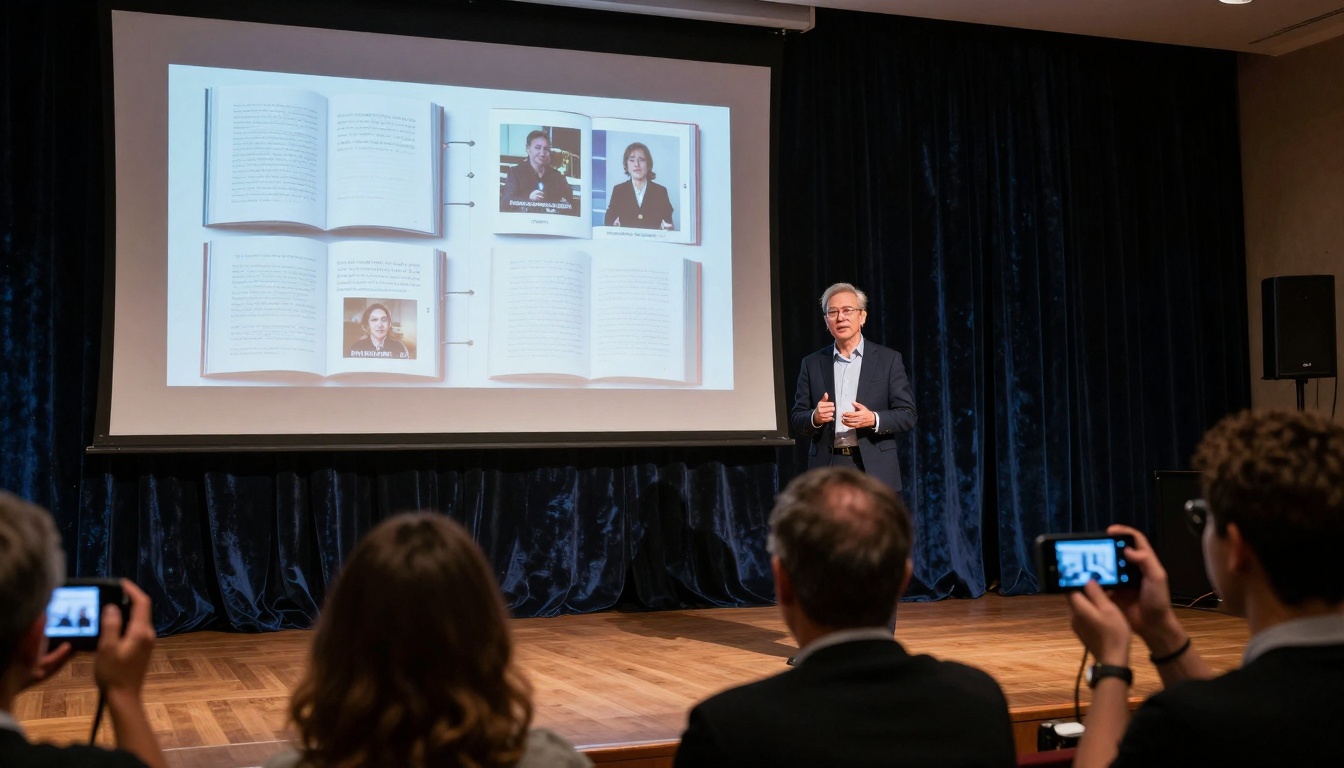
Flipbooks work equally well for personal reading and public presentations
eBook Types That Benefit Most from Flipbooks
Certain eBook categories see particularly dramatic improvements with flipbook technology:
Educational Materials
- Textbooks with embedded videos
- Course materials with interactive quizzes
- Training manuals with step-by-step animations
Professional Guides
- Business reports with data visualizations
- Technical manuals with 3D model viewers
- Research papers with interactive charts
Creative Works
- Photography books with zoomable images
- Art collections with artist commentary audio
- Design portfolios with process videos
Commercial Publications
- Product catalogs with shopping cart integration
- Real estate portfolios with virtual tours
- Restaurant menus with chef video introductions
Technical Considerations for Flipbook eBooks
File Size Optimization
While flipbooks support rich media, optimize assets for fast loading:
- Compress images without quality loss
- Use streaming video services
- Implement lazy loading for long publications
SEO Benefits
Flipbooks generate individual page URLs that search engines can index. Each chapter becomes its own searchable page, increasing your eBook's online visibility.
Accessibility Features
Modern flipbook platforms include:
- Screen reader compatibility
- Keyboard navigation
- Adjustable text sizes
- High contrast modes
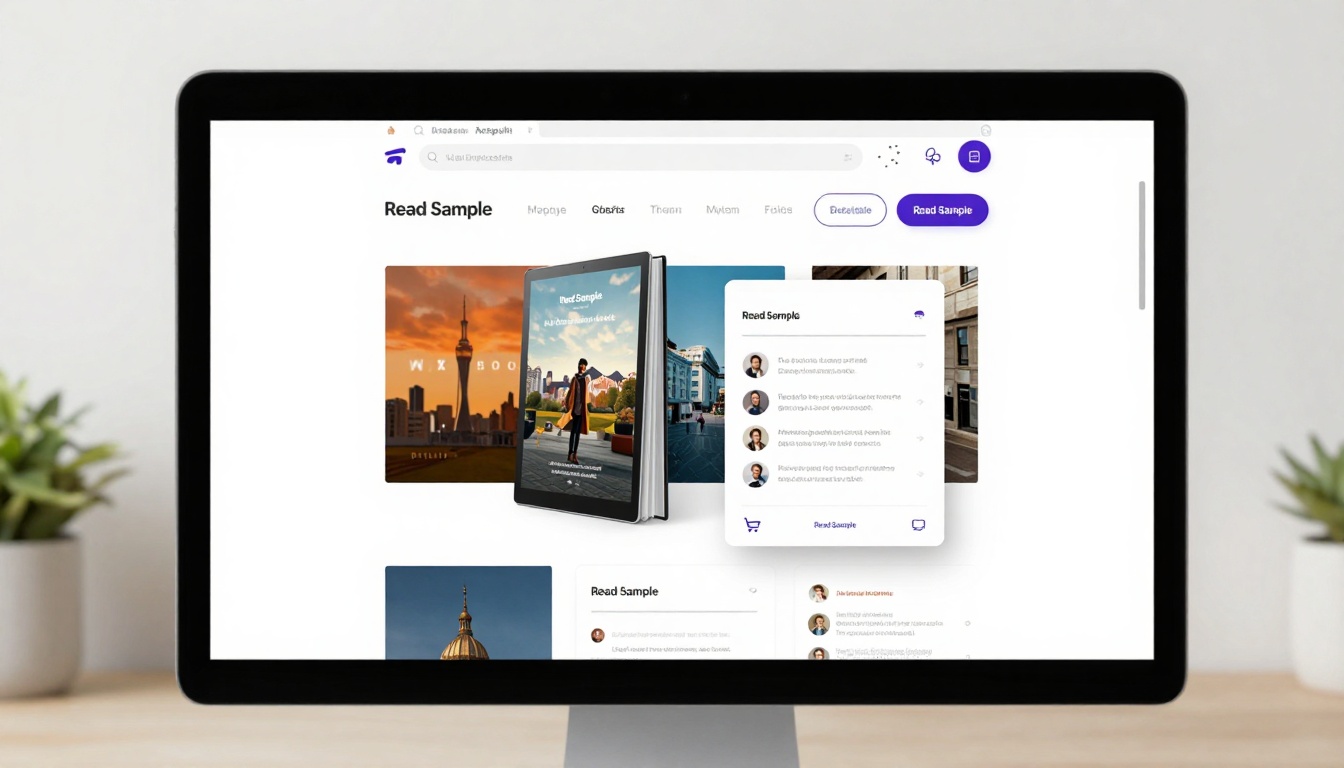
Flipbooks integrate seamlessly into digital bookstore platforms
Getting Started with Your eBook Flipbook
The transition from static to interactive eBooks requires minimal effort for maximum impact. Here's your action plan:
- Audit existing eBooks: Identify which titles would benefit most from interactivity
- Choose a platform: Flipbooks AI offers the most comprehensive feature set for authors
- Start with one title: Convert your best-performing eBook first
- Add strategic media: Don't add interactivity everywhere—focus on key engagement points
- Track results: Use built-in analytics to measure improvement
- Scale success: Apply lessons learned to other titles
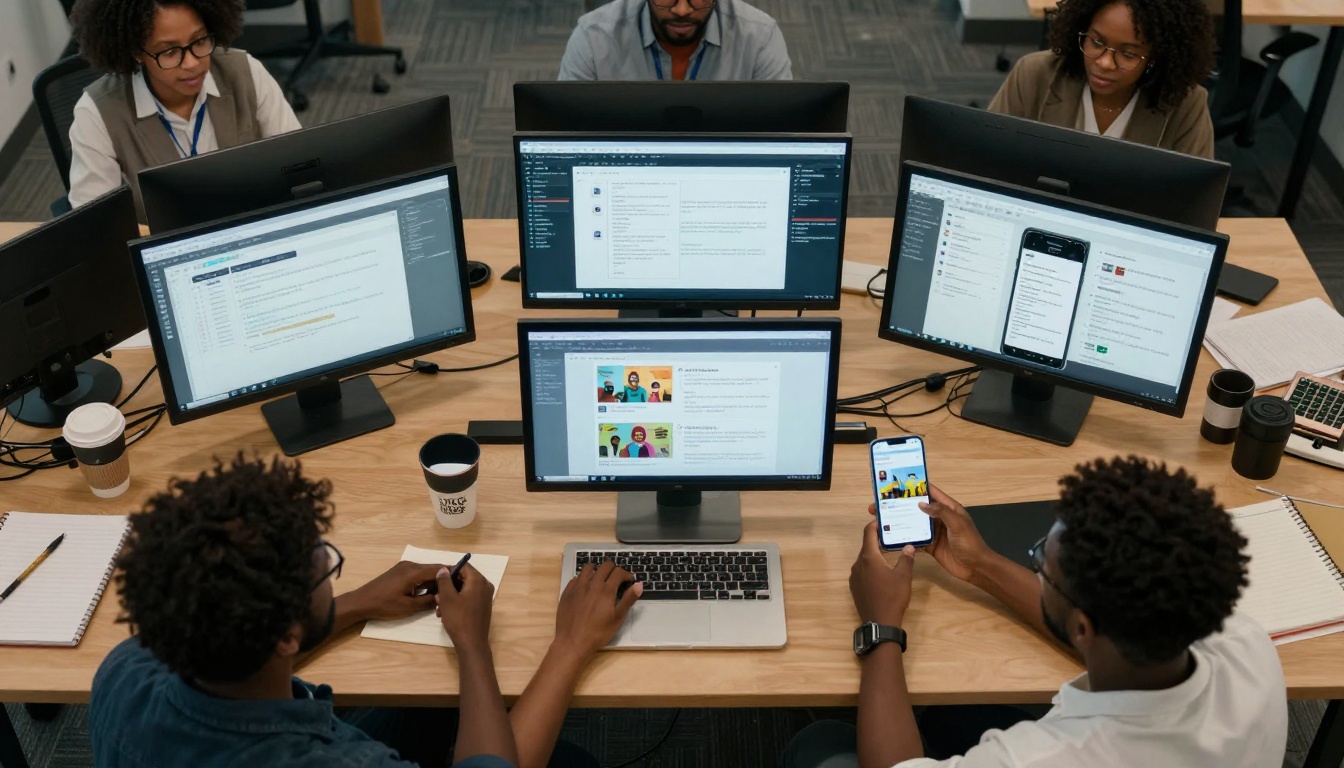
Collaborative tools make flipbook creation efficient for teams
Distribution Channels for Flipbook eBooks
Once created, distribute your flipbook through multiple channels:
Direct Sales
- Embed on your author website
- Sell through digital marketplaces
- Include in email campaigns
Educational Platforms
- Learning management systems
- University portals
- Corporate training platforms
Social Media
- Share individual pages on social platforms
- Run targeted advertising with flipbook previews
- Create social media-exclusive content
Physical Integration
- QR codes in physical books linking to enhanced digital versions
- Event presentations with live flipbook demonstrations
- Printed materials with digital companion access
Common Mistakes to Avoid
⚠️ Over-interactivity: Don't add media everywhere. Strategic placement creates impact without overwhelming readers.
⚠️ Ignoring mobile: Test thoroughly on phones. What works on desktop may fail on mobile.
⚠️ Forgetting analytics: Publishing without tracking means flying blind. Use data to improve future editions.
⚠️ Complex navigation: Keep it simple. Readers should find content in 3 clicks or less.
The Future of Digital Reading
Flipbook technology represents the natural evolution of eBooks. As reading habits shift toward interactive, multimedia experiences, authors who adapt early gain competitive advantage. The gap between static PDFs and engaging digital publications will only widen.
Readers now expect digital content to match—or exceed—the engagement of physical media. Flipbooks deliver this while providing authors with unprecedented insight into reader behavior.
Ready to transform your eBook from static document to interactive experience? Get started with Flipbooks AI today and see the difference interactive publishing makes. Explore all available tools and templates to find the perfect fit for your content. Compare pricing plans to choose what works for your publishing goals.



