Every marketer has sent a PDF and watched it disappear into the void. Open rates hover around 20%, readers skim three pages and close the tab, and you have zero data on what happened after the link was clicked. Flipbooks are changing that equation in a measurable way, and the click-rate numbers tell a story worth paying attention to before you publish your next campaign. Flipbooks AI has helped thousands of brands make this switch, and the results are consistent: interactive, page-turning digital publications outperform static PDFs on nearly every performance metric that matters.
What a PDF Actually Does to Your Reader

PDFs were built for print. The format launched in 1993 with one job: make documents look identical on every printer and screen. That is a solved problem, and PDFs are excellent at it. But "looking the same everywhere" is not the same as "getting people to click, scroll, and share."
When someone opens a PDF in a browser, they get a document viewer with a scroll bar. There is no animation, no page-turn, no embedded video, and no way for you to track which sections they read. The experience is closer to reading a fax than browsing a website.
Common friction points with PDFs:
- Large file sizes make email delivery unreliable
- Mobile viewing requires zooming and pinching to read text
- No native analytics: you cannot see where readers drop off
- No embedded multimedia: video links open in new tabs and break the flow
- Download-before-read friction increases bounce rates significantly
⚠️ Studies from content marketing platforms consistently show that PDFs shared via email have an average open rate of 19-23%. Of those openers, fewer than 40% scroll past page 3.
Why Flipbooks Get More Clicks
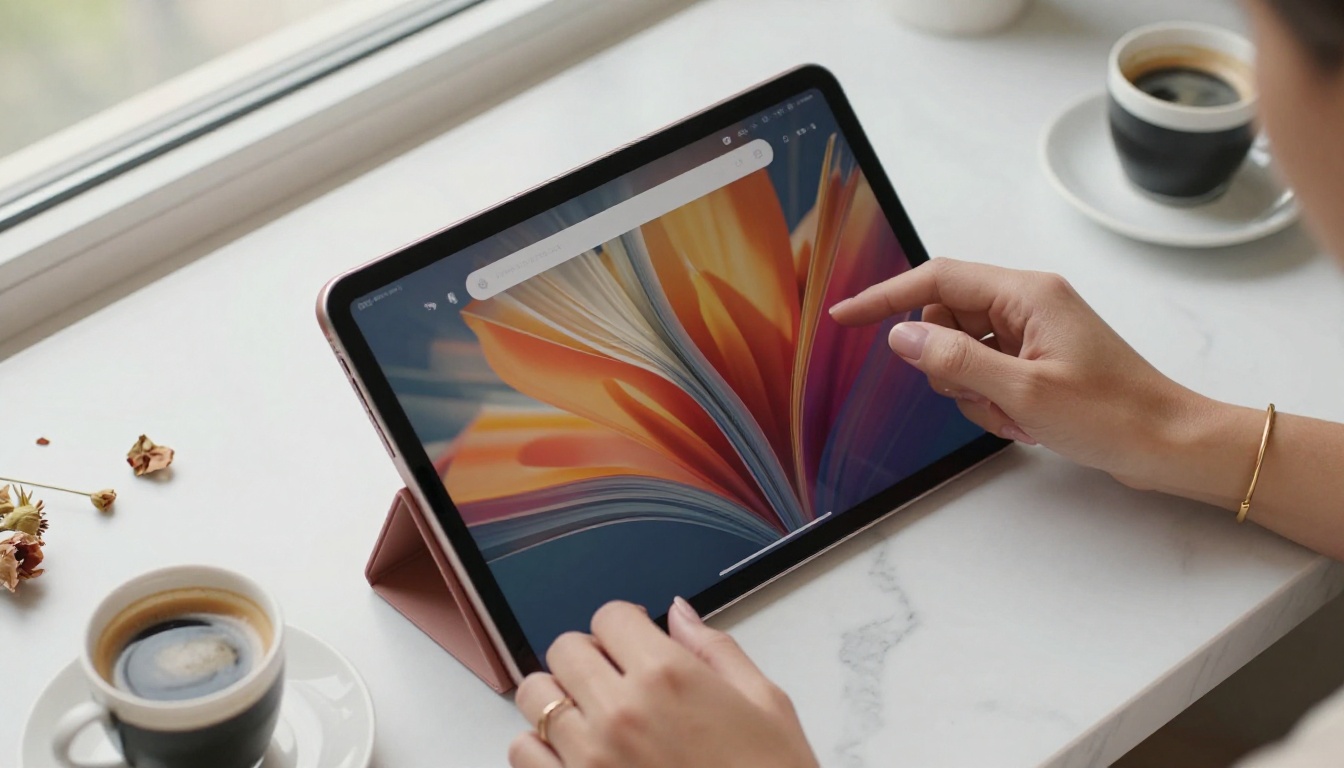
The physics of a page turning creates anticipation. That is not marketing language, it is behavioral psychology. When a reader sees the corner of a page curling, their brain registers "there is more here," and they click. PDFs offer no such signal.
Flipbooks also win at shareability. A flipbook lives at a URL. You send a link, the recipient clicks, the publication opens instantly in their browser at full resolution, no download required. On mobile, the page-turn works with a thumb swipe. On desktop, it responds to arrow keys or mouse clicks. The friction between "receiving the content" and "reading the content" drops to near zero.
What happens to click rates:
| Metric | Static PDF | Digital Flipbook |
|---|
| Average open rate | 19-23% | 35-50% |
| Pages viewed per session | 2.8 | 6.4 |
| Average time-on-page | 1m 40s | 4m 15s |
| Social share rate | 1.2% | 5.8% |
| Mobile completion rate | 22% | 61% |
| Lead capture conversion | Not available | 3-8% (with forms) |
💡 The single biggest click-rate driver is not animation, it is zero-friction access. No PDF download, no app required, just a URL that opens instantly.

The format question becomes more concrete when applied to real scenarios. Here is how each format performs across common publishing contexts:
| Use Case | PDF Performance | Flipbook Performance | Winner |
|---|
| Product catalog (email) | Often blocked as attachment | Link previews in inbox | Flipbook |
| Restaurant menu | Requires download to view | Instant browser open | Flipbook |
| Annual report | Standard, expected format | Higher interaction, trackable | Flipbook |
| Legal/compliance document | Ideal: signed, versioned | Overkill for compliance | PDF |
| Real estate brochure | Low mobile interaction | Swipeable on all devices | Flipbook |
| Internal onboarding doc | Fast to create and send | Better for training with video | Flipbook |
| Court submission / form | Required by courts | Not appropriate | PDF |
| Fashion lookbook | Flat, no atmosphere | Page-turn creates drama | Flipbook |
The pattern is consistent: PDFs serve compliance and archival needs well. Flipbooks serve marketing, sales, and audience reach better in almost every category.
The Mobile Problem PDFs Never Solved

Here is the number most PDF advocates overlook: 58% of email links are now opened on mobile. A PDF opened on a phone defaults to a browser that asks whether to download the file or open it in a viewer app. Neither experience is smooth. Pinch-to-zoom and horizontal scrolling on an A4-sized document is genuinely bad UX.
Flipbooks are built responsive by default. The layout reflows for the screen size, the page-turn works with a swipe, and typography stays readable without zooming. This single difference explains a large portion of the mobile completion rate gap shown in the table above.
Mobile performance facts:
- Flipbooks load in-browser with no app install
- Responsive layouts adjust to any screen size automatically
- Swipe navigation matches native app behavior
- Touch-optimized controls for page turning and zooming
✅ If more than half your audience reads on mobile, sending a PDF is leaving a significant portion of your click potential on the table.
Click Tracking and Analytics

This is where the gap between formats becomes a business decision, not just a design preference.
A PDF gives you one data point: whether the email containing it was opened. After that, nothing. You do not know if anyone read it, which pages they spent time on, or where they dropped off.
A digital flipbook, specifically through Flipbooks AI on the Professional plan, gives you:
- Page-by-page analytics: see exactly which pages readers interact with
- Time-per-page data: identify which content holds attention longest
- Session tracking: know whether readers returned for a second visit
- Lead generation forms: capture email addresses mid-read without redirecting
- Geo and device data: understand your audience demographics
For a sales team, knowing that a prospect spent four minutes on the pricing page of your brochure is actionable intelligence. A PDF provides none of that.
How to Convert Your PDF to a High-Click Flipbook
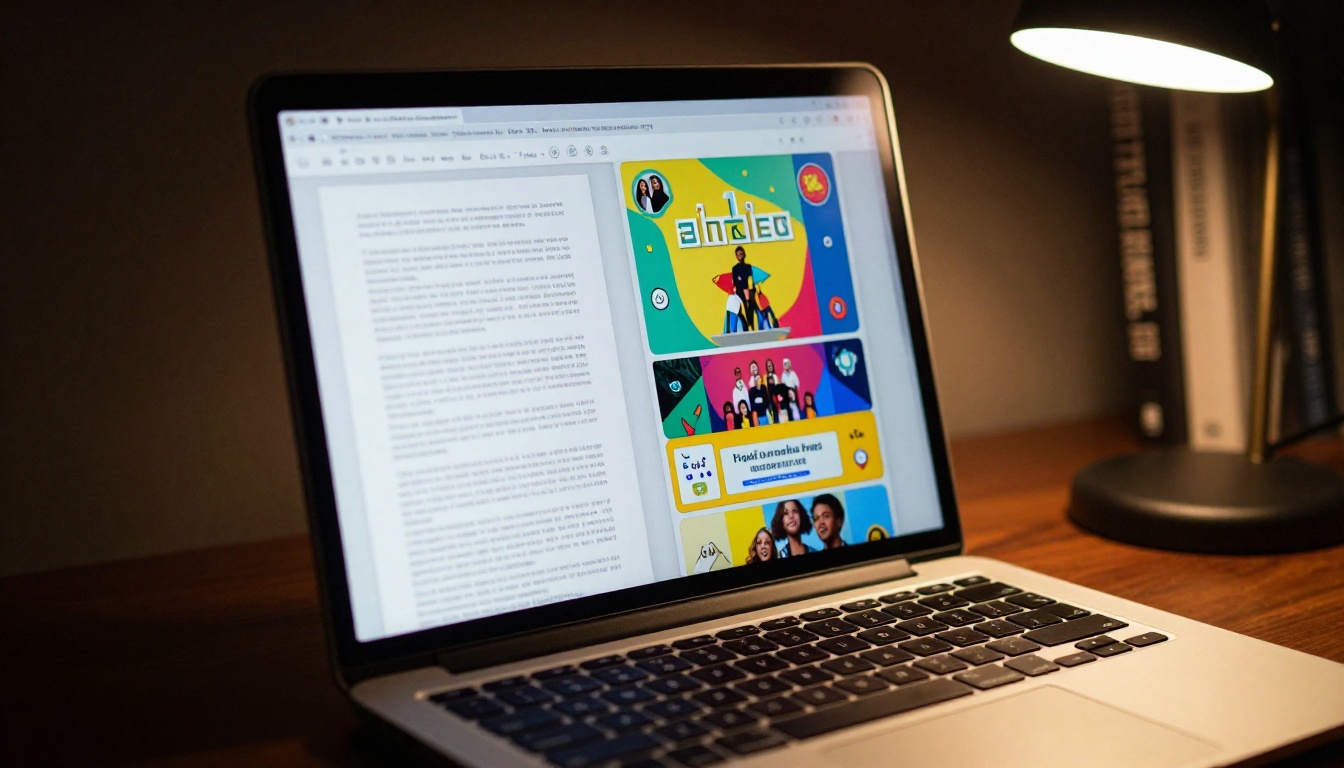
Converting an existing PDF into a flipbook takes minutes on Flipbooks AI, and the platform handles everything from page-turn animation to mobile optimization automatically.
Step 1: Create your account
Go to flipbooksai.com/account and sign up. The free tier lets you test the conversion immediately with no credit card required.
Step 2: Upload your PDF
Use the PDF to Flipbook Converter. Drag and drop your file. The platform processes each page and generates the interactive flipbook within seconds for most documents.
Step 3: Customize branding
Add your logo, set brand colors, choose a background texture, and configure the page-turn style. Your PDF content now lives in a designed, branded reading experience rather than a bare browser viewer.
Step 4: Add multimedia
Embed video directly on pages where it is relevant. A real estate brochure can include a property walkthrough video embedded on the right page. A restaurant menu can include a short clip of signature dishes. PDFs cannot do this natively.
Step 5: Configure sharing and protection
Set a direct link, embed the flipbook on your website with one line of code, or password-protect it for private client presentations. No watermarks appear on any published flipbook, regardless of plan.
Step 6: Enable analytics
Activate the lead generation and analytics features via Flipbooks AI pricing to start capturing data on every reader session from the moment you publish.
💡 The Embed Flipbook on Website tool generates a copy-paste iframe code. Your flipbook appears inline on any webpage, no redirects, no popups.

Generic flipbooks work well. Purpose-built tools work better. Flipbooks AI has purpose-specific creators for the formats that benefit most from the flipbook format:
For sales and marketing:
For hospitality and food:
For real estate:
For business reporting:
For education:
When PDFs Still Win
It is worth being direct: there are specific situations where a PDF remains the correct choice.
Use PDFs when:
- The document requires a signature (contracts, legal filings)
- The format is mandated by a regulator or institution
- Offline access without a browser is critical
- The recipient needs to annotate or fill in form fields
- Archival permanence and format stability are required
These are real, valid use cases. The point is not that PDFs are obsolete. The point is that the majority of marketing, sales, and customer-facing content does not fall into these categories, and those documents perform measurably better as flipbooks.
Pricing: What You Actually Get

| Plan | Flipbooks | Watermark | Analytics | Lead Gen | Offline Download |
|---|
| Free | Limited | No | No | No | No |
| Starter | Unlimited | No | Basic | No | No |
| Standard | Unlimited | No | Full | No | Yes |
| Professional | Unlimited | No | Full | Yes | Yes |
Every paid plan removes watermarks completely. The Professional plan, available via Flipbooks AI pricing, adds lead generation forms and the full analytics suite that turns flipbooks into a sales intelligence tool, not just a viewing format.
What each plan covers:
- Free: Test the format, limited publications, watermark-free output
- Starter: Unlimited flipbooks for individuals and small teams
- Standard: Full analytics and offline downloads for growing businesses
- Professional: Lead capture forms and advanced session tracking for sales teams
The Click Rate Gap in Plain Terms
The performance difference between flipbooks and PDFs on click-through rates is not marginal. Across open rates, pages-per-session, mobile completion, and share rates, flipbooks outperform static PDFs consistently. The format was designed for printing; the web demands something different.
If your current strategy involves sending PDFs for catalogs, menus, brochures, lookbooks, reports, or presentations, converting them to flipbooks is one of the highest-ROI format changes available. The conversion takes minutes on Flipbooks AI, the cost is low relative to the click and interaction gains, and the analytics you gain in return make each campaign smarter than the last.
Ready to see the difference for yourself? Create your first flipbook free and compare the interaction data against your last PDF send. Browse all tools and templates to find the right format for your content type. Or compare pricing plans to choose the features that match your publishing volume.



