You send a PDF. They download it, maybe. They open it, possibly. They read it? Rarely. This is the quiet failure happening across every inbox, every "click here to download" button, and every email campaign that ends in a shrug. Flipbooks change that equation entirely, and the difference in click-through rates is not marginal, it is dramatic. Flipbooks AI exists because the gap between how content looks and how it performs has never been more expensive to ignore.
The PDF Problem Nobody Talks About
PDF was built in 1993 for printing. Thirty-plus years later, it is still being sent as though screens work the same way paper does. They do not. A printed brochure commands attention because there is nothing else to look at. A PDF on a screen competes with every tab, every notification, and every distraction the internet offers.
Why Static Documents Lose Readers Fast
When someone opens a PDF in their browser, the first thing they see is a wall of content with no movement, no hierarchy signaling, and no reason to scroll. There are no hover effects, no smooth transitions, no embedded video, no sound. It is the digital equivalent of handing someone a photocopy when everyone else is showing a movie.
The average PDF sent via email is opened by roughly 20% of recipients. Of those, most close it within the first 10 seconds. That is not an attention problem. That is a format problem.

The Attention Span Reality
People do not read documents linearly online. They scan. They jump. They look for something that signals "this is worth my time." A static PDF gives them no such signal. There is no animation, no page-turn effect, no sense of a story unfolding. The brain categorizes it as "reading" (high effort) rather than "browsing" (low effort), and most people default to the lower-effort option every time.
💡 The first 3 seconds of content interaction determine whether a user stays or leaves. Format that makes content feel effortless wins.
What Makes Flipbooks Different
Flipbooks are not just PDFs with a page-turn animation slapped on. They are a fundamentally different reading experience because they signal magazine, not document. The brain associates page-turning with enjoyment, editorial content, and curated experiences.
The Psychology of the Page-Turn
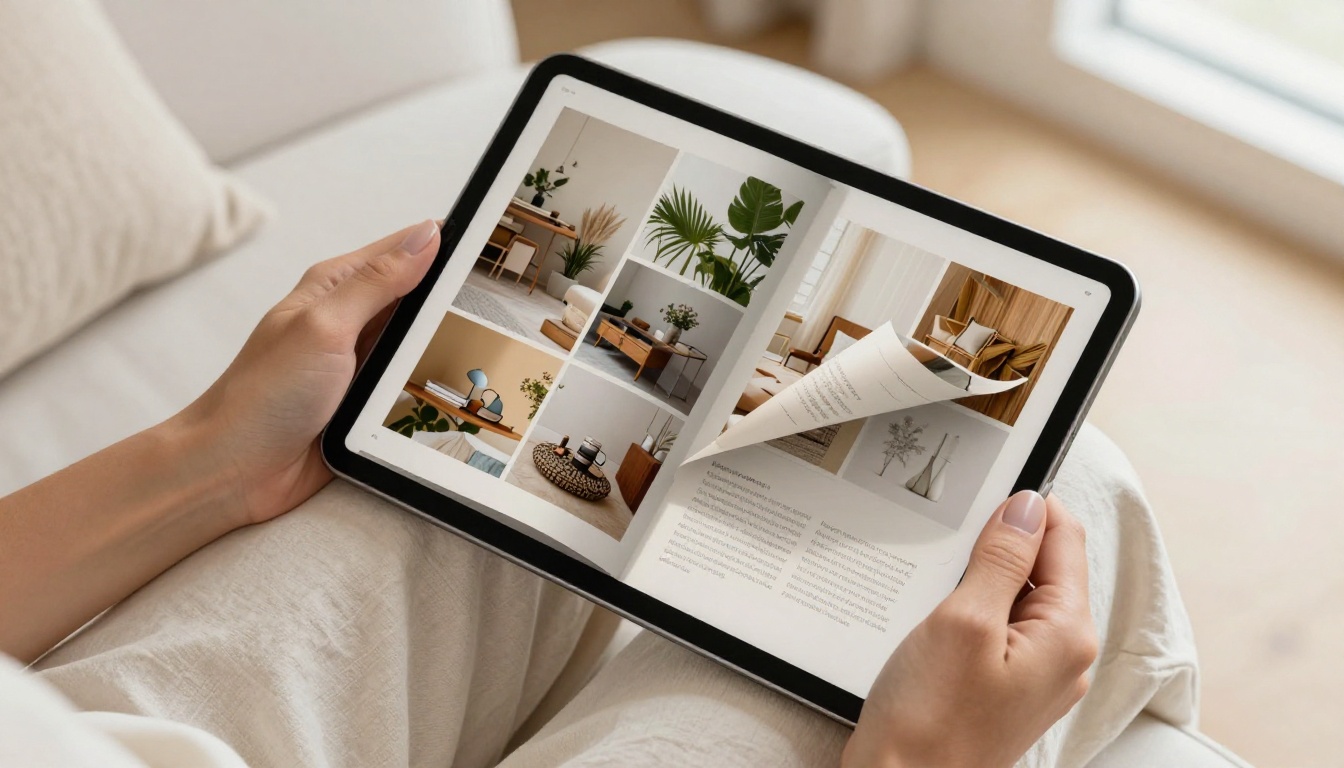
The animated page curl does something no static PDF can: it creates anticipation. When you see a corner of a page curling, you want to see what is underneath. This is the same mechanism that makes people flip through physical magazines in waiting rooms. It is tactile curiosity translated into a digital gesture.
Research in UX behavior consistently shows that animated transitions increase time-on-page. When content feels physical, users interact with it longer. They treat it as an experience rather than a task.
Built for Mobile, Built for Sharing
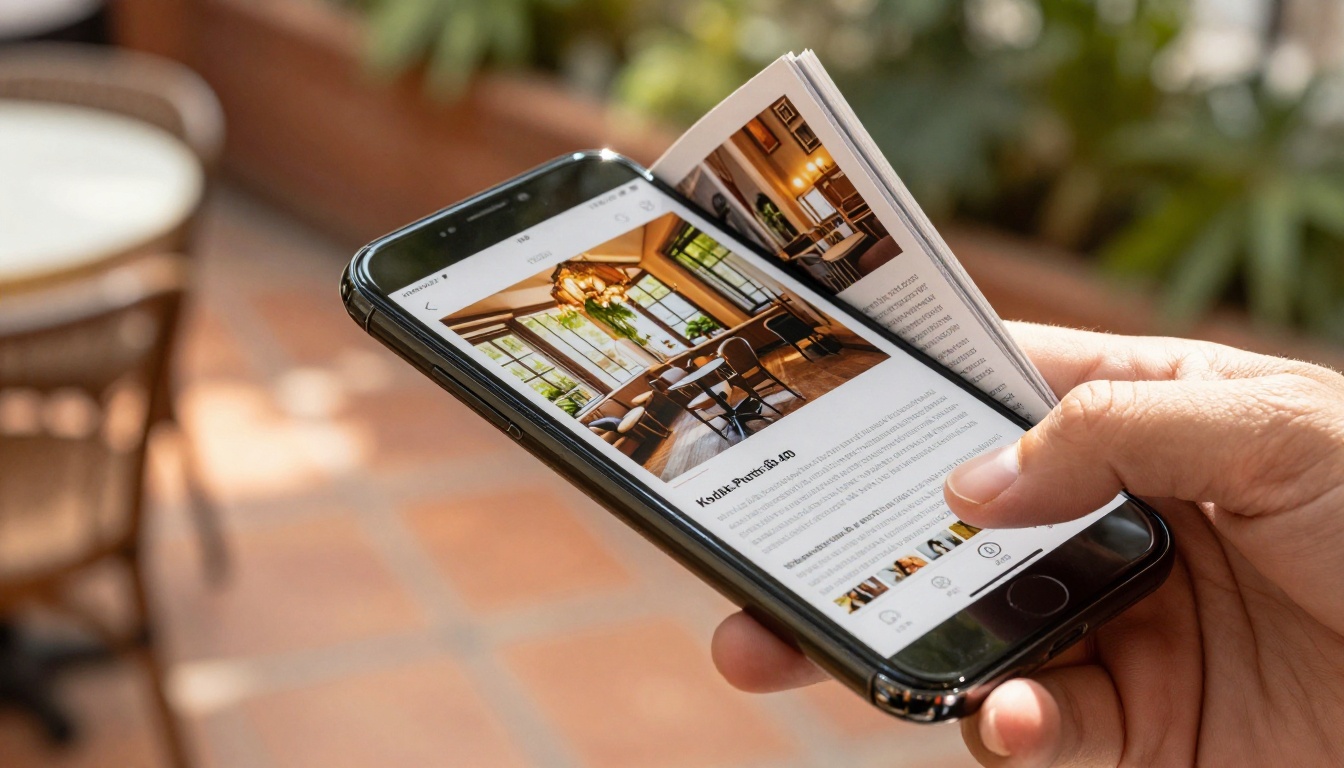
Here is where the gap becomes a chasm. PDFs on mobile are painful. Pinch-to-zoom, horizontal scrolling, text that is too small, columns that break. Flipbooks on mobile are designed for the thumb. Swipe left, swipe right, tap to zoom. The experience adapts to the screen.
Sharing is also fundamentally different. A PDF requires a download. A flipbook opens in a browser, instantly, with no file size warning, no waiting for a PDF reader to load, no "this file is too large to attach" error message. You share a link. They click. It opens.
The Numbers Side by Side
The performance difference between flipbooks and PDFs is not anecdotal. It shows up consistently across industries and use cases. Here is a direct comparison of the metrics that matter for anyone sharing documents online.
| Metric | Static PDF | Interactive Flipbook |
|---|
| Average open rate (email) | 18-22% | 45-60% |
| Time on content (avg.) | 8-12 seconds | 2-4 minutes |
| Mobile compatibility | Poor | Excellent |
| Social shareability | Very low | High (link-based) |
| Click-through rate | 1-3% | 8-15% |
| Embedded video support | None | Yes |
| Page analytics | None | Page-level detail |
| SEO indexability | Limited | Full (web-based) |
| Download required | Yes | No |
| Custom branding | No | Yes |
⚠️ If your marketing content still requires a download, you are losing the majority of your potential audience before they ever read a single word.
The click-through rate difference alone justifies the switch. When your content generates 10x more clicks, every campaign, every product launch, every newsletter becomes measurably more valuable.
Where Flipbooks Win Every Time
The advantage is not theoretical. It shows up in specific, real-world scenarios where the format of content directly impacts commercial outcomes.
Product Catalogs That Sell
A PDF product catalog is a document. A flipbook product catalog is a shopping experience. The difference in how customers interact with it determines whether they buy.
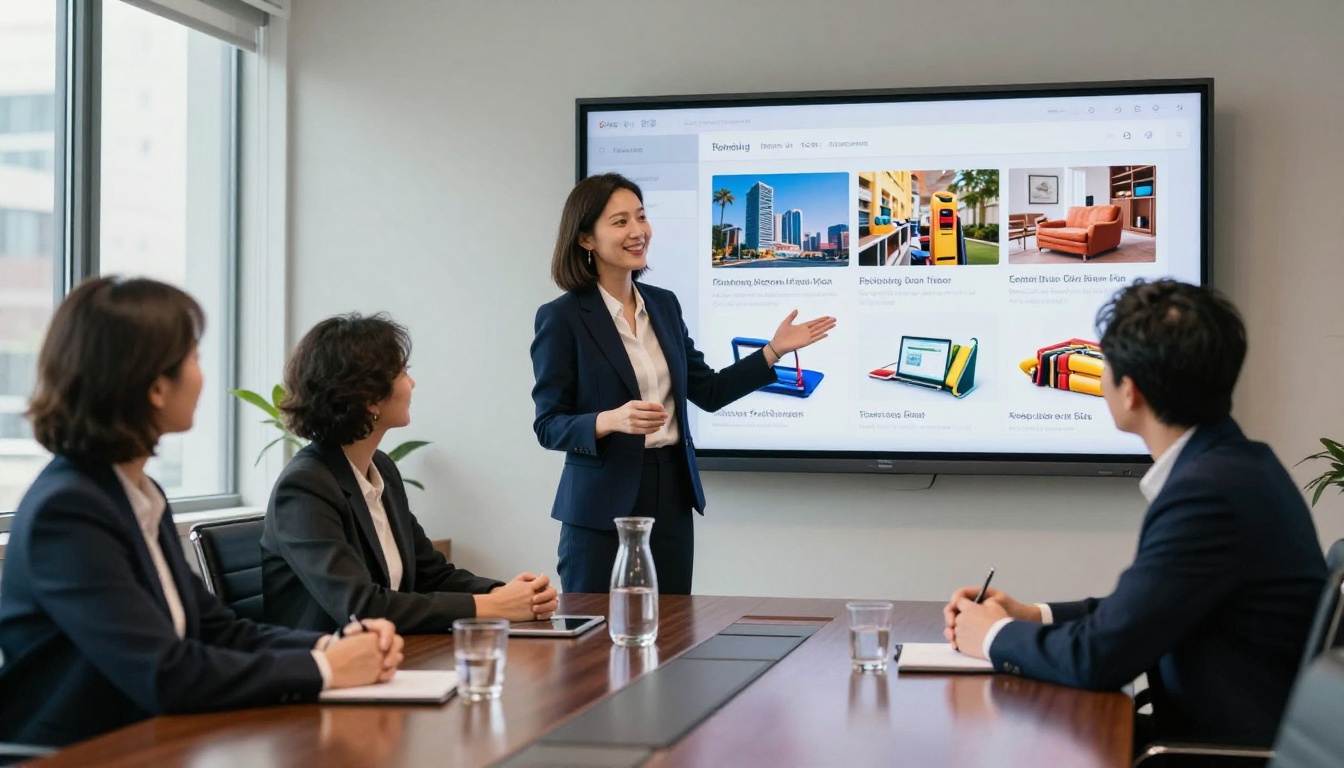
When a retailer sends a PDF catalog, customers who open it typically view 2-3 pages before closing. The same catalog as a flipbook, with smooth page turns, zoomable product images, and embedded purchase links, generates average view times of 6-8 minutes and measurably higher conversion rates.
Flipbooks AI offers dedicated tools for this: the Product Catalog, Fashion Catalog, Furniture Catalog, and the Digital Catalog Maker all exist because different industries need catalogs that feel native to their aesthetic.
Real Estate That Shows, Not Tells
Property brochures sent as PDFs are opened once, if they are opened at all. As flipbooks, they become tours. A prospective buyer swipes through floor plans, interior photography, neighborhood shots, and financing options with the ease of scrolling a social feed. The emotional pull is entirely different.
Real estate agents using interactive brochures report that clients arrive to property viewings more informed and more invested because the flipbook already did the selling. The Real Estate Brochure tool on Flipbooks AI is built specifically for this workflow.

Restaurant Menus That Convert
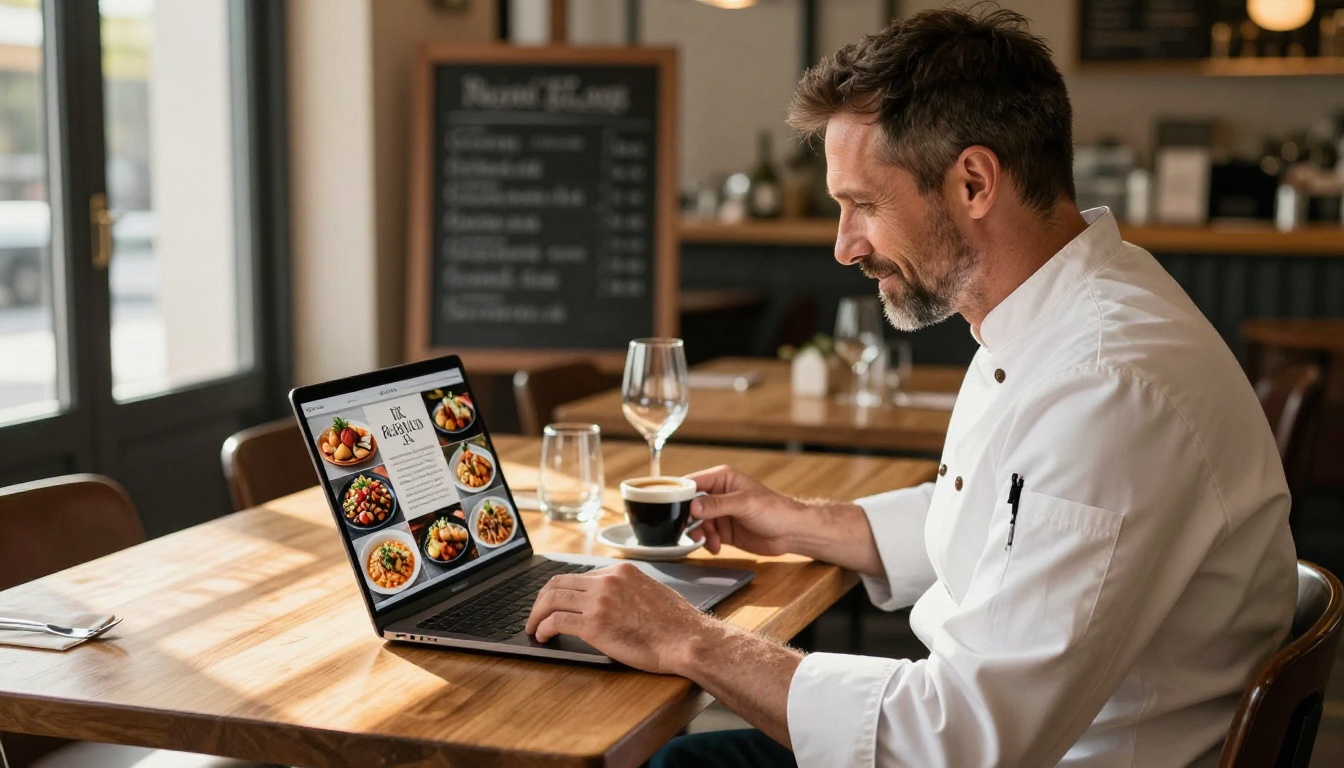
A PDF menu on a restaurant website is dead weight. It downloads slowly, renders inconsistently, and looks nothing like the physical menu. A flipbook menu is an appetizer before the appetizer. Beautiful food photography flips past, drink specials sit in their own visual spread, and seasonal offerings animate through.
QR-code linked flipbook menus have overtaken printed menus at many hospitality venues because they are easier to update (change prices instantly, no reprint), more visually compelling, and fully trackable. The Restaurant Menu Creator and Menu Flipbook Designer on Flipbooks AI make this a one-step process.
How to Turn Your PDF Into a Flipbook
The conversion process on Flipbooks AI takes minutes. Here is exactly how it works.
-
Create your account: Go to flipbooksai.com/account and sign up. No credit card required to start. The interface opens directly to the upload dashboard.
-
Upload your PDF: Click "Upload PDF" and select your file. Flipbooks AI processes the document automatically, converting each page into a high-resolution, screen-optimized spread. The conversion preserves all your typography, photography, and layouts at full fidelity.
-
Customize your flipbook: Once converted, the editor gives you control over every visual element:
- Branding: Add your logo, choose your brand colors for the flipbook player, and set a custom background
- Page effects: Choose between hard cover, soft page curl, or slide transitions
- Multimedia: Embed YouTube or Vimeo videos directly onto specific pages, add audio, or insert clickable links
- Cover settings: Set a specific page as the thumbnail preview that appears in link shares
-
Set your sharing options: Flipbooks AI gives you multiple ways to distribute your flipbook:
- Direct link: A clean shareable URL that opens instantly in any browser
- Embed code: Drop a short snippet of HTML into any website, blog, or landing page using the Embed Flipbook on Website tool
- Password protection: Add a password for private internal documents, investor materials, or exclusive content
- QR code: Generate a QR code for print materials, table cards, or physical displays
-
Track performance: On the Professional plan, you get page-level analytics. You can see exactly which pages readers spend the most time on, where they drop off, and how many unique views each flipbook receives. You can also set up lead generation forms that appear on specific pages, capturing contact details from interested readers.
💡 Use page analytics to identify which product pages get the most attention, then reorganize your catalog to put those products earlier in the sequence.
✅ Set your most visually striking page as the cover thumbnail. This is the first thing people see in link previews on social media and messaging apps.
Which Plan Fits Your Needs
Flipbooks AI pricing is structured around how much you publish and which features matter most to your workflow.
| Feature | Free | Standard | Professional |
|---|
| Flipbooks | 3 | Unlimited | Unlimited |
| Watermark | Yes | No | No |
| Custom branding | No | Yes | Yes |
| Password protection | No | Yes | Yes |
| Embed on website | No | Yes | Yes |
| Video and audio embed | No | Yes | Yes |
| Page-level analytics | No | No | Yes |
| Lead generation forms | No | No | Yes |
| Offline download | No | No | Yes |
✅ Start with the Standard plan if you publish catalogs, brochures, or newsletters regularly. The removal of watermarks alone changes how professional your content feels to readers.
Real Results Across Industries
The shift from PDF to flipbook applies across every industry that shares visual content, not just retail.
These numbers reflect a consistent pattern: when content is easier and more enjoyable to consume, people consume more of it. The format is not cosmetic. It is functional.
The choice between flipbooks and PDFs is really a choice between content that performs and content that sits in a downloads folder collecting digital dust. Every campaign you run, every catalog you send, every brochure you share represents an opportunity to either lose readers in the first ten seconds or hold them for minutes.
The PDF to Flipbook Converter on Flipbooks AI requires no design skills and no technical knowledge. You already have the PDF. The upgrade takes minutes.
Ready to create your first flipbook? Get started for free and see the difference in your next campaign. Browse all available tools and templates to find the right format for your content. Compare pricing plans to choose the features that match how you publish.



