If you've spent any time searching for a free flipbook tool, you already know the pattern: big promises on the homepage, a paywall the moment you try to do anything useful. FlipHTML5 has been around long enough to build a reputation, and Flipbooks AI is the newer platform shaking things up with a noticeably different approach to what "free" actually means.
This comparison cuts through the marketing copy and shows exactly what each platform gives you before you hand over your credit card.
Most free tiers in software follow the same logic: give just enough to hook someone, then restrict everything that matters. Storage caps, forced watermarks, disabled embedding, or severely limited uploads are the usual suspects. Knowing where each platform draws those lines matters a lot when you're deciding where to invest your time.
Storage Limits and File Size Caps
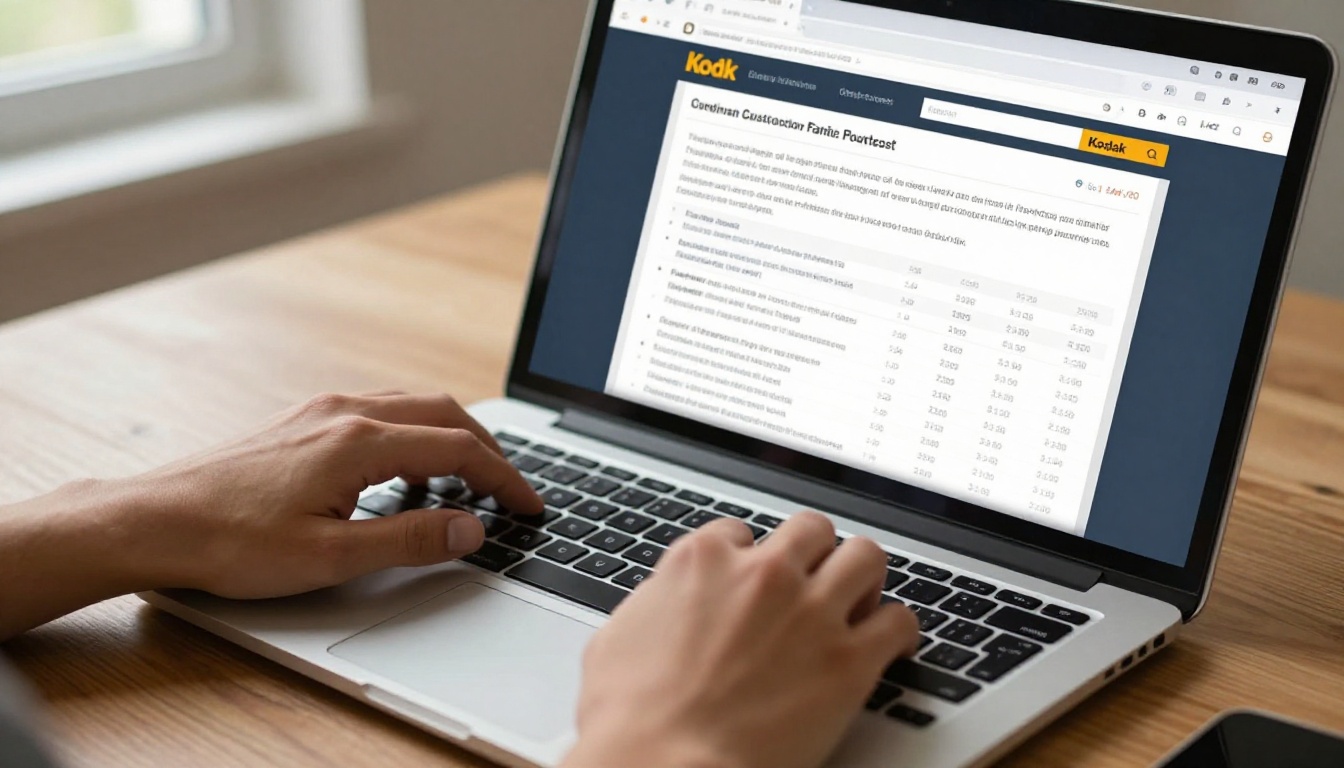
FlipHTML5 free accounts come with 200MB of storage, and PDF uploads are capped at 50MB per file. That sounds reasonable until you realize a single high-resolution brochure or product catalog can easily exceed that limit. Once you hit the storage ceiling, you're looking at a paid plan.
Flipbooks AI takes a more generous approach. The free tier includes enough room to create and publish flipbooks without constantly hitting a wall, and the upload process handles standard PDF sizes without forcing an immediate upgrade.
Watermarks: Who Shows Them, Who Doesn't
This is where many free flipbook tools reveal their true colors. FlipHTML5 places its branding watermark on all publications created on the free plan. Every person who views your flipbook sees a FlipHTML5 badge in the corner.
Flipbooks AI takes a different stance entirely: no watermarks, ever, on any plan. That single decision changes the value proposition completely, especially for small businesses, freelancers, and educators who need professional-looking output without paying for it.
💡 Watermarks are a bigger deal than they seem. A visible watermark signals to your audience that you're using a free tool, which can undermine trust in professional contexts like client proposals or product catalogs.
Side-by-Side Feature Comparison

Here's a direct look at what each platform offers across the features that matter most:
| Feature | FlipHTML5 Free | FlipbooksAI Free |
|---|
| Watermarks | Yes (forced branding) | No watermarks, ever |
| Storage | 200MB total | Generous free storage |
| File size limit | 50MB per PDF | Standard PDF support |
| Password protection | No | Yes |
| Custom domain | No | No (paid plans) |
| Embed code | Restricted | Yes |
| Mobile responsive | Yes | Yes |
| Analytics | No | No (Professional plan) |
| Offline download | No | No (paid plans) |
| Custom branding | No | No (paid plans) |
| Video/audio embed | No (free) | Yes |
⚠️ FlipHTML5's free plan restricts several features you'd expect in any modern digital publishing tool, including analytics access and multimedia embedding.
FlipHTML5 Free Plan Breakdown

FlipHTML5 has been in the market for over a decade. It built its reputation on being one of the first accessible HTML5 flipbook tools, and its free plan reflects an older model of software distribution.
What You Get on FlipHTML5 for Free
- PDF upload and conversion to HTML5 flipbook format
- Page-flip animation effect
- Basic sharing via public link
- Mobile-responsive viewing
- Access to a limited selection of free templates
- Basic text and image editing in the free editor
The core flipbook experience works. You can upload a PDF, watch it convert to a flip-page format, and share a link. For someone just testing the concept, that's functional.
Where FlipHTML5 Draws the Line
The restrictions add up quickly:
- Forced watermark on every published flipbook
- No password protection for private documents
- No analytics or view tracking
- No multimedia embedding (video, audio) on the free tier
- 200MB storage cap with 50MB per file limit
- Limited number of published flipbooks before hitting plan ceilings
- Branding cannot be removed without a paid subscription
For anyone using FlipHTML5 for professional purposes, the watermark alone is enough to push toward a paid tier. The platform is deliberately built around that upgrade path.
FlipbooksAI Free Plan Breakdown

Flipbooks AI approaches the free tier from a different angle. Rather than restricting core functionality to force upgrades, the platform gives you a genuinely usable experience without demanding payment for the basics.
What's Actually Free on FlipbooksAI
- PDF to flipbook conversion with smooth page-turning animation
- Zero watermarks on any published content
- Password protection for private or restricted access
- Embed codes to place flipbooks on external websites
- Mobile-responsive design on all devices
- Video and audio embedding within flipbook pages
- Access to the full tools directory for specific use cases
The no-watermark policy stands out immediately. Whether you're a restaurant owner building a digital menu, a real estate agent sharing a property brochure, or a teacher distributing course materials, your output looks professional without any platform branding in the way.
No Watermarks, No Catches
The absence of watermarks isn't a limited-time offer or a special promotional tier. It's simply how Flipbooks AI is structured. The business model is built around higher-tier features like analytics, lead generation, offline downloads, and custom branding, rather than forcing basic users to pay for a clean publication.
✅ This matters most for small businesses and professionals who need polished output but are not yet ready to commit to a paid subscription.
Sharing and Embedding on Free Tiers
How a flipbook gets shared or embedded is often just as important as how it looks. Both platforms offer sharing options, but the scope differs significantly.
Link Sharing Without Restrictions
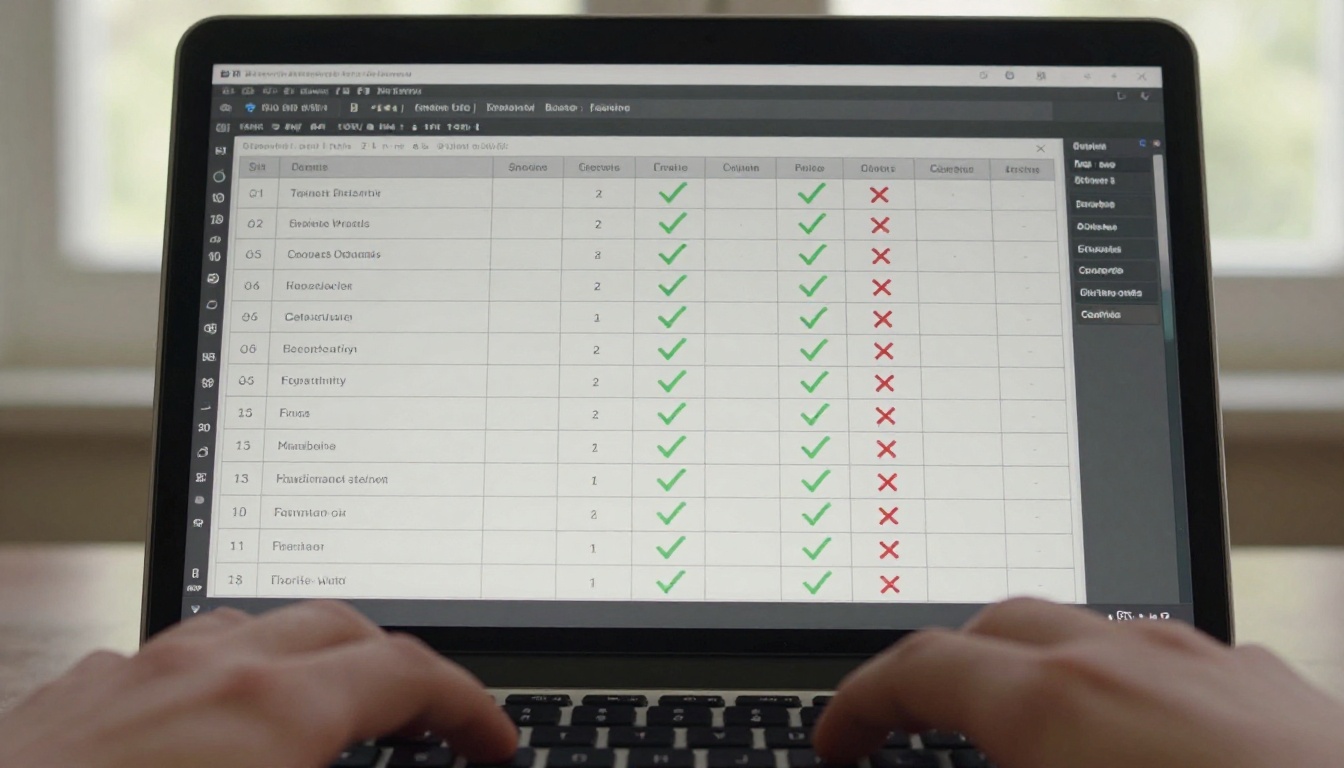
Both FlipHTML5 and FlipbooksAI generate public shareable links on free plans. You can copy a URL and send it to anyone. FlipHTML5 links are hosted on their subdomain, and the watermark appears when viewers open the flipbook.
FlipbooksAI links are equally shareable, and viewers see a clean, brand-free publication. For a real estate agent emailing a property brochure link to a prospective buyer, or a brand sending a digital lookbook to a client, the absence of third-party branding is significant.
Embed Codes on Free Plans
FlipHTML5 restricts embed functionality on the free tier. Getting an embed code to place a flipbook on your own website typically requires a higher plan.
Flipbooks AI includes embed codes on free accounts. You can use the Embed Flipbook on Website tool to place your flipbook directly into any website, blog, or landing page without upgrading. For businesses that want their flipbook integrated into their site rather than just linked externally, this is a meaningful advantage.
| Sharing Feature | FlipHTML5 Free | FlipbooksAI Free |
|---|
| Public shareable link | Yes | Yes |
| Watermark-free link | No | Yes |
| Embed code access | Restricted | Yes |
| Password-protected share | No | Yes |
| Social media share buttons | Yes | Yes |
| Custom domain hosting | No | No |
How to Publish Your First Flipbook on FlipbooksAI

Since Flipbooks AI gives you more usable features on the free tier, here's how to get your first flipbook up and published in minutes.
1. Create your account
Head to flipbooksai.com/account and sign up. No credit card required for the free tier.
2. Upload your PDF
From the dashboard, click the upload button and select your PDF. The platform accepts standard PDF files and begins conversion automatically. Most documents process within seconds.
3. Watch the conversion
FlipbooksAI converts your PDF into an interactive flipbook with smooth page-turning animation. The result is immediately viewable in the built-in preview.
4. Customize your flipbook
Adjust background colors, page effects, and layout settings without any design software. If you're creating a product catalog, try the Product Catalog Generator for a tailored experience. For fashion brands, the Fashion Catalog Creator handles lookbook-style layouts particularly well.
5. Set sharing options
Toggle password protection if your content is private. Copy the shareable link or grab the embed code for your website.
6. Publish and track
On the free tier, your flipbook is live immediately. Upgrade to the Professional plan through flipbooksai.com/pricing to access analytics, lead generation forms, and offline download options.
Real-World Use Cases: Who Benefits Most
Different audiences need flipbooks for different reasons. Here's how the platforms compare by use case:
| Use Case | Better Free Option | Why |
|---|
| Restaurant digital menu | FlipbooksAI | No watermark, password-protect for internal use |
| Real estate property brochure | FlipbooksAI | Professional output, embed on listing pages |
| School newsletter | FlipbooksAI | Clean shareable link, no third-party branding |
| Personal portfolio | FlipbooksAI | Video embed, clean presentation |
| Testing a concept | FlipHTML5 | Familiar interface, long track record |
| E-magazine publication | FlipbooksAI | Multimedia support, embed codes available |
For specific industries, Flipbooks AI offers dedicated tools. Hotels can use the Hotel Brochure Designer, photographers can build a Photography Portfolio, and educators can distribute materials through the Course Material Publisher. Each of these works on the free tier without adding watermarks to the output.

The choice comes down to what you need from a free plan and how much you're willing to compromise.
FlipHTML5 Is Better When
- You've been using it for years and migration isn't worth the friction
- You're strictly testing and don't plan to publish to an actual audience
- You need a specific template from the FlipHTML5 library
- You're evaluating paid plans and want to compare both before committing
FlipbooksAI Makes More Sense When
- You need professional content published without platform watermarks
- You want embed codes without a paid plan
- Password-protecting sensitive documents matters to you
- You're building something a client or audience will actually see
- You want multimedia (video, audio) embedded in your free flipbook
- You'd rather have a modern platform with a growing tools ecosystem
💡 If you're creating content for any external audience, even a single client or small mailing list, the watermark difference alone justifies switching.
Pricing: What Upgrading Looks Like
Both platforms offer paid tiers beyond the free plans. Here's how the upgrade paths compare:
| Plan Level | FlipHTML5 | FlipbooksAI |
|---|
| Free | Watermarked, 200MB storage, limited embeds | No watermarks, embed codes, password protection |
| Standard | Watermark removed, more storage, basic branding | Unlimited flipbooks, custom branding |
| Professional | Analytics, custom domain, lead forms | Analytics, lead generation, offline downloads, full features |
FlipbooksAI's free tier effectively gives you what FlipHTML5 charges for on its Standard plan. That repositions the paid tiers entirely. When you upgrade on FlipbooksAI, you're gaining genuinely powerful features like analytics and lead generation rather than simply removing restrictions that shouldn't have existed in the first place.
The Bottom Line on Free Features
FlipHTML5 built its reputation at a time when "free with a watermark" was the standard expectation for digital publishing tools. That model still works for the company, but it no longer works for users who have better options available.
Flipbooks AI offers a free tier that treats you like a real user: no watermarks, working embed codes, password protection, and multimedia support. These aren't premium features held behind a paywall. They're the baseline.
If you've been tolerating watermarks on your digital publications because you assumed that's just how free tools work, it's worth reconsidering. The gap between what FlipHTML5 gives away free and what FlipbooksAI gives away free is substantial enough to matter in practice.
Ready to see the difference? Create your free account and publish your first watermark-free flipbook in minutes. Browse all available tools and templates to find the right fit for your use case, or review the full pricing breakdown to see what you gain when you decide to upgrade.



