Most free catalog tools look exactly like what they cost: nothing. But a handful of platforms have cracked the code on giving small businesses, independent brands, and solo creators the same polished, high-end output that boutique agencies charge thousands to produce. If you've ever browsed a competitor's catalog and thought "how did they afford that?" — odds are, they didn't spend as much as you think. The right tool matters more than the budget. This article breaks down the best free catalog makers that look expensive, what actually separates them from the noise, and how Flipbooks AI turns a basic PDF into something that stops people mid-scroll.
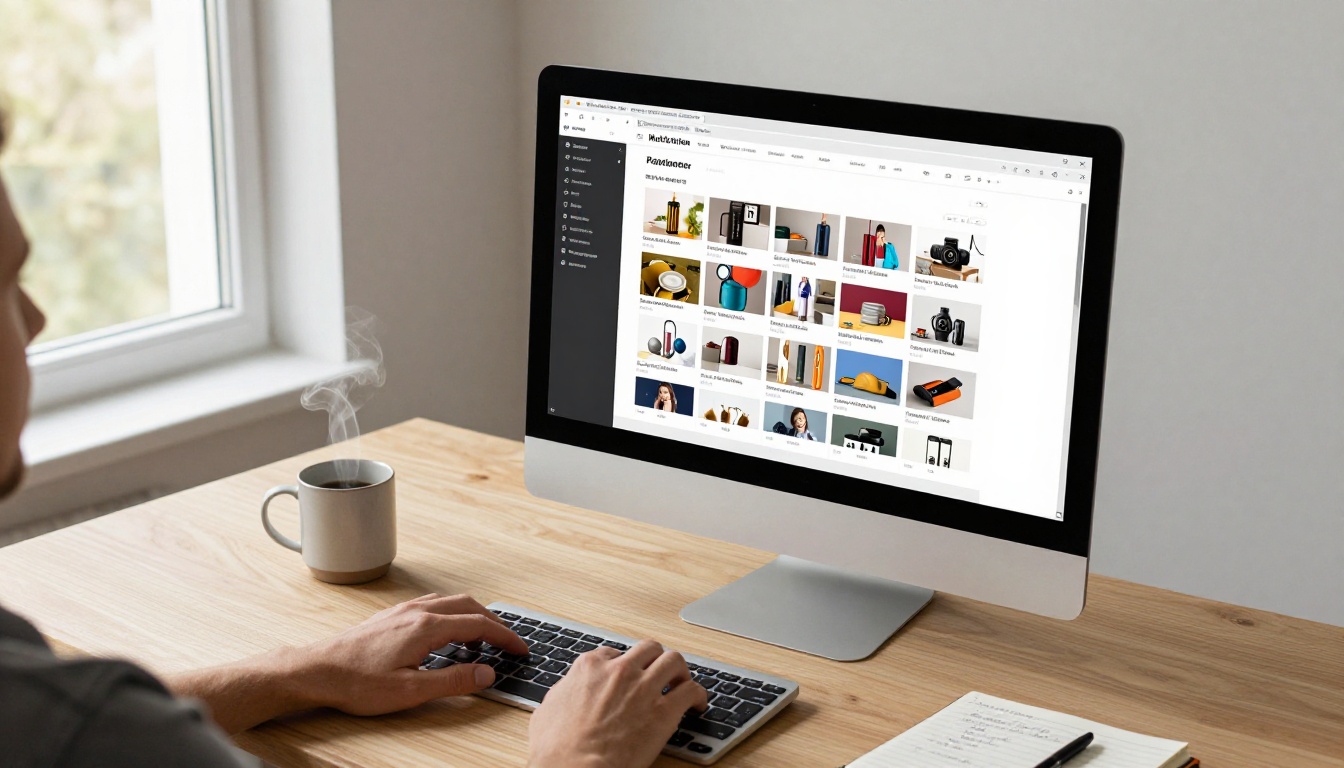
The problem with most free catalog makers isn't access — it's output. Hundreds of platforms offer "free" catalog creation, but the results typically share the same telltale problems: watermarks stamped across every page, rigid templates that can't be customized past a certain point, export files that look blurry at print resolution, and a general aesthetic that screams "I made this in an hour."
The Watermark Trap
Free tiers on most catalog platforms are effectively demos. You do all the design work, spend an hour arranging products, writing descriptions, adjusting fonts — and then you hit the export button and a logo appears across every page. For customer-facing materials, that's unusable.
Template Quality Varies Wildly
Not all free templates are equal. Some platforms offer fifty templates that are really three templates in different colors. Others invest heavily in editorial-quality designs that look like they came from a Manhattan design agency. The gap between the worst and best is enormous, and it's not obvious until you're already deep into a project.
Resolution and File Quality
A catalog printed at 72 DPI looks amateurish. Many free platforms cap export resolution or compress images aggressively to save server costs. High-end catalogs need crisp, full-resolution output — preferably PDF with proper CMYK support if going to print.
⚠️ Warning: Always check the export resolution before committing to a free tool. A beautiful template that exports at low resolution is worthless for print or large-format digital screens.
What Makes a Catalog Look Expensive

Before comparing tools, it helps to know what visual signals communicate "expensive." When someone picks up a catalog — physical or digital — specific design choices register as premium within seconds.
Design Signals That Say Premium
- White space: Cheap catalogs cram everything in. Premium catalogs breathe.
- Consistent typography: Two fonts maximum, used with hierarchy and intention.
- High-contrast product photography: Clean backgrounds, precise lighting, no distracting clutter.
- Editorial grid layouts: Products arranged in a structured grid with precise margins.
- Muted, sophisticated color palettes: Ivory, slate, forest green, warm charcoal — not primary colors.
- Page coherence: Every spread feels like it belongs to the same visual system.
💡 Pro Tip: The single fastest way to make any catalog look more expensive is to add white space. Reduce the number of products per page by 30% and increase your margins. The catalog immediately feels more premium.
Interactive Features That Add Perceived Value
For digital catalogs, interactivity adds a layer of sophistication that static PDFs simply can't match:
- Page-flip animations that mimic physical paper
- Clickable hotspots on products linking to purchase pages
- Embedded video within catalog pages
- Password protection for exclusive collections
- Analytics showing what readers actually engage with
These are the features that separate a "PDF sent by email" from a "digital brand experience."
The Best Free Catalog Makers Compared

Here's a direct comparison of the top free catalog makers based on template quality, output quality, and what you actually get without paying.
| Tool | Free Watermark-Free | Template Quality | Interactive Digital | PDF Export | Custom Branding |
|---|
| Flipbooks AI | ✅ Yes | ⭐⭐⭐⭐⭐ | ✅ Page-flip + video | ✅ Full res | ✅ Custom domain |
| Canva | ⚠️ Limited | ⭐⭐⭐⭐ | ❌ Static only | ✅ Full res | ⚠️ Brand kit paid |
| Adobe Express | ✅ Yes | ⭐⭐⭐⭐ | ❌ Static only | ✅ Full res | ⚠️ Limited free |
| Issuu | ❌ Watermark | ⭐⭐⭐ | ✅ Page-flip | ❌ Paid only | ❌ Paid only |
| Publuu | ❌ Watermark | ⭐⭐⭐ | ✅ Page-flip | ❌ Paid only | ❌ Paid only |
| Visme | ❌ Watermark | ⭐⭐⭐⭐ | ⚠️ Limited | ✅ Full res | ❌ Paid only |
💡 Takeaway: Flipbooks AI is the only platform on this list that combines watermark-free publishing, interactive page-flip, and custom branding at free and standard tiers.
How Flipbooks AI Produces Premium Results

Flipbooks AI was built on a specific premise: every business deserves materials that look like they were made by professionals. The platform converts PDF files into interactive, page-flipping digital catalogs without watermarks, without requiring design experience, and without a credit card for the core features.
Why the Output Looks High-End
Several things contribute to why catalogs made on Flipbooks AI read as expensive:
- No watermarks ever — not on free plans, not on exports, not on shared links
- Realistic page-flip physics that simulate the weight and curl of real paper
- Mobile-responsive rendering that looks polished on every screen size
- Custom branding options including colors, logos, and domain configuration
- Clean sharing interface — links look like a brand URL, not a tool URL
The psychological effect is significant. When someone receives a catalog link and lands on a smooth, animated page-flip experience with the brand's logo in the corner and no platform watermark visible, the immediate perception is: this company invested in their presentation.
The Tools Built for Catalogs Specifically
Flipbooks AI includes a set of purpose-built tools for catalog creation:
Each tool is optimized for its category with purpose-built templates that don't require design knowledge to produce professional output.
Build a Premium Catalog with Flipbooks AI
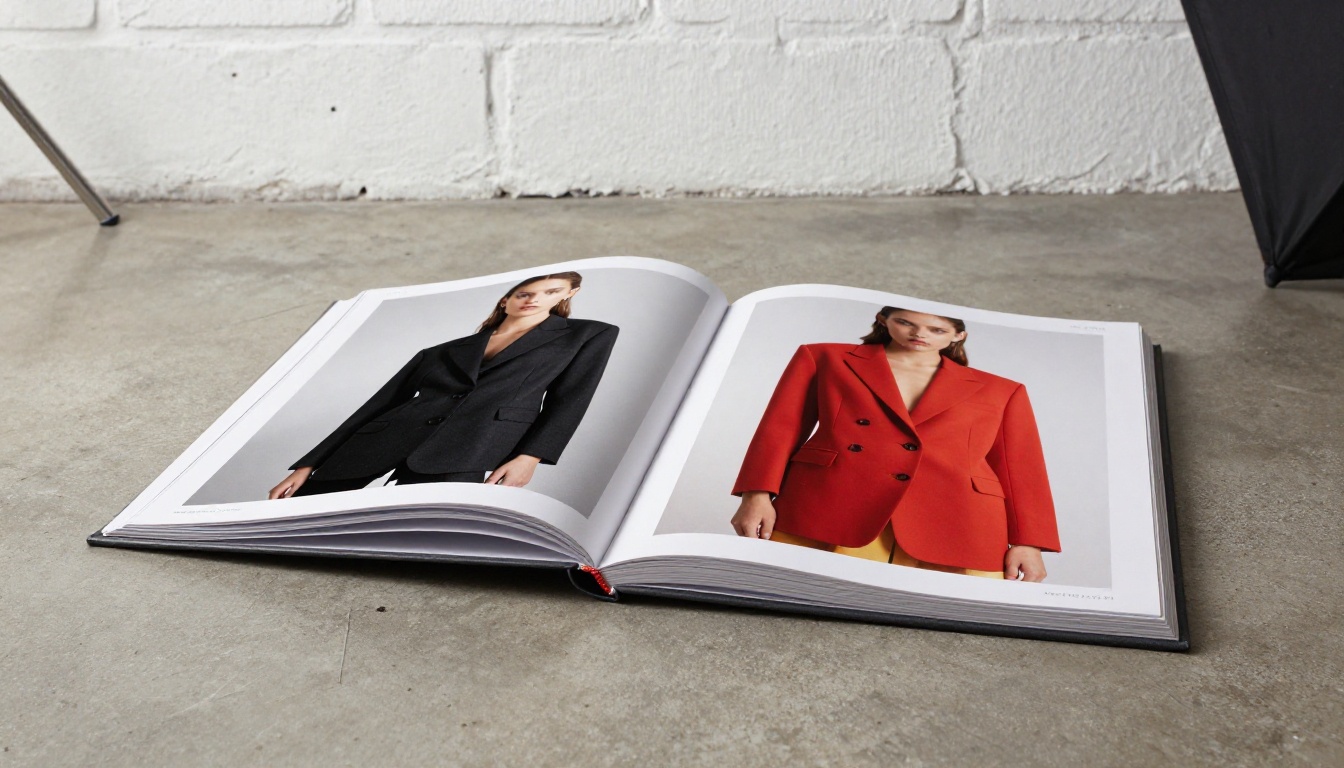
The process from blank page to published interactive catalog takes under 30 minutes when you know the steps.
Step 1: Design Your PDF First
Before uploading, your PDF needs to be in the best shape possible. Use Canva, Adobe Express, or InDesign to:
- Set up an A4 or Letter-size document with proper margins (at least 10mm on all sides)
- Use a two-column or three-column product grid with consistent spacing
- Export at minimum 150 DPI, ideally 300 DPI for print-quality sharpness
- Embed all fonts to prevent substitution on other systems
Step 2: Upload and Convert
Head to Flipbooks AI and create your account. From the dashboard:
- Click "New Flipbook" and select your PDF file
- Wait for the conversion — the platform processes each page and generates the interactive version automatically
- Review the page-flip preview to confirm all pages rendered correctly
Step 3: Customize the Presentation
This is where good becomes great. In the customization panel:
- Branding: Upload your logo and set your brand colors for the catalog viewer interface
- Background: Choose from solid colors, textures, or custom uploaded backgrounds surrounding the catalog
- Page effects: Adjust the page shadow, curl intensity, and flip animation speed
- Autoplay: Set automatic page advancement for kiosk or presentation use cases
Step 4: Publish and Share
Once satisfied with the preview:
- Direct link: Copy a clean shareable URL with no platform branding visible to recipients
- Embed code: Paste an iframe into any website to display the catalog inline
- Password protection: Add a password for exclusive collections or B2B presentations
- QR code: Generate a scannable code for physical signage or print materials
✅ Best Practice: Always test your catalog link on mobile before sending. Flipbooks AI renders are mobile-responsive, but verify font sizes and product image clarity on a phone screen before distributing.
Step 5: Track Performance
On the Professional plan, you get full analytics showing:
- Total views and unique visitors
- Average time spent reading
- Most-viewed pages — critical for understanding what products attract attention
- Lead generation forms embedded within catalog pages
Free vs. Standard vs. Professional: What You Get
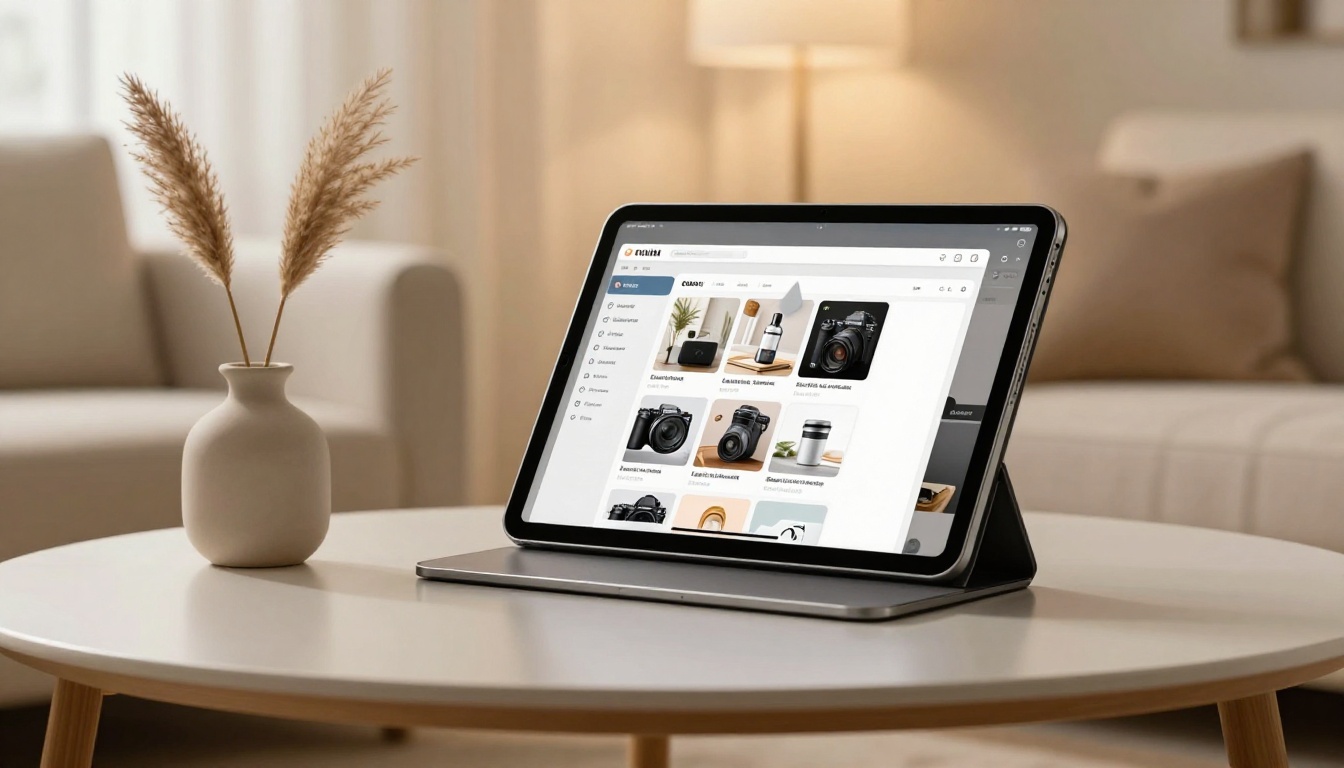
Understanding what each plan actually includes helps avoid surprises.
| Feature | Free | Standard | Professional |
|---|
| Watermarks | ❌ None | ❌ None | ❌ None |
| Number of Flipbooks | Limited | Unlimited | Unlimited |
| Custom Branding | ⚠️ Basic | ✅ Full | ✅ Full |
| Password Protection | ❌ | ✅ | ✅ |
| Analytics | ❌ | ❌ | ✅ Full |
| Lead Generation Forms | ❌ | ❌ | ✅ |
| Offline Downloads | ❌ | ✅ | ✅ |
| Embed Video and Audio | ❌ | ✅ | ✅ |
| Custom Domain | ❌ | ⚠️ | ✅ |
| Mobile Responsive | ✅ | ✅ | ✅ |
💡 Note: Even on the free plan, there are no watermarks — a rare differentiator. Most platforms reserve watermark-free publishing for paid tiers.
Real-World Use Cases by Industry

Knowing which tool to reach for depends on the category. Here's how different industries are using free catalog makers to produce premium output:
Fashion and Apparel
Fashion brands need editorial-quality layouts that position products as desirable objects, not just items for sale. The Fashion Catalog Creator handles this with full-bleed image layouts, minimal text overlays, and collection-by-collection page organization.
Real scenario: An independent clothing brand with 40 SKUs creates a seasonal lookbook catalog with full-page model photography and small product thumbnails in the corner — exactly the format used by major fashion houses.
Furniture and Home Goods
Furniture catalogs sell lifestyle, not just objects. The Furniture Catalog Maker supports lifestyle photography layouts with room-scene images, product specification tables, and material swatch sections.
Real scenario: A furniture maker with a Shopify store embeds an interactive catalog on their homepage. Visitors flip through 24 pages of styled room photography without leaving the site.
Cosmetics and Skincare
Product photography quality is everything in beauty. High-contrast white backgrounds, macro shots showing texture, and precise color reproduction across digital screens define the premium look.
Real scenario: A skincare brand launches a new line with a 12-page digital catalog featuring ingredient close-ups and shade comparison grids. The catalog is shared via a password-protected link sent exclusively to stockists.
Real Estate and Property
Property catalogs need large-format photography, precise specifications, and neighborhood context. The Real Estate Brochure Creator supports multi-property layouts with floor plan inserts.
Real scenario: An independent real estate agent creates a quarterly property catalog covering 20 listings, embeds it on their website, and sends the link via email instead of attaching a large PDF.
Design Mistakes That Make Catalogs Look Cheap
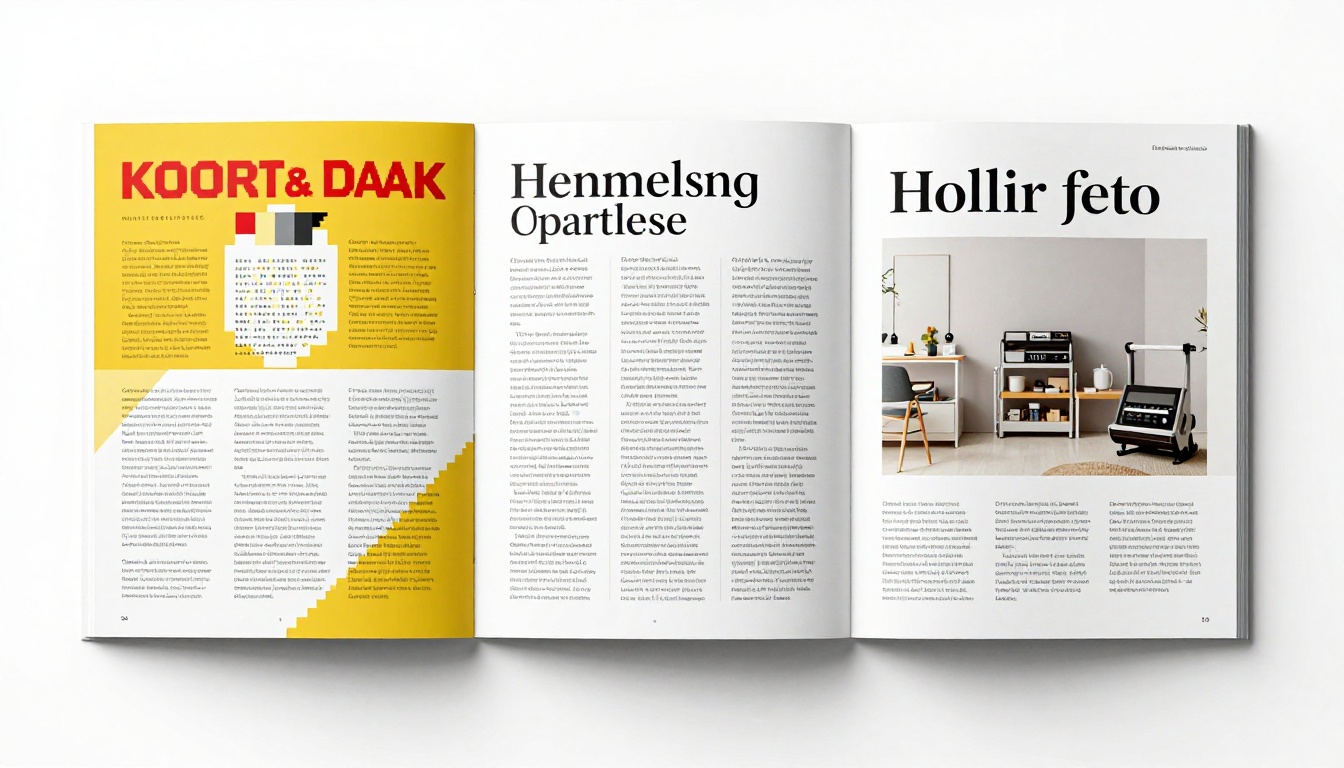
Even with the best free tools, specific design decisions can undercut an otherwise solid catalog. These are the most common offenders.
Too Many Products Per Page
The instinct is to show everything. Premium catalogs resist this. A page featuring three products with room to breathe will always look more expensive than a page with ten products fighting for attention.
Inconsistent Product Photography
If half your product photos have white backgrounds and half have lifestyle backgrounds, the catalog looks assembled rather than designed. Pick one style and stick to it throughout.
Wrong Font Pairing
Using three or four different fonts across a catalog signals amateur work immediately. Premium catalogs use one display font for headlines and one clean sans-serif for body text. That's it.
Ignoring the Cover
The cover is the first impression. Many free-tool users spend all their effort on interior pages and rush the cover. A weak cover undermines the entire catalog regardless of interior quality.
⚠️ Common Mistake: Don't use a product grid on the cover. Use a single, strong hero image. The cover's job is to make someone want to open it, not to show everything at once.
Color Inconsistency
If your brand colors are navy and cream but your catalog uses electric blue and white, the catalog feels off-brand even if it's technically well-designed. Color discipline across every element signals professional execution.
Sharing Your Catalog for Maximum Impact

A perfect catalog that no one sees is wasted work. The distribution strategy matters as much as the design.
Direct Link Sharing
Flipbooks AI generates clean, shareable URLs that open directly to the catalog viewer. Send these via:
- Email campaigns: Link text like "View our new collection" performs better than "Click here"
- SMS marketing: Short links work well for product drop announcements
- Social media bios: Instagram and TikTok bio links pointing to seasonal catalogs
Website Embedding
The embed code from Flipbooks AI places the interactive catalog directly inside any webpage. Visitors flip through pages without leaving your site, reducing bounce rates and increasing time-on-page — both positive signals for search rankings.
QR Code Integration
Print the QR code on physical packaging, store signage, business cards, or trade show materials. Someone scans the code in-store and immediately gets the full interactive digital catalog on their phone.
Password-Protected B2B Sharing
For wholesale catalogs or new-season previews, password protection keeps content exclusive to buyers. Share the link and password via direct email rather than posting publicly — it adds perceived exclusivity to the catalog itself.
When Free Isn't Enough Anymore
Most catalogs start free. As a business grows, the needs evolve. The signal that it's time to upgrade usually comes in one of these forms:
- You need analytics to know which products are actually getting attention
- A client or stockist needs a white-labeled catalog without any third-party platform visible
- You want to embed lead capture forms within the catalog itself
- You need offline download capability for trade shows with unreliable WiFi
- You're managing multiple catalogs and need an organized dashboard
The Professional plan on Flipbooks AI addresses all of these without a massive budget jump. The step from free to professional is a legitimate business investment when catalogs are a core sales tool.
Build a Catalog That Sells Without a Designer
Building something that looks expensive without hiring expensive people comes down to three principles.
Restraint over abundance. Show less. Make each product feel chosen, not listed.
Photography over everything. No layout compensates for bad product photography. Invest in one good photo session rather than dozens of mediocre phone photos.
Consistency as the brand. When every font choice, every color, every margin is consistent, the catalog reads as intentional. Intentional reads as expensive.
These principles work in any tool. But they work best in a tool that doesn't fight you — one with templates built by designers who already made these decisions. That's the underlying value of platforms like Flipbooks AI: the professional judgment is already baked into the starting point.
Ready to create a catalog that looks like it cost thousands? Start for free on Flipbooks AI, upload your PDF, and publish your first interactive catalog in under 30 minutes. Browse all available catalog tools and templates to find the format that fits your products. When you're ready for analytics, lead generation, and full white-labeling, compare pricing plans to choose the right tier for where your business is headed.



