If you've been putting off creating a digital catalog because it sounds expensive or complicated, this is your sign to stop waiting. The tools available today are surprisingly capable, free to start, and built with beginners in mind. Whether you're running a small shop, freelancing as a designer, or managing a school's publications, the right free digital catalog creator can have your first catalog live within an hour. Flipbooks AI is one of the strongest options out there, and it's free to get started. But before we get into the tools, let's talk about why making the switch from paper to digital is worth it in the first place.

Why Digital Catalogs Beat Paper Ones
Print catalogs had their moment. But for most businesses today, they're slow, expensive, and hard to update. A run of 500 printed catalogs costs hundreds of dollars, takes weeks to produce, and becomes outdated the second a price changes. Digital solves all of that in one move.
The Real Cost of Print Catalogs
The numbers don't lie. Here's what print typically costs compared to going digital:
| Cost Factor | Print Catalog | Digital Catalog |
|---|
| Professional design | $500 - $3,000+ | $0 with free tools |
| Printing (500 copies) | $400 - $1,200 | $0 |
| Distribution (shipping) | $200 - $800 | $0 (shareable link) |
| Updates and reprints | $300 - $1,000 per change | Instant, free |
| Analytics (who viewed it) | Not possible | Built-in with many tools |
For a beginner or small business, digital is not just cheaper. It's faster, more flexible, and far easier to share with the people who matter.
What Buyers Actually Want Today
Modern customers expect to browse on their phones, tablets, and laptops. They want to click, zoom, and share. A static PDF or a printed booklet does not give them that. A well-made digital catalog with page-flip animations, clickable links, and mobile-responsive design feels professional and builds trust.
💡 Pro tip: Catalogs that include embedded links to product pages see significantly higher engagement than static print equivalents. Every page flip is a potential click.

Not all free catalog creators are equal. Some limit you to three pages. Others watermark everything. A few hide essential features behind expensive paywalls. Before you commit to any platform, know exactly what to check for.
5 Features That Matter Most
- PDF upload and conversion — You should be able to start from a PDF you already have.
- Page-flip animation — The interactive feel matters. Static image galleries are not the same experience.
- Shareable link — Can you share the catalog without the reader needing an account?
- Mobile responsiveness — Your catalog must work on phones without awkward zooming and scrolling.
- No forced watermarks — A watermark on every page undermines your brand's professionalism immediately.
What Free Plans Actually Give You
Here's an honest breakdown of what "free" really means across the most popular tools:
| Feature | Flipbooks AI | Canva | Issuu | Flipsnack | Publuu |
|---|
| Watermark-free | ✅ Yes | ✅ Yes | ❌ On free | ❌ On free | ❌ On free |
| Page-flip animation | ✅ Yes | ❌ No | ✅ Yes | ✅ Yes | ✅ Yes |
| PDF upload | ✅ Yes | ✅ Yes | ✅ Yes | ✅ Yes | ✅ Yes |
| Shareable link | ✅ Yes | ✅ Yes | ✅ Limited | ✅ Limited | ✅ Limited |
| Custom branding | ✅ Yes | ✅ Partial | ❌ Paid only | ❌ Paid only | ❌ Paid only |
| Mobile responsive | ✅ Yes | ✅ Yes | ✅ Yes | ✅ Yes | ✅ Yes |
| Embeddable on website | ✅ Yes | ✅ Limited | ✅ Limited | ✅ Limited | ✅ Limited |
⚠️ Watch out: Many tools advertise "free forever" but add a prominent watermark to your catalog that you cannot remove without paying. Always check before publishing anything professionally.
Best Free Digital Catalog Creators Right Now
There are dozens of tools out there. These are the ones actually worth your time as a beginner.
Flipbooks AI
Flipbooks AI stands out for one simple reason: it gives you a fully functional, professional-quality catalog without watermarks, right from the free plan. No tricks, no surprises mid-project. The platform is built specifically for creating interactive flipbook-style publications, which makes it especially powerful for catalogs, lookbooks, and product collections.
What makes it beginner-friendly is the workflow. Upload a PDF, and the platform converts it into an interactive digital catalog with realistic page-flip animations. You can customize colors, add your logo, and share a direct link or embed the catalog on your website within minutes.
The Digital Catalog Maker is the fastest starting point if you have a product list ready. The Fashion Catalog Creator, Furniture Catalog Maker, and Product Catalog Generator are all available for specific catalog types, saving you setup time by starting from the right template.
Standout features:
- ✅ No watermarks, ever
- ✅ Unlimited flipbooks on the Standard plan and above
- ✅ Password protection for private or client-facing catalogs
- ✅ Embed videos and audio inside pages
- ✅ Mobile-responsive design that works beautifully on any device
- ✅ Analytics and lead generation on the Professional plan
Canva
Canva is a popular design tool with catalog templates, but it's important to understand what it actually is: a design tool, not a flipbook or digital publishing platform. You can design beautiful pages and export a PDF, but there's no built-in page-flip experience. Canva works best as a design starting point before you upload to a dedicated platform like Flipbooks AI.
Issuu
Issuu is one of the older players in digital publishing. The free plan allows you to upload and share publications, but it places a watermark on free accounts and limits the number of publications you can have. It's solid for pure reading experiences but lacks the customization flexibility of newer platforms.
Flipsnack
Flipsnack offers a drag-and-drop editor and is fairly intuitive. The free plan is limited to five publications with a watermark. Their templates are clean and varied, which is useful for beginners who don't have a PDF ready yet. Paid plans remove the watermark and add branding options.
Publuu
Publuu focuses heavily on the visual page-flip experience and includes features like hotspots and embedded links. The free plan adds a Publuu watermark, and storage is limited. It's a decent exploration tool, but for anything professional-looking, you'll need to upgrade.

Here's a practical comparison for beginners choosing between the top tools:
| Tool | Best For | Free Watermark | Max Free Publications | Custom Branding (Free) | Beginner Rating |
|---|
| Flipbooks AI | All catalog types | None | Unlimited (Standard) | ✅ Yes | ⭐⭐⭐⭐⭐ |
| Canva | Design only | None | Unlimited | ✅ Partial | ⭐⭐⭐⭐ |
| Issuu | Magazines, reports | Yes | 3 | ❌ No | ⭐⭐⭐ |
| Flipsnack | Flipbook design | Yes | 5 | ❌ No | ⭐⭐⭐⭐ |
| Publuu | Visual flip experience | Yes | 1 | ❌ No | ⭐⭐⭐ |
✅ Best practice: If you're a beginner who wants something professional-looking without watermarks and without a steep learning curve, Flipbooks AI is the strongest free starting point available today.

How to Build Your First Catalog with Flipbooks AI
Creating your first digital catalog takes less time than you think. Here's exactly how to do it, step by step.
Step 1: Sign Up and Create an Account
Head to Flipbooks AI and create a free account. No credit card is required to get started. Once you're in, you'll see the dashboard with tool categories ready to pick from.
Step 2: Choose Your Catalog Type
Rather than starting from scratch, pick the tool that matches your catalog type:
Step 3: Upload Your PDF
Once inside the tool, upload your existing PDF. If you don't have one yet, design your pages in Canva first, export as a PDF, then upload here. The platform converts it automatically into an interactive flipbook with the page-turn animation enabled by default.
💡 Pro tip: For best results, design your PDF at 1920x1080px (16:9 ratio) or standard A4/Letter size. This ensures the catalog looks sharp on all screen sizes without any cropping.
Step 4: Customize Branding and Design
This is where your catalog becomes yours. You can:
- Add your logo to the header or footer
- Set brand colors for the interface and navigation buttons
- Choose page effects (soft-page vs. hard-page flip)
- Add background music or embedded video links to specific pages
- Set a custom thumbnail for the cover
Step 5: Share and Embed
Once your catalog looks right, hit publish. You'll get:
- A direct shareable link you can send via email, WhatsApp, or social media
- An embed code to place the flipbook directly on your website or online store
- Password protection if the catalog is meant for private clients only (available on select plans)
✅ Best practice: Always test your catalog on mobile before sharing it publicly. Open the link on your phone and check that text is readable and images are crisp on a small screen.
Who Actually Needs a Digital Catalog?
The short answer: more people than you'd think. Here are real-world scenarios where a digital catalog makes an immediate difference.
Small Business Owners
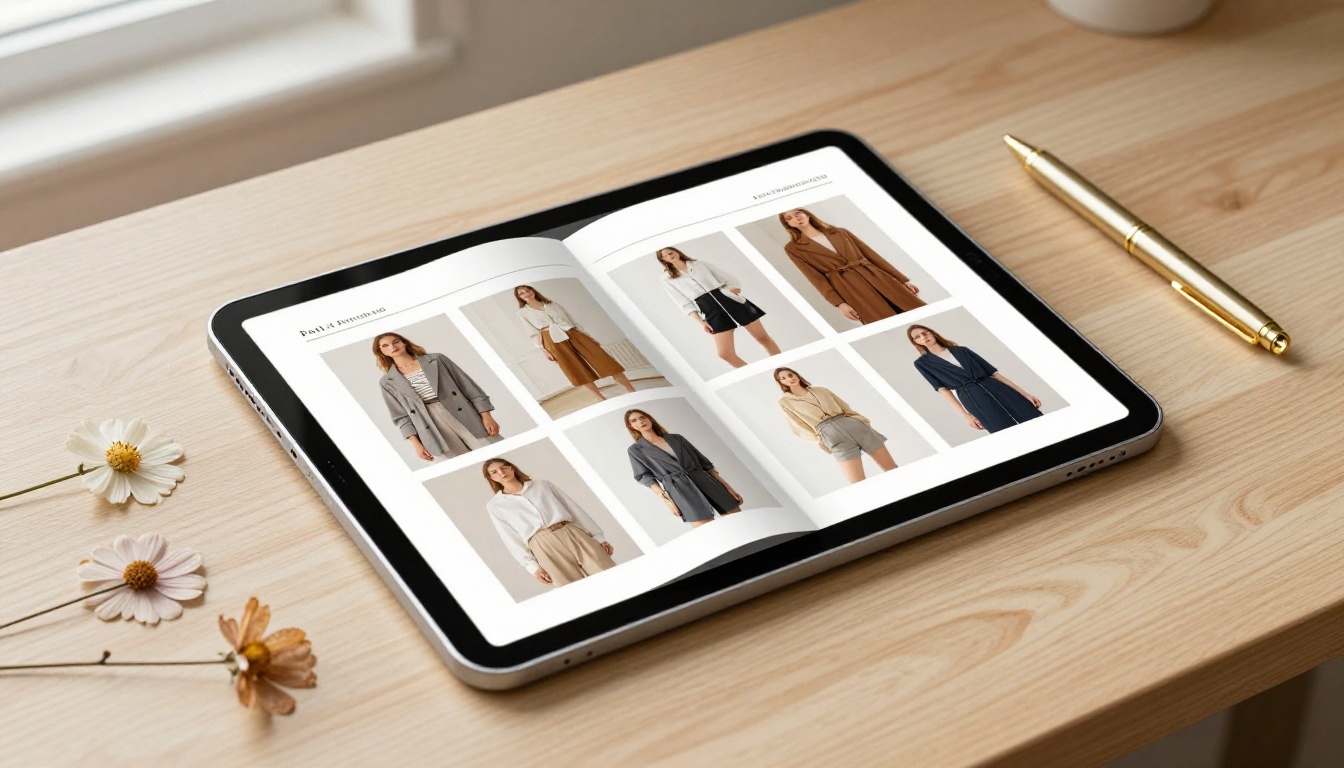
A boutique clothing shop can replace its seasonal printed lookbook with an online catalog that customers scroll through on their phones. Update it when inventory changes, share it on Instagram, and embed it on the website. No reprints, no waste, no delays.
A handmade jewelry seller can use the Product Catalog Generator to create a polished presentation for wholesale buyers, complete with pricing and contact information, without paying for a professional designer.
Freelancers and Designers
Designers presenting work to clients can build a portfolio catalog instead of sending a PDF attachment. A digital flipbook feels more intentional, loads fast, and can be password-protected for each specific client.
The Digital Portfolio Creator and Portfolio Flipbook Builder are built for exactly this use case.
Schools and Nonprofits
Schools can use digital catalogs for course materials, event programs, and newsletters. Nonprofits can replace expensive printed annual reports with interactive online versions that include embedded video testimonials and clickable donation links.
The School Newsletter Creator and Yearbook Flipbook Maker are purpose-built for educational institutions and community organizations.

Free vs Paid Plans: What You Actually Get
For most beginners, the free plan is enough to get started and even publish professionally. Here's how the plan tiers stack up for catalog creation:
| Feature | Free | Standard | Professional |
|---|
| Watermarks | None | None | None |
| Number of flipbooks | Limited | Unlimited | Unlimited |
| Custom branding | Basic | Full | Full |
| Password protection | ❌ | ✅ | ✅ |
| Analytics and tracking | ❌ | Basic | Advanced |
| Lead generation forms | ❌ | ❌ | ✅ |
| Offline downloads | ❌ | ✅ | ✅ |
| Embed videos and audio | ❌ | ✅ | ✅ |
| Priority support | ❌ | ✅ | ✅ |
💡 Pro tip: Start on the free plan to get comfortable with the platform. Once you have your first catalog published and you're seeing results, check all pricing plans to access analytics and lead generation tools.

Common Beginner Mistakes (and How to Fix Them)
If you're new to digital catalogs, these are the mistakes that slow down most people and hurt their results.
Starting Without a PDF
Most digital catalog tools work by converting a PDF. If you try to build everything from scratch inside the tool, the process gets slow and frustrating. Design your pages in Canva or PowerPoint first, export as a PDF, then upload to the catalog tool. That workflow is far more efficient.
Ignoring Mobile Preview
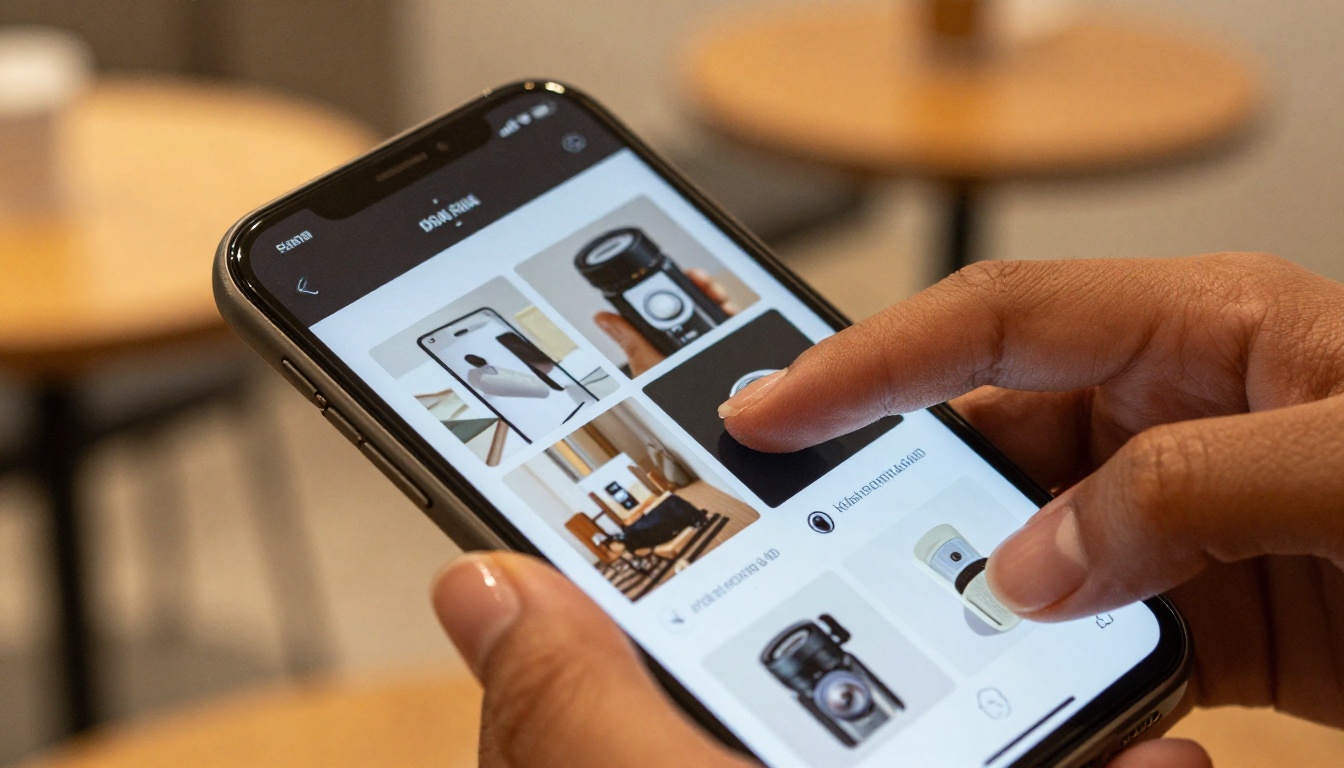
Most viewers will open your catalog link on their phone. If you only tested on your desktop, you might miss that text is too small or images are cut off on a smaller screen. Always preview on mobile before sharing publicly.
Using Too Much Text Per Page
A digital catalog is not a wall of text. Each page should carry strong visuals, brief descriptions, and clear pricing. If a product needs a longer description, link to the product page instead of cramming it onto the catalog page.
Skipping the Cover Design
The cover is the first impression. A generic cover with no branding, no compelling image, and no clear title tells viewers nothing about what's inside. Spend extra time on this page specifically. It sets the tone for everything that follows.
⚠️ Warning: Avoid uploading low-resolution images (under 150 DPI) to your catalog. They appear blurry on large screens and immediately undermine your catalog's perceived quality.
Forgetting to Add a Call to Action
Every catalog page should tell the reader what to do next. Include your website, phone number, or a QR code pointing to your online store. Without a clear next step, even an interested viewer has nowhere to go.
Your First Catalog Starts Here
You've got the tools, the information, and a step-by-step process. The only thing left is to actually build something. The barrier to entry for creating a professional digital catalog has never been lower, and the best free tools available right now will get you there faster than you expect.
Ready to publish your first catalog? Create your free account on Flipbooks AI and have your catalog live within the hour.
Want to see all the available catalog and publishing tools? Browse the full tools directory and find the right format for your specific content type.
Thinking about upgrading when you're ready for analytics and advanced features? Compare all pricing plans and pick what fits your budget and goals.



