Running a small shop in 2026 means competing for attention in a world where customers scroll, tap, and swipe before they ever walk through your door. If your product catalog still lives as a folded pamphlet in a rack by the register, or a clunky PDF attached to an email, you're losing sales before the conversation even starts. A free digital catalog maker changes that entirely, and for small shops working with tight margins, the zero-cost entry point matters as much as the features. Flipbooks AI is one of the tools making this possible, turning a simple PDF into an interactive, shareable experience in minutes.

Why Print Catalogs Are Costing You
Printed catalogs have a certain charm. But charm doesn't pay the bills, and the real economics of print are punishing for small shops with thin margins.
The Hidden Costs Nobody Talks About
A short-run print order of 500 full-color catalogs runs between $400 and $900 depending on page count, binding, and finish quality. That's before factoring in a designer's fee if you don't have one in-house. When products change, prices update, or a season ends, you either live with outdated stock or pay to reprint.
Digital catalogs eliminate that entire cycle. You update your file, re-upload it, and every link you've ever shared automatically points to the new version. No reprints. No minimum orders. No leftover stacks collecting dust behind the counter.
⚠️ Watch out: A catalog showing last season's pricing or out-of-stock items actively damages customer trust. Digital makes corrections instant.
What Customers Actually Prefer
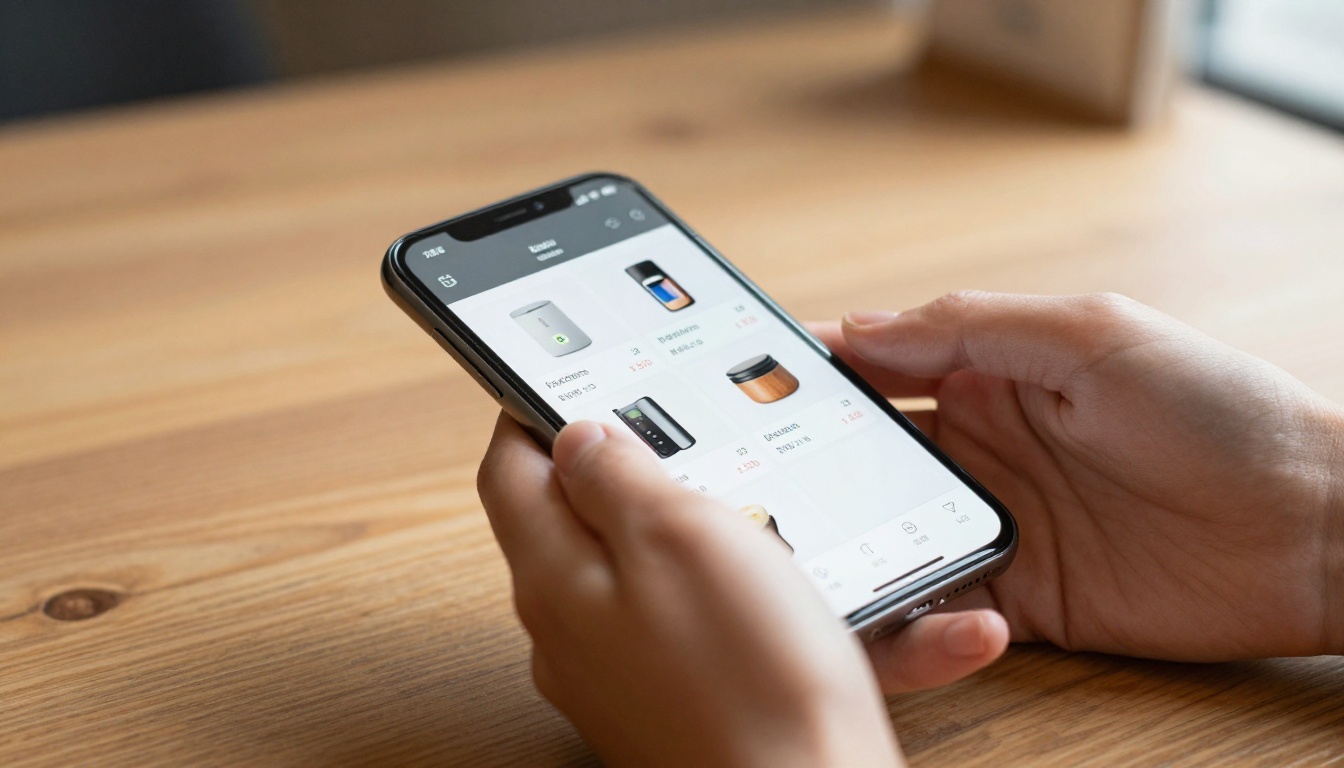
Buying behavior has shifted significantly. Customers research products before purchasing, whether they buy online or in-store. A digital catalog that loads fast, looks sharp on a phone, and can be shared via a WhatsApp message or Instagram link meets customers where they already spend their time.
When someone can flip through your full product range while waiting for coffee, on their phone, with smooth page animations and clear photography, they often arrive at your shop already knowing exactly what they want to buy. That's a sale that started before you even said hello.

What a Free Digital Catalog Maker Actually Does
A digital catalog maker takes your product content, whether from a PDF, a set of photos, or a ready-made template, and converts it into an interactive flipbook that works on any device and can be distributed with a single link.
Features That Matter Most for Small Shops
Catalog tools vary widely in what they offer. For small shops, these are the features worth prioritizing:
- Mobile responsiveness: Most catalog browsing happens on phones. A catalog that breaks on mobile is worse than no catalog at all.
- No watermarks: Free tools that stamp their branding across your catalog undermine your professionalism. Look for platforms that skip this entirely.
- Simple sharing: A direct link or embed code you can drop into WhatsApp, email, your website, or an Instagram bio link.
- Custom branding: Your logo, your colors, your fonts, not the platform's default styling.
- Fast loading: Customers won't wait for a slow catalog. Page animations should be smooth and immediate.
- Realistic page-flip effect: The tactile quality of a physical catalog, recreated digitally, keeps customers browsing longer than a flat PDF.

What You Can Skip for Now
Some platforms push complex features that add friction without adding value at the small shop level. CRM integrations, multi-user workflows, and API access are enterprise-tier concerns. When you're starting out, focus on getting a polished catalog live and shared. Add complexity when you actually need it.
💡 Pro tip: Start with your top 20 products. A curated 20-item catalog gets shared more often than a bloated 200-item one. Customers appreciate focus and curation.
Comparison: Digital Catalog Options for Small Shops
Not all free catalog tools are built the same. Here's how different approaches compare on features that actually matter:
| Format | Interactive Page Flip | Mobile Optimized | No Watermarks | Embed on Website | Free Option |
|---|
| PDF email attachment | No | Partial | Yes | No | Yes |
| Canva PDF share link | No | Yes | Yes | No | Yes |
| Basic PDF viewer | No | Partial | Varies | No | Yes |
| Flipbooks AI flipbook | Yes | Yes | Yes | Yes | Yes |
The gap between a static PDF and a proper interactive flipbook is visible to customers immediately. A PDF shows pages. A flipbook creates an experience: realistic page turns, smooth navigation, professional presentation that signals your shop takes its brand seriously.
How to Create a Digital Catalog with Flipbooks AI
Flipbooks AI is built specifically for this kind of project. The Digital Catalog Maker handles everything from upload to publish in a workflow that doesn't require any design experience or technical skills.
Set Up Your Account
Go to flipbooksai.com/account and create your account. The free plan is available immediately with no credit card required. Once inside, your dashboard shows all your flipbooks and gives you access to every tool in the platform.

Upload and Convert Your PDF
The core workflow takes less than five minutes from start to a live link:
- Export your product catalog as a PDF. Canva, Adobe Express, Google Slides, and PowerPoint all export to PDF in one click.
- Go to the PDF to Flipbook Converter tool on Flipbooks AI.
- Drag and drop your PDF into the upload area. The system processes your file and generates an interactive flipbook automatically.
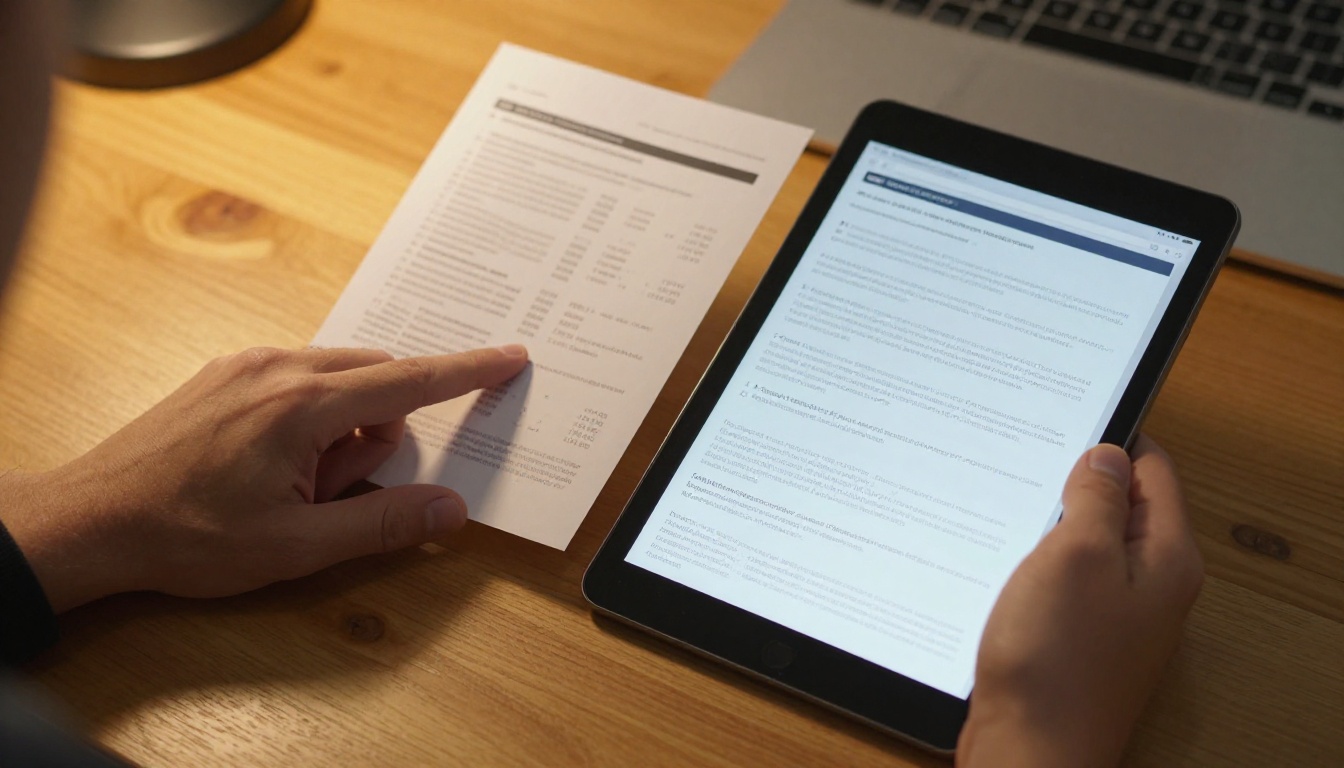
- Preview the flipbook to confirm that pages display correctly and the flip animation runs smoothly.
A 20-page catalog typically processes in under a minute. The output includes a live preview link you can share immediately, before you've even finished customizing.
Customize Your Branding
This is where the catalog becomes distinctly yours:
- Upload your logo: It appears in the catalog header and navigation bar on every page.
- Set brand colors: Match your shop's palette so the catalog feels like a natural extension of your brand identity.
- Choose a background: Clean white, a subtle texture, or a custom image works well depending on your product style and aesthetic.
- Add multimedia: Embed product videos or audio clips directly into catalog pages for a richer presentation.
- Enable page sounds: The optional page-flip sound adds a satisfying physical quality to the digital browsing experience.
✅ Best practice: Keep backgrounds neutral and clean. Let your product photography carry the visual weight. Busy backgrounds compete with products for attention.
Publish and Share Your Catalog
Once your catalog is ready, Flipbooks AI gives you multiple distribution options:
- Direct link: A clean URL you can share anywhere. Works in email, WhatsApp, SMS, and social media profiles.
- Embed code: A snippet of HTML that places your flipbook directly on your website. Customers browse without leaving your page.
- QR code: Download a QR code that opens your catalog on any phone. Print it on receipts, packaging, business cards, or in-store displays.
- Password protection: Lock your catalog for wholesale buyers, VIP clients, or private seasonal collections.

For shops that want more depth, the Professional plan adds full analytics showing page-by-page visit data, and lead generation tools that capture customer contact information directly inside the catalog while they're browsing.
Free vs Paid: When the Upgrade Makes Sense
Knowing what the free plan gives you versus what paid tiers add helps you choose the right moment to invest.
| Feature | Free Plan | Standard Plan | Professional Plan |
|---|
| Number of flipbooks | Limited | Unlimited | Unlimited |
| Watermarks | None | None | None |
| Custom domain | No | Yes | Yes |
| Password protection | No | Yes | Yes |
| Analytics | No | Basic | Full |
| Lead generation | No | No | Yes |
| Offline download | No | Yes | Yes |
| Custom branding | Limited | Full | Full |
| Priority support | No | No | Yes |
💡 Pro tip: Start free. Build your first two or three catalogs and see how customers respond. Upgrade when specific features become a genuine business need, not before.
For most small shops launching digital catalogs for the first time, the free plan on Flipbooks AI covers everything needed to go live and start sharing. The Standard plan makes sense when you need unlimited catalogs and password protection for wholesale clients. The Professional plan becomes worth the investment when you're running email capture campaigns and need detailed page-level visit data.
4 Shop Types That Benefit Most
Boutique Fashion and Accessories
Fashion is visual, and a flippable lookbook showing your current season's pieces outperforms a static product grid every time. Shops using the Fashion Catalog tool can build seasonal lookbooks that update with inventory changes throughout the year.
A boutique that emails a fresh digital catalog link to its customer list at the start of each season is doing something most competitors simply aren't. Customers look forward to it, and it drives repeat visits without any ad spend.
Handmade and Artisan Shops
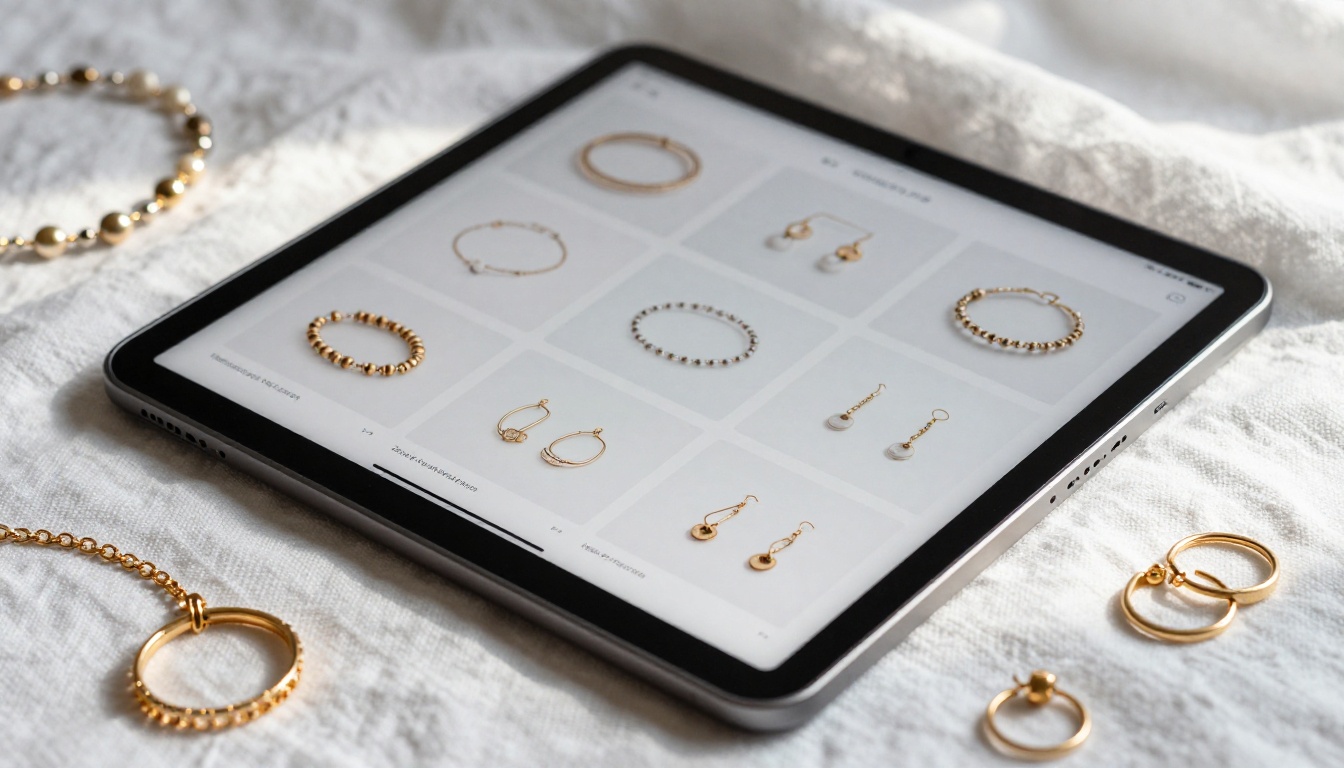
Handmade shops live and die by story. A catalog with close-up photography, brief notes on materials and production process, and warm natural styling communicates value in a way a plain product listing simply cannot. The Catalog Flipbook Creator suits this kind of rich, story-driven presentation particularly well.
💡 Pro tip: Include one process shot per product category showing how the item is made. Customers pay more for products they feel genuinely connected to.
Home Decor and Furniture Shops
Furniture and decor are high-consideration purchases. Customers want to see pieces in context, check dimensions, and compare options before committing. A digital catalog organized by room type, with styled room scenes alongside product specs, gives buyers the confidence to say yes. The Furniture Catalog Maker handles this format particularly well.
Food, Beverage, and Specialty Goods
Specialty food shops and small-batch producers benefit enormously from digital catalogs when doing B2B outreach to local restaurants, delis, and wholesale buyers. A clean, professional catalog with product specs, origin stories, and pricing tiers is far more effective for those conversations than an email with a PDF attachment.
Where to Share Your Catalog
On Your Website
Embedding your catalog directly on your website turns passive visitors into active browsers. With the Embed Flipbook on Website tool, one line of code places your flipbook inline on any page. No redirects, no downloads, no visitors lost to a new tab.
The most effective placements: your homepage hero section, your Products or Shop page, and any landing pages tied to seasonal promotions or new arrivals.
On Social Media and Messaging Apps
Social platforms don't allow embedded flipbooks, but a direct link in your bio, a pinned post, or a story swipe-up performs consistently well. For more impact, record a short screen capture of your catalog's page-flip animation and use it as a post to drive clicks to the full version.
Direct messaging works too. Sending a catalog link in WhatsApp or Messenger to a customer asking about your products is a polished, immediate way to present your full range without attachment size limits or compatibility issues.
Through QR Codes in Physical Spaces
QR codes bridge your physical presence with your digital catalog. Print them on:
- Packaging inserts: Customers who buy once can browse your full product range at home and come back for more.
- Business cards: Every card you hand out becomes a catalog distribution point.
- In-store signage: Position codes next to product displays, on shelves, and at the register.
- Market stall banners: Pop-up vendors and market sellers can drive interested browsers to a full digital catalog when booth space limits what you can display in person.
Via Email Newsletters
A catalog link in an email performs far better than a PDF attachment. It opens instantly in any browser, displays properly on every device, and the Professional plan tracks who opened it and which pages held their attention. For shops running regular newsletters, a "Browse This Month's New Arrivals" button linking directly to your current flipbook is simple to add and consistently drives traffic and repeat purchases.
Make Your Catalog Work Harder
Product Descriptions That Actually Sell
Images get attention. Words close the sale. Each product should have a short, specific description answering three things: what it is, who it's for, and why it matters. Skip generic phrasing.
Specific beats vague, every time:
Strong: "Hand-thrown ceramic mug, 12oz, dishwasher safe, available in four glazes. Made in small batches."
Weak: "Beautiful artisan mug made with love and care."
The strong version tells a customer exactly what they're getting. The weak version tells them nothing useful.
Track Performance and Improve Over Time
The Professional plan includes page-by-page analytics showing which products generate the most clicks and which pages customers skip past. Use that data to restructure your next catalog edition: put your strongest performers up front, cut what isn't working, and test different product photography approaches.
A digital catalog is not a one-time project. It's a living asset you refine over time based on what your customers actually respond to, which is something a printed catalog can never be.

Start Selling From Your Catalog Today
Small shops that move their product presentation online, and do it with quality, have a genuine advantage over those that don't. A free digital catalog maker removes every traditional barrier: no designer required, no minimum print run, no distribution cost, no outdated copies in circulation. What used to take weeks and hundreds of dollars now takes an afternoon and a solid set of product photos.
Create your first digital catalog free on Flipbooks AI and see how quickly product photos become a shareable, professional flipbook customers actually want to look through.
Not sure which format fits your shop? Browse all catalog and flipbook tools to find the right option, from fashion lookbooks and furniture catalogs to specialty food lists and artisan product showcases.
When you're ready to track who's reading your catalog and start capturing customer leads directly from within it, compare pricing plans and choose the level that fits where your business is headed.



