The truth is, most people have never built a digital flipbook before. It sounds like something that requires design training, a paid software license, or at least an afternoon of watching tutorials. But the actual process, when you use the right free flip book maker, takes less time than writing an email.
Why Static PDFs Are Losing the Attention Battle
The Problem With Flat Documents
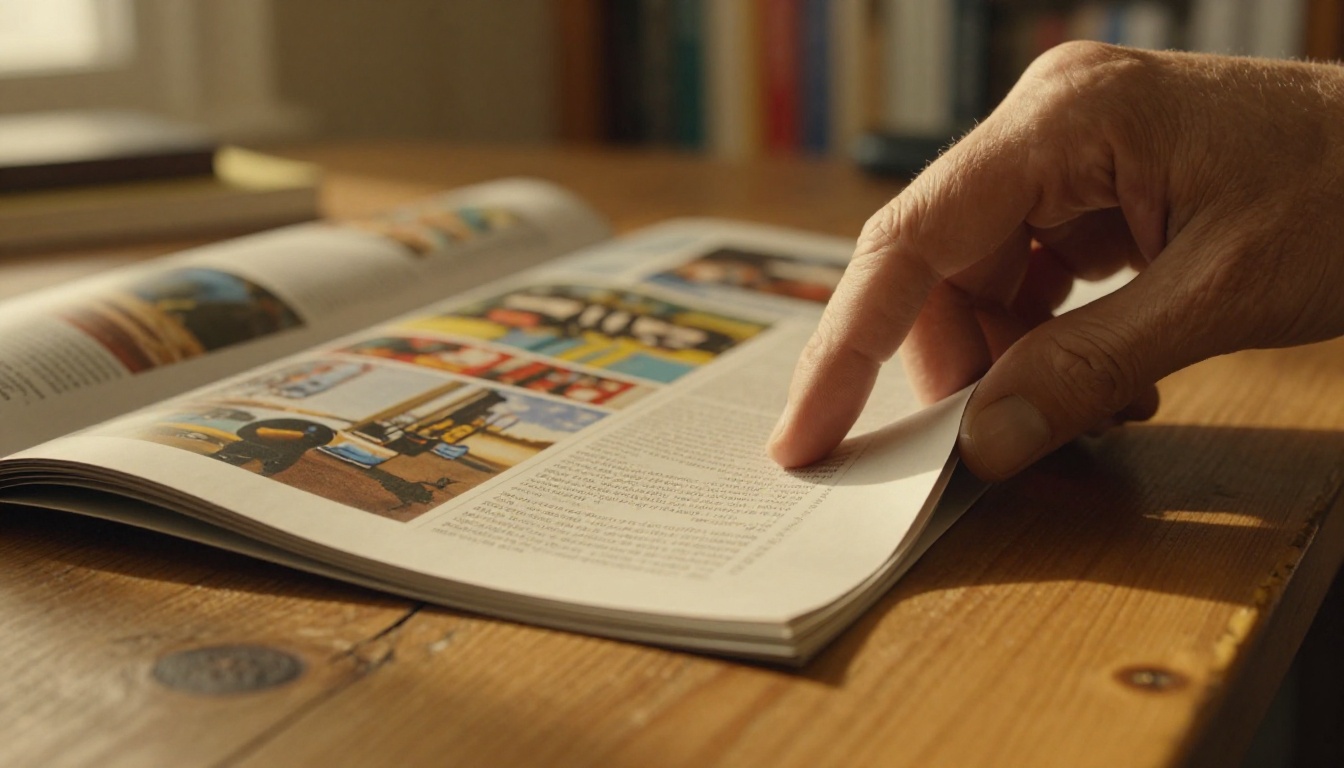
A PDF does one thing well: it holds information in place. What it cannot do is hold attention. Flat, scrollable documents have no sense of progression, no visual reward for moving through pages, and no built-in engagement mechanics. They feel like reading a tax form.
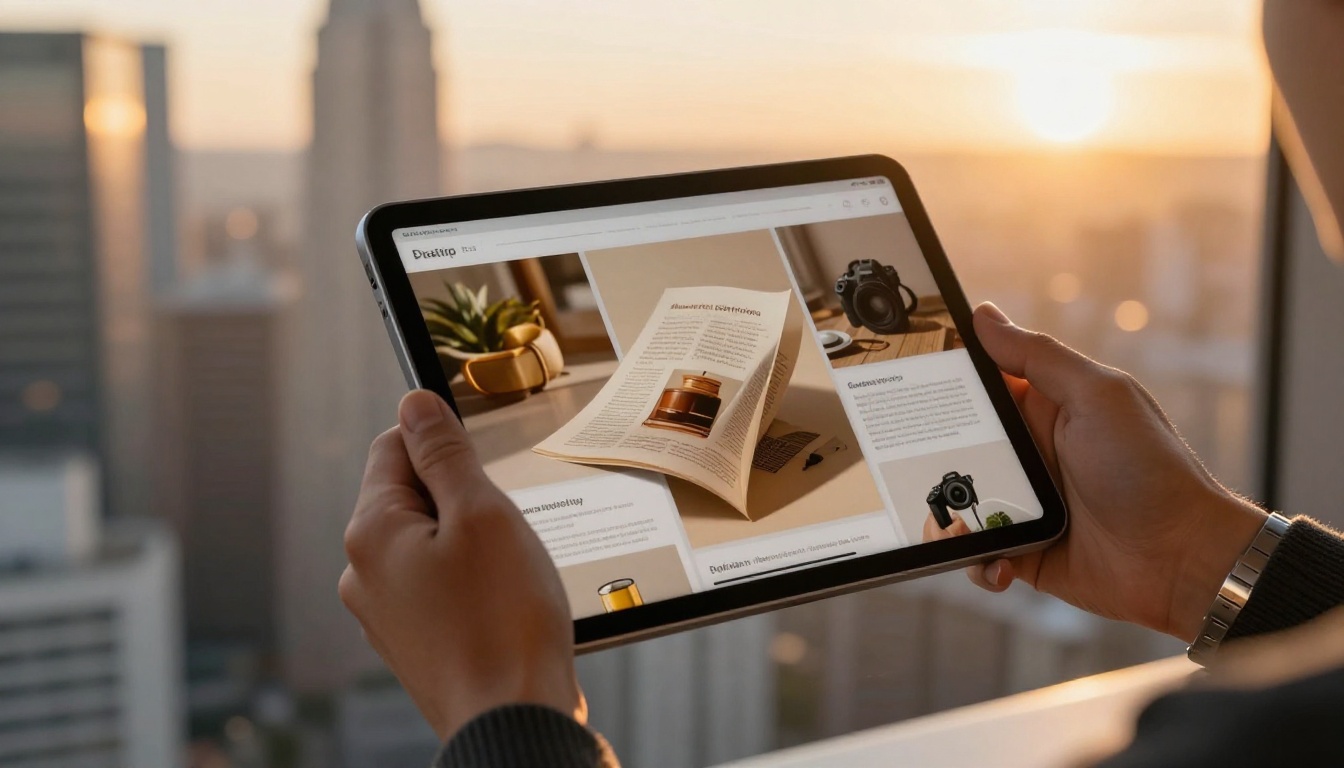
Digital flipbooks solve this by converting your content into an experience with a realistic page-turn animation, smooth transitions, and the tactile memory of flipping through a physical magazine or catalog. That single visual difference changes how readers perceive your content. It signals effort, quality, and intentionality, even when the underlying PDF is simple.
Research consistently shows that interactive content generates higher dwell times and lower bounce rates compared to static documents. For anyone publishing menus, catalogs, portfolios, or educational materials, this is not a minor detail. It directly affects whether people read your content or close the tab.
What a Page Flip Effect Actually Does
The page-turn effect is not just decoration. It provides three concrete benefits:
- Spatial memory: Readers intuitively remember where content is located in a flipbook, just like a physical book. "That was on the left side, about halfway through."
- Perceived value: Flipbook-format content consistently scores higher in user surveys for "professionalism" versus the same content in PDF format.
- Shareability: Flipbooks hosted online can be shared with a single URL, embedded on websites, or sent directly without file size limitations.
What a Good Free Flip Book Maker Actually Needs
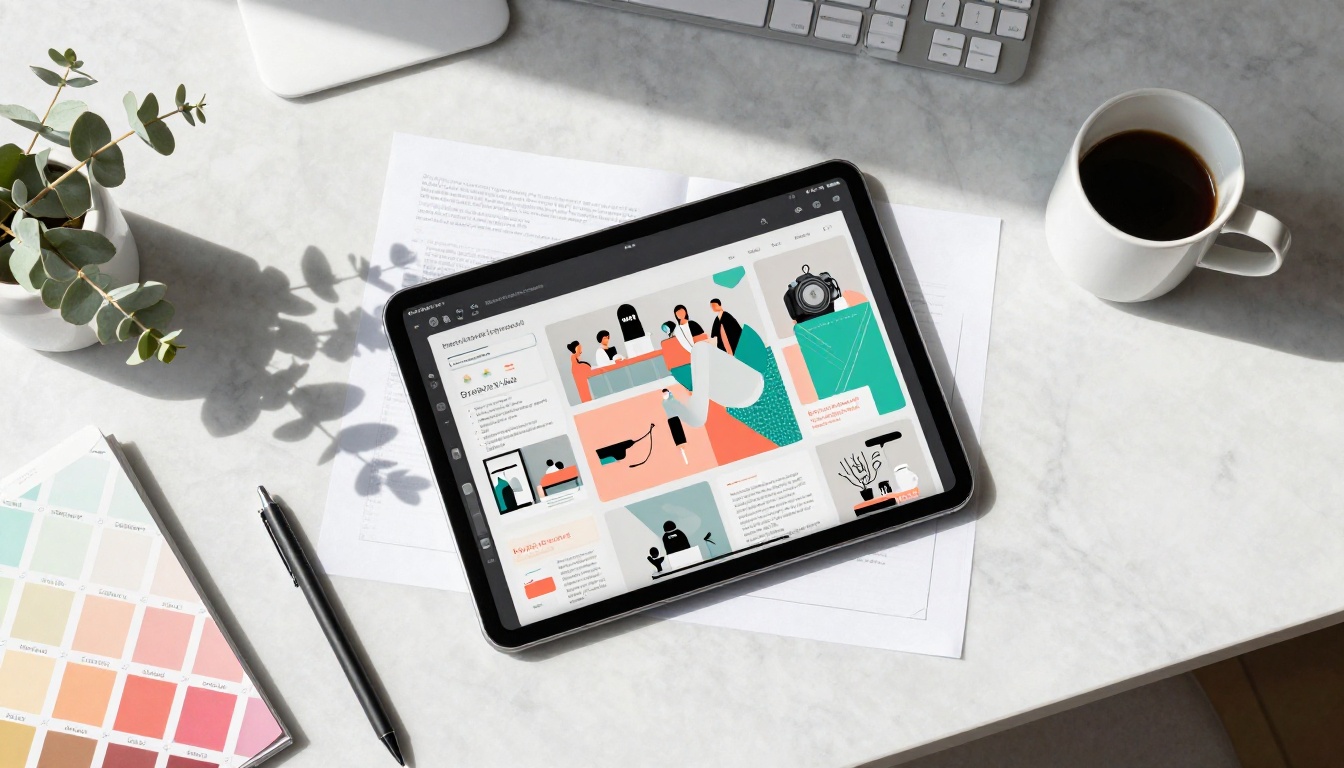
Not every free tool is worth your time. Some bury core features behind paywalls, add permanent watermarks to your published flipbooks, or produce output that looks amateurish on mobile screens. Before committing to any platform, there are specific things to check.
Features That Actually Matter
A genuinely useful free flipbook maker should offer at minimum:
- PDF upload and conversion with no file-size tricks that force an upgrade
- No watermarks on published flipbooks, even on free tiers
- Custom sharing links so your flipbook has a clean URL
- Mobile-responsive output that works properly on phones and tablets
- Basic customization including background color and cover image options
💡 Pro tip: Test any free tool with a multi-page document before committing. Some platforms degrade performance significantly above 20 pages.
Flipbooks AI offers all of these on its free tier without requiring a credit card to get started. The no-watermark policy is particularly significant, as it allows even free-tier users to publish professional-looking content.
Red Flags to Watch For
| Red Flag | What It Means |
|---|
| Watermark on all free exports | Your content advertises their platform, not yours |
| No mobile preview | The flipbook may look broken on smartphones |
| File size cap under 10MB | Unusable for real catalogs or magazines |
| No custom URL | You cannot share without exposing their domain |
| Auto-deletes after 30 days | Your links will break permanently |
⚠️ Watch out: "Free forever" claims that disappear after a few pages or require account upgrades to simply view your own published flipbook are common. Always check the publishing step before investing time in a project.
How to Create Your First Flipbook in 3 Steps
Flipbooks AI is built specifically so that anyone, with no prior design experience, can go from a PDF to a live, shareable flipbook in minutes. Here is exactly how the process works.
Step 1: Upload Your PDF
Head to Flipbooks AI and create your free account. Once inside, click the upload button and select your PDF file. The platform accepts multi-page PDFs of all sizes and begins converting each page into high-resolution flipbook pages automatically.
The conversion engine preserves your original typography, images, and layout. You do not need to redesign anything. If your PDF looks good on paper, your flipbook will look good on screen.
✅ Best practice: For best results, export your PDF at 150 DPI or higher. Higher resolution PDFs produce crisper page visuals in the final flipbook.
Step 2: Customize Your Flipbook
Once the conversion is complete, you have access to customization options including:
- Cover image: Upload a custom thumbnail or use the auto-generated first page
- Background: Choose from solid colors, gradients, or custom textures
- Branding: Add your logo to the flipbook viewer (Standard plan and above)
- Page effects: Adjust the flip animation speed and shadow intensity
- Multimedia embeds: Insert video, audio, or hyperlinks into specific pages
Step 3: Publish and Share
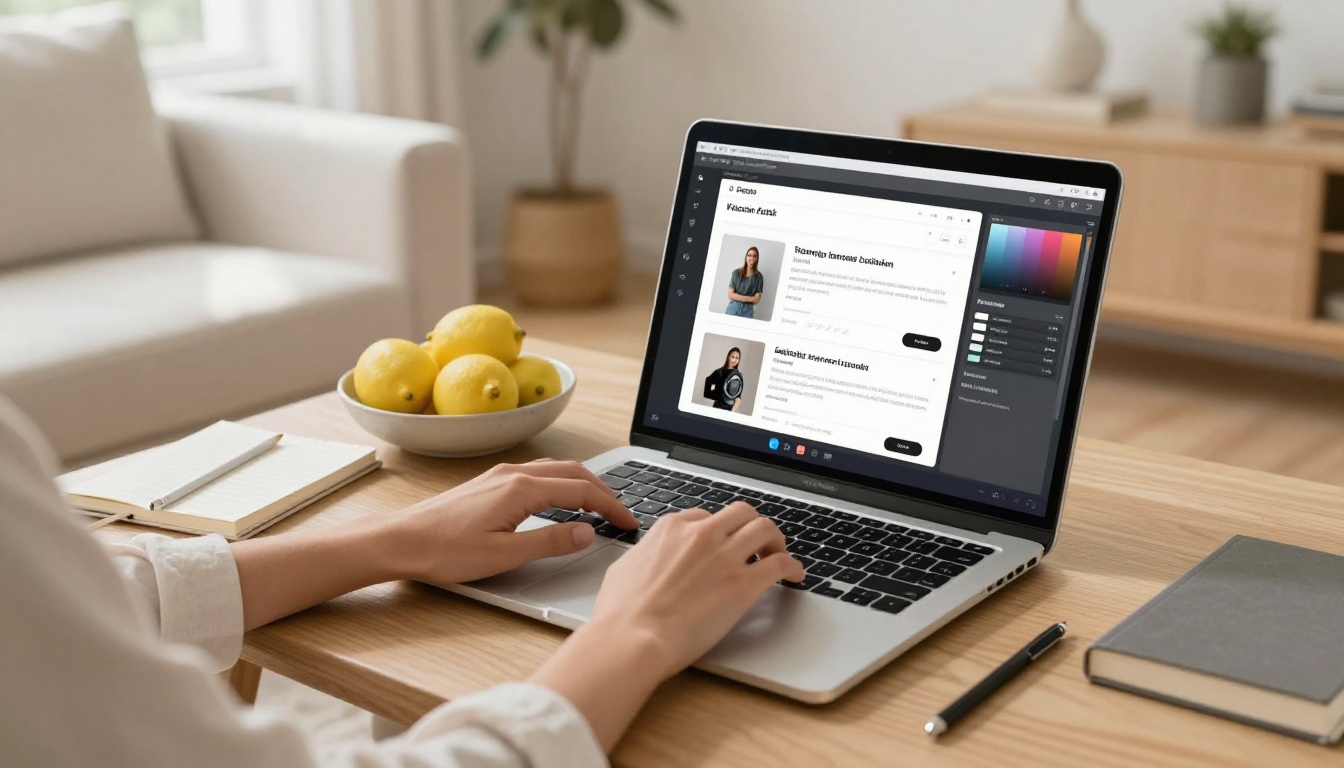
Hit publish. Your flipbook immediately gets a live URL that you can share anywhere. Options include:
- Direct link: A clean, shareable URL for email, social media, or messaging apps
- Embed code: Drop your flipbook directly onto any website or blog with a single line of HTML
- Password protection: Lock the flipbook behind a password for private or client-facing content
- Offline download: Allow readers to save a copy for reading without internet (Professional plan)
The whole process from account creation to live flipbook typically takes under ten minutes for a standard document.
Who Uses Free Flipbook Makers (And Why It Works)
The range of people who benefit from flipbook tools is wider than most assume. The common thread is not industry or role. It is having content that deserves better than a static PDF.
Small Business Owners
A small business owner with a product lineup can upload a simple PDF catalog and instantly have something that looks like a professionally published magazine. Flipbooks AI includes a dedicated Product Catalog tool for exactly this purpose.
Real-world scenario: A ceramics shop owner photographs 40 products, lays them out in Canva, exports as a PDF, and uploads it. Within minutes, they have a shareable digital catalog they can send to wholesale buyers, post on social media, and embed on their website. Total cost on the free plan: zero.

Teachers and Educators
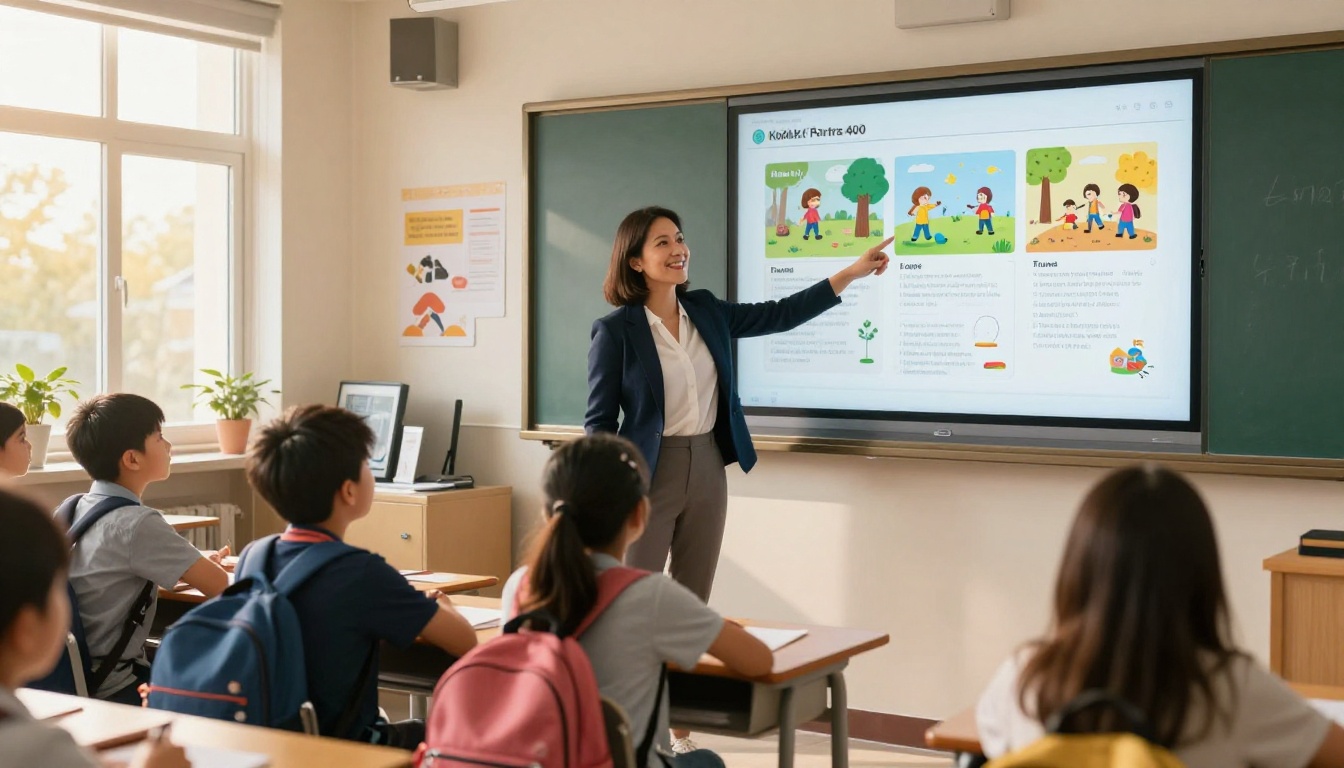
Teachers who create course packets, reading materials, or classroom newsletters benefit enormously from the flipbook format. Instead of emailing a PDF attachment that students may or may not open, a flipbook link opens directly in the browser with no downloads required.
The Course Material Publisher and School Newsletter Creator tools are purpose-built for educational contexts, with layout templates that work with standard classroom content.
💡 Pro tip: A flipbook embedded in a Google Classroom post or LMS gets significantly more engagement than a PDF attachment. Students interact with it like a digital textbook rather than ignoring it like a homework document.
Freelancers and Creatives
Portfolio presentation is one of the highest-impact use cases for flipbook tools. A designer, photographer, or copywriter who sends a PDF portfolio is competing against someone who sends an interactive, page-turning flipbook with embedded case studies and live links. The difference in perceived professionalism is substantial.
The Digital Portfolio Creator and Photography Portfolio tools handle the most common creative formats right out of the box.

| Use Case | Recommended Tool | Best For |
|---|
| Product catalog | Product Catalog | Retail, wholesale, e-commerce |
| Restaurant menu | Restaurant Menu Creator | Restaurants, cafes, catering |
| Creative portfolio | Digital Portfolio Creator | Designers, photographers, writers |
| Educational materials | Course Material Publisher | Teachers, trainers, coaches |
| Event program | Event Program Maker | Weddings, conferences, shows |
| E-book | E-Book Flipbook Generator | Authors, bloggers, publishers |
| Annual report | Annual Report Creator | Nonprofits, corporations |
| Real estate brochure | Real Estate Brochure | Agents, property developers |
Free vs Paid: What Changes When You Upgrade
The free tier covers everything a first-time creator needs. As your publishing volume grows or your requirements become more specific, upgrading adds meaningful capabilities that matter for professional and business use.
| Feature | Free | Standard | Professional |
|---|
| Flipbooks | Limited | Unlimited | Unlimited |
| Watermarks | None | None | None |
| Custom branding | No | Yes | Yes |
| Password protection | No | Yes | Yes |
| Embed on website | Yes | Yes | Yes |
| Analytics | No | Basic | Advanced |
| Lead generation | No | No | Yes |
| Offline downloads | No | No | Yes |
| Video and audio embeds | No | Yes | Yes |
| Custom domain | No | No | Yes |
💡 Pro tip: The no-watermarks policy across all plans at Flipbooks AI is one of the most differentiating features in the market. Most competitors add branding on free tiers that makes your flipbook look like a free tool advertisement rather than your own content.
The Standard plan is where most regular publishers land. Unlimited flipbooks, custom branding, password protection, and multimedia embeds cover the majority of professional use cases without the full Professional tier cost.
Best Flipbook Types to Start With
If you have never published a flipbook before, these four content types are the easiest starting points because they are forgiving with layout, and the impact of the interactive format is immediately obvious compared to a flat PDF.
Digital Catalogs
Any collection of products or services benefits from catalog format. The page-turn navigation is intuitive, readers can flip through at their own pace, and the visual presentation matches how people browse physical store catalogs. The Digital Catalog Maker handles everything from fashion lookbooks to furniture collections.
Restaurant Menus
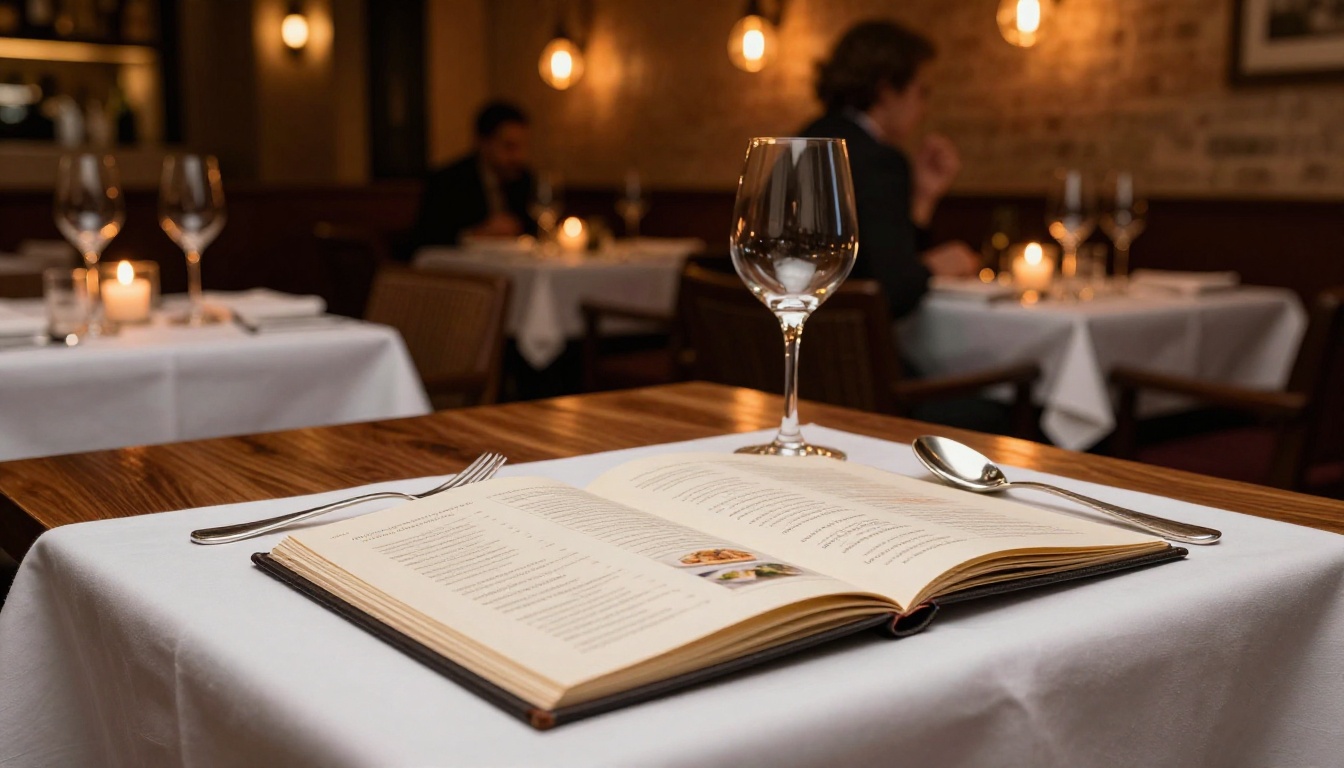
A static PDF menu linked from a website looks dated. A flipbook menu with the same content opens instantly in the browser, looks premium on any device, and can be updated without resending files to anyone. The Menu Flipbook Designer includes templates built specifically for food photography and menu typography.
Portfolios and Lookbooks
A portfolio flipbook works because it mirrors how people actually review creative work: page by page, with context between pieces rather than an endless gallery scroll. The Interactive Lookbook Designer and Portfolio Flipbook Builder make this format accessible without any web design knowledge whatsoever.
Reports and Presentations
Annual reports, sales presentations, and corporate proposals hit differently when they arrive as polished flipbooks instead of emailed PDF attachments. The Sales Presentation and Corporate Report Maker tools include professional templates that make financial and business content look intentional and well-produced.
Questions First-Time Creators Always Ask
Do I need to know design to use a flipbook maker?
No. You need a PDF. That is it. If you can export from Word, Canva, Google Docs, or InDesign, you have everything you need to create a flipbook.
Can I update a flipbook after publishing?
Yes. You can replace the underlying PDF and the flipbook URL stays the same. No need to resend links to anyone who already has them.
Will my flipbook work on mobile?
Every flipbook published through Flipbooks AI is automatically mobile-responsive. The page-flip interface adapts to touchscreen swipes on phones and tablets without any extra setup.
Can I put a flipbook on my own website?
Yes. The embed code feature lets you paste a single snippet into any website builder including Squarespace, Wix, Webflow, WordPress, or raw HTML. The Embed Flipbook on Website tool handles the technical side completely.
Is the free plan actually free, or does it expire?
The free tier at Flipbooks AI does not have a trial period or expiration date. It stays free as long as you use it, with the option to upgrade whenever your needs grow.
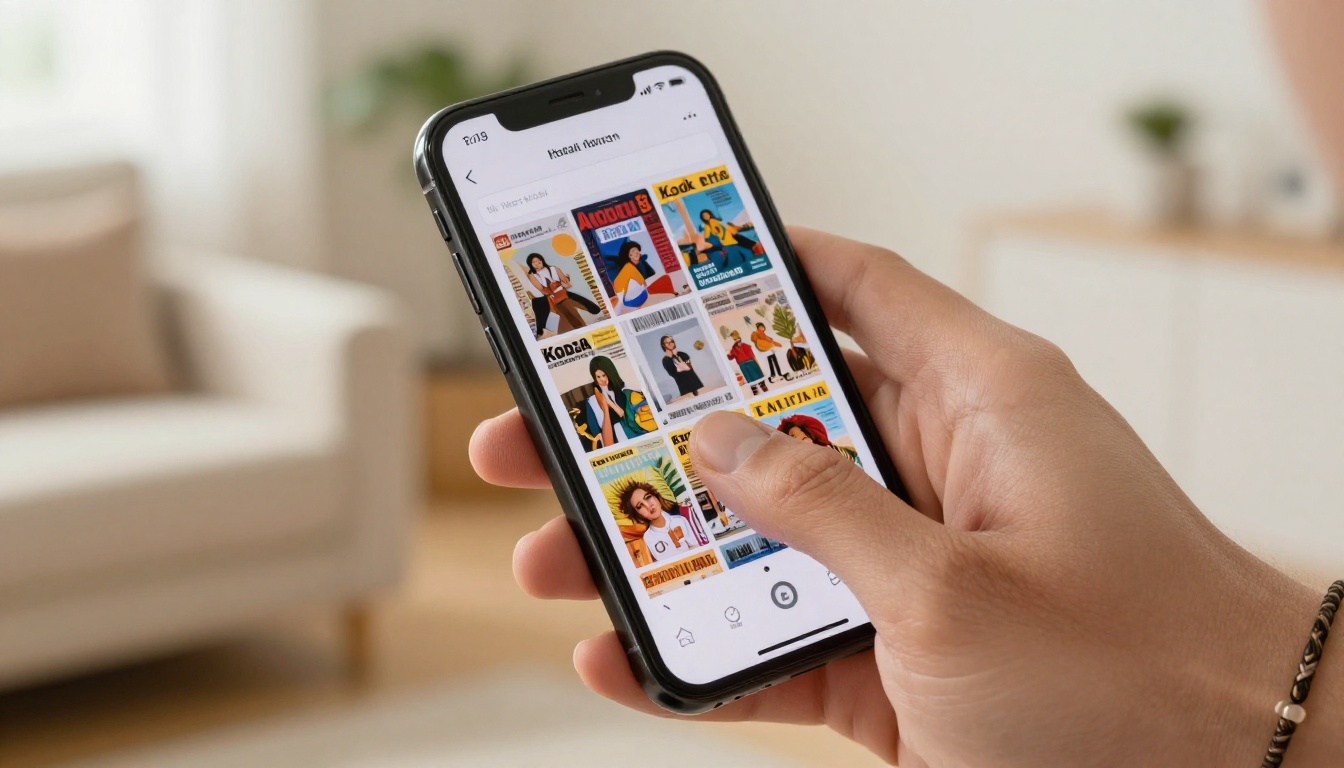
✅ Best practice: Before sending a flipbook to a client or audience, always preview it on both a desktop browser and a smartphone. What looks perfect on a wide screen occasionally needs a cover image or font size adjustment for the mobile view.
Start Publishing Today
There is no good reason to keep sending static PDFs when a free flip book maker that anyone can use is available right now. Whether you are a teacher with a class newsletter, a restaurant owner with a seasonal menu, or a freelancer with a portfolio that deserves better than an email attachment, the process from PDF to live flipbook takes minutes.
Create your first flipbook for free on Flipbooks AI and see exactly how simple the process is. No design skills, no credit card, no complicated software to install.
When you are ready to go further, browse all flipbook tools to find templates built for your specific content type, or check the pricing plans to see what opens up when you are ready to scale.



