Running a small business in 2025 means competing with companies that have marketing budgets you can barely imagine. But here is the thing: the tools that were once reserved for big brands and full-service agencies are now free, fast, and accessible to anyone with a PDF and an internet connection. A free flipbook creator for small business owners changes how you present products, menus, catalogs, and brochures to customers, without printing costs, without a designer, and without weeks of production time. Platforms like Flipbooks AI have made it genuinely possible to create professional-grade interactive publications at zero cost, and the results look nothing like what you might expect from a free tool.
What a Flipbook Creator Actually Does
If you have never used one before, the concept is simple but the impact is real. You upload a PDF, and the tool converts it into a digital publication with realistic page-turning animations, clickable links, and mobile-responsive design. No coding. No design software. No extra apps needed.
From PDF to Page-Turning Experience
Your existing PDFs are already more powerful than you think. That product brochure sitting in your files, the price list you email as an attachment, the menu you print every quarter? Each of these becomes an immersive digital experience in minutes. Customers can flip through pages on their phone, click links to shop, and share the flipbook with a single URL.
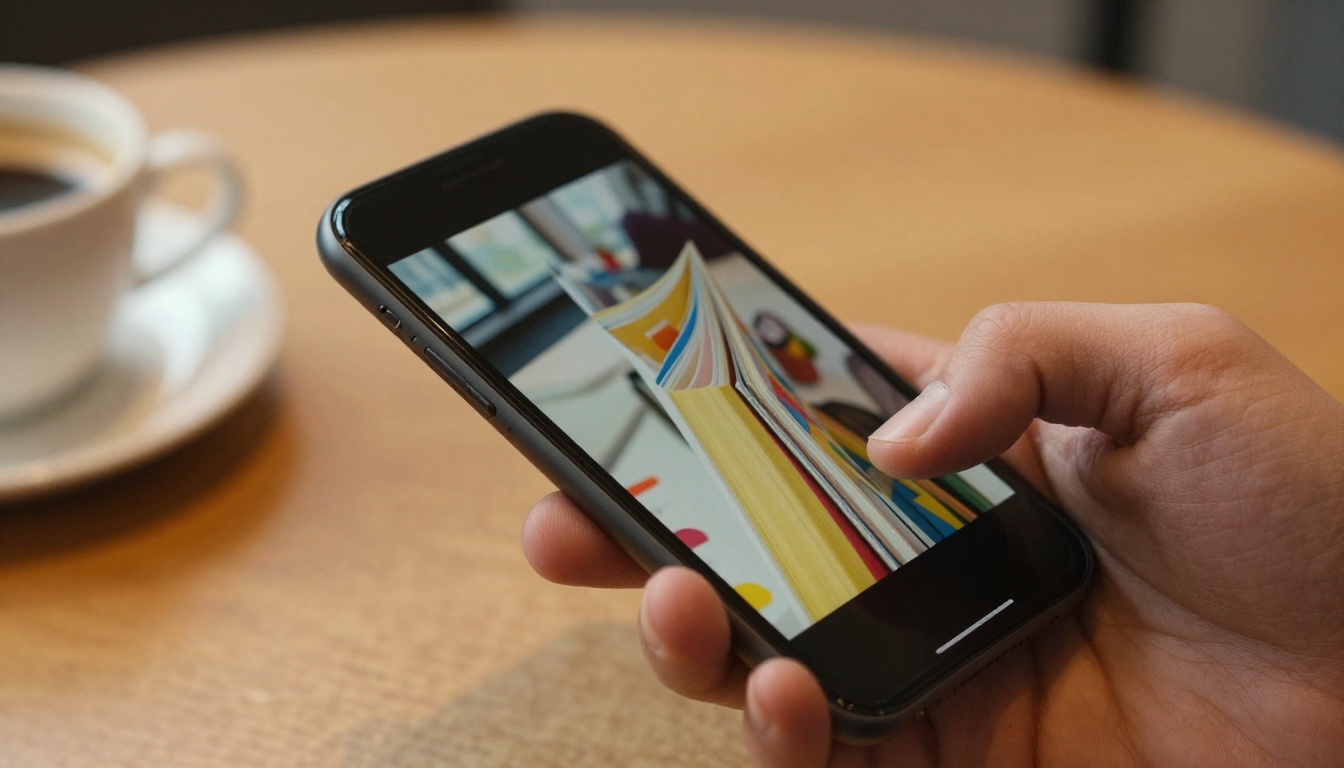
The technology behind this is HTML5, which means flipbooks work on every browser, every device, and do not require Flash or any plugin. A customer on an iPhone in a coffee shop has the same polished experience as someone on a desktop computer at home.
Why Small Businesses Are Switching
The numbers make sense immediately. A standard print run of 500 brochures costs between $150 and $400, and the moment prices change, they are worthless. A digital flipbook costs nothing to update, nothing to distribute, and nothing to reprint. You share it via link, embed it on your website, or send it through email and social media.
Beyond cost, there is reach. A printed brochure travels to one person. A flipbook link can be shared thousands of times.
Real Use Cases for Small Business Owners
The applications vary by industry, but the pattern is consistent: any business that currently produces print materials has a direct path to a better digital version.
Restaurants and Food Businesses

A restaurant owner who updates their menu seasonally knows the pain of reprinting costs. With the Restaurant Menu Creator, you upload your menu PDF once and update it digitally whenever prices or dishes change. Customers scan a QR code on the table and see the current menu on their phone, with beautiful page-turn animations and crisp imagery.
The same applies to coffee shops, bakeries, food trucks, and catering companies. A digital price list shared on Instagram or embedded on your website removes friction from the ordering process entirely.
💡 Pro tip: Link your menu flipbook directly from your Google Business Profile. Customers searching for you on Google can access your full menu before they even visit.
Retail and Product-Based Businesses

For shops selling physical products, a digital catalog is the most powerful sales tool available. The Product Catalog Generator turns your existing product PDF into a shoppable, shareable catalog that looks indistinguishable from what premium brands produce.
A boutique clothing store can create a seasonal Fashion Catalog and share it across email lists and social channels. A furniture shop benefits from the Furniture Catalog Maker to showcase room sets and collections without a single printing cost.
Service Providers and Consultants
Lawyers, consultants, coaches, and agencies all produce proposals, service brochures, and capability documents regularly. An Online Brochure Designer lets you create polished, branded service presentations that you can send in seconds as a link rather than a PDF attachment that gets ignored.
Real estate professionals use the Real Estate Brochure Creator to present properties with maximum visual impact. Hotels use the Hotel Brochure Designer to showcase amenities and room options interactively.
Free vs. Paid Plans: What You Get
One of the biggest concerns small business owners have is what "free" actually means. Does the free version put watermarks on everything? Is it limited to one document? Here is an honest breakdown of how Flipbooks AI pricing works:
| Feature | Free Plan | Standard Plan | Professional Plan |
|---|
| Flipbooks | Limited | Unlimited | Unlimited |
| Watermarks | None | None | None |
| Custom Branding | Basic | Full | Full |
| Password Protection | No | Yes | Yes |
| Embed on Website | Yes | Yes | Yes |
| Analytics | No | No | Yes |
| Lead Generation | No | No | Yes |
| Offline Downloads | No | Yes | Yes |
| Custom Domain | No | No | Yes |
| Video and Audio Embed | No | Yes | Yes |
✅ No watermarks on any plan. This is unusual in the free tool market and means your flipbooks always look professional, even at the free tier.

For most small business owners just getting started, the free plan covers the essentials. When your business grows and you need analytics data, lead capture forms, or the ability to let customers download flipbooks offline, upgrading to Professional makes sense.
How to Create Your First Flipbook
Creating your first flipbook takes under five minutes. Here is exactly how to do it on Flipbooks AI:
Step 1: Prepare Your PDF
Your flipbook starts with a PDF. Before uploading, check a few things:
- Resolution: Images inside the PDF should be 150 DPI or higher for crisp results.
- Page size: Standard sizes (A4 or Letter) work best.
- File size: Keep it under 50MB for fast upload.
- Links: Any clickable links in your PDF will remain active in the flipbook.
If you do not have a PDF yet, tools like Canva, Google Slides, or Adobe Express let you design one for free and export it as a PDF.
Step 2: Upload and Convert
Head to Flipbooks AI and create your account. Once logged in, click New Flipbook, drag and drop your PDF, and the converter processes it automatically. Most documents are ready within 30 to 60 seconds.
The platform supports PDFs of all sizes, from a one-page flyer to a 200-page product catalog.
⚠️ Important: Double-check that your PDF does not have security restrictions or password protection before uploading, as these can block the conversion process.
Step 3: Brand It Your Way
Once your flipbook is created, the customization panel lets you:
- Upload your logo to appear on every page
- Set your brand colors for the interface and controls
- Choose page transition effects (realistic page flip or smooth slide)
- Add a background color or texture behind the pages
- Set a custom thumbnail for the cover
For businesses with strong brand identity, this step is where your flipbook goes from "digital brochure" to "brand asset."
Step 4: Share It Everywhere
After publishing, you have several sharing options:
- Direct link: Copy and paste the URL anywhere, email, social media, WhatsApp, SMS.
- Embed code: Paste the provided HTML code into your website to show the flipbook directly on your page. The Embed Flipbook on Website tool makes this process straightforward.
- QR code: Download and print on packaging, business cards, or in-store signage.
- Password protection (Standard plan and above): Add a password for private catalogs, wholesale price lists, or internal documents.
5 Flipbook Types Every Small Business Needs

Not all flipbooks serve the same purpose. Here is a breakdown of the five most valuable types for small businesses and which tools to use:
Each of these formats answers a different customer question. Catalogs answer "what do you sell?". Brochures answer "why should I choose you?". Menus answer "what can I order?". Having all five covered means your business is always ready to impress.
Features That Actually Move the Needle
Not every flipbook feature matters equally to a small business. Here is an honest look at which ones deliver real value:
| Feature | Why It Matters | Available On |
|---|
| Mobile responsive design | Over 70% of users browse on mobile | All plans |
| No watermarks | Looks professional from day one | All plans |
| Shareable link | Easy distribution without attachments | All plans |
| Embed on website | Keeps visitors on your site longer | All plans |
| Analytics | See which pages customers spend time on | Professional |
| Lead capture | Collect emails from flipbook viewers | Professional |
| Password protection | Protect wholesale or private documents | Standard and above |
| Offline download | Customers save your catalog for reference | Standard and above |
The analytics feature in the Professional plan deserves specific attention. Knowing that customers spend 40 seconds on your pricing page but scroll past your intro tells you exactly what to cut and what to keep. For businesses that iterate quickly, that data is worth more than the subscription cost.
3 Mistakes to Avoid
Small business owners new to flipbook creation tend to make the same few errors. Avoiding them saves time and produces a significantly better result.
Mistake 1: Using a low-quality PDF
A flipbook cannot make a blurry image look sharp. Start with a well-designed PDF at 150 DPI or higher. If your existing PDF was designed for email and looks grainy when printed, redesign it first using Canva or a similar tool.
Mistake 2: Skipping branding customization
The default settings work, but an unbranded flipbook with no logo and default colors signals "I made this in five minutes." Spending an extra three minutes adding your logo and brand colors turns a functional document into a professional one.
Mistake 3: Only sharing via email
A flipbook link works everywhere. Post it in your Instagram bio, pin it on Pinterest, add it to your Google Business Profile, embed it in your website footer. Business owners who use their flipbook in only one channel leave most of the value unused.
💡 Pro tip: Create a short custom URL for your flipbook using a tool like Bitly and print it on your receipts and packaging. This creates a simple offline-to-online connection that drives repeat engagement.
Why Digital Beats Print Every Time

The case against print is not just about cost. It is about control, speed, and reach. Consider what changes when you go digital:
- Update instantly: Change a price, add a product, fix a typo. The live flipbook updates without reprinting or redistributing.
- Track performance: With analytics, you know exactly how many people viewed your catalog and which sections they read.
- Zero distribution cost: Emailing 10,000 people a flipbook link costs the same as emailing one person.
- Eco-friendly by default: No paper, no ink, no shipping. This matters to a growing segment of consumers who factor sustainability into their purchasing decisions.
- Always accessible: A customer who found your business six months ago can still open the same link. A printed brochure is long gone.
For a small business owner spending $200 every quarter on print materials, switching to digital means recovering $800 per year while actually reaching more people. That is a straightforward calculation.
The businesses doing well at digital marketing in 2025 are not the ones spending the most. They are the ones using their resources most efficiently. A free flipbook creator is one of the most practical tools available for any small business that produces printed marketing materials.
Ready to Stop Paying for Print?
Your next product catalog, service brochure, or seasonal menu does not have to cost a thing. Create your first flipbook free and see the difference in under five minutes. Browse all available flipbook tools and templates to find the exact format your business needs. When you are ready to add analytics, lead capture, or offline downloads, check the pricing plans to choose what fits your budget.
Every day you spend printing materials that go outdated and get thrown away is a day you could have been sharing a flipbook that works on its own. The starting point is free. The only thing left is to begin.



