Watermarks are the silent tax on "free" software. You spend an hour designing the perfect digital publication, hit share, and there it is: a logo stamped across every page, reminding your audience that you did not pay for the tool. In 2026, that is no longer something you have to accept. The best free flipbook creators have evolved, and the ones that genuinely deliver no-watermark output are worth knowing about.
This article compares the top options available right now, breaks down exactly what each free tier offers, and shows you how to start publishing clean, professional flipbooks without spending a cent, or at least without paying more than you need to. Flipbooks AI sits at the top of that list, and by the end you will understand exactly why.
What "Free" Actually Costs You
Most flipbook tools advertise a free plan. But reading the fine print tells a very different story.
The Watermark Trap
When a tool says "free forever," it usually means free with strings attached. Those strings are almost always a branded watermark plastered on your flipbook, a "Powered by [Brand]" footer visible to every reader, or a forced redirect to the tool's homepage when someone opens your publication.
This matters enormously in professional contexts. A real estate agent sending a property brochure to a client, a restaurant sharing a digital menu, a designer showcasing a portfolio: none of these scenarios benefit from a third-party logo competing for attention with the actual content.
⚠️ Watch for this: Some platforms claim "no watermark" but still embed their branding in the flipbook's URL (e.g., yourpublication.brandname.com). That is still branding, even if it is not visual on the page.
Hidden Limitations to Watch For
Beyond watermarks, free tiers commonly restrict:
- Number of flipbooks: Many cap you at 1-5 total publications
- Page limits: Some restrict free flipbooks to under 20 pages
- Hosting duration: Publications expire after 30-90 days unless you upgrade
- Storage: Limited file size per upload, often under 10MB
- Privacy: No password protection on free plans
- Analytics: Zero data on who is reading your content
The tools that stand out in 2026 are the ones that remove these barriers at an accessible price point, or eliminate watermarks entirely even on free access.
Top Free Flipbook Creators Compared
Here is a direct comparison of the most used flipbook tools and what their free tiers actually deliver in 2026:
| Tool | Watermark-Free | Free Flipbooks | Page Limit | Custom Branding | Mobile-Ready |
|---|
| Flipbooks AI | ✅ Yes | Unlimited (Standard+) | Unlimited | ✅ Yes | ✅ Yes |
| FlipHTML5 | ❌ Branded | 5 | 100 pages | ❌ No | ✅ Yes |
| Issuu | ❌ Logo visible | 1 | Unlimited | ❌ No | ✅ Yes |
| FlipSnack | ❌ Watermarked | 3 | 30 pages | ❌ No | ✅ Yes |
| Yumpu | ⚠️ Ads shown | Unlimited | Unlimited | ❌ No | ✅ Yes |
| Joomag | ❌ Branded | 1 | Unlimited | ❌ No | ✅ Yes |
💡 Pro tip: "Unlimited" flipbooks with watermarks is not better than limited flipbooks without them. Always prioritize clean output over quantity when publishing professionally.
What Sets Flipbooks AI Apart
Flipbooks AI removes watermarks across all paid plans, including the Standard tier. Unlike most competitors that only strip branding at the highest price point, Flipbooks AI makes clean, professional output the baseline expectation.
The platform converts PDFs to HTML5-powered flipbooks with realistic page-turn animation, full mobile responsiveness, and support for embedded video and audio, all without a single line of code required.

How to Create a Watermark-Free Flipbook
Creating your first professional, clean flipbook on Flipbooks AI takes under five minutes. Here is exactly how to do it:
1. Create Your Account
Go to flipbooksai.com/account and sign up. The process requires only a name and email. No credit card is needed to start exploring the platform.
2. Upload Your PDF
From your dashboard, click New Flipbook and drag your PDF file into the upload zone. The converter processes your document automatically and generates an HTML5 flipbook with a realistic page-turn effect. Files are processed quickly, typically within seconds for standard-length documents.
✅ Best practice: Export your PDF at 150-300 DPI for sharp visuals without unnecessarily large file sizes. This speeds up load time for readers on mobile connections.
3. Customize the Look
Once uploaded, open the editor to:
- Set a custom thumbnail for the flipbook
- Choose background color and page shadow effects
- Add your logo or branding (replaces any platform branding entirely)
- Toggle page flip sound on or off
- Configure a table of contents for longer documents with section links
4. Set Privacy and Sharing Options
Before publishing, configure who can see your flipbook:
- Public link: Shareable URL accessible to anyone
- Password protection: Require a password to view (available on Standard plan and above)
- Embed code: Copy an HTML snippet to embed directly into any website using the Embed Flipbook on Website tool
- Direct download: Allow readers to save a PDF copy
5. Publish and Share
Hit Publish and your flipbook is live. Copy the shareable link, embed it on your site, or send it directly to clients. There is no "Powered by" footer, no logo overlay, and no expiry date on your publication.
Features That Actually Matter in 2026
Not all flipbook features are created equal. Here is what separates tools worth paying for from those that overpromise.
Mobile Performance
In 2026, over 60% of digital content is consumed on mobile. A flipbook that looks great on desktop but breaks on a phone is a serious liability. Look for:
- Responsive layout that adapts to any screen size automatically
- Touch-friendly page swipe gestures with smooth animation
- Fast loading even on slower mobile connections
Flipbooks AI delivers full mobile responsiveness across all plans, without any additional configuration required.
Analytics and Lead Capture
The Professional plan on Flipbooks AI includes:
- Reader analytics: Track opens, time spent per page, and geographic data
- Lead generation forms: Capture contact information before readers access content
- Page-level data: See which sections get the most attention
These features make flipbooks a powerful asset for sales and marketing teams, not just a pretty way to display a PDF.
Offline Access
Readers do not always have reliable internet. Flipbooks AI allows offline downloads on supported plans, letting your audience access content anywhere without a connection.
Real-World Use Cases
Flipbooks without watermarks are not just visually cleaner. They carry more professional weight in real-world scenarios where presentation directly affects credibility.
For Business and Marketing
Sales presentations: A clean flipbook shared in a proposal email signals professionalism. A watermarked one signals budget constraints, which is not the impression any sales team wants to make.
Product catalogs: Retailers and manufacturers using the Product Catalog tool or Digital Catalog Maker can share interactive, page-turning catalogs directly to buyer inboxes without branding clutter.
Corporate reports: Annual reports and investor communications demand a polished presentation. The Annual Report Creator and Corporate Report Maker tools streamline this workflow from PDF to published flipbook in minutes.

Real estate: Agents using the Real Estate Brochure tool can deliver property brochures that feel premium, complete with floor plans, photos, and neighborhood details, sent as a link or embedded directly on a listing page.
For Restaurants and Hospitality
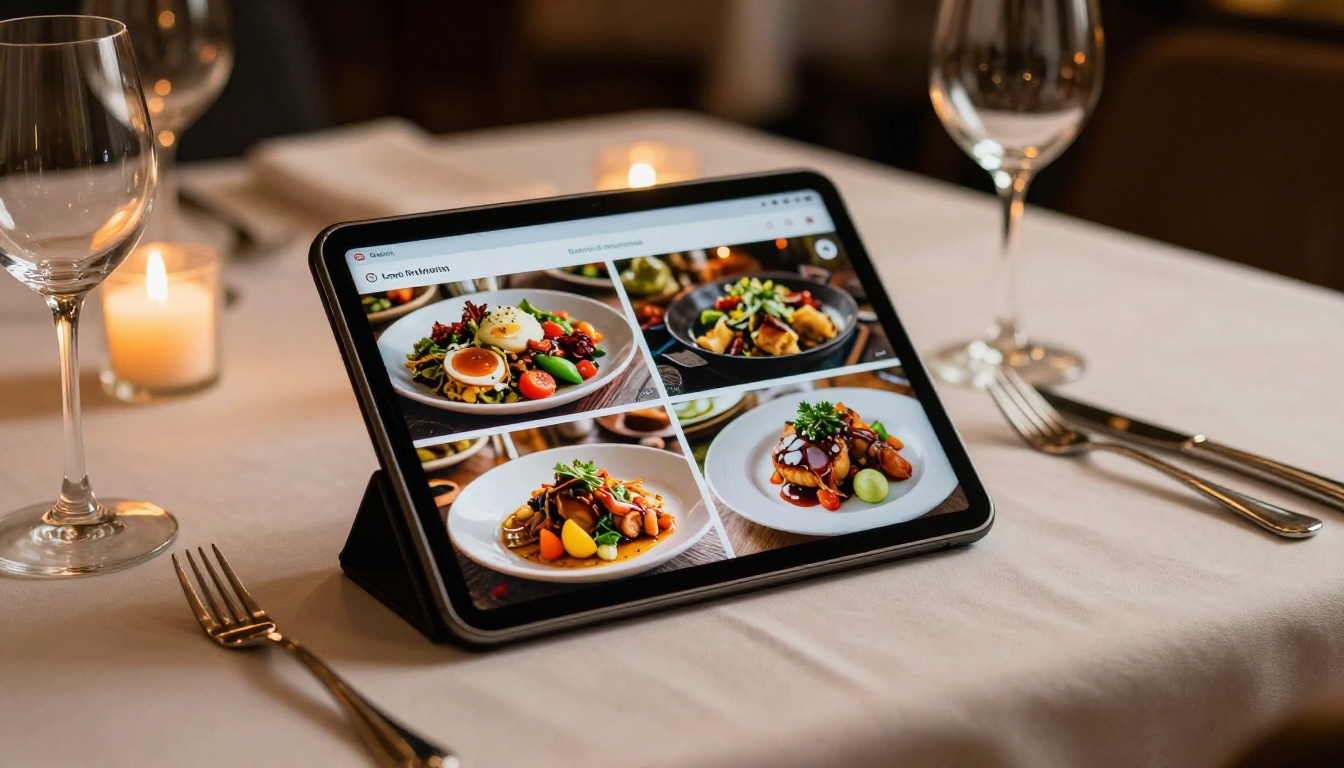
Digital menus are now expected, not exceptional. The Restaurant Menu Creator lets food and beverage businesses publish branded, page-turning menus that load on any device. Hotels benefit similarly with the Hotel Brochure tool for showcasing amenities and packages without printing costs.
For Education and Training
Educators publishing course materials, school newsletters, or training manuals gain significant value from watermark-free flipbooks. The Course Material Publisher, Training Manual Flipbook, and School Newsletter Creator tools let institutions publish clean, professional digital materials without the overhead of a design team.

For Creatives and Designers
A designer sharing their portfolio should not have a competitor's logo on their work. The Digital Portfolio Creator and Photography Portfolio tools let creatives publish immersive, interactive portfolios where the work speaks entirely for itself.
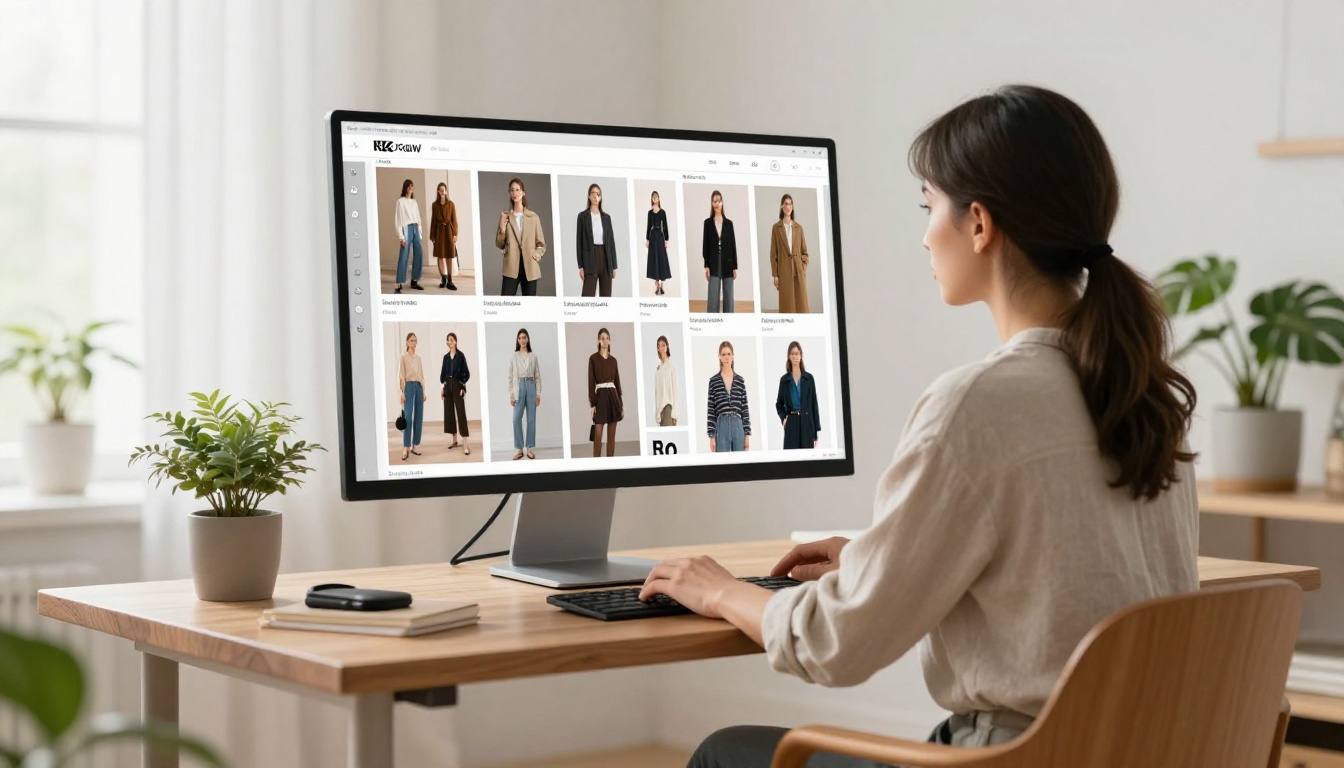
Fashion brands benefit from the Interactive Lookbook Designer for seasonal collections, while event organizers use the Event Program Maker for clean, shareable event materials.
Pricing Breakdown
Here is a transparent look at what Flipbooks AI plans offer in 2026:
| Feature | Free Trial | Standard | Professional |
|---|
| Watermark-Free | ✅ | ✅ | ✅ |
| Flipbooks | Limited | Unlimited | Unlimited |
| Password Protection | ❌ | ✅ | ✅ |
| Custom Branding | ❌ | ✅ | ✅ |
| Embed on Website | ✅ | ✅ | ✅ |
| Video and Audio | ❌ | ✅ | ✅ |
| Analytics | ❌ | Basic | Full |
| Lead Generation | ❌ | ❌ | ✅ |
| Offline Downloads | ❌ | ✅ | ✅ |
| Mobile Responsive | ✅ | ✅ | ✅ |
💡 Pro tip: If your primary need is sharing clean publications with clients or embedding on your website, the Standard plan covers everything. Upgrade to Professional only when analytics and lead capture become priorities for your workflow.
Check the full pricing breakdown to see current rates and any available promotions.
Here is a quick decision matrix to help you pick the right option:
| If you need... | Best choice |
|---|
| No watermarks, professional output | Flipbooks AI Standard |
| Analytics and lead capture | Flipbooks AI Professional |
| Unlimited flipbooks without branding | Flipbooks AI Standard or above |
| Password-protected private publications | Flipbooks AI Standard or above |
| Embed on a client website | Flipbooks AI (all paid plans) |
| Interactive catalogs and menus | Flipbooks AI tools directory |
For anyone publishing more than a handful of documents per year, the math is simple. The time saved and the professional impression gained from watermark-free flipbooks justifies a paid plan. The question is which plan fits the volume and features you actually need.
✅ Best practice: Start with a free trial to test the upload workflow and output quality before committing. Flipbooks AI makes the trial process straightforward with no payment details required upfront.
The Right Move in 2026
Watermarks belong to an earlier era of freemium software, when users accepted branding as the cost of free access. That trade-off made sense a decade ago. In 2026, the bar for professional digital content is higher, and the tools that meet that bar at an accessible price have won.
The best free flipbook creator with no watermark is the one that respects your content and your audience from the first page to the last. Whether you are publishing a restaurant menu, a real estate brochure, an annual report, or a personal portfolio, clean output is a baseline expectation, not a premium feature.
Ready to publish your first watermark-free flipbook? Create your account on Flipbooks AI and convert your first PDF today. Browse all available tools and templates to find the right format for your content, or compare pricing plans to choose the tier that fits your workflow.



