Publishing your flipbook is just as important as creating it. You can spend hours perfecting every page, but if your publication is stuck on your hard drive or behind a paywall, nobody sees it. The real challenge isn't making the flipbook. It's finding the right place to host it, share it, and reach your audience without paying for expensive hosting before you even know if it works.
That's exactly what this article addresses. We've compared the top platforms offering free flipbook hosting, laid out what each actually gives you, and included a step-by-step tutorial on publishing with Flipbooks AI so you can get your publication live today.
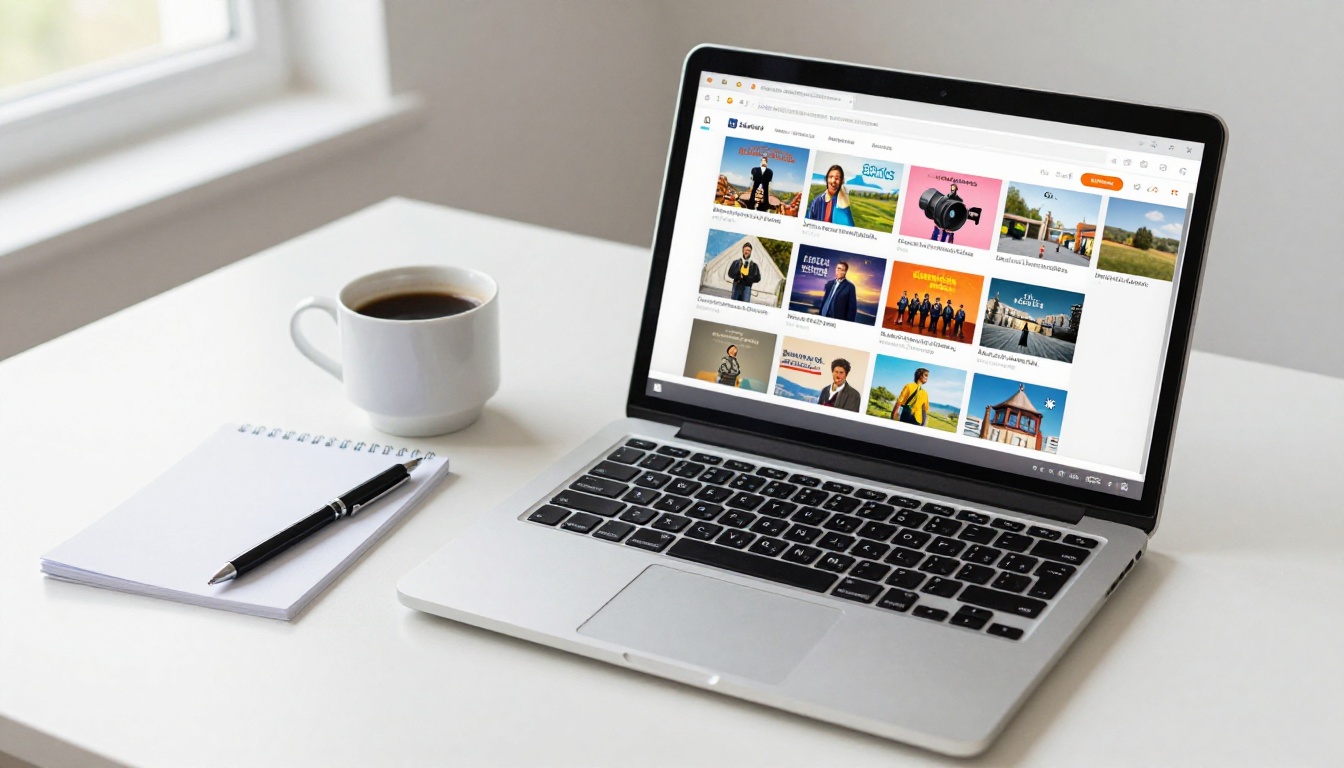
Why Flipbook Hosting Matters
It's Not Just Storage
Hosting a flipbook is different from storing a PDF. A good flipbook host renders your document as an interactive, page-turning publication that works on any device, loads fast, and can be embedded anywhere. The wrong platform will slap a watermark on it, limit how many people can view it, or require your readers to download an app just to open your content.
When you're evaluating free flipbook hosting options, you're not just looking for somewhere to put a file. You're looking for a platform that:
- Renders your PDF as a smooth, interactive flipbook
- Hosts it on a fast CDN so load times stay under 2 seconds
- Gives you a shareable URL and ideally an embed code
- Doesn't degrade your brand with visible watermarks
- Works on mobile without friction
What Actually Differentiates Platforms
Most platforms offer similar creation features. The differences show up in the hosting terms: storage limits, bandwidth caps, watermark policies, custom domain support, and how long your flipbooks stay live on the free plan. Those details matter more than the editor interface.

Flipbooks AI
Flipbooks AI is the strongest option for anyone who wants a clean, watermark-free flipbook hosted immediately. Upload a PDF, convert it in seconds, and get a shareable link and embed code without any credit card. The free tier is genuinely usable for real projects, and upgrading to a paid plan doesn't feel forced.
Free-tier highlights:
- Unlimited flipbook views on the free plan
- No watermark on your publication
- Shareable URL generated instantly after upload
- Mobile-responsive rendering without any configuration
- Embed code available for websites and blogs
The PDF to Flipbook Converter tool handles the conversion automatically, with support for large multi-page documents. If you need to embed your flipbook directly into a website, the Embed Flipbook on Website tool makes that a single copy-paste operation.
Issuu
Issuu is one of the oldest names in digital publishing. The free plan lets you upload documents and share them via a public profile link. The main limitation is that the free tier adds an Issuu watermark and restricts you from downloading your own content as a PDF. It's useful for discoverability through their content directory, but branding control is limited.
Yumpu
Yumpu offers unlimited uploads on the free plan and distributes your flipbooks through their reader network, which can increase organic visibility. The tradeoff is that Yumpu ads appear on free-tier publications. For brand-sensitive content like product catalogs or portfolios, this is a problem.
Calameo
Calameo supports up to 15 free publications and gives you a reasonable set of sharing options. The free plan doesn't include custom branding, and storage is capped. Good for occasional publishing but not for teams or businesses with regular output.
FlipHTML5
FlipHTML5 has a functional free tier with basic page-flip animations and a shareable URL. The interface is more complex than most alternatives, and the free plan includes their branding in the viewer. Access controls and offline features require a paid upgrade.

Comparing Free Plans Side by Side
Here's a direct comparison of what each platform actually offers on its free tier:
| Platform | Watermark | Storage Limit | Embed Code | Mobile Friendly | Custom Domain |
|---|
| Flipbooks AI | None | Generous | Yes | Yes | Paid plans |
| Issuu | Yes | 500MB | Limited | Yes | No |
| Yumpu | Ads | Unlimited | Yes | Yes | No |
| Calameo | No | 15 publications | Yes | Yes | No |
| FlipHTML5 | Yes | 500MB | Yes | Yes | No |
💡 The absence of watermarks on the free tier is what sets Flipbooks AI apart from most alternatives. For business or branded content, this is the deciding factor.
And here's a breakdown of the features you lose on free plans across platforms:
| Feature | Flipbooks AI Free | Issuu Free | Yumpu Free |
|---|
| No watermark | ✅ | ❌ | ❌ |
| Embed on website | ✅ | Limited | ✅ |
| Analytics | Paid | Paid | Basic |
| Password protection | Paid | Paid | Paid |
| Offline download | Paid | ❌ | ❌ |
| Custom branding | Paid | ❌ | ❌ |
| Lead generation | Paid | ❌ | ❌ |

How to Publish on Flipbooks AI
This is the fastest path from a PDF to a live, shareable flipbook. The entire process takes under five minutes.
Step 1: Create Your Account
Go to Flipbooks AI and sign up for free. No credit card is required for the free tier. Once your account is created, you'll land on your dashboard where all your flipbooks are managed.
Step 2: Upload Your PDF
From the dashboard, click New Flipbook and select your PDF file. Flipbooks AI supports files up to several hundred pages. The platform automatically:
- Converts each PDF page into a high-resolution web image
- Applies the page-turn animation
- Optimizes for mobile and desktop viewing
- Generates a unique shareable URL
The conversion typically completes within 30-60 seconds depending on file size.
Step 3: Customize Your Flipbook
Before publishing, you can configure several presentation options:
- Branding: Add your logo and choose custom colors for the viewer interface
- Page Effects: Enable realistic page shadows and depth effects
- Preview Image: Set a thumbnail that looks great when shared on social media
- Title and Description: Set metadata for better sharing and SEO
For specific use cases, Flipbooks AI has purpose-built tools. If you're publishing a product catalog, the Digital Catalog Maker handles the entire workflow. For magazines, the Magazine Flipbook Creator adds editorial-grade presentation options.
Step 4: Share and Embed
Once published, your flipbook is immediately accessible via a shareable link. You also get:
- Direct URL: Share via email, social media, or messaging apps
- Embed Code: A single snippet to drop your flipbook into any website or blog
- QR Code: For print materials or physical signage
The Embed Flipbook on Website tool provides the exact embed snippet and previews how it will look on your site before you copy it.
✅ Password protection, available on paid plans, lets you add a private access layer. Perfect for client presentations, internal reports, or exclusive subscriber content.

Free vs. Paid Hosting: When to Upgrade
Features Worth Paying For
The free tier is a real option for most individual publishers and small projects. But certain use cases genuinely need paid features:
- Analytics: Knowing how many people viewed your flipbook, how long they spent on each page, and where they dropped off is critical for marketing and sales content
- Lead generation: Capture email addresses before or during the reading experience
- Offline access: Let readers download your flipbook for use without internet
- Custom domain: Host your flipbook on your own domain for professional branding
- Password protection: Restrict access to approved viewers only
The Professional plan on Flipbooks AI includes all of these. For businesses using flipbooks as sales tools or for lead generation, the value is clear.
Who Needs the Professional Plan
| Use Case | Free Plan Sufficient? | Reason to Upgrade |
|---|
| Personal portfolio | ✅ Usually | Custom domain for branding |
| Small business catalog | ✅ Often | Analytics and lead gen |
| Marketing campaign | ❌ Rarely | Analytics are essential |
| Client presentations | ❌ No | Password protection needed |
| Internal HR documents | ❌ No | Privacy and access control |
| School newsletters | ✅ Yes | Basic sharing is enough |
| Real estate brochures | ✅ Sometimes | Lead gen can close deals |

Real-World Use Cases for Free Hosting
Small Business Catalogs
A boutique clothing store doesn't need to pay for print catalogs to reach customers. Upload a product catalog PDF to Flipbooks AI, share the link in an Instagram bio or send it via email, and customers can browse your full collection on any device. The Product Catalog and Fashion Catalog tools are built specifically for this workflow.
Real estate agents can do the same with property brochures using the Real Estate Brochure tool. Instead of emailing a heavy PDF attachment, they send a clean flipbook link that opens instantly in any browser.
Restaurants can share seasonal menus without reprinting. The Restaurant Menu Creator converts a PDF menu into an interactive flipbook that staff can text to waiting customers or embed on the restaurant website.
Digital Portfolios
Freelancers and creatives can host their entire portfolio as an interactive flipbook. The Digital Portfolio Creator lets photographers, designers, and writers present their work in a format far more engaging than a static PDF. Share it in a LinkedIn profile, a personal website, or a pitch email.
For photographers specifically, the Photography Portfolio tool optimizes image quality and layout for print-quality visuals in a web-native format.
School Newsletters and Educational Materials
Teachers and school administrators can publish monthly newsletters, course materials, and yearbooks without needing a webmaster. The School Newsletter Creator and Yearbook Flipbook Maker make it straightforward. Parents and students get a link that opens in any browser with no app required.
For educators publishing course materials, the Course Material Publisher handles structured educational content with chapter navigation and multi-page documents.

3 Common Mistakes When Hosting Flipbooks
Ignoring Mobile Optimization
Over 60% of web browsing happens on mobile devices. If your flipbook hosting platform doesn't render well on a phone screen, you're losing more than half your potential audience immediately. Always preview your flipbook on mobile before sharing. Flipbooks AI automatically optimizes for mobile, but some older platforms require manual configuration.
⚠️ Never assume your flipbook looks fine on mobile just because it looks fine on desktop. Test it on at least one real mobile device before distributing.
Skipping Analytics
Even on a free plan, tracking basic metrics matters. If your platform offers any view count or engagement data, use it. For business use, the lack of analytics is the single strongest reason to consider a paid plan. Sending a catalog without knowing if anyone opened it is like running an ad with no performance data.
Choosing Based on Price Alone
The cheapest option is often the one that hurts your brand. A watermark or intrusive ad on your product catalog communicates that you cut corners. For professional content, the presentation platform is part of the message. The free tier on Flipbooks AI is clean and brand-safe, which is why it's the right starting point even for business use.

Where to Publish Your Flipbook Today
The options are clear. For the cleanest free hosting with no watermarks, instant embed codes, and mobile-ready rendering, Flipbooks AI is the right starting point. When you outgrow the free tier, the pricing plans scale with your needs without forcing you into features you don't use.
For niche use cases, there are purpose-built tools worth bookmarking:

Publishing a flipbook is a ten-minute task when you have the right platform. Create your account on Flipbooks AI today, upload your first PDF, and have a live shareable link before you finish your coffee. When you're ready to add analytics, lead generation, or password protection, the upgrade path is straightforward and delivers real value for any serious publishing workflow. Browse all available tools and templates to find the perfect fit for your content type.



