If you've ever sent a PDF to a client only to get back "I can't open this on my phone," you know exactly why a free flipbook maker that works on any device matters so much. Static PDFs are clunky on mobile, impossible to embed cleanly, and offer zero interactivity. The world moved to phones and tablets years ago, but a lot of digital content never followed. That changes the moment you convert your PDF into a responsive, browser-based flipbook with Flipbooks AI.
This article covers what to actually look for in a cross-platform flipbook tool, why true device compatibility is harder to fake than vendors pretend, and how to build and share your first flipbook in minutes.
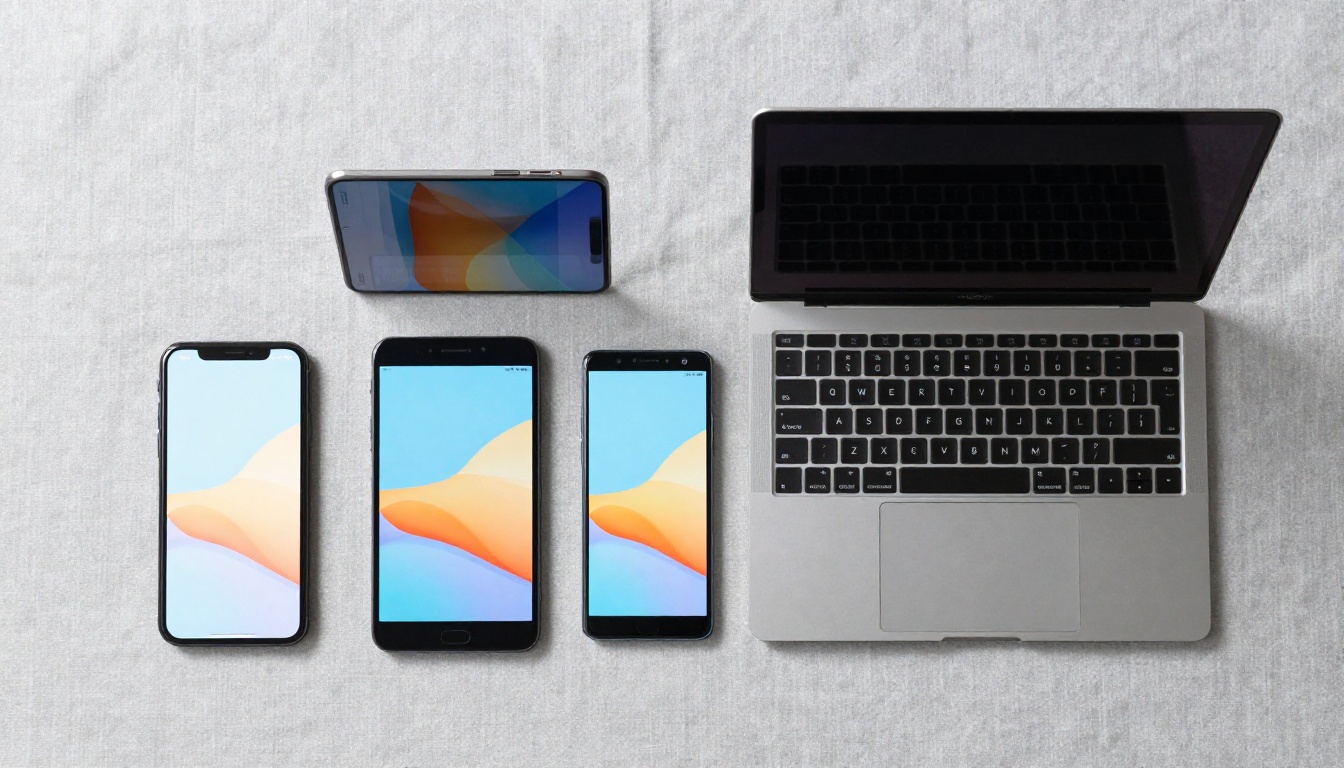
Why Device Compatibility Actually Matters
Most people discover the device problem at the worst possible moment. A sales rep walks into a meeting, pulls up a PDF brochure on a client's office TV, and the layout is completely broken. A teacher shares a digital worksheet on the school's tablets, and half the text is cut off. A restaurant posts a menu link on Instagram and half their followers can't open it properly on mobile.
These are not edge cases. They happen constantly with PDF-based content and even with older flipbook formats built on Flash or proprietary plugins.
The Old Way Broke on Everything
Before HTML5 became standard, most interactive digital publications required Flash Player or dedicated software installs. Those solutions locked out anyone on an iPhone (Apple blocked Flash entirely), anyone on a Chromebook, and anyone who simply hadn't updated their browser. The result was content that worked for the person who made it but failed for the person meant to receive it.
Even today, many so-called "free" flipbook tools generate files that only play in specific apps, or require users to download a viewer, or produce animations that stutter badly on mobile processors. That is not truly cross-device.
What HTML5 Fixed
HTML5-based flipbook tools render entirely inside the browser using standard web technologies. No plugins. No downloads. No version mismatches. The reader clicks a link and the flipbook opens with smooth page-turn animations, regardless of whether they're on a 2019 Android phone, a 2024 MacBook, or a shared office desktop.
A proper browser-based flipbook tool uses responsive design principles so the layout adapts automatically to the screen size. That means a two-page spread on a desktop collapses gracefully to a single-page view on mobile, and touch swipe gestures work the same as mouse clicks on desktop.

What "Free" Actually Means in This Space
The word "free" gets stretched thin in the flipbook software market. Some tools call themselves free but slap a large watermark on every page. Others give you one flipbook total before demanding a subscription. A few limit the number of pages, resolution, or sharing options to the point where the free tier is functionally useless.
Here is how the different models actually break down:
| Model | What You Get | The Catch |
|---|
| Truly Free (no credit card) | Full feature access, no watermarks, limited flipbooks | Volume cap, no custom domain |
| Freemium with watermarks | Unlimited flipbooks, cloud hosting | Forced branding on every page |
| Free trial only | Full features for 7-14 days | Reverts to paid after trial |
| Open-source self-hosted | Full control, no fees | Requires server, tech knowledge |
| Free with paid exports | View online free | Must pay to download or share |
Flipbooks AI operates on a freemium model where the free tier gives you real, usable flipbooks with no watermarks, which puts it ahead of most alternatives where watermarks make free content unpublishable for professional use.
💡 Always check whether "free" includes embedding. Some tools allow free creation but charge for the embed code needed to put the flipbook on your website.
Not all cross-platform flipbook makers are equal. Before you commit to any platform, run through this checklist:
- Does it work without a plugin? Open the demo in a private browser window on your phone. If it asks you to install anything, move on.
- Is mobile layout automatic? The flipbook should reformat for small screens without any manual adjustment from you.
- Can you share via a link? A sharable URL is non-negotiable. Anyone should be able to open the flipbook from a text message, email, or social media post.
- Are there watermarks on the free plan? Watermarks are a dealbreaker for any professional use.
- Does it support embedded video and audio? Modern content often includes multimedia, and your flipbook tool should handle it.
✅ Test your flipbook on at least three different devices before sharing it publicly. iOS Safari, Android Chrome, and desktop Firefox cover the vast majority of real-world user scenarios.
Why Loading Speed Matters More Than You Think
A flipbook that loads slowly on mobile will lose readers before the first page turn. Cloud-based tools like Flipbooks AI host your content on global CDN infrastructure, meaning your flipbook loads fast whether the reader is in New York, Nairobi, or Seoul. Self-hosted solutions put that responsibility entirely on your server configuration.
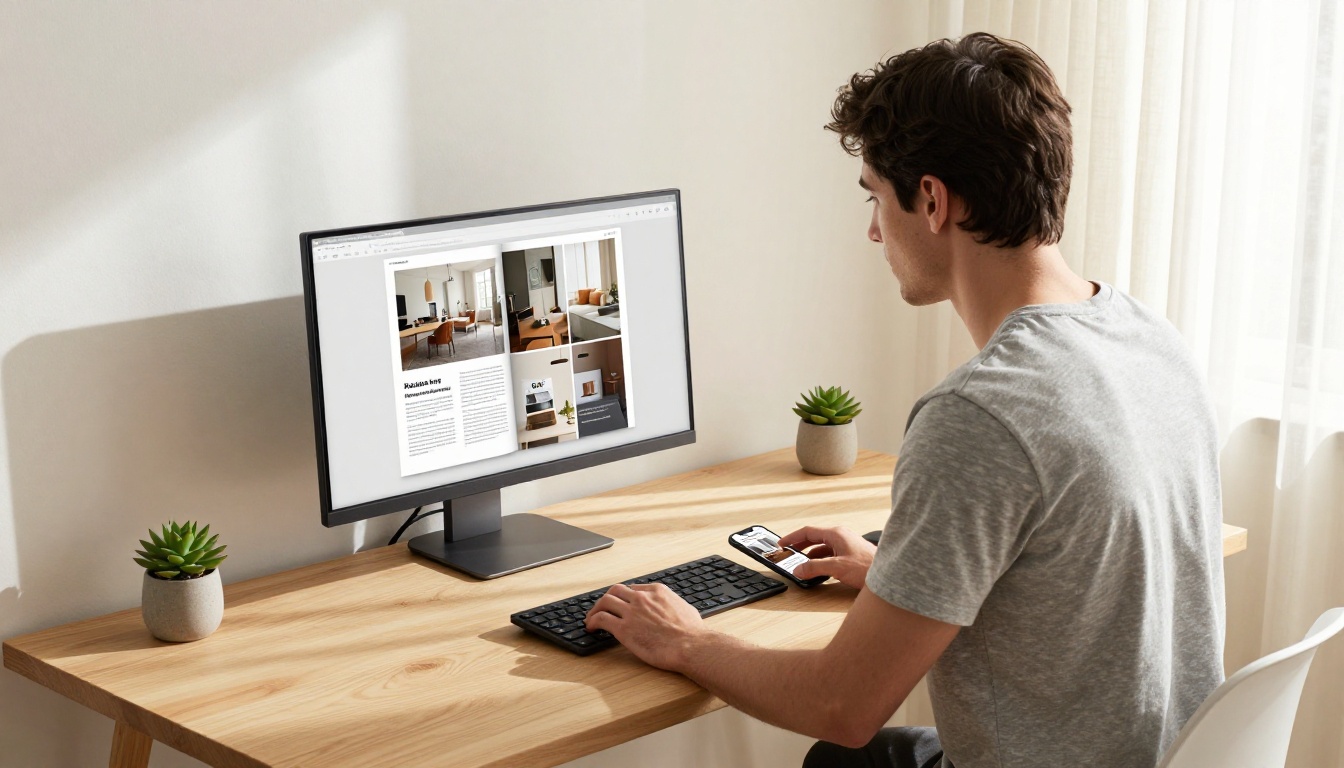
How to Create a Flipbook That Works on Any Device
Creating a truly cross-device flipbook with Flipbooks AI takes less time than formatting a PDF. Here is the full process from scratch:
Step 1: Create Your Account
Go to flipbooksai.com and create a free account. No credit card required. The dashboard gives you immediate access to the PDF to Flipbook Converter and all available templates.
Step 2: Upload Your PDF
Click New Flipbook and upload your PDF file. The platform accepts PDFs up to high resolution and converts each page into a responsive, touch-optimized spread. Conversion typically takes seconds for standard documents and a minute or two for high-resolution design files.
⚠️ Make sure your PDF fonts are embedded before uploading. Non-embedded fonts sometimes render incorrectly during conversion on any platform.
Step 3: Customize for Every Screen
After conversion, you can:
- Adjust the layout for single-page mobile view vs. double-page desktop spread
- Add your brand colors and logo via the branding panel
- Embed videos and audio directly into specific pages
- Set a custom page background for sections that need visual emphasis
- Enable a table of contents for long documents so readers can navigate on any device
Step 4: Configure Sharing Settings
This is where cross-device access gets locked in. From the Share panel:
- Copy the direct URL to share via link on any platform
- Generate an embed code to place the flipbook directly on your website using the Embed Flipbook on Website tool
- Set password protection if the content is private or client-facing
- Toggle offline download access for readers who need the document without internet
Step 5: Verify on Real Devices
Before sending the link to anyone, open it yourself on your phone. Check:
- Page-turn animation smoothness on mobile
- Text legibility at the default zoom level
- Touch swipe responsiveness
- Video playback if you embedded multimedia

Real Use Cases Across Different Industries
The demand for a mobile-friendly flipbook maker cuts across virtually every industry. Here are the scenarios where cross-device access makes the biggest practical difference:
Restaurant Menus That Open on Any Phone
A customer in line scrolls your Instagram post and taps the menu link. They're on an older Android device with a spotty connection. A PDF download fails. A responsive digital flipbook loads immediately in their browser, no app required. Restaurants using the Restaurant Menu Creator can update seasonal items instantly without reprinting or re-uploading, and the same link works for every customer.

Sales Teams Who Present Everywhere
A field sales representative might be presenting from a laptop in a conference room, a tablet at a trade show booth, or a phone during an impromptu hallway pitch. A cross-platform flipbook lives at a single URL that opens perfectly in each of those contexts. The Sales Presentation tool produces flipbooks specifically optimized for this workflow.
Teachers and Course Creators
Education content needs to work on school-issued Chromebooks, students' personal phones, and teacher laptops simultaneously. A beautifully formatted flipbook curriculum loads in any school browser without IT permissions or installs. The Course Material Publisher handles formatting for educational documents automatically.

Real Estate and Property Presentations
Real estate agents walk clients through properties with printed brochures, then lose track of outdated information when prices change. A digital property brochure hosted as a flipbook updates instantly when the agent edits it, and the same link the agent texted the client still works and shows current pricing. The Real Estate Brochure template is built for exactly this scenario.
Corporate Reports for Distributed Teams
Remote teams across time zones access the same annual report from desktops in Europe, tablets in Asia, and phones in North America. A cloud-hosted flipbook ensures consistent rendering everywhere, with no version control issues. The Annual Report Creator includes branded layout templates suited for formal corporate publishing.

Comparing Plans: What You Actually Get
Cross-device access is available on every plan, including free. But the features that matter for professional publishing are tiered. Here is a clear comparison:
| Feature | Free | Standard | Professional |
|---|
| Flipbooks created | Limited | Unlimited | Unlimited |
| Watermarks | None | None | None |
| Custom branding | Basic | Full | Full |
| Password protection | No | Yes | Yes |
| Embed on website | Yes | Yes | Yes |
| Video and audio embed | No | Yes | Yes |
| Analytics and tracking | No | No | Yes |
| Lead generation forms | No | No | Yes |
| Offline downloads | No | No | Yes |
| Custom domain | No | No | Yes |
💡 The Standard plan is the sweet spot for most small businesses. You get unlimited flipbooks with full custom branding, no watermarks, and password protection at a fraction of the cost of enterprise tools.
For teams that need deeper insights, the Professional plan at Flipbooks AI adds page-by-page analytics so you can see exactly which sections readers spend time on and which pages cause drop-off.
Cross-Device Flipbooks vs. Static PDF: A Direct Comparison
It still surprises people how stark the difference is between sending a PDF and sharing a flipbook link. Here is a side-by-side comparison of what the reader actually experiences:
| Scenario | PDF | Flipbook |
|---|
| Opens on mobile browser | Often fails or downloads | Opens instantly in-browser |
| Touch navigation | Pinch-zoom only | Swipe to turn pages |
| Embedded video | Not supported | Plays inline |
| Password protection | Requires specialized tools | Built-in with one click |
| Always shows current version | No (cached copy) | Yes (live hosted) |
| Analytics on reader behavior | Not possible | Available (Pro plan) |
| Shareable single URL | No (file must be re-sent) | Yes |
| Works on Chromebook | Inconsistent | Yes |
| Works without download | No | Yes |
The flipbook wins on almost every dimension that affects the reader's actual experience. The PDF wins only on one thing: it works completely offline without any infrastructure. That is why the offline download feature on the Professional plan is genuinely valuable for teams whose clients sometimes work in low-connectivity environments.
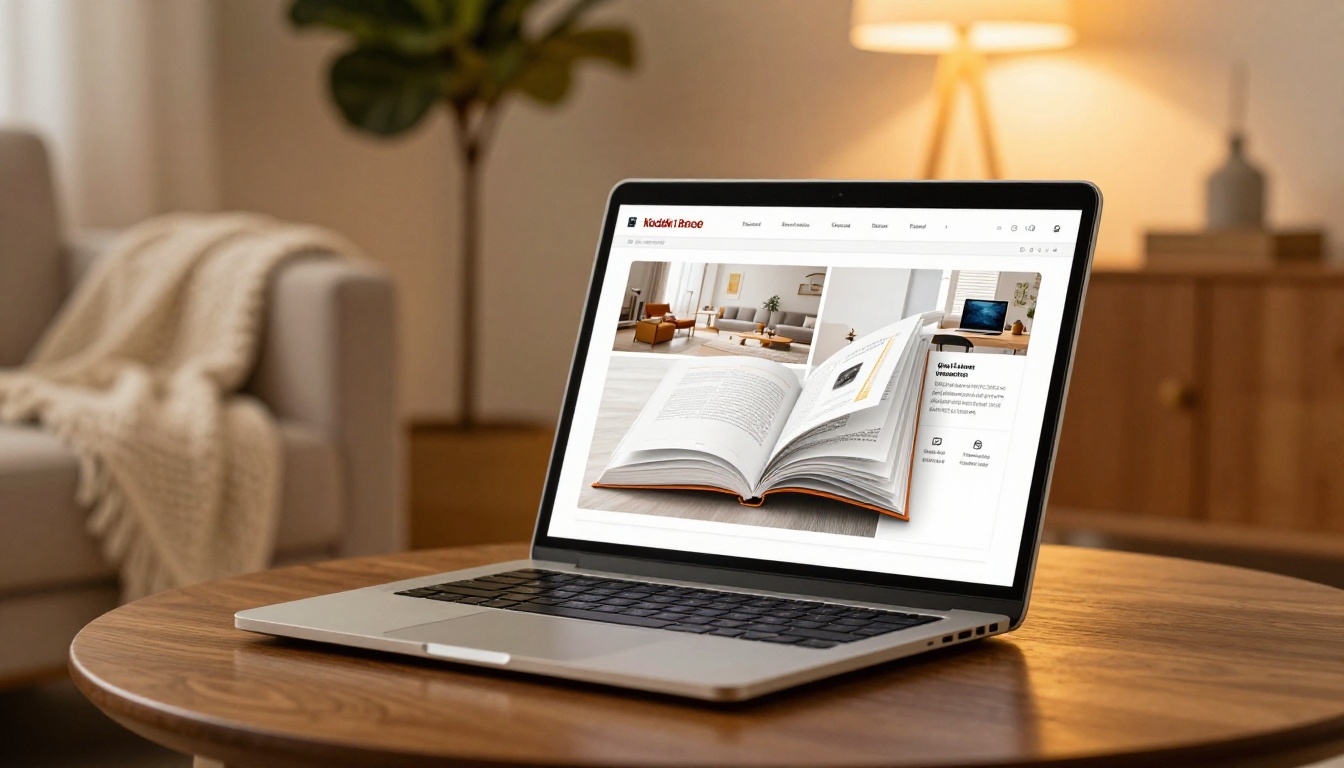
A generic PDF to Flipbook Converter handles most documents well. But when your content has a specific purpose, purpose-built tools produce better results:
- Product catalogs: The Digital Catalog Maker includes product-linking features that a generic converter skips entirely.
- Fashion lookbooks: The Interactive Lookbook Designer adds swipe-through gallery pages that work beautifully on mobile.
- Portfolios: The Digital Portfolio Creator formats work samples with optimal visual hierarchy for creative professionals.
- Hotel brochures: The Hotel Brochure template includes room gallery layouts and booking CTA placement.
- Event programs: The Event Program Maker handles schedule formatting and speaker bios with layouts visitors can read on their phones between sessions.
Using the right tool for your specific document type saves significant formatting time and produces results that generic converters cannot match.
The Devices That Matter Most Right Now
If you are building content for maximum reach, this is the actual device breakdown you are publishing for:
- Mobile (iOS + Android): Accounts for over 55% of global web traffic as of 2025. Your flipbook must be excellent here first.
- Desktop (Windows + Mac): Still dominant for professional and B2B contexts. Two-page spread layouts matter here.
- Tablet (iPad + Android tablets): Growing segment, especially in education and healthcare. Touch optimization is critical.
- Smart TV browsers: Emerging use case for hospitality and retail. Wide-format flipbooks with large typography work best.
- Chromebook: Heavily used in schools and budget-sensitive markets. Pure browser-based rendering is non-negotiable.
A platform like Flipbooks AI builds all of this compatibility into the output automatically. You make one flipbook, and it handles every rendering context without any extra configuration from you.
Where to Start
There is no reason to keep sending PDFs that half your audience struggles to open. A free flipbook maker that works on any device solves the compatibility problem without adding any workflow complexity. You already have the content. The conversion takes minutes.
Create your first flipbook for free and see how your existing PDFs look as responsive, interactive publications. Browse all flipbook tools to find the right template for your specific use case. When you're ready for advanced features like analytics and lead generation, compare pricing plans to find the tier that fits your publishing volume.
Your content deserves to be seen on every screen. Flipbooks AI makes that happen without the technical complexity.



