You spent three hours designing a beautiful PDF presentation. You shared the link with a client. They opened it on their iPhone, and the formatting collapsed entirely. Pages were misaligned, fonts broke, and the content felt unusable. That's the exact problem a free flipbook maker that works on any device solves, and it's why professionals, educators, and businesses are switching to browser-based platforms like Flipbooks AI for their digital publishing needs.
Why Device Compatibility Matters in 2025
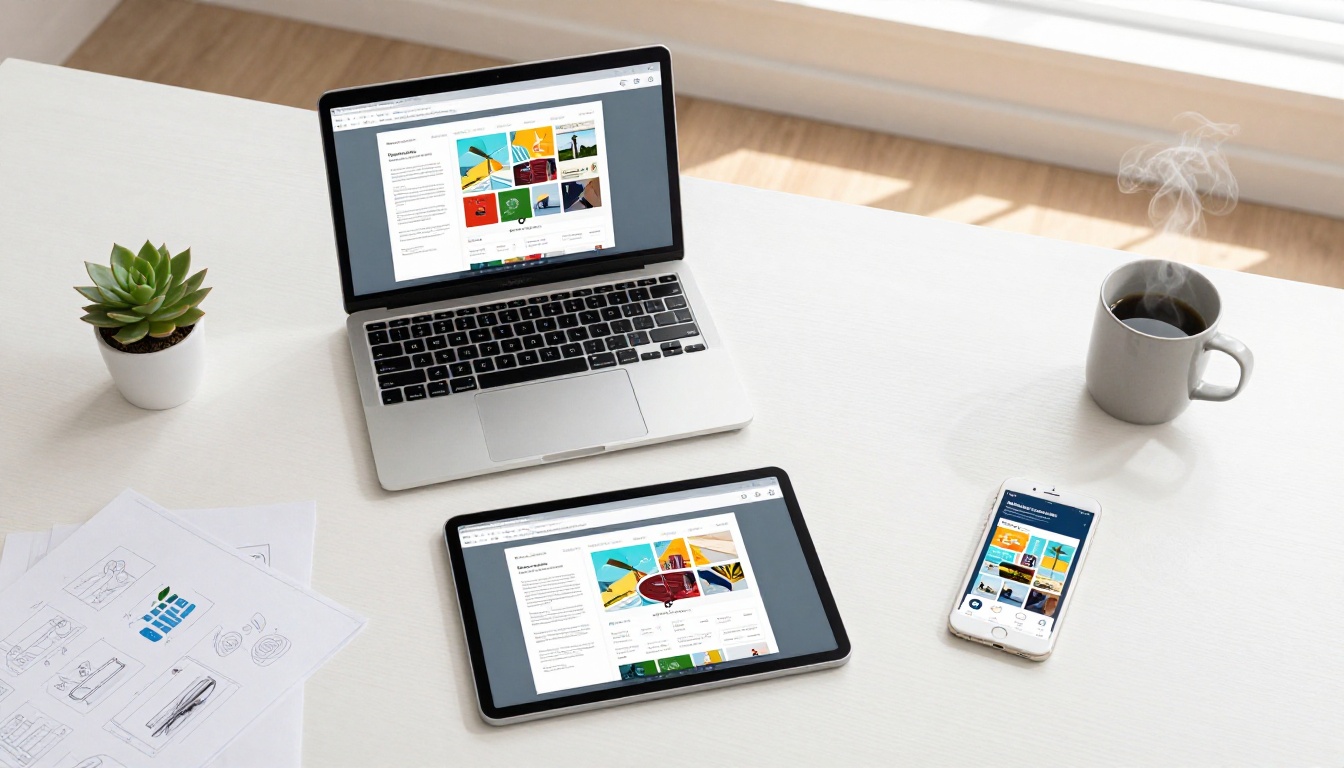
The average person switches between three or more screens throughout their day. A morning commute happens on a phone. The workday runs on a laptop. Evening reading moves to a tablet. If your flipbook only renders correctly on one of those, you're disconnecting from the majority of your audience before they reach page two.
Here's what the data tells us about modern content consumption:
- Mobile devices account for over 60% of global web traffic, making phone-first compatibility non-negotiable
- Tablet usage for long-form visual reading continues to grow, especially for catalogs, magazines, and reports
- Screen sizes range from 4.7 inches to 32 inches, and a well-built flipbook must adapt to every point in that range
- Zero-download access removes friction, meaning readers shouldn't need to install an app just to see your content
- Cross-device consistency builds brand trust, because a broken layout on mobile signals poor attention to detail
💡 Pro Tip: Always look for HTML5-based flipbook platforms. HTML5 renders natively in every modern browser on every device, including iOS, Android, Windows, macOS, and ChromeOS, without plugins or app installs.
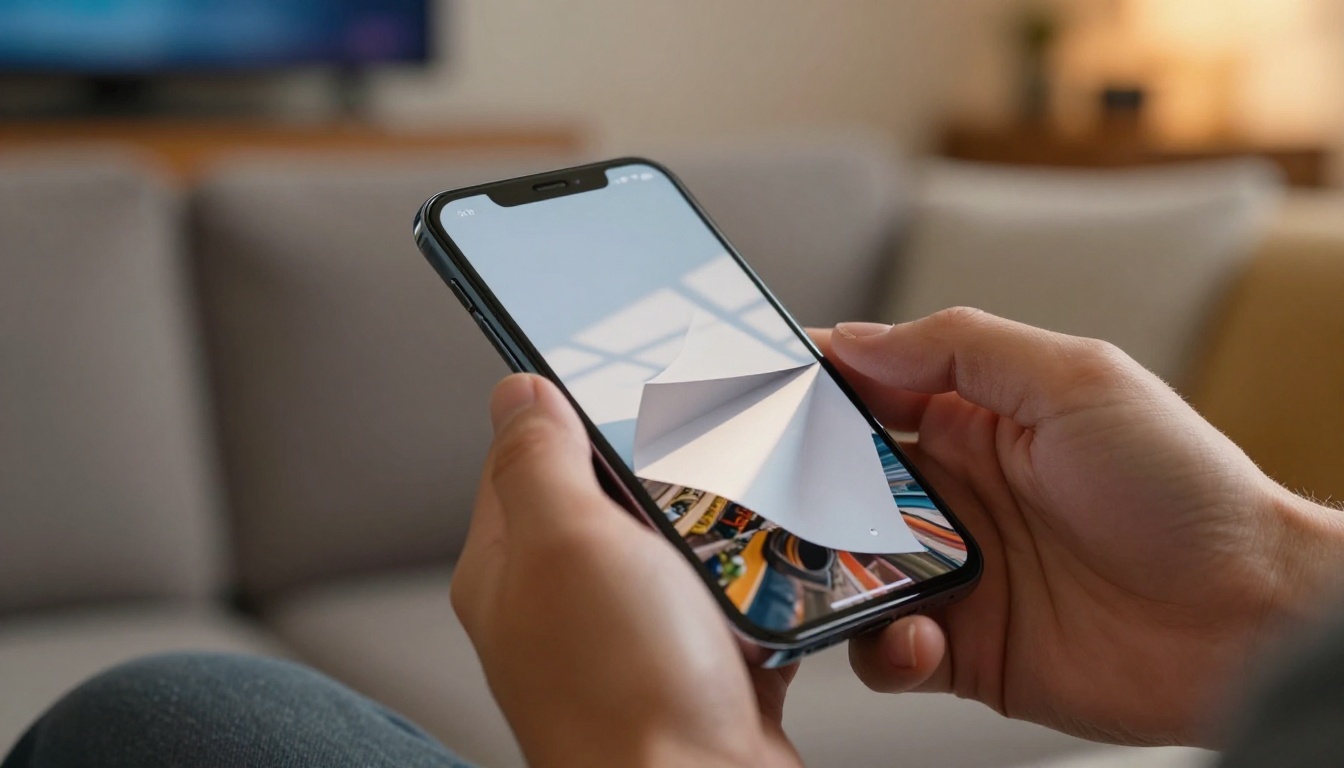
The word "free" gets overused and abused in the software industry. Many tools advertise a free tier that quietly degrades the experience with watermarks, page limits, or locked sharing options. Before committing to any platform, check these six factors against the free tier:
| Factor | Why It Matters |
|---|
| No Watermark on Free Tier | Watermarks on client-facing content damage professionalism instantly |
| Responsive Mobile Viewer | Pages must auto-adapt to small screens without pinching and zooming |
| HTML5, No Plugin Required | Flash is obsolete; a modern flipbook runs in the browser without extras |
| Shareable Direct Link | One URL should open correctly on every device without any setup |
| Free Cloud Hosting | Your flipbook should remain accessible without additional hosting fees |
| No Per-Flipbook Fee | Some free tiers allow only 3-5 flipbooks before billing kicks in |
Flipbooks AI genuinely meets all of these criteria on its free tier. No watermarks. No plugin. One link that works everywhere. That separation from competitors who hide these basics behind a paywall makes a real difference for anyone creating professional content on a budget.
How to Build a Cross-Device Flipbook Step by Step
Creating a flipbook with Flipbooks AI takes less time than most people expect. Here's the exact process:
- Sign up for free at flipbooksai.com/account. No credit card required.
- Upload your PDF using the drag-and-drop dashboard. The platform accepts single and multi-page PDFs at any resolution.
- Wait for automatic conversion. The system processes your file and generates a fully responsive HTML5 flipbook, typically within 60 seconds.
- Customize your publication. Add your brand colors, logo, a background music track, or interactive hyperlinks directly on the pages. Embed video clips for richer content.
- Preview across device sizes. Use the built-in device preview toggle to confirm how your flipbook renders on mobile, tablet, and widescreen before publishing.
- Publish and share. Copy the direct link to paste into email, social media, or messaging apps. Use the embed code to place the flipbook directly inside any website or blog.

✅ Best Practice: Test your published flipbook on a real phone on a cellular connection, not just WiFi, before sharing it publicly. CDN-hosted flipbooks load fast, but verifying real-world performance catches any asset or font issues early.
Real-World Applications Across Industries
The value of a free flipbook maker that works on any device spans every industry that shares visual content with audiences. Here's how it plays out in practice:
Restaurants and Menus
A restaurant uploads their seasonal menu PDF, converts it in minutes, and shares one link. Guests open it on their phone at the table, on a desktop when browsing the website, or on a tablet at the front desk. The Restaurant Menu Creator provides templates built specifically for this workflow.
Spa and wellness businesses share treatment menus the same way. A guest browsing from their hotel room on a phone needs the same smooth experience as a receptionist checking it on a desktop. The Spa and Wellness Menu tool handles both without any configuration.
Catalogs and Retail
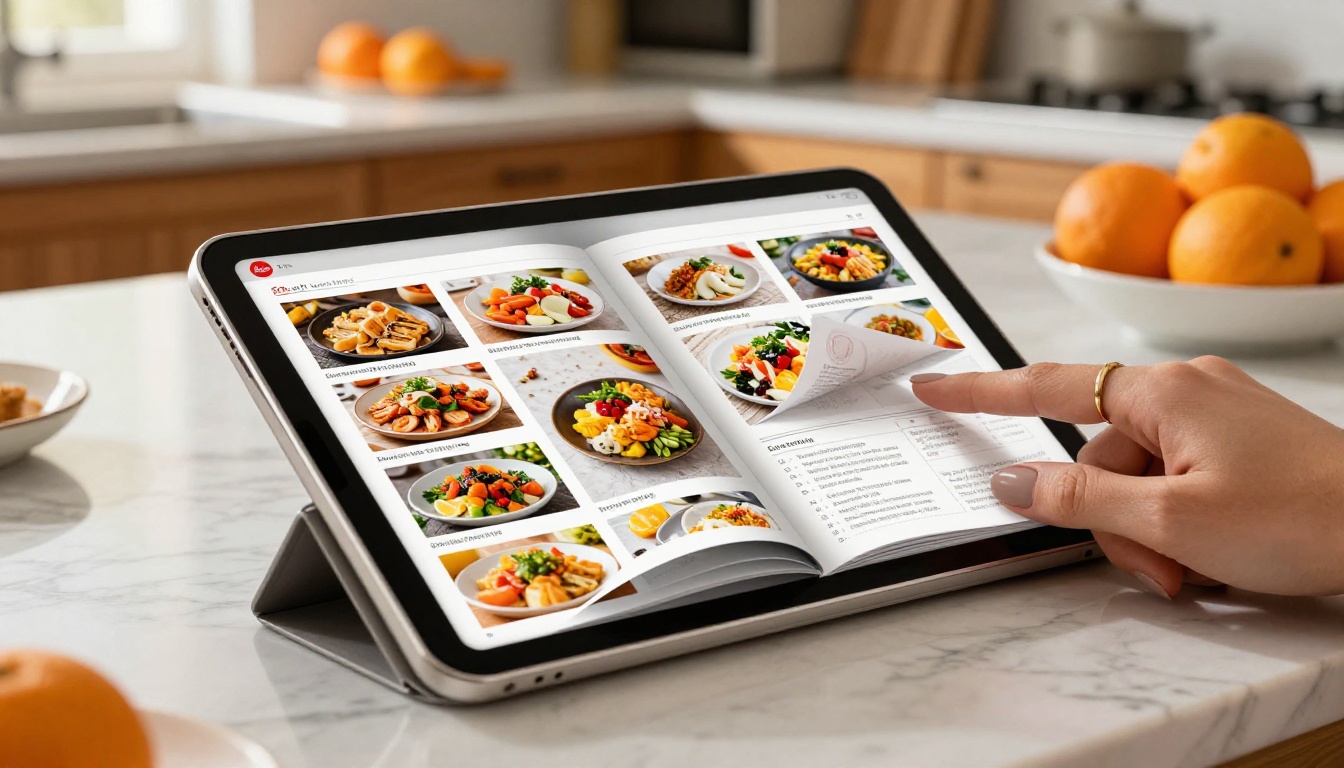
E-commerce brands distribute product catalogs to buyers via email. If those buyers open the catalog on a phone during a commute, a broken layout means a missed sale. The Digital Catalog Maker and Product Catalog Generator produce catalogs where product images stay sharp and clickable links work on every screen size.
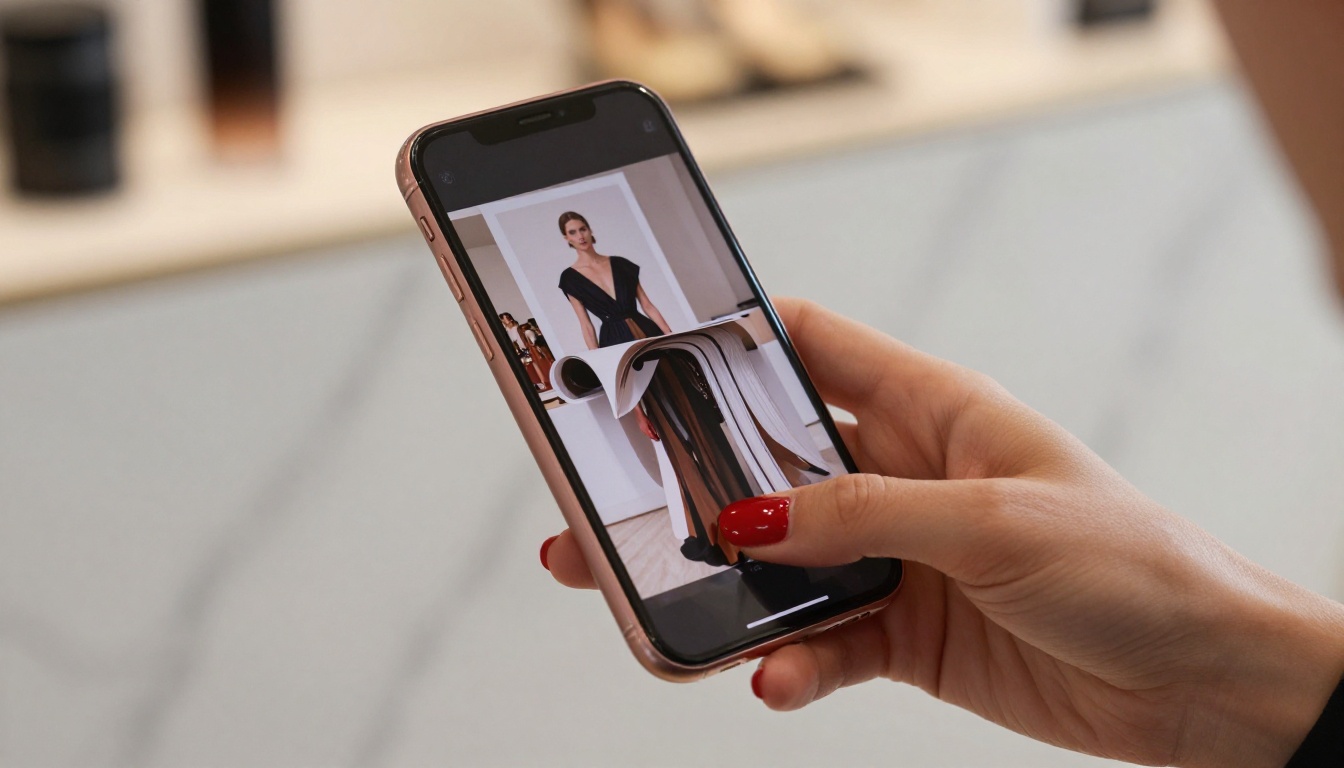
Fashion brands benefit from the Fashion Catalog Creator for lookbooks that buyers access on iPads during showroom visits or on phones while traveling between appointments.
Business Reports and Presentations
Corporate teams share investor presentations, annual reports, and quarterly summaries with stakeholders who read on all sorts of devices. The Corporate Report Maker converts multi-page financial PDFs into responsive publications that present charts and graphs with proper proportions on every screen.
Real estate agencies share property brochures with buyers who browse on phones during property visits. The Real Estate Brochure Creator builds mobile-first brochures where property photos stay full-resolution and contact forms remain functional.

Education and Training
Teachers and trainers share materials with students who access content on Chromebooks, personal laptops, phones during commutes, and tablets at home. A single flipbook link covers all of those scenarios. The Course Material Publisher and Training Manual Flipbook tools are purpose-built for this multi-device educational reality.

Creative Portfolios and Lookbooks
Designers and photographers share portfolio links with clients who open them on phones during meetings and on large monitors during decision-making presentations. The same flipbook must work in both contexts without the creator sending separate files. The Digital Portfolio Creator and Interactive Lookbook Designer produce publications that scale from 6-inch to 34-inch screens without compromise.
Free vs. Paid: An Honest Comparison
Here's a straightforward breakdown of what each plan level on Flipbooks AI actually includes:
| Feature | Free | Standard | Professional |
|---|
| Number of flipbooks | Limited | Unlimited | Unlimited |
| Watermarks | None | None | None |
| Mobile-responsive viewer | Yes | Yes | Yes |
| Password protection | No | No | Yes |
| Analytics and reader tracking | No | No | Yes |
| Lead generation forms | No | No | Yes |
| Offline download option | No | No | Yes |
| Custom domain | No | No | Yes |
⚠️ Important: Even the free plan has no watermarks. This is a genuine distinction from many competing platforms that watermark all free-tier content. Your flipbooks look professional from day one.
The Standard and Professional plans become worth considering when volume increases or when specific features like reader analytics, password-protected private documents, or lead capture forms become part of the workflow. Review current pricing plan options to see what each tier includes today.
The Technology Behind Cross-Device Flipbooks
A quick look at how device compatibility actually works helps clarify why some tools deliver and others fall short.
| Format | Desktop | Mobile | Tablet | Notes |
|---|
| Responsive HTML5 | Yes | Yes | Yes | Auto-adapts layout to any screen size |
| Static HTML5 | Yes | Partial | Partial | Requires manual mobile breakpoints |
| Flash | Partial | No | No | Blocked in all modern browsers since 2021 |
| PDF embed | Yes | Partial | Partial | No page-turn animation, poor mobile UX |
| Native app flipbook | No | Yes (app required) | Yes (app required) | Adds friction for every reader |
Every flipbook on Flipbooks AI uses responsive HTML5 by default. The viewer automatically adjusts page layout, font scaling, and interactive elements based on screen dimensions. Readers do nothing except click a link.
💡 Pro Tip: When evaluating any flipbook platform, open the demo on your phone before signing up. If the demo itself doesn't look great on mobile, the platform isn't genuinely cross-device compatible regardless of what the marketing page claims.
1. Not testing mobile before committing. A tool might list "mobile support" and actually deliver a pinch-to-zoom PDF viewer instead of a true responsive flipbook. Always test on a real phone before building and distributing content.
2. Accepting watermarks on a free plan. Once you share branded content with another platform's logo watermarked across every page, that choice is visible to every single reader. Starting with a platform that respects your brand from the first flipbook avoids that problem entirely.
3. Ignoring load speed. An unoptimized 50MB PDF converted to a flipbook will load slowly on 4G mobile connections. Quality platforms compress and serve assets via fast CDN infrastructure. With Flipbooks AI, flipbooks load quickly even on standard cellular connections.
✅ Best Practice: After publishing, paste the flipbook link into an incognito browser tab on your phone and load it on mobile data. This simulates the exact experience a new reader will have and confirms the flipbook is genuinely fast and functional.
Once your flipbook is published, the cross-device compatibility extends to every sharing channel available:
Direct link: A single URL opens the flipbook in any browser on any device. No app download, no login required for readers.
Website embed: The iframe embed code auto-resizes to fill its container, so your flipbook displays correctly in a sidebar, full-width section, or any page layout.
QR code: Print on physical menus, brochures, or event programs. Scanning with any smartphone camera opens the flipbook instantly in the browser. The Event Program Maker pairs perfectly with QR-based distribution.
Email and social media: Paste the link directly into an email or post. Mobile readers opening the link on their phone see the same responsive flipbook as desktop users opening it at a workstation.

Who Actually Needs This
A cross-device flipbook maker is the right tool if any of these describe your situation:
- You share documents with audiences you can't control, like clients, customers, conference attendees, or email subscribers
- You publish catalogs, menus, lookbooks, reports, or portfolios more than a few times per year
- You send email campaigns with linked reading material and want a consistent reader experience across all devices
- You run a website and want embedded interactive content without developer involvement
- You produce educational or training materials consumed on varied personal devices
The PDF to Flipbook Converter is the fastest starting point for all of these use cases. Upload a PDF, get a cross-device interactive flipbook. No technical skills required.
A Few Use Cases Worth Highlighting
- Wedding planners use the Wedding Album Flipbook to share galleries with couples who browse on phones and families who view on desktops
- Authors and educators use the Interactive E-Book Publisher to distribute content that readers access on every device they own
- Nonprofits share impact reports created with the Non-Profit Annual Report tool via a single link that donors open on any device
Start Publishing for Free Right Now
Device-agnostic digital publishing is no longer a premium feature reserved for enterprise budgets. It's a free baseline that the right platform delivers without requiring an upgrade first.
Get started for free on Flipbooks AI and have a professional, mobile-friendly flipbook live within minutes. Your PDF deserves to look great on every screen your audience uses, from a 5-inch phone to a 27-inch monitor.
Browse all available flipbook tools and templates to find the right fit for your specific use case, whether that's menus, catalogs, reports, portfolios, e-books, or something else entirely.
When you're ready to add analytics, custom branding, or password protection, view pricing plans to pick what fits your workflow and budget.



