Teaching has never been more visual, and students have never been more digitally native. Yet most schools still rely on flat PDFs, printed handouts, and static slideshows to share information. That gap is exactly where a free flipbook maker for teachers and students makes a real difference. With Flipbooks AI, anyone with a browser and a PDF can turn course material into an interactive, page-turning digital experience in minutes, without paying anything to start.
Why Classrooms Are Going Digital Now
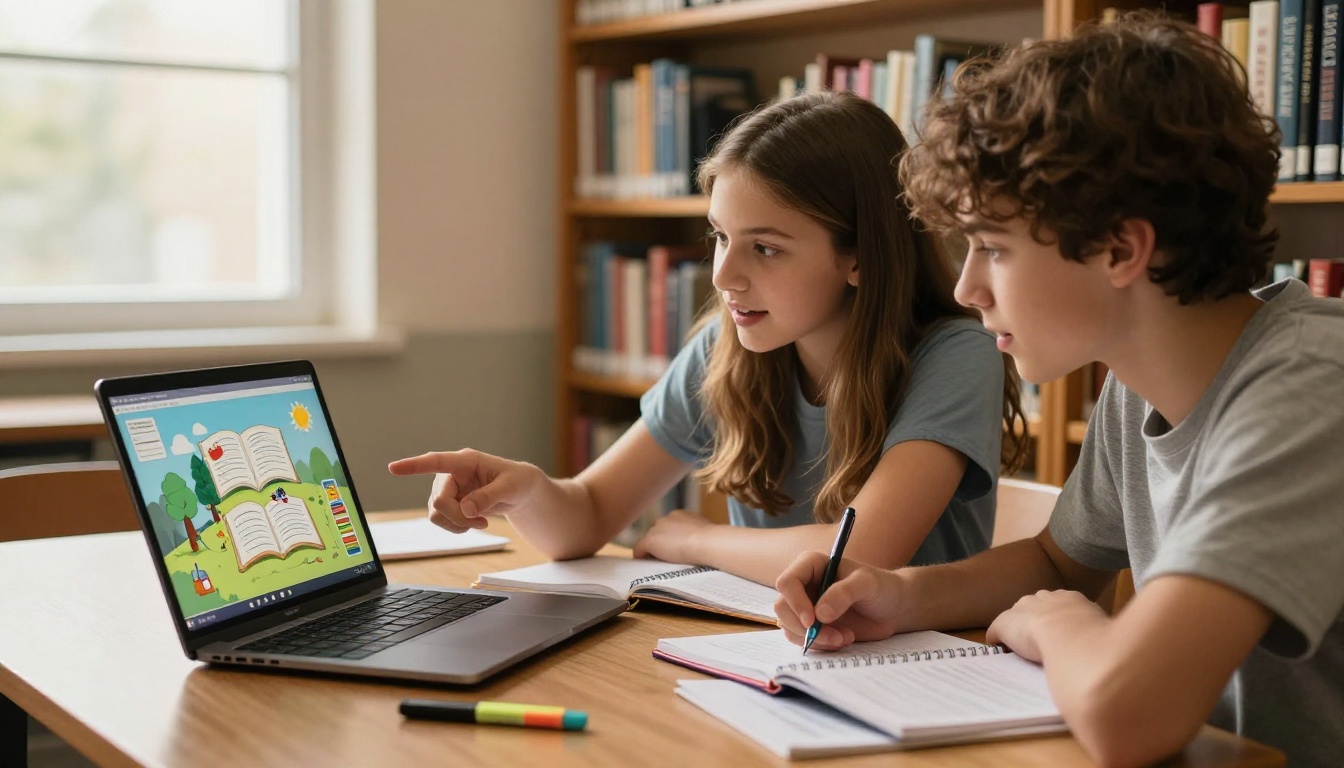
The shift from paper to screen in education is not just about convenience. It reflects how students actually absorb information today. Research consistently shows that interactive, visually rich content improves retention, especially for younger learners. When a student can swipe through a science module like turning pages of a real book, they stay absorbed longer and return to the material more willingly.
Paper Handouts Are Costing More Than You Think
Printing costs for schools in the United States alone run into the billions annually. Beyond budget strain, physical handouts get lost, torn, and outdated the moment they leave the printer. A digital flipbook stays accessible on any device, can be updated instantly, and costs nothing to distribute. One update on the platform reaches every student simultaneously.
Students Expect Interactive Content Now
A student who watches YouTube tutorials and scrolls through short-form video content is not going to be thrilled with a black-and-white PDF. That is not a criticism of teachers. It is just reality. Meeting students where they are means embracing formats they find natural, and a flipbook with smooth page turns, embedded media, and vivid visuals does exactly that. It signals effort and communicates that the teacher cares about presentation.
What Makes a Flipbook Maker Worth Using in Education
Not every free tool is created equal. Teachers and students have specific needs that a generic document viewer cannot meet. A platform that works well for marketing agencies may be entirely wrong for a third-grade classroom. Here is what actually matters when picking a flipbook platform for educational use.
Must-Have Features for Schools
- No watermarks: Students sharing work should not have a company logo plastered across every page
- Mobile-friendly design: Most students access content on phones, not desktop computers
- Easy sharing options: A direct link or embed code is far more practical than a file download
- PDF upload support: Teachers already have content in PDF format; the tool should work with that instantly
- Free tier that actually works: Many "free" tools lock even basic features behind a paywall immediately
💡 Pro Tip: Look for platforms that offer unlimited flipbooks on paid plans. If you are a teacher managing multiple classes or a student building a semester-long project archive, hitting a 3-flipbook limit mid-term is a real problem.
The Difference Between Free and Premium
Knowing what is included at no cost versus what requires an upgrade helps you plan realistically. Here is a breakdown of what to expect across plan tiers on a quality flipbook platform:
| Feature | Free Tier | Standard Plan | Professional Plan |
|---|
| Flipbooks created | Limited | Unlimited | Unlimited |
| Watermarks | Sometimes | None | None |
| Custom branding | No | Yes | Yes |
| Password protection | No | Yes | Yes |
| Analytics and tracking | No | No | Yes |
| Offline downloads | No | No | Yes |
| Embed on websites | Limited | Yes | Yes |
| Lead generation forms | No | No | Yes |
| Multimedia embedding | No | Yes | Yes |
Flipbooks AI offers a free starting point that lets teachers and students create their first flipbook without a credit card, then upgrade only if they need professional features like analytics, offline access, or custom branding for school publications.

How to Create a Classroom Flipbook with Flipbooks AI
This is where theory meets practice. The process is straightforward enough that a middle school student can do it independently, and fast enough that a teacher can prepare materials the night before a lesson without stress.
Step 1: Set Up Your Account
Go to flipbooksai.com/account and sign up with your email. No credit card is required to get started. You will land directly on your dashboard where all your flipbooks are managed, organized, and ready to share from one place.
Step 2: Upload Your PDF
Click New Flipbook and select your PDF file. This could be a lesson plan, a research handout, a student project, a school newsletter, a reading worksheet, or any document you have already prepared in another program. The conversion to flipbook format happens automatically, typically in under a minute even for lengthy documents.
✅ Best Practice: Before uploading, ensure your PDF has clean typography and comfortable spacing. Single-column layouts with clear section headings convert to beautiful flipbook pages. Dense, multi-column academic PDFs work but look less polished.
Step 3: Customize and Brand
Once your PDF is converted, you have full control over the presentation:
- Front page design: Add a title overlay and choose a background style
- Color scheme: Match your school colors, course theme, or subject identity
- Page effects: Enable realistic animated page-turn transitions for that true book feeling
- Table of contents: Automatically generated from your PDF headings for easy section browsing
- Multimedia: Embed video clips, audio tracks, or links directly into specific pages
Step 4: Share with Students
Sharing is where flipbooks genuinely outperform plain PDFs. Your distribution options include:
- Direct link: Paste into any messaging app, learning management system, or parent email
- Embed code: Drop the flipbook directly into Google Sites, Canvas, Blackboard, or any school website
- QR code: Print and attach to a physical worksheet for instant digital access
- Social sharing: Share publicly for open educational resources
⚠️ Note: If your content is sensitive such as exam prep materials or private class notes, upgrade to a Standard or Professional plan to enable password protection before sharing widely.
Step 5: Analytics and Lead Generation (Professional)
For teachers who want real data on whether students are actually reading the material, the Professional plan provides detailed page-by-page analytics: total views, time spent on each page, and lead capture forms for external audiences. This is especially powerful for administrators tracking school newsletter readership or department heads monitoring course material consumption.
Best Flipbook Uses for Teachers
Teachers have the most to gain from adopting flipbooks as a standard format for course delivery. Here are the highest-impact use cases, along with the specific tools on Flipbooks AI designed for each one.
Lesson Plans and Course Materials
Convert weekly lesson plans, unit summaries, or reading lists into interactive flipbooks students can access from anywhere at any time. The Course Material Publisher is built specifically for structured educational content, with layout options that make dense information scannable and organized.
School Newsletters
Parent communication gets a significant upgrade when a plain text newsletter becomes a visually engaging, page-turning flipbook. The School Newsletter Creator helps format news, upcoming events, and announcements in a format that parents will actually open and read rather than skim or delete.
Training Manuals for Staff
New teacher orientation documents, safety procedure manuals, and school policy handbooks are perfect candidates for flipbook conversion. The Training Manual Flipbook tool handles dense procedural content and makes it scannable with bookmarks and section headers.
Year-End Publications
A class yearbook or end-of-year memory publication becomes something genuinely special as a digital flipbook. The Yearbook Flipbook Maker handles photos, student profiles, event recaps, and staff farewells in a beautiful format that families can share and revisit for years.

Best Flipbook Uses for Students
Students benefit from flipbooks both as consumers and as creators. When students build their own flipbooks, the act of organizing, designing, and presenting information builds their grasp of the subject matter far beyond passive reading or note-taking.
Research Projects and Reports
Instead of submitting a PDF that rarely gets read beyond the first page, students can turn a research report into a flipbook with a polished front page, clearly divided visual sections, and a shareable link that works on any device. Teachers can open it on a tablet, phone, or computer without downloading files or dealing with attachment compatibility.
Science Fair Presentations
Science projects presented as interactive flipbooks genuinely stand out. Students can include methodology sections, results charts, high-quality photos of experiments, and data tables in a format that flows naturally from one page to the next. Judges and teachers can browse at their own pace.
Digital Portfolios
For older students applying to colleges or creative programs, a portfolio of academic and creative work presented as a flipbook is a practical skill with real-world relevance. The Digital Portfolio Creator gives students a clean, structured format for showcasing their best work across subjects and years in one shareable link.
Book Reports and Literary Discussion
A book report in flipbook format with chapter-by-chapter summaries, character relationship maps, theme breakdowns, and quoted passages shows a level of effort and organization that a plain document simply cannot match. Students can embed relevant imagery and structure their arguments across dedicated pages, making the assignment feel like a real publication.

With several platforms available, knowing what sets them apart saves time. The table below compares the most relevant factors specifically for educational use cases:
| Factor | Flipbooks AI | Generic PDF Viewer | Basic Free Tools |
|---|
| Page-turn animation | Yes | No | Sometimes |
| No watermark (free) | Signup required | N/A | Rarely |
| Mobile optimized | Yes | Partial | Varies |
| Embed on LMS (Canvas, etc.) | Yes | No | Rare |
| Password protection | Yes (paid) | No | No |
| Custom branding | Yes (paid) | No | No |
| Analytics per page | Yes (Pro) | No | No |
| Dedicated education tools | Yes | No | No |
| Multimedia on pages | Yes | No | Rarely |
💡 Pro Tip: The biggest differentiator for schools is the availability of purpose-built education tools like the Course Material Publisher and School Newsletter Creator. Generic document viewers simply do not offer these specialized formats.

Real Classroom Scenarios Where Flipbooks Work
Abstract benefits are one thing. Here is how flipbooks show up in actual teaching and learning situations across different grade levels and subjects.
Scenario 1: The High School History Teacher
A history teacher converts a 20-page unit on the American Civil War into a flipbook. Students access it from home on their phones, jump to specific chapters using the auto-generated table of contents, and share page links in their group chat when working through discussion questions together. The teacher updates one date error after publishing and every student sees the correction immediately.
Scenario 2: The Science Student
A 10th grader building a biology project on the human circulatory system creates a flipbook with labeled diagrams, written explanations, and a photo of her hand-drawn model. She sends the link to her teacher instead of attaching files. The teacher opens it on a tablet during a free period, makes notes, and sends feedback. No file compatibility issues, no email attachments.
Scenario 3: The Elementary School Teacher
A third-grade teacher creates a weekly reading flipbook every Sunday night with phonics exercises, a short illustrated story, and three comprehension questions. Parents receive the link via the school app each Monday morning. Children read it on the family tablet or a school device, and the teacher tracks which sections need revisiting based on class discussion.
Scenario 4: The University Professor
A university professor converts all 12 weeks of course readings into individual flipbooks hosted directly on the class website using embed codes. Students never have to log into a file-sharing system, hunt through email threads for attachments, or deal with PDF reader compatibility. The course page becomes a clean digital library.
Scenario 5: The Art Teacher
An art teacher converts a semester's worth of student artwork into a class portfolio flipbook at the end of the year. The Digital Portfolio Creator handles the layout and each student gets their own section. Parents receive the link at the spring recital and can share it with family members.
Plan Comparison for Schools and Students
Choosing the right plan depends on how frequently you publish and what features you need. Here is an honest breakdown tailored specifically to educational use:
| Plan | Best For | What You Get | Starting Cost |
|---|
| Free | First-time users, single projects | Basic flipbook creation, shareable link | $0 |
| Standard | Active teachers, full departments | Unlimited flipbooks, no watermarks, custom branding, password protection, multimedia embedding | Affordable monthly |
| Professional | School administrators, districts | Everything in Standard plus analytics, offline downloads, lead generation forms | Premium monthly |
For most individual teachers and students, the Standard plan delivers the best value. Unlimited flipbooks mean you can build a full year's curriculum without worrying about quotas, and no watermarks mean student-produced work looks professional when shared. The pricing page has current rates, and the platform occasionally offers education-specific discounts.
✅ Best Practice: Start on the free tier to test the workflow with one or two documents. Once you confirm the format works for your teaching style, upgrading to Standard removes all restrictions and watermarks immediately, giving your students a cleaner viewing experience from day one.
Beyond the core flipbook creation flow, Flipbooks AI offers a full library of specialized tools. These are particularly useful for schools serving multiple departments or running student publishing and journalism programs:
Each tool comes with purpose-built templates and layout options designed for its specific use case, which saves considerable setup time compared to building everything from scratch with a blank design tool.
3 Common Mistakes to Avoid
Even with a great tool, a few habits can undermine the quality of your flipbooks. These come up repeatedly with first-time educational users.
1. Uploading a scanned PDF with poor resolution
Scanned documents often have low DPI text and uneven margins that look rough when converted to flipbook pages. Always export directly from a word processor or design tool as a digital PDF rather than scanning a printed copy.
2. Making the flipbook publicly shareable without a password on sensitive content
Exam answer sheets, personal student information, and grade reports should always have password protection enabled. This is available on the Standard plan and takes about ten seconds to set up before sharing the link.
3. Skipping mobile preview before distributing
Most students will open your flipbook on a phone. Always check the mobile view before sending the link. Flipbooks built from well-formatted PDFs look great on mobile. Those built from complex, multi-column layouts sometimes need a PDF reformat first.
Start Creating for Free Today
There is no reason to keep distributing flat PDFs when a free flipbook maker for teachers and students is this accessible. Whether you are a kindergarten teacher building weekly reading packets, a high schooler presenting a science project, or a university professor organizing an entire semester of course content, the format works at every level and for every subject.
The barrier to getting started is lower than it has ever been. You already have the content. You just need to give it a format that students will actually want to open.
Create your first flipbook for free and see the difference it makes in how students interact with your material. Browse all education tools to find the right format for your specific subject or project type. When you are ready for more features, view pricing plans to pick the option that fits your classroom budget without compromising on quality.



