Most people searching for a free flipbook maker don't want to deal with tutorials, account verifications, or a steep learning curve. They want to drop their PDF in, flip through it, and share it — fast. That's exactly what the best no-code, no-signup flipbook tools deliver. And if you've landed here, you're about to find out which features actually matter, what separates the good tools from the time-wasters, and how Flipbooks AI turns a plain PDF into a polished, page-turning publication in minutes.
Why People Skip the Signup
The friction of creating an account is real. Email confirmations, passwords, privacy policies — all of that adds up to a reason to close the tab. Research consistently shows that every additional step in an onboarding flow reduces completion rates. For a tool where the output is a simple flipbook, the expectation is simple: upload, convert, share.
💡 Pro tip: Even if a tool lets you create without an account, signing up often unlocks shareable links, saved projects, and analytics. Worth it for anything you plan to reuse.
Tools that offer a truly free tier with zero signup are valuable for:
- One-time presentations or school projects
- Quick client mockups before committing to a platform
- Testing whether a PDF converts cleanly before investing in a subscription
- Journalists, freelancers, and educators who need an instant public link
The demand for free flipbook maker with no coding and no signup options is growing because digital publishing has become a core skill for everyone — not just developers or designers. When the barrier to entry is zero, more people create better content.
What "No Coding" Really Means in Practice
"No coding required" sounds obvious in 2026 — but it's worth unpacking what that actually means, because not all tools live up to the promise.
A genuinely no-code flipbook maker should let you:
- Upload a PDF directly from your device or cloud storage
- Preview the page-flip effect without touching any settings
- Publish with a shareable link, no HTML or embed knowledge needed
- Customize colors, logos, and backgrounds through a visual editor
- Share across social media, email, or embed into a website with a copy-paste snippet
If you have to write JavaScript, configure a CDN, or understand what an iframe is just to get a basic flip effect — that's not a no-code tool.
Flipbooks AI is built around this principle. The entire workflow from upload to published link happens inside a browser, with no installations, no scripts, and no technical knowledge required.

Free vs. Paid: What You Actually Get
The word "free" gets stretched across a wide spectrum. Here's an honest breakdown of what free typically means across different flipbook platforms:
| Feature | Fully Free Tier | Free with Watermark | Free Trial Only |
|---|
| No watermark | ✅ Some platforms | ❌ Most | ❌ |
| Unlimited flipbooks | ❌ Rare | ❌ | ❌ |
| Shareable public link | ✅ | ✅ | ✅ |
| Custom branding | ❌ | ❌ | Sometimes |
| Password protection | ❌ | ❌ | Sometimes |
| Analytics | ❌ | ❌ | Sometimes |
| Offline download | ❌ | ❌ | Sometimes |
Flipbooks AI takes a different approach. The free tier genuinely lets you create and share flipbooks without watermarks cluttering your publication — no hidden "remove watermark" upsell that ruins the experience for your audience.
⚠️ Watch out: Many tools advertise "free forever" but add their logo prominently on every page. Always check what the free output actually looks like before committing to a platform.
Here's the real tradeoff most people don't think about until it's too late:
| Aspect | No Signup Tools | Account-Based Platforms |
|---|
| Speed to first flipbook | Instant | 2-3 min (registration) |
| Saved projects | None | All saved permanently |
| Shareable link persistence | Temporary or session-based | Permanent |
| Customization options | Basic | Full suite |
| Analytics | None | Available on paid plans |
| Team collaboration | None | Available |
| Embedding support | Limited | Full iframe + JS embed |
| Password protection | None | Available |
The honest answer is that no-signup tools are perfect for a quick test drive. But if you're creating flipbooks for a business, a school, or any recurring use case, having an account means your work is saved, shareable, and manageable long-term.
Flipbooks AI lets you create an account in under 60 seconds — no credit card, no commitment — and immediately gives you access to features that no-signup tools simply cannot match.

How to Create a Flipbook in Minutes
If this is your first time creating a digital flipbook, here's exactly how it works on Flipbooks AI:
-
Go to the platform: Head to flipbooksai.com in any browser — Chrome, Safari, Firefox. No app download, no software installation.
-
Upload your PDF: Click the upload area or drag your PDF file directly onto the page. Files with hundreds of pages are supported. The converter processes each page into a high-quality image sequence automatically.
-
Preview the flip effect: Within seconds, your PDF becomes an interactive flipbook with realistic page-turn physics. Swipe or click the page edges to flip through.
-
Customize the look: Use the visual editor to set brand colors for the background and toolbar, upload a custom logo, add a cover image, enable or disable the table of contents, and add background music or embed video into specific pages.
-
Set sharing preferences: Choose between a public link anyone can access, a password-protected link for private documents, or an embed code to place the flipbook directly on your website.
-
Publish and share: Hit publish. Your flipbook is live immediately. Copy the link and share it anywhere — email, social media, messaging apps, or your website.
✅ Best practice: Before sharing with a client or audience, test the flipbook on both desktop and mobile to verify the layout reads well on all screen sizes. Flipbooks AI is fully mobile-responsive by default.
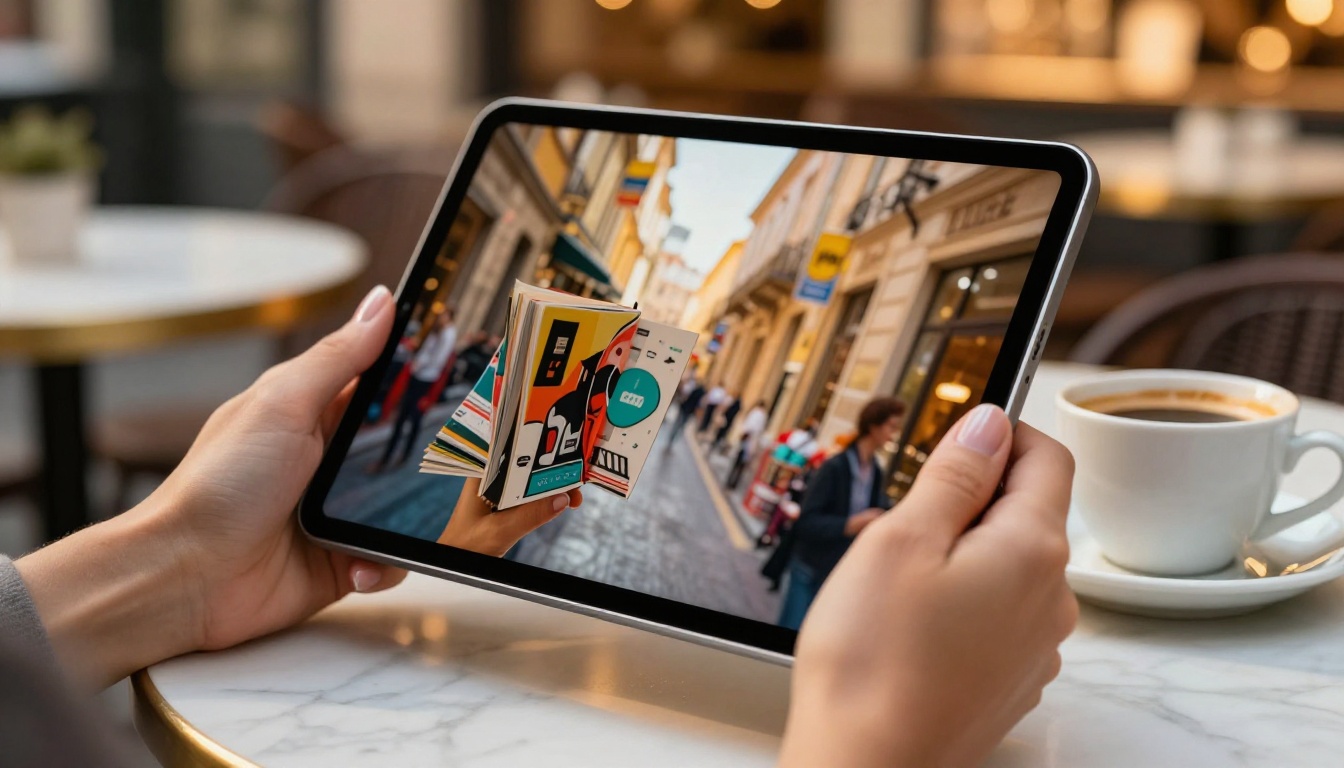
The use cases are wider than most people expect. Here's a snapshot of who benefits most from a free flipbook maker with no coding and no signup:
Small Business Owners and Restaurants
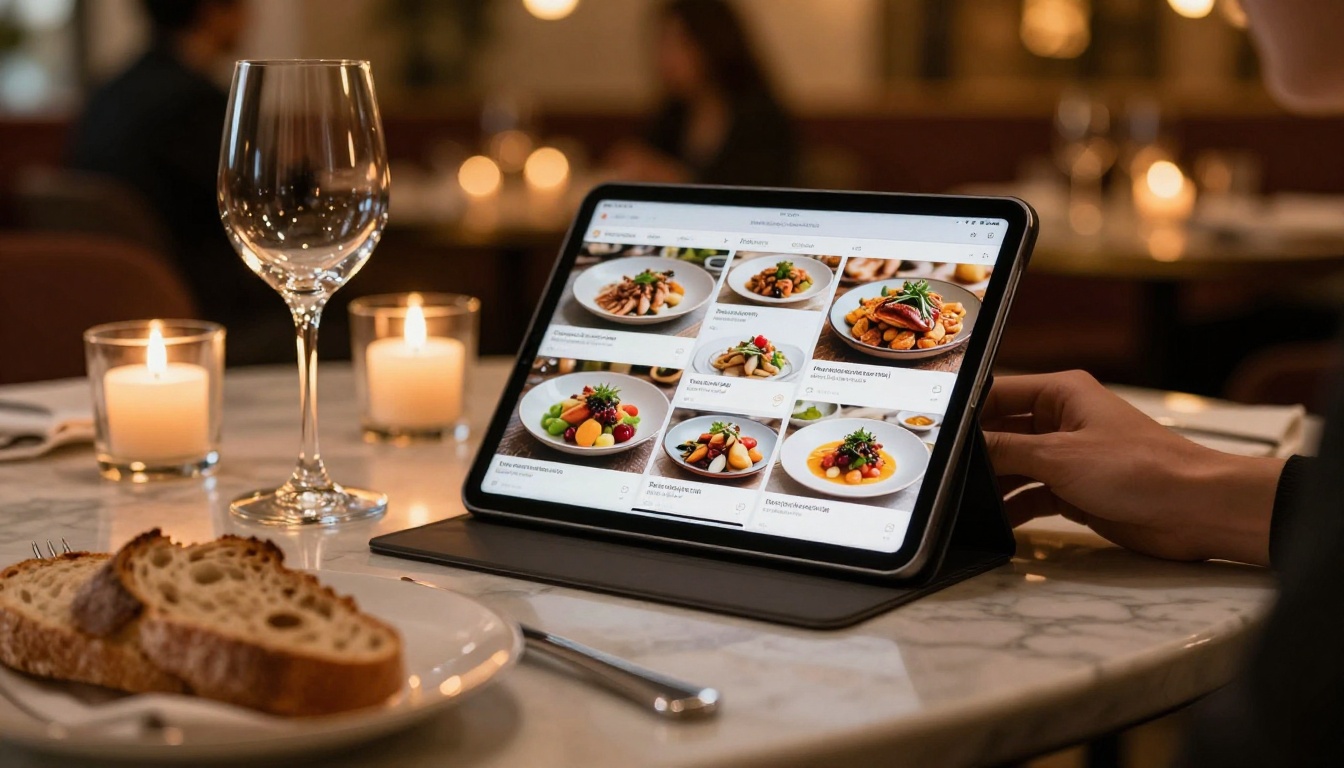
A restaurant that prints physical menus doesn't need to reprint 200 copies every time a dish changes or a price updates. A digital menu flipbook shared via QR code updates instantly and looks far more polished than a static PDF. The Restaurant Menu Creator handles this without any design background required.
Fashion Brands and Retailers
A fashion brand launching a seasonal collection can convert their lookbook PDF into an interactive page-turning experience and share it directly on social media or embed it on their site. The Interactive Lookbook Designer and Fashion Catalog Creator handle this without any design software.

Real Estate Agents
Property brochures are a staple of the industry. Converting a PDF brochure into a flipbook makes it shareable via email, embeddable on listing pages, and far more engaging than a static PDF download. The Real Estate Brochure Creator is built specifically for this workflow.

Students and Educators
Course materials, study guides, and yearbooks convert naturally into flipbook format. Students can share projects as polished digital publications. Educators can distribute reading materials as interactive flipbooks instead of raw file attachments. The Course Material Publisher and Yearbook Flipbook Maker cover both sides of this.

Home Cooks and Personal Creators
Recipe books, travel journals, and personal portfolios all benefit from the flipbook format. The Recipe Book Flipbook tool lets anyone turn a home cookbook into a shareable digital experience that friends and family can flip through on any device.

Flipbooks AI Plans: Honest Feature Breakdown
Understanding the pricing structure helps you pick the right starting point without overpaying or undershooting your needs.
| Feature | Free | Standard | Professional |
|---|
| Flipbooks per month | Limited | Unlimited | Unlimited |
| Watermarks | None | None | None |
| Custom branding | Basic | Full | Full |
| Password protection | ❌ | ✅ | ✅ |
| Embed on website | ✅ | ✅ | ✅ |
| Analytics | ❌ | Basic | Advanced |
| Lead generation forms | ❌ | ❌ | ✅ |
| Offline download | ❌ | ✅ | ✅ |
| Team members | 1 | 1 | Multiple |
For most personal and small business use cases, the Standard plan covers everything needed without any friction. The Professional plan is where analytics and lead generation become powerful tools for tracking readership and capturing email leads directly from within the flipbook itself.
💡 Pro tip: If you're using flipbooks for marketing, the Professional plan's lead generation feature can turn a digital catalog or brochure into a list-building asset. Readers submit their email to access gated content before the flipbook opens.
Once you move beyond the free tier, analytics open up an entirely different dimension of understanding how your content performs.
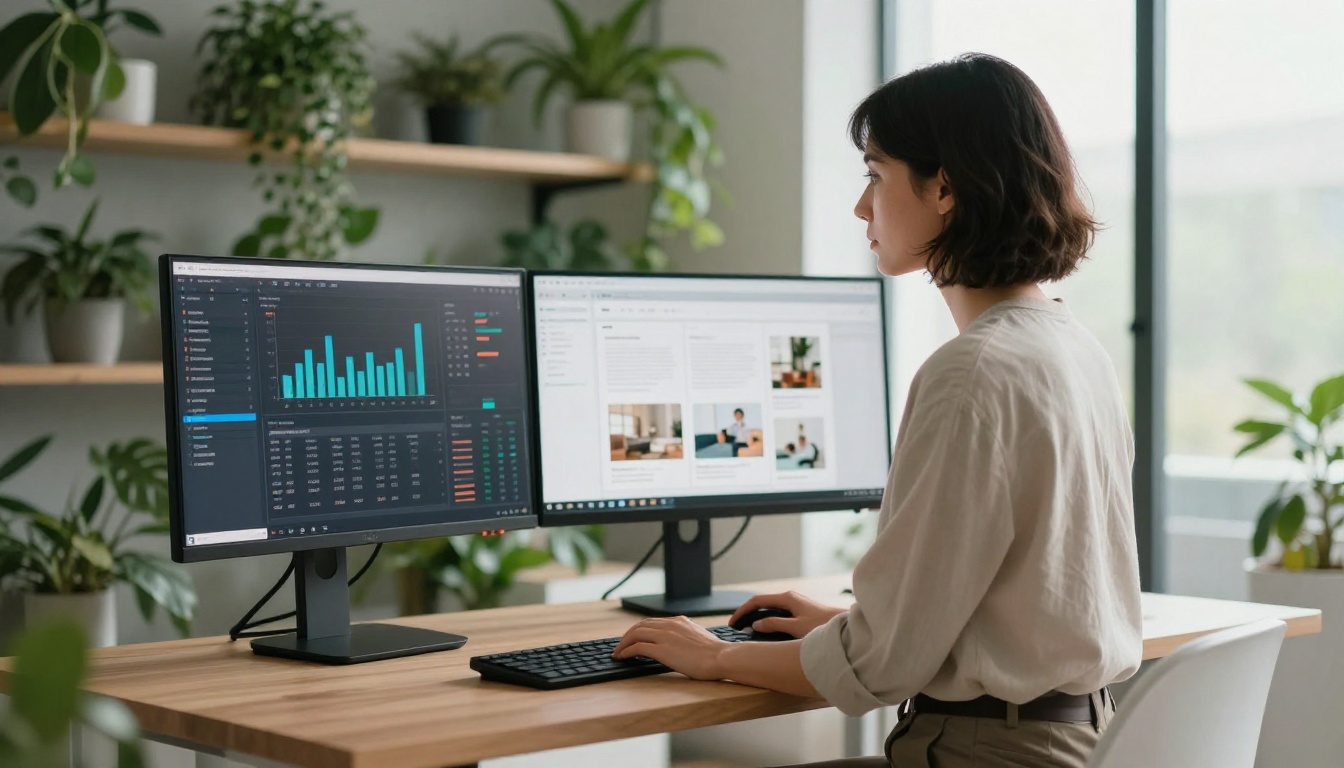
With Flipbooks AI's Professional plan, you get visibility into:
- Total views: How many people opened the flipbook
- Page-by-page engagement: Which pages hold attention and which get skipped
- Time spent per page: Useful for identifying content that resonates most
- Geographic data: Where your readers are located
- Device breakdown: Desktop vs. mobile ratios
For a business sending out a product catalog or annual report, this data is genuinely valuable. You can see whether prospects are reading through to the pricing page, or dropping off at page two. That's information a static PDF never gives you.
Embed a Flipbook Without Touching Code
One of the most-requested features is website embedding. Many flipbook tools make this sound technical, but the actual process is three steps:
- Copy the embed code from your flipbook's share settings
- Open your website editor (Squarespace, Wix, WordPress, Webflow)
- Add an "Embed" or "Custom HTML" block and paste the code
No developer needed. The Embed Flipbook on Website tool in Flipbooks AI generates a clean embed snippet compatible with every major website builder and CMS.
Not all free flipbook makers are worth your time. Before committing to any platform, verify these five things:
- No watermark on free output: Some tools look free but add a large branded watermark that makes your publication look unprofessional to your audience.
- Permanent shareable link: A link that expires in 24 hours is useless for anything beyond a quick internal demo.
- Mobile-responsive output: Over 60% of digital content is now consumed on mobile. If the flipbook breaks on a phone screen, it fails its audience entirely.
- No software download required: Browser-based is best. Installing desktop software for a simple online flipbook creates unnecessary overhead.
- High PDF fidelity: The tool should preserve fonts, images, and layout from the original PDF accurately. Low-quality conversion degrades the entire experience.
Flipbooks AI checks all five of these boxes, which is why it consistently earns repeat use across industries.
Flipbooks AI isn't just a generic PDF converter. It has purpose-built tools for specific industries and formats:
| Category | Tools Available |
|---|
| Business | Annual Report Creator, Sales Presentation Flipbook, Press Kit Designer |
| Retail | Product Catalog Generator, Fashion Catalog Creator, Digital Catalog Maker |
| Hospitality | Restaurant Menu Creator, Hotel Brochure Designer, Spa & Wellness Menu |
| Education | Course Material Publisher, Training Manual Flipbook, Yearbook Flipbook Maker |
| Creative | Photography Portfolio Flipbook, Wedding Album Flipbook, Interactive Lookbook Designer |
| Publishing | E-Book Flipbook Generator, Magazine Flipbook Creator, Newsletter Flipbook Publisher |
Browse the full flipbook tools directory to find the right starting point for your specific use case and content type.
Start with What You Already Have
There's no better way to see what a flipbook tool can do than to try it with content you already own. Take a PDF you already have — a brochure, a menu, a presentation, a portfolio, a recipe collection — and watch it transform into a page-turning digital publication in under two minutes.
Get started for free on Flipbooks AI, no credit card required. If you want to see what advanced features look like before committing, compare pricing plans to find the right fit for your volume and goals.
Browse all available tools to find the one built for your industry, or go straight to the PDF to Flipbook Converter to convert your first document right now.



