Most free tools have a catch. You sign up, pick a plan labeled "Free," and somewhere around step three a payment form appears asking for a credit card "to verify your identity" or "for future upgrades." It is a friction trap dressed up as generosity. When you are searching for a free flipbook maker online with no credit card needed, you want exactly what those words say: zero payment info, zero commitment, and a finished flipbook you can actually share. Flipbooks AI was built around that idea.
This article covers what you should expect from a genuinely free flipbook maker, what the typical hidden traps look like, how to create and publish a flipbook without spending anything, and which real-world scenarios get the most out of a no-card-required approach.
What Free Really Means Here
The Features That Actually Matter
A free flipbook maker that is worth your time does at least five things without asking for payment information:
- Converts a PDF to an interactive page-flip format
- Lets you share the result via a direct link
- Works on mobile and desktop without extra downloads
- Does not stamp a large watermark across every page
- Does not expire your flipbook after 14 days
That list sounds basic, but it eliminates a surprising number of tools that call themselves free. The moment you read "free with watermark" or "free for 30 days," you are no longer looking at a free product. You are looking at a trial.
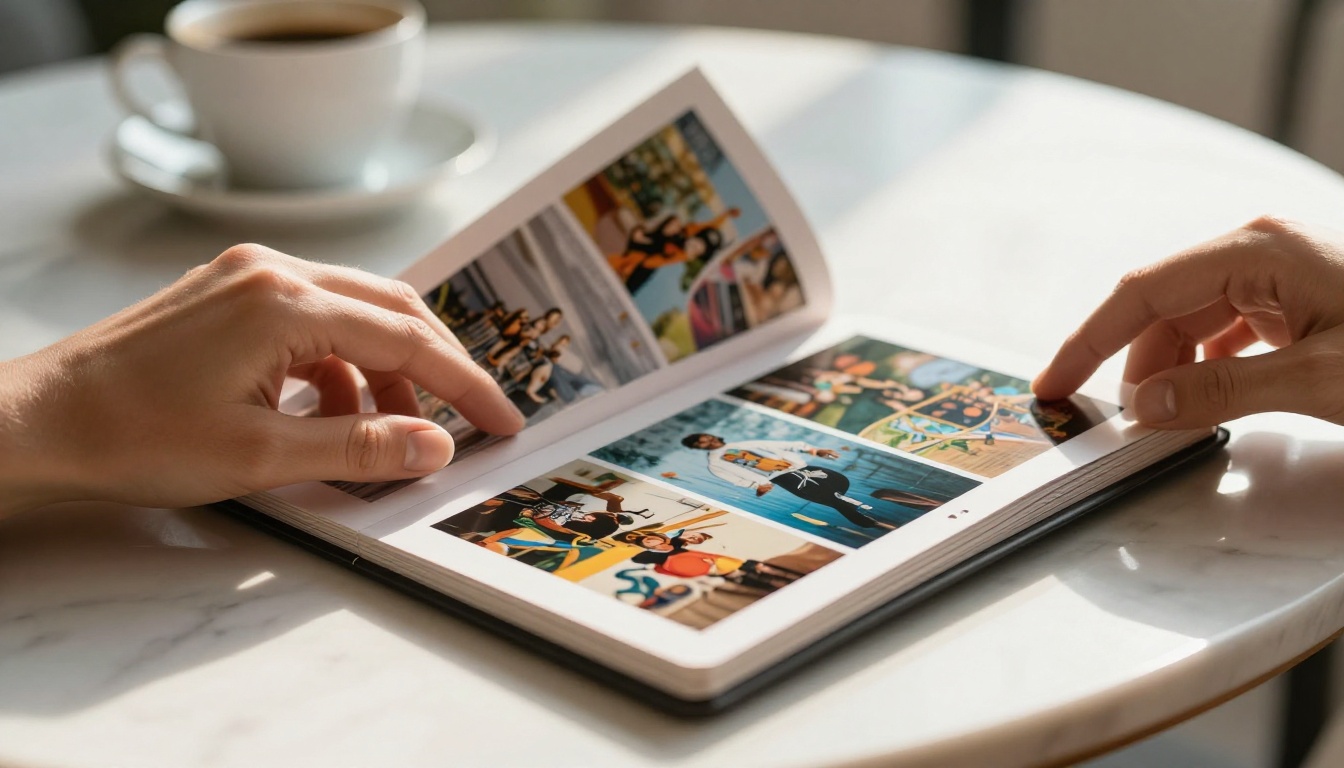
Flipbooks AI offers a free tier where you can create flipbooks, share them via link, and view them on any device without installing anything. The process starts with a PDF upload and produces a polished page-flip publication in minutes.
What "Free" Usually Hides
Most tools in this space use one of four tactics to monetize "free" users:
| Tactic | How It Works | What It Costs You |
|---|
| Credit card hold | Requires card "for verification" | Your data, risk of future charges |
| Watermark branding | Tool logo stamped on every page | Professionalism and credibility |
| Flipbook expiration | Publication deleted after X days | Broken links once time runs out |
| Download lock | Can't export or embed without upgrade | Locked into their platform |
| View limits | Only 100-500 views on free tier | Traffic ceiling hits fast |
Knowing these tactics lets you evaluate any tool quickly. Before uploading a single file, check the terms for the words "watermark," "expire," and "credit card." If all three appear, close the tab.
⚠️ Some tools specifically ask for a credit card to "activate" a free account. This is not standard practice for genuinely free software. Skip any tool that requires payment info before you have created anything.
Why No Credit Card Changes Things
Testing Without Risk
The core value of a no-credit-card flipbook maker is psychological as much as practical. When you do not enter payment information, you are free to experiment without the nagging awareness that a charge might appear on your statement next month.
This matters especially for:
- First-time creators who do not know yet what format they need
- Students working on one-off academic projects
- Freelancers testing a tool before recommending it to clients
- Small business owners who want to see a real result before committing budget
The absence of a payment form is not just about saving money. It removes the mental overhead that comes with "did I cancel that free trial?"
One-Time Projects Need No Subscription
Not every flipbook project is ongoing. A school event program, a single product launch catalog, a wedding album, a seasonal brochure. These are created once, shared, and done. A subscription that bills monthly makes no sense for a project you touch once a year.
A free tier with no card requirement is genuinely the right pricing model for these use cases. You create the flipbook, share it, and return only when you need it again.
How to Create a Flipbook for Free
Upload Your PDF in Seconds
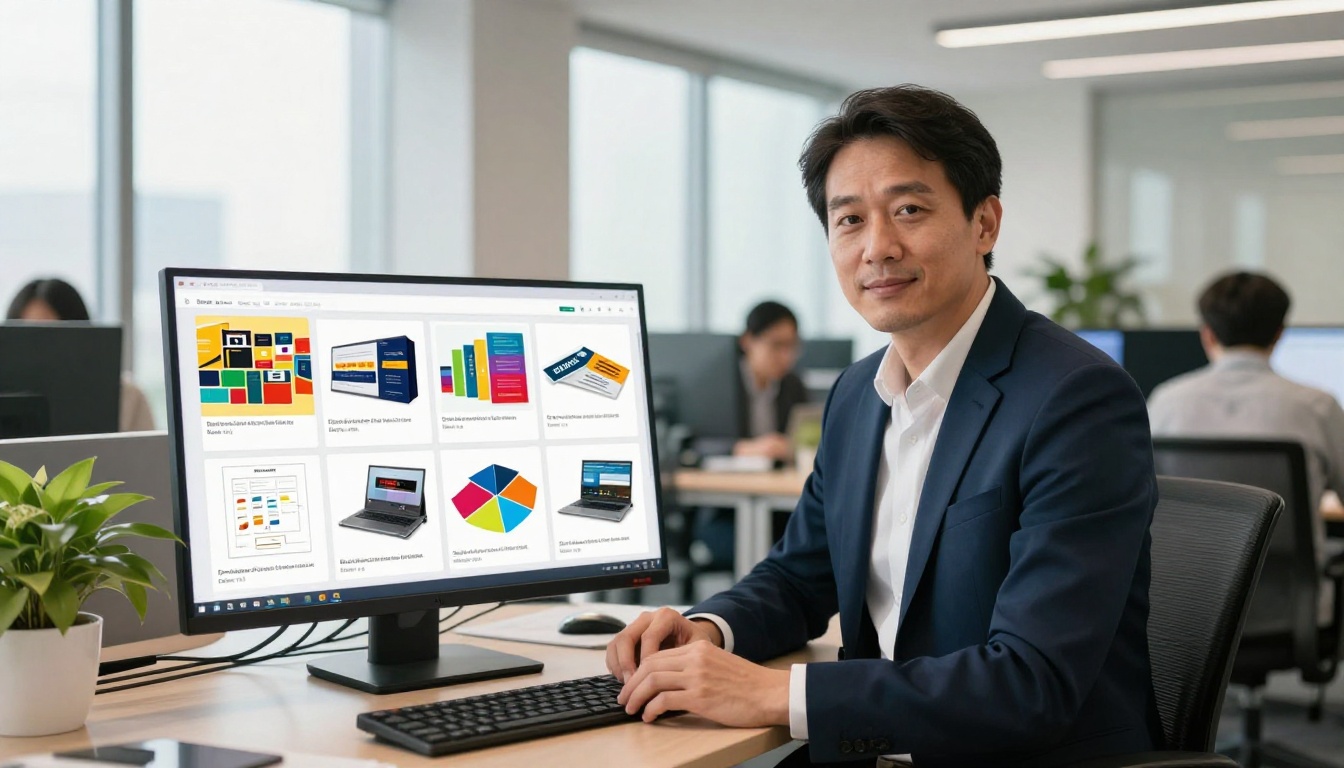
The workflow on Flipbooks AI starts with your PDF. If your content lives in another format (PowerPoint, Word, Canva), export it as a PDF first. Most design tools do this natively.
Once you have your PDF:
- Go to Flipbooks AI and create a free account using only your email address
- Click Upload PDF from your dashboard
- Select your file and confirm the upload
- Wait for automatic conversion, typically under 60 seconds for standard documents
- Your flipbook is live with a shareable link immediately
The page-flip engine converts each PDF page into an HTML5 flipbook with realistic page-turn physics. It works in any modern browser without Flash or plugins.
💡 Before uploading, make sure your PDF has embedded fonts and that images are exported at 150 DPI or higher. Low-resolution PDFs produce blurry flipbook pages that cannot be fixed after upload.
Customize Without Paying
The free tier includes basic customization options. You can:
- Set a flipbook title and description
- Choose background colors for the viewer
- Toggle auto-flip settings
- Add a table of contents if your PDF has bookmarks
For deeper branding such as custom domain, logo removal, and full color theme control, the Standard plan at Flipbooks AI unlocks those options. But for a clean, professional-looking publication at zero cost, the free defaults work well.

Share It Anywhere
Once your flipbook is published, you receive three sharing options immediately:
- Direct link: Share via email, social media, or messaging apps
- Embed code: Drop the flipbook into any website or CMS with a single paste
- QR code: Print on physical materials to connect them to the digital version
All three sharing methods work on the free plan. Your readers do not need an account. They click the link and the flipbook opens directly in their browser on any device.

Free vs Paid: What the Plans Actually Include
Understanding what each level offers helps you make a real decision rather than an impulsive upgrade or a frustrated downgrade.
Feature Comparison by Plan
| Feature | Free | Standard | Professional |
|---|
| PDF to flipbook conversion | ✅ | ✅ | ✅ |
| Shareable link | ✅ | ✅ | ✅ |
| Mobile responsive | ✅ | ✅ | ✅ |
| No watermark | ✅ | ✅ | ✅ |
| Unlimited flipbooks | ❌ | ✅ | ✅ |
| Custom branding | ❌ | ✅ | ✅ |
| Password protection | ❌ | ✅ | ✅ |
| Embed on website | ✅ | ✅ | ✅ |
| Video and audio embed | ❌ | ✅ | ✅ |
| Analytics | ❌ | ❌ | ✅ |
| Lead generation forms | ❌ | ❌ | ✅ |
| Offline downloads | ❌ | ❌ | ✅ |
✅ The free plan at Flipbooks AI does not add a watermark. This is a deliberate choice and one of the clearest signals that separates it from tools that use watermarks as a conversion pressure tactic.
The decision to upgrade typically comes down to one of three needs: volume (you need unlimited flipbooks), branding (your publications need to reflect your business identity), or data (you need to know who is reading your flipbooks and for how long).
When Free Is Enough
Free is the right choice when:
- You have fewer than five flipbooks to create
- You do not need analytics on reader behavior
- Your audience does not need password-protected content
- You are testing the format before committing to it
Free is not enough when:
- You publish flipbooks regularly as part of a content or sales strategy
- You need to track engagement for reporting
- You manage client publications that require private access
- You want to capture leads directly from within the flipbook
For those needs, the pricing plans at Flipbooks AI scale without forcing annual-only contracts.
Real Use Cases That Cost Nothing
Small Business Owners
A small business does not always have a design budget, but it almost certainly has PDFs. A price list, a product catalog, a seasonal promotion. Converting these to a flipbook takes minutes and produces a far more engaging result than a static PDF link.
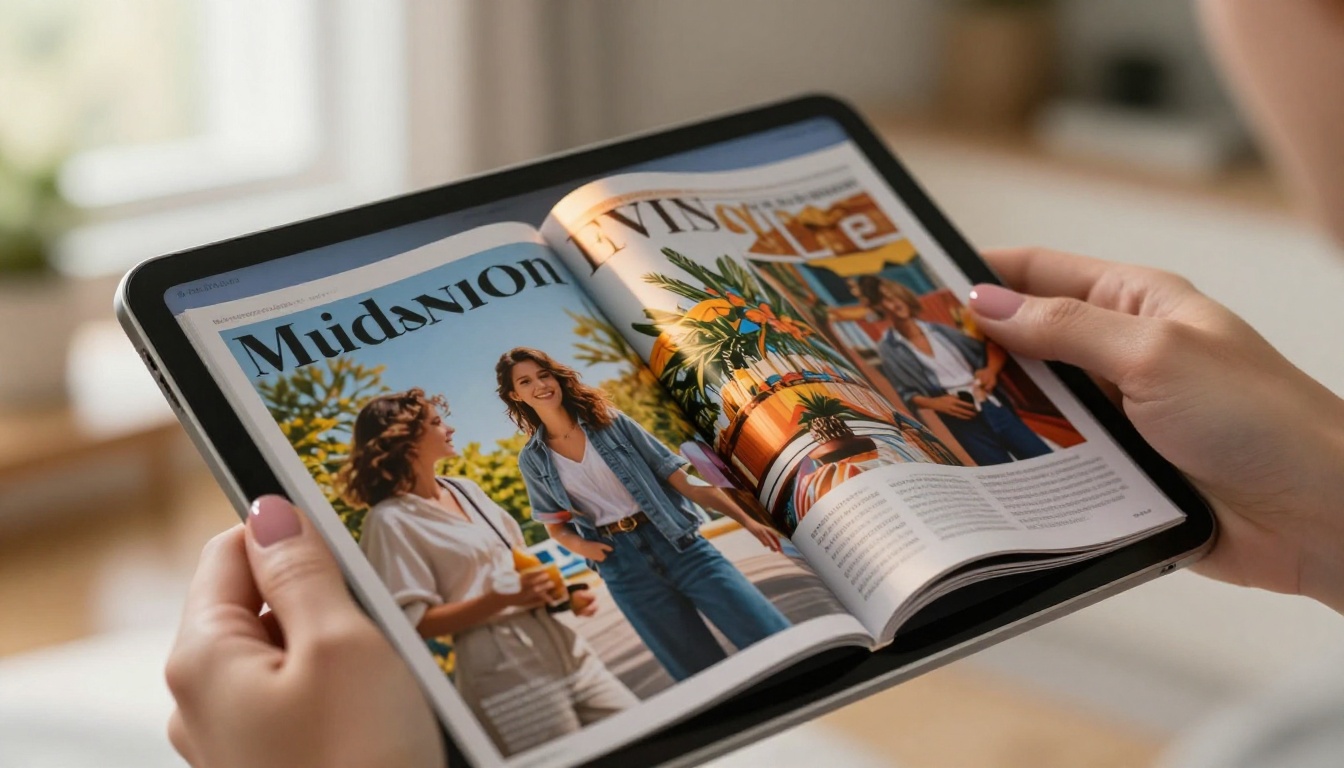
A boutique clothing store can use the Fashion Catalog Creator to turn a seasonal lookbook PDF into an interactive publication shareable on Instagram or via a direct link. No design agency, no subscription fees, no credit card.
A furniture retailer can do the same with the Furniture Catalog Maker. The flipbook format lets customers page through products the way they would a physical catalog, which consistently increases time-on-page compared to static image galleries.
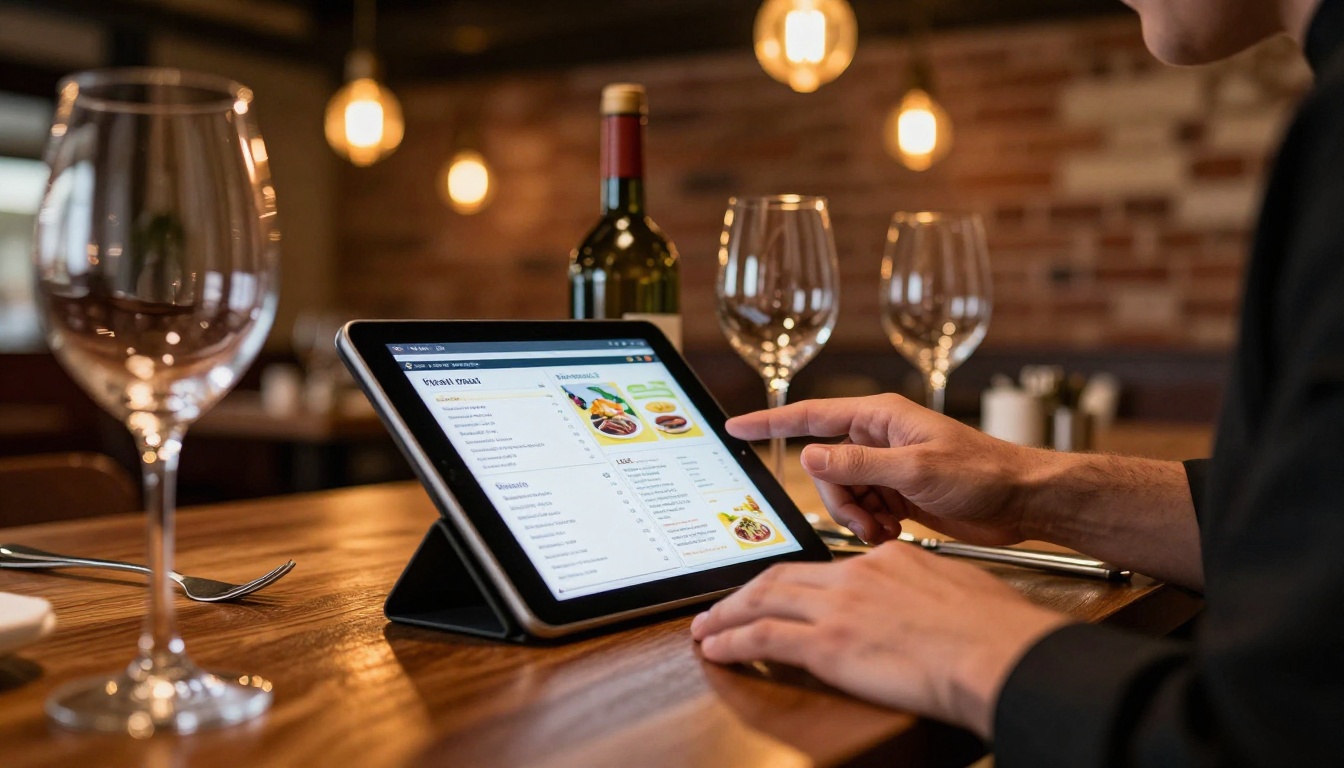
For restaurants specifically, the Restaurant Menu Creator is a practical solution. A PDF menu becomes a page-flip digital menu customers can view on their phones via a QR code at the table. No app download, no printing costs when the menu changes.
Teachers and Educators
Educational content is one of the strongest arguments for a genuinely free flipbook tool. A teacher creating a course handout, a study guide, or a school newsletter does not have a budget for publishing software.
The Course Material Publisher handles this directly. Upload your PDF, get a link, share with students. The flipbook format makes dense study materials feel less intimidating than a wall of text. Page-flip navigation encourages students to move through content sequentially rather than jumping around a document.
The School Newsletter Creator solves a different problem: a monthly newsletter that used to be printed and handed out now lives online, accessible to parents on any device.
💡 For education use, the flipbook's table of contents feature becomes particularly valuable. If your PDF has bookmarks or chapter headings, Flipbooks AI will generate a navigable TOC automatically, helping students jump to relevant sections without scrolling.
Freelancers and Designers
A freelancer showing a portfolio to a potential client benefits significantly from the flipbook format over a PDF attachment. The Digital Portfolio Creator turns a portfolio PDF into a presentation that feels designed rather than filed.
Photographers get strong results from the Photography Portfolio Flipbook. Full-bleed pages and the page-turn animation create a gallery-quality experience that a zip file of JPEGs simply cannot match.

Real estate professionals use the Real Estate Brochure Creator to create property presentations shareable with prospective buyers before a showing. A well-designed property flipbook sent via link before a viewing sets expectations professionally and reduces time spent explaining features in person.
Watermarks Hidden in Fine Print
The most frustrating version of this situation is discovering the watermark after you have already shared the flipbook with a client. Some tools display the watermark only on published versions, not in the editor preview. Always test the shared link before sending it to anyone.
If the tool you are evaluating does not clearly state "no watermark" on their features or pricing page, assume there is one.
Export Limits That Surprise You
Some free tiers allow unlimited creation but limit exports or embeds. You can see your flipbook on their platform but you cannot take it anywhere else. This is a soft lock: your content works only as long as you stay on their platform.
Check specifically whether the embed code and direct sharing link are available on the free plan. If the answer is not clear from their website, it is probably a paid feature.
⚠️ Some tools claim "unlimited flipbooks" on a free plan but bury a 500-page-view-per-month cap in the fine print. At even modest traffic levels, that ceiling hits fast and your flipbook goes dark until the next billing cycle.
Not all flipbook types require elaborate features. These formats work exceptionally well on a free plan because their core value comes from the format itself, not from analytics or advanced customization:
How Flipbooks AI Handles the Free Experience
The practical difference on Flipbooks AI is that account creation asks only for an email address. No phone number verification. No credit card "for future billing." You create the account, you land on the dashboard, and you start uploading.
The PDF to Flipbook Converter handles conversion automatically. The output is a hosted flipbook with a unique URL you can share immediately. No waiting for approval, no manual review queue.
For users who want to embed the flipbook on a website, the embed code is available directly from the flipbook dashboard. Copy it, paste it into any HTML block on your site, and the flipbook appears inline.
Zero Risk, Real Results
The absence of payment information at signup removes the two things that make "free" software feel expensive: the cognitive cost of remembering to cancel, and the anxiety of an unexpected charge.
When a tool is genuinely free to start, the only question is whether it does what you need. For the majority of flipbook use cases, particularly one-off projects, educational content, and small business publications, the free tier produces results that are indistinguishable from paid plans in terms of reader experience. The flipbook looks professional, loads fast, and works on every device.

Start Creating Right Now
You have a PDF somewhere. A product list, a brochure draft, a presentation you exported, a portfolio of your work. That file is already 80% of the way to being a professional flipbook. The other 20% takes about three minutes on Flipbooks AI.
No credit card form. No trial period countdown. No watermark on your pages.
When you are ready to go further, browse all flipbook tools to find the one built for your specific content type. When volume, branding, or analytics matter to your workflow, compare the pricing plans to choose what makes sense for your situation.
The best time to create your first flipbook was before you needed it. The second best time is right now.



