Not all tools live up to their promises. If you've searched for a free flipbook maker recently, you already know the pattern: a free tier that slaps a watermark on every page, a page-flip animation that stutters on mobile, or a PDF converter that only handles 5 pages before asking for your credit card. The good news? There are options that genuinely deliver in 2026, and Flipbooks AI is leading that list.

The gap between what free flipbook tools advertise and what they actually deliver has never been more frustrating. Most platforms use "free" as a hook, then quietly restrict the features that make a flipbook worth sharing in the first place.
The Watermark Problem
This is the number one complaint across every review forum. You spend time building a 20-page catalog, share it with a client, and they see a giant "Created with [ToolName]" banner stamped across every spread. That is not a free tool. That is unpaid advertising for someone else's product.
A flipbook maker that actually works should let you publish content without plastering its brand on your work. Full stop.
⚠️ Red flag: If a "free" plan forces a watermark on published flipbooks, the tool is not truly free for any professional use case.
Broken Page-Flip Effects
The entire appeal of a digital flipbook is the page-turn. When that animation stutters, lags on mobile, or breaks on certain browsers, you lose the one feature that makes a flipbook better than a plain PDF link. Real HTML5 rendering should be smooth across all devices, including mid-range Android phones and older iOS versions.
Page Limits That Block Real Work
Many tools cap free usage at 15 pages or 1 flipbook per account. That works for a quick personal test. For anyone running a business or publishing content with any regularity, it becomes a wall almost immediately.
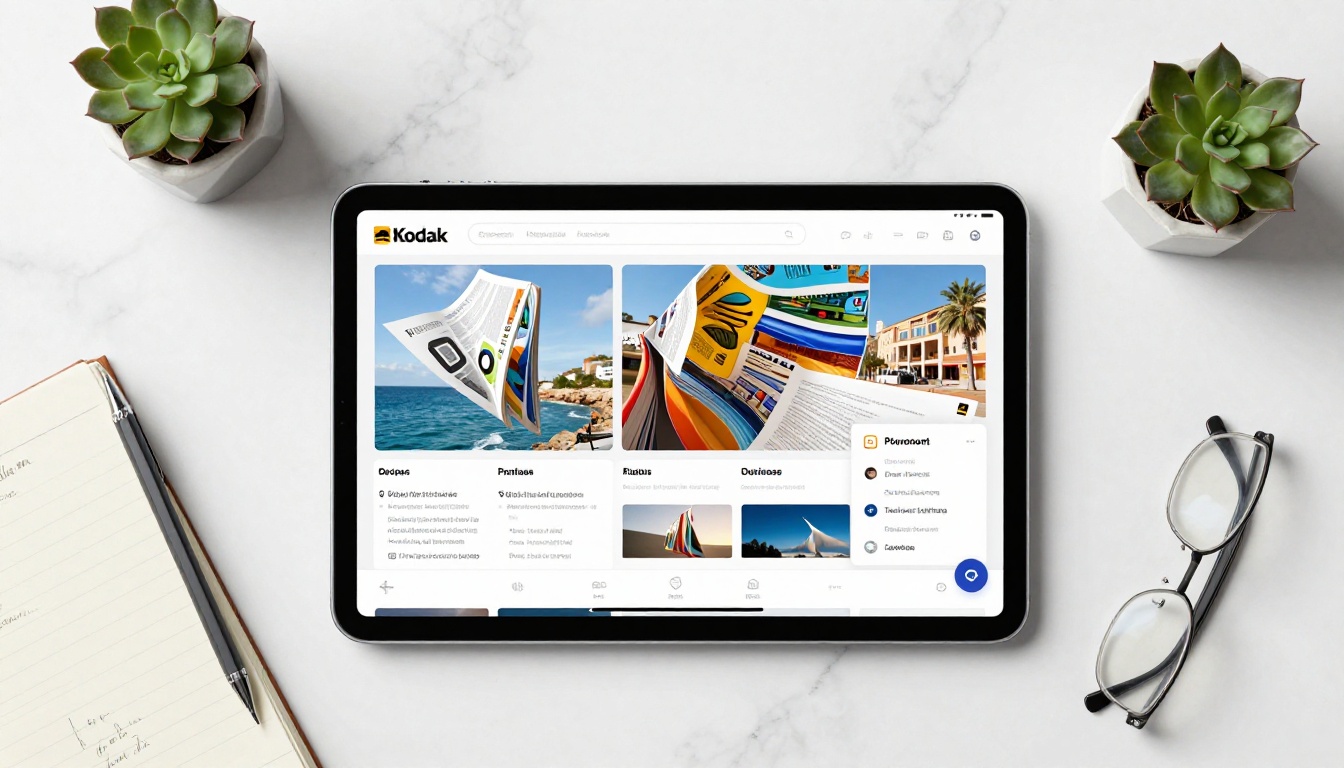
Before testing any platform, use this checklist to evaluate whether a free flipbook maker is worth your time:
| Feature | Why It Matters |
|---|
| No watermarks | Your brand stays clean and professional |
| Unlimited page support | Handles full catalogs, reports, and long-form content |
| Mobile-responsive output | Works for the 60%+ of readers on phones |
| Direct sharing link | Shareable without requiring viewers to log in |
| PDF import | Converts existing documents instantly without reformatting |
Beyond these basics, look for tools that let you embed your flipbook on a website, customize the color scheme to match your brand, and publish without hitting a page count ceiling.
💡 Pro tip: Test the mobile preview before committing to any platform. If the page-flip effect is choppy on a phone, your audience will not stick around.
Flipbooks AI checks all five boxes on the free tier and goes further, with password protection, custom domains, and detailed analytics available on paid plans.
How to Create a Free Flipbook in Minutes
Since Flipbooks AI has a free tier with no watermarks and no page limits, here is exactly how to build your first one from scratch.
Step 1: Create Your Account
Go to Flipbooks AI and sign up. No credit card required. The free plan is active immediately, so you can start building right away without navigating a trial timer.
Step 2: Upload Your PDF
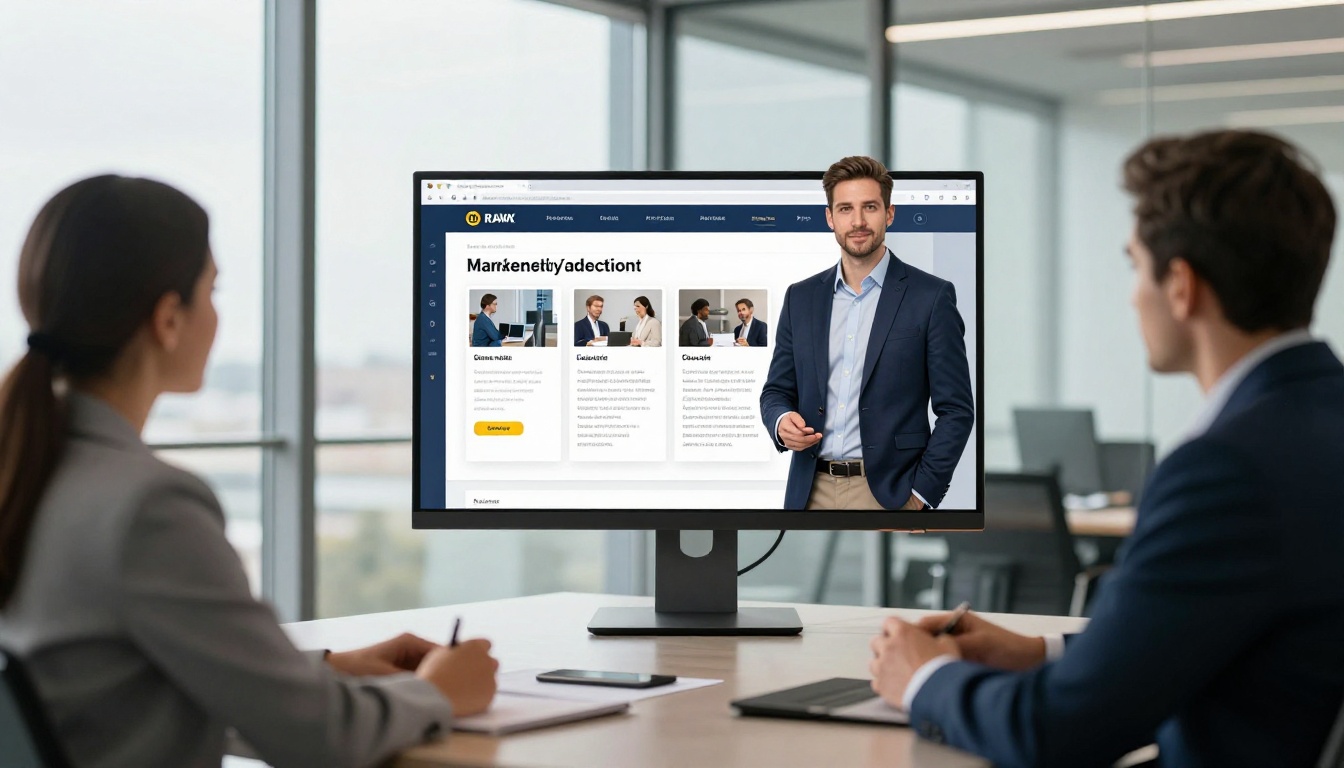
Once inside the dashboard, click New Flipbook and drag your PDF into the upload area. The PDF to Flipbook Converter handles files of any size, including multi-hundred-page documents, without breaking a sweat.
The conversion happens in seconds. Your PDF becomes a fully interactive flipbook with:
- Real page-curl animation that responds to clicks and swipes
- Automatic mobile optimization baked in
- Embedded fonts and colors preserved from the original document
- Text that stays selectable and searchable throughout
✅ Best practice: Export your original document as a high-resolution PDF (300 DPI minimum) before uploading. Higher quality input means sharper flipbook output across all screen sizes.
Step 3: Customize Your Flipbook
The editor gives you direct control over appearance and behavior:
- Color scheme: Match your brand colors with a hex code input
- Background: Choose from solid colors or textured paper backgrounds
- Thumbnails: Enable or disable the page thumbnail panel on the side
- Auto-flip: Set automatic page turning for kiosk displays or unattended presentations
- Logo placement: Add your own logo without forced watermarks, even on the free plan
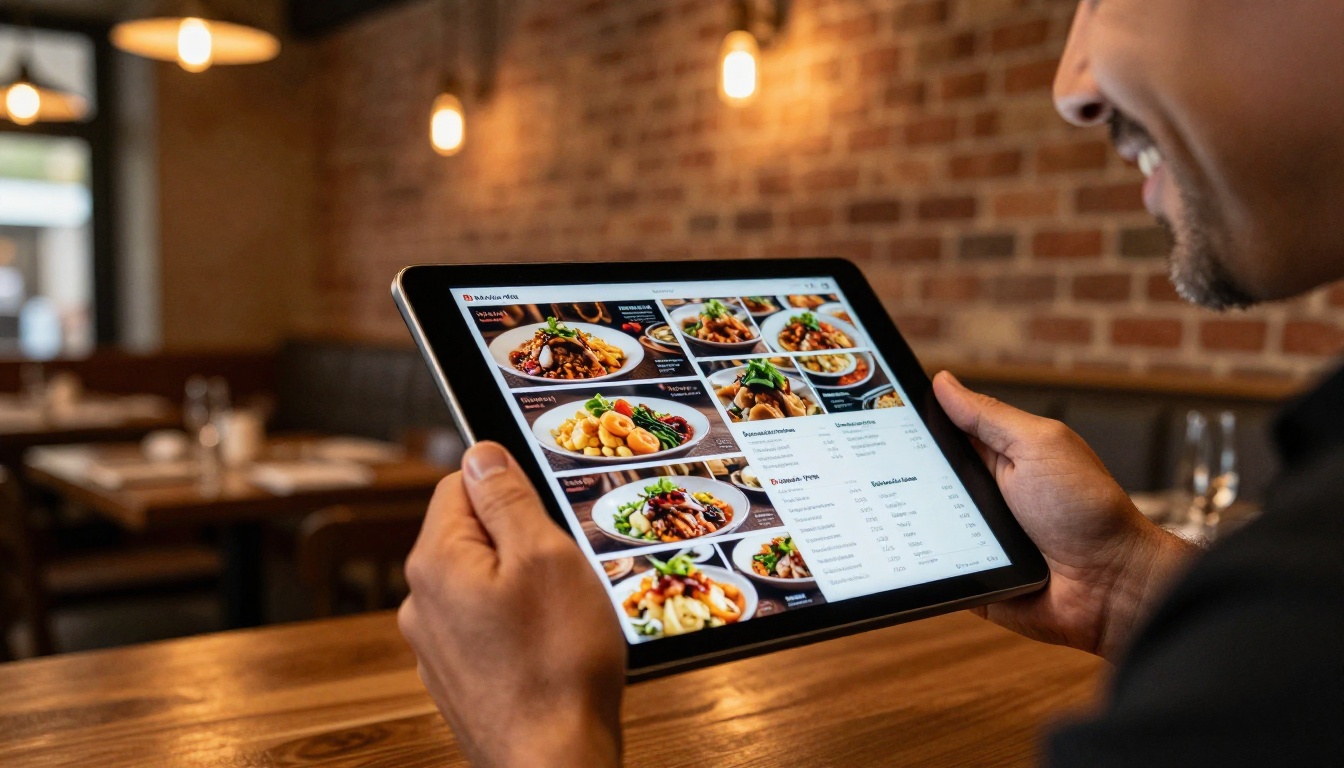
For specific content types, Flipbooks AI has purpose-built tools that pre-configure the editor to match your needs. The Restaurant Menu Creator sets up a menu-optimized flipbook automatically. The Digital Catalog Maker handles full-spread product layouts. The Interactive E-Book Publisher formats long-form content with the right typography and reading flow.
Step 4: Share or Embed
When your flipbook is ready, you get three sharing options immediately:
- Direct link: A clean URL you can paste into email, social media, or messaging apps
- Embed code: An
<iframe> snippet for your website, blog, or landing page
- QR code: Auto-generated for print materials, product packaging, and physical signage
The Embed Flipbook on Website tool walks you through placement for WordPress, Squarespace, Webflow, and plain HTML sites without requiring any coding knowledge.
Real Use Cases That Make Sense in 2026

Free flipbook makers are not just for bloggers and hobbyists. Here is where they create real, measurable value for working professionals:
Small businesses: A local boutique can turn a seasonal lookbook into a shareable flipbook link that customers forward to each other organically. No printing costs, no distribution headaches, no reprints when inventory changes.
Real estate agents: Property brochures in flipbook format feel premium and polished. Sending a link instead of a PDF attachment produces higher open rates, and clients can flip through the property pages naturally on any device. The Real Estate Brochure Creator is built exactly for this workflow.
Restaurants and hospitality: A digital menu flipbook eliminates reprinting costs every time prices change or seasonal items rotate. Update the PDF, re-upload, and the live link updates instantly. Every table gets the same current menu.
Educators and trainers: Course materials, onboarding manuals, and reference handbooks work better as flipbooks than flat PDF downloads. Students flip through content naturally, and the format feels intentional rather than a lazy file dump. The Training Manual Flipbook handles this without any layout work on your end.
Designers and photographers: A portfolio that flips like a printed book makes a stronger first impression than a gallery page or a Google Drive link. The Photography Portfolio Flipbook formats images at full-bleed with no cropping or compression visible to viewers.
Event planners: Programs, schedules, and venue guides distributed as flipbook links are far easier to share than printed handouts and far more likely to be kept by attendees. The Event Program Maker handles the layout from a standard PDF.
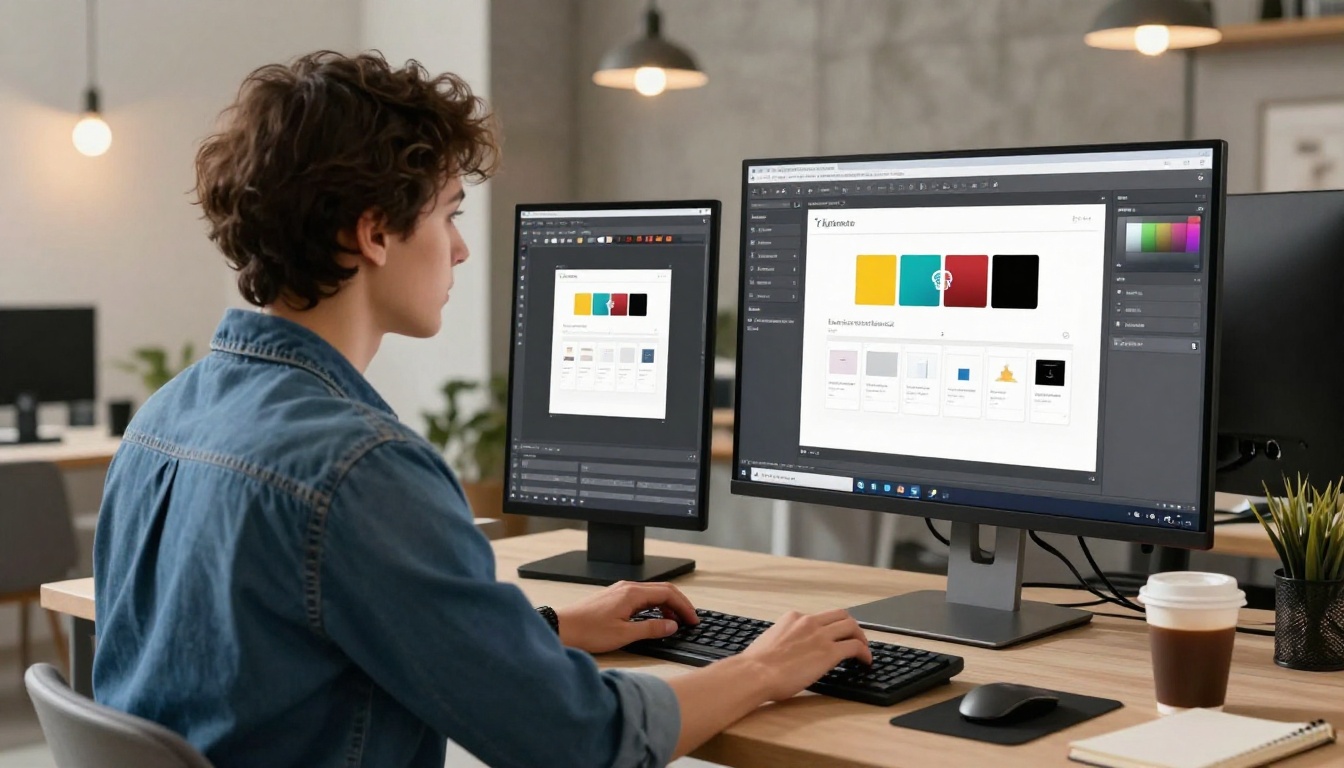
💡 Real example: A restaurant group replaced their printed seasonal menu with a digital flipbook. They updated it four times in one quarter without reprinting anything, saving over $800 in printing and distribution costs for the year.
Free vs. Paid: The Honest Breakdown
Here is where things get real. "Free" rarely means unlimited, and understanding exactly what you get before publishing anything important is worth five minutes of your time.
| What You Need | Free Plan | Standard Plan | Professional Plan |
|---|
| Flipbooks per account | Limited | Unlimited | Unlimited |
| Watermarks on output | None | None | None |
| Page limit per flipbook | Unlimited | Unlimited | Unlimited |
| Password protection | No | Yes | Yes |
| Custom domain | No | Yes | Yes |
| Embed on any website | Yes | Yes | Yes |
| Analytics dashboard | No | No | Yes |
| Lead generation forms | No | No | Yes |
| Offline downloads | No | No | Yes |
| Video and audio embeds | No | Yes | Yes |
| Custom branding | Partial | Full | Full |
The free plan covers the core use case well. If you're publishing one or two flipbooks and sharing them via a direct link, you won't hit a significant wall. The moment you need white-label publishing, password-protected client content, or traffic analytics for a campaign, it's worth reviewing the pricing page to see what upgrading actually involves.

✅ Best practice: Start on the free plan to test your upload and publishing workflow end-to-end. Upgrade only when you hit a specific limitation that genuinely matters for your use case.
Which Plan Fits Your Situation
Not every user has the same requirements. Here is a quick way to match your situation to the right plan before you invest time building a workflow around the wrong tier:
| Your Situation | Recommended Plan |
|---|
| First flipbook, personal or test project | Free |
| Small business publishing 5 or more flipbooks per month | Standard |
| Agency managing multiple client flipbooks | Standard |
| Sales team needing embedded lead capture forms | Professional |
| Marketing team tracking reader behavior and analytics | Professional |
| Course creator selling or gating content with passwords | Professional |
| Anyone needing offline download capability | Professional |
The side-by-side feature breakdown on the pricing page makes this comparison easy to run through in under two minutes.

Not all free flipbook makers are built the same way, and beyond the watermark and page-limit issues already covered, there are a few specific red flags worth knowing before you commit to any platform:
- Flash-based output: Some older tools still generate Flash-dependent flipbooks that won't work in any modern browser and are completely invisible on mobile
- No mobile support: A flipbook that only renders correctly on desktop loses more than half its potential readership before the first page loads
- Mandatory viewer accounts: If people need to sign up just to view your flipbook, most of them won't bother
- No HTTPS sharing links: Insecure links get flagged by browsers and filtered by corporate email systems
- Auto-expiring free flipbooks: Some platforms delete free-tier content after 30 or 60 days without warning, which is a serious problem for anything client-facing
⚠️ Warning: Always check the free tier terms to see if published flipbooks have an expiration date before using that plan for any long-term or professional content.
The people who benefit most from a free flipbook maker in 2026 share a few common traits:
- They already have a PDF version of their content, whether a brochure, catalog, manual, or portfolio
- They want a shareable link rather than a downloadable file that recipients have to open separately
- They care about presentation but do not have a design team behind them
- They need something that works on mobile without requiring special apps or plugins
If that describes your situation, a free flipbook tool removes all the friction between your content and your audience. No printing, no email attachments, no "can you send it as a smaller file?" requests.
For more specific content types, browse the full tools directory to find purpose-built creators for menus, lookbooks, annual reports, school newsletters, recipe books, travel guides, and more, each pre-configured to get your specific content type looking right without manual adjustments.
Stop Waiting, Start Publishing
You do not need a premium plan or a design background to publish a flipbook that looks polished and professional. If you have a PDF and five minutes, you have everything you need to go live today.
Create your free account on Flipbooks AI and have your first flipbook published before the end of the day. No watermarks. No page limits. No credit card at signup.
When you are ready to scale, whether for audience analytics, embedded lead capture, or fully custom-branded publishing, the upgrade options are straightforward. The Professional plan in particular pays for itself quickly for any team using flipbooks as an active sales or marketing asset.
Browse all flipbook tools to find the right starting point for your content type, and stop settling for tools that almost work.



