Your phone is already doing everything else, so why should making a flipbook be any different? Millions of people now access, create, and share digital content entirely from mobile devices, and the idea that you need a desktop to build a polished, interactive flipbook is simply outdated. Flipbooks AI works directly from your mobile browser with no app to install, no account setup friction, and no watermarks cluttering your final product.
The shift to mobile content creation is not a trend, it is a permanent change in how people work. Sales reps send proposals from the road, educators publish course materials between classes, and small business owners build menus and catalogs from wherever they happen to be. A free flipbook maker that works on your phone fits right into that reality.
Why Mobile-First Flipbook Creation Matters Now
The numbers tell a clear story. Over 60% of global internet traffic comes from mobile devices, and that figure keeps climbing. When someone sends you a PDF to convert or you want to share a digital brochure with a client during a meeting, pulling out a laptop is increasingly the slow option. A phone-ready flipbook tool means the gap between "I have a PDF" and "I have a shareable, interactive publication" shrinks to minutes.
Mobile-friendly flipbook tools also open the format to people who never had access before: small business owners, freelancers, educators, and event organizers who work entirely on their phones. Removing the hardware barrier is what makes a free mobile flipbook maker worth talking about in the first place.
💡 The best mobile flipbook tools load fast, work in any browser, and let you upload directly from your phone's photo library or cloud storage apps like Google Drive or Dropbox.
Not every tool that claims to be mobile-friendly actually is. There is a real difference between a desktop tool that technically loads on a small screen and one built with touch interactions in mind. Here is what to look for before committing to any free flipbook maker for phone use.
Responsive Upload Interface
The file picker must work with your phone's native OS share sheet. On iOS that means integration with Files and iCloud Drive. On Android it means pulling directly from Google Drive, local storage, or any installed file manager without extra steps.
Touch-Optimized Navigation
Swipe gestures, pinch-to-zoom, and tap targets large enough for fingers rather than mouse cursors are non-negotiable. A tool that forces you to tap a tiny arrow button to turn pages has not been designed for touch, regardless of what its marketing says.
Fast Page Rendering
Heavy JavaScript flipbook engines can stall on mobile CPUs. A well-optimized tool renders pages progressively so the reader sees content immediately while the rest loads in the background. This matters especially for longer documents on slower mobile connections.
No App Installation Required
The best free flipbook makers run in Safari, Chrome, or Firefox without requiring anything to be installed. This is critical not just for the creator but for every recipient who will view the shared flipbook.
Offline Viewing Where Available
For situations with unreliable connectivity, like trade shows, events, or travel, offline download capability is a significant advantage. This is available on Flipbooks AI's Professional plan.
| Feature | App-Based Tools | Browser-Based Tools |
|---|
| Installation required | Yes | No |
| Works on iOS + Android | Sometimes | Always |
| Shareable via link | Varies | Yes, always |
| Storage on device | Takes space | None |
| Updates needed | Frequent | Automatic |
| Free tier available | Rarely | Usually |
How to Create a Flipbook on Your Phone with Flipbooks AI
Flipbooks AI is built for exactly this workflow. Here is how to go from a PDF to a published, shareable interactive flipbook without touching a desktop.
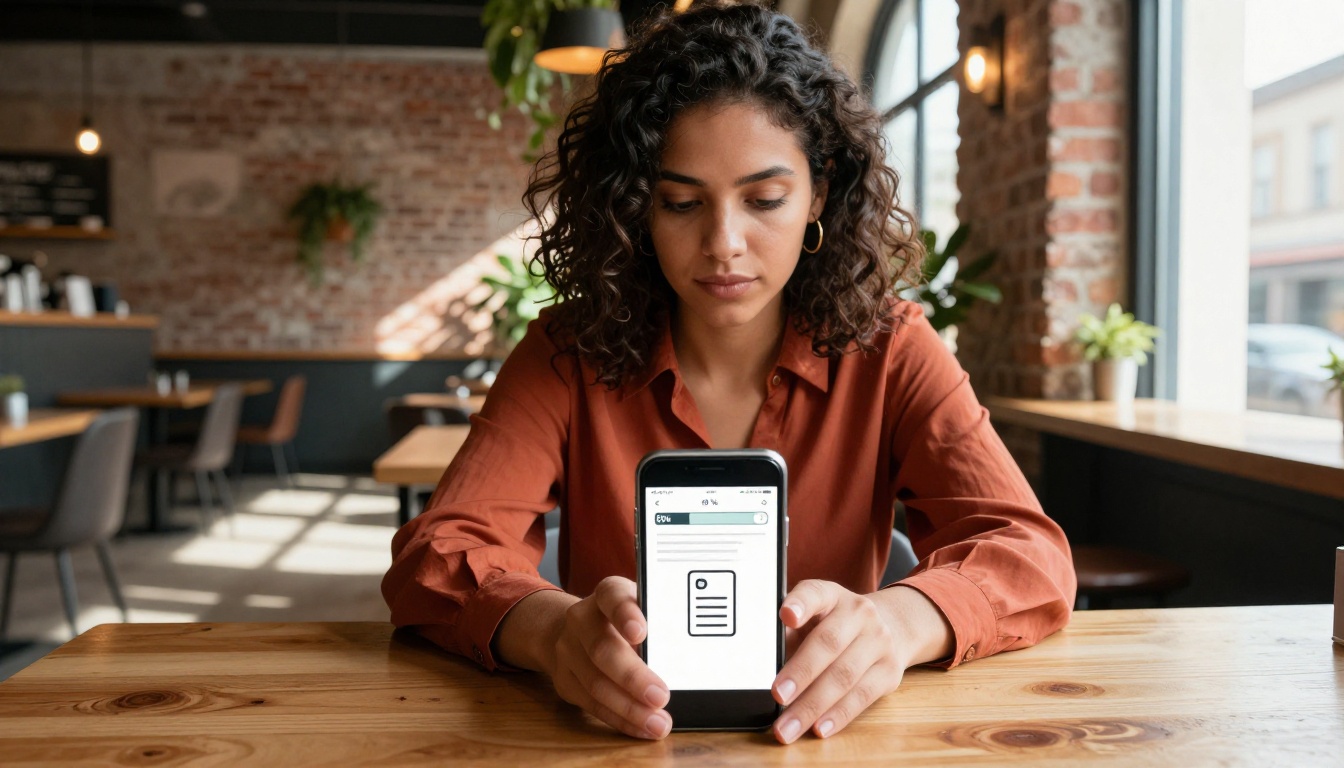
Step 1: Open Flipbooks AI in your mobile browser
Go to flipbooksai.com or create a free account directly from Safari, Chrome, or any mobile browser. No app download. No lengthy signup form. The interface loads cleanly at any screen size.
Step 2: Upload your PDF
Tap the upload button and select your PDF from Files (iOS), Google Drive, Dropbox, or your local storage. Files of all lengths convert without issues. The upload interface uses large touch targets designed for fingers.
Step 3: Wait for conversion
The tool converts your PDF pages into high-resolution flipbook pages automatically in the cloud. On a typical mobile connection this takes under a minute for most documents. You do not need to keep the screen on during this process.
Step 4: Customize your flipbook
Once converted, adjust branding, colors, and page effects directly from your phone's browser. Change the background, set a custom cover, and add your logo without needing to pinch around a non-responsive desktop layout.
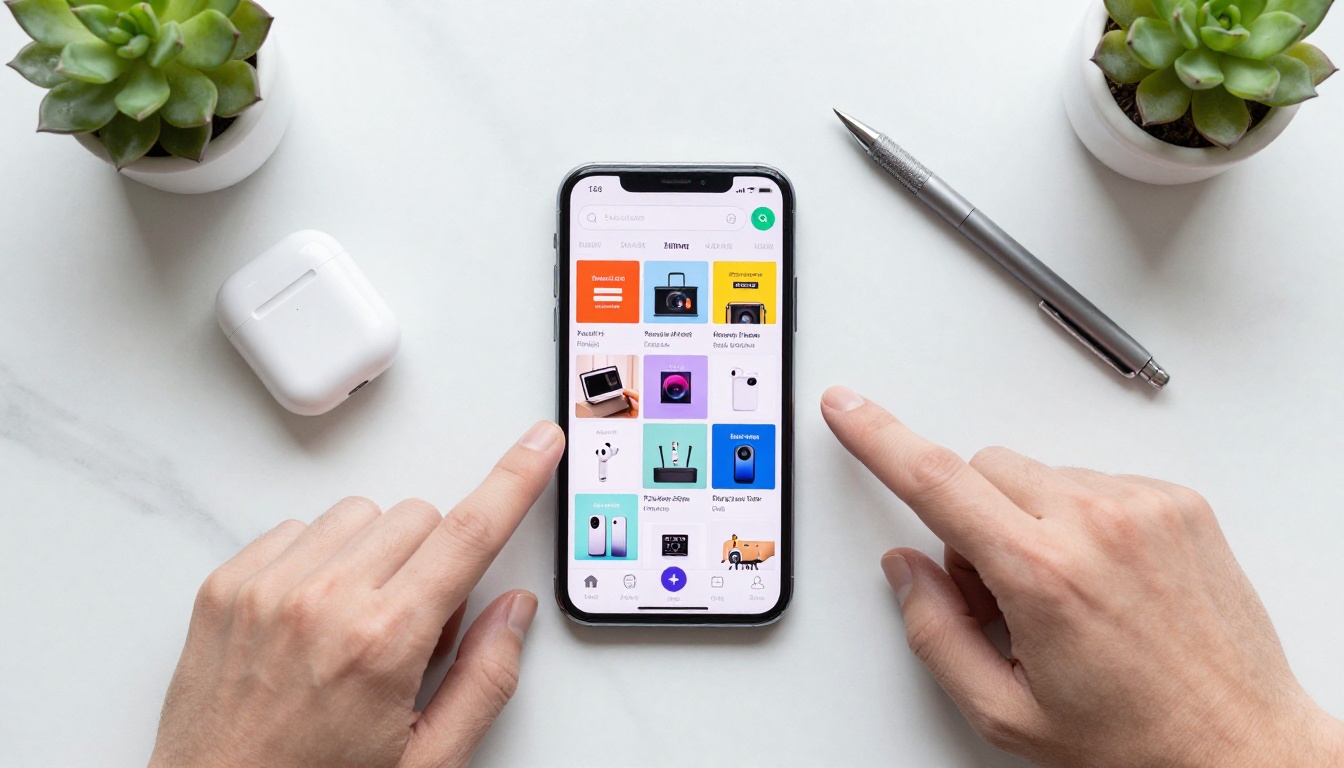
Step 5: Share your flipbook
Copy the shareable link directly from your phone and paste it into WhatsApp, email, Instagram DM, or any messaging platform. Recipients view the flipbook on any device with no account required.
✅ Flipbooks AI never adds watermarks. Your published flipbook looks clean and professional regardless of which plan you use.
Step 6: Password-protect private content (Optional)
If you are sharing something sensitive, like a client proposal or internal report, set a password directly from the mobile interface before sending the link.
💡 Use the PDF to Flipbook Converter tool for the fastest path from file to published flipbook on any device.
Document Types That Shine as Flipbooks
Not all PDFs benefit equally from the flipbook format. Some work exceptionally well on mobile. Knowing which types convert best helps you plan before you upload.
Catalogs and lookbooks are ideal because users naturally want to browse page by page, and the page-flip animation mirrors how people experience physical catalogs. The Digital Catalog Maker is built precisely for this use case.
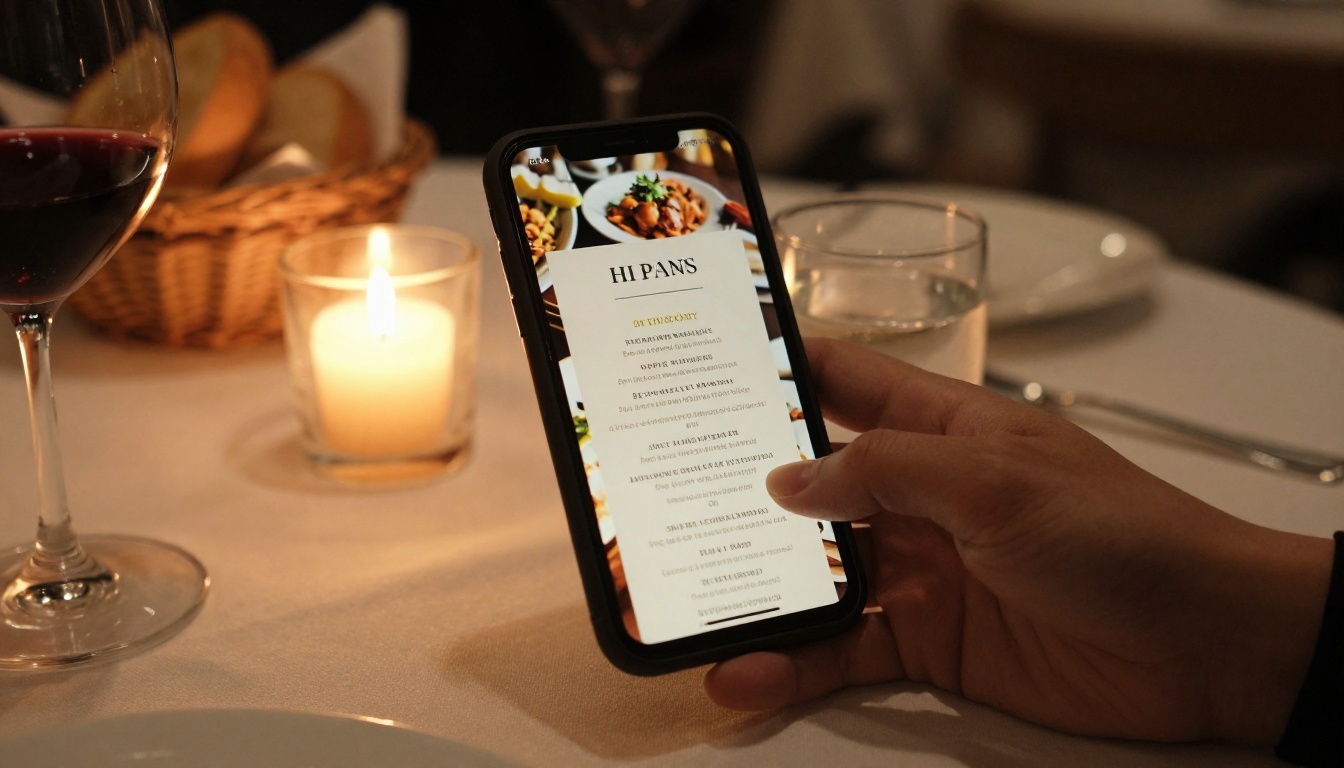
Menus benefit because customers can swipe through sections naturally. A four-section restaurant menu that fits awkwardly as a PDF attachment becomes a smooth, swipeable experience as an interactive flipbook.
Portfolios showcase work in sequence without the viewer needing to scroll a long single-column page. The page-turn creates a natural pacing that raw PDF scrolling does not replicate.
Brochures and presentations work well because flipbooks maintain print-design layouts, preserving the designer's intent rather than reflowing content unpredictably across screen sizes.
Educational materials with clear chapters or modules benefit from the page-by-page structure that helps readers follow along and mark their progress naturally.
Free Plans: What You Actually Get
Free tiers vary a lot between tools. Some add watermarks, limit pages, restrict sharing, or force upgrades to remove their own logo. Here is an honest comparison of what to expect:
| Feature | Generic Free Tools | Flipbooks AI Free |
|---|
| Watermarks | Yes, prominent | No watermarks |
| Page limit | Often 10-15 pages | No hard limit |
| Shareable link | Sometimes paywalled | Always included |
| Mobile browser support | Inconsistent | Full support |
| Password protection | Paid only | Available |
| Custom branding | Paid only | Standard plan |
| Unlimited flipbooks | No | Standard plan and above |
| Offline downloads | No | Professional plan |
| Analytics and lead gen | No | Professional plan |
The free tier of Flipbooks AI lets you publish and share without watermarks from day one. For businesses needing analytics, lead generation forms, or offline downloads, the Professional plan adds those capabilities without hidden fees.

⚠️ Watch out for tools that advertise "free" but add a watermark to every page. Removing it often costs more per month than a full subscription to a better platform.
Who Benefits Most from a Phone-Ready Flipbook Maker
The use cases for a free mobile flipbook creator go well beyond basic document sharing. Here are the scenarios where a phone-native tool pays off most clearly.
Restaurant Owners and Hospitality Teams
A restaurant owner can photograph a new menu on their phone, compile it into a PDF using any document scanner app, then convert it to a stunning interactive menu flipbook in minutes using the Restaurant Menu Creator. The result is a shareable link that goes directly into their Instagram bio, Google Business listing, or WhatsApp broadcast group, without printing costs or delivery delays.
Spa and wellness businesses can use the Spa and Wellness Menu Creator for the same phone-first workflow, publishing seasonal treatment menus without involving a designer or a desktop.
Freelancers and Creative Professionals
A photographer who shoots an event can put together a portfolio PDF on their phone and publish a polished photography portfolio flipbook before they even leave the venue. Clients get a link. No file attachments. No Dropbox folders. No "can you resend that?" emails.
Designers can use the Interactive Lookbook Designer to share seasonal collections with clients on a phone, giving them a premium browsing experience that a static PDF attachment simply does not match.
Real Estate Agents
Property presentations are time-sensitive. An agent can build a property brochure using the Real Estate Brochure Creator, send the link during a phone call, and have the prospective buyer viewing an interactive page-turning brochure within seconds, all managed from a phone between viewings.
Educators and Corporate Trainers
Teachers and trainers often work away from desks. Publishing a training manual flipbook or course materials from a phone, then sharing via a classroom app or LMS, saves the round-trip to a desktop entirely. The School Newsletter Creator is another practical option for educators who need a fast, shareable publication format that works on every parent's phone.
Sharing Your Flipbook Directly from Your Phone
Once your flipbook is published, sharing it from a phone is as natural as sending a text message.
Direct link sharing: Copy the URL and paste it anywhere. Recipients see the full interactive flipbook in their browser without creating an account or installing anything.
Social media: Paste the link in an Instagram bio, LinkedIn post, Facebook group, or X thread. The link previews cleanly on most platforms.
Email: Drop the link into an email body. Much cleaner than attaching a multi-megabyte PDF that may not display correctly on the recipient's device.
Embed on a website: Flipbooks AI provides embed codes you can copy from your phone and paste into any website CMS. The flipbook appears inline for both desktop and mobile visitors. The Embed Flipbook on Website tool makes this straightforward.
💡 If you update your content, swap the PDF source and the same link stays valid. No need to redistribute a new URL to everyone you already sent it to.
Students and Mobile Learners
One group that rarely comes up in flipbook conversations is students. Whether studying from digital textbooks, sharing notes as a class resource, or publishing a project as an interactive document, a phone-native tool removes the friction of needing lab access or a home computer.

The Course Material Publisher and Yearbook Flipbook Maker work just as well from a phone browser as from a desktop, which matters significantly when your audience is mobile-first by default.
Real Estate: A Practical Phone Workflow
Real estate is worth expanding on because the stakes and the timeline are both high.

A typical agent workflow from a phone looks like this:
- Photograph the property with the phone camera
- Compile photos and floor plan into a PDF using a mobile document app
- Upload to Flipbooks AI and convert in under 60 seconds
- Customize the cover and brand colors from the phone
- Share the link via WhatsApp or SMS while still at the property
The buyer receives a professionally formatted, page-turning property brochure that works on their own phone without any downloads. Compare that to sending a PDF attachment that either refuses to open or displays as a static wall of tiny text.
| Sharing Format | Buyer Experience | Agent Control |
|---|
| PDF attachment | Requires app, small text, no page-flip | Limited |
| Image gallery | No context, no branding | Minimal |
| Flipbook link | Page-turning, mobile-friendly, branded | Full control |
| Printed brochure | Physical only, costly to update | Very limited |
Customizing Your Flipbook from a Small Screen
The assumption that real customization must happen on a desktop is simply wrong.
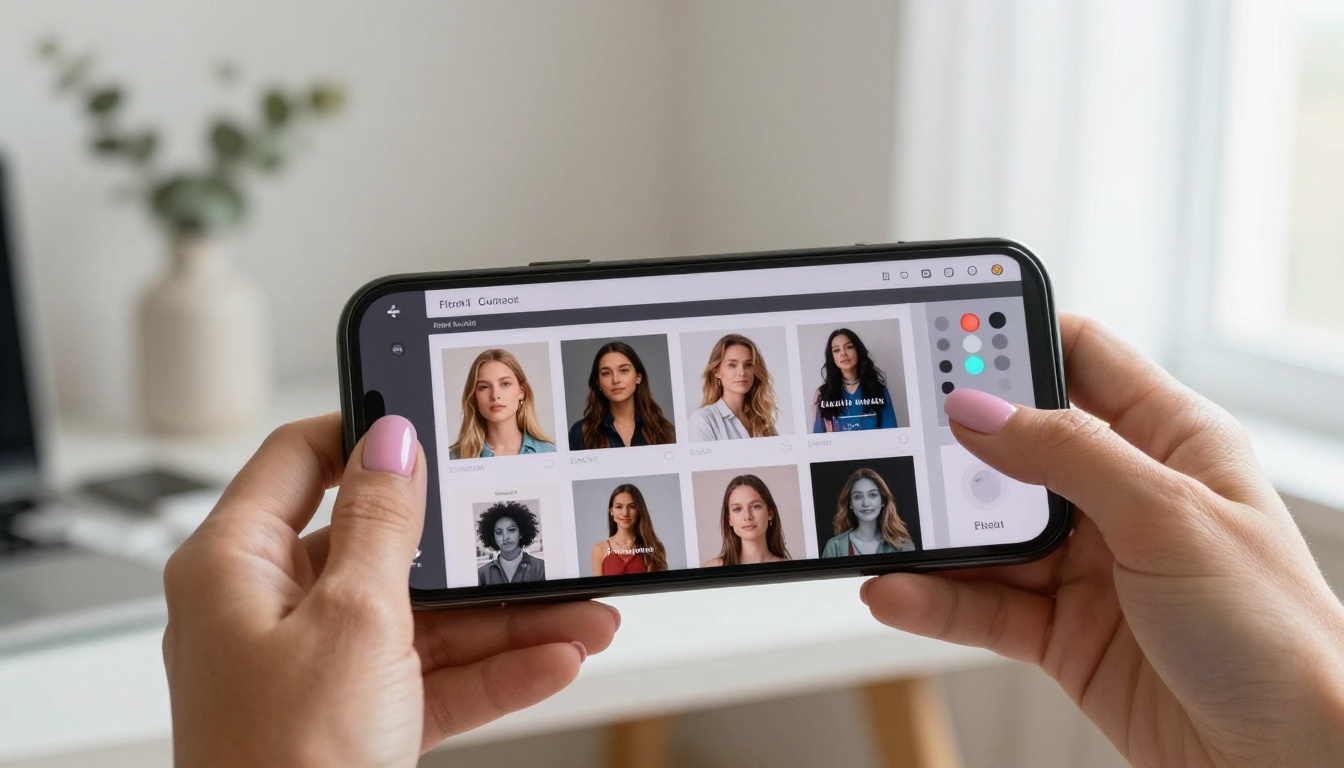
Flipbooks AI's interface adapts to touch screens. From your phone you can:
- Change the background color or upload a custom background image
- Set a password for private or client-only flipbooks
- Adjust the cover thumbnail to make a strong first impression in link previews
- Toggle page effects like shadow depth and paper texture
- Add custom branding with your logo and brand colors (Standard plan and above)
- Embed videos and audio into specific pages for richer multimedia content
All of this happens inside a browser tab on your phone. No pinching around a non-responsive layout. No features locked behind a "desktop only" wall.
✅ All flipbooks published through Flipbooks AI are mobile-responsive by default. Readers on phones, tablets, and desktops all get an optimized, page-turning viewing experience without any extra setup from you.
Make It Happen from Wherever You Are
There is no reason to wait until you are at a desk. If you have a PDF and a phone, you have everything you need. Get started for free on Flipbooks AI, upload your first document, and have a shareable, professional flipbook live in under two minutes.
Browse all available tools and templates to find the format that fits your use case, whether it is a product catalog, a restaurant menu, a creative portfolio, or an educational resource. When you are ready to add analytics, lead capture forms, or offline downloads for offline viewing, compare pricing plans to choose what works for your workflow.
Your phone is already a powerful content creation device. A free flipbook maker that actually works on it just makes it more so.



