Most people searching for a free flipbook maker quickly run into the same wall: limited branding, forced watermarks, and a logo plastered across every page that isn't theirs. If you want your flipbook to actually represent your brand, you need a tool that gives you real control over colors, fonts, logos, and how your content looks when shared. This article cuts through the noise and shows you exactly which free flipbook makers offer genuine custom branding options, what each plan actually includes, and where Flipbooks AI fits in as a serious option for teams that need more than just a basic free tier.
What "Custom Branding" Actually Means
Not every platform uses the term the same way. Some call it "custom branding" when they let you pick a background color. Others mean full white-label control: your logo, your domain, your colors, zero mention of the platform. Knowing the difference saves you a lot of time.
Here is what genuine custom branding should include:
- Logo placement: Your logo in the viewer, not the platform's
- Brand colors: Matching your exact hex codes, not just presets
- Watermark removal: No third-party logo on your pages
- Custom fonts: Typography that matches your brand specifications
- Branded sharing URLs: Links that reflect your brand, not the platform
- Custom domain support: Publishing under your own domain name
💡 A flipbook without your logo is a free ad for the tool that made it. True branding means your audience sees only your identity.
Free vs. Freemium: A Critical Difference
Most platforms marketed as "free" are actually freemium. The free tier gets you started, but branding features are locked behind paid plans. The real question is: what exactly do you get for free, and how much does real branding cost?
| Feature | Truly Free | Freemium | Paid Only |
|---|
| Logo on flipbook | Rare | Partial | Full control |
| Watermark removal | Almost never | Sometimes | Always |
| Custom colors | Rare | Limited | Full palette |
| Custom domain | No | No | Yes |
| Embed with branding | Basic | Platform-branded | Fully branded |
The Most-Used Free Flipbook Makers Compared
Here is a direct comparison of the most popular tools available today, focusing on what their free tiers actually offer for branding.
| Platform | Free Tier Branding | Watermark-Free | Custom Colors | Custom Logo | Starting Price |
|---|
| Flipbooks AI | No watermarks, ever | Yes | Yes | Yes | Free |
| Flipsnack | Limited | No | No | No | $14/mo |
| Issuu | Issuu badge visible | No | No | No | $19/mo |
| FlipHTML5 | Watermarked | No | No | No | $14/mo |
| Yumpu | Ads shown | No | No | No | $16/mo |
| Publuu | Publuu branding | No | Limited | No | $7/mo |
⚠️ Most "free" tiers include the platform's logo on every page, which immediately signals to your audience that you are using a third-party tool. For professional use, this undercuts your brand credibility.
Why Watermarks Are a Deal-Breaker
When a potential client receives a flipbook link and sees "Made with [Platform Name]" splashed across the viewer, the focus shifts from your content to the tool you used. For agencies, consultants, or any business building brand trust, that's a real problem. This is one of the clearest advantages Flipbooks AI has: watermarks are removed on all plans, including free-tier usage.
Branding Features That Actually Matter
Logo and Color Control

Logo placement and color matching are the two most visible branding elements. Your logo should appear in the flipbook viewer header, and the viewer chrome, including the background, navigation arrows, and toolbar, should match your brand palette. Many platforms restrict color choices to 5-6 preset themes. A proper branding system lets you input exact hex codes.
Fonts matter too. If your brand uses a specific typeface, the flipbook interface should ideally reflect that. Some platforms support Google Fonts; others lock you into their defaults.
✅ Best practice: Always check if the platform lets you upload a custom logo file (PNG with transparent background) and set exact hex colors, not just swatches.
Embed Branding: What Shows Up on Your Website
When you embed a flipbook on your website, the viewer widget that renders around it carries its own branding by default. This includes the platform's logo, navigation style, and sometimes advertising. A properly branded embed shows only your flipbook with a clean, neutral interface.
The Embed Flipbook on Website tool from Flipbooks AI generates clean embed codes that maintain your brand's visual identity without injecting third-party platform branding into your site.
Sharing URL Appearance
The link you send clients matters. A URL like flipsnack.com/yourcompany/catalog.html still says "Flipsnack" in the browser bar. A branded short link or custom domain removes that friction entirely. Custom domains are available at the Professional tier across most platforms, including at Flipbooks AI.
How Custom Branding Affects Conversion
Brand consistency isn't just aesthetic. Research consistently shows that consistent brand presentation across channels increases revenue. When a recipient opens a flipbook and sees your brand without any third-party logo, the document feels more authoritative and trustworthy. The recipient's attention stays on your content, not on "who made this tool."
For sales teams, branded flipbooks convert better than generic-looking PDF links because they carry implicit authority. A client who opens a beautifully branded digital brochure is more likely to spend time with the content than one who receives what looks like an uploaded file on a free hosting platform.
What Inconsistent Branding Costs You
Consider a real scenario: a freelance photographer sends a portfolio link to a potential client. The link opens a flipbook with another company's logo in the corner and a visible "Free plan" badge. Even if the photography work is excellent, the client's first impression includes doubt about the photographer's professionalism.
Contrast this with the same portfolio on a white-label branded flipbook with the photographer's own logo, matching brand colors, and a clean professional viewer. The work speaks for itself. No noise. This is why branding controls matter even at the free tier.
Branding for Agency Client Deliverables
Agencies delivering work to clients face a specific version of this challenge. When you share a branded report or presentation with a client, you are reinforcing your own brand as much as the content. A platform watermark on a client deliverable is effectively advertising for the tool provider, not for your agency.
This is why many agencies actively seek platforms with white-label or at minimum watermark-free options. The Press Kit Designer and Sales Presentation tools are built with this professional use case in mind.
How to Create a Branded Flipbook with Flipbooks AI
Flipbooks AI covers all the essential branding features and makes them available without forcing you to upgrade just to remove a watermark. Here is how to build a fully branded flipbook from scratch.

Step 1: Set Up Your Account
Go to flipbooksai.com/account and sign up for free. No credit card required. Once inside the dashboard, you'll see your project library and the option to create a new flipbook.
Step 2: Upload Your PDF
Click "New Flipbook" and upload your PDF file. The PDF to Flipbook Converter processes your file and converts each page into a high-fidelity digital page with a realistic page-turn effect. Processing usually completes in under a minute for standard documents.
Step 3: Apply Your Branding
Once your flipbook is created, open the customization panel. From here you can:
- Upload your logo: PNG format with a transparent background works best. The logo appears in the viewer header.
- Set brand colors: Input your exact hex codes for the viewer background, toolbar, and accent colors.
- Choose font style: Select from available font options to match your brand typography.
- Configure the viewer: Set whether navigation arrows, thumbnail strip, and share buttons are visible.
Step 4: Add Interactive Elements
Beyond static pages, you can embed videos, audio clips, and hyperlinks directly into your flipbook pages. This is particularly useful for product catalogs, where a "Shop Now" button can link directly to a product page, or for training manuals where a video demo adds context. Interactive elements are available from the Standard plan and above.
Step 5: Choose Your Sharing Method
Flipbooks AI gives you multiple distribution options:
- Direct link: A shareable URL you can send via email or social media
- Embed code: Drop this into any website or CMS to show the flipbook inline
- Password protection: Lock the flipbook with a password for private client deliveries
- QR code: Downloadable QR code for print materials that link to the digital version
Step 6: Analytics and Lead Tools
On the Professional plan, you get access to analytics: page views, time spent per page, and lead capture forms that collect visitor information. This turns your flipbook from a static document into a lead generation asset that tells you exactly how your audience is interacting with your content.
Real-World Use Cases with Branding Requirements
Restaurants and Hospitality
A restaurant's digital menu needs to match its physical brand: the same logo, the same color story, the same typographic voice. When diners scan a QR code and see a flipbook menu that looks consistent with the restaurant's printed materials, it reinforces professionalism and trust.
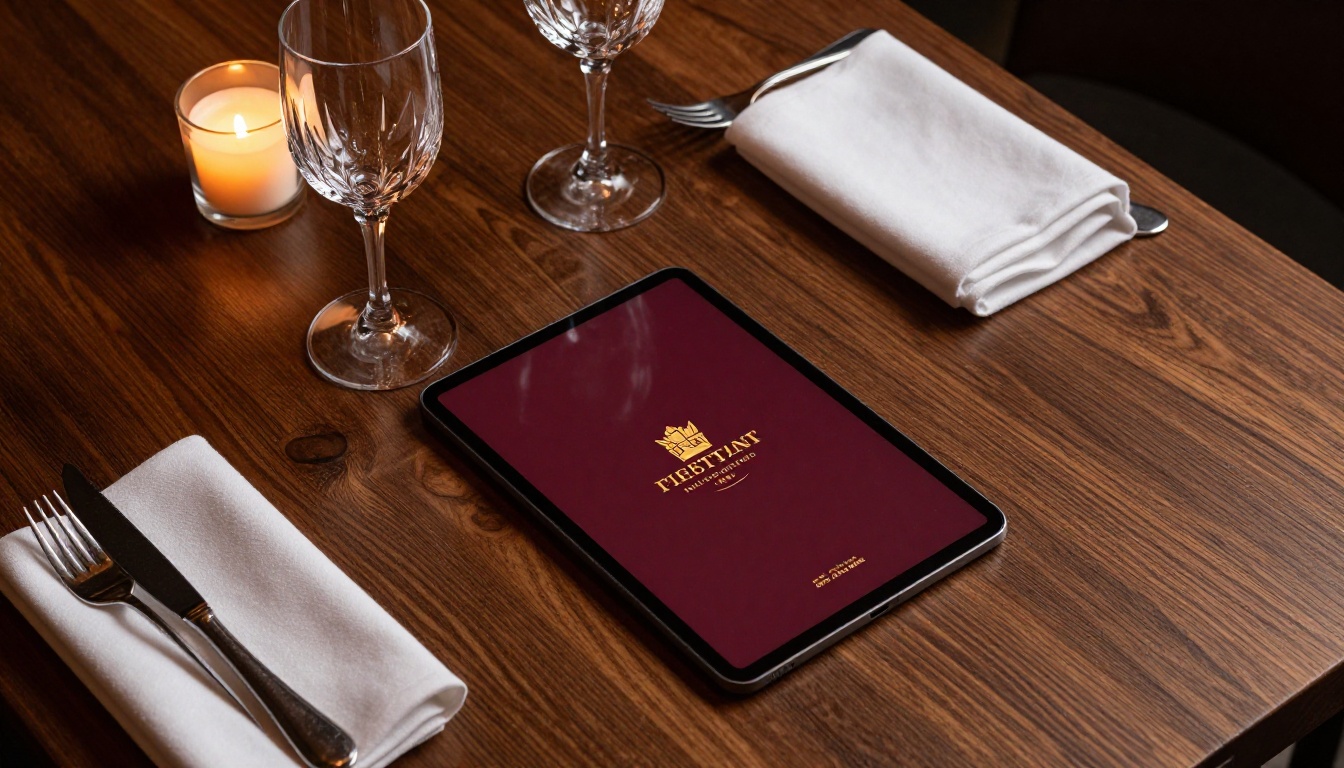
The Restaurant Menu Creator tool is built specifically for this use case. A watermarked or generic-looking digital menu signals a rushed implementation. A fully branded one signals attention to detail.
Real Estate Agents
Property brochures need to carry the agent's personal brand as much as the property itself. Buyers remember agents who present professionally. A branded digital brochure sent via a clean link, showing the agent's logo and color scheme throughout, builds recognition across every touchpoint.

The Real Estate Brochure Creator handles property-specific layouts, while custom branding ensures every flipbook carries the agent's identity from the first page to the last.
Fashion and Retail
A seasonal lookbook or product catalog shared without consistent branding is just a PDF viewer. With proper logo placement, on-brand colors, and a clean embed on the brand's website, it becomes a premium content experience worth sharing.
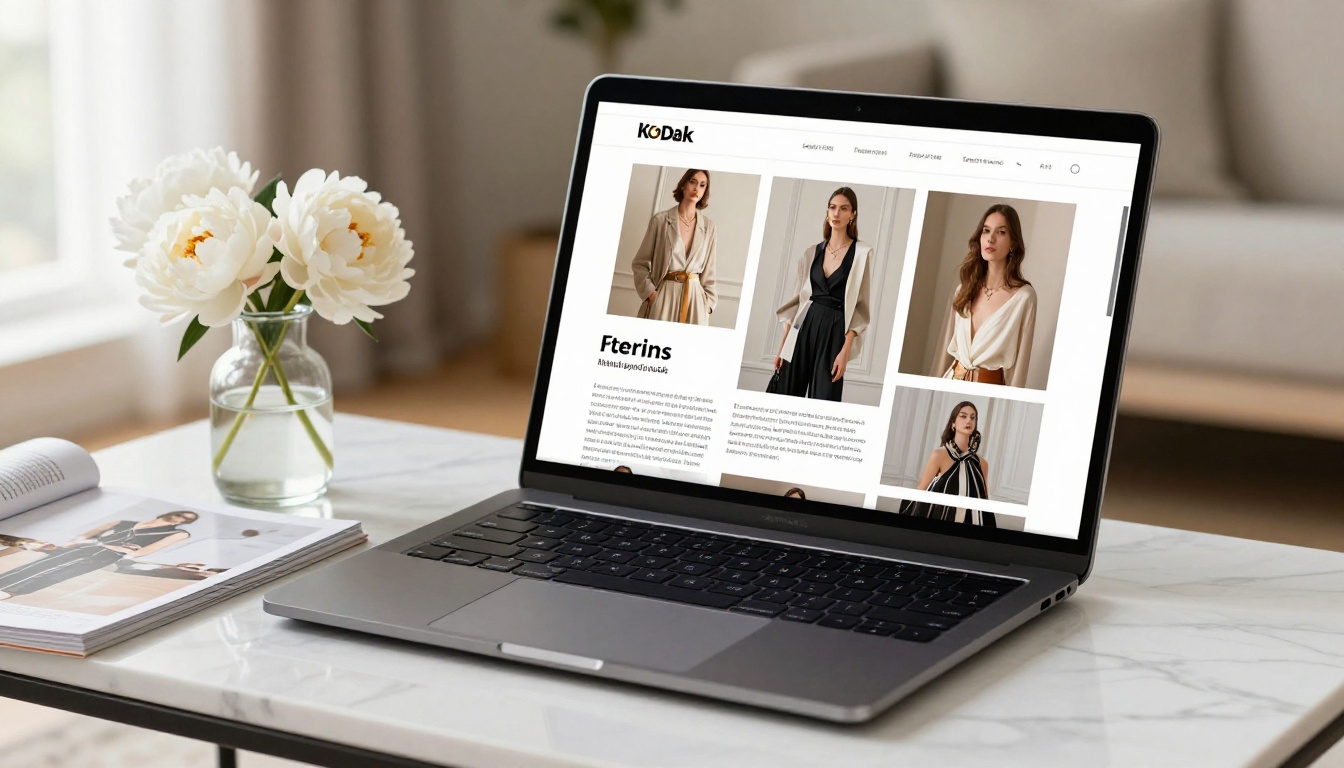
The Interactive Lookbook Designer supports this format with tools built specifically for fashion and retail presentations, including full branding customization.
Small Businesses and Freelancers
Not every brand has a large marketing budget. Small business owners need tools that look professional without requiring an expensive subscription. The ability to publish a branded flipbook on a free plan, without a visible watermark, is exactly what a freelancer or solopreneur needs to compete with larger brands.

Tools like the Digital Portfolio Creator and Online Brochure Designer are designed with solo creators in mind, offering professional results without a heavy learning curve or a premium price tag.
Pricing: What You Actually Pay for Real Branding
Here is a detailed breakdown of what branding features cost across the major platforms:
| Platform | Free Branding | Basic Paid Plan | Watermark-Free at |
|---|
| Flipbooks AI | Logo, colors, no watermark | Included free | Free tier |
| Flipsnack | None | $14/mo | $14/mo |
| FlipHTML5 | None (watermarked) | $14/mo | $14/mo |
| Issuu | Issuu badge visible | $19/mo | $19/mo |
| Yumpu | None (ads shown) | $16/mo | $16/mo |
| Publuu | Publuu logo visible | $7/mo | $7/mo |
💡 Flipbooks AI is the only major platform that removes watermarks at the free tier while still offering logo and color customization. For budget-conscious teams, this is a significant differentiator.
What Each Plan Unlocks at Flipbooks AI
| Feature | Free | Standard | Professional |
|---|
| No watermarks | Yes | Yes | Yes |
| Custom logo | Yes | Yes | Yes |
| Brand colors | Yes | Yes | Yes |
| Unlimited flipbooks | No | Yes | Yes |
| Password protection | No | Yes | Yes |
| Embed videos and audio | No | Yes | Yes |
| Analytics | No | No | Yes |
| Lead capture forms | No | No | Yes |
| Offline downloads | No | No | Yes |
| Custom domain | No | No | Yes |
See the full breakdown on the pricing page.
The right choice depends on how serious your branding requirements are and how often you publish:
- Occasional use, tight budget: Flipbooks AI free tier gets you branded, watermark-free flipbooks without spending anything
- Regular publishing, growing team: Standard plan adds unlimited flipbooks, password protection, and multimedia embeds
- Agencies and enterprise: Professional plan adds analytics, lead generation, custom domain, and offline access for client-facing deliverables
For agencies managing content across multiple clients, browse all available flipbook tools to find the right format for each client's industry and document type.
Branding Consistency Across All Your Documents
Branding is not just about a single flipbook. Consistency across all your digital documents builds recognition over time. Whether you're publishing a Product Catalog, a corporate report via the Annual Report Creator, or a Newsletter Flipbook Publisher file, every touchpoint should carry the same visual identity.
This is where having a platform with strong branding controls pays off repeatedly. Rather than customizing each document from scratch in a design tool, you set your brand once in the flipbook platform and apply it consistently across every piece of content you publish.
✅ Build a brand template once: logo position, colors, fonts, viewer style. Apply it to every flipbook. Your audience builds recognition without you spending extra time on each piece.
The Fashion Catalog Creator, Digital Catalog Maker, and Brochure Flipbook Maker all support the same branding settings, so once you configure your identity, it carries across every document type you produce.
Where to Start Now
If you haven't tested your current tool against real branding requirements, now is the time. Create a flipbook, add your logo and brand colors, remove any watermarks, and share it. If any of those steps require upgrading, you're paying for something that should come standard.
Flipbooks AI handles all of it at the free tier, no upgrade required to publish with your logo and without a watermark. Ready to see what your brand looks like in a properly branded flipbook? Create your account and publish your first one today.
When you're ready for analytics, lead generation, and unlimited publishing, check the pricing plans to find what fits your team's workflow. And if you need a specific tool for a particular document type, the full tools directory has purpose-built options across every industry and format.



