Paying hundreds of dollars per year for flipbook software has never made less sense. The gap between free and paid digital publishing tools has narrowed dramatically, and for most individuals, small businesses, and educators, the free options available today are genuinely competitive with products that cost $30 to $100 per month. Flipbooks AI sits at the center of this shift, offering a free plan that punches well above its price point.
This is not about cutting corners. It is about knowing exactly which features matter, which tools actually deliver them for free, and where the genuine limitations still exist. Most free flipbook makers built their reputation on compromise: watermarks, page caps, clunky interfaces, and output quality that looks unpolished the moment a professional sees it. That description no longer fits the best tools in this space.
What Changed in Browser-Based Publishing
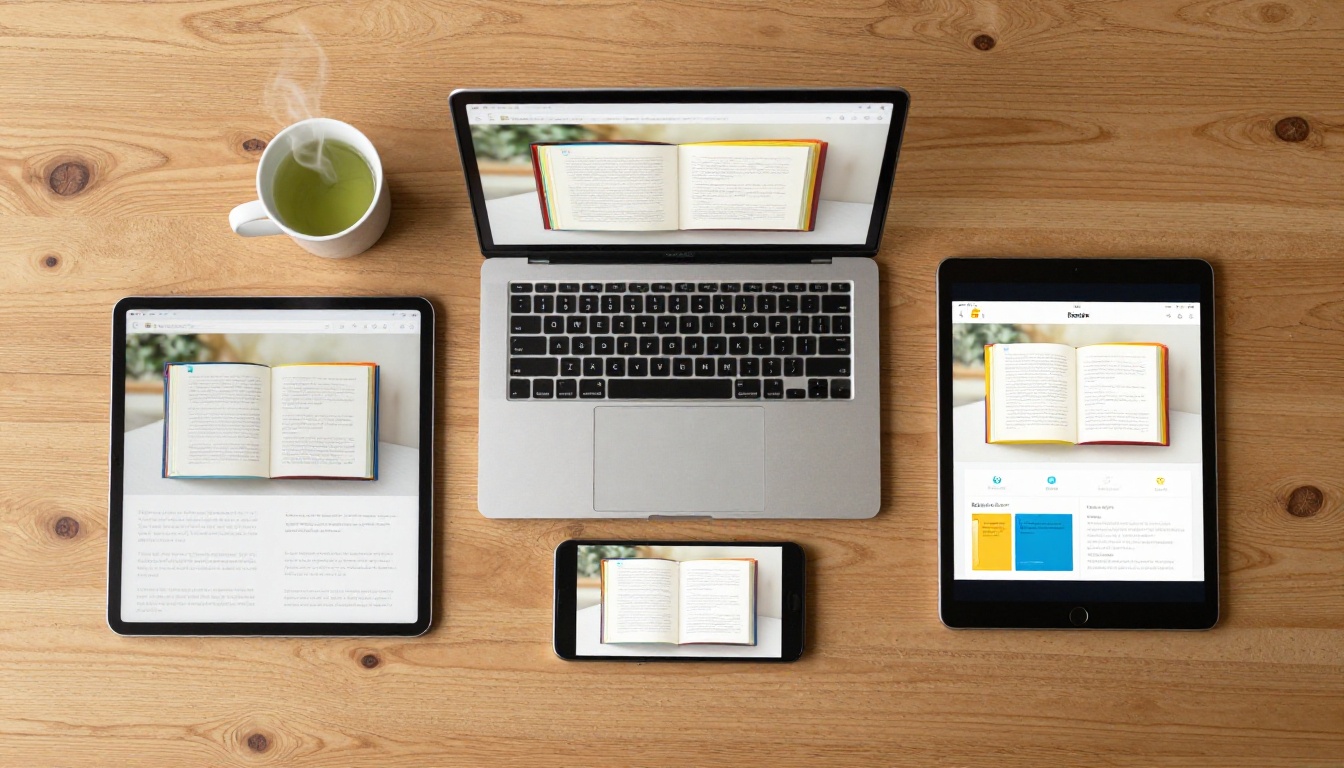
Five years ago, free flipbook software meant desktop downloads, Flash players, low-resolution output, and a giant watermark stamped across every page. That world is gone. HTML5 publishing, cloud storage costs dropping to near zero, and browser rendering engines maturing enough to handle page-flip physics smoothly changed everything.
Today's best free flipbook makers run entirely in the browser. No download, no installation, no compatibility headaches. Upload a PDF, wait a few seconds, and get a fully interactive page-turning publication you can embed anywhere or share with a link. The page-flip animations that used to require expensive proprietary software now render perfectly in any modern browser on any device.
The economics shifted, too. Platforms can now monetize through premium plan upgrades for power users while giving solid core functionality away for free. That is a genuine win for anyone who needs to publish a document without a bloated subscription. What would have cost $400 per year in 2019 is now available at zero cost, with comparable output quality.
What Users Actually Need From a Free Flipbook Maker
Before comparing tools, it helps to be honest about what most people actually need from a free online flipbook creator:
- PDF-to-flipbook conversion that preserves fonts, images, and layout accurately
- Shareable links that open on mobile without extra apps or plugins
- Embed codes for websites, landing pages, and email campaigns
- No watermarks that undermine the professionalism of the content
- Responsive design that looks good on phones, tablets, and desktops
- Basic branding customization, including colors and logo placement
- Stable hosting so the flipbook link does not break after 30 days
That list is achievable at no cost. The features that reasonably sit behind a paywall are things like detailed reader analytics, lead capture forms, offline download packages, and password-protected content at scale. Keep that distinction clear when evaluating any platform.

Free vs. Paid: What the Numbers Actually Show
Core Feature Breakdown
The table below reflects real feature availability across the free plans of typical flipbook tools in the market today. It focuses on what matters for actual daily publishing workflows, not the headline features used in marketing copy.
| Feature | Flipbooks AI Free | Tool B (Typical) | Tool C (Typical) |
|---|
| Watermark-free output | ✅ | ❌ | ❌ |
| PDF to flipbook conversion | ✅ | ✅ | ✅ |
| Shareable public link | ✅ | ✅ | ✅ |
| Embed code for websites | ✅ | Limited | ✅ |
| Mobile-responsive display | ✅ | ✅ | Partial |
| Custom branding and colors | ✅ | ❌ Paid only | ❌ |
| Unlimited flipbooks | Standard plan+ | ❌ | ❌ |
| Analytics | Professional plan | Paid only | Paid only |
| Password protection | ✅ | Paid only | Paid only |
| Offline downloads | Professional plan | Not available | Paid only |
| Video embedding | ✅ | ❌ | Paid only |
| Audio embedding | ✅ | ❌ | ❌ |
| 30+ dedicated creation tools | ✅ | ❌ | ❌ |
💡 Pro tip: Watermark-free output is the single most important factor to verify before committing to any free plan. A watermark signals to your readers that you are using a budget tool, which undercuts professional content regardless of how well-designed the original PDF was.
What "Free" Actually Means for Each Tool
Free plans are not equal. Some tools call themselves "free" but gate the most basic features, like removing their logo or downloading the published flipbook, behind a paid tier. Others offer genuinely generous free access but cap the number of publications at three to five total.
Flipbooks AI takes a different position: the free entry point provides real, usable functionality without visible branding damaging your content. That said, if volume is your need, the Standard plan opens unlimited flipbooks for teams and businesses that publish regularly. The pricing page breaks this down clearly with no ambiguity.
How to Create a Professional Flipbook for Free
The process of going from a PDF to a published, shareable, interactive flipbook on Flipbooks AI takes under five minutes. Here is how it works.

1. Create Your Account
Go to flipbooksai.com/account and sign up for free. No credit card is required. The registration takes under a minute, and you have immediate access to the dashboard and all creation tools.
2. Upload and Convert Your PDF
From the dashboard, click to create a new flipbook and upload your PDF. The conversion engine processes the file and renders each page as a high-fidelity flipbook page with smooth HTML5 page-flip animation. Vector graphics and embedded fonts are preserved accurately. A 20-page PDF converts in under 30 seconds.
⚠️ Watch out: If your PDF uses fonts that are not web-safe, some tools may substitute them during conversion. Always run a visual review of the output before publishing to catch any rendering issues on the final pages.
3. Customize and Brand the Flipbook
After conversion, the customization panel lets you change background colors, upload your logo, set a preview thumbnail, and adjust the accent color of the page-flip interface. This is where Flipbooks AI separates itself from competitors that lock branding behind paid plans.
For specific use cases, the dedicated creation tools make this step even faster:
4. Publish, Share, and Embed
Once satisfied with the result, publishing takes a single click. You receive:
- A direct shareable URL that opens the flipbook in any browser, on any device, without login
- An embed code for your website, blog, or landing page
- Password protection for content you want to keep private or distribute selectively
The Embed Flipbook on Website tool provides a customizable iframe snippet ready to paste into any CMS, portfolio site, or email template. No developer required.

Small Business Product Catalogs
A boutique clothing shop, a local furniture maker, or an artisan food brand does not need enterprise publishing software. They need a clean, professional catalog they can send to buyers or link from their website and social media profiles.

With Flipbooks AI, a small business owner uploads their product catalog PDF and has a beautifully interactive, mobile-ready flipbook within minutes. The Fashion Catalog Creator and Furniture Catalog Maker tools are purpose-built for these scenarios, with layouts optimized for product browsing on both desktop and mobile.
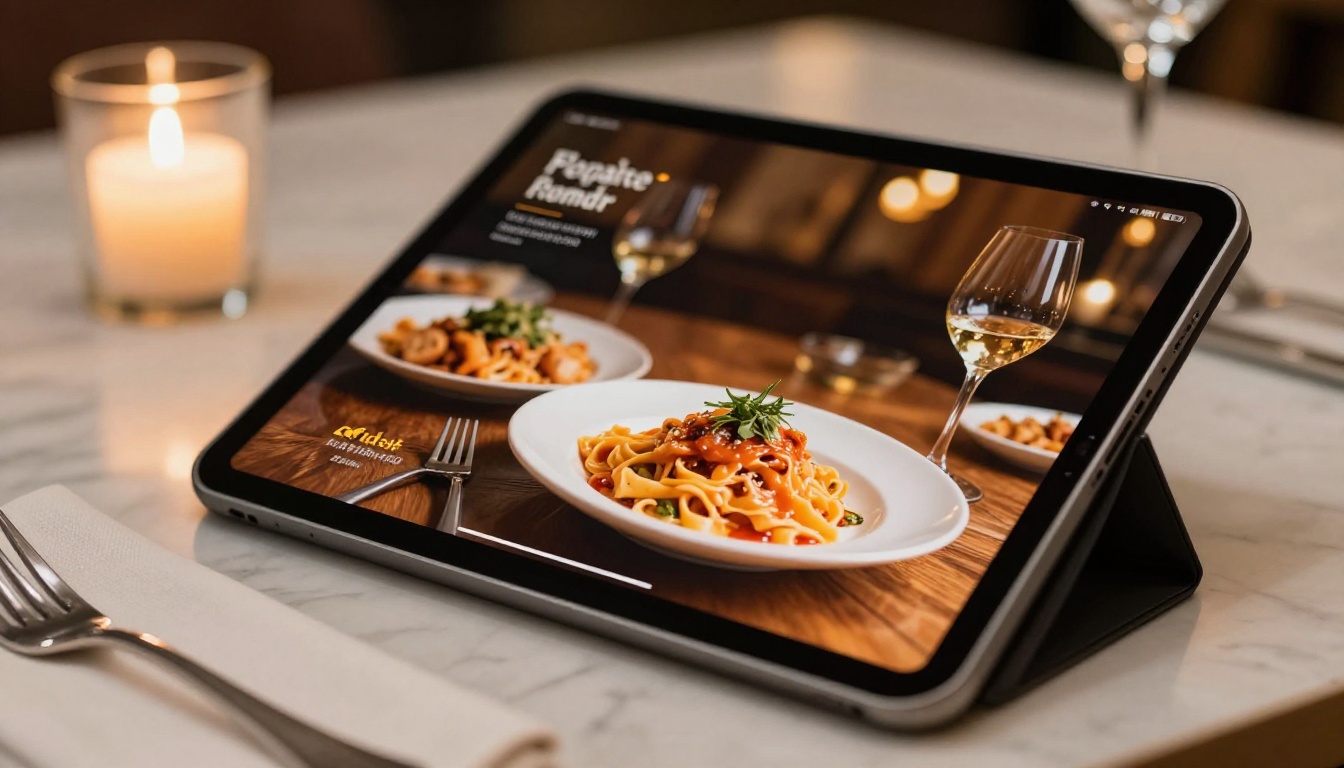
A restaurant can use the Restaurant Menu Creator to publish a seasonal menu update as a flipbook, link it directly from their Google Business profile, and embed it on the website, all without printing a new batch of physical menus or paying a designer for a static PDF update.
School and Training Materials
Teachers, instructional designers, and HR departments regularly produce documents that need to be shared widely without the friction of downloading and opening a static PDF. A flipbook link in a class portal or employee onboarding email is far more accessible than an attachment, and it opens instantly on any device.

The Training Manual Flipbook, Course Material Publisher, School Newsletter Creator, and Yearbook Flipbook Maker tools cover the most common educational publishing needs. All work on the free plan for basic publishing and distribution.
Creative Portfolios and Professional Brochures
Photographers, designers, and stylists benefit enormously from portfolio flipbooks. A PDF portfolio attached to an email often goes unread. A portfolio flipbook link shared in a message opens instantly, plays cleanly on mobile, and leaves a stronger impression than a static document.
The Photography Portfolio Flipbook and Interactive Lookbook Designer are built for exactly this. They handle high-resolution image export without compression artifacts that degrade the visual quality of creative work.
Real estate agents benefit similarly: a property brochure flipbook shared with a buyer reads more professionally than a static PDF and requires no additional effort to create. The Real Estate Brochure Creator produces polished output in minutes.

Watermarks That Kill Professional Credibility
This is the most common trap in the free flipbook software market. A tool markets itself as free, you invest an hour building your flipbook, and the published result displays a logo or banner across every page advertising the platform. That watermark tells every reader, client, or student that you did not invest in professional tools.
For a business, it signals budget constraints. For a creative professional, it undermines the quality impression you worked hard to create. For an educator, it distracts from the content.
⚠️ Always publish a test flipbook and view it as an outside reader (not logged into the platform) before relying on any free tool for real content. This is the only way to see exactly what your audience sees.
Page Limits That Block Real Documents
Many free flipbook tools cap publications at five, ten, or fifteen pages. That works for a simple one-page brochure but fails immediately for a 40-page product catalog, an annual report, or a course workbook. The "free" label becomes misleading when the tool cannot handle documents that represent actual working needs.
💡 Always check the page limit before starting your project. Converting a 60-page document and then discovering you need a paid plan to publish it is a frustrating waste of time and effort.
Link Expiration Policies
Some free flipbook platforms delete unpaid users' flipbooks after 30 to 90 days. If you shared that link in a printed brochure, a LinkedIn post, or an email campaign, every reader who clicks it after expiration hits a dead page. This is a silent credibility problem that many users only discover after the damage is done.
✅ Best practice: Before publishing anything meant to stay live long-term, verify that the platform's free plan includes permanent, stable hosting with no expiration date on published flipbooks.
When a Paid Plan Actually Pays Off
For most users, the free plan covers everything needed. Two scenarios genuinely justify upgrading.
Analytics and Lead Generation for Marketing Content
If you publish flipbooks as part of a sales or marketing strategy, knowing who read your content, which pages held attention longest, and which readers converted into leads matters significantly. The Professional plan on Flipbooks AI includes reader analytics and lead generation forms that turn passive flipbooks into active sales assets.

A marketing team publishes a product catalog as a flipbook, embeds a lead capture form on the final page, and every reader who fills in their email is added directly to the sales pipeline. That feature set pays for itself on the first qualified lead it captures.
The Sales Presentation Flipbook and Annual Report Creator tools are built with this professional use case in mind, integrating cleanly with the analytics and lead generation features on the Professional plan.
High-Volume Publishing Operations
Teams that publish dozens or hundreds of flipbooks per month need unlimited publications available on the Standard plan and above. The free tier is ideal for getting started and for low-to-medium-volume publishing. Agencies, publishers, and large organizations will hit limits quickly and benefit from the structured plans available on the pricing page.
| Capability | Flipbooks AI | Typical Competitor A | Typical Competitor B |
|---|
| Free plan watermark | None | Prominent logo | Corner badge |
| PDF conversion quality | High fidelity | Medium | High |
| Mobile responsiveness | Full | Partial | Full |
| Embed code on free plan | ✅ | ✅ | Paid only |
| Password protection on free plan | ✅ | Paid only | Paid only |
| Custom branding on free plan | ✅ | Paid only | Paid only |
| Analytics | Professional plan | Paid only | Paid only |
| Offline downloads | Professional plan | Not available | Paid only |
| Video and audio embedding | ✅ | ❌ | Paid only |
| Dedicated tools by industry | 30+ | None | None |
| Lead generation forms | Professional plan | Not available | Not available |
| Stable long-term hosting | ✅ | Varies | ✅ |
Which Plan Fits Which Use Case
| Use Case | Best Plan |
|---|
| Personal portfolio or creative lookbook | Free |
| Small business catalog or seasonal menu | Free or Standard |
| School materials, newsletters, yearbooks | Free |
| Event programs and press kits | Free |
| Marketing content with reader analytics | Professional |
| Agency or high-volume publishing | Standard or Professional |
| Annual reports with lead capture forms | Professional |
| Recipe books, travel content, event guides | Free |
✅ Best practice: Start on the free plan. Publish your first flipbook. Judge the output quality, the workflow, and the reader experience before committing to any paid tier. A platform that earns the upgrade through real results is worth paying for. One that requires payment before you can evaluate the output is worth skipping entirely.
The Real Verdict on Free Flipbook Software
The tools have matured. The output quality is there. The free plan limitations are real but well-defined, and for the majority of individual creators, small businesses, and educational publishers, they are not limitations at all. They are simply a clear delineation between what you need now and what you might need later.
Expensive flipbook platforms built their pricing on artificial scarcity: watermarks, page caps, and feature locks that have nothing to do with actual infrastructure costs. That pricing model has not aged well as browser-based publishing has matured.
If you are ready to create your first professional-quality digital flipbook, get started for free on Flipbooks AI. The full workflow from PDF upload to live published flipbook takes under five minutes.
When your needs grow, check the pricing plans to see exactly what each upgrade includes, with no ambiguity about what you are paying for. And if you want to start with a specific use case in mind, browse the full flipbook tools directory to find the right template and workflow for your project.



