Teachers and students in 2026 share one common frustration: assignments that look flat, lifeless, and forgettable. A static PDF handed in through a school portal does not stand out. A professionally designed, interactive digital publication does. That is exactly why searching for a free flipbook tool for classroom projects in 2026 has become one of the most common requests among educators this year. The good news is that you do not need a school budget to get started. Flipbooks AI is one of the platforms making it genuinely free to create high-quality interactive flipbooks that students and teachers both enjoy using.

Why Classrooms Need Digital Flipbooks Now
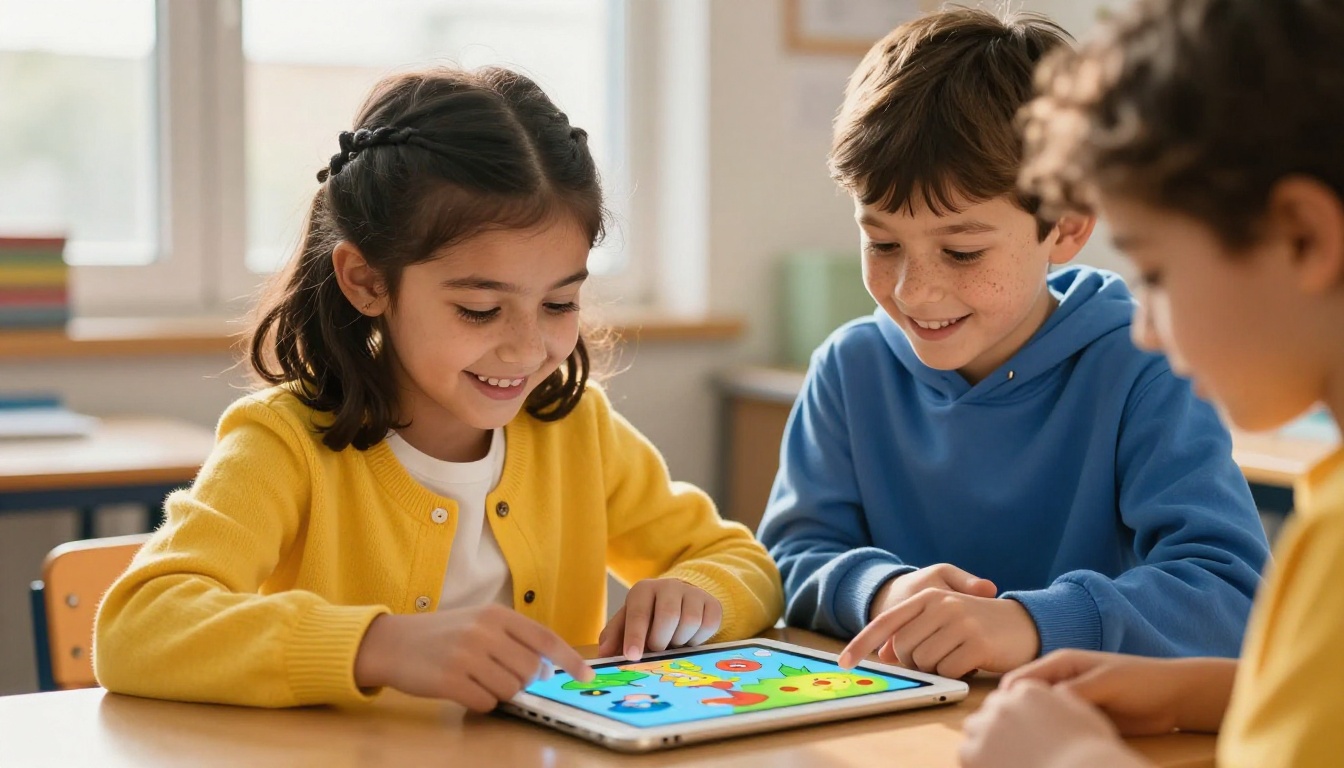
The way students consume and present information has shifted dramatically over the past few years. Static handouts and plain slideshows no longer hold attention the way they once did. A digital flipbook, with its animated page-turn effect and interactive layout, gives any classroom project an immediate sense of polish and professionalism that students genuinely take pride in.
What Students Actually Do With Them
Students are using digital flipbooks for a wide range of school activities in 2026:
- Science fair reports formatted as multi-page interactive magazines
- History research papers with embedded image timelines
- Book reports designed as mini-publications with chapter headers
- School newsletters with photos and event announcements
- Art portfolios showcasing a full semester of creative work
- Language projects presented as bilingual digital booklets
The interactive format encourages students to think like publishers, not just writers. They make design choices, organize content for clarity, and produce something they can actually share with parents and classmates via a simple link.
The Problem With Plain PDFs
A plain PDF is static. It cannot be embedded on a school website easily, it does not animate, and it does not scale well across devices. When a student submits a PDF project, the teacher opens it, reads it, and grades it. But when a student submits a flipbook link, everyone can view it on any device, the page-turn makes it feel curated, and it is shareable in seconds. That difference matters for motivation. Students who know their work will be seen by more than just the teacher consistently put more effort into it.

Not all free flipbook tools are created equal. Many platforms advertise "free" but then plaster large watermarks over every page, limit you to one or two flipbooks, or require a credit card to access basic features. Before picking a tool for classroom use, these are the criteria that actually matter.
Features That Matter Most
| Feature | Why It Matters for Classrooms |
|---|
| No watermarks | Student work should look professional, not like an advertisement |
| No PDF page limit | Research projects and portfolios can run 20 to 40 pages |
| Shareable link | Teachers and parents can view without needing an account |
| Mobile-responsive design | Students and parents view on phones as often as computers |
| Embed option | School websites can display flipbooks inline |
| Custom branding | Schools can add logos and color schemes |
| Password protection | Private content like graded drafts stays secure |
Free vs. Paid: What You Lose
Free plans on most platforms are usable but come with real trade-offs. Here is what typically separates a solid free tier from a paid upgrade:
⚠️ Watch out for: Platforms that count each page upload as a separate flipbook to inflate limits artificially. A 30-page project should count as one flipbook, not thirty.
On Flipbooks AI, the free tier gives you access with no watermarks and lets you start building immediately without entering payment details. The Standard and Professional plans at flipbooksai.com/pricing unlock unlimited flipbooks and more storage, but even the base access is genuinely functional for classroom use.
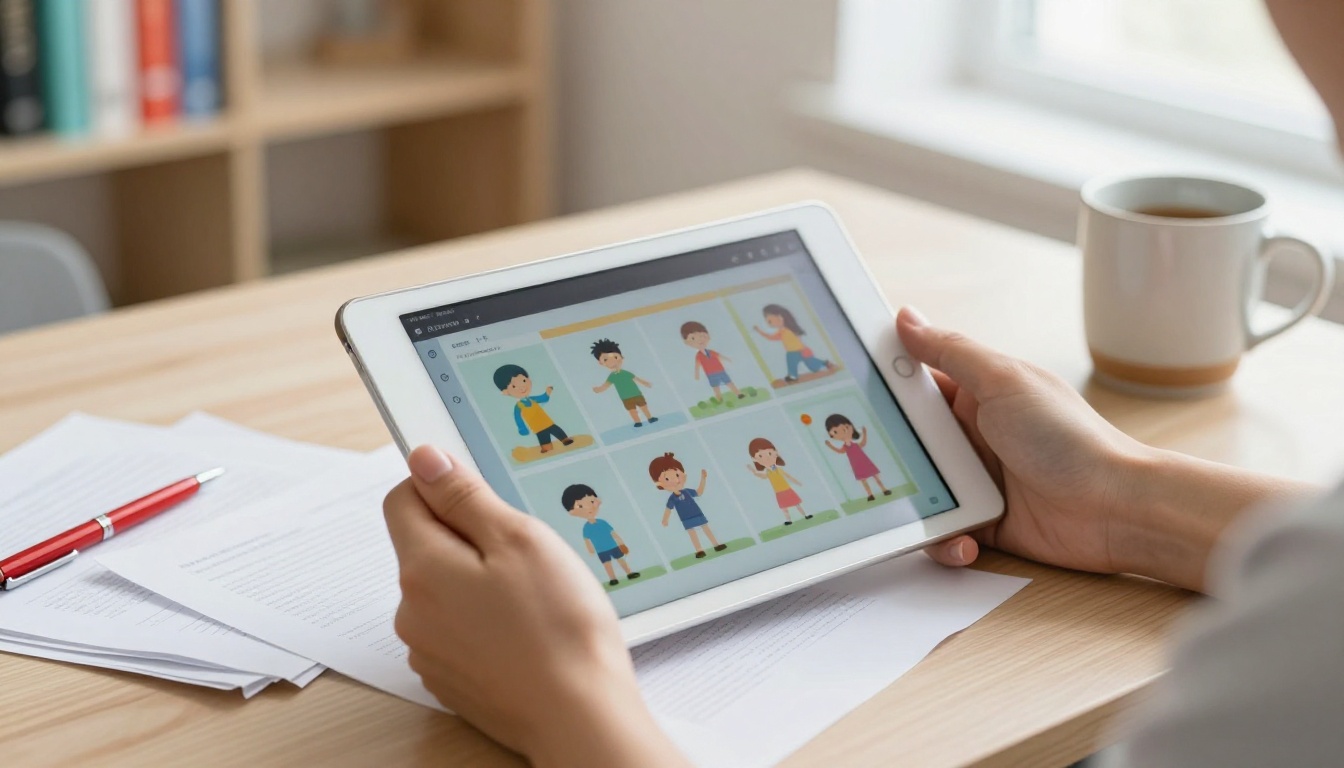
Several platforms have emerged as strong options for classroom use this year. The table below compares the most relevant ones on factors teachers actually care about.
| Tool | Watermark-Free | Mobile Ready | Embed Support | Student-Friendly UI | Custom Branding |
|---|
| Flipbooks AI | ✅ Yes | ✅ Yes | ✅ Yes | ✅ Yes | ✅ Yes |
| FlipHTML5 | ❌ Free has watermark | ✅ Yes | ✅ Limited | ⚠️ Complex setup | ❌ Paid only |
| Yumpu | ⚠️ Small watermark | ✅ Yes | ✅ Yes | ✅ Yes | ❌ Paid only |
| Issuu | ❌ Watermark on free | ✅ Yes | ⚠️ Limited | ✅ Yes | ❌ Paid only |
| Canva Flipbook | ✅ Yes | ✅ Yes | ⚠️ Limited | ✅ Yes | ⚠️ Limited |
💡 Pro tip: For school-wide use, look for tools that allow multiple accounts under one organization login. This helps teachers manage student projects from a single dashboard.
Flipbooks AI stands out in this comparison because it offers no watermarks from day one, a clean interface that students can figure out without a tutorial video, and full embed support for school websites. The Course Material Publisher and School Newsletter Creator tools are built specifically for educational content, making the workflow faster for teachers who do not want to start from a blank canvas.
How to Create a Classroom Flipbook With Flipbooks AI
This is a step-by-step walkthrough for teachers and students who want to create their first interactive classroom flipbook using Flipbooks AI. The process takes about five minutes from PDF to published link.
Step 1: Create Your Free Account
Head to flipbooksai.com/account and sign up for free. No credit card required. Once your account is created, you land directly on the flipbook dashboard where you can start a new project right away.
Step 2: Upload Your PDF
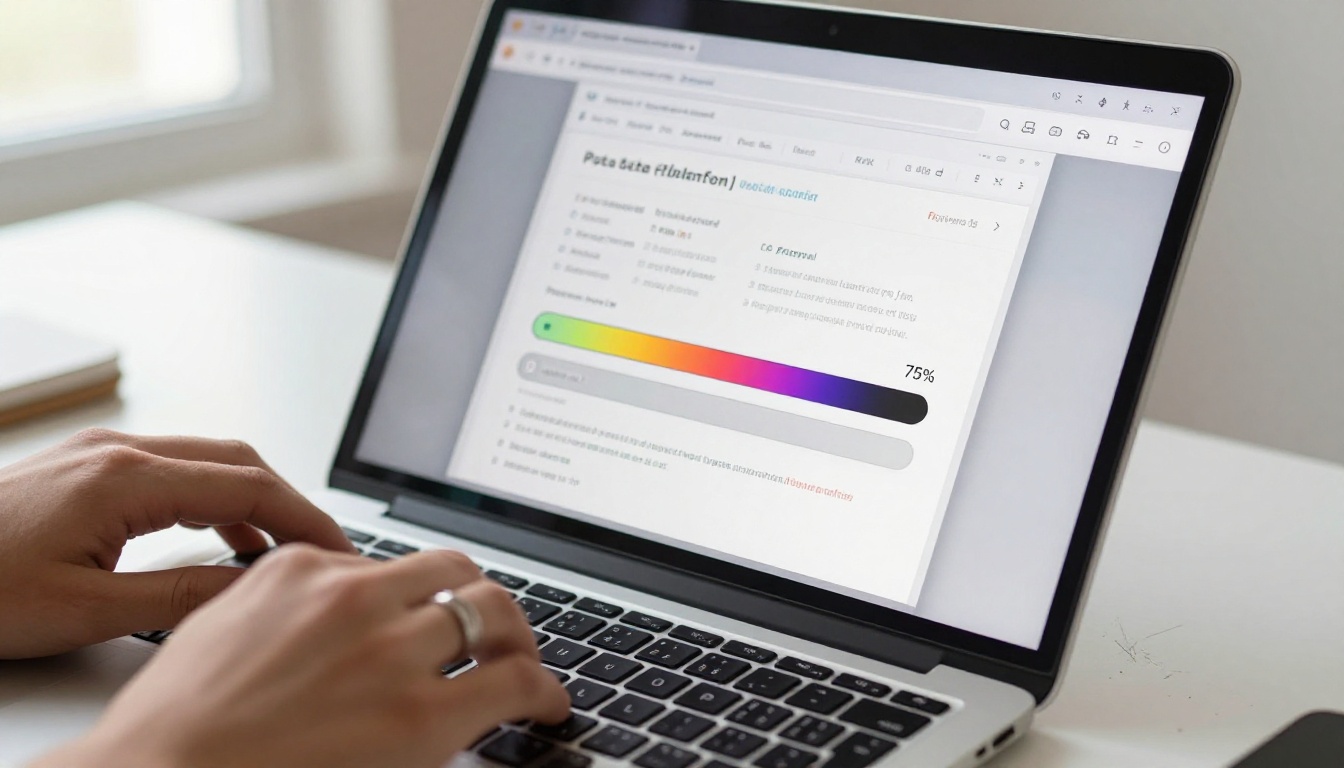
Click New Flipbook and drag your PDF file into the upload zone. The platform accepts files with hundreds of pages. A progress bar shows the conversion status in real time. Within seconds, your PDF is transformed into an interactive page-turning flipbook with no additional software needed.
✅ Best practice: Export your document from Word, Google Docs, or Canva as a PDF before uploading. This preserves fonts, images, and layouts exactly as designed.
Step 3: Customize Your Flipbook
Once the PDF is uploaded, Flipbooks AI gives you a full set of customization controls:
- Add your school name or logo in the branding panel
- Choose a color theme that matches your subject or school colors
- Add a table of contents so readers can jump between sections
- Enable page-turn sound for a more immersive reading experience
- Set a custom background (dark or light) depending on the content mood
- Embed videos or audio clips directly into specific pages
For classroom projects, keeping the design simple and clean works best. The Yearbook Flipbook Maker template is a great starting point for end-of-year projects, while the Digital Portfolio Creator suits individual student portfolios.
Step 4: Share With Your Class
After customization, hit Publish. Flipbooks AI generates a direct link you can post to your learning management system (Google Classroom, Canvas, Schoology), email to parents, or share directly via QR code. You can also embed the flipbook on any school website using the provided embed code from the Embed Flipbook on Website tool.
💡 Pro tip: Use the password protection feature for draft projects or works-in-progress that are not ready for public viewing. Students can share with you privately before going live.
Step 5: Track Who Is Reading
On the Professional plan, the built-in analytics at flipbooksai.com/pricing show how many people viewed each page, how long they spent reading, and which sections got the most attention. Teachers can use this data to see whether students are actually reading assigned flipbook materials.
Best Classroom Use Cases for Flipbooks
The versatility of a free flipbook tool for classroom projects is one of its strongest selling points. Here are the most practical applications across different grade levels and subjects.
Student Project Presentations
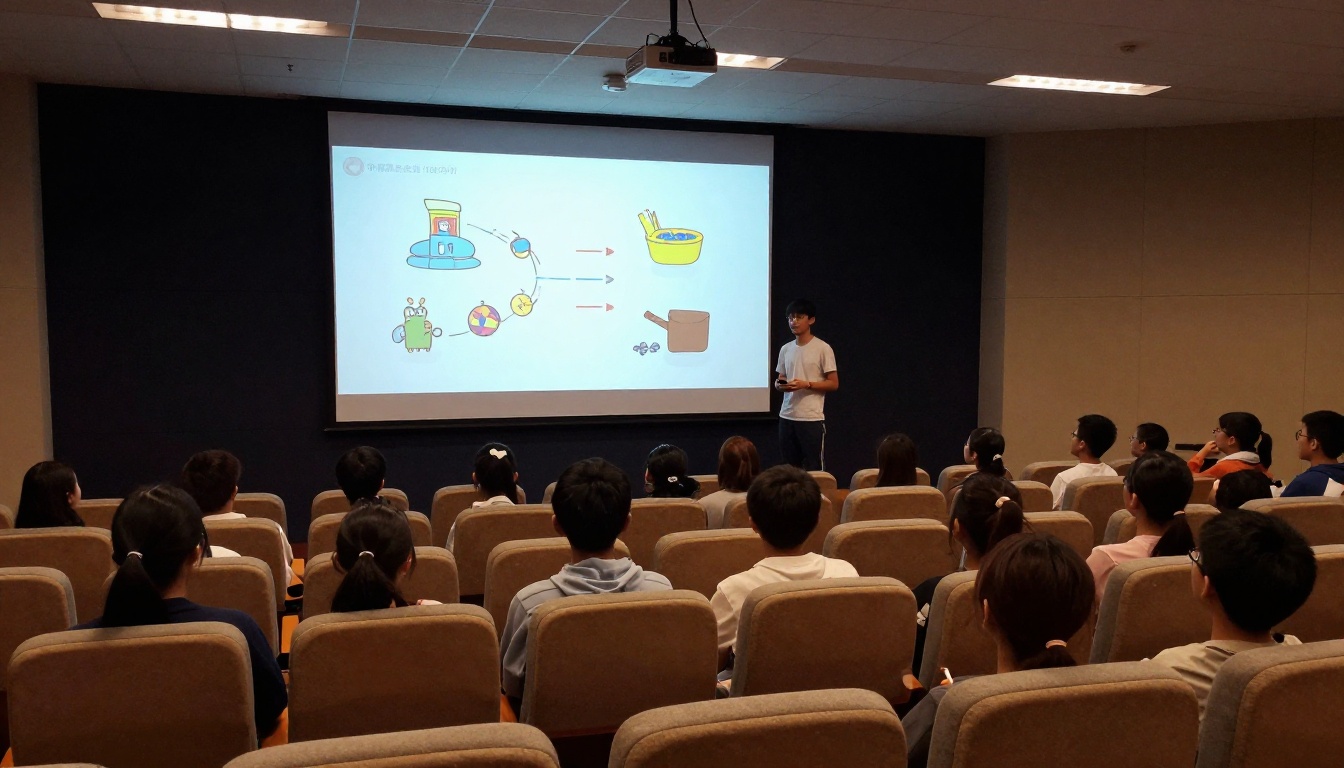
Instead of standing in front of a PowerPoint, students can publish their research as a flipbook and walk the class through it on the projector. The page-turn animation keeps attention focused, and the final product looks polished enough to include in a student digital portfolio.
Subjects that work especially well:
- Social studies: Country reports, historical timelines, cultural projects
- Biology: Animal or ecosystem research with embedded photos
- English: Book reports, poetry collections, creative writing anthologies
- Art class: Photography portfolios and design process documentation
- STEM projects: Engineering process journals and science experiment logs
Teacher-Made Study Materials
Teachers are not just assigning flipbooks, they are creating them. A flipbook review booklet for an exam is far more engaging than a plain PDF handout. Teachers can build:
- Unit review booklets with embedded practice questions
- Class newsletters sent home to parents each month
- Field trip reference booklets for students to use on-site
- Welcome packets for the start of a new school year
The Training Manual Flipbook format works well for teacher-made instructional content, particularly for subjects with sequential steps. The Course Material Publisher cuts preparation time significantly with pre-structured templates.
School Newsletters and Yearbooks
Two of the highest-visibility documents a school produces every year are the newsletter and the yearbook. Both benefit enormously from the flipbook format.
A school newsletter in flipbook form can be embedded on the school homepage, shared via a link in the parent email, and viewed on any phone without downloading anything. The School Newsletter Creator and Yearbook Flipbook Maker on Flipbooks AI have pre-built structures that make these documents faster to produce while looking professionally designed.
Comparing Flipbooks AI Plans for Schools
For most classroom use, the free and Standard tiers on Flipbooks AI are more than enough. Here is how the plans break down for educational needs:
| Plan | Price | Flipbooks | Storage | Analytics | Offline Download | Best For |
|---|
| Free | $0 | Limited | 100MB | No | No | Individual student projects |
| Standard | Low monthly | Unlimited | 5GB | No | Yes | Class-wide use, teacher resources |
| Professional | Mid monthly | Unlimited | 20GB | Yes | Yes | School-wide, admin, parent portals |
💡 Pro tip: A single teacher Standard account can serve an entire class. The teacher uploads templates and students submit their PDFs to be converted, reducing the need for every student to have their own account.
Schools looking to use flipbooks more broadly, including for parent communication, admin documents, and curriculum materials, should compare the full breakdown at flipbooksai.com/pricing.
Tips for Getting the Most Out of Free Plans
Free plans come with limits, but a few smart habits make them stretch much further in a classroom context.
Reuse and archive strategically. Most free plans limit the number of active flipbooks at once, not the total ever created. Archiving completed projects frees up slots for new ones without losing any past work.
Batch student projects. If a class of 25 students all need to submit flipbooks for the same assignment, the teacher can combine the best submissions into a single class anthology flipbook. This reduces account usage while producing a more impressive final artifact.
Use flipbooks for high-impact moments only. Not every assignment needs this format. Saving it for final projects, portfolio submissions, and parent-facing materials keeps it special and reduces the frequency of creation, which stays within free-tier limits comfortably.
Start from templates. Flipbooks AI offers purpose-built tools like the Course Material Publisher that cut design time significantly. Teachers who start from a template instead of a blank document consistently finish projects in half the time.
✅ Best practice: Before distributing any student-created flipbook publicly, enable password protection. This gives the teacher a chance to review the content before it goes live on the open web.
Accessibility and Mobile Readiness in 2026
One thing classroom tools in 2026 cannot afford to ignore is accessibility. Students view content on everything from Chromebooks to aging Android phones. A flipbook platform needs to work on all of them without requiring app downloads or plugin installations.
Flipbooks AI runs entirely in the browser and is fully mobile-responsive. The page-turn animation scales to any screen size, text remains crisp, and embedded images load progressively so the experience stays smooth even on slower school wifi.
For students with accessibility needs, flipbooks are also readable by most screen readers when the source PDF contains a real text layer. This makes accessibility a responsibility that starts at the document creation stage.
⚠️ Important: Always export your original document with real text layers, not as a scanned image. Scanned PDFs lose their text accessibility inside any flipbook platform.

When Free Is Enough and When to Upgrade
For a single classroom, a single teacher, or a one-time school project, the free tier of Flipbooks AI covers the essentials without spending anything. Students can create their work, teachers can review it, and projects can be shared with parents, all without a budget line item.
The case for upgrading to Standard or Professional becomes clear when:
- Multiple classes need to run simultaneous projects without hitting flipbook limits
- The school website needs to embed flipbooks from a permanent, branded URL
- Admin and communications teams want to publish monthly newsletters and annual reports in flipbook format
- Teachers want offline downloads so students can view content without internet access
- Analytics are needed to verify that students are engaging with assigned reading materials
Browsing the full range of tools at flipbooksai.com/tools shows just how many classroom document types already have a pre-built template ready to use. From the Interactive E-Book Publisher to the Event Program Maker for school performances, the platform covers nearly every scenario in which a school produces documents worth sharing.
Classroom projects deserve more than a PDF attachment in an email. With a free flipbook tool built for this kind of work, students produce something they are proud to share, teachers get submissions that are a pleasure to review, and parents actually open the links. Ready to see what your next project looks like as a flipbook? Create your free account on Flipbooks AI and publish your first classroom flipbook today. If you want full access to analytics, offline downloads, and unlimited storage, check out the pricing plans to choose what works for your school.



