The gap between a printed worksheet and a digital flipbook is enormous, and teachers who've made the switch rarely go back. Static handouts get lost, torn, or ignored. A well-crafted digital flipbook? Students flip through it on their phones, tablets, or laptops and actually engage with the material. The good news: you don't need a budget to get started. Flipbooks AI and several other platforms offer free plans specifically suited for classroom use.
This article covers the best free flipbook tools available for teachers, how they stack up against each other, and how to start building educational content that students will actually open.
Why Digital Flipbooks Work in the Classroom
Teachers are always looking for ways to make materials more accessible and less disposable. Printed handouts have a shelf life of about 30 seconds in a student's backpack. Digital flipbooks, on the other hand, are shareable, interactive, and far more durable.
The Problem with Static PDFs
PDFs are functional but flat. You upload them to a learning management system, students download them, and that's where the interaction stops. There's no page-turn animation, no embedded video, no click-through links. For today's students, accustomed to interactive digital content in every other area of their lives, a flat PDF doesn't hold attention the way it used to.
What Makes Flipbooks Different
Digital flipbooks simulate the physical act of flipping through a book, which creates a more absorbing reading experience than scrolling through a static document. More importantly, the best flipbook platforms let you embed multimedia, add hyperlinks, and share your content via a simple URL without requiring students to download anything. That's a big deal in a classroom where device management is already a headache.
💡 A flipbook shared via link works on any device, any browser. No app installs, no compatibility headaches.
Not all free plans are created equal. Some platforms restrict the number of flipbooks you can create, others add watermarks, and a few limit sharing options in ways that make classroom use frustrating. Here's an honest breakdown of the most useful free flipbook tools available right now.
Flipbooks AI (Free Plan)
Flipbooks AI is one of the most capable platforms available for educators who want professional results without paying a subscription fee. The free plan gives you access to the core PDF-to-flipbook conversion engine, which handles the upload and renders an interactive, page-turning flipbook in seconds. No watermarks on published content, mobile-responsive output, and a shareable link you can paste directly into your LMS, email, or class website.
What sets it apart for teachers is the depth of customization available even on the free tier. You can adjust colors to match your subject branding, add your school logo, and control the layout of the published flipbook. For educators running a School Newsletter Creator or distributing a course syllabus, this level of polish matters.
Issuu (Free Tier)
Issuu has been around for years and remains a popular option for turning PDFs into digital publications. The free plan allows a limited number of uploads and includes Issuu branding on published content. For a teacher sharing a student literary magazine or a departmental newsletter, this can work. However, the watermark and limited storage make it less practical for ongoing, high-volume classroom use.
FlipHTML5 (Free Version)
FlipHTML5 offers a solid free tier with basic conversion capabilities. The interface is more complex than some alternatives, with a steeper setup curve. The free plan limits the number of pages you can convert and adds branding to published flipbooks. It's workable for one-off projects but gets restrictive quickly if you're running multiple classes with different materials.
Canva (Presentation Mode)
Canva isn't a true flipbook platform, but its presentation mode with page transitions can simulate the flipbook experience for simple use cases. It's excellent for teachers who already live in Canva for their visual design work. The limitations show up when you need features like PDF import conversion, password protection, or analytics, none of which are available in Canva's flipbook-like functionality.
Side-by-Side: Free Plan Comparison
| Feature | Flipbooks AI | Issuu Free | FlipHTML5 Free | Canva |
|---|
| PDF Upload | Yes | Yes | Yes | No (design from scratch) |
| Watermark-Free | Yes | No | No | Yes |
| Page-Turn Animation | Yes | Yes | Yes | Partial |
| Shareable Link | Yes | Yes | Yes | Yes |
| Embed on Website | Yes | Limited | Limited | Yes |
| Mobile Responsive | Yes | Yes | Yes | Yes |
| Custom Branding | Yes | No (free) | No (free) | Yes |
| Multimedia Embed | Yes | Paid only | Paid only | Yes |
| Password Protection | Paid | Paid | Paid | No |
| Analytics | Paid | Paid | Paid | No |
✅ For regular classroom use, choose a platform with no watermarks on free content. A watermarked flipbook looks unprofessional and distracts from your material.
Best Use Cases in the Classroom
The flexibility of digital flipbooks means they work across grade levels and subjects. Here are the most practical applications teachers are using right now.
Course Packets and Syllabi
Instead of printing a 15-page course packet at the start of every semester, convert it to a flipbook and share the link with students. They can access it on any device, any time. If you need to update the syllabus mid-semester, you can modify the source PDF and re-upload without changing the link. The Course Material Publisher tool on Flipbooks AI is purpose-built for exactly this use case.
School Newsletters
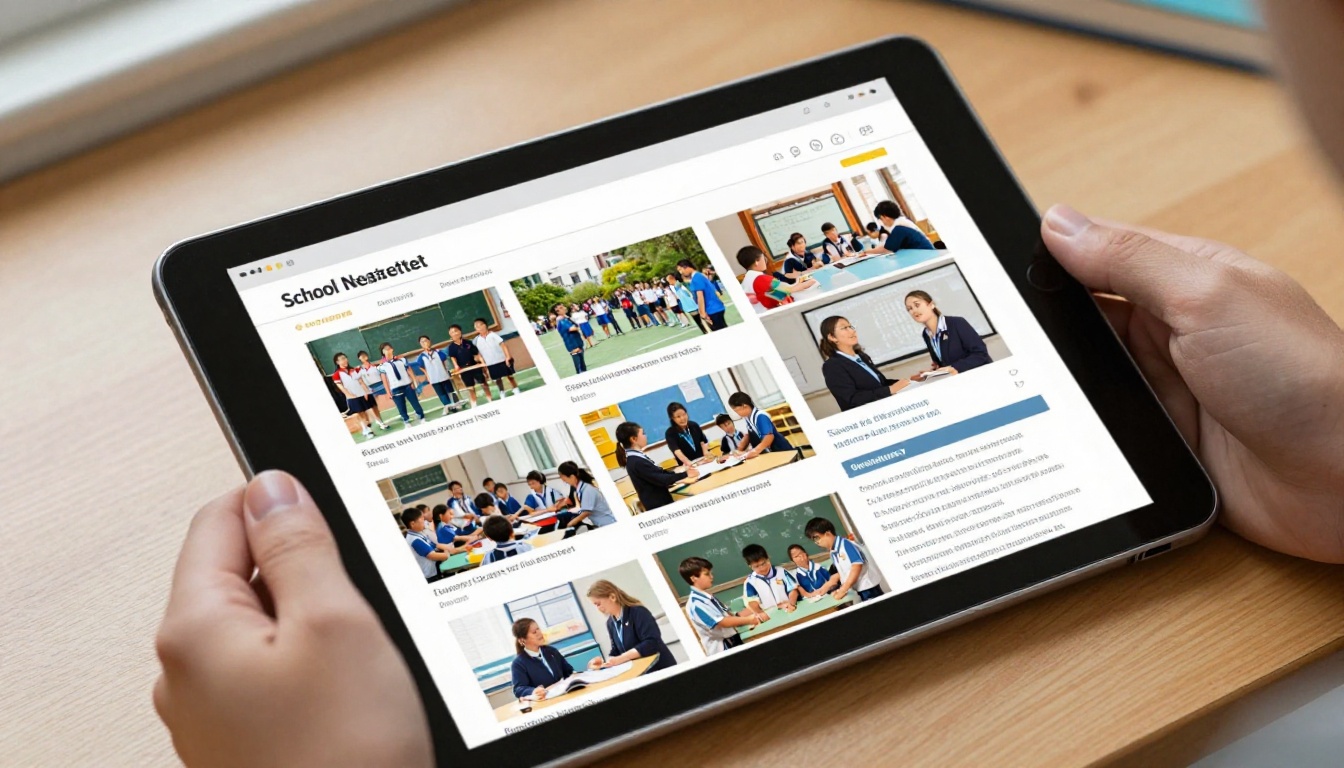
School communication has shifted heavily toward digital formats, but most schools still send newsletters as flat PDF attachments. Converting these to flipbooks makes them significantly more appealing to parents and students. An interactive newsletter with photo galleries and clickable event links gets read far more often than a static document.
💡 Use the School Newsletter Creator to build newsletters directly in Flipbooks AI, then share via link to parents. No email attachment required.
Student Portfolios
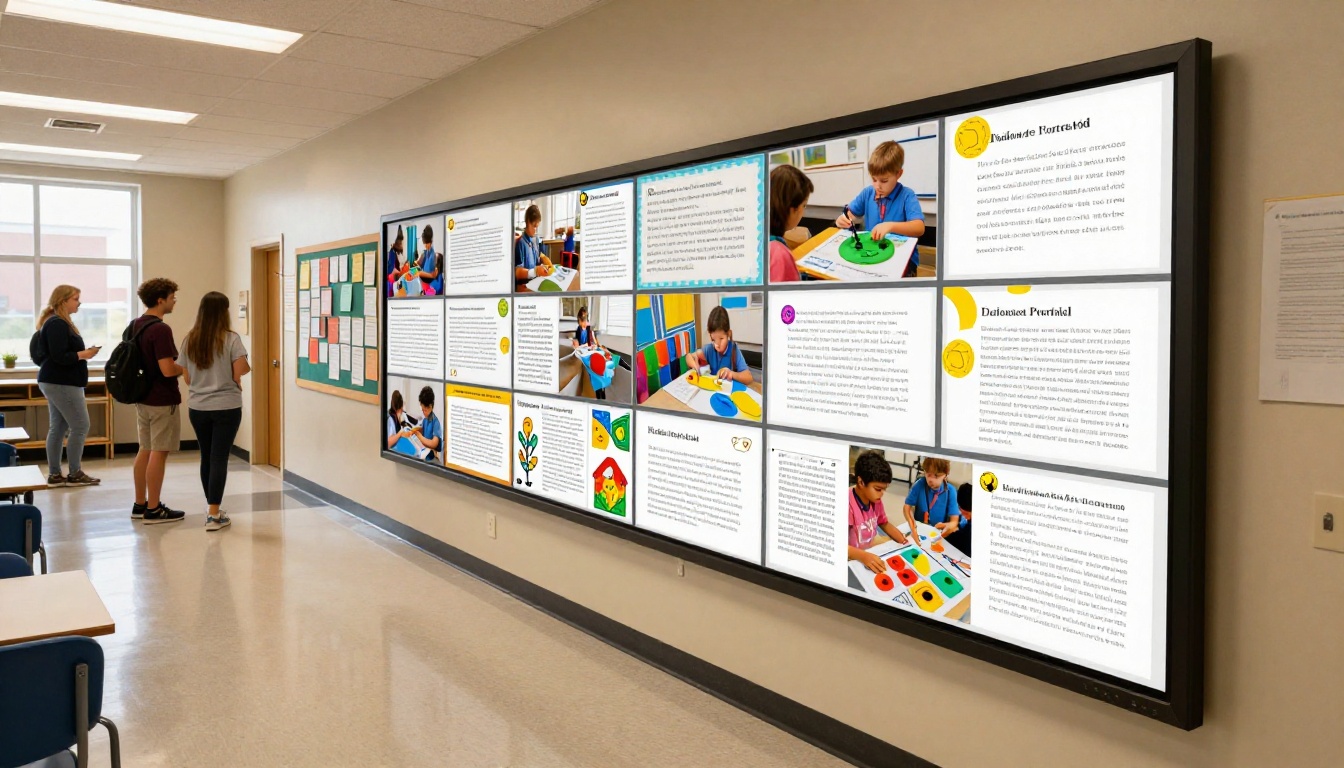
End-of-year portfolios are a staple of project-based learning. Instead of binders or poster boards, have students compile their work into a PDF and convert it to a flipbook. Parents can view it on their phones during conferences, and you can display it on a classroom screen. The Digital Portfolio Creator handles this beautifully.
Staff Training Manuals
New teacher orientation, safety procedures, school policy handbooks: these documents get printed, distributed, and promptly lost in a filing cabinet. Converting them to interactive flipbooks and hosting them on a shared link means staff can access them any time from any device. The Training Manual Flipbook tool covers this specific need.
Yearbooks and Class Memories
At the end of a semester or school year, a digital flipbook works perfectly for a class memory book. Students contribute photos and writing, a teacher compiles the PDF, and the finished product lives online where it can be shared with families permanently. The Yearbook Flipbook Maker is designed for this exact workflow.
How to Create Your First Educational Flipbook with Flipbooks AI
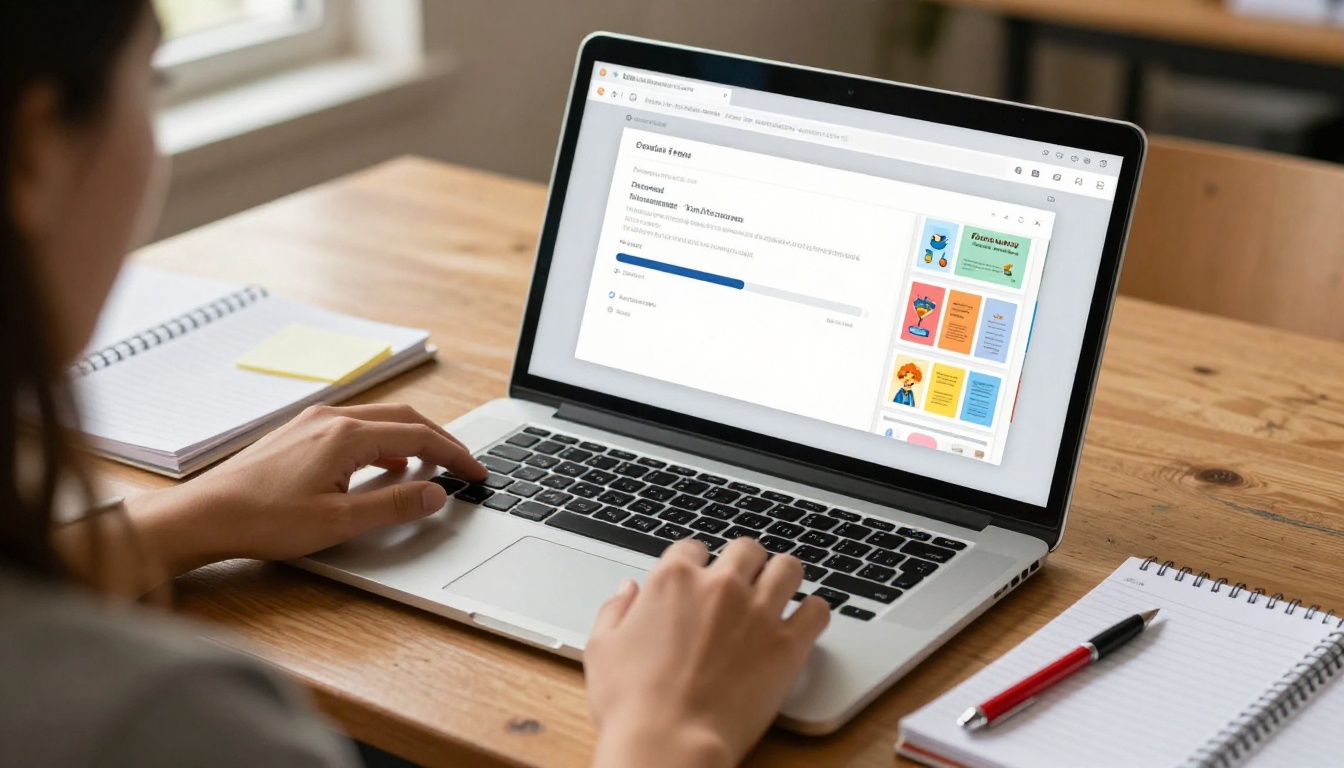
Flipbooks AI is particularly well-suited for educators because the workflow is straightforward enough to use without any training. Here's how to go from a PDF file to a published interactive flipbook in a few minutes.
Step 1: Create a Free Account
Go to Flipbooks AI and sign up with your email address. The free account is available immediately with no credit card required. Once inside the dashboard, you'll see all available tools organized by use case: education, business, catalogs, and more.
Step 2: Upload Your PDF
Click the PDF to Flipbook Converter tool and drag your PDF into the upload area. The platform accepts any standard PDF file, whether it's a course packet, worksheet collection, newsletter, or student portfolio compilation. Conversion typically completes within 30 to 60 seconds depending on file size.
Step 3: Customize for Your Classroom
Once the flipbook renders, you'll have access to the customization panel. Here you can:
- Change the color scheme to match your subject or school colors
- Add your school logo to the cover or header
- Adjust the background of the flipbook viewer
- Enable page effects like realistic page shadows and turn sounds
- Embed a video into specific pages (link a YouTube explainer to the relevant chapter)
For a course syllabus, minimal customization is needed. For a school newsletter or student portfolio, spending 10 minutes on visual polish pays off significantly.
Step 4: Set Sharing Options
Before publishing, decide how you want students or parents to access the flipbook:
- Public link: Anyone with the URL can view. Best for course packets or newsletters.
- Password protected: Requires a password to view. Best for sensitive student content. (Available on paid plans via pricing)
- Embedded: Use the Embed Flipbook on Website tool to paste the flipbook directly into your class website, Google Sites page, or LMS.
Step 5: Share with Your Class
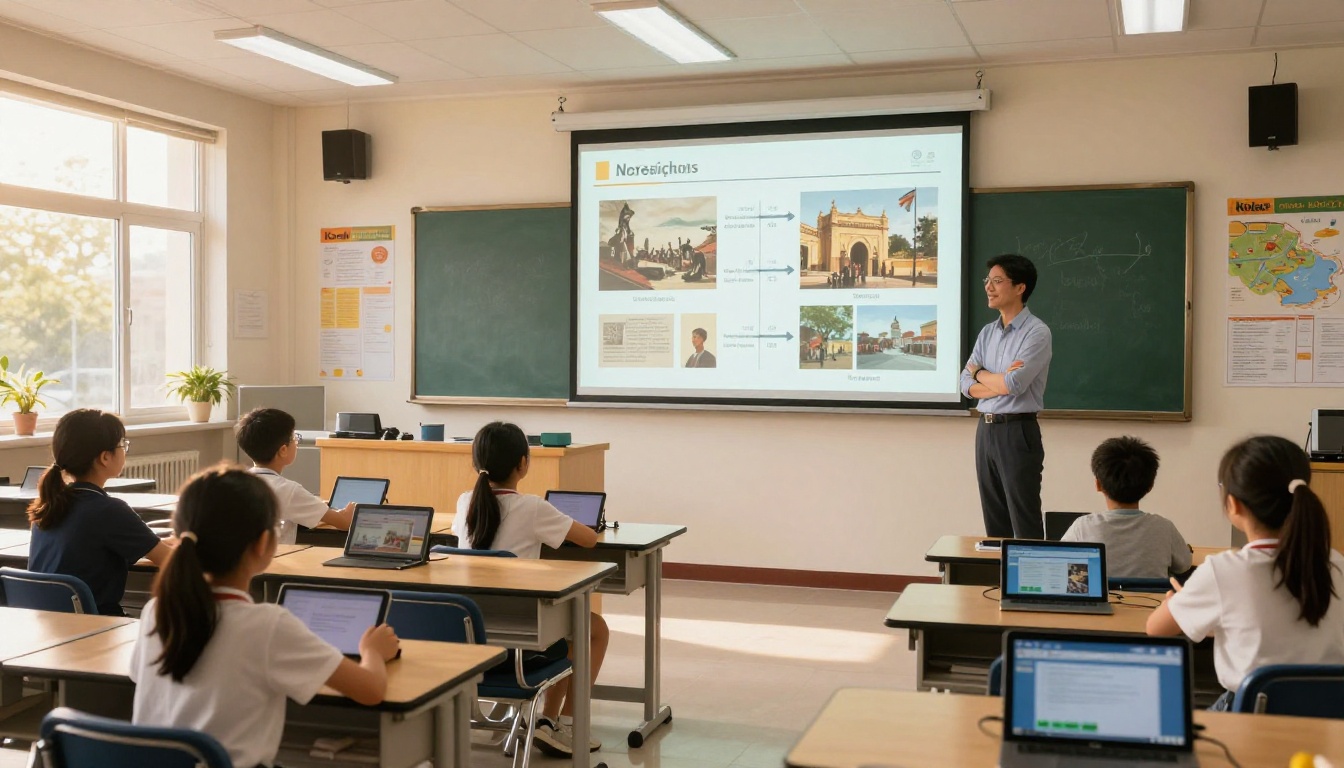
Copy the shareable link and paste it into your LMS, send it via email, or display it on your class screen with a QR code students can scan. Students open the flipbook in their browser instantly with no downloads required.
✅ Create a permanent "Class Resources" flipbook that you update each week, then share the same link with students at the start of the semester. No new links to share, no confusion.
Free vs Paid: What Changes When You Upgrade
The free plan covers most basic classroom needs. But as you start using flipbooks more regularly, a few paid features become genuinely useful.
What the Free Plan Covers
| Feature | Free Plan | Standard Plan | Professional Plan |
|---|
| Flipbooks | Limited | Unlimited | Unlimited |
| Watermarks | None | None | None |
| Custom Branding | Basic | Full | Full |
| Password Protection | No | Yes | Yes |
| Offline Downloads | No | Yes | Yes |
| Analytics | No | No | Yes |
| Lead Generation | No | No | Yes |
| Multimedia Embed | Yes | Yes | Yes |
💡 The Standard plan at Flipbooks AI unlocks unlimited flipbooks and password protection, which is the combination most educators actually need for full classroom deployment.
When Analytics Matter
The Professional plan adds analytics: you can see which pages students spend the most time on, which sections get skipped, and how many times each flipbook has been viewed. For educators who want data on what's actually working in their digital materials, this is genuinely valuable. For a basic classroom use case, the free plan handles everything you need.

Different classroom contexts call for different approaches. Here's a quick reference for matching use cases to the right tools.
Real-World Scenarios Teachers Are Using Right Now
Elementary Science: A 3rd grade teacher uploads a 12-page unit on the water cycle, converts it to a flipbook, and embeds it on the class website. Students access it from home tablets during independent reading time.
High School History: A teacher creates a supplementary reading packet for a World War II unit, adds embedded documentary clips to specific pages, and shares the flipbook link in Google Classroom. Students interact with the material without printing a single page.
Middle School Language Arts: Students write and illustrate short stories, compile them into a class anthology PDF, and the teacher publishes it as a shared flipbook that parents can read at curriculum night.
Special Education: A resource room teacher creates visual schedules and communication boards as flipbooks, password-protected and shared only with specific families. The password protection available on the Standard plan keeps sensitive student materials private.
Staff Professional Development: An instructional coach converts a 40-page curriculum framework document into a flipbook, shares it at staff meetings, and tracks which sections teachers return to most often using analytics.

What Educators Are Saying About Digital Flipbooks
Teachers who've adopted digital flipbooks consistently report the same outcomes: less time spent managing paper, better student access to materials, and a noticeable improvement in how often students actually refer back to distributed content. The interactive format does something printed materials simply can't: it meets students where they already are, on screens they're already using.
The adoption barrier is low. If you can create a PDF, you can create a flipbook. The conversion happens automatically, the sharing is a single link, and the result looks professional regardless of your design background.
⚠️ Not every free flipbook tool lives up to its promises. Always check for hidden watermarks, upload limits, and whether sharing requires students to create an account. Flipbooks AI's free plan avoids all three of these common friction points.
Build Better Educational Materials Today
Static PDFs had their moment. The teachers getting the most traction with digital materials right now are the ones who've stopped treating flipbooks as a nice-to-have and started building them into their regular workflow. The free tools available today make that switch easier than ever.
Start with one document you already have: your syllabus, your most recent newsletter, or a worksheet packet. Upload it to Flipbooks AI and see the difference in 60 seconds. Once you've seen a flat PDF transform into an interactive flipbook your students can open on any device, the case for going back to print becomes very hard to make.
Ready to make the switch? Create your free account on Flipbooks AI and build your first flipbook today. Browse all flipbook tools for educators or compare pricing plans to find what works for your classroom budget.