The way students and teachers share content has changed dramatically. Static handouts and printed worksheets are giving way to interactive digital formats that hold attention longer, load on any device, and cost nothing to distribute. A free interactive flipbook maker sits at the center of this shift, giving educators and students a practical way to publish PDFs as page-turning digital publications anyone can open in a browser. Flipbooks AI is one platform that makes this process fast, free to start, and genuinely useful inside the classroom.
Why Digital Flipbooks Work in the Classroom
Paper documents have a single fatal flaw: once printed, they cannot be updated. A teacher who spots a typo in a 30-page study packet has to reprint every copy. A student who finishes a project report cannot easily share it beyond the classroom walls. Digital flipbooks solve both problems instantly.
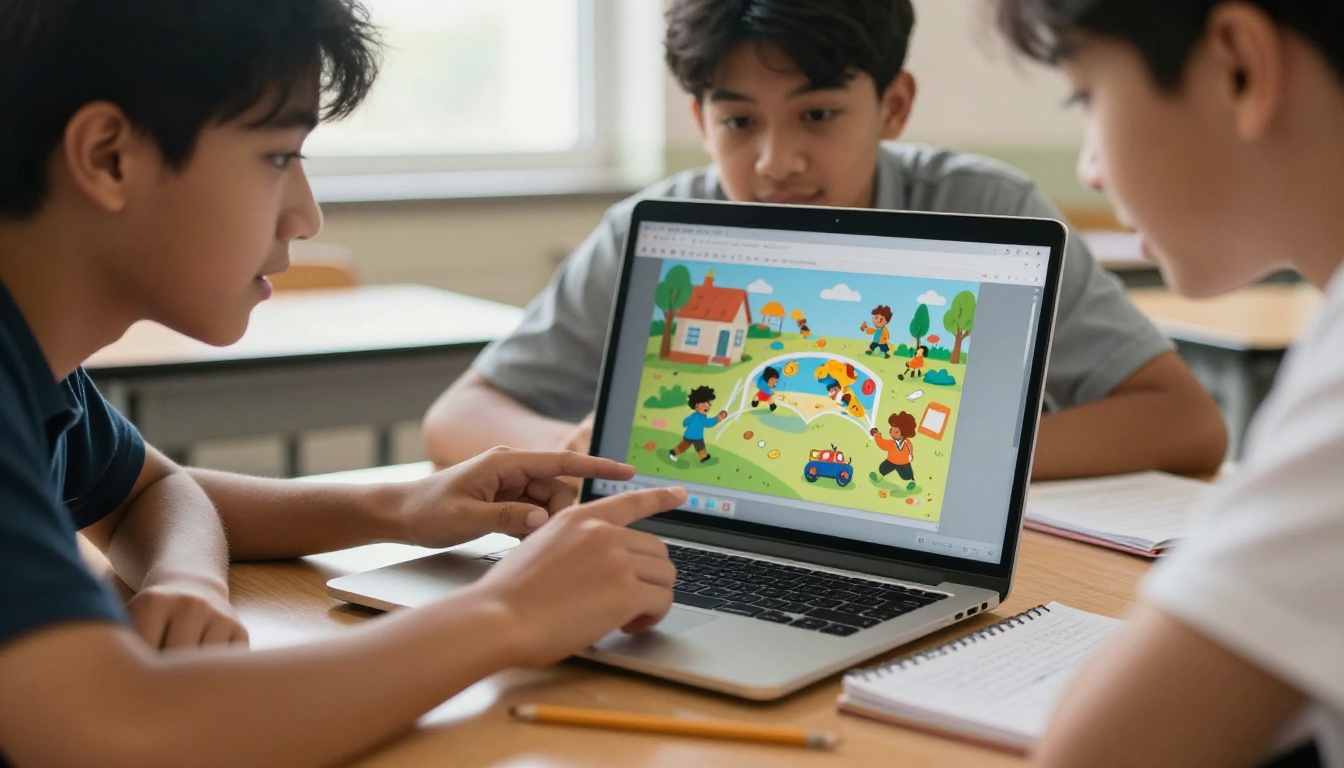
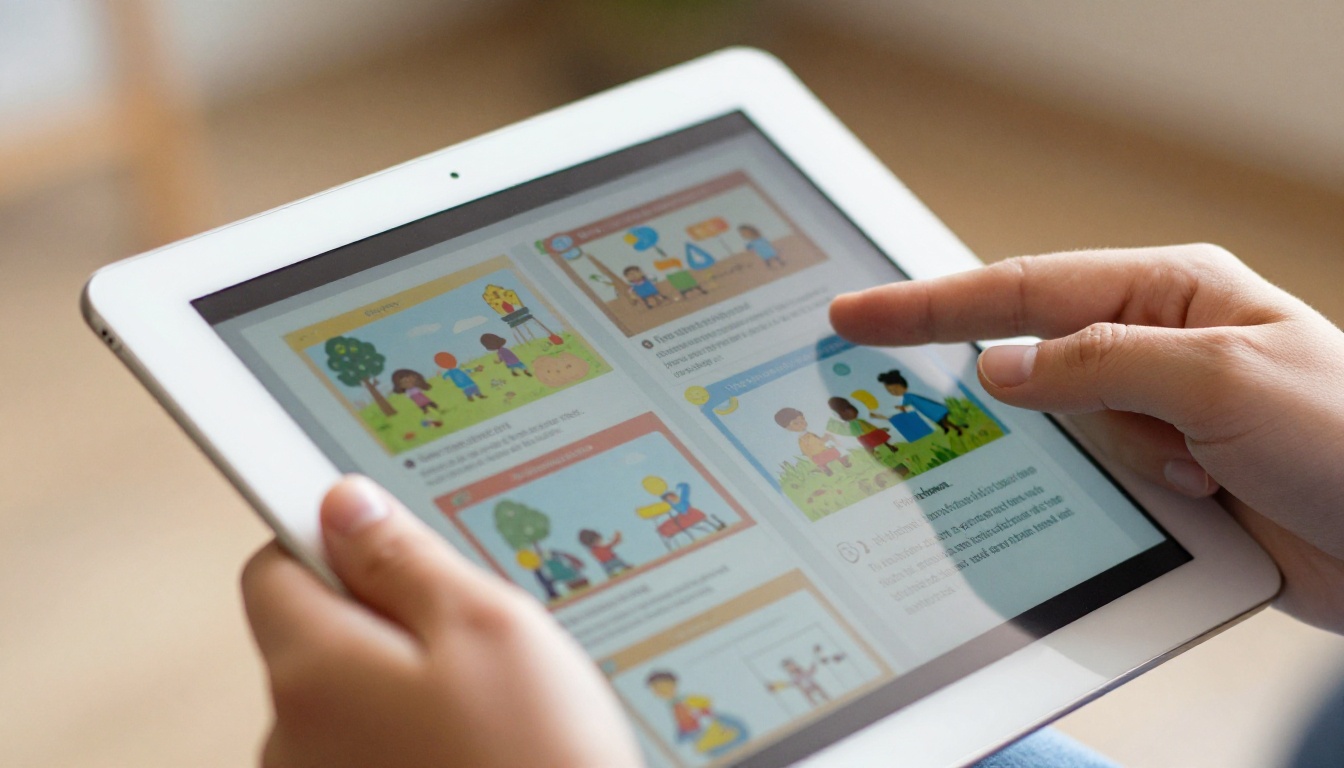
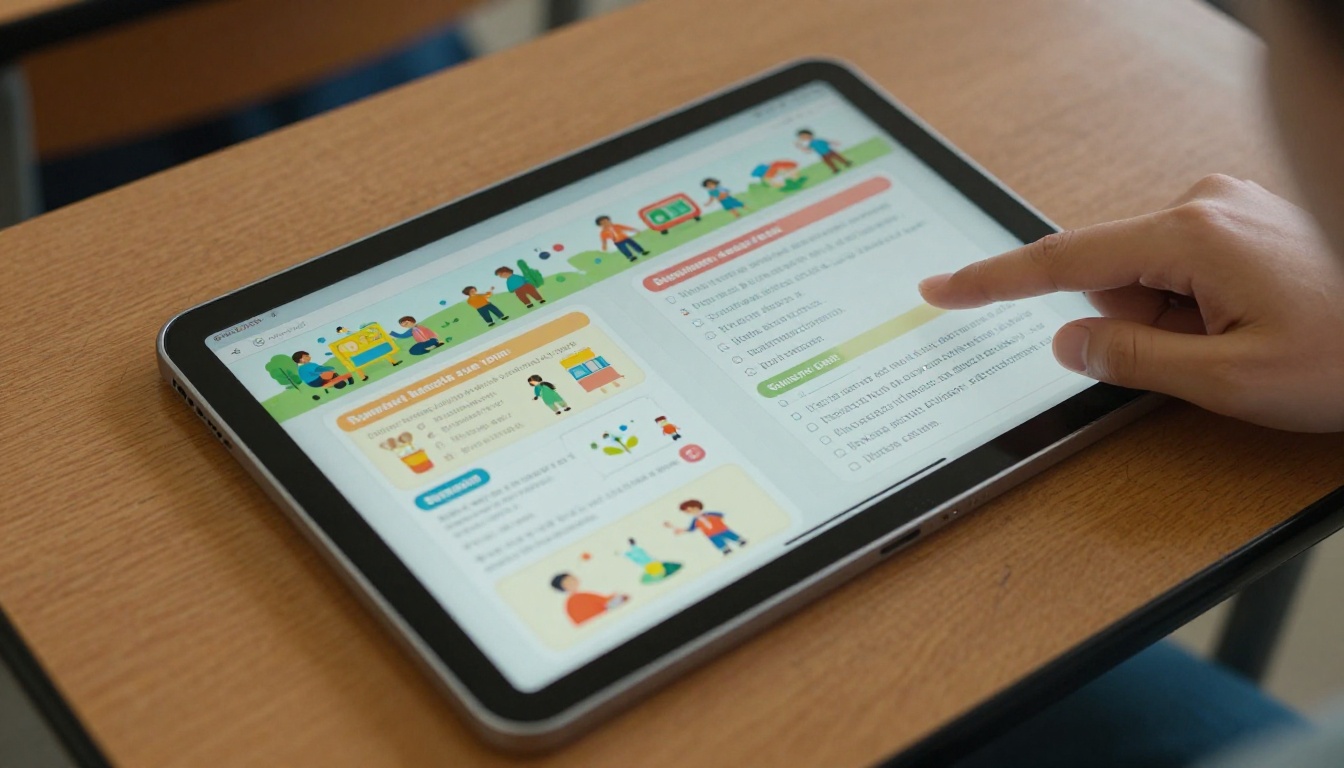
The page-turning format does something subtle but powerful. It preserves the familiar experience of reading a physical book while adding the flexibility of a digital file. Students scroll and flip through content the same way they would turn pages in a textbook, but they can do it on a phone, a tablet, or a laptop with no app to download.
Students Retain More with Visual Formats
Research in educational psychology consistently points to the same finding: students retain information better when it is presented visually. A flipbook that combines images, color, and structured layout creates a richer reading experience than a plain PDF. Teachers who convert their lesson notes and worksheets into flipbooks report noticeably higher completion rates from students who would otherwise skip flat document attachments.
Teachers Save Time on Distribution
Distributing a physical document to 30 students requires printing, organizing, and handing out pages. Sharing a digital flipbook is a single link. Post it in a class management portal, email it, or embed it directly on a school website. No printing costs, no missing pages, no "I lost my copy" situations.
Not every free flipbook tool is worth your time. Some put large watermarks across every page. Others limit you to one or two flipbooks before charging. A few do not work on mobile at all. Here is what actually matters when choosing a free option for classroom use.
Must-have features for educators:
- No watermarks on published flipbooks
- Mobile-responsive so students can open on any device
- Simple PDF upload with no technical setup required
- Shareable link or embed code for LMS integration
- Clean, readable page display without compression artifacts
Nice-to-have features:
- Custom branding or color choices
- Password protection for private class content
- Analytics to see which students opened the flipbook
- Offline download option for students with limited internet access
Free Tools Side by Side
| Feature | Flipbooks AI (Free) | Tool B | Tool C |
|---|
| No watermarks | ✅ Yes | ❌ Paid only | ❌ Paid only |
| Mobile responsive | ✅ Yes | ✅ Yes | ⚠️ Limited |
| Unlimited flipbooks | ✅ Standard+ | ❌ 3 max | ❌ 5 max |
| Custom branding | ✅ Yes | ❌ No | ❌ No |
| Password protection | ✅ Yes | ❌ No | ❌ Paid only |
| Embed code | ✅ Yes | ✅ Yes | ⚠️ iFrame only |
| Analytics dashboard | ✅ Professional plan | ❌ No | ❌ Paid only |
💡 The absence of watermarks is the single most important factor for classroom use. A flipbook with a large branded watermark across the content looks unprofessional and distracts from the material itself.
How to Create Your First Flipbook with Flipbooks AI
Flipbooks AI has a straightforward process that takes most teachers less than five minutes from PDF to published flipbook. Here is how it works from start to finish.
Step 1: Set Up Your Account
Go to flipbooksai.com/account and sign up for free. No credit card is required. Once logged in, you land directly on the flipbook creation dashboard where everything is clearly labeled.
Step 2: Upload Your PDF
Click the upload button and select a PDF from your computer. This can be a lesson plan, a student worksheet, a class newsletter, a study packet, or any document you have saved as a PDF. The conversion process is automatic and takes about 30 seconds for most files.
✅ Best practice: Before uploading, make sure your PDF has good contrast and readable font sizes. Flipbooks render pages as-is, so a clean original file produces the sharpest result.
Step 3: Customize the Look
After conversion, you can adjust the flipbook appearance before publishing. Options include:
- Color themes: Match your school colors or subject area palette
- Page effects: Choose between a classic page-turn animation or a flat scroll
- Branding: Add a custom logo or remove default branding on paid plans
- Background: Set a solid color or subtle texture behind the pages
Step 4: Share with Your Class
Once you are satisfied with the preview, click publish. Flipbooks AI generates a direct link you can paste anywhere, plus an embed code if you want to place the flipbook inside a school website or learning management system like Google Classroom or Canvas.
Sharing options at a glance:
- Direct URL: Share via email, chat, or class portal
- Embed code: Paste into any website or LMS
- Password protection: Restrict access to enrolled students only
- QR code: Print and post in a physical classroom space

5 Real Classroom Uses That Work
Knowing a tool exists is one thing. Knowing exactly how to use it in your specific teaching context is another. Here are five scenarios where a free interactive flipbook maker delivers real value.
1. Science Lab Reports and Research Projects
Students compile their lab notes, data tables, and photo evidence into a structured PDF, then convert it to a flipbook for submission. Teachers can open each submission directly in a browser without downloading individual files. The visual format makes it easy to flip through multiple student submissions back to back.
2. Class Newsletters and Parent Communication
School counselors and homeroom teachers use the School Newsletter Creator to produce monthly class updates. A flipbook newsletter looks far more polished than a flat PDF attachment and is just as simple to share by email or class portal.
3. Student Portfolios and Creative Projects
Art teachers and language arts instructors can have students compile their work into a digital portfolio. The Digital Portfolio Creator and the Portfolio Flipbook Builder are purpose-built for this use case. Students take real pride in a final product that looks professionally published.
4. Staff Training and Onboarding Materials
School administrators use the Training Manual Flipbook format to onboard substitute teachers, new faculty, or student teachers. A well-organized interactive flipbook is far easier to follow than a stack of printed documents handed over on the first day.
5. Yearbooks and School Event Programs
The Yearbook Flipbook Maker and Event Program Maker are popular with student committees and school activity coordinators. Both tools take a designed PDF and turn it into a shareable digital publication in seconds.
Free vs Paid Plans at a Glance
Flipbooks AI operates on a tiered pricing model. The free tier is genuinely usable for classroom work, but certain features require a paid plan. Here is a clear breakdown so you can decide what fits your situation.
| Feature | Free | Standard | Professional |
|---|
| Number of flipbooks | Limited | Unlimited | Unlimited |
| Watermarks | None | None | None |
| Password protection | ✅ | ✅ | ✅ |
| Custom branding | ⚠️ Limited | ✅ Full | ✅ Full |
| Embed on website | ✅ | ✅ | ✅ |
| Analytics dashboard | ❌ | ❌ | ✅ |
| Lead generation forms | ❌ | ❌ | ✅ |
| Offline downloads | ❌ | ✅ | ✅ |
| Video and audio embed | ⚠️ Limited | ✅ | ✅ |
| Priority support | ❌ | ❌ | ✅ |
For most teachers using flipbooks as a classroom tool, the Standard plan covers everything needed. Schools running larger digital publishing programs or districts that want detailed analytics on student interaction benefit from the Professional tier.
💡 Check the full pricing page to see current plan costs and any active promotions. Pricing is per user, so individual teachers can sign up independently without a school-wide commitment.

One of the strongest aspects of Flipbooks AI is the library of purpose-built tools across different document types. Teachers do not need to start from a blank template every time. These tools are pre-configured for specific formats and save significant setup time.
For Education and Classroom Use
For Student Projects and Presentations
Students working on creative or research-based assignments can use several additional tools depending on the subject:
- History and social studies: The Travel Guide Flipbook format works well for geography and culture projects
- Science and research: A clean PDF converted with the PDF to Flipbook Converter gives any lab report a polished, professional finish
- Art and design: The Photography Portfolio tool is ideal for visual art students assembling a body of work
- Home economics: The Recipe Book Flipbook is a creative way to package culinary arts projects
⚠️ When students share flipbooks publicly, remind them not to include personal information in the document. A shared link is accessible to anyone with the URL unless password protection is enabled.

3 Things Teachers Get Wrong with Flipbooks
Even with an easy tool, there are common mistakes that reduce the effectiveness of a classroom flipbook. Here are three worth avoiding.
1. Uploading Low-Resolution PDFs
A flipbook is only as sharp as the PDF you start with. Documents exported from word processors at default settings often produce blurry page renders in flipbook format. Always export PDFs at 150 DPI or higher. Most word processors have a "high quality" or "print quality" export option that takes one extra click.
2. Making Flipbooks Too Long for the Context
A 60-page flipbook works fine as a course packet at the start of a semester. For a weekly assignment or a short reading, it creates unnecessary friction. Students are more likely to read a 10-page flipbook than scroll through a 60-page one. Break longer materials into focused sections and publish them as separate flipbooks with clear titles.
3. Skipping the Sharing Step in Class
Posting a link in an LMS and assuming students will open it does not always work. Walk students through opening the flipbook during the first class period where it is assigned. Show them how to flip pages, zoom in on details, and access any interactive elements. Thirty seconds of in-class demonstration saves multiple follow-up questions throughout the week.
Making Flipbooks Part of Regular Classroom Practice
The most effective teachers do not treat digital flipbooks as a novelty. They build them into regular classroom routines. A few approaches that work well in practice:
Weekly reading assignments: Replace a static PDF handout with a flipbook version. Students are more likely to open and read it, especially on mobile devices during commutes or free periods.
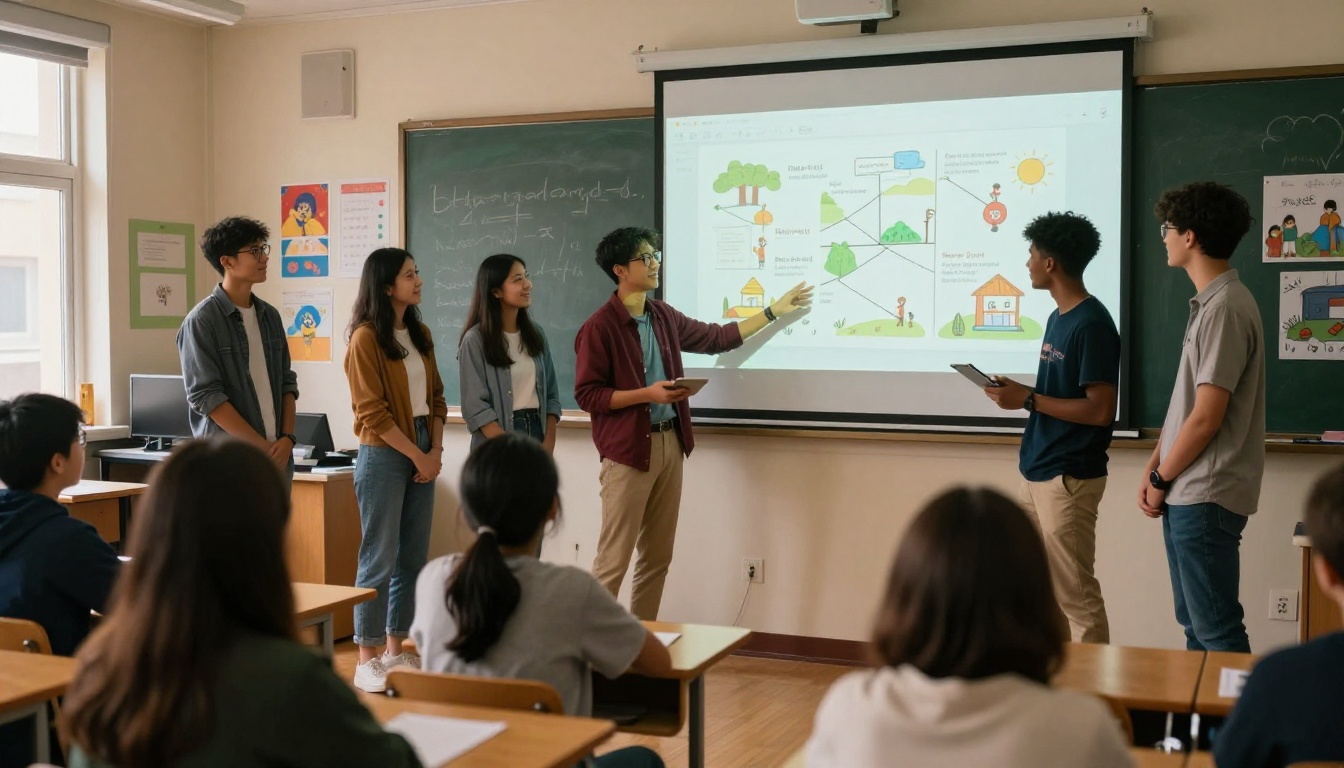
Student-led presentations: Have students submit their research or creative projects as flipbooks instead of slide decks. The format is more visually interesting for the audience and easier to revisit after the presentation ends.
Class resource libraries: Teachers who accumulate flipbooks over multiple semesters end up with a rich, shareable library of materials. Link to past flipbooks when introducing a topic students have already touched on in earlier grades.
Parent communication: School newsletters, report summaries, and event programs sent as flipbook links have a significantly higher open rate than plain PDF email attachments. The visual format signals that the content is worth reading before a single page is turned.
✅ For teachers who want to embed flipbooks directly on a class website, the Embed Flipbook on Website tool generates clean, responsive embed codes that work on any modern website or learning management system.
Start Publishing Today
There is no reason to wait. A free account on Flipbooks AI takes about two minutes to set up, and your first flipbook can be live before the end of the school day. Whether you are a classroom teacher converting a study packet, a student assembling a portfolio, or a school administrator publishing a staff handbook, the tools are already there and ready to use.
Browse all available flipbook tools and templates to find the right starting point for your specific use case. When you are ready to access offline downloads, analytics, or professional branding, compare the pricing plans to find what fits your school's budget.
The classroom does not have to wait for printed materials anymore. A single PDF, a free account, and five minutes are all it takes to publish something students will actually open, read, and remember.



