If you've been sharing your magazine as a static PDF and wondering why readers drop off after the first page, the format itself is working against you. A free magazine flipbook maker changes that completely, turning flat documents into interactive digital experiences with satisfying page-turn animations, clickable links, and mobile-responsive layouts that keep readers tapping, saving, and sharing. Flipbooks AI is the platform thousands of content creators use to publish professional digital magazines without spending a dollar, with zero watermarks on any plan.
What a Magazine Flipbook Actually Does
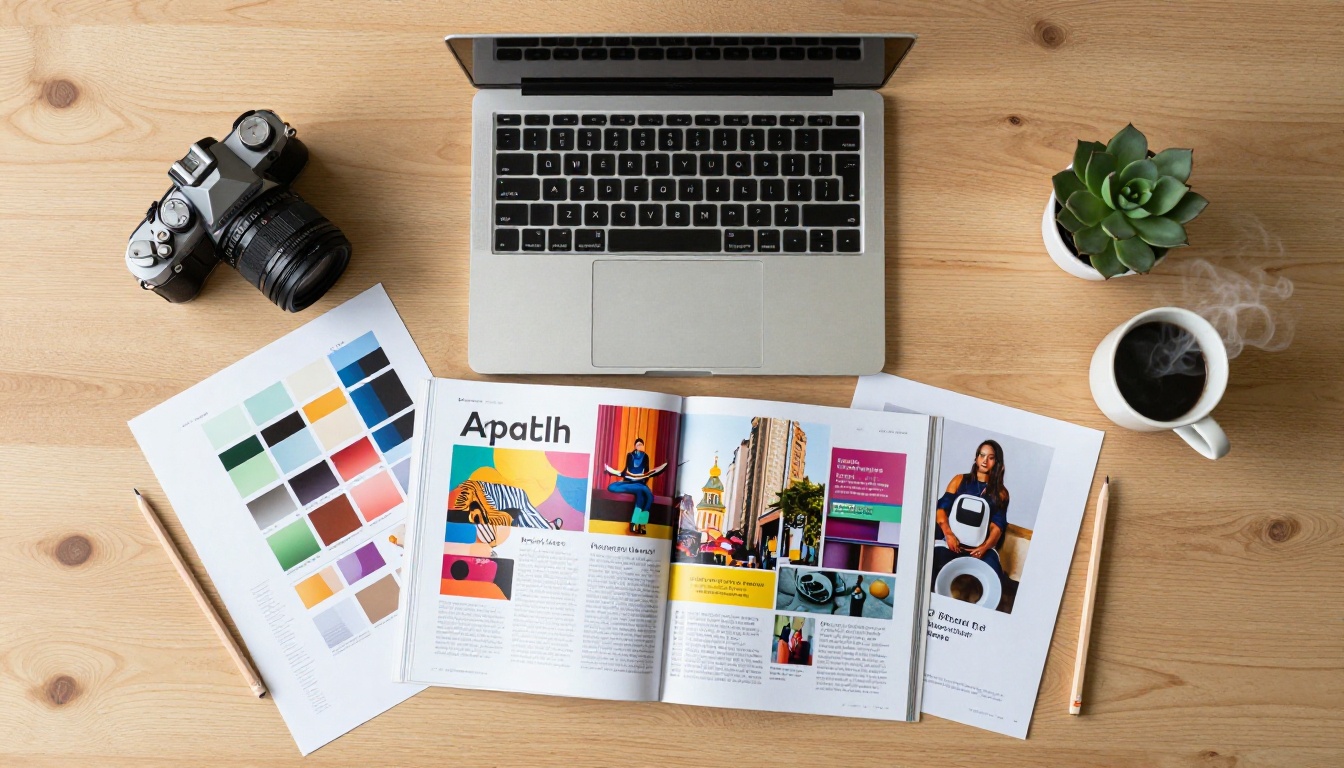
Most content creators spend hours designing a beautiful magazine in Canva, Adobe InDesign, or Google Slides, export a PDF, and send it out. Readers open it, scroll through a few pages, and close it. The format feels passive and forgettable. A flipbook changes the reading experience by simulating the satisfying feel of turning real pages, triggering a different kind of attention and creating a far stronger first impression.

Page-Flip vs Static PDF
| Feature | Static PDF | Magazine Flipbook |
|---|
| Page animation | None | Realistic 3D page turn |
| Mobile reading | Pinch-zoom required | Fully responsive |
| Embeddable on website | Very limited | Full embed code support |
| Clickable links | Basic | Fully interactive |
| View analytics | None | Page views, time on page |
| Password protection | No | Yes (paid plans) |
| Custom branding | No | Yes |
A magazine flipbook doesn't just look better. It performs better. Readers spend significantly more time on flipbook content compared to static PDFs because the experience feels intentional, polished, and worth their attention.
Why Readers Stay Longer
When a reader opens your flipbook magazine on their phone, they get a double-page spread filling the screen, smooth animations on every page turn, and the ability to tap images or links without zooming. That first interaction signals quality before they've read a single word. It tells the reader that the creator behind the content takes their work seriously, which directly impacts how long someone stays and whether they share it.
💡 Pro Tip: The first two pages of your magazine are the most important. Invest in a strong opening page and a compelling table of contents. First impressions in digital flipbooks carry the same weight as a printed newsstand opening spread.
Content creators who publish regularly in any format can benefit from a free magazine flipbook maker. The question is whether your content has a format and frequency that suits the medium.
Bloggers and Digital Publishers
If you run a niche blog and want to package your best content into monthly or quarterly digital issues, a flipbook format gives your audience something to look forward to. It creates a publication identity that a standard blog feed simply can't replicate. Readers begin to expect the next issue the way they would a print subscription.
Social Media Content Creators
Instagram, TikTok, and YouTube creators often have a loyal audience but no central archive of their work. A digital magazine flipbook becomes a portfolio and a content hub in one. You can link directly to your latest issue in your bio, embed it in a link-in-bio page, or share individual page previews as short-form social content that drives people to the full publication.
Small Magazine Publishers
Independent publishers who previously relied on expensive digital distribution platforms now have access to the same interactive format at zero cost. A free magazine flipbook maker with no watermarks means your readers see exactly what you designed, without third-party branding interrupting the experience.
✅ Best Practice: Use the Magazine Flipbook Creator tool specifically designed for editorial content. It is optimized for multi-page spreads, photo-heavy layouts, and long-form reading experiences.
How to Create Your Magazine with Flipbooks AI
Flipbooks AI makes the entire process fast and straightforward. You don't need to install software, know any code, or have a design background to publish a professional-quality digital magazine.
Step 1: Prepare Your PDF
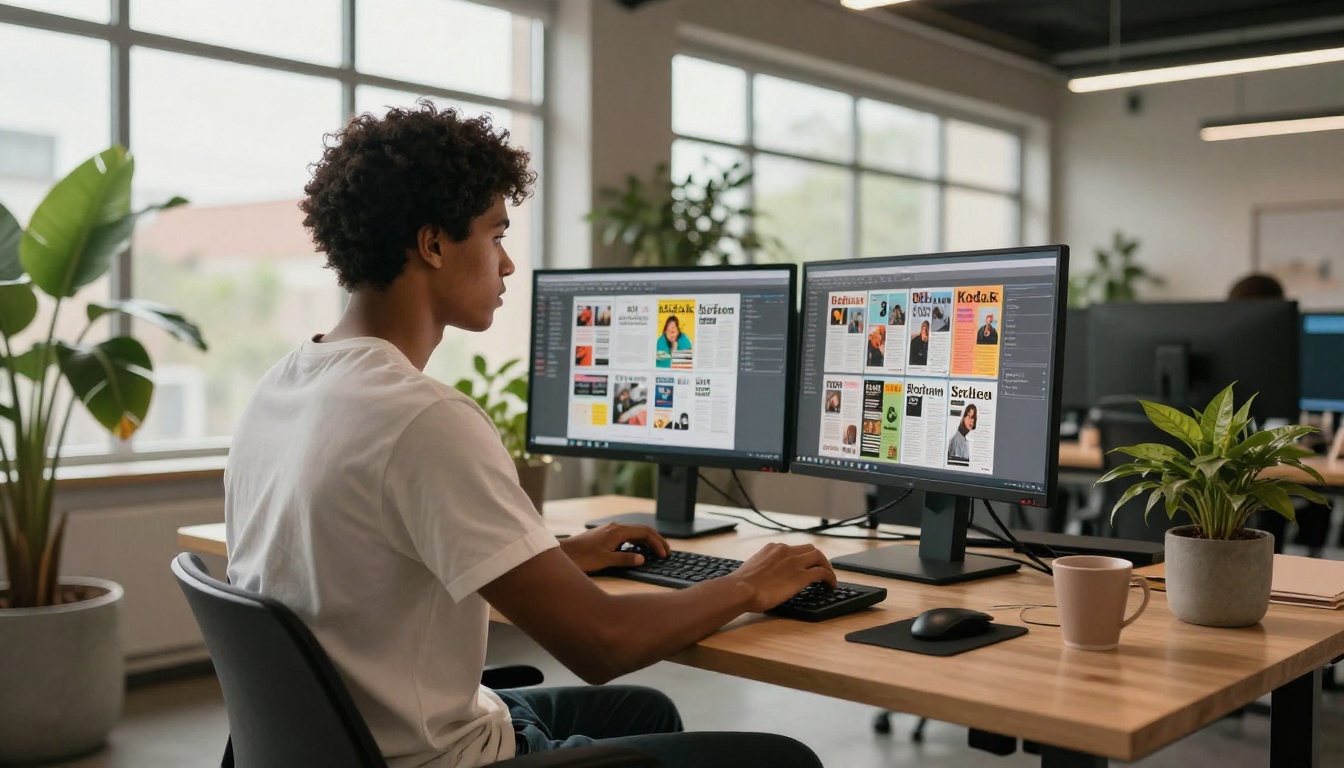
Before uploading, make sure your PDF is print-quality (300 DPI minimum) and uses a consistent page orientation throughout. If you designed in Canva, export as PDF Print. If you used Adobe InDesign, export with bleeds included. The better the source file, the sharper the flipbook will render on every device.
- Keep file size under 100MB for fastest processing
- Use embedded fonts to prevent text rendering issues
- Compress images before export if the file is oversized
Step 2: Upload and Convert
- Go to Flipbooks AI and create your free account
- Click Create New Flipbook from your dashboard
- Drag and drop your PDF or browse to select the file
- The platform converts your PDF into an interactive flipbook automatically
- Preview the result before publishing
The PDF to Flipbook Converter handles the entire conversion process. There is no manual page-by-page setup required, and the result is available to preview within seconds.
Step 3: Customize Your Magazine Look
Once converted, you can personalize the entire reading experience:
- Branding: Add your logo, set a custom background color, and configure a branded URL
- Color themes: Match the flipbook interface to your magazine's visual identity
- Page effects: Adjust the page-turn animation speed and shadow depth
- Table of contents: Auto-generate or manually set chapter markers for easy navigation
- Multimedia: Embed videos, audio clips, and external links directly on individual pages
⚠️ Warning: Don't skip the branding step. A flipbook without custom colors or a logo reads as unfinished, even if the magazine content itself is excellent.
Step 4: Publish and Share Everywhere
After customization, you have multiple distribution options:
- Direct link: A URL that opens your flipbook in any browser, no download required
- Embed code: Place your magazine directly on your blog or portfolio with the Embed Flipbook on Website tool
- Password protection: Lock your magazine for paying subscribers or members-only access
- Social sharing: One-click sharing to major platforms directly from your flipbook dashboard

Free Plan vs Paid Plans
One of the most common questions from new creators is what's actually free and what requires an upgrade. The answer on Flipbooks AI is more generous than most comparable tools.
What You Get for Free
The free plan lets you publish flipbooks immediately with no watermarks. Your readers will never see a branded overlay on your content. That alone separates it from most tools in this category, which plaster their logo across every page until you pay to remove it.
| Plan | Price | Flipbooks | Watermark | Analytics | Password Protection | Offline Download |
|---|
| Free | $0/mo | Limited | None | Basic | No | No |
| Standard | Paid | Unlimited | None | Standard | Yes | No |
| Professional | Paid | Unlimited | None | Full + Lead Gen | Yes | Yes |
💡 Pro Tip: Start with the free plan to test the platform and validate your audience's response. Move to Standard once you're publishing more than one issue per month and need unlimited capacity.
When to Upgrade
The Standard plan makes sense when you need unlimited flipbooks and password protection for gated content. The Professional plan is for creators who treat their magazine as a direct revenue stream: it adds detailed analytics showing which pages readers spend the most time on, lead generation forms you can embed inside the flipbook to capture subscriber emails, and offline download capability so readers can access content without an internet connection.
Browse pricing plans to compare features and find the right fit for your publishing frequency and monetization goals.
5 Magazine Types That Work Best as Flipbooks
Not all content translates equally well into the flipbook format. These five categories consistently produce the highest time-on-page and sharing rates among content creators.
Lifestyle Magazines
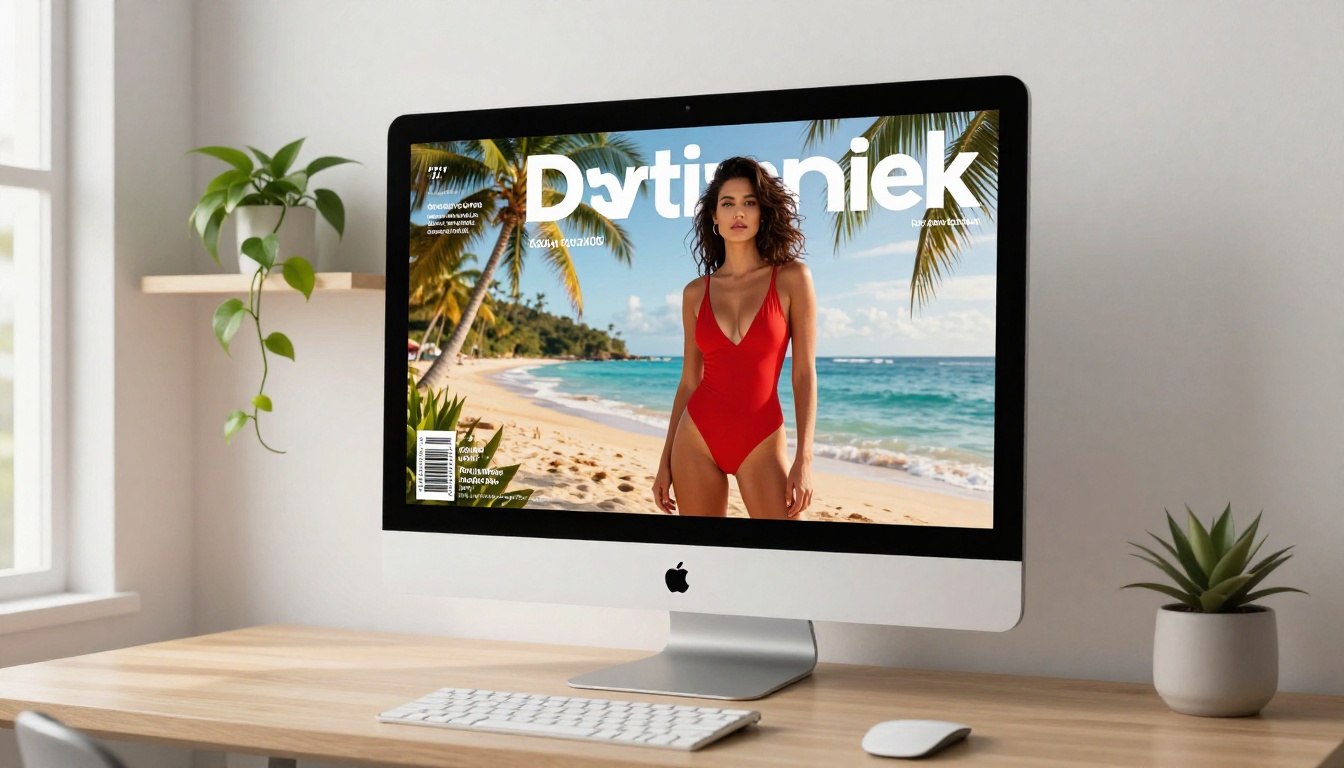
Monthly lifestyle issues covering wellness, travel, food, and culture are naturally visual. The double-page spread format of a flipbook is perfect for full-bleed photography that would look cramped in a single-column blog post. Readers treat lifestyle flipbooks more like a leisure activity than a content consumption task, which means they stay longer and return more often.
Fashion and Beauty
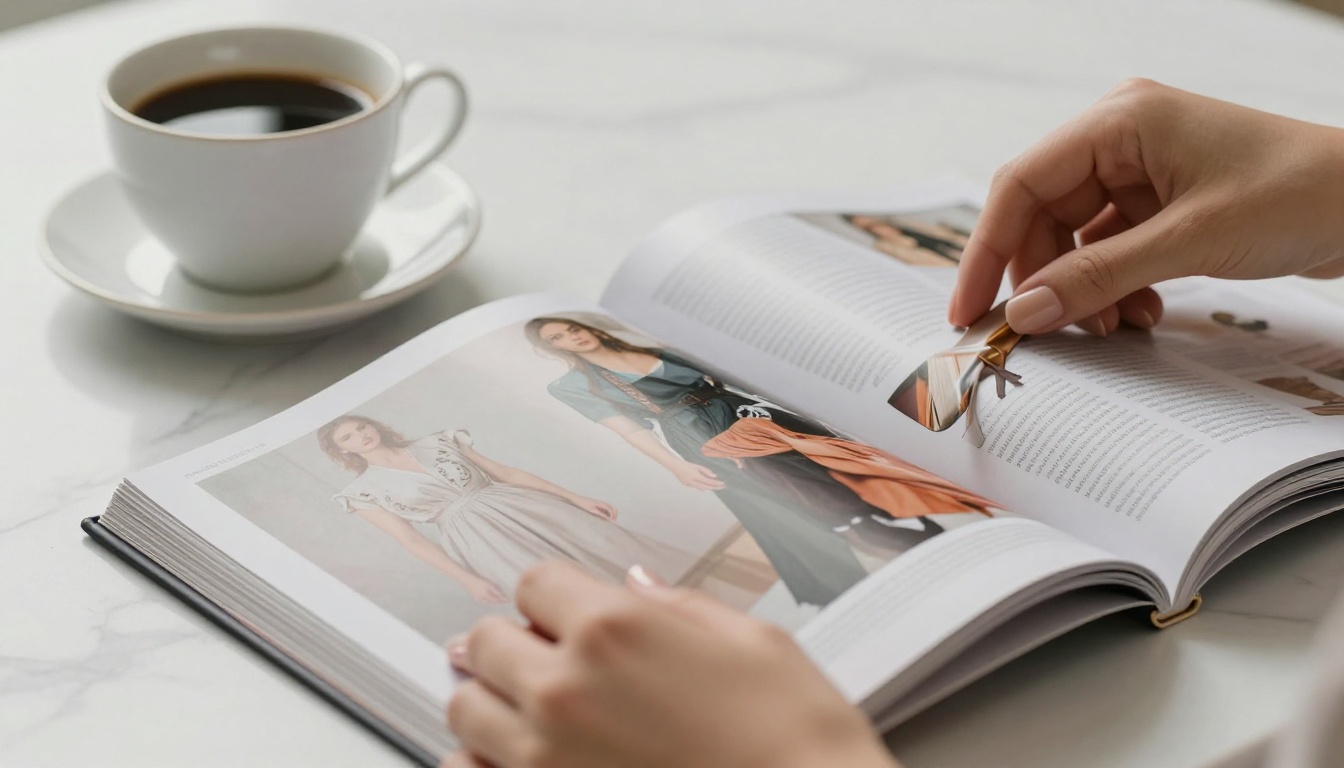
Fashion editorial content with outfit spreads, product features, and seasonal collections thrives in flipbook format. The Interactive Lookbook Designer is particularly well-suited here, allowing you to embed direct product links on specific clothing items so readers can shop while they browse.
Industry Newsletters
B2B newsletters covering niche industries (real estate, tech, finance, creative services) gain immediate credibility when published as a digital magazine rather than a plain-text email. Readers are more likely to save, share, and reference a well-produced flipbook issue than an email they'll archive without reading. The Newsletter Flipbook Publisher tool is built specifically for this transition from inbox to publication.
Photography portfolios and travel guides also perform exceptionally well in flipbook format. Photographers use the Photography Portfolio Flipbook tool for project-based visual storytelling, while travel writers package itineraries and local photography into shareable issues using the Travel Guide Flipbook tool.
Real Creators, Real Results
The strongest argument for a free magazine flipbook maker is not the feature list. It's how actual creators use it to change the way their audience interacts with their work.

The Independent Travel Blogger
A travel blogger with 15,000 Instagram followers has been publishing posts for three years but struggles to monetize beyond affiliate links. She repackages her six best destination guides into a quarterly digital travel magazine using Flipbooks AI. She embeds the flipbook on her website, shares the link in her bio, and starts offering a "magazine subscriber" tier to her email list.
Within the first issue, she records four times the time-on-page compared to standard blog posts. The shareable format means her readers forward the link directly, bringing in new subscribers without any paid promotion.
The E-Commerce Brand as Publisher
A sustainable clothing brand publishes a seasonal lookbook as a flipbook magazine rather than a static PDF catalog. Each page contains clickable links to the products shown. Using the Interactive Lookbook Designer, they embed direct product links that open without leaving the flipbook, turning a passive catalog into an active shopping experience. The conversion rate from catalog readers rises because the experience feels editorial rather than purely promotional.
✅ Best Practice: Treat your magazine flipbook as a genuine publication, not just a PDF container. Write captions, add context, embed multimedia, and make every page worth the reader's time. The format rewards creative investment.
Getting the tool right is only part of the equation. These habits separate creators who build real audiences from those who publish once and move on.

Optimize Your PDF First
The quality of your flipbook depends entirely on the quality of your source file. Before uploading:
- Use a consistent color palette (maximum 3-4 brand colors throughout)
- Set all body text to at least 10pt for readability on small screens
- Include at least one full-bleed image per four-page section to maintain visual interest
- Use white space intentionally. Crowded pages feel harder to process in flipbook format
Also consider page count. Magazines between 20 and 40 pages hit the sweet spot where readers feel they've received something substantial without feeling overwhelmed.
Publish on a Consistent Schedule
The creators building real audiences around digital magazines are those who publish reliably. Monthly works for most solo creators. Quarterly suits those with smaller teams or more complex production cycles. What matters more than frequency is consistency. Readers who know to expect your next issue in the first week of the month will actively look for it.
Use the E-Magazine Publishing Tool to set up your issues in advance and manage your publishing calendar from a single dashboard.
💡 Pro Tip: Embed your flipbook directly on your site using the Embed Flipbook on Website tool rather than sending readers to an external URL. This keeps your audience on your domain and improves your session time metrics.
Flipbooks AI provides purpose-built tools for specific content types. Rather than using a generic flipbook creator for everything, matching the right tool to your content gives you templates and features built for that exact use case.
Browse the full flipbook tools directory to find templates matched to your publishing format. Each tool includes layout options, customization controls, and publishing features specific to that content type. You don't need to stick to one tool either. A travel creator might use the Magazine Flipbook Creator for their main quarterly issues and the Photography Portfolio Flipbook for a separate visual archive. Each can carry its own branding, URL, and publication settings.
You've spent time building an audience and creating content worth reading. The format you publish in should be doing at least as much work as the content itself. A free magazine flipbook maker gives independent creators the same distribution quality that legacy publishing platforms charge thousands per month to replicate.
Ready to publish your first issue? Create a free account on Flipbooks AI and upload your first PDF today. Browse pricing plans when you're ready to scale. Check all available flipbook tools to find the perfect format for your magazine.



