Every few months someone types "free online flipbook generator" into a search bar and starts clicking through results. They upload a PDF, wait, and get hit with a watermark splashed across every page. They try another tool, hit a 5 MB file limit. A third one gives them a broken share link that only loads on desktop. Sound familiar?
The good news: a free online flipbook generator that actually works does exist. You just need to know what to look for, what to avoid, and which platform can handle real-world projects without hidden catches. Flipbooks AI is one of the few that gets this right from day one.
The internet is full of flipbook platforms that advertise "free" in big letters and bury the catches in fine print. Before you waste another afternoon testing duds, it helps to understand exactly what goes wrong.

The Watermark Trap
The most common bait-and-switch in this space is the watermark. You upload your PDF, the flipbook looks polished in the editor, then every page gets stamped with the platform's logo the moment you hit publish. Watermarks are a deal-breaker for any professional use: client presentations, product catalogs, school newsletters, anything that represents your brand.
A free tool should mean zero-cost access to core features, not a free advertisement for someone else's software stamped across your content. If a platform requires payment to remove its stamp, that is a trial disguised as a free product.
File Size Limits That Break Real Projects
Most free-tier flipbook tools cap uploads at 5 to 10 MB. The average product catalog or company brochure sits between 15 and 40 MB. School yearbooks, event programs, and photography portfolios can easily exceed 100 MB. Hit that ceiling and you are either compressing your files into blurry mush or manually splitting a single document into sections just to get it uploaded.
Sharing Links That Half-Work
You generate a link, send it to a client, and they report the page will not load on mobile. Or the embed code breaks your site layout. Or the link expires after 30 days. These are not edge cases. They are common failures that undermine the entire point of digital publishing.
⚠️ Always test your published flipbook link in an incognito window on your phone before sharing with anyone. That is the exact experience your audience gets, and it will reveal broken rendering before it embarrasses you.
What a Real Flipbook Generator Needs
A flipbook tool earns the label "actually works" when it clears a specific set of requirements. Here is what separates serious platforms from the clutter.
PDF Conversion That Holds Up
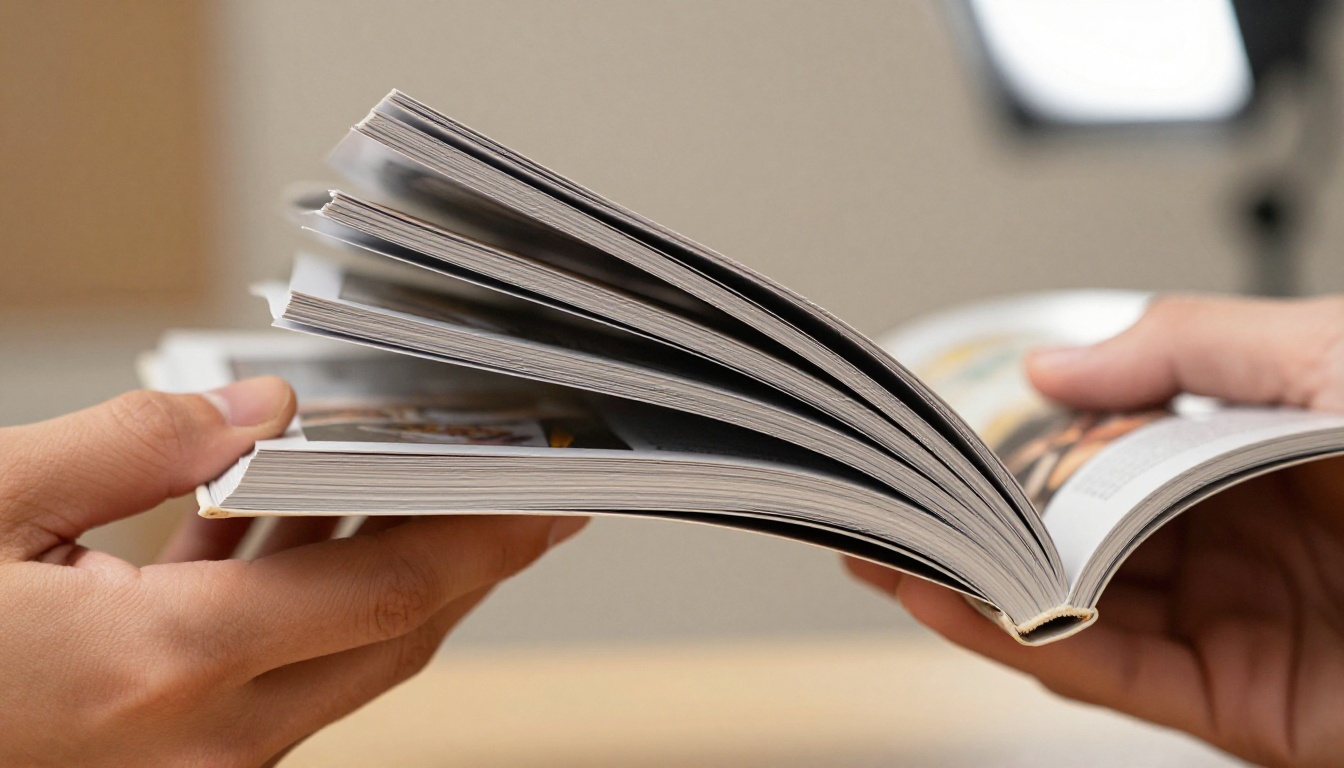
The converter needs to preserve your original formatting. Fonts, images, color accuracy, and layout alignment all have to survive the transformation from static PDF to interactive flipbook. Any degradation in quality reflects directly on your brand.
Zoom in on a converted page before publishing. If text looks blurry or pixelated, the tool is rasterizing at low resolution. That is a quality failure with no workaround.
Page-Turn Effects That Work on Mobile
HTML5-based flipbooks load in any browser, on any device, without a plugin. Flash-based tools still exist in corners of the internet, and they do not work on iOS, Android, or any modern browser. If a platform does not specify HTML5, assume it is outdated technology.
Mobile responsiveness is non-negotiable. Over 60% of shared content is viewed on phones. Your flipbook needs to reflow and resize correctly at every screen width without requiring pinch-and-zoom gymnastics.
Permanent Shareable Links
The output should be a stable, permanent URL that anyone can open without creating an account. Embed codes should work cleanly in WordPress, Webflow, Squarespace, and raw HTML. The link should not expire. Period.
💡 The best flipbook tools give you the same URL regardless of how many times you update the document. This matters when you embed a flipbook on a landing page and want updates to appear automatically without re-embedding.
Comparing the Top Free Options
The market has several contenders. Not all of them deliver equally. Here is a direct comparison of the most commonly tested tools:
| Platform | Watermark-Free | Mobile HTML5 | Embed Code | File Size Limit | Analytics |
|---|
| Flipbooks AI | Yes (free) | Yes | Yes | Generous | Professional plan |
| Tool B | No (free tier) | Yes | Limited | 10 MB | No |
| Tool C | No | Yes | Yes | 5 MB | No |
| Tool D | No (free tier) | Partial | Yes | 15 MB | Paid only |
| Tool E | Paid only | Yes | Yes | 20 MB | Paid only |
The watermark column is the deciding factor for most users. Flipbooks AI offers watermark-free output on its free tier, placing it in a very short list of tools worth actually using for professional content.
How Flipbooks AI Stacks Up
Flipbooks AI was built around the idea that PDF-to-flipbook conversion should be fast, clean, and accessible without gotchas. It delivers on that in several measurable ways.
No Watermarks From the Start
Unlike most competitors, the platform does not paste its branding across your published content. What you create looks professional from the first publish. This matters enormously for businesses, educators, and creatives who need their output to reflect their own identity, not someone else's logo.
What the Standard and Professional Plans Add
The free experience covers core publishing needs well. Upgrading unlocks features built for scale and more demanding publishing workflows:
| Feature | Free | Standard | Professional |
|---|
| Watermarks | None | None | None |
| Flipbooks | Limited | Unlimited | Unlimited |
| Password Protection | No | Yes | Yes |
| Custom Branding | Limited | Full | Full |
| Analytics | No | No | Yes |
| Lead Generation | No | No | Yes |
| Offline Downloads | No | Yes | Yes |
| Embed Video and Audio | No | Yes | Yes |
| Mobile-Responsive Design | Yes | Yes | Yes |
✅ The Standard plan is the sweet spot for small businesses and content teams who publish regularly. Professional is designed for teams that need audience data and lead capture built into the flipbook itself.
Compare all tiers on the pricing page to find the right fit.
How to Create Your First Flipbook with Flipbooks AI
Here is a practical walkthrough for getting from PDF to published flipbook in minutes.
Step 1: Create Your Account
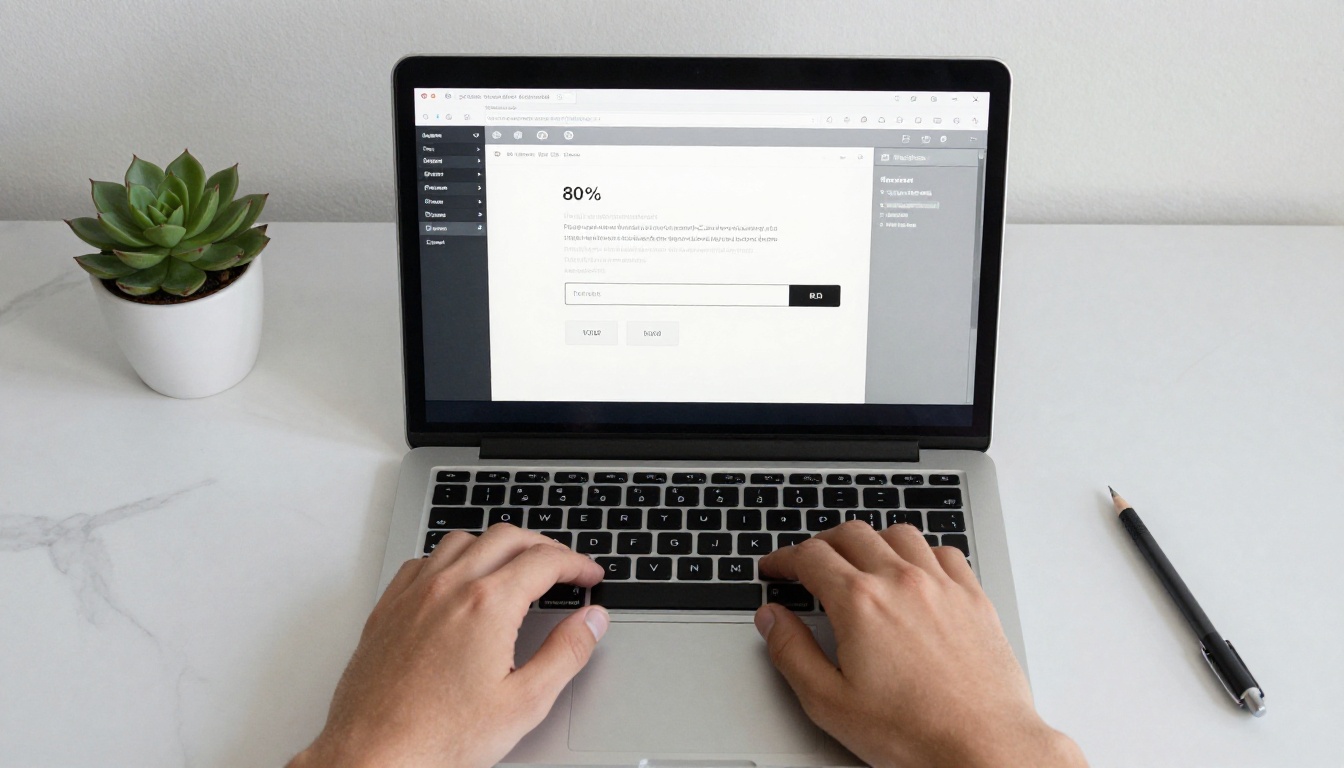
Go to flipbooksai.com/account and sign up. The process takes under two minutes. No credit card required to get started on the free tier.
Step 2: Upload Your PDF
From your dashboard, click "New Flipbook" and select your PDF file. The PDF to Flipbook Converter handles the conversion automatically. Most standard documents process in under a minute.
Step 3: Customize Your Flipbook
Once converted, you can adjust:
- Color themes to match your brand palette
- Background colors or textures for the reader canvas
- Page flip direction (horizontal or vertical)
- Table of contents if your PDF includes bookmarks
- Logo placement for branded client-facing presentations
Step 4: Share or Embed
Your flipbook gets a permanent, shareable URL immediately. Copy it and send it anywhere: email, social media, messaging apps. For website embedding, grab the embed code from the share panel and paste it into any page builder. The Embed Flipbook on Website tool covers this process for different platforms.
Step 5: Protect and Track (Professional Plan)
If you need private sharing, enable password protection on the Standard plan or above. Professional plan users can activate analytics to see page views, time spent per page, and reader geography. Lead generation forms can also be embedded directly into the flipbook reading flow.
Real-World Use Cases
The question "does this actually work" is always context-dependent. Here is how different users are using this tool across industries.
Small Business Catalogs

A handmade goods retailer with 40 products can turn an existing PDF catalog into an interactive flipbook in minutes. Customers flip through pages, zoom in on products, and follow links to individual product pages. The Digital Catalog Maker and Product Catalog Generator make this process template-friendly from the start.
Fashion brands use the Fashion Catalog Creator and Interactive Lookbook Designer to publish seasonal collections that read more like a magazine than a price sheet.

Restaurant Menus

Restaurants update menus seasonally, sometimes monthly. Printing costs add up quickly. A digital menu published as a flipbook can be updated inside the platform at any time while the share link stays identical. Customers scan a QR code at the table and get the current menu automatically. The Restaurant Menu Creator is purpose-built for this workflow.
Spas and wellness businesses use the Spa & Wellness Menu Creator for service menus that include imagery and pricing without requiring a print run each time rates change.
Education and Training

Schools turn annual newsletters into shareable flipbooks that parents actually open and read rather than losing in an email thread. Course material publishers convert dense PDFs into paginated content students can navigate intuitively. The School Newsletter Creator, Training Manual Flipbook, and Course Material Publisher cover the most common educational publishing scenarios.
Real Estate and Professional Services

Real estate agents share property portfolios as polished flipbooks rather than PDF attachments that get buried in inboxes. The Real Estate Brochure Creator formats multi-property listings into swipeable presentations clients can revisit on any device. Corporate teams use the Annual Report Creator and Press Kit Designer for investor communications and media outreach.
Marketing Teams

Marketing teams producing monthly newsletters, product announcements, or internal briefings convert their InDesign or Canva exports to flipbooks and embed them in emails and landing pages. The Newsletter Flipbook Publisher and E-Magazine Publishing Tool streamline this for teams publishing on a regular schedule.
Browse all available flipbook tools to find the right starting point for your specific content type.
Choosing the Right Plan
Starting free is the right call if you are new to flipbook publishing. The core functionality is there, the output is watermark-free, and you can validate whether this format fits your workflow before spending anything.
Here is a decision table to simplify the choice:
| Your Situation | Recommended Plan |
|---|
| Occasional personal or one-off projects | Free |
| Small business publishing regularly | Standard |
| Agency or team managing multiple clients | Standard or Professional |
| Need audience analytics and reader data | Professional |
| Producing password-protected private docs | Standard |
| Need offline access and video or audio embeds | Standard or Professional |
| Lead generation inside flipbooks | Professional |
💡 The Professional plan pays for itself quickly when you are using analytics to optimize a sales catalog or lead form. Knowing which pages readers spend the most time on changes how you structure future content.
See current plan pricing and features at flipbooksai.com/pricing.
Watermarks embarrass your brand. File size limits truncate your content. Expired links confuse your audience. Every broken tool in this space costs you time you are not getting back.
The search for a free online flipbook generator that actually works ends when you find a platform that delivers on the basics without conditions. Flipbooks AI clears that bar on the free tier and scales cleanly as your publishing needs grow.
Ready to create your first flipbook? Get started for free and have a working, shareable flipbook online in under five minutes. Explore all tools and templates to match your content type, or head straight to pricing if you are ready to unlock the full feature set.



