Watermarks have a way of turning a polished digital publication into something that feels half-finished. You upload your PDF, spend time getting the layout right, and then a tool's logo appears across every page like a billboard you never agreed to rent. For anyone publishing catalogs, menus, portfolios, or educational materials, that is not acceptable. The good news is that a true free online flipbook maker with no watermark exists, and it does not require you to compromise on quality or branding.
Flipbooks AI is one of those platforms that actually delivers on the promise. No forced logos, no branded overlays, no asterisks in the fine print. Before getting into the how-to, it helps to understand why watermarks became so common and what to watch for when choosing the right tool.
Free software has to pay for itself somehow. For most online tools, that means using your published content as advertising. Every flipbook you create becomes a small billboard for their platform. This works for them, but it creates real problems for you:
- Clients notice immediately. A watermark signals that you are using a free tier, which can undercut confidence in your work.
- Branding gets diluted. Your company's visual identity competes with a third-party logo on every page.
- Removal costs money. Most tools lock the no-watermark feature behind expensive premium plans.
- Content looks unfinished. Even well-designed publications feel provisional with a floating logo in the corner.
The watermark problem is not just aesthetic. It is a signal about the platform's business model. When a tool's free tier treats your content as a marketing channel, that priority rarely changes as you scale.
💡 When evaluating any free flipbook tool, check the published demo flipbooks. If you see a "Made with [Tool]" badge or overlay, that is what your content will look like on the free plan.
What Actually Makes a Good Flipbook Maker
Removing watermarks is the baseline. A genuinely useful tool needs to go further. Here is what separates tools worth using from tools worth avoiding:
Conversion Quality
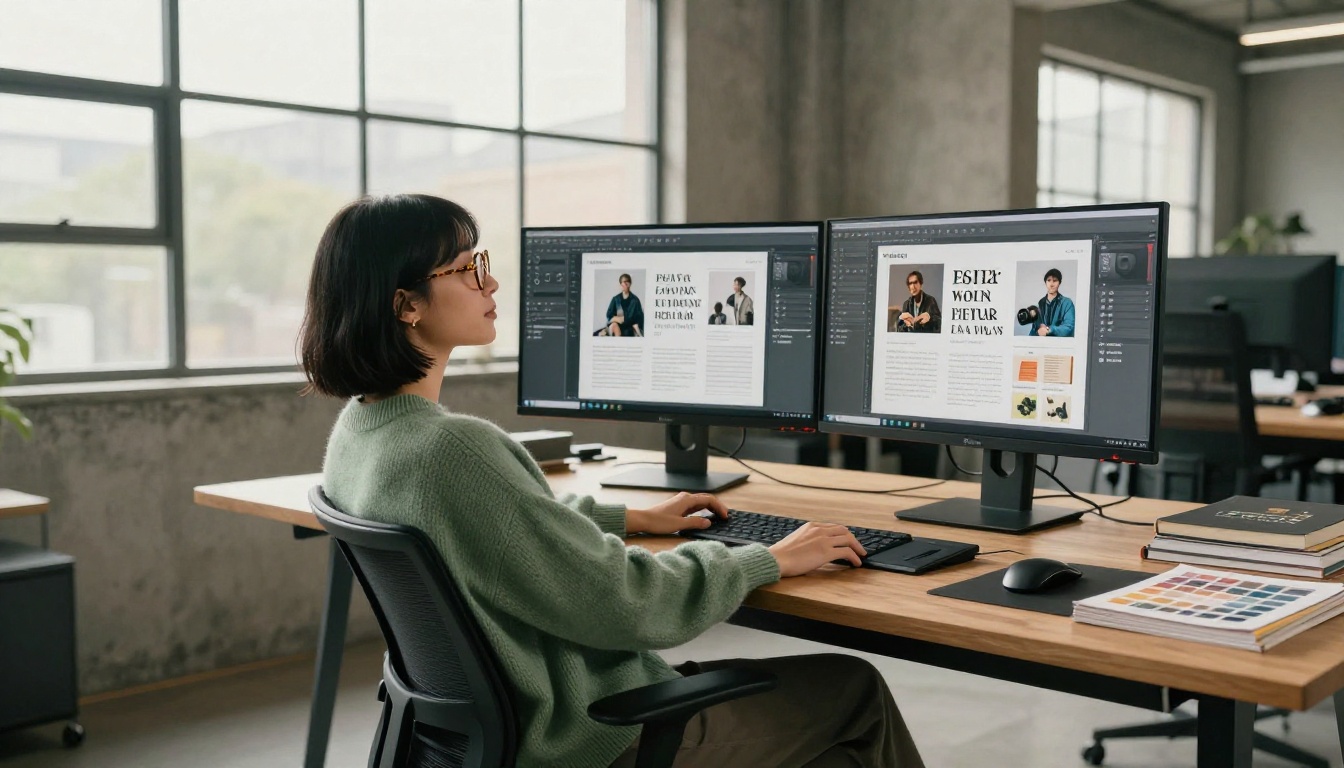
The page-flip effect is only as good as the underlying conversion. A sloppy PDF-to-flipbook conversion will leave text blurry, fonts substituted, and images compressed. Look for tools that preserve vector text, embed fonts correctly, and maintain original image resolution.
Sharing and Embedding Options
A flipbook that lives only on the tool's platform is a flipbook with a leash. Good tools give you:
- A direct shareable link
- An embed code for your website
- Download options for offline use
- Password protection for private content
Mobile Responsiveness
More than half of digital content is viewed on phones. A flipbook that does not adapt to mobile screen sizes is essentially broken for a significant portion of your audience.
Custom Branding
No watermarks is step one. Custom branding is step two. The ability to add your own logo, choose brand colors, and set a custom domain separates professional tools from hobbyist ones.
Comparing Your Options
The market for flipbook tools is crowded. Here is an honest breakdown of the main categories:
| Tool Type | Watermark Free | Custom Branding | Embedding | Mobile Ready | Price |
|---|
| Flipbooks AI (Standard+) | ✅ | ✅ | ✅ | ✅ | Paid plans |
| Generic free tools | ❌ | ❌ | Limited | Partial | Free with watermark |
| Desktop software | ✅ | ✅ | ❌ | ❌ | One-time fee |
| Enterprise platforms | ✅ | ✅ | ✅ | ✅ | High monthly cost |
The gap between generic free tools and a proper platform like Flipbooks AI is not just about features. It is about reliability, output quality, and whether the tool treats your content with respect.
⚠️ Some tools advertise "no watermark" but add a small footer link or branded loading screen. Read the terms carefully before publishing anything for clients.
Flipbooks AI Plans at a Glance
Flipbooks AI offers tiered pricing built around real use cases. Here is how the plans stack up:
| Feature | Free | Standard | Professional |
|---|
| Watermark-free | ❌ | ✅ | ✅ |
| Unlimited flipbooks | ❌ | ✅ | ✅ |
| Custom branding | ❌ | ✅ | ✅ |
| Password protection | ❌ | ✅ | ✅ |
| Analytics | ❌ | ❌ | ✅ |
| Lead generation | ❌ | ❌ | ✅ |
| Offline downloads | ❌ | ✅ | ✅ |
| Embed on website | Limited | ✅ | ✅ |
The Standard plan is where most creators and small businesses land. It removes the watermark, unlocks unlimited flipbooks, and gives you all the customization options you need for professional publishing. Check the full breakdown on the pricing page.
How to Create a Flipbook with No Watermark
This is where the theory becomes practical. Here is exactly how to go from a PDF to a published, watermark-free flipbook using Flipbooks AI.

Step 1: Create Your Account
Go to flipbooksai.com/account and sign up. The process takes under two minutes. Once you are in, choose a plan that fits your needs. For watermark-free output, the Standard plan or above is the right choice.
Step 2: Upload Your PDF
From your dashboard, click New Flipbook and upload your PDF. The platform accepts standard PDF files up to the plan's size limit. You can use the PDF to Flipbook Converter tool directly if you prefer a guided flow.
- Supported formats: PDF (all versions)
- Preserves: fonts, vector graphics, image quality
- Conversion time: typically under 60 seconds for standard documents
Step 3: Customize Your Flipbook
This is where Flipbooks AI separates itself. Once the conversion is done, you have full control over:
- Logo placement: Upload your brand logo and position it on the viewer
- Color scheme: Match your brand palette for the toolbar and interface
- Page effects: Choose page-flip animation speed and style
- Background: Set a custom background color or image behind the pages
- Multimedia: Embed videos, audio clips, or external links directly into pages
✅ Set your brand colors and logo before sharing. These settings are saved per-flipbook, so you can have different branding for different clients or projects.
Step 4: Configure Sharing Settings
Before publishing, set up how and who can access your flipbook:
- Public link: Anyone with the URL can view it
- Password protected: Viewers must enter a password, great for confidential proposals
- Embed code: Paste a snippet into your website to display the flipbook inline
- Download: Allow viewers to save an offline version
The Embed Flipbook on Website tool gives you a ready-to-paste code block that works with any CMS or website builder.
Step 5: Publish and Share
Hit Publish. Your flipbook gets a clean, permanent URL with no platform branding visible to viewers. Share it via email, social media, or embed it directly on your site.

Real-World Use Cases
The value of a watermark-free flipbook maker becomes obvious when you see it applied to real workflows. Here are the scenarios where it matters most.
Sales and Marketing Teams
Sales teams send proposals and product catalogs daily. A watermark on a proposal signals cost-cutting, not confidence. Flipbooks AI lets teams publish clean, branded materials using tools like the Product Catalog Generator or Sales Presentation Flipbook. A polished flipbook sent by link tracks far better than a PDF attachment.

Restaurants and Hospitality
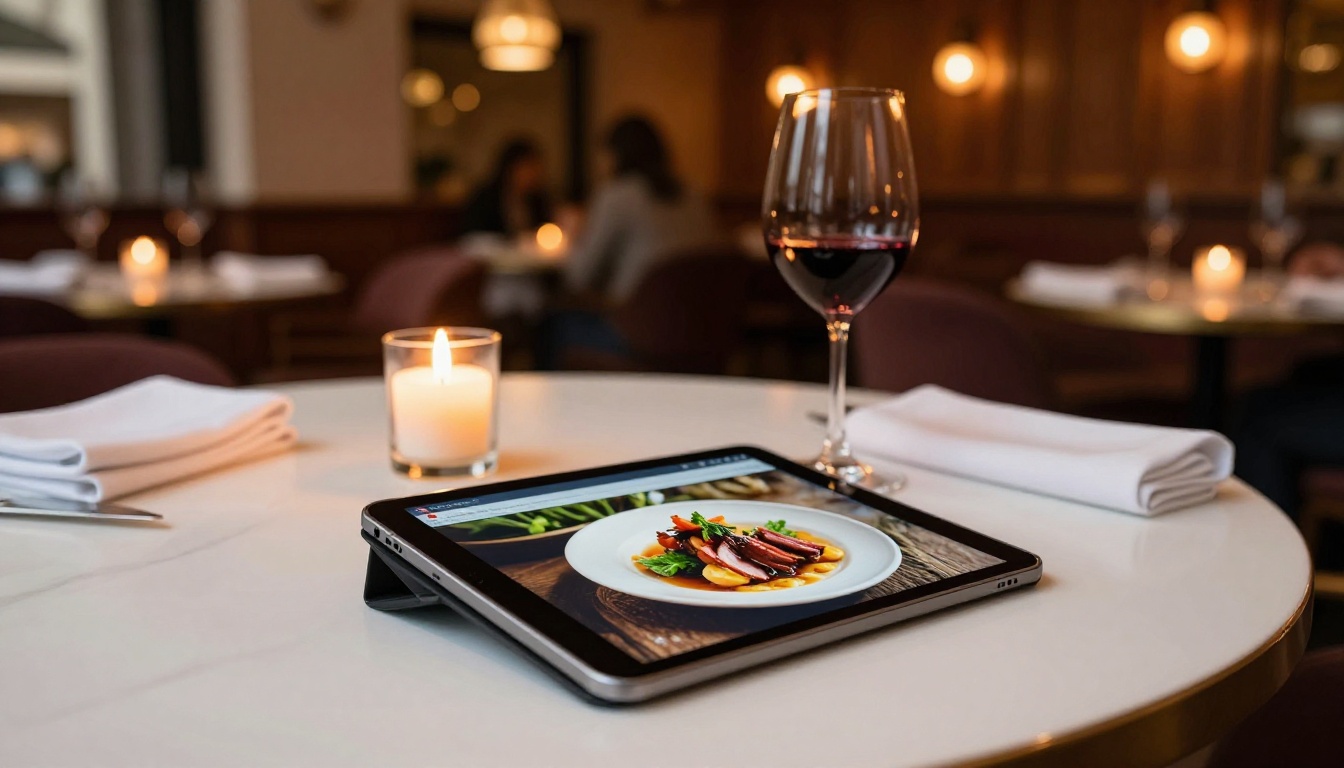
A restaurant's digital menu is a direct reflection of its brand. A competitor's logo floating over the menu pages is not an option. The Restaurant Menu Creator and Menu Flipbook Designer produce clean, tablet-ready menus that hotels and restaurants can display without any third-party branding.
Real Estate Professionals
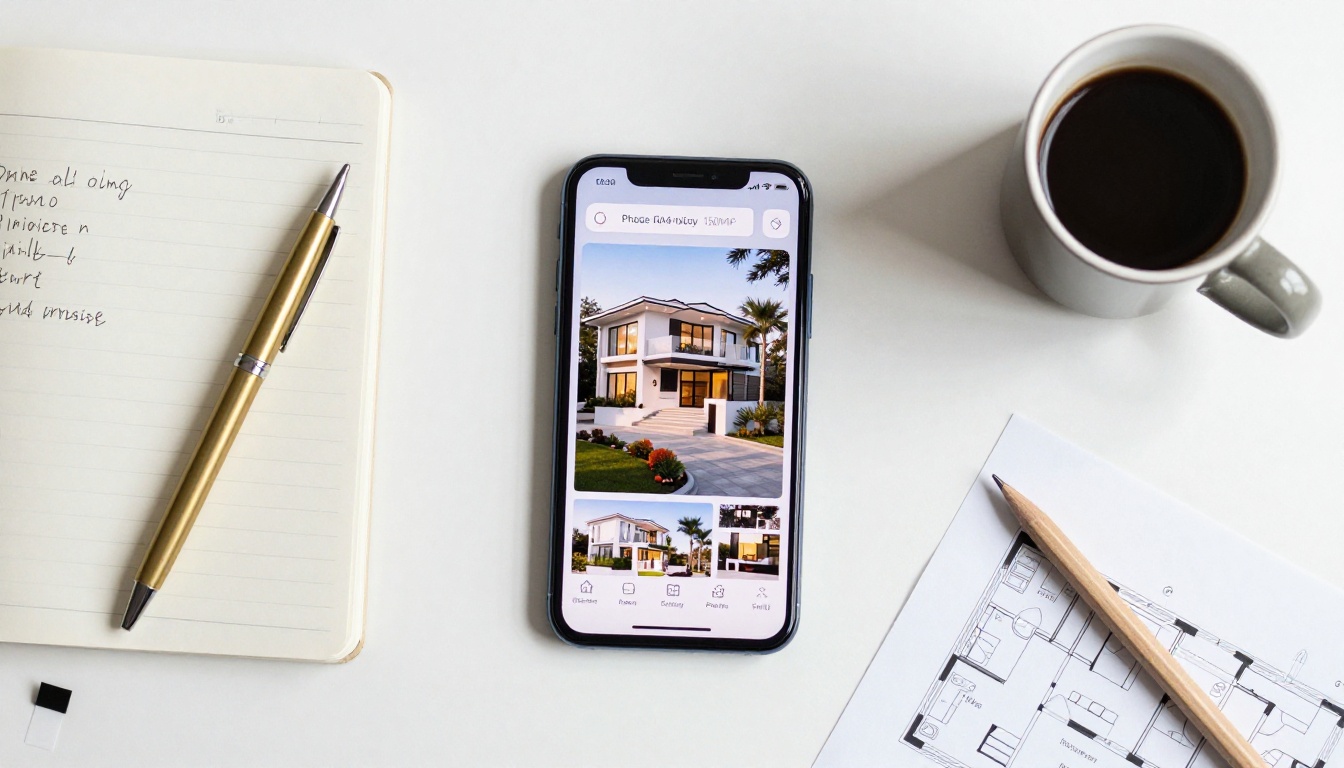
Property brochures need to feel premium. Agents using the Real Estate Brochure Creator can publish full property tours as interactive flipbooks, shareable by link and embeddable on listing pages, with no watermark that would undercut the luxury positioning.
Educators and Trainers
Course materials and training manuals need to look authoritative. A branded educational tool should carry the institution's identity, not the platform's. Tools like the Training Manual Flipbook and Course Material Publisher support this cleanly, with no distracting third-party logos on student-facing content.

Creative Professionals
Portfolios need to be immaculate. Photographers, designers, and artists using the Digital Portfolio Creator or Photography Portfolio Flipbook cannot afford to have a third-party logo competing with their work. A clean portfolio flipbook is the difference between a callback and silence.
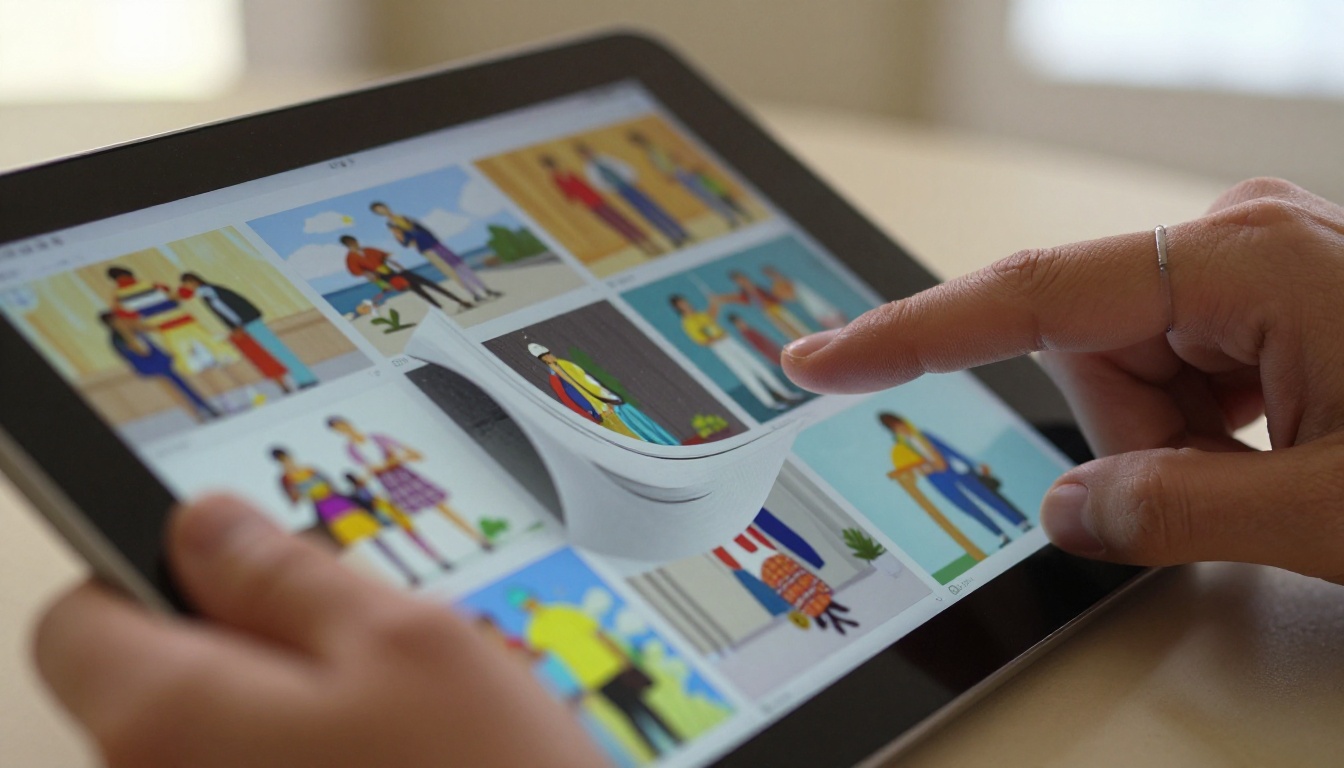
Common Use Cases by Industry
Questions Worth Asking Before You Commit
Is the free plan worth trying first?
Yes, but only to test the conversion quality and interface. Do not publish client work or anything brand-sensitive on the free tier where watermarks are applied.
What file size limits exist?
This varies by plan. Check the pricing page for current limits. Most business documents convert without issue on standard plans.
Can I password-protect a flipbook?
Yes, on Standard plan and above. This is particularly useful for confidential proposals, internal training materials, or exclusive content.
Does the flipbook work on mobile without an app?
Yes. Flipbooks AI produces HTML5-based flipbooks that work in any modern mobile browser. No app download required for viewers.
Can I track who views my flipbook?
Analytics are available on the Professional plan. You can see view counts, time spent per page, and lead capture if enabled. More details on the pricing page.
💡 Use the Professional plan's lead generation feature on gated content like white papers or product lookbooks. Viewers enter their email to access the flipbook, turning your content into a lead capture tool automatically.
The Difference Professional Publishing Makes
There is a measurable difference between content that looks like it was made with a free tool and content that looks like it was produced intentionally. Watermarks are the most obvious signal, but they are not the only one. Slow load times, broken mobile layouts, and generic interfaces all communicate the same thing: this was not worth investing in.
A free online flipbook maker with no watermark is not just about removing a logo. It is about choosing a platform that respects your work enough to present it cleanly. Flipbooks AI starts from that premise and builds outward: fast conversion, clean viewer, full customization, and sharing tools that actually work.
Browse all available flipbook tools to find the right fit for your specific use case. When you are ready to publish without compromise, create your account and get your first watermark-free flipbook live today. Or take a look at the pricing plans to pick the option that matches where you are right now.



