Turning a static PDF into something people actually want to read takes seconds with the right tool. A free online maker to turn PDFs into page-flipping books eliminates the friction that comes with traditional PDF sharing, replacing flat scrolling with a satisfying, animated page-turn experience that works on any device. Whether you run a restaurant, manage a real estate portfolio, teach a course, or publish a digital magazine, interactive flipbooks hold attention in ways a standard PDF simply cannot. Flipbooks AI makes this possible without downloads, without watermarks, and without a steep learning curve.
What a Page-Flipping Book Actually Does
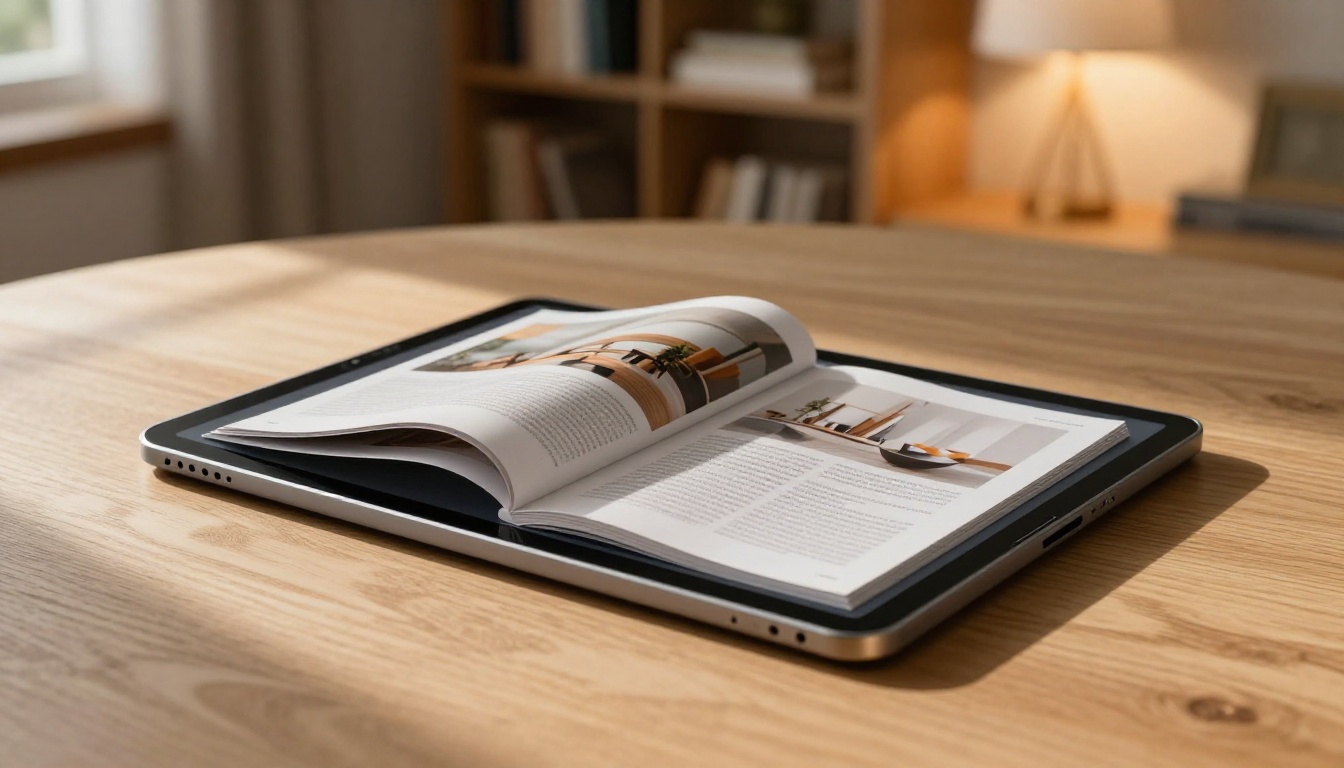
A page-flipping book (also called a flipbook or digital publication) is an HTML5-based viewer that replicates the physical act of turning a page. When a reader clicks or swipes, the page bends, casts a shadow, and flips to the next spread, just like a real book or magazine.
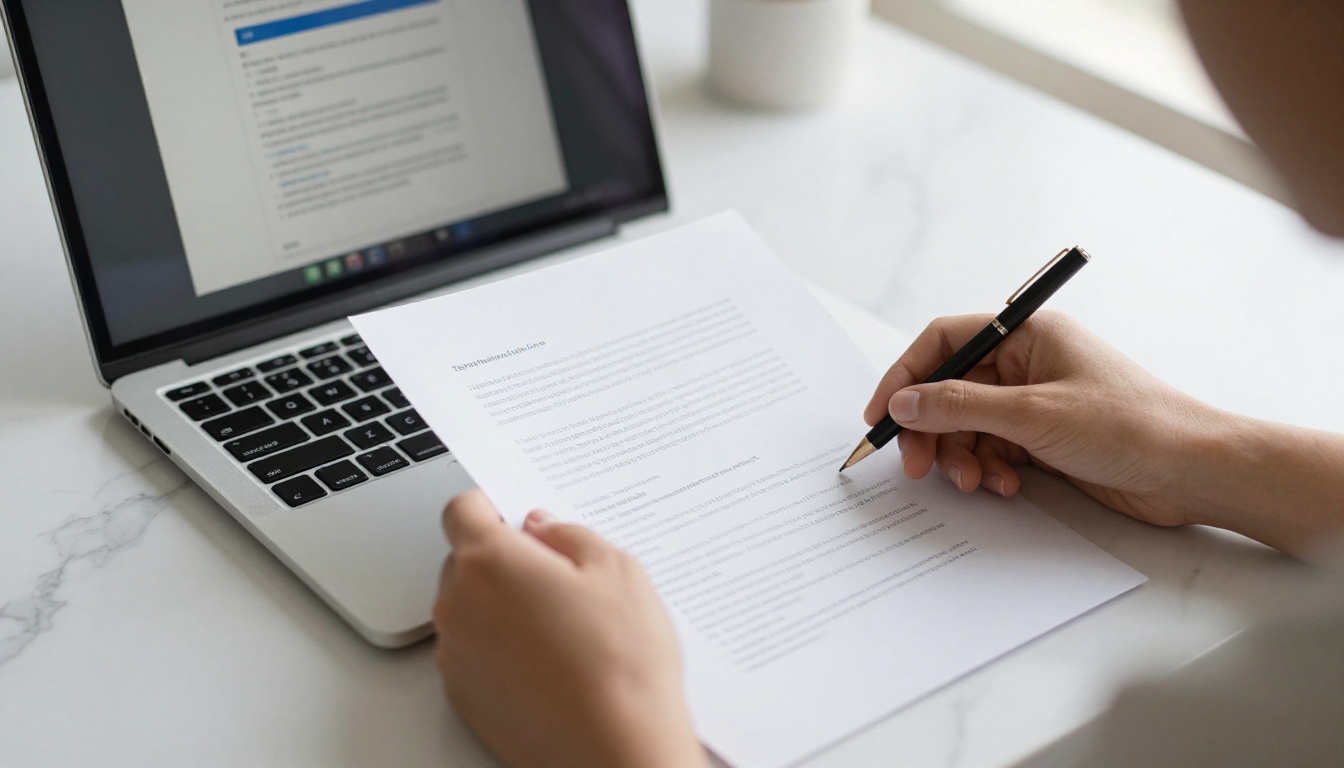
The technology behind this is deceptively simple from the user's perspective. You upload a PDF, the converter splits it into individual page images, wraps them in an HTML5 viewer with CSS animations, and delivers a shareable link or embed code. No software installation. No plugin required. It runs natively in every modern browser.
What separates a basic flipbook from a genuinely useful one comes down to the features layered on top: branding controls, analytics, embedding options, and multimedia support. These are the factors that determine whether a tool is worth using beyond a single one-off project.
Why Static PDFs Fall Short
PDFs were designed for printing, not for screens. They require a reader to scroll up and down, zoom in and out, and navigate through a sidebar that most people ignore. On mobile, the experience is worse: pinching to zoom, losing your place, rotating the screen.
The core problems with static PDFs:
- No visual hierarchy when browsing
- No page-turn engagement cues
- Poor mobile UX by default
- Limited sharing options (download only)
- No analytics on who opened what page
💡 Interactive content consistently generates more engagement than static documents. A flipbook gives readers the same tactile experience as a physical book, which increases time spent and return visits.
Digital flipbooks solve all five of these problems without requiring the reader to install anything or create an account.
Features That Actually Matter
Not all free PDF-to-flipbook converters are equal. Before committing to a platform, verify these specific capabilities.
Page Turn Animation Quality
The animation itself should look natural. Look for smooth easing curves (not robotic), realistic shadow casting on the curl, and responsive performance on mobile. Laggy or janky animations break immersion immediately and make the viewer abandon the document.
Mobile Responsiveness
Over 60% of digital content is now consumed on mobile. Your flipbook must resize gracefully, support swipe gestures, and render text at a readable size without zooming. Test on both iOS and Android before publishing anything.
Custom Branding
Free tiers on most platforms include watermarks or forced platform branding. Flipbooks AI stands apart because it offers no watermarks, ever, across all plans. Custom colors, logos, and backgrounds are available, letting you match the flipbook exactly to your brand identity.
Sharing and Embedding
A flipbook that lives behind a download link misses the point. The right tool gives you:
- Direct shareable URL: One link, no viewer login required
- Embed code: Drop the flipbook into any website or landing page
- Password protection: For confidential or premium content
- Social sharing: One-click share to LinkedIn, WhatsApp, and email
- QR code generation: For linking print materials to the digital version

How to Create a Flipbook with Flipbooks AI
The PDF to Flipbook Converter on Flipbooks AI is purpose-built for speed. Here is exactly how the process works from upload to published link.
Step 1: Upload Your PDF
- Go to flipbooksai.com and create a free account
- Click New Flipbook from your dashboard
- Drag and drop your PDF file or click to browse (supports files up to 500MB)
- The platform converts each page automatically, preserving vector text, images, and layout fidelity
- Conversion takes 10 to 60 seconds depending on page count and file size
✅ Best practice: Export your source document as PDF with embedded fonts and high-resolution images at 150 DPI minimum. This ensures sharp, crisp flipbook pages across all screen densities.

Step 2: Customize Your Flipbook
After conversion, you land in the customization panel. Here is what you can configure:
- Background color and texture: Set a solid color, gradient, or background image behind the book spread
- Cover style: Choose hardcover or softcover appearance
- Color theme: Match your brand palette across navigation buttons, thumbnails, and UI elements
- Multimedia embeds: Add video clips, audio narration, or hyperlinks directly onto specific pages
- Logo upload: Replaces any platform element with your own brand mark
- Table of contents: Auto-generated from PDF bookmarks, or manually added for longer documents
Step 3: Publish and Share
Once satisfied with the preview, click Publish. The platform generates three immediate outputs:
- A direct URL you can share in email, social media, or messaging apps
- An embed snippet (iFrame or JavaScript) for website integration via the Embed Flipbook on Website tool
- A QR code that links directly to the flipbook, ideal for packaging, posters, and business cards
💡 Password-protect your flipbook for confidential price lists, internal reports, or premium subscriber content. Viewers enter the password directly on the flipbook landing page, no account required on their end.
Best Use Cases by Industry
A free online maker to turn PDFs into page-flipping books delivers immediate value across dozens of sectors. Here are the highest-impact applications.
Business and Marketing
Sales teams replace static pitch decks with interactive presentations that prospects actually open more than once. Marketing agencies deliver campaign reports as polished flipbooks instead of 40-page PDF attachments. Product teams publish internal documentation that is far easier to navigate.
Specific tools available on Flipbooks AI:
Education
Professors convert textbook chapters into flipbooks students read on their phones during commutes. Corporate trainers deliver onboarding manuals as interactive documents. Schools publish newsletters that parents actually open. The format naturally encourages sequential reading, which aids retention.
Relevant tools:

Hospitality and Food
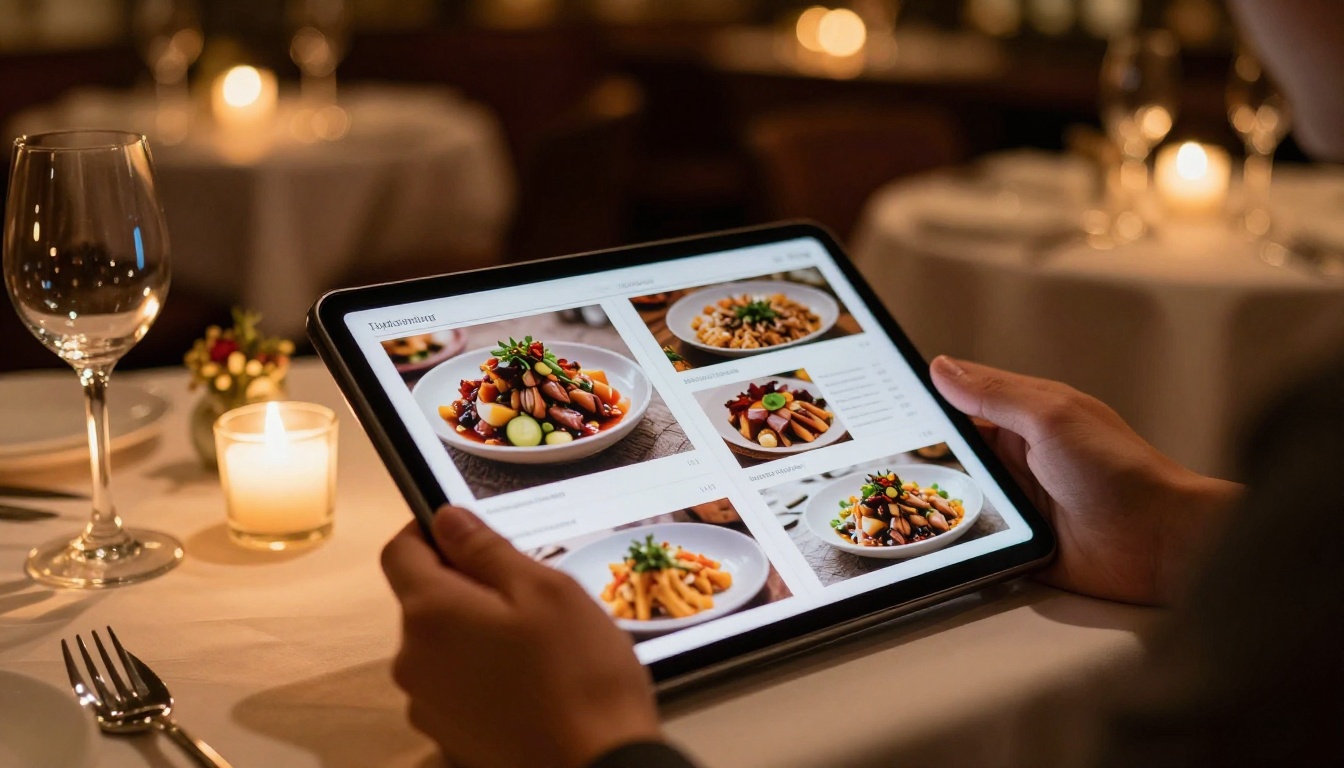
Restaurants replace printed menus (a recurring printing expense) with flipbooks linked via QR codes on tables. Spas publish service menus with embedded video previews of treatments. Hotels convert room service and amenity guides into always-current digital documents that can be updated instantly without reprinting.
Relevant tools:
Real Estate
Agents share property brochures via WhatsApp as a single link instead of a 15MB PDF attachment that clogs inboxes. Developers publish project prospectuses with embedded walkthrough videos and floor plan popups. Letting agencies create lookbooks for furnished apartment rentals that feel premium without the print cost.
Relevant tools:

Free vs Paid Plans: What You Actually Get
Understanding plan differences helps you choose the right tier before you start building.
| Feature | Free | Standard | Professional |
|---|
| Flipbooks created | 3 | Unlimited | Unlimited |
| Watermarks | None | None | None |
| Custom branding | Basic | Full | Full |
| Password protection | No | Yes | Yes |
| Embed on website | Yes | Yes | Yes |
| Analytics and tracking | No | No | Yes |
| Lead generation forms | No | No | Yes |
| Offline downloads | No | No | Yes |
| Video and audio embeds | No | Yes | Yes |
| Priority support | No | No | Yes |
⚠️ Most competing tools include forced watermarks on free plans. On Flipbooks AI, no plan ever adds platform branding to your published flipbook.
The free plan is genuinely useful for solo creators, students, and small businesses testing the format. The Standard plan removes creation limits for teams publishing regularly. The Professional plan, with analytics and lead generation, is designed for marketers who need to measure readership and capture contacts.
| File Format | Supported | Notes |
|---|
| PDF | Yes | Primary format, best results |
| PPTX (PowerPoint) | Yes | Export to PDF first for optimal output |
| DOCX (Word) | Yes | Convert to PDF first for best results |
| JPEG or PNG image sets | Yes | Each image becomes one page |
| SVG | Partial | Embed inside PDF for full support |
| Video files | No | Add as embedded links on pages instead |
💡 For the best flipbook quality, always export your source file as PDF with embedded fonts, vector graphics where possible, and 150 to 300 DPI image resolution. Avoid flattened raster PDFs from scanner apps.
5 Things That Make Your Flipbook Stand Out
Most people upload a PDF and publish with default settings. A few extra steps produce dramatically better results.
1. Write a descriptive title and SEO description
Every flipbook on Flipbooks AI gets its own URL. A clear title and meta description help it rank in search results when shared publicly, driving organic traffic long after you publish.
2. Add a clickable table of contents
Long documents such as reports, ebooks, and catalogs need navigation. A table of contents lets readers jump directly to the section they want, which dramatically increases time spent on the document.
3. Embed at least one video
A product demo video embedded on page 3 of a catalog turns a passive reader into an engaged prospect. Flipbooks AI supports YouTube and Vimeo embeds on paid plans, and they play inline without leaving the flipbook.
4. Use the correct aspect ratio in your source PDF
Standard flipbooks look best with a 2:3 portrait layout (like a real book). Landscape 16:9 works for presentations. Design your source PDF in the orientation that matches your intended flipbook format before converting.
5. Test the mobile experience before publishing
Open the preview on your actual phone. Confirm that body text is readable without zooming, all tap targets are large enough, and the page-flip animation responds smoothly to swipe gestures. Fix in the source PDF if something is too small to read.
Sharing Your Flipbook Effectively
Publishing is step one. Getting people to actually read it is step two.
Channels that deliver the best results:
- Email newsletters: Embed a flipbook thumbnail image with a "Read online" link. Open rates increase compared to PDF attachments because readers click a link rather than wait for a file to download
- LinkedIn: Shared flipbook links render as rich link previews with the cover image, which dramatically increases click-through rates
- Website embedding: Use the Embed Flipbook on Website tool to drop it directly into a landing page or blog post
- QR codes on print materials: Link business cards, product packaging, posters, and table tents directly to the digital version
- WhatsApp and messaging apps: A URL opens in seconds vs. waiting for a large PDF download on mobile data
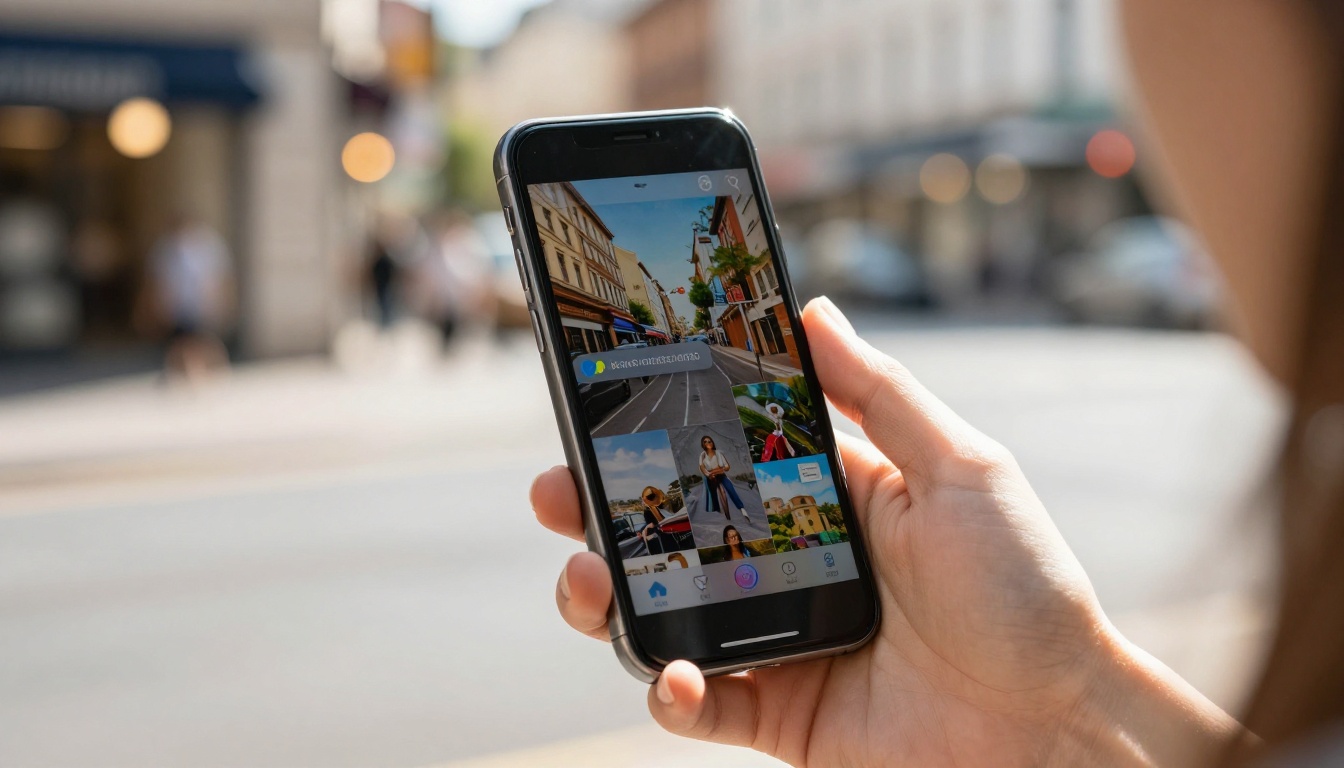
Top Flipbook Types You Can Build Today
The range of documents that benefit from page-flip format is broader than most people expect:
Every document type above starts the same way: upload a PDF, let the platform handle conversion, customize to your brand, and share the link. The only variable is the customization depth and the distribution strategy that follows.
There is no reason to keep sending PDFs that end up ignored in download folders. The tools exist, they are free to start, and the conversion from flat document to interactive publication takes minutes. For any content designed to be read rather than filed, page-flipping format is simply the better default.
Ready to publish your first one? Create your account on Flipbooks AI and convert your first PDF today. Browse all available tools and templates to find the format that fits your content. When you are ready for analytics, lead capture, or offline downloads, compare pricing plans to pick the tier that matches your needs.



