Static PDFs are boring. They scroll, they don't animate, and they rarely hold attention for more than a few seconds on a screen. That is why free online PDF to flipbook tools have become so popular: they turn ordinary documents into interactive, page-turning publications that feel like real magazines or brochures. Whether you run a small business, work in marketing, or teach online classes, converting your PDFs into flipbooks is one of the fastest ways to make your content more compelling without spending a dollar.
Flipbooks AI is one of the strongest platforms for this, combining a clean conversion workflow with powerful customization options. But the market has several options worth considering. This article breaks down the best free tools available right now, what each one actually offers, and which situations each one fits best.
Not every tool that promises "free flipbooks" delivers the same quality. Before picking one, it helps to know which features separate the good from the mediocre.
Features That Actually Matter
Here are the things worth evaluating before committing to any platform:
- Page-flip animation quality: Does the page turn look realistic, with a proper curl effect? Or is it a basic slide transition?
- Mobile responsiveness: Does the flipbook work on phones and tablets without requiring Flash or plugins?
- Upload size limits: Free tiers often cap uploads at 10MB or fewer pages. Know the restrictions upfront.
- Embedding options: Can you embed the flipbook directly on your website or share via a link?
- Branding control: Does the free plan plaster the platform's watermark all over your content?
- Loading speed: Large PDFs need to load fast. Slow tools lose readers before they even get to page two.
- Analytics: Knowing who reads your flipbook, for how long, and on which pages is valuable data.
💡 Always test with your actual PDF, not a sample file. Font rendering and image compression vary significantly between tools.
Free vs. Paid Plans
Most platforms use a freemium model. Here is what "free" typically means in practice:
| Feature | Free Plan | Paid Plan |
|---|
| Watermark | Often present | Removed |
| Flipbooks per account | 3-5 | Unlimited |
| PDF upload size | 10-20MB | 100MB+ |
| Custom domain/branding | No | Yes |
| Analytics | No | Yes |
| Password protection | No | Yes |
| Embed on website | Limited | Full |
Flipbooks AI offers no watermarks on paid plans and unlimited flipbooks starting from the Standard tier, putting it ahead of many competitors that still add a logo to your published content even at mid-tier prices.

There are several solid tools available in 2025. Each has a different strength depending on your use case, PDF size, and how much customization you need.
Flipbooks AI
Flipbooks AI is built specifically for professional PDF-to-flipbook conversion, with an interface that keeps the process fast and the output polished. The free plan gives you enough to evaluate the platform fully, and the Standard plan removes limitations without charging enterprise prices.
Standout features:
- Realistic HTML5 page-flip animation with smooth curl effects
- Upload PDFs and publish in minutes with no code required
- Mobile-responsive output that works on every device
- Full custom branding on paid plans (logo, colors, domain)
- Password protection for private content
- Embed flipbooks directly on websites with a copy-paste code
- Analytics and lead generation on the Professional plan
- Offline download capability
- Support for embedded video and audio within pages
The platform includes a wide set of specialized tools for specific use cases, from the PDF to Flipbook Converter to niche creators for catalogs, menus, portfolios, and annual reports.
FlipHTML5
FlipHTML5 is one of the older names in the space. It supports large PDF uploads and has a desktop version available, which some users prefer. The free plan includes watermarks and limits you to 500 pages per flipbook. Animation quality is decent but the interface feels dated compared to newer tools.
Publuu
Publuu focuses on clean, minimal flipbook output with a strong emphasis on analytics. The free tier is limited to one flipbook, which makes it better for testing than ongoing use. It handles image-heavy PDFs well without significant quality loss.
Yumpu
Yumpu is designed more for digital magazine publishing and has a large public catalog where flipbooks can be discovered by other users. This makes it less suitable for private business documents but useful if you want organic reach for public-facing content.
Flipsnack
Flipsnack offers both PDF-to-flipbook conversion and a built-in design editor. The free plan is restricted and adds branding, but the editor is a strong differentiator for teams that want to create flipbooks from scratch rather than converting existing PDFs.
| Platform | Free Flipbooks | Watermark-Free | Mobile Ready | Embed Support | Analytics | Custom Branding |
|---|
| Flipbooks AI | Yes (limited) | Paid plans | Yes | Yes | Professional plan | Paid plans |
| FlipHTML5 | Yes (with limits) | Paid only | Yes | Yes | Paid only | Paid only |
| Publuu | 1 flipbook | Paid only | Yes | Limited | Paid only | Paid only |
| Yumpu | Yes | Paid only | Yes | Yes | Paid only | Paid only |
| Flipsnack | Yes (3 max) | No | Yes | Limited | Paid only | Paid only |
✅ If you need professional output without watermarks and with full embed support, Flipbooks AI Standard plan delivers the best value at entry-level pricing.
How to Convert a PDF to Flipbook with Flipbooks AI

Converting a PDF to an interactive flipbook on Flipbooks AI takes less than five minutes. Here is exactly how to do it.
Step 1: Create your account
Go to flipbooksai.com/account and sign up for free. No credit card is needed to publish your first flipbook.
Step 2: Upload your PDF
From your dashboard, click the upload button and select your PDF file. The platform converts each page automatically, preserving fonts, images, and layout fidelity without requiring you to adjust anything manually.
Step 3: Set up branding and appearance
Once uploaded, you can:
- Set a custom title and description for the flipbook
- Add your brand logo and choose accent colors
- Select a background theme or paper texture
- Enable or disable the page-flip sound effect
- Add background music if needed
- Embed video or audio directly into specific pages
Step 4: Configure sharing and privacy
- Toggle password protection if the content is private or for a specific audience
- Choose whether the flipbook is publicly indexed or accessible only via direct link
- Copy the direct share link or the embed code for your website using the Embed Flipbook on Website tool
Step 5: Publish and share
Click publish and your flipbook is live instantly. Share the link via email or social media, or embed it on your website using the provided code snippet.
💡 For catalogs and brochures with lots of product images, compress your PDF to under 50MB before uploading. This ensures faster loading times for readers on slower connections.
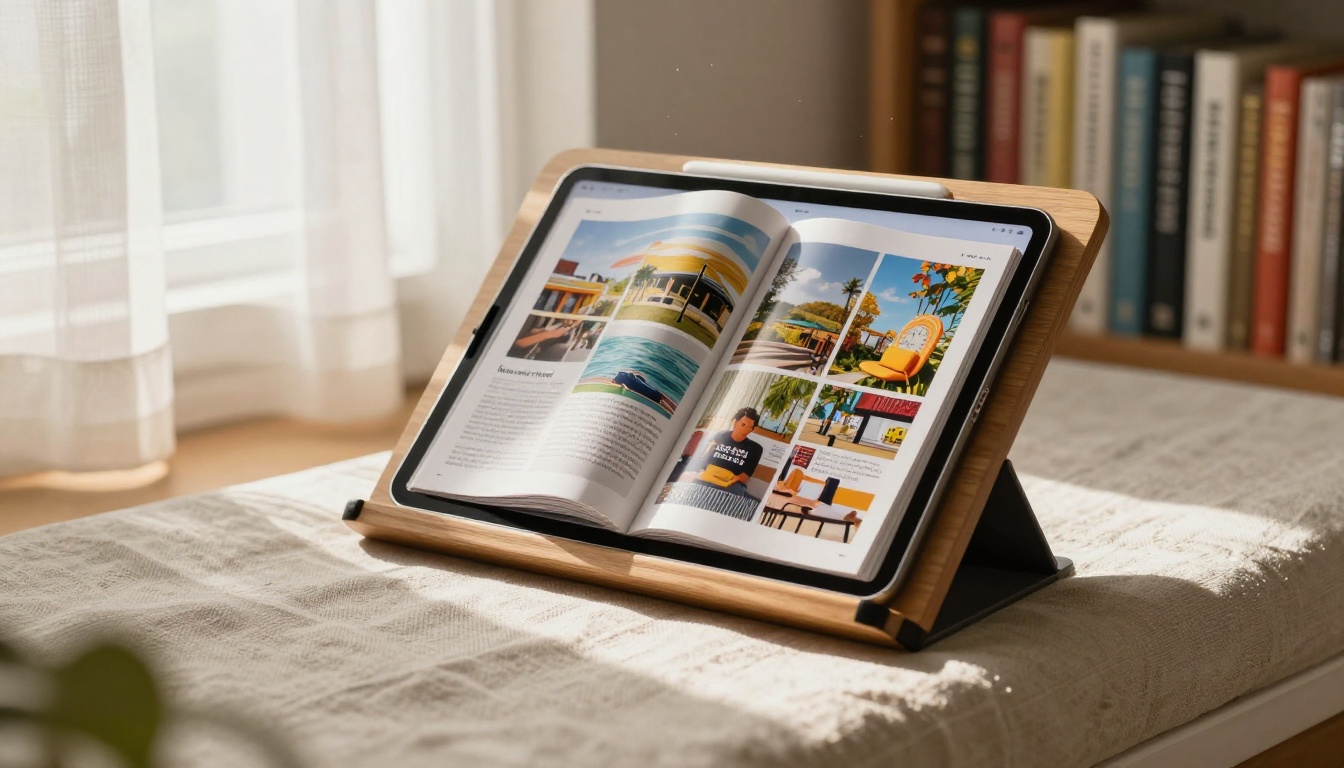
PDF-to-flipbook tools are not just for marketers. The real-world applications span a wide range of industries and content types.
Business and Marketing

Businesses use flipbooks to replace static PDFs across sales and marketing workflows. A product catalog that flips like a real brochure converts significantly better than a flat PDF attachment in an email.
Common use cases:
- Product catalogs: E-commerce brands use the Digital Catalog Maker to publish seasonal collections with page-flip effects that mimic physical catalogues.
- Sales presentations: Sales teams replace PowerPoint attachments with interactive Sales Presentation Flipbooks that prospects can browse at their own pace.
- Annual reports: Finance teams publish Annual Reports as flipbooks to improve readability and track page-level engagement data.
- Real estate brochures: Agents share interactive property brochures using the Real Estate Brochure Creator to stand out in a crowded inbox.
A restaurant can use the Restaurant Menu Creator to publish a digital menu that customers scan with a QR code at the table. The page-flip effect and embedded food photography create a premium experience that a static PDF or image gallery simply cannot match.

Creative Professionals
Photographers, designers, and artists use flipbooks as interactive portfolio formats. A Photography Portfolio Flipbook or Interactive Lookbook Designer presents visual work in a format that feels intentional and polished compared to a standard website gallery or PDF download.

Education and Training

Teachers and corporate trainers convert course materials into flipbooks to improve digital reading experiences. Reading a Training Manual Flipbook feels more natural than scrolling through a long PDF, and the format works on both desktop and mobile without any app installation required.
Schools can use the Yearbook Flipbook Maker or School Newsletter Creator to publish content that parents and students actually look forward to reading.
Real Estate

Real estate professionals benefit from interactive property brochures built with the Real Estate Brochure Creator. A flipbook with high-resolution property photos on each page, embedded video tours, and clickable contact information performs better than any email attachment when trying to get callbacks from prospects.
Pricing Breakdown by Tier
Understanding what each plan actually unlocks helps you pick the right starting point without overpaying.
| Plan | Flipbooks | Watermark | Analytics | Password Protection | Offline Downloads |
|---|
| Free | Limited | May apply | No | No | No |
| Standard | Unlimited | No | No | Yes | Yes |
| Professional | Unlimited | No | Yes + Lead Gen | Yes | Yes |
⚠️ Free plan limitations vary by platform. Always check the current pricing page before committing to a workflow that depends on specific features.
The Professional plan on Flipbooks AI adds analytics and lead generation features that matter most for marketing teams: you can see exactly which pages readers spend time on, capture leads directly from within the flipbook, and track performance over time.
Tips for Better Results
Getting the best output from any PDF-to-flipbook tool comes down to how you prepare your source file. Here are the most impactful steps before uploading:
Optimize your PDF first:
- Use RGB color mode, not CMYK. Screen displays render RGB correctly; CMYK files often look washed out in browsers.
- Embed all fonts. Missing fonts cause text to render incorrectly or fall back to generic typefaces.
- Compress images within the PDF. Aim for 150-200 DPI for screen reading, not the 300+ DPI needed for print.
- Keep file size under 50MB for best performance across all connection speeds.
- Use standard page sizes (A4 or Letter). Non-standard dimensions sometimes render with white borders in flipbook viewers.
Structure your content for the page-flip format:
- Treat each page spread as a visual unit. Content that spans two facing pages reads naturally in flipbook format.
- Put the most visually impactful content on right-hand pages. Readers notice the right page first when opening a new spread.
- Use high-contrast text against backgrounds. Small text on complex backgrounds becomes unreadable at certain zoom levels.
- Include a clear table of contents on page two or three. Readers use it to jump directly to sections rather than flipping through every page.
After publishing:
- Test the flipbook on at least two different devices before sharing it widely.
- Check that all embedded links from the PDF remain clickable in the flipbook output.
- Use password protection for documents intended for specific audiences only.
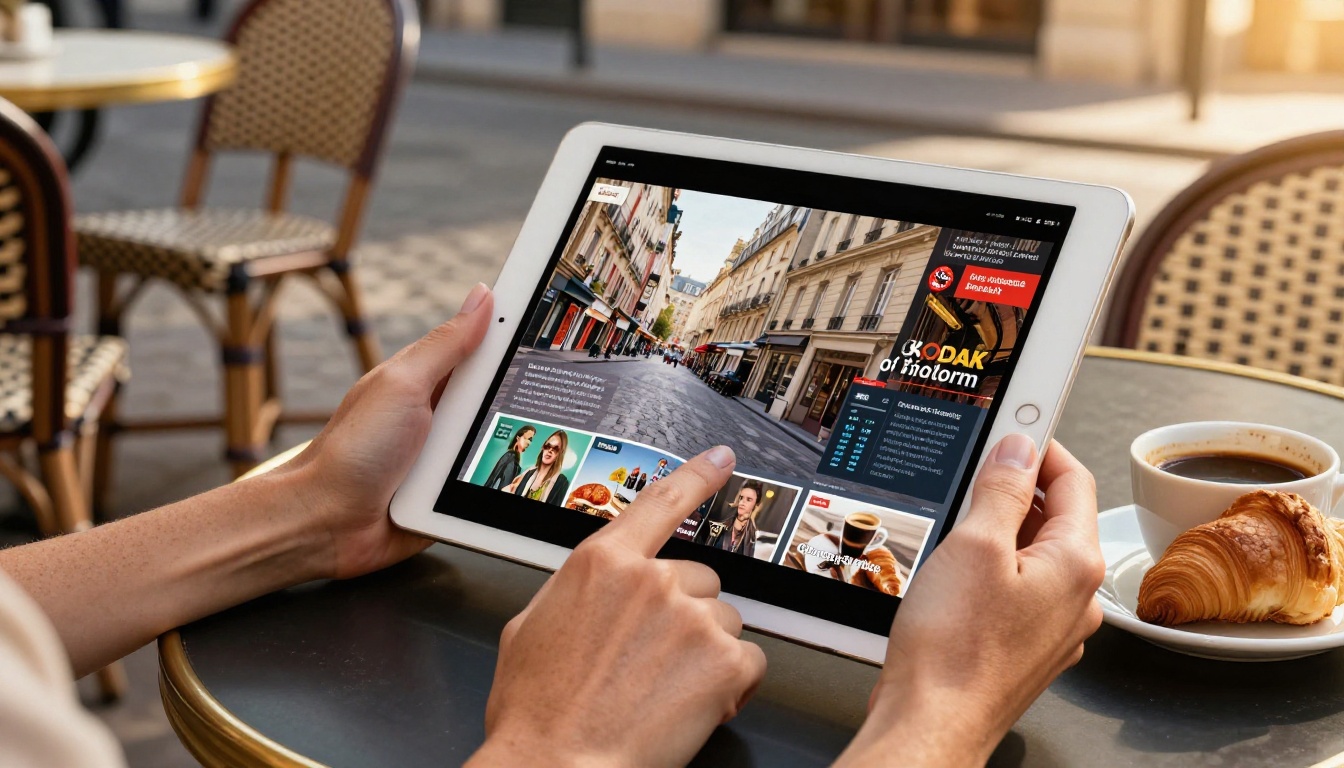
Flipbooks AI offers a deep library of purpose-built tools beyond the core PDF converter. Here is a quick reference by industry:
Each tool is optimized for its specific content type, with pre-built templates and formatting defaults that make the conversion faster and the output more professional.
Stop Sharing Static PDFs
Static PDFs have a place, but that place is not in front of customers, prospects, or students who expect interactive digital experiences. Every tool in this list makes it possible to create something better with minimal effort and no design expertise required.
Flipbooks AI stands out for its combination of clean output, no-watermark paid plans, unlimited flipbooks at the Standard tier, and a purpose-built tool library that covers virtually every industry use case. Whether you are publishing a product catalog, a restaurant menu, a property brochure, or a training manual, the platform has a specific workflow built for it.
Ready to create your first flipbook? Get started for free and have your first interactive publication live in under five minutes.
Need to pick the right plan? Compare pricing options to see which tier fits your publishing volume and feature needs.
Want to see the full range of what is possible? Browse all flipbook tools and find the one built for your specific content type.



