Static PDFs gather digital dust while interactive flipbooks capture attention. The difference between a document that gets ignored and one that gets engagement often comes down to presentation. Traditional PDFs work for printing but fail at digital engagement—they're linear, passive, and forgettable. Interactive flipbooks with realistic page turning animations, responsive design, and multimedia integration transform how audiences consume content.
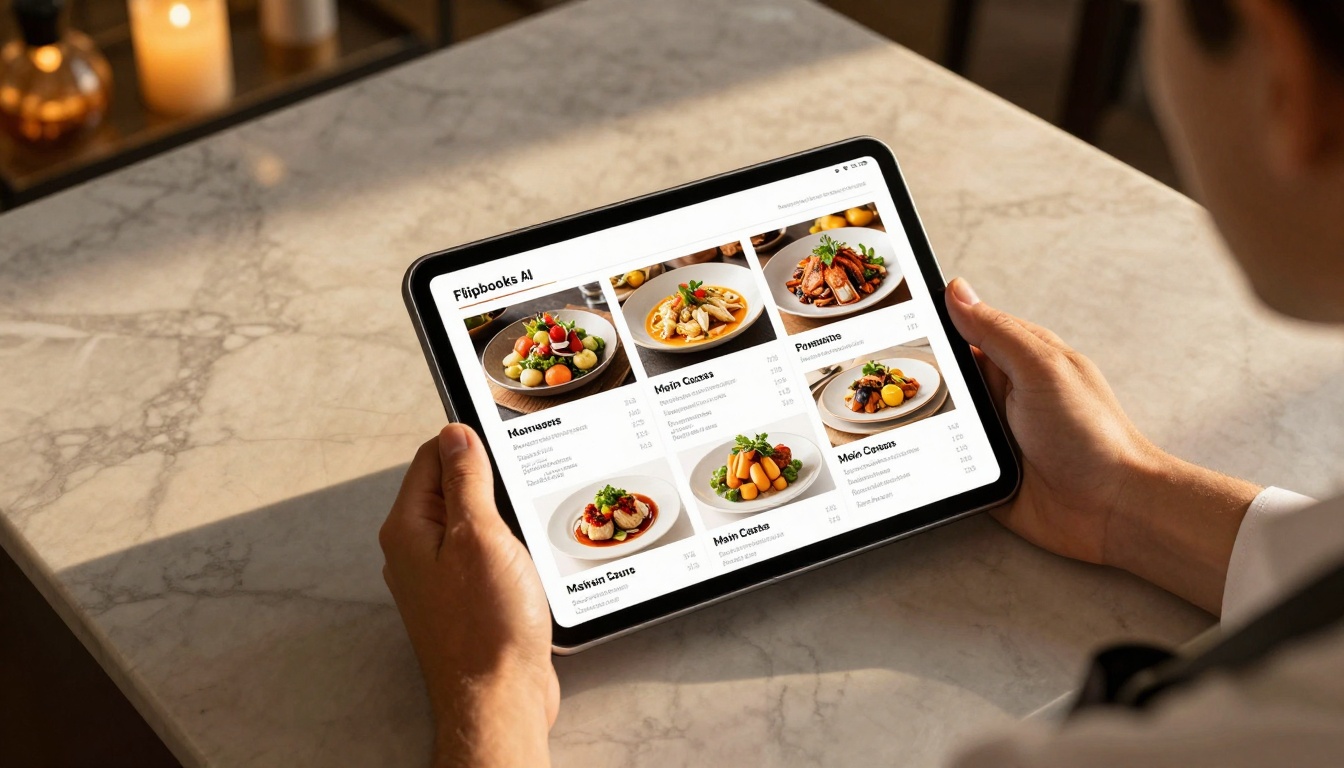
Restaurants replace printed menus with digital experiences that showcase food photography in stunning detail. Real estate agents present properties through interactive brochures with virtual tours. Educators create course materials that students actually want to use. Businesses transform annual reports into engaging presentations. All these transformations start with finding the right free online tool to generate flipbooks.
What Flipbooks Actually Do
Flipbooks simulate the physical experience of reading a book or magazine while adding digital advantages. The core technology converts standard PDF files into interactive publications with:
- Realistic page turning animations that mimic physical books
- Responsive design working perfectly on phones, tablets, and desktops
- Embedded multimedia including videos, audio, and interactive elements
- Search functionality letting users find content instantly
- Analytics tracking showing which pages get the most attention
- Social sharing making content easily distributable
💡 Pro Tip: The best flipbook tools preserve all original formatting—fonts, images, layouts—while adding interactive layers on top. You shouldn't need to redesign your PDF from scratch.
Most businesses hesitate to invest in new technology without testing it first. Free flipbook generators solve this by offering:
- Zero financial risk to experiment with digital transformation
- Immediate results without lengthy procurement processes
- Proof of concept before budget allocation
- Team familiarization without training costs
The challenge? Many "free" tools come with significant limitations: watermarks on every page, limited uploads, reduced features, or eventual forced upgrades. Finding a genuinely free tool that doesn't sabotage your content requires careful evaluation.
Critical Features in Flipbook Generators
Not all flipbook tools deliver equal value. When evaluating options, prioritize these capabilities:
| Feature | Why It Matters | Free Tool Minimum |
|---|
| No Watermarks | Professional presentation requires clean branding | ✅ Must be included |
| Unlimited Pages | Reports, catalogs, and manuals often exceed 50+ pages | ✅ Should support 100+ pages |
| Mobile Responsive | 60% of content consumption happens on mobile devices | ✅ Non-negotiable |
| Custom Branding | Match your company colors, logos, and fonts | ✅ Basic customization |
| Analytics | Understand reader engagement and content performance | ⚠️ Often premium |
| Password Protection | Control access to sensitive business documents | ⚠️ Often premium |
| Offline Downloads | Readers can access content without internet | ⚠️ Often premium |
⚠️ Warning: Some tools advertise "free" but disable essential features like removing watermarks or limiting page counts. Read the fine print before committing time to any platform.
Industry-Specific Flipbook Applications
Different sectors benefit from flipbooks in unique ways. The tool you choose should support your specific use case:
Restaurants & Hospitality
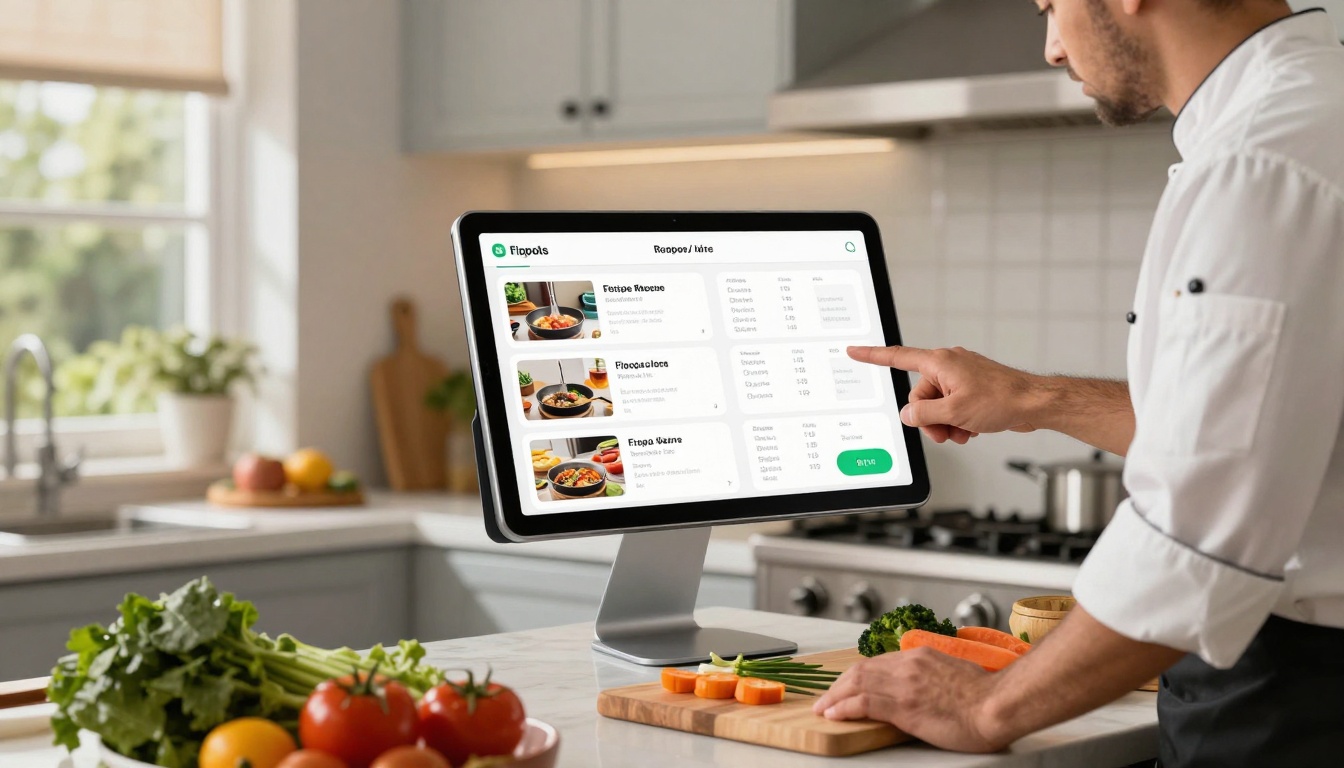
The Restaurant Menu Creator transforms static PDF menus into interactive experiences. High-resolution food photography appears vibrant, daily specials update instantly, and nutritional information becomes easily accessible. Dinues browse menus on their phones while waiting for tables, increasing engagement before ordering.
Restaurant Benefits:
- Eliminate printing costs for seasonal menu changes
- Showcase chef specials with embedded video demonstrations
- Integrate with reservation systems for seamless experience
- Update prices instantly without reprinting
Real Estate & Property
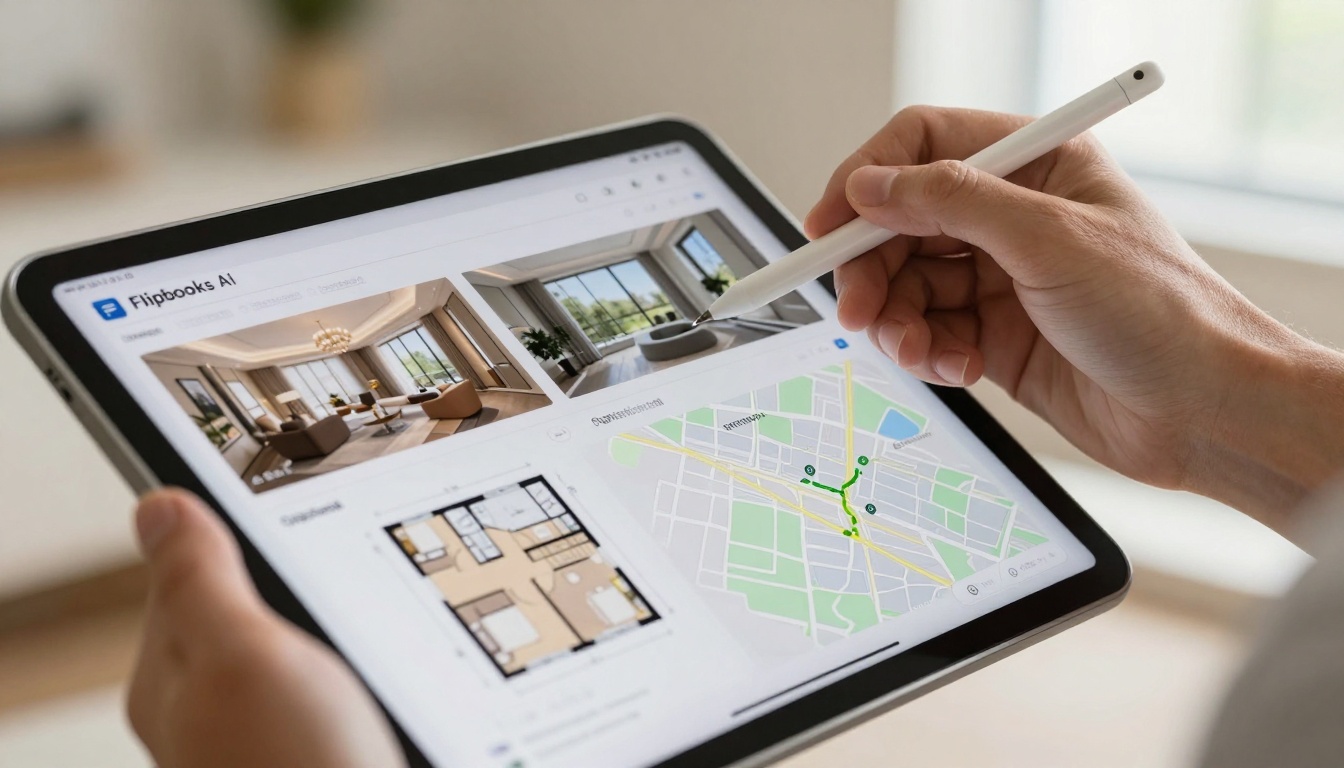
Property presentations gain depth with the Real Estate Brochure Creator. Virtual tours embed directly into property sheets, floor plans become interactive, and neighborhood information layers provide context. Prospective buyers explore properties at their own pace before scheduling viewings.
Real Estate Advantages:
- Reduce physical brochure printing and distribution costs
- Include 360-degree virtual tours alongside static photos
- Track which properties generate the most interest
- Share listings instantly via social media and email
Fashion & Retail
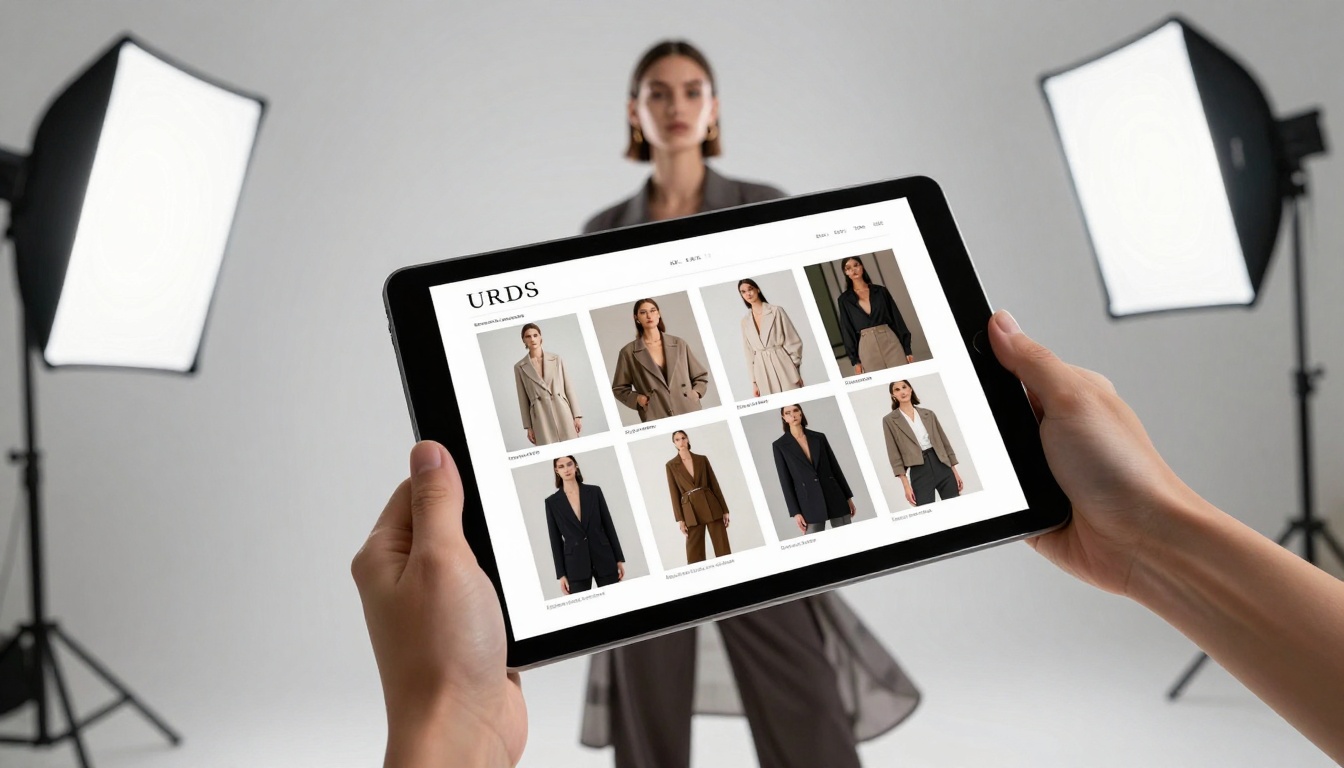
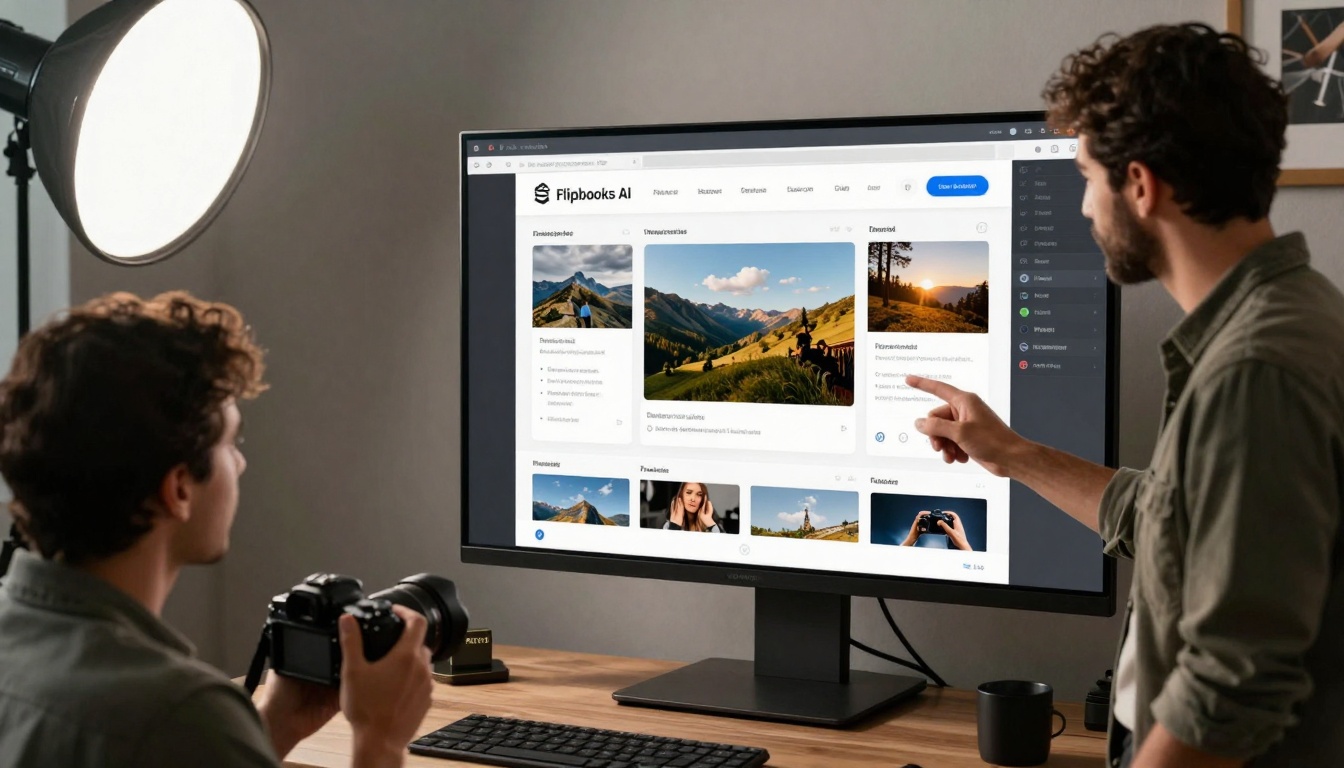
Luxury brands use the Fashion Catalog Creator to present seasonal collections. Product photography appears in gallery-quality resolution, fabric details zoom to microscopic levels, and lookbook styling creates aspirational context. Customers experience products almost physically through detailed exploration.
Retail Transformations:
- Present entire collections in cohesive digital formats
- Reduce catalog printing costs by 80-90%
- Update inventory and pricing in real-time
- Create lookbooks that inspire purchase decisions
Education & Training
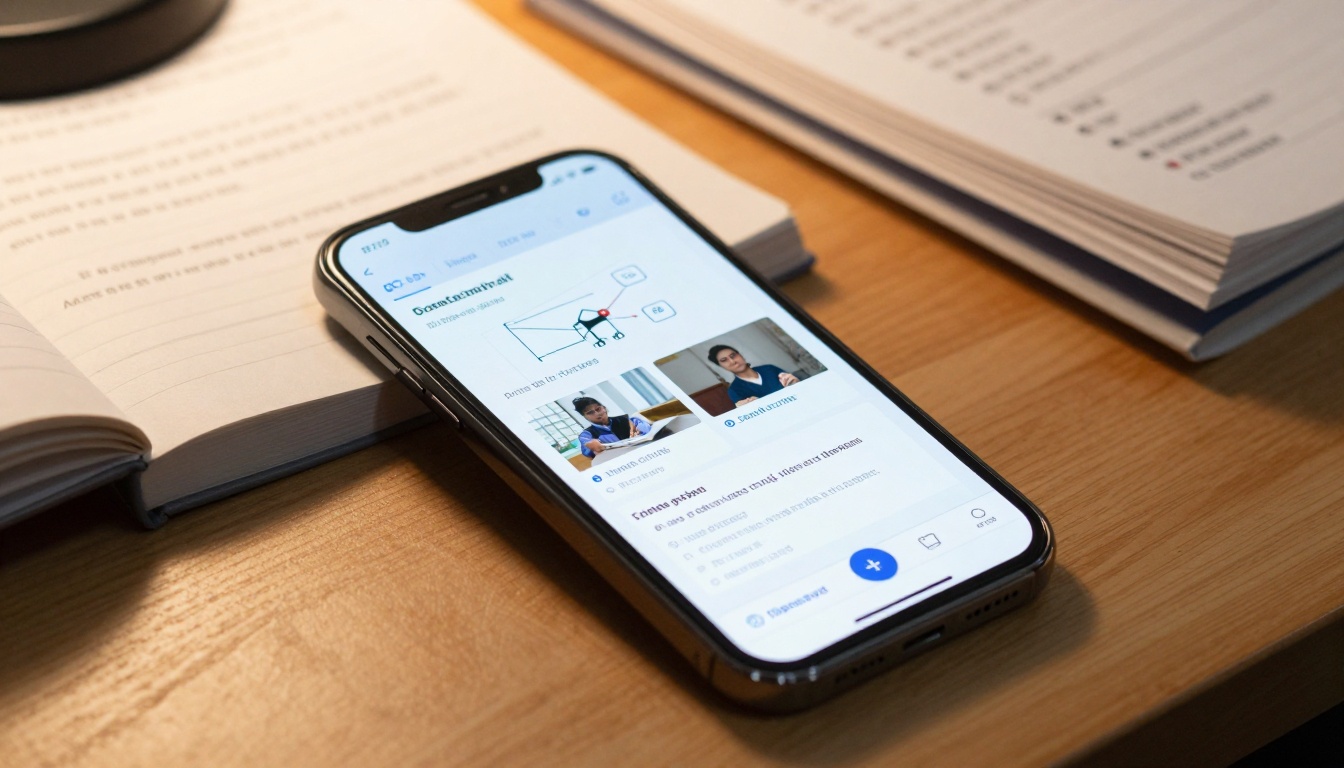
Educational materials transform from passive PDFs to active learning tools with the Course Material Publisher. Textbooks gain embedded video explanations, interactive quizzes test comprehension immediately, and annotated diagrams clarify complex concepts. Students engage with material rather than passively scrolling.
Educational Improvements:
- Increase student engagement with interactive elements
- Reduce textbook costs through digital distribution
- Update course materials instantly as information changes
- Track which content sections students spend most time with
Business & Corporate
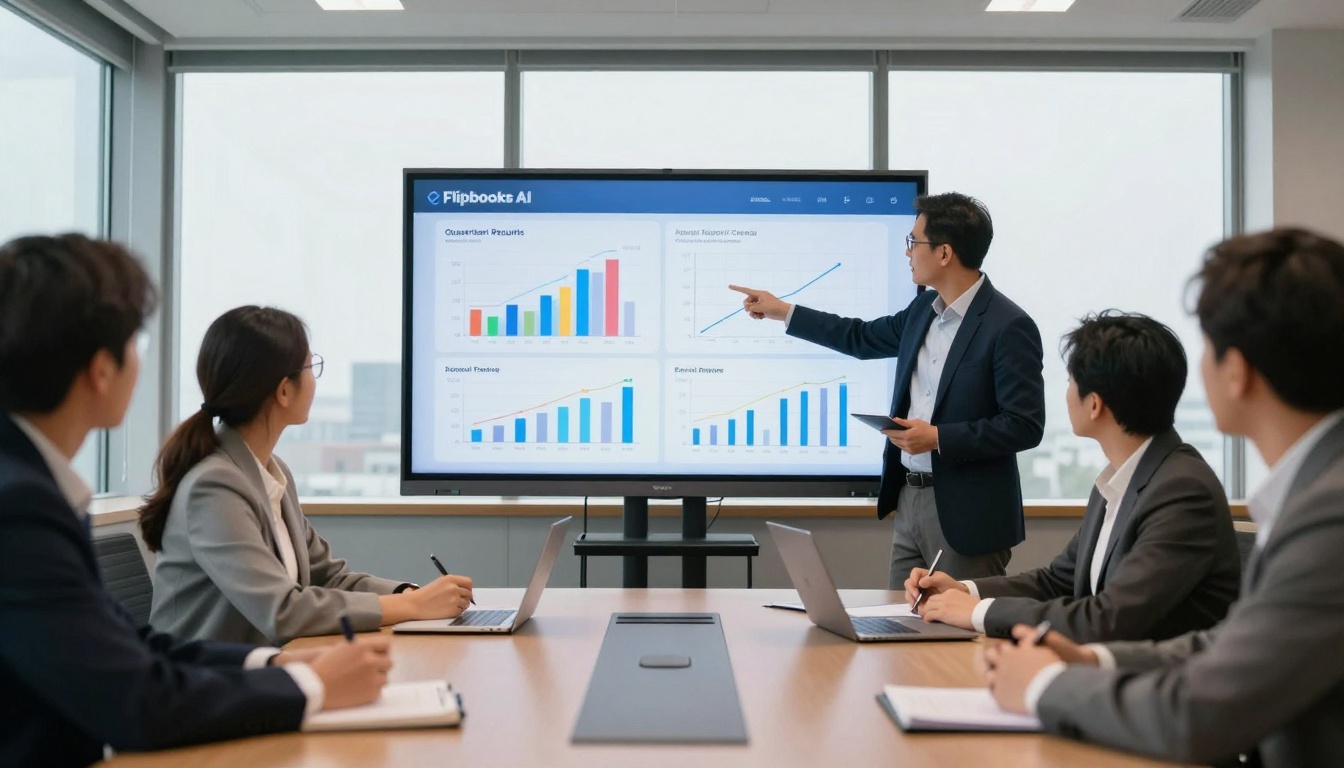
Annual reports, sales presentations, and corporate documentation become engaging with specialized tools. The Annual Report Creator transforms financial data into interactive narratives, while the Sales Presentation tool makes pitches more compelling.
Business Applications:
- Financial Reports: Animated charts show growth trajectories
- Sales Materials: Interactive product demonstrations
- Training Manuals: Step-by-step procedures with embedded videos
- Corporate Communications: Newsletters that employees actually read
How to Create Professional Flipbooks
The process of transforming PDFs into interactive publications follows a straightforward workflow:
-
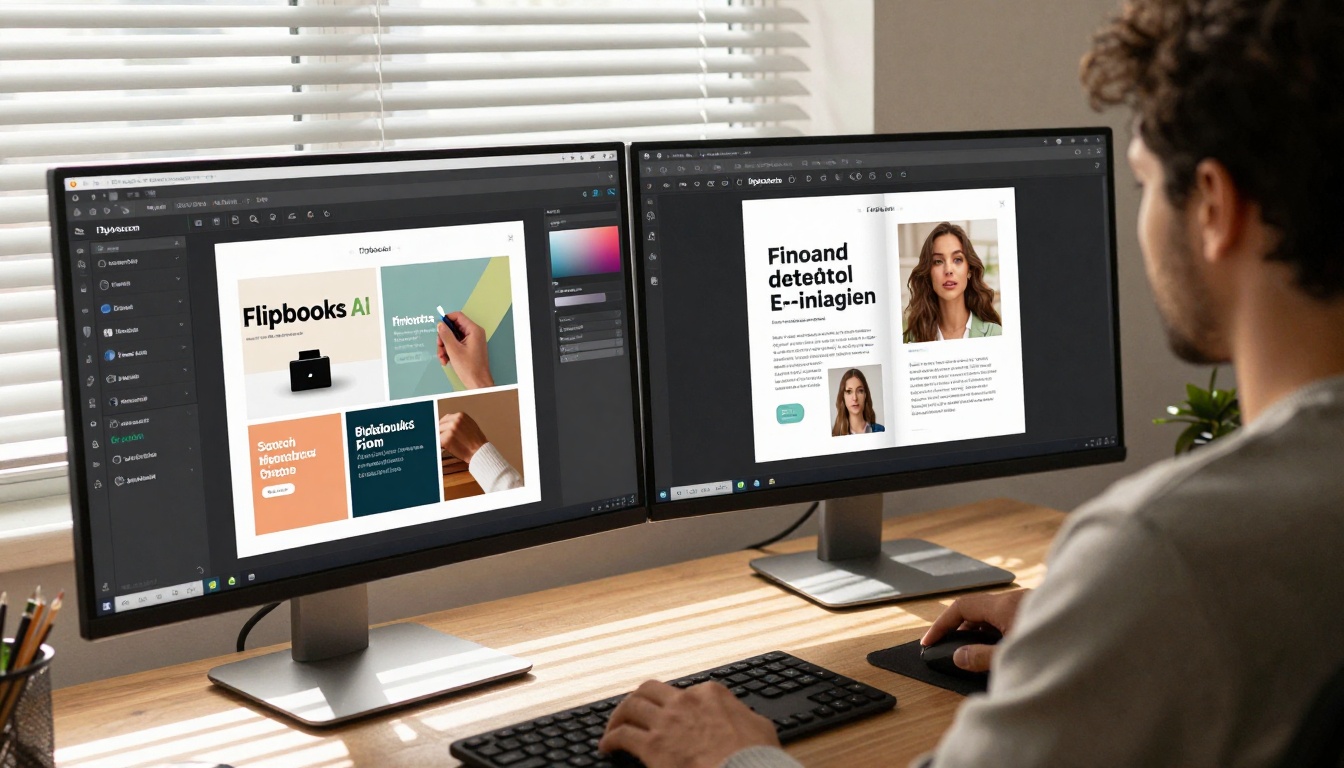
Select Your Tool: Choose a platform like Flipbooks AI that matches your specific needs—restaurant menus, real estate brochures, or educational materials each have optimized tools.
-
Upload Your PDF: Drag and drop your existing document. Quality tools preserve all original formatting—fonts, images, layouts remain intact.
-
Customize Presentation: Adjust colors to match your branding, set navigation preferences, and configure interactive elements. This step typically takes 5-10 minutes for most documents.
-
Add Multimedia: Embed videos demonstrating products, audio explanations for complex topics, or interactive forms for lead generation.
-
Preview & Publish: Test the flipbook on multiple devices—phone, tablet, desktop—then publish with one click.
-
Share & Embed: Distribute via direct link, embed on your website using the Embed Flipbook on Website tool, or share through social channels.
Technical Considerations for Quality Results
Creating professional flipbooks requires attention to technical details:
PDF Preparation:
- Use vector graphics for logos and illustrations
- Maintain 300 DPI resolution for print-quality images
- Structure documents with clear heading hierarchy
- Include proper metadata (title, author, keywords)
Optimization Strategies:
- Compress images before PDF creation (reduce file size by 60-80%)
- Use web-safe fonts or embed custom fonts properly
- Structure content for logical page breaks
- Include alt text for accessibility compliance
Performance Factors:
- Page load times under 3 seconds for best engagement
- Progressive loading for documents over 50 pages
- Cache optimization for repeat visitors
- Mobile-first design principles
✅ Best Practice: Test your source PDF on multiple devices before conversion. Layout issues in the original document will carry over to the flipbook version.
Cost Comparison: Free vs Premium Features
Understanding what free tools provide versus paid upgrades helps budget decisions:
| Feature | Free Tier | Standard (€3/mo) | Professional (€7/mo) |
|---|
| Flipbook Creation | ✅ Unlimited | ✅ Unlimited | ✅ Unlimited |
| Watermarks | ❌ None | ✅ None | ✅ None |
| Page Limit | ✅ Unlimited | ✅ Unlimited | ✅ Unlimited |
| Custom Branding | ✅ Basic | ✅ Advanced | ✅ Complete |
| Analytics | ❌ Basic | ⚠️ Limited | ✅ Complete |
| Password Protection | ❌ No | ✅ Yes | ✅ Yes |
| Offline Downloads | ❌ No | ❌ No | ✅ Yes |
| Lead Generation | ❌ No | ❌ No | ✅ Yes |
| Priority Support | ❌ No | ⚠️ Standard | ✅ Priority |
The free tier on quality platforms provides substantial value: unlimited flipbooks, no watermarks, and basic customization. Most small businesses and individual creators find this sufficient. Larger organizations needing analytics, lead generation, or offline access benefit from professional plans.
Real-World Success Examples
Restaurant Chain (25 locations): Converted printed menus to digital flipbooks using the Restaurant Menu Creator. Results: 90% reduction in printing costs, 40% increase in specials ordering, 25% faster table turnover during peak hours.
Real Estate Agency (Mid-market): Implemented interactive property brochures with the Real Estate Brochure Creator. Outcomes: 60% fewer physical brochures printed, 35% increase in qualified leads from digital presentations, 20% shorter sales cycles.
University Department: Transformed course materials with the Course Material Publisher. Impact: 75% reduction in textbook costs, 30% improvement in student satisfaction scores, 45% increase in material engagement metrics.
Fashion Brand: Created seasonal lookbooks using the Fashion Catalog Creator. Results: Eliminated $15,000 annual printing budget, increased social sharing by 300%, generated 40% more online inquiries about collections.
Common Mistakes to Avoid
Creating flipbooks seems straightforward, but these errors undermine results:
-
Starting with Poor Quality PDFs: Garbage in, garbage out. Low-resolution images, poorly structured layouts, and missing fonts create subpar flipbooks.
-
Ignoring Mobile Experience: 58% of website traffic comes from mobile devices. Flipbooks must render perfectly on smartphones.
-
Overloading with Multimedia: While videos and interactive elements add value, too many slow performance and distract from core content.
-
Skipping Testing: Always preview on multiple devices and browsers before publishing. What looks perfect on your desktop might break on mobile.
-
Forgetting Analytics Setup: Even basic free tools provide some analytics. Configure them to understand engagement patterns.
Integration with Existing Workflows
Successful digital transformation integrates seamlessly with current processes:
Content Creation Pipeline:
- Design team creates PDF in Adobe InDesign/Illustrator
- Marketing uploads to flipbook platform
- Platform converts and hosts publication
- Development team embeds on website
- Analytics feed back to marketing for optimization
Technology Stack Compatibility:
- CMS Platforms: WordPress, Shopify, Squarespace, Wix
- Marketing Tools: Mailchimp, HubSpot, Marketo
- Analytics: Google Analytics, Mixpanel, Hotjar
- Storage: Google Drive, Dropbox, OneDrive
Team Collaboration Features:
- Multi-user access with permission levels
- Version history and rollback capabilities
- Commenting and feedback systems
- Approval workflows for regulated industries
Future Trends in Digital Publications
Interactive flipbooks represent one step in document evolution. Emerging trends include:
AI-Personalization: Content dynamically adjusts based on reader preferences and behavior patterns.
Augmented Reality Integration: Physical documents trigger digital overlays when viewed through smartphone cameras.
Voice Navigation: Users navigate publications through voice commands rather than touch/click.
Real-time Collaboration: Multiple users annotate and discuss documents simultaneously within the flipbook interface.
Blockchain Verification: Important documents include tamper-proof verification through distributed ledger technology.
Getting Started with Your First Flipbook
The barrier to creating interactive publications has never been lower. Follow this actionable checklist:
-
Identify Your Use Case: Restaurant menu? Real estate brochure? Educational material? Business report?
-
Prepare Your PDF: Ensure high-quality images, proper formatting, and logical structure.
-
Choose the Right Tool: Select from specialized tools like menu creators, catalog makers, or general converters.
-
Upload and Customize: The process typically completes in under 15 minutes for most documents.
-
Test Thoroughly: Check mobile rendering, page transitions, and interactive elements.
-
Distribute Strategically: Embed on website, share via email, promote through social channels.
-
Analyze and Optimize: Review engagement metrics to improve future publications.
Final Considerations Before Starting
Digital flipbooks solve specific problems: engagement gaps with static content, distribution costs for printed materials, and tracking difficulties with traditional documents. They don't replace all printed materials—some situations still require physical copies—but they dramatically improve digital presentation.
The key advantage of starting with a free online tool to generate flipbooks remains risk reduction. You can test the concept, gauge audience response, and measure business impact before financial commitment. Quality platforms provide substantial free tiers that deliver professional results without artificial limitations.
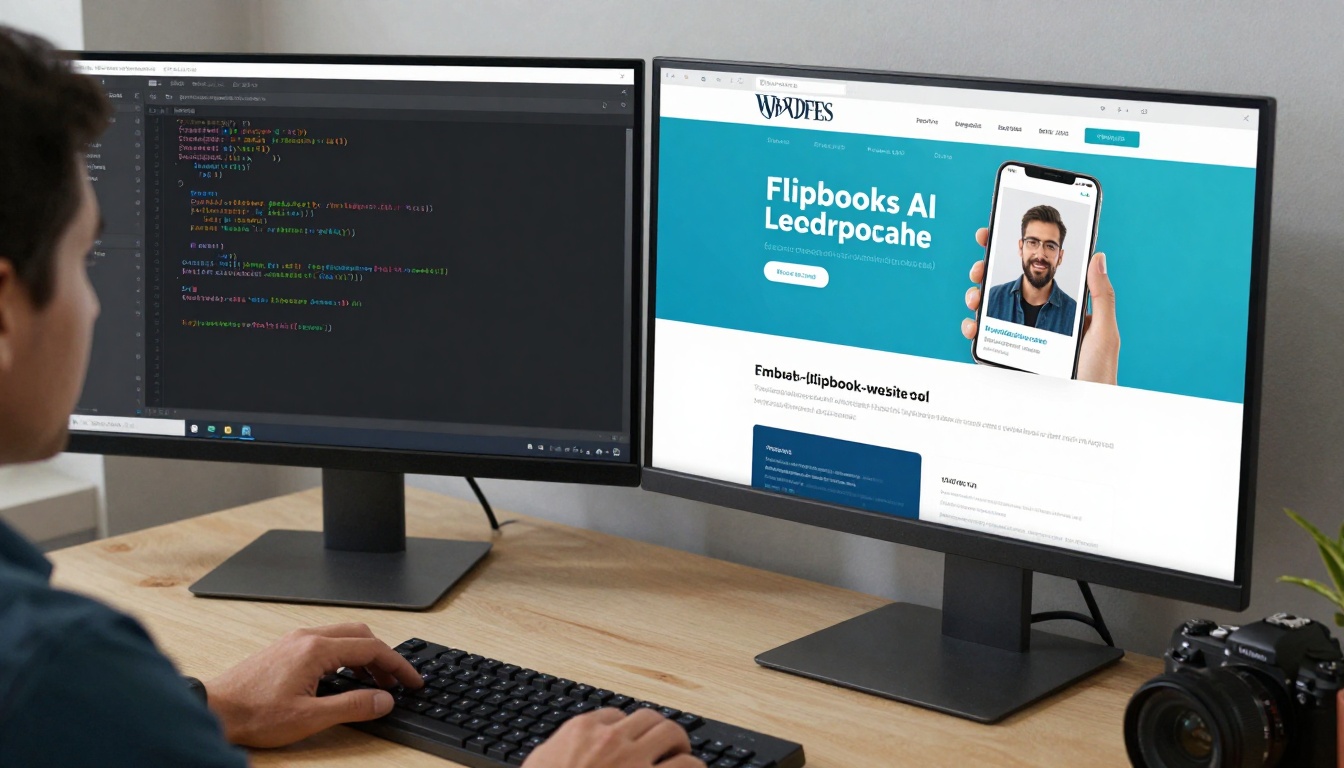
Ready to transform your PDF documents into engaging interactive experiences? Create your first flipbook free on Flipbooks AI with no watermarks and unlimited publications. Explore specialized tools for restaurants, real estate, education, and business to match your specific needs. Compare pricing plans when ready for advanced features like analytics and lead generation. Browse all available tools and templates to find the perfect solution for your document transformation needs.



