Most free tools promise professional results and deliver mediocre ones. You upload a PDF, click a few buttons, and get back something that looks outdated, watermarked from top to bottom, and impossible to share without emailing a massive attachment. If that sounds familiar, you are not alone. The good news is that a new generation of free PDF flipbook tools has changed this entirely, and one of them genuinely delivers the professional output that used to cost hundreds of dollars per year. Flipbooks AI is that tool, and this article shows you exactly what to expect, how to use it, and why it stands out from everything else on the market.
What Makes a Flipbook Actually Look Professional
"Professional" is not a vague compliment. It has specific, measurable characteristics. When someone opens a flipbook and immediately thinks "this looks real," they are responding to a combination of factors that most free tools get wrong from the start.
The Visual Signals That Matter
The gap between amateur and professional digital publications comes down to four things:
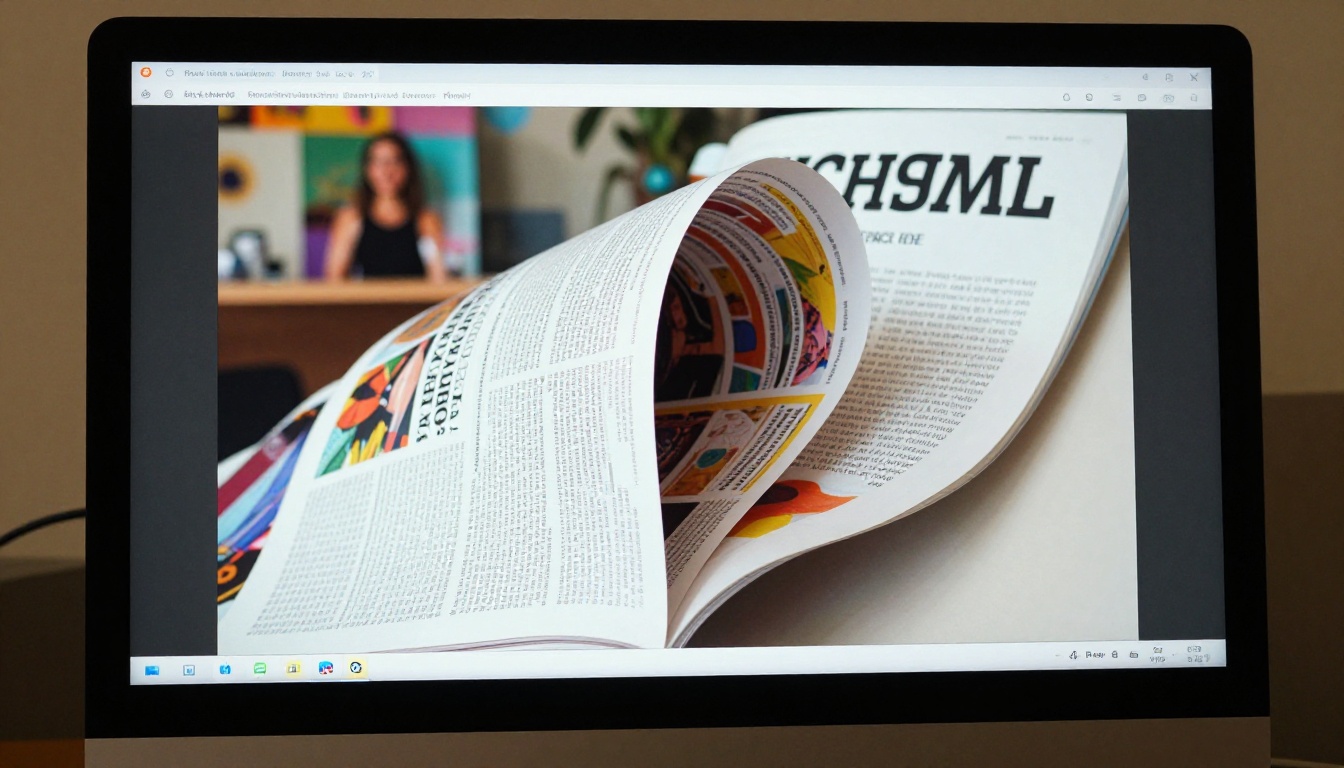
- Page-turning animation: Smooth, physics-accurate page curl that mimics real paper, not a clunky slide transition or flat scroll
- Typography rendering: Clean, sharp fonts that do not blur or pixelate at any zoom level across any device
- Layout fidelity: Your original PDF layout preserved pixel-for-pixel without reflow or reformatting artifacts
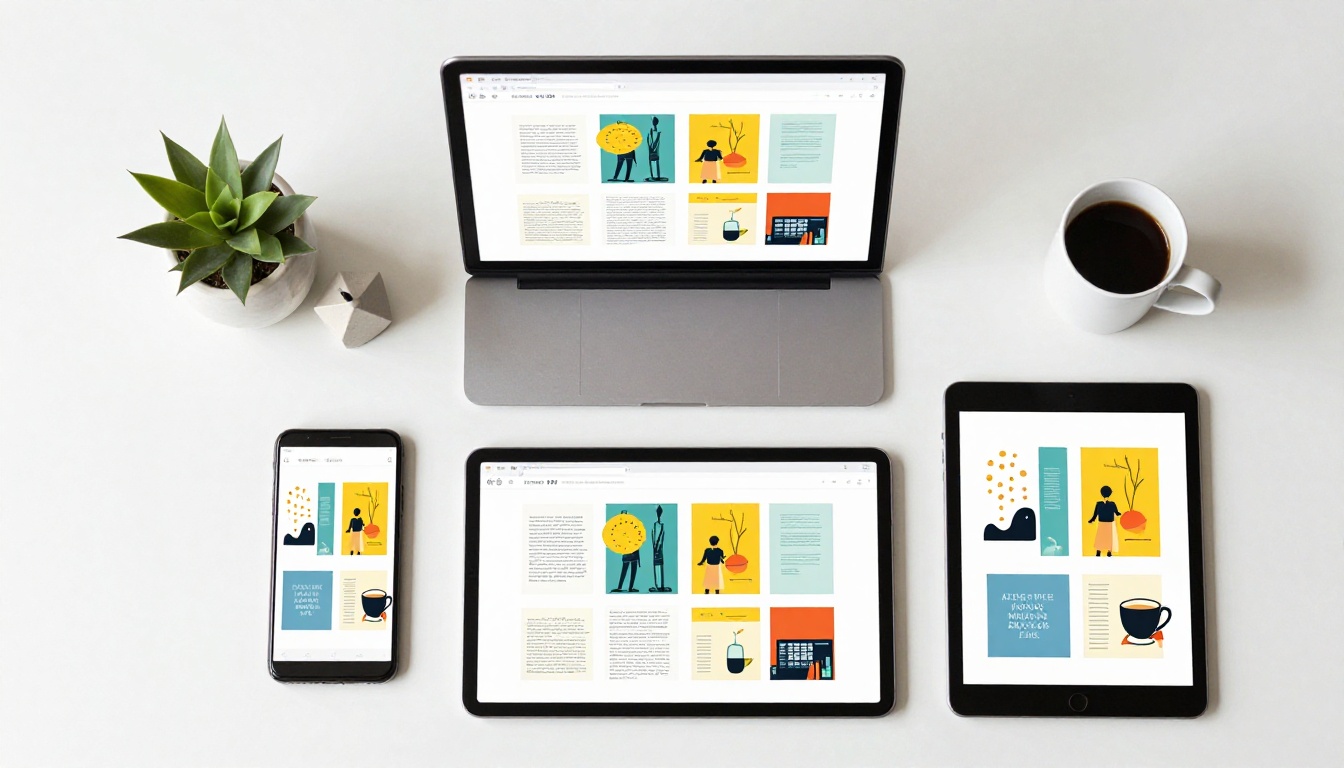
- Mobile responsiveness: The flipbook looks identical on a phone screen as it does on a widescreen monitor
Most free online converters fail at least two of these. They squash layouts, skip animations entirely, or produce HTML output that breaks on mobile.
Credibility Signals Viewers Notice
Beyond visuals, professional flipbooks carry credibility signals that cheap tools consistently omit:
| Signal | Basic Free Tools | Professional Tools |
|---|
| Watermark-free output | Rarely | Standard |
| Custom branding | No | Yes |
| Password protection | No | Yes |
| Analytics tracking | No | Yes (paid tiers) |
| Embed on own website | Sometimes | Yes |
| Offline download option | No | Yes |
| Mobile-optimized layout | Inconsistent | Always |
Flipbooks AI checks every box in the professional column, including on its free tier for core features.

Before going further, it is worth being honest about why this question exists at all. There are dozens of free PDF-to-flipbook converters online. The problem is not availability. The problem is quality and honesty about what "free" actually means.
The Watermark Trap
The single biggest issue with most free flipbook tools is aggressive watermarking. A tool might let you convert for free, but it plasters its branding across every page, every share link, and every embed. That is not a free tool. That is a marketing billboard dressed up as a product.
Flipbooks AI operates differently. There are no watermarks, ever, on any plan, including free access. Your flipbook looks like yours, not like an advertisement for the tool that made it.
The Feature Wall Problem
Other platforms use the free tier purely as a demo, locking core functionality behind hard paywalls the moment you try to do anything useful:
- Page-turning animations? Premium only.
- Sharing via a link? Premium only.
- Embed code for your website? Premium only.
- More than 5 pages in your document? Premium only.
This model forces you to pay just to do the basic thing you came for. It is not a free tool. It is a trial with a countdown clock dressed up as generosity.
The Output Quality Gap
Many free tools convert PDFs using low-resolution rendering that degrades image quality noticeably. A product catalog with crisp photography comes out looking soft, compressed, and unprofessional. This single issue makes the whole exercise pointless if your document relies on strong visuals.
⚠️ If a free flipbook tool shows your images at lower quality than your original PDF, that tool is not fit for professional use. Pixel-perfect fidelity is non-negotiable for catalogs, portfolios, and branded publications.
The Sharing Limitations
Some free tools output a file you can only view locally, or generate a share link that expires after 24 hours. Neither of these is useful for real-world situations where you need a permanent, shareable URL to send to clients, post on social media, or embed on your website indefinitely.
Not all flipbook makers are honest about what each tier actually delivers. Here is a feature comparison that cuts through the noise:
| Feature | Free Tier | Standard Plan | Professional Plan |
|---|
| PDF to flipbook conversion | Yes | Yes | Yes |
| Page-turning animation | Yes | Yes | Yes |
| Watermark-free output | Yes | Yes | Yes |
| Shareable permanent link | Yes | Yes | Yes |
| Unlimited flipbooks | No | Yes | Yes |
| Custom branding | Limited | Yes | Yes |
| Password protection | No | Yes | Yes |
| Analytics dashboard | No | No | Yes |
| Lead generation forms | No | No | Yes |
| Offline download | No | No | Yes |
| Embed on website | Yes | Yes | Yes |
See the full breakdown at flipbooksai.com/pricing to choose the right tier for your volume and needs.
How to Create a Professional Flipbook From Your PDF
This is the step-by-step process for turning any PDF into a polished, shareable digital flipbook using Flipbooks AI.
Step 1: Create Your Free Account
Head to flipbooksai.com/account and sign up. The process takes under a minute and does not require a credit card. Once inside your dashboard, everything you need is immediately accessible without hunting through menus.
Step 2: Upload Your PDF
Click New Flipbook and drag your PDF into the upload area, or browse from your local files. The platform handles PDFs of any size and any page count. Large files with high-resolution images upload quickly without compression loss during the conversion process.
💡 Before uploading, export your PDF at the highest quality setting from your design tool. Flipbooks AI preserves what you give it, so starting with a high-quality source file is the fastest path to a professional-looking result.
Step 3: Set Up Branding and Appearance
After upload and conversion, you land on the customization panel. This is where a professional flipbook separates itself from a plain PDF viewer:
- Background and staging: Set a brand-matched backdrop color or texture around the flipbook viewer
- Page shadow and depth: Adjust the 3D effect depth for a realistic or minimal aesthetic depending on your content type
- Table of contents: Auto-generated from your PDF bookmarks for intuitive reader navigation
- Embedded multimedia: Add video clips or audio tracks directly onto specific pages for interactive publications
The Interactive E-Book Publisher format is particularly powerful for authors and educators who want to embed rich media alongside written content.
Step 4: Configure Sharing and Access
Before publishing, decide how people access your flipbook:
- Public link: Anyone with the URL can view it immediately. Best for marketing materials, public catalogs, and portfolios
- Password protection: Restrict access with a custom password. Ideal for internal documents, client proposals, and private content
- Embed code: Paste a snippet into any website or CMS to display the flipbook inline and fully interactive
For sales teams sharing product catalogs, the Digital Catalog Maker and Catalog Flipbook Creator provide purpose-built templates that make this step faster and the final output more polished.
Step 5: Track Performance With Analytics
If you are using flipbooks for business purposes, knowing whether people actually read them changes how you create them. The Professional plan at flipbooksai.com/pricing includes:
- Page-by-page analytics showing exactly where readers drop off
- Total view counts and unique viewer tracking across all your flipbooks
- Lead generation forms that capture viewer contact details directly inside the flipbook
- Offline download access for readers in low-connectivity environments
This level of data separates a pretty document from a sales and marketing asset with measurable impact.

Real-World Use Cases That Benefit Most
The flexibility of a professional-quality free PDF flipbook tool means it works across a wide range of scenarios. Here are the use cases where the output quality difference matters most in practice.
Product Catalogs and Retail
A static PDF product catalog is a friction point. Sending a large file over email, waiting for it to download, hoping the recipient can open it on their device. A flipbook removes all of that. You send a link. They click. It opens instantly in any browser on any device.
The Product Catalog Generator and Fashion Catalog Creator are built for this exact scenario, with layouts that make products look their absolute best without any additional design work.
Restaurant and Hospitality Menus
A printed menu is beautiful but expensive to update. A PDF menu is functional but forgettable. A flipbook menu is shareable, viewable via QR code at a table, and updatable without reprinting anything or paying a designer.
The Restaurant Menu Creator and Spa and Wellness Menu Creator handle this with templates designed specifically for hospitality branding standards.
Real Estate Brochures
Property brochures need to be visually striking to do their job. A professional flipbook format lets high-resolution photography dominate the layout without the constraints of email attachment size limits or PDF viewer inconsistencies.
The Real Estate Brochure Creator and Online Brochure Designer are purpose-built tools for property professionals who need both visual impact and easy sharing.
Creative Portfolios
Photographers, designers, and illustrators need their work to look as good digitally as it does in print. A flat PDF viewer does not do justice to a carefully curated portfolio, and a flipbook format gives the presentation the weight it deserves.
The Digital Portfolio Creator and Photography Portfolio Flipbook provide a publication format that matches the quality of the work inside.
✅ For any use case where first impressions drive decisions, a flipbook is consistently more effective than a PDF attachment. The page-turning format signals care and intentionality before a reader has processed a single word of content.

Different professionals have different needs. Here is a quick-reference table for common use cases and the right tool on Flipbooks AI for each:
| Use Case | Recommended Tool | Best For |
|---|
| Product catalog | Product Catalog Generator | Retail, wholesale, e-commerce |
| Restaurant menu | Restaurant Menu Creator | Restaurants, bars, cafes |
| Property brochure | Real Estate Brochure Creator | Real estate agents, developers |
| Photography portfolio | Photography Portfolio Flipbook | Photographers, creatives |
| Annual report | Annual Report Creator | Corporations, nonprofits |
| Training manual | Training Manual Flipbook | HR, learning and development teams |
| E-book | E-Book Flipbook Generator | Authors, publishers |
| Wedding album | Wedding Album Flipbook | Photographers, couples |
Browse the full collection at flipbooksai.com/tools for every available format and template type.
Sharing and Distribution Done Right
A flipbook that nobody sees is a missed opportunity. The way you distribute it matters as much as how it looks, and Flipbooks AI gives you several practical options.
Direct Link Sharing
Every flipbook gets a clean, permanent URL the moment you publish it. Share it via email, social media, WhatsApp, or any messaging platform. Recipients do not need an account or app to view it. They click, it opens, it works.
Embedding on Your Website
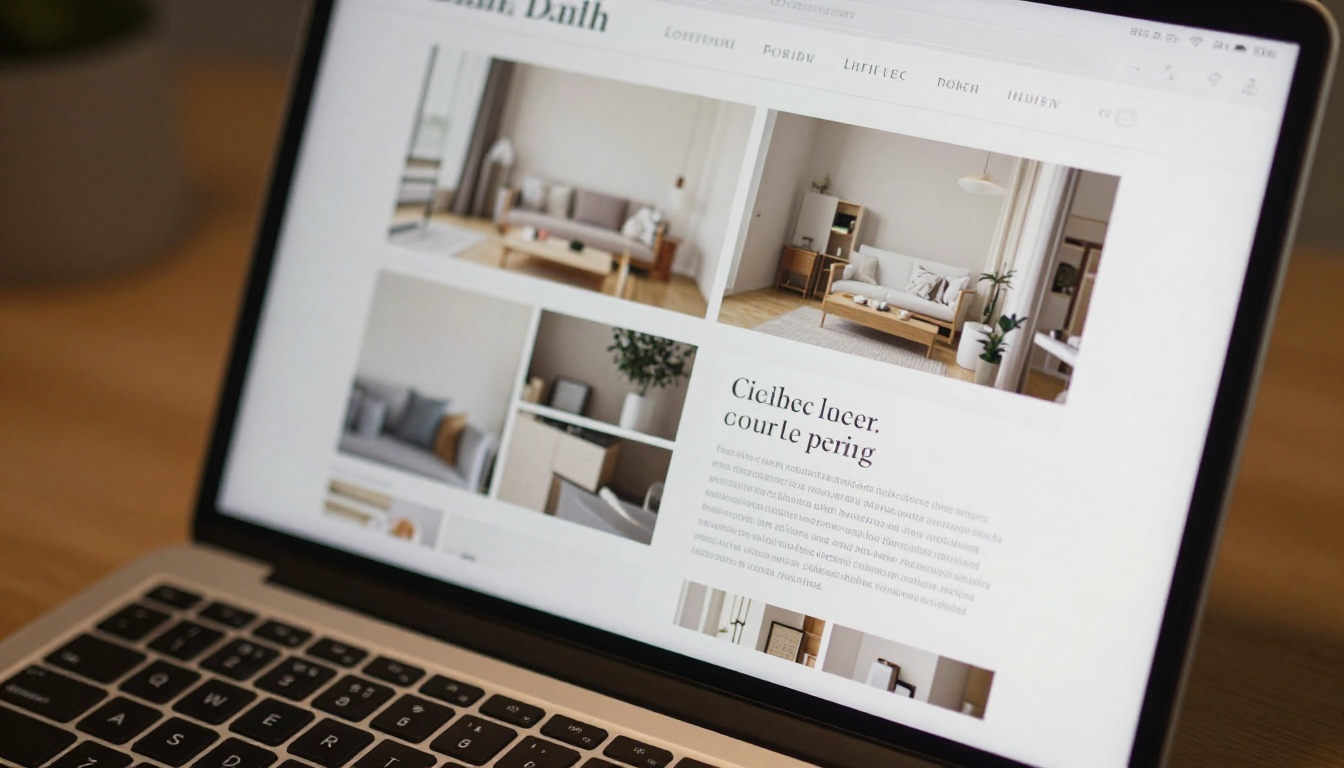
The embed code feature lets you place your flipbook directly on any webpage. It renders inline, responsive, and fully interactive. Visitors never leave your site to read your content, which is a significant win for session time and user experience.
The Embed Flipbook on Website tool provides a dedicated workflow for this with tested code snippets that work across all major CMS platforms including WordPress, Webflow, and Squarespace.
QR Code for Print Integration
Generate a QR code that links directly to your flipbook and print it on physical materials. A printed brochure that points to a digital flipbook via QR code bridges physical and digital distribution in a way that feels both intentional and modern. Restaurant menus, real estate flyers, and event programs all benefit from this combination.

The Free Tier Is Not a Demo
This point is worth making explicitly because the word "free" has been so thoroughly devalued by products that lock everything meaningful behind hard paywalls.
The free tier on Flipbooks AI is a fully functional product. You can:
- Convert any PDF to a flipbook with smooth, animated page turns
- Share it via a permanent, non-expiring link
- Embed it directly on a website with a clean embed code
- Do all of this with zero watermarks on the output, ever
For solo creators, freelancers, and small businesses, that covers everything needed to produce professional-quality output without spending anything. When your needs grow, upgrading your plan adds analytics, password protection, offline downloads, unlimited flipbooks, and lead generation without requiring you to rebuild anything already created.
💡 One of the most underused features on the free tier is the embed code. Even on a free account, you can embed a beautiful interactive flipbook directly on your website, giving any page an editorial, publication-quality feel that static PDFs cannot replicate.
A free PDF flipbook tool is not just for designers or tech-savvy marketers. The best ones are built for anyone who has a PDF and wants people to actually read it and remember it:
- Small business owners who need professional-looking menus, catalogs, or brochures without hiring a developer or designer
- Freelancers and consultants who want proposals and reports that stand out from the pile of plain PDF attachments clients receive daily
- Educators who need engaging course materials, supported by the Course Material Publisher
- Event organizers using the Event Program Maker for digital event programs shared via QR or link
- Nonprofits publishing annual reports with the Non-Profit Annual Report tool that makes donor communications feel polished
- Authors who want their e-books to feel like real publications via the E-Book Flipbook Generator
The list is wide because the core problem is universal. People have content in PDF format and want it to look professional, feel intentional, and be easy to share when it reaches the right audience.
It Is Time to Ditch the Plain PDF
Static PDFs had their moment. They are still useful for printing and formal documentation, but as a format for sharing content digitally, they create friction. Nobody gets excited to receive a PDF attachment in their inbox. A well-made flipbook, on the other hand, creates an immediate positive reaction. It signals that whoever made it cared about the experience of the person reading it, and that signal matters whether you are selling products, sharing ideas, or pitching a client.
The barrier to creating one has never been lower. No design skills required. No expensive software subscription. No watermarks compromising your brand. Just your existing PDF and a few minutes.
Ready to see the difference for yourself? Create your first flipbook for free on Flipbooks AI and have a shareable, animated publication ready to send in minutes.
Want to see what the paid tiers add before committing? The pricing breakdown shows exactly what each plan includes, clearly. And if you have a specific use case in mind, browse all available tools and templates to find the format that fits your content and your audience perfectly.



