You don't need to hand over your email address to turn a PDF into something people actually want to look at. Free PDF to flipbook conversion with no sign up is not just a niche feature, it's what millions of users have been quietly asking for. Whether you're a freelancer sharing a portfolio, a restaurant owner publishing a menu, or a teacher distributing course materials, the ability to go from a flat PDF to an interactive, page-turning flipbook in minutes, without creating yet another account, changes how you publish. Flipbooks AI makes this possible with a clean, fast workflow that gets your content live in minutes.
Why Static PDFs Stop Working
PDFs were built for printing. They sit flat on a screen, require downloading, and give readers zero sense of interactivity. On mobile devices, they are often impossible to zoom or scroll through cleanly. The file itself doesn't reflect your brand, it doesn't animate, and it certainly doesn't tell you how far someone actually read.
The Reading Experience Gap
When someone opens a PDF in a browser tab, they get a gray, static viewer with scroll arrows. When they open a flipbook, they get a publication that behaves like a real magazine or catalog, with smooth page turns, embedded navigation, and full-screen reading. The difference in how long someone stays on the content is significant. Studies consistently show that interactive digital publications hold reader attention two to three times longer than static files.
Why Flipbooks Work Better on Mobile
Flipbooks built for the web are inherently responsive. They reflow intelligently on phones and tablets, load in the browser without plugins, and let users pinch-zoom, swipe, and share links easily. A PDF doesn't do any of that natively. For audiences accessing content on smartphones, a flipbook isn't just better, it's the only format that doesn't create friction at every step.
The Sharing Problem with PDFs
Attaching a PDF to an email works once. But when someone wants to forward it, share it on social media, or embed it in a website, the PDF format breaks down. File size limits, download requirements, and compatibility issues across devices make PDFs a poor choice for content meant to travel. A flipbook is a URL. It opens in any browser, on any device, with no file to manage.

Free PDF to Flipbook Conversion with No Sign Up
The phrase "no sign up" matters more than it sounds. Every time a tool asks for an email before letting you test it, there's friction. For casual users converting a single document, that friction is enough to make them close the tab. The best free conversion tools skip all of that, letting you see the result before committing anything.
How Browser-Based Conversion Works
Modern flipbook tools use HTML5 and JavaScript to render your PDF pages as interactive layers in the browser. When you upload a PDF, the tool processes each page as an image or vector layer, applies a 3D page-turn effect, and wraps everything in a responsive viewer. No desktop software required. No Flash. No plugins.
The result is a URL you can share with anyone. They click it and get a magazine-style reading experience immediately, whether they're on a laptop, tablet, or phone.
What Happens to Your File
Most reputable tools process your PDF on their servers, convert the pages, and host the flipbook temporarily or permanently depending on the plan. For free tiers, some tools apply a watermark or limit the number of pages. Others, like Flipbooks AI, offer plans that include no watermarks at all and unlimited flipbooks on paid tiers, with the free option still giving you enough to test and share.
Speed of Conversion
For most PDFs under 50 pages, conversion takes under 60 seconds. Longer documents with complex layouts or high-resolution images may take a few minutes. The output is immediately accessible via a shareable link, with no additional steps required.

Not all free converters are equal. Some are bare-bones upload tools with no customization. Others give you surprisingly rich options even before you pay anything. Here's what separates the good ones from the disposable ones.
Features That Actually Matter
- Page-turn animation quality: Should be smooth on mobile and desktop without lag
- Share link included: Free tier must produce a shareable URL, not just a download
- Watermark-free option: At minimum on paid tiers, but ideally without heavy branding even on free
- Password protection: Critical for private documents and confidential client work
- Embed code: Lets you place the flipbook directly into a website or landing page
- Mobile responsiveness: A flipbook that breaks on iPhone is useless for most audiences
- Viewing analytics: Know who opened it, on what device, and how far they read
| Feature | Basic Free Tool | Premium Tool |
|---|
| No sign up required | Sometimes | Yes (free trial) |
| Page-turn animation | Yes | Yes (smooth HTML5) |
| Watermark-free | Rarely | Yes (Standard+) |
| Custom branding | No | Yes |
| Password protection | No | Yes |
| Viewing analytics | No | Yes (Professional) |
| Embed on website | Rarely | Yes |
| Unlimited flipbooks | No | Yes (Standard+) |
| Offline downloads | No | Yes |
| Mobile responsive | Partial | Yes |
💡 A tool that requires sign-up but offers more features may be worth the 30 seconds it takes. Flipbooks AI makes signup fast and gives you immediate access to the full converter suite.
How to Create a Flipbook with Flipbooks AI
Flipbooks AI is one of the most capable tools available for turning PDFs into polished digital publications. Here's exactly how to do it.
1. Open the Converter
Go to the PDF to Flipbook Converter directly from your browser. No software installation required. The interface loads instantly and walks you through each step.
2. Upload Your PDF
Click the upload area or drag and drop your PDF file. The tool accepts multi-page PDFs and processes them quickly. Most documents under 50 pages convert in under a minute. Larger files with complex layouts are handled automatically.
3. Customize Your Publication
Once your PDF is uploaded and processed, you get options to:
- Add a custom publication title and description for the front page
- Choose page effect styles (soft or hard page turn)
- Set background color or texture to match your brand
- Add your logo for a fully branded publication
- Embed videos or audio into specific pages (Standard plan)
- Adjust thumbnail quality and viewer dimensions
4. Set Sharing Options
Before publishing, decide how people access your flipbook:
- Public link: Anyone with the URL can view it instantly
- Password protected: Requires a password to open, ideal for client deliverables, confidential reports, and pre-launch materials
- Embed code: Drop the flipbook into any website, landing page, or email template using the Embed Flipbook on Website tool
5. Publish and Share
Hit publish and your flipbook gets a permanent URL. Share it via email, social media, or copy the embed code directly into your site. Your flipbook is mobile-ready from the moment it goes live. No extra steps, no waiting for approval.
6. Track Performance (Professional Plan)
With the Professional plan, you get access to analytics: page-by-page readership data, total views, read-through rate, and lead generation forms embedded inside the flipbook itself. Check pricing plans to see what's included at each tier.
Who Actually Benefits from This
Free PDF to flipbook conversion with no sign up serves a surprisingly wide range of people. The use cases are different, but the core need is the same: making documents more readable and shareable without technical complexity.
Businesses and Marketers
Companies converting product catalogs, promotional brochures, or sales presentations get the most immediate return. A digital catalog with page-turning animation keeps potential buyers on the content far longer than a PDF download. The Product Catalog Generator, Fashion Catalog Creator, and Digital Catalog Maker tools on Flipbooks AI are built specifically for these workflows, with templates optimized for product-heavy layouts.
Educators and Students
Teachers distributing course packets, assignment sheets, or reading materials benefit from flipbooks because students are more likely to actually read them. The Course Material Publisher and Training Manual Flipbook tools serve this niche directly. A flipbook also eliminates printing costs entirely, which matters for schools operating on tight budgets.
Freelancers and Creatives
Designers, photographers, and copywriters use flipbooks to present their work. A portfolio that flips like a magazine says more about your professionalism than a PDF ever could. The Digital Portfolio Creator and Photography Portfolio tools make this frictionless, with layouts built for visual-first content.
| Use Case | Recommended Tool | Ideal For |
|---|
| Product catalog | Product Catalog Generator | E-commerce, retail brands |
| Restaurant menu | Restaurant Menu Creator | Hospitality, food industry |
| Real estate brochure | Real Estate Brochure Creator | Property listings, agents |
| E-book | E-Book Flipbook Generator | Authors, publishers |
| Annual report | Annual Report Creator | Nonprofits, corporations |
| Photography portfolio | Photography Portfolio Flipbook | Photographers, designers |
| Training materials | Training Manual Flipbook | HR, learning and development teams |
| Event program | Event Program Maker | Event planners, venues |
✅ Matching the right tool to your use case gives you pre-built templates optimized for that content type, saving significant setup time and producing better results than a generic converter.
Free vs Paid: When to Upgrade
Free tiers work well for one-off conversions or testing. But if you're publishing regularly, distributing to clients, or need professional features, paid plans pay for themselves quickly.
| Plan | Flipbooks | Watermark | Custom Branding | Analytics | Password Protection | Offline Downloads |
|---|
| Free | Limited | Yes | No | No | No | No |
| Standard | Unlimited | No | Yes | No | Yes | Yes |
| Professional | Unlimited | No | Yes | Yes | Yes | Yes |
⚠️ Some free tools claim "no watermark" but add a footer link or powered-by badge. Read the fine print before committing to any distribution workflow where your brand image matters.
The jump from free to Standard on Flipbooks AI removes watermarks entirely, adds unlimited flipbooks, and includes custom branding. For anyone using flipbooks as a regular business tool, that's the minimum viable tier. The Professional plan adds analytics and lead generation, making it the right choice for marketing-driven teams.
Making Your Flipbook Shareable
A flipbook that nobody can find doesn't help anyone. These are the practical distribution options that matter most.
Sharing via Direct Link
Every flipbook gets a permanent URL on publish. You paste it into an email, a WhatsApp message, a social post, or a CRM follow-up sequence. Recipients click it and the flipbook opens in their browser, zero friction, zero downloads. For sales teams, this is the cleanest way to send proposals and product information without clogging inboxes with attachments.
Embedding on a Website
For businesses with an existing website, embedding is often the most powerful option. A flipbook embedded directly on a landing page keeps visitors on your site longer and gives your content the visual weight it deserves. The Embed Flipbook on Website tool generates a clean iframe snippet you can drop into any CMS, including WordPress, Webflow, Squarespace, and plain HTML. No developer needed.

Password-Protecting Private Content
Not every document should be public. Client proposals, confidential pricing lists, internal training manuals, and pre-launch product catalogs all benefit from password protection. You set the password, share the link with specific recipients, and nobody else gets in. The Digital Price List Generator and Press Kit Designer tools work particularly well with this feature, since both are used for content that has a limited, controlled audience.
Real-World Scenarios That Show the Difference
Words on a page don't always capture why this matters. Here are three concrete scenarios where free PDF to flipbook conversion with no sign up delivers real results.
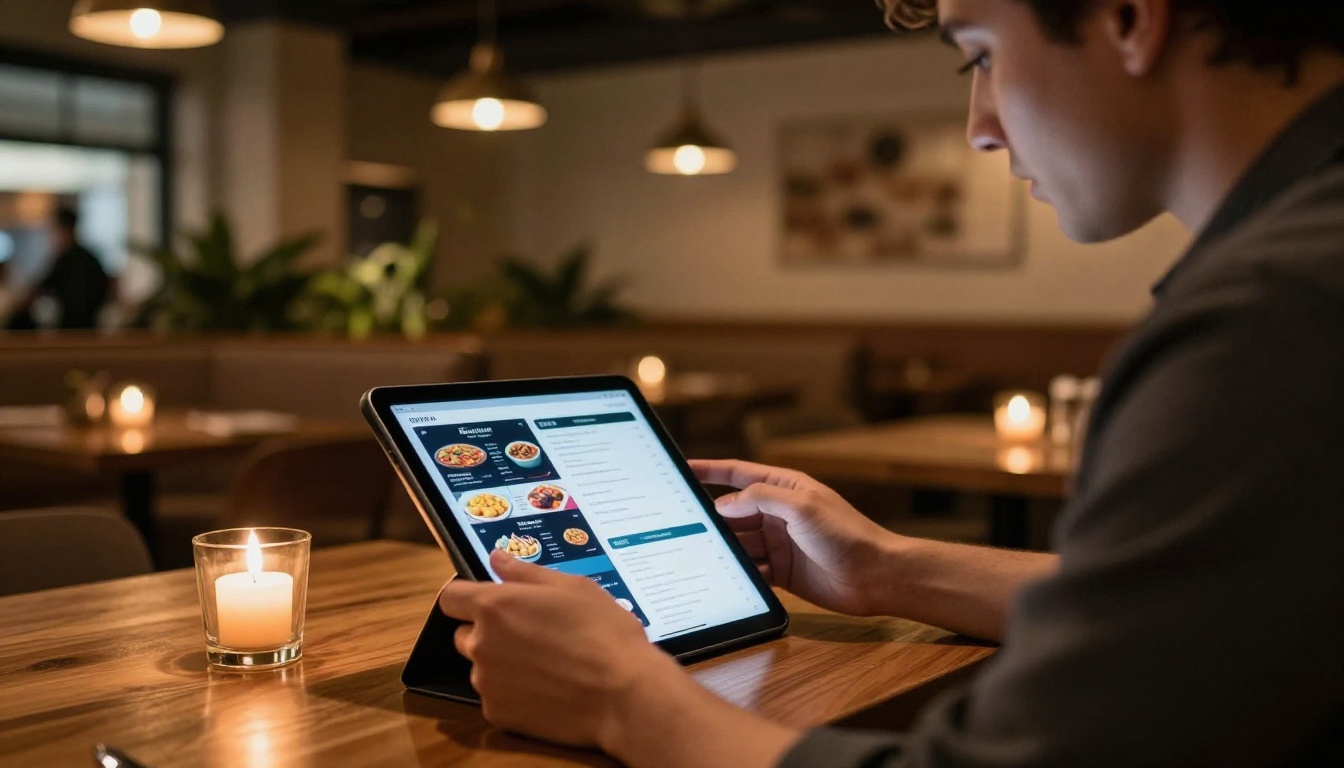
A restaurant owner uploads their seasonal menu PDF every quarter. Instead of emailing a 3MB attachment that half their customers never open, they share a link to a beautiful, mobile-friendly flipbook. Customers open it on their phones before arriving. No app download. No sign-in. Just a link. The Restaurant Menu Creator is purpose-built for exactly this use case, with layouts that make food photography look stunning.
A freelance photographer sends a prospective client a portfolio link instead of a PDF. The client opens a magazine-style slideshow of work, flipping through images with smooth animations. The presentation quality signals professionalism before the photographer says a word. The client closes the tab having already decided to hire.
A corporate trainer distributes a new employee handbook as a flipbook. New hires get a link on day one. They can read it on any device, zoom into diagrams, and access it anytime via the URL. No printing costs. No version confusion. No one receiving an outdated file via email three months later.

Not every PDF needs the same treatment. The type of content inside your document should shape how you configure the flipbook output.
- Multi-column layouts (magazines, catalogs): Use landscape orientation with hard page turns for a printed-publication feel
- Single-column text (reports, manuals): Portrait orientation, soft page turns work better for long-form reading
- Image-heavy content (portfolios, lookbooks): Prioritize image quality settings during conversion, use hard covers
- Data-dense documents (price lists, financials): Ensure zooming is enabled in viewer settings so numbers remain legible
The Brochure Flipbook Maker, Magazine Flipbook Creator, and Lookbook Flipbook Builder each optimize the viewer experience for their specific content type automatically, so you don't need to configure these settings from scratch.
Before You Convert: A Quick Checklist
Before uploading your PDF, run through this list to make sure the output is as clean as possible:
- Fonts embedded: Open the PDF in a viewer and check that all text renders correctly without substitution
- Image resolution: Source images should be at least 150 DPI for clear flipbook output
- Page size consistent: Mixed page sizes in a single PDF can cause alignment issues in the viewer
- Bleeds and margins: Trim marks or crop marks left in the PDF will appear in the flipbook, remove them first
- File size: PDFs over 100MB may time out on free tiers, compress images before uploading
💡 Before converting, make sure your PDF has embedded fonts and high-resolution images. Low-quality source files produce blurry flipbooks regardless of the tool you use.
Start Publishing Today
Free PDF to flipbook conversion with no sign up removes the single biggest barrier between your content and your audience. Your PDFs deserve better than a gray scroll window. The barrier to entry has never been lower, and the quality of the output has never been higher.
Ready to convert your first PDF? Get started for free on Flipbooks AI and see the difference in under two minutes.
Want to see what's possible beyond the free tier? Browse all available tools or compare pricing plans to find what fits your publishing workflow best.



