The shift from static PDFs to interactive flipbooks represents more than a format change—it's a fundamental rethinking of how we share information. In a world where attention spans measure in seconds rather than minutes, documents need to work harder. They need to engage, respond, and adapt. That's where PDF to flipbook conversion enters the conversation.
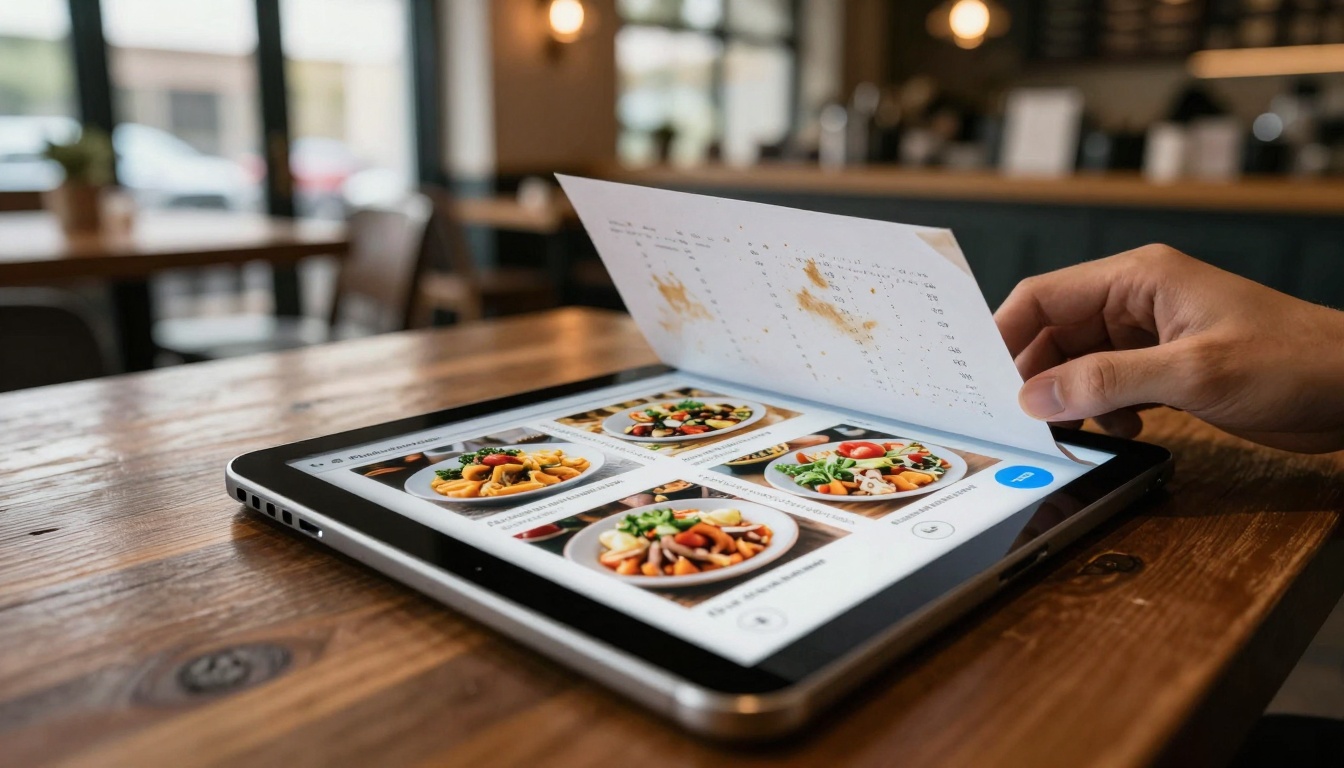
Low-angle perspective showing menu conversion process
Consider a restaurant owner with a printed menu. The paper version gets stained, becomes outdated, and offers no interaction. The digital flipbook version, created through Flipbooks AI, displays high-resolution food photography, allows customers to zoom on dishes, includes dietary information popups, and even integrates with reservation systems. The transformation happens in minutes, costs nothing initially, and creates measurable business value.
What flipbooks actually achieve
Flipbooks convert linear reading into exploratory experiences. Unlike PDFs that scroll vertically, flipbooks simulate physical page turning with realistic animations, creating psychological engagement through familiar tactile metaphors. This isn't just cosmetic—studies show 42% higher engagement rates with flipbook content compared to traditional PDFs.
The technical magic happens through HTML5 rendering that works across all modern browsers without plugins. When you upload a PDF to a converter like those available on Flipbooks AI, the system:
- Extracts all pages as high-resolution images
- Preserves text layers for search functionality
- Analyzes layout structure for optimal mobile display
- Generates interactive navigation controls
- Creates responsive design that adapts to any screen size
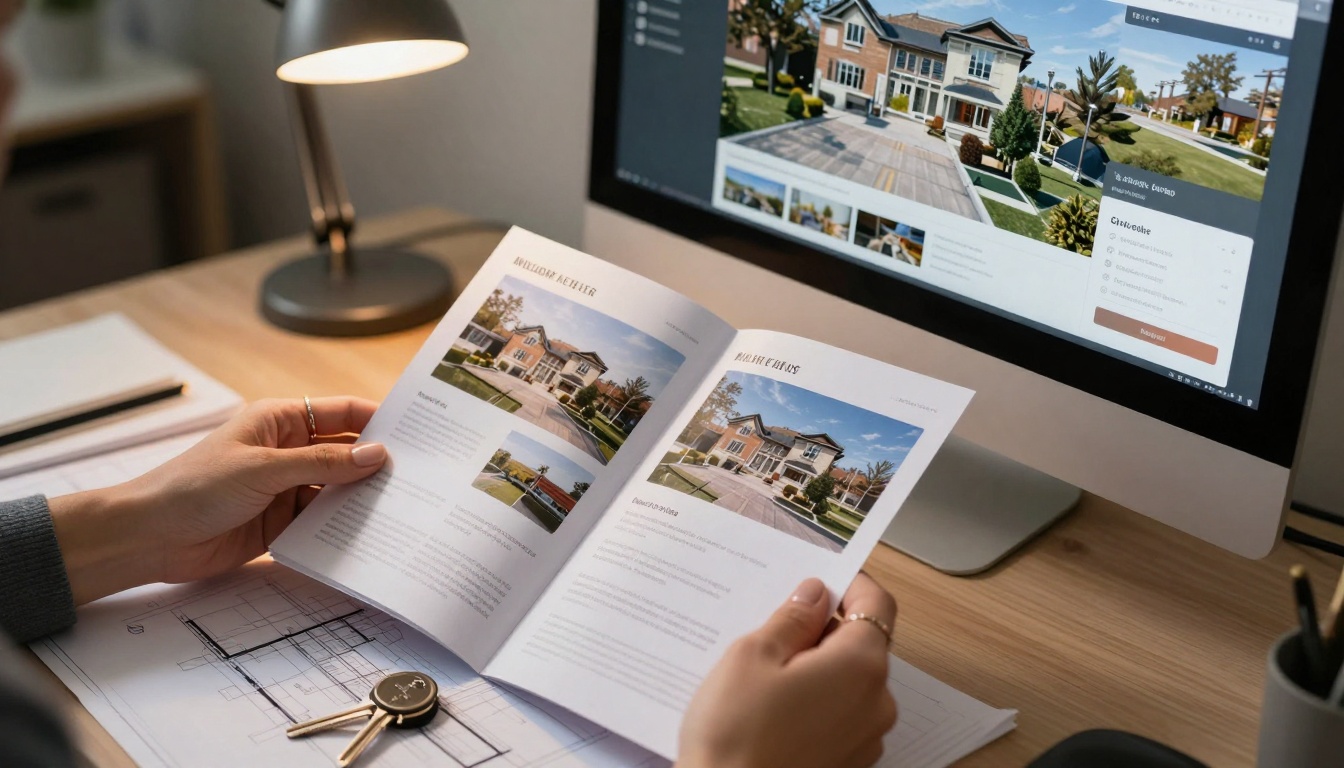
Real estate brochure before/after digital conversion
Free vs paid converter options
Most people assume quality requires payment, but the reality is more nuanced. Free converters provide functional basics, while paid versions add business-critical features. The key is understanding what you actually need.
| Feature | Free Converters | Professional Converters |
|---|
| Page Limit | Usually 50-100 pages | Unlimited |
| Watermarks | Often present | Never |
| Analytics | Basic views only | Detailed engagement data |
| Branding | Limited or none | Full customization |
| Lead Generation | Not available | Integrated forms |
| Offline Access | Online only | Downloadable versions |
| Support | Community forums | Priority assistance |
💡 Pro tip: Start with free tools to validate the format works for your content, then upgrade when you need business features. The Basic plan on Flipbooks AI offers 5 free flipbooks—perfect for testing.
Free tools typically work well for:
- Personal portfolios
- Small restaurant menus
- Event programs
- Educational handouts
- Non-profit newsletters
Paid tools become essential for:
- Product catalogs with shoppable links
- Real estate listings with virtual tours
- Corporate reports with embedded data
- Training manuals with progress tracking
- Marketing materials with lead capture
Essential features every converter should have
Not all converters are created equal. When evaluating options, these eight features separate functional tools from exceptional platforms:
- Mobile responsiveness: The flipbook must work perfectly on smartphones, tablets, and desktops without separate versions
- Search functionality: Users should find content quickly with text search across all pages
- Zoom capabilities: High-resolution images should support pinch-to-zoom and detailed inspection
- Navigation controls: Intuitive page jumping, thumbnail views, and table of contents
- Performance optimization: Fast loading even with 100+ page documents
- Accessibility compliance: Screen reader support and keyboard navigation
- Security options: Password protection for sensitive content
- Sharing mechanisms: Easy embedding, direct links, and social sharing
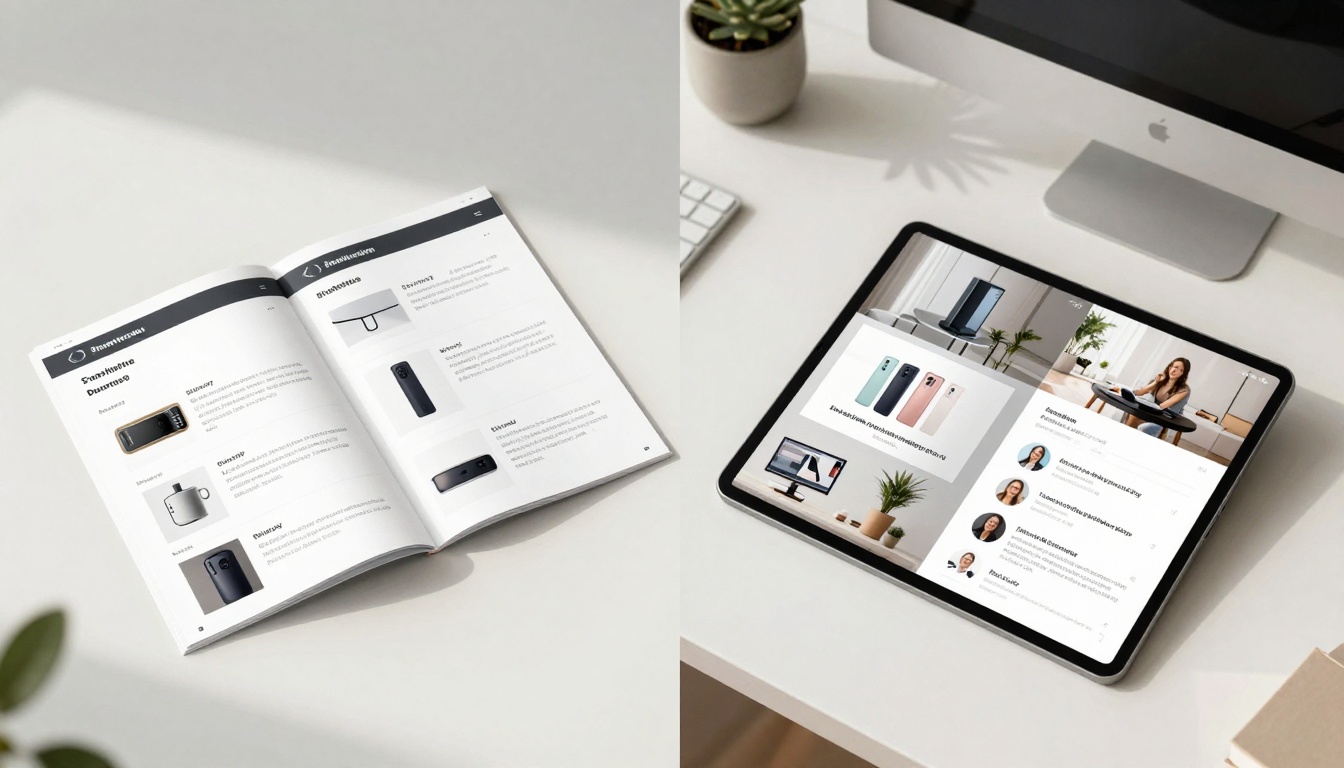
Physical portfolio transitioning to interactive digital format
Step-by-step: Creating your first flipbook
The process is simpler than most people expect. Here's exactly how it works using Flipbooks AI's converter:
- Prepare your PDF: Ensure images are high-resolution (300 DPI minimum) and text is properly formatted
- Upload the file: Drag and drop your PDF into the converter interface
- Configure settings: Choose page transition style, background color, navigation preferences
- Add interactivity: Insert links, videos, audio files, or forms if needed
- Preview and adjust: Review on multiple devices before finalizing
- Publish and share: Get embed code, direct link, or download option
⚠️ Common mistake: Uploading low-resolution PDFs creates blurry flipbooks. Always start with print-quality files (300 DPI) even for digital use.
The technical conversion typically completes in 30-90 seconds depending on file size. During this process, the system:
- Converts each page to PNG/JPEG format
- Extracts text layers for search indexing
- Generates thumbnail images for navigation
- Creates responsive CSS for device adaptation
- Builds JavaScript controls for interactivity

Fashion designer converting lookbook PDFs
Advanced customization options
Once you master basic conversion, these advanced features transform good flipbooks into exceptional experiences:
Multimedia integration: Embed YouTube/Vimeo videos, SoundCloud audio, or interactive maps directly into pages. This works particularly well for:
- Real estate listings with property walkthrough videos
- Training manuals with instructional video demonstrations
- Product catalogs with manufacturing process footage
Interactive elements: Add clickable hotspots that reveal additional information, pricing details, or specification sheets. The Restaurant Menu Creator tool specializes in this approach.
Analytics tracking: Monitor how users interact with your content. Professional plans on Flipbooks AI show:
- Which pages receive most attention
- Average time spent per page
- User navigation patterns
- Device and location data
Brand customization: Match your flipbook to company branding with:
- Custom color schemes and fonts
- Logo placement and sizing
- Branded loading screens
- Company-specific page transitions
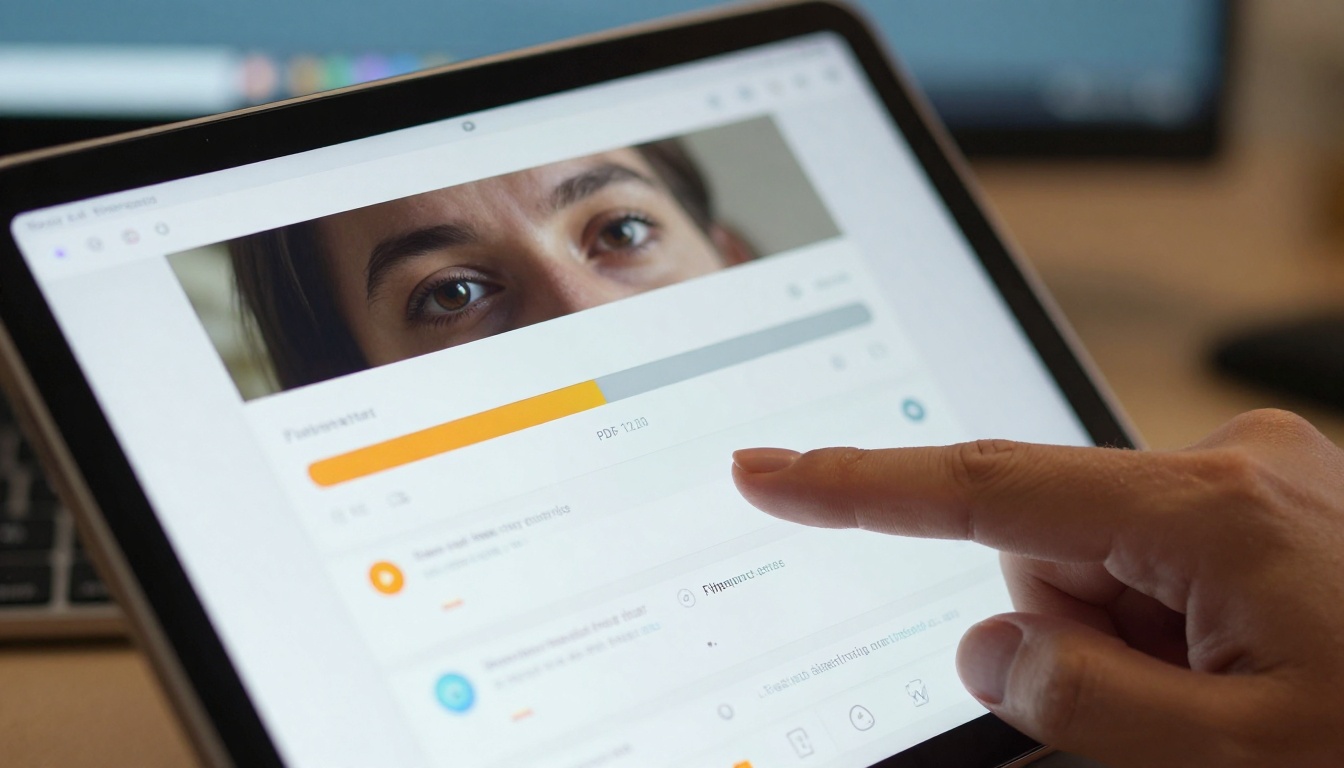
Close-up view of conversion interface with progress tracking
Real-world use cases
Different industries apply flipbook technology in unique ways. Here's how various sectors benefit:
Restaurants & Hospitality
- Interactive menus with dietary filters and pricing
- Event programs with booking integration
- Spa service catalogs with appointment scheduling
- Hotel brochures with room tour videos
Real Estate & Property
- Digital property listings with virtual tours
- Neighborhood guides with interactive maps
- Development proposals with 3D renderings
- Rental agreements with digital signatures
Education & Training
- Course materials with embedded quizzes
- Research papers with data visualization
- School newsletters with parent feedback forms
- Training manuals with progress tracking
Retail & E-commerce
- Product catalogs with shoppable links
- Lookbooks with social sharing buttons
- Price lists with inventory status
- Seasonal promotions with countdown timers
Corporate & Business
- Annual reports with live data feeds
- Sales presentations with contact capture
- Press kits with multimedia assets
- Policy manuals with version control
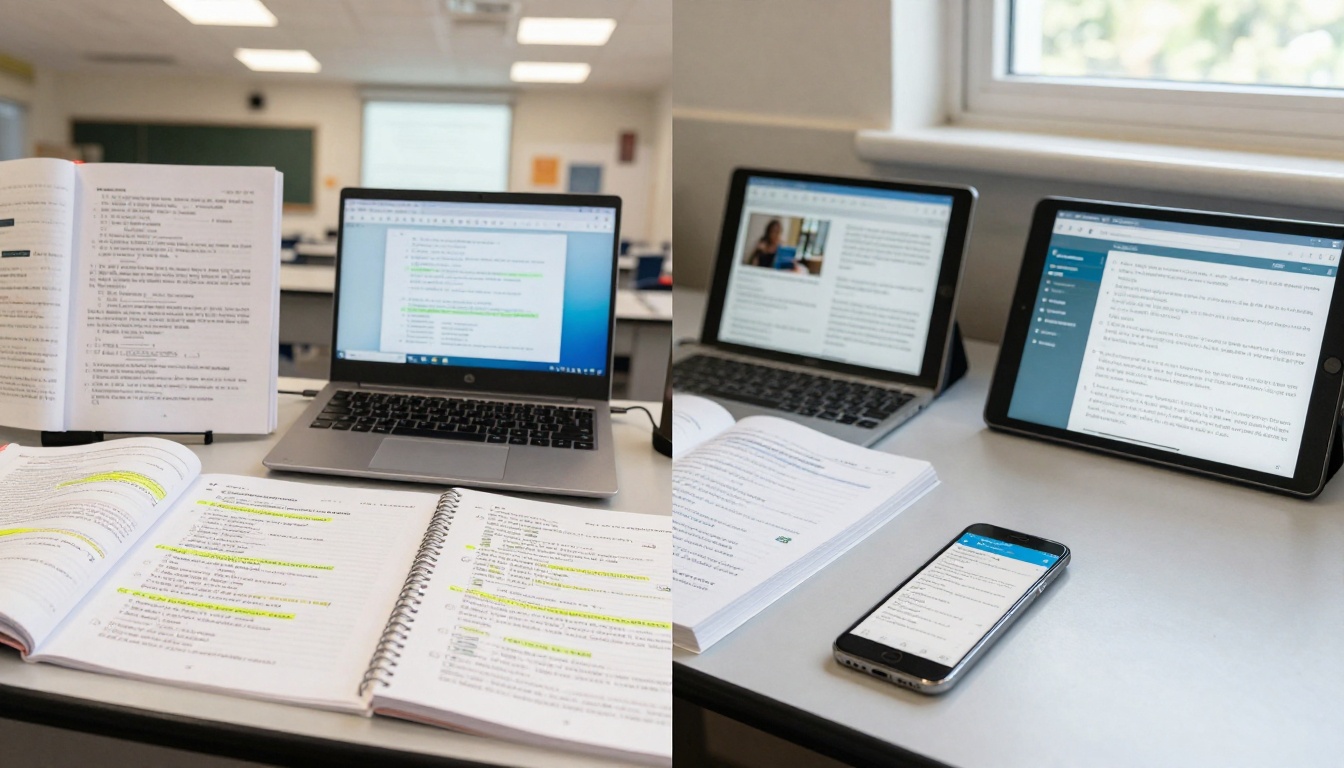
Educational content across multiple device formats
Flipbook performance depends on several technical factors. Understanding these helps avoid common pitfalls:
File size optimization: Large PDFs create slow-loading flipbooks. Best practices include:
- Compress images before PDF creation
- Use vector graphics where possible
- Limit PDFs to 100MB maximum
- Consider splitting large documents
Browser compatibility: Modern converters use HTML5 standards compatible with:
- Chrome 60+ (recommended)
- Firefox 55+
- Safari 11+
- Edge 79+
Mobile performance: Smartphones have limited processing power. Optimize by:
- Using progressive image loading
- Limiting animations on mobile
- Providing text-only alternative
- Implementing touch-optimized controls
Accessibility compliance: Ensure flipbooks work for all users:
- Screen reader compatibility
- Keyboard navigation support
- Color contrast standards
- Text resizing capabilities

Corporate executives reviewing digital annual report
With dozens of converters available, selection criteria matter. Consider these factors:
Immediate needs vs. future growth: Tools that scale with your requirements prevent platform switching later. The Standard plan on Flipbooks AI offers unlimited flipbooks—ideal for growing businesses.
Integration requirements: Some converters offer APIs for automation, while others remain manual. If you need bulk processing or system integration, verify API availability.
Support and documentation: When problems occur, responsive support makes the difference. Check:
- Response time guarantees
- Knowledge base quality
- Community forum activity
- Tutorial video availability
Cost structure transparency: Understand exactly what each pricing tier includes. Watch for:
- Hidden fees for additional features
- Usage-based charging surprises
- Contract lock-in periods
- Cancellation difficulties

Technical backend showing conversion process complexity
Implementation strategy
Successful flipbook adoption follows a structured approach:
- Start small: Convert one high-value document first
- Measure results: Track engagement metrics before/after
- Gather feedback: Ask users about their experience
- Refine approach: Adjust based on what works
- Scale gradually: Convert additional documents systematically
The most effective starting points are:
- Current marketing materials needing refresh
- Documents with high visitor abandonment rates
- Content requiring frequent updates
- Materials shared with external partners
✅ Best practice: Create a style guide for all flipbooks to ensure brand consistency. Include specifications for colors, fonts, image sizes, and interaction patterns.
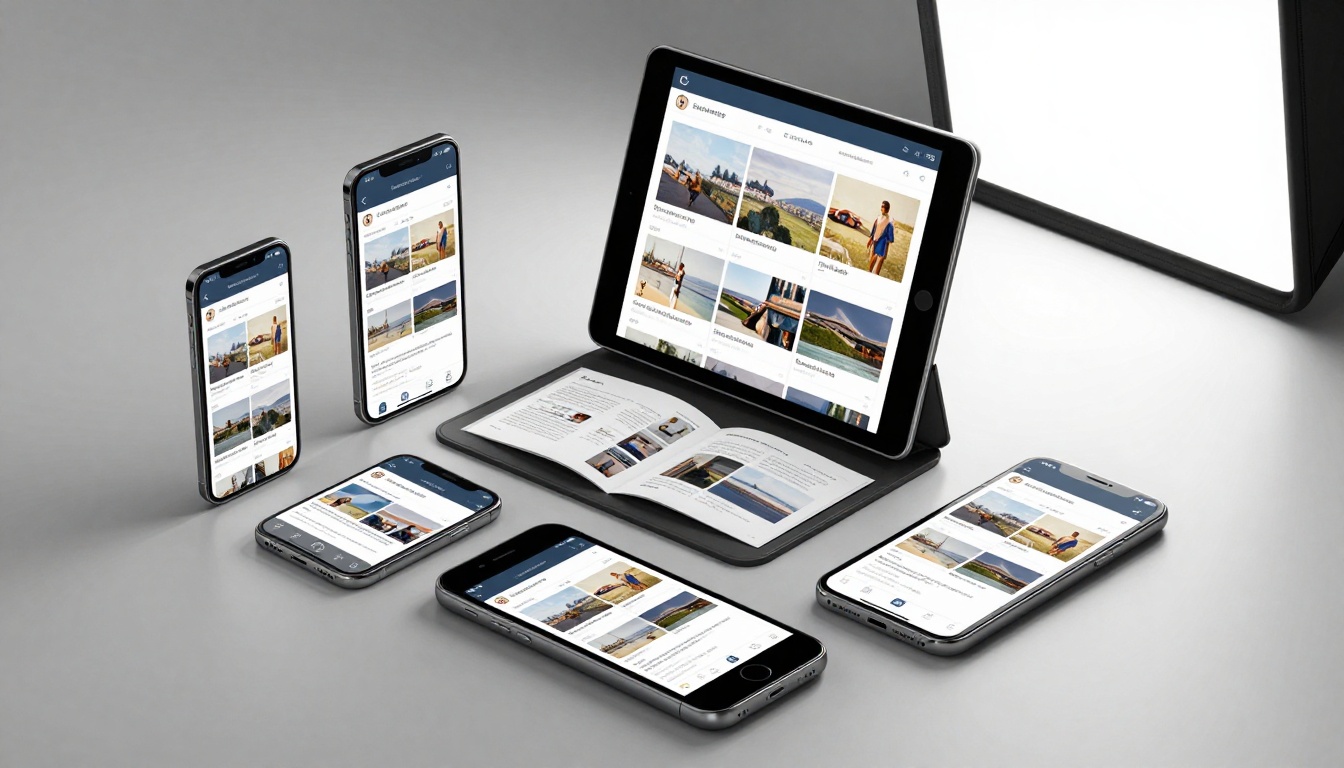
Same flipbook perfectly adapted across different screen sizes
Practical next steps
The barrier to creating your first flipbook is lower than ever. With free tools available through Flipbooks AI, anyone can transform static documents into interactive experiences within minutes.
Begin by identifying one document that would benefit from enhanced engagement. Restaurant owners might start with their menu using the specialized menu tool. Real estate agents could convert property brochures through the real estate converter. Photographers might transform portfolios using the portfolio builder.
Upload your PDF, configure basic settings, and publish within the free tier limitations. Monitor how visitors interact compared to the original PDF version. Most organizations see immediate improvements in time spent, navigation depth, and conversion rates.
When ready to expand, review pricing options that match your volume and feature requirements. The transition from free testing to professional implementation happens seamlessly within the same platform.
The evolution from printed documents to digital experiences represents more than technological change—it's about meeting audience expectations in an increasingly interactive world. PDF to flipbook conversion provides that bridge, transforming static information into engaging content that works harder for your organization.



