Static PDF documents have a problem: they're exactly that - static. Readers scroll, maybe zoom, but the experience ends there. Interactive flipbooks change everything. They transform ordinary documents into engaging digital publications with page turn effects, embedded media, and reader analytics. The best part? Free conversion tools make this accessible to everyone from restaurants to real estate agencies, educators to entrepreneurs.
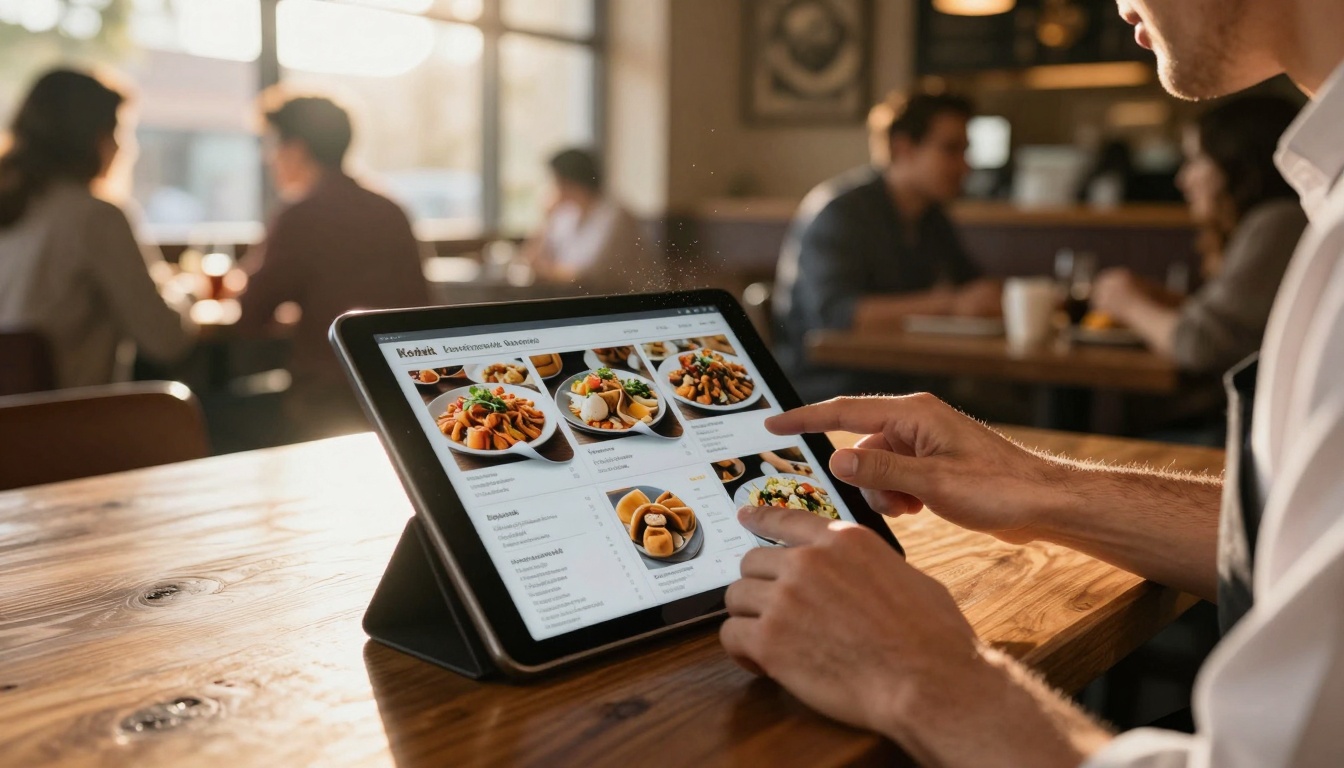
Restaurants now present interactive menus that customers can explore with realistic page turns
What PDF to Flipbook Conversion Actually Means
Converting a PDF to a flipbook isn't just about changing file formats. It's about transforming user experience. Static documents become interactive publications that readers can navigate naturally, just like physical books.
Beyond Static Documents
Traditional PDFs serve their purpose for printing and basic sharing. Flipbooks add interactive dimensions: page curl animations, thumbnail navigation, search functionality, and multimedia integration. A real estate brochure becomes a property tour when you embed video walkthroughs directly on the pages.
💡 Interactive elements include embedded videos, audio narration, clickable links, pop-up annotations, and interactive forms that work within the flipbook interface.
The Page Turn Experience
The realistic page turning animation isn't just visual flair - it creates psychological engagement. Readers process information differently when they "turn" pages rather than scroll. Studies show retention increases when content presentation mimics physical reading patterns.
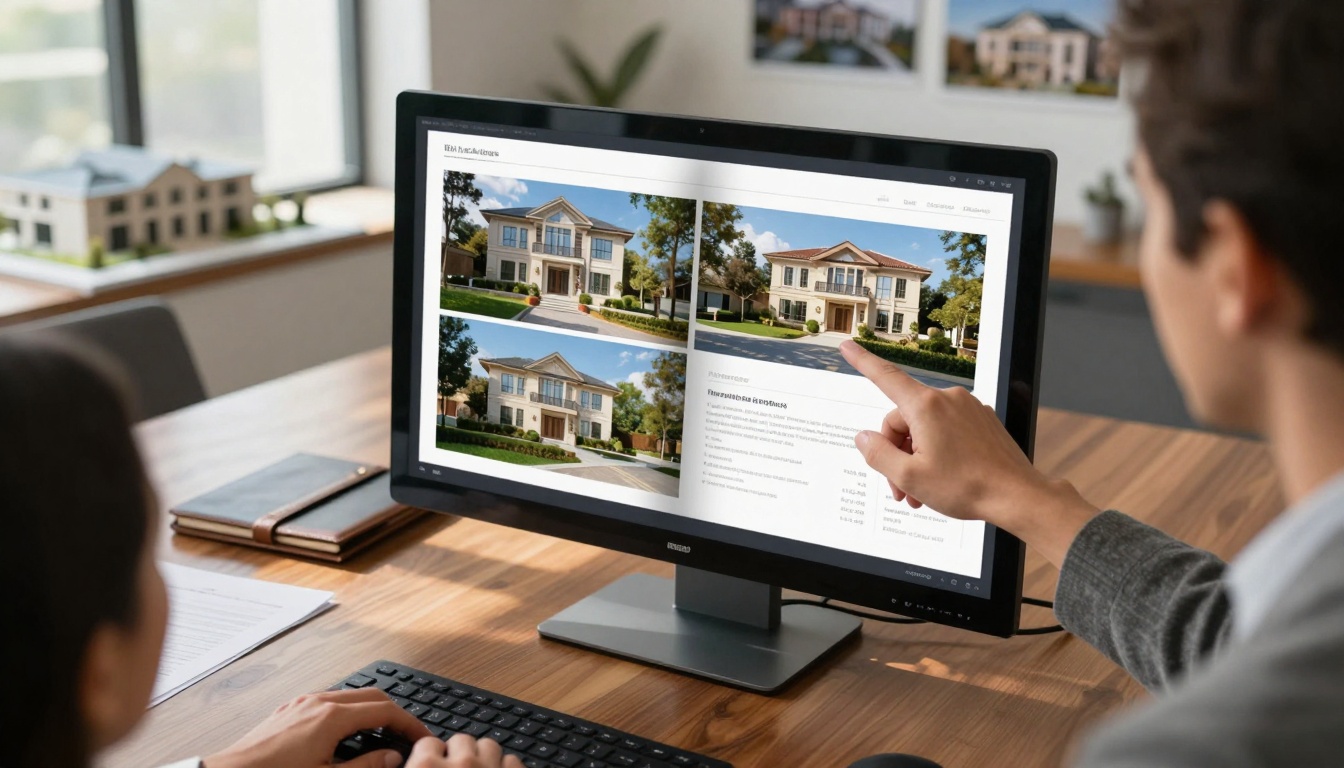
Real estate agents use interactive property brochures with embedded video tours during client meetings
Interactive Elements Added
Free PDF to flipbook converters typically include:
- Page curl effects with adjustable speed and direction
- Thumbnail navigation for quick jumps between sections
- Full-screen mode for immersive reading
- Search functionality across the entire document
- Zoom controls that maintain image quality
- Mobile-responsive design that adapts to any device
Why Businesses Choose Interactive Flipbooks
The shift from static to interactive publications delivers measurable business results. Engagement metrics improve, information retention increases, and professional presentation elevates brand perception.
Restaurant Menu Applications
Restaurants using interactive menus report higher average order values and reduced menu printing costs. Customers explore dishes with embedded food videos, chef recommendations, and nutritional information. The Restaurant Menu Creator tool on Flipbooks AI simplifies this transformation.
Key benefits for restaurants:
- Dynamic pricing updates without reprinting
- Seasonal menu rotations with automatic updates
- Wine pairing suggestions with clickable selections
- Allergen information accessible via pop-ups
- Chef video introductions for signature dishes
Real Estate Brochure Uses
Real estate agencies convert property PDFs into interactive brochures that increase inquiry rates by 40-60%. Potential buyers can explore floor plans, view embedded video tours, and access neighborhood information without leaving the flipbook interface.
The Real Estate Brochure Creator provides templates specifically designed for property marketing:
- 360-degree virtual tours embedded directly on pages
- Interactive floor plans with room details on hover
- Neighborhood maps with local amenities highlighted
- Mortgage calculator integrated within the brochure
- Contact forms that capture lead information
Educational Material Benefits
Educational institutions report improved student engagement when converting textbooks and course materials to interactive flipbooks. The Course Material Publisher helps educators create engaging digital learning materials.
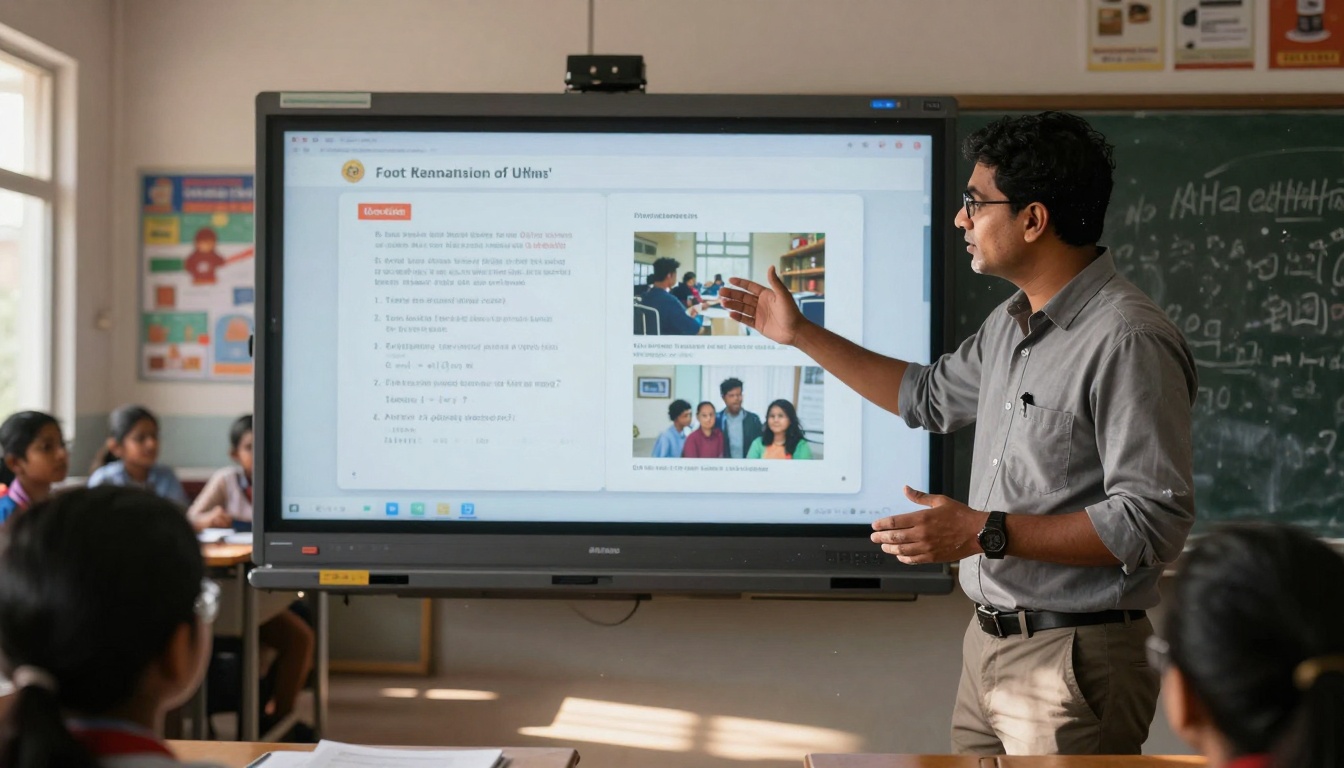
Teachers use interactive educational flipbooks with embedded quizzes and multimedia content
Educational advantages:
- Embedded quizzes that provide immediate feedback
- Video demonstrations of complex concepts
- Interactive diagrams students can manipulate
- Progress tracking through completion metrics
- Accessibility features for diverse learning needs
Several platforms offer free PDF to flipbook conversion with varying feature sets. Understanding what "free" includes helps you choose the right tool for your needs.
Basic vs Advanced Free Options
Basic free tools typically include:
- Conversion of limited file sizes (usually under 50MB)
- Basic page turn effects
- Standard sharing options
- Watermarked output (on some platforms)
- Limited customization
Advanced free tools (like those on Flipbooks AI) offer:
- Unlimited file size conversion
- Professional page turn animations
- No watermarks, ever
- Custom branding options
- Multiple sharing methods
- Basic analytics
What "Free" Really Includes
✅ Flipbooks AI's free plan includes 5 complete flipbooks with full features, no watermarks, and access to all basic customization options.
| Free Feature | Basic Tools | Flipbooks AI Free |
|---|
| Watermarks | Usually present | Never included |
| Flipbook Limit | 1-3 documents | 5 complete flipbooks |
| File Size Limit | 10-50MB | No limit |
| Customization | Minimal | Full basic options |
| Sharing Options | Basic links | Multiple methods |
| Analytics | Not included | Basic tracking |
Limitations to Consider
While free tools provide excellent starting points, consider these potential limitations:
- Storage duration: Some free tools delete flipbooks after 30-90 days
- Branding control: Limited logo placement and color customization
- Advanced features: Analytics, lead generation, and password protection often require upgrades
- Volume restrictions: Monthly conversion limits may apply
How PDF to Flipbook Converters Work
Understanding the technical process helps you prepare documents for optimal conversion results and troubleshoot any issues that arise.
Technical Process Explained
The conversion follows this step-by-step process:
- PDF analysis: The converter extracts text, images, and layout information
- Page segmentation: Individual pages are identified and processed
- Image optimization: Graphics are resized for web display while maintaining quality
- Interactive layer creation: Page turn effects and navigation elements are generated
- Mobile adaptation: The flipbook is optimized for different screen sizes
- Publishing: The interactive version is hosted and made accessible

The conversion process begins with uploading your PDF document to the platform
File Format Requirements
For best results, ensure your PDFs meet these technical specifications:
- Resolution: 150-300 DPI for clear text and images
- File size: Under 500MB for smooth processing (most free tools handle 100MB comfortably)
- Text formatting: Use embedded fonts rather than image-based text
- Image compression: Balance quality with file size
- Page orientation: Consistent throughout the document
- Security settings: Remove password protection before conversion
Output Quality Factors
Several elements determine final flipbook quality:
- Original PDF quality: Higher resolution inputs produce better outputs
- Platform processing: Different converters use varying optimization algorithms
- Interactive elements: Embedded media quality affects overall experience
- Mobile optimization: How well the flipbook adapts to smaller screens
- Loading speed: Optimization for faster initial display
Creating Your First Flipbook
Follow this practical guide to convert your first PDF into an interactive flipbook using free tools available today.
Step-by-Step Conversion Process
- Prepare your PDF: Ensure it's optimized for conversion (proper resolution, consistent formatting)
- Choose your platform: Select Flipbooks AI for a watermark-free experience
- Upload your document: Drag and drop or select from your device
- Configure settings: Adjust page turn speed, navigation style, and display options
- Add interactive elements: Embed videos, links, or pop-up annotations if supported
- Customize appearance: Modify colors, add your logo, adjust layout
- Preview and test: View on different devices to ensure proper display
- Publish and share: Generate shareable links or embed codes
Customization Options
Free tools typically offer these customization features:
- Brand colors: Match your company palette
- Logo placement: Add your logo to the interface
- Navigation style: Choose from multiple control layouts
- Page effects: Adjust curl intensity and animation speed
- Background options: Select from various backdrop styles
- Start page: Set which page opens first
Publishing and Sharing
Once your flipbook is ready, you have multiple sharing options:
- Direct link: Share via email, social media, or messaging apps
- Embed code: Insert into websites, blogs, or learning management systems
- QR code: Generate for print materials or physical locations
- Email distribution: Send directly to contact lists
- Social sharing: One-click sharing to popular platforms
⚠️ Important: Test all sharing methods before distribution to ensure proper functionality across different devices and browsers.
Professional Features Worth Upgrading For
While free tools provide excellent functionality, professional features deliver business-level capabilities that justify upgrading for serious users.
Analytics and Tracking
Professional plans include detailed analytics that reveal how readers interact with your content:
- Page views: Which pages receive the most attention
- Time spent: Engagement duration per page and session
- Geographic data: Where your readers are located
- Device information: What devices and browsers they use
- Navigation patterns: How readers move through your content
- Conversion tracking: Which elements drive desired actions

Marketing teams use detailed analytics to understand reader behavior and optimize content
Lead Generation Capabilities
Advanced flipbook platforms offer integrated lead capture:
- Contact forms: Embedded within flipbook pages
- Email capture: Pop-ups or inline subscription forms
- CTAs and buttons: Trackable action elements
- Gated content: Password protection for premium materials
- CRM integration: Direct connection to customer management systems
- Automated follow-ups: Triggered email sequences based on engagement
Branding Control
Professional plans provide comprehensive branding options:
- Custom domains: Use your own website address
- White-label solutions: Remove all platform branding
- Advanced CSS control: Complete styling customization
- Template creation: Save and reuse customized layouts
- Team collaboration: Multiple users with role-based access
- Workflow automation: Streamlined approval and publishing processes
Real-World Examples That Work
Seeing practical applications helps understand how different industries benefit from PDF to flipbook conversion.
Restaurant Success Stories
"Bistro Moderno" converted their seasonal menu PDF into an interactive flipbook and reported:
- 28% increase in appetizer orders
- Reduced printing costs by €1,200 annually
- Improved table turnover as customers decided faster
- Higher wine pairing adoption through embedded suggestions
They used the Menu Flipbook Designer to create a visually engaging experience that highlighted their chef's specialties with video introductions.
Education Implementation
"Digital Learning Academy" transformed their course materials and observed:
- 42% improvement in student completion rates
- Reduced support requests as materials were clearer
- Better accessibility for diverse learning needs
- Increased parent engagement with progress tracking
The academy used the Interactive E-Book Publisher to create engaging learning materials with embedded assessments and multimedia resources.
Business Report Conversions
"Global Consulting Partners" converted their annual reports and noticed:
- 65% longer engagement with report content
- Increased shareability through social media links
- Better stakeholder understanding of complex data
- Reduced printing and distribution costs
They utilized the Annual Report Creator to present financial data interactively with embedded data visualizations and executive video summaries.

Executives review interactive annual reports with synchronized viewing across multiple devices
Selecting the appropriate PDF to flipbook converter depends on your specific requirements, budget, and future plans.
Key Decision Factors
Consider these critical elements when choosing a platform:
| Factor | Importance | Questions to Ask |
|---|
| Free features | High | What's included without payment? Any watermarks? |
| Upgrade path | Medium | What professional features are available? |
| Ease of use | High | How intuitive is the interface? |
| Output quality | Critical | How good do the flipbooks look? |
| Support options | Medium | What help is available if needed? |
| Integration | Variable | Does it work with your existing tools? |
Budget Considerations
Pricing comparison for popular platforms:
| Platform | Free Plan | Standard Plan | Professional Plan | Best For |
|---|
| Flipbooks AI | 5 flipbooks, no watermarks | €3/month unlimited | €7/month with analytics | Small to medium businesses |
| Platform A | 3 flipbooks, watermarked | €5/month limited | €12/month full features | Individual creators |
| Platform B | 1 flipbook trial | €8/month basic | €15/month advanced | Large organizations |
| Platform C | Conversion only | €4/month standard | €10/month premium | Educational institutions |
💡 Tip: Start with free plans to test functionality, then upgrade based on actual needs rather than anticipated requirements.
Future Expansion Planning
Consider long-term needs when selecting a tool:
- Volume growth: Will you need to convert hundreds of documents?
- Team collaboration: Do multiple people need access?
- Integration requirements: Connection to other business systems?
- Custom development: Need for specialized features?
- Scalability: Handling increased traffic and usage?
How to Create Interactive Flipbooks with Flipbooks AI
Flipbooks AI provides a comprehensive platform for converting PDFs to interactive publications. Here's how to maximize its free and paid features.
Getting Started with Flipbooks AI
- Create an account at Flipbooks AI - the free plan includes 5 complete flipbooks
- Explore the tools directory at Flipbooks AI Tools to find specialized converters for your needs
- Review pricing options at Flipbooks AI Pricing to understand upgrade benefits
Upload and Conversion Process
The PDF to Flipbook Converter on Flipbooks AI works through this streamlined process:
- Upload your PDF: Drag and drop or select from your device
- Automatic processing: The system analyzes and converts your document
- Customization interface: Modify appearance and add interactive elements
- Preview functionality: Test on different simulated devices
- Publishing options: Choose how to share your completed flipbook

Developers can embed flipbooks directly into websites using provided code snippets
Customization and Branding
Flipbooks AI offers extensive customization even on free plans:
- Logo placement: Add your brand logo to the interface
- Color schemes: Match your corporate palette
- Navigation controls: Choose from multiple layout options
- Page effects: Adjust animation speed and style
- Background selection: Various backdrop styles available
- Start configuration: Set which page opens first
Sharing and Distribution
Multiple sharing methods ensure your flipbook reaches the right audience:
- Direct links: Share via email or messaging apps
- Embed codes: Insert into websites or blogs
- QR codes: Generate for print materials
- Social sharing: One-click distribution to platforms
- Email campaigns: Send directly to contact lists
- Password protection: Control access to sensitive content
Advanced Features (Professional Plan)
Upgrading to the Professional plan unlocks business-level capabilities:
- Detailed analytics: Track reader engagement and behavior
- Lead generation: Capture contact information within flipbooks
- Team collaboration: Multiple users with different access levels
- Custom domains: Use your own website address
- White-label options: Remove all Flipbooks AI branding
- Priority support: Faster assistance when needed
Practical Applications Across Industries
Different sectors benefit from PDF to flipbook conversion in unique ways. Here's how various industries apply this technology.
Restaurant and Hospitality
Interactive menus transform dining experiences:
- Dynamic pricing: Update prices without reprinting
- Seasonal rotations: Highlight seasonal specialties
- Chef introductions: Video profiles of culinary team
- Wine pairing: Suggested combinations with descriptions
- Allergen information: Clear dietary restriction details
- Reservation integration: Direct booking from the menu
Use the Restaurant Menu Creator for specialized restaurant flipbooks.
Real Estate and Property
Digital property brochures enhance sales processes:
- Virtual tours: 360-degree property explorations
- Interactive floor plans: Room details on hover
- Neighborhood information: Local amenities and services
- Mortgage calculators: Integrated financial tools
- Document access: Deeds, surveys, and legal papers
- Agent profiles: Team introductions with contact details
The Real Estate Brochure Creator provides real estate-specific templates.
Education and Training
Interactive learning materials improve educational outcomes:
- Embedded assessments: Quizzes and tests within content
- Video demonstrations: Complex concept explanations
- Interactive diagrams: Manipulable educational graphics
- Progress tracking: Student completion monitoring
- Accessibility features: Support for diverse learners
- Collaborative annotations: Teacher and student notes
Explore the Course Material Publisher for educational flipbook creation.
Business and Corporate
Professional publications enhance corporate communication:
- Annual reports: Interactive financial presentations
- Marketing materials: Engaging product catalogs
- Training manuals: Interactive employee guides
- Corporate presentations: Dynamic meeting materials
- Policy documents: Accessible company guidelines
- Client portfolios: Showcase work with multimedia
The Corporate Report Maker specializes in business document conversion.
Technical Considerations and Best Practices
Successful PDF to flipbook conversion requires attention to technical details and implementation best practices.
File Preparation Guidelines
Optimize your PDFs before conversion:
- Resolution: 150-300 DPI for clear display
- File size: Compress images to reduce overall size
- Text formatting: Use embedded fonts for consistency
- Page consistency: Maintain uniform orientation
- Security: Remove passwords before uploading
- Organization: Logical page order and structure
Quality Assurance Checklist
Test your flipbooks thoroughly before distribution:
- ✅ Display testing: Different devices and browsers
- ✅ Functionality verification: All interactive elements work
- ✅ Loading speed: Acceptable performance on various connections
- ✅ Mobile optimization: Proper display on smartphones and tablets
- ✅ Accessibility compliance: Screen reader compatibility
- ✅ Link validation: All external links function correctly
- ✅ Shareability: All distribution methods work as intended
Maintenance and Updates
Keep flipbooks current with regular maintenance:
- Content updates: Refresh information as needed
- Link checking: Regular verification of external links
- Performance monitoring: Track loading times and issues
- Analytics review: Regular assessment of engagement data
- Platform updates: Stay current with tool improvements
- Backup procedures: Secure storage of original files
Maximize value from free PDF to flipbook converters with these strategies.
Strategic Free Plan Usage
Plan your free conversions carefully:
- Priority documents: Convert most important materials first
- Testing phase: Use initial conversions for quality assessment
- Feedback collection: Gather user responses before committing
- Feature exploration: Test all available free features
- Comparison evaluation: Try multiple platforms if needed
- Upgrade decision: Base paid plan selection on actual experience
Cost-Effective Upgrade Timing
Upgrade strategically when:
- Volume needs exceed free plan limits
- Professional features become necessary for goals
- Analytics requirements emerge for measurement
- Branding control becomes important for presentation
- Team collaboration needs arise for workflow
- Integration requirements develop with other systems
Hybrid Approach for Larger Organizations
Combine free and paid tools effectively:
- Free tools for experimental projects and testing
- Professional platforms for core business materials
- Specialized converters for specific document types
- In-house solutions for highly customized needs
- Multiple platforms for redundancy and comparison
- Phased implementation gradual rollout across departments
Ready to transform your static PDFs into engaging interactive publications? Start with the free tools available today to experience the difference interactive flipbooks make. Create your first watermark-free flipbook on Flipbooks AI and see how simple professional digital publishing can be. Explore all available tools and templates to find the perfect solution for your restaurant menus, real estate brochures, educational materials, or business reports. Compare pricing plans when you're ready to unlock advanced analytics, lead generation, and team collaboration features that take your digital publications to the next level.



