The problem with most PDF viewers on mobile is that they were never designed for fingers. Pinch, zoom, scroll, squint — it is a frustrating loop that kills engagement before the reader reaches page two. A free PDF to flipbook converter that works on mobile solves this entirely, turning your flat document into an interactive, swipeable digital publication with smooth page-turn animations, text that is readable at any screen size, and zero app downloads required.
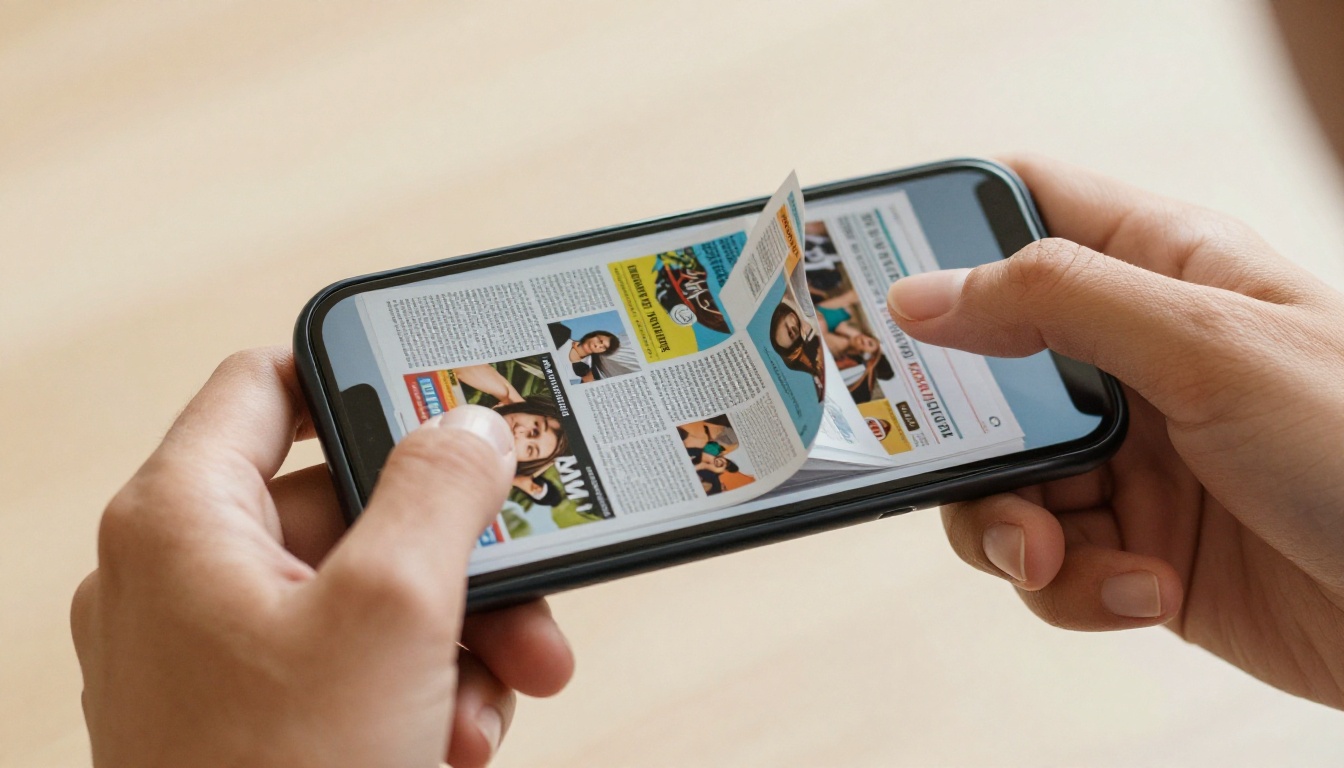
Whether you are sharing a product catalog with a client, distributing a course handout to students, or sending a portfolio to a potential employer, the right tool makes the difference between "I'll look at this later" and "I'm reading this right now." This article breaks down exactly what to look for, what to avoid, and how to get started with Flipbooks AI, the platform that consistently delivers the best mobile experience for free.
What "Mobile-Ready" Actually Means for Flipbooks
Not every tool that claims mobile support actually delivers it. There is a wide gap between a flipbook that technically loads on a phone and one that was genuinely built with mobile users in mind.
The Difference Between Mobile Compatible and Mobile-First
A "mobile compatible" flipbook might open on your device but require horizontal scrolling, have buttons too tiny to tap accurately, or crash outright on older Android hardware. A mobile-first flipbook adapts automatically to any screen size, uses swipe gestures instead of mouse-style clicks, and loads progressively even on slower LTE connections.
Here is what genuinely mobile-first flipbook converters do differently:
- Responsive layout: The flipbook resizes automatically without losing formatting or image quality
- Touch gestures: Swipe left or right to turn pages, pinch to zoom into fine detail
- HTML5 rendering: No Flash dependency, no browser plugin, works in any modern mobile browser
- Progressive image loading: Pages load as you swipe, not all at once
- Portrait and landscape support: The layout adjusts seamlessly when you rotate your phone
What to Check Before You Commit to a Tool
Before choosing any free PDF to flipbook converter for mobile use, run it through this quick checklist:
- Does it open in your phone's default browser without installing anything?
- Is the result shareable via a direct link, or does the viewer need to download a file?
- Does the free plan add a watermark, or is the output clean?
- Can it be embedded on a website and still render properly on phones?
- Does it handle PDFs with high-resolution images, not just plain text?
If any answer is "no" or "I'm not sure," keep looking.

The Best Free PDF to Flipbook Converter for Mobile
Flipbooks AI is a browser-based platform that converts PDFs into fully interactive flipbooks with realistic page-curl animations, and it runs entirely in the cloud. Nothing to install. No app. Upload your PDF, and within seconds you have a shareable link that opens a beautifully formatted, mobile-optimized publication on any device.
Why Flipbooks AI Stands Out on Mobile
Most free flipbook tools come loaded with one of three problems: watermarks on everything, page count limits that cut off mid-document, or a mobile experience that barely qualifies as functional. Flipbooks AI avoids all three from day one.
💡 Pro tip: Flipbooks AI's viewer is built entirely on HTML5, which means it works in Safari on iOS, Chrome on Android, Firefox, and Samsung Internet, with no plugins, no warnings, and no loading failures.
The platform is genuinely free to start. You can create an account and publish flipbooks immediately without entering a credit card. The free tier covers the essentials: PDF conversion, a shareable link, and a fully mobile-responsive viewer with swipe-to-turn navigation.
Feature Comparison at a Glance
| Feature | Free | Standard | Professional |
|---|
| Mobile-responsive viewer | ✅ | ✅ | ✅ |
| No watermarks | ✅ | ✅ | ✅ |
| Unlimited flipbooks | Limited | ✅ | ✅ |
| Custom branding | ❌ | ✅ | ✅ |
| Password protection | ❌ | ✅ | ✅ |
| Analytics and lead generation | ❌ | ❌ | ✅ |
| Offline downloads | ❌ | ✅ | ✅ |
| Embed videos and audio | ❌ | ✅ | ✅ |
| Shareable link | ✅ | ✅ | ✅ |
| Website embed code | ✅ | ✅ | ✅ |
⚠️ Warning: Many "free" flipbook tools silently add watermarks that make your publication look unprofessional. Flipbooks AI does not add watermarks on any plan. What you see is exactly what your readers see.
How to Create a Mobile Flipbook with Flipbooks AI
Flipbooks AI handles the entire conversion and publishing process in a few minutes. Here is how it works from start to shareable link.
Step 1: Sign Up and Upload Your PDF
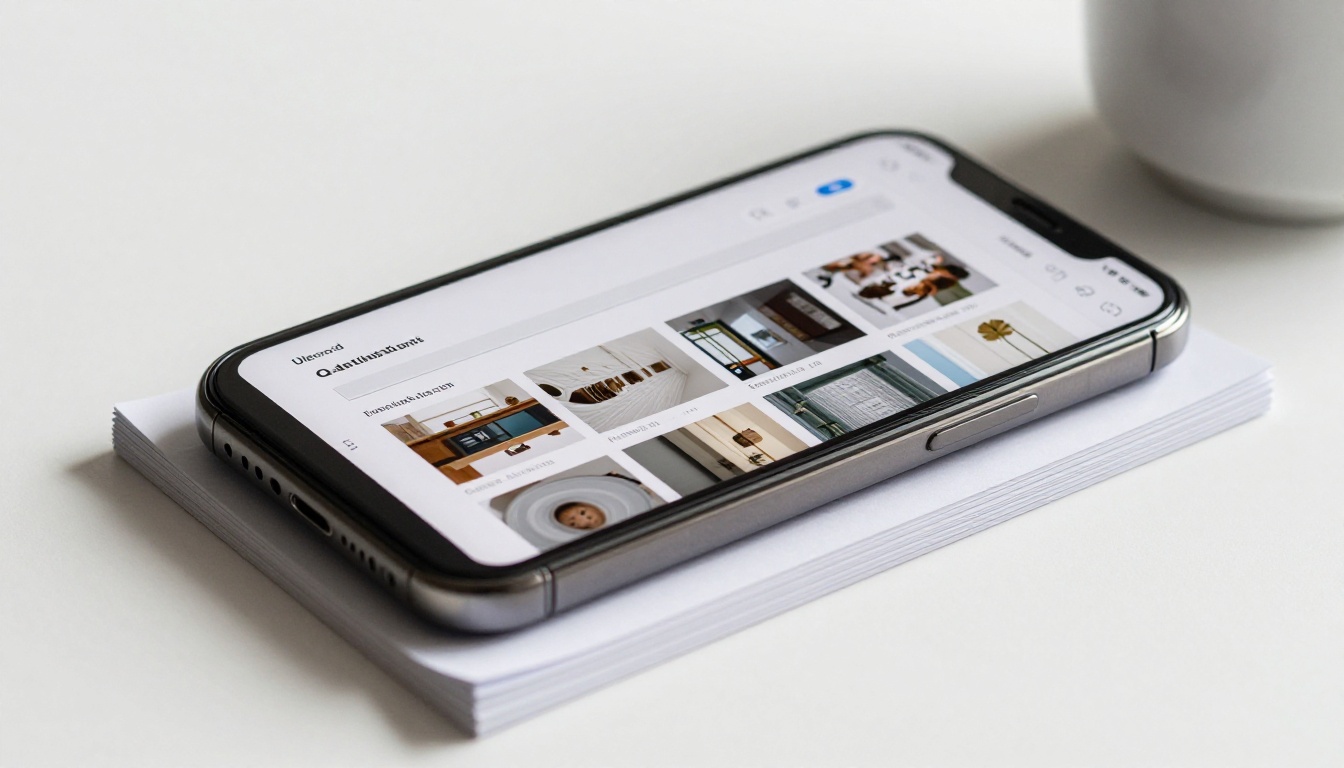
Go to Flipbooks AI and create your free account. Inside the dashboard, click "New Flipbook" and select your PDF. The platform accepts PDFs of any size and renders each page at high resolution, preserving your original design, fonts, embedded images, and color profiles.
The upload happens entirely in the browser. No desktop software, no file size gymnastics. This means you can do it from your phone using the mobile upload interface, making the entire workflow from PDF to published flipbook possible without ever touching a desktop computer.
✅ Best practice: Export your PDF at 150dpi or higher for crisp rendering on Retina and high-DPI mobile screens. PDFs exported at 72dpi will look blurry when readers pinch to zoom.
Step 2: Customize Your Flipbook
After conversion, Flipbooks AI gives you a set of options to personalize the experience before publishing:
- Background and themes: Choose from solid colors or upload a custom background image
- Page transition effects: Realistic page-curl or smooth flat slide transitions
- Branding: Add your logo and custom brand colors (Standard plan and above)
- Multimedia embeds: Insert videos and audio clips directly into specific pages (Standard plan)
- Auto table of contents: Generated from your PDF headings for fast navigation on small screens
All of these settings are accessible from the same browser-based dashboard, which is also fully functional on mobile. You can make adjustments, preview the result, and publish without switching devices.
Step 3: Share It From Any Device
Once published, you receive three sharing options immediately:
- Direct link: Share via WhatsApp, email, SMS, LinkedIn, or any messaging platform
- Embed code: Drop into your website or landing page with a single paste
- QR code: Print on business cards, product packaging, event signage, or flyers
The direct link opens in the recipient's mobile browser with no prompts to download anything. Swipe to turn pages. Pinch to zoom. Tap embedded links. The experience works exactly how mobile users expect interactive content to behave.
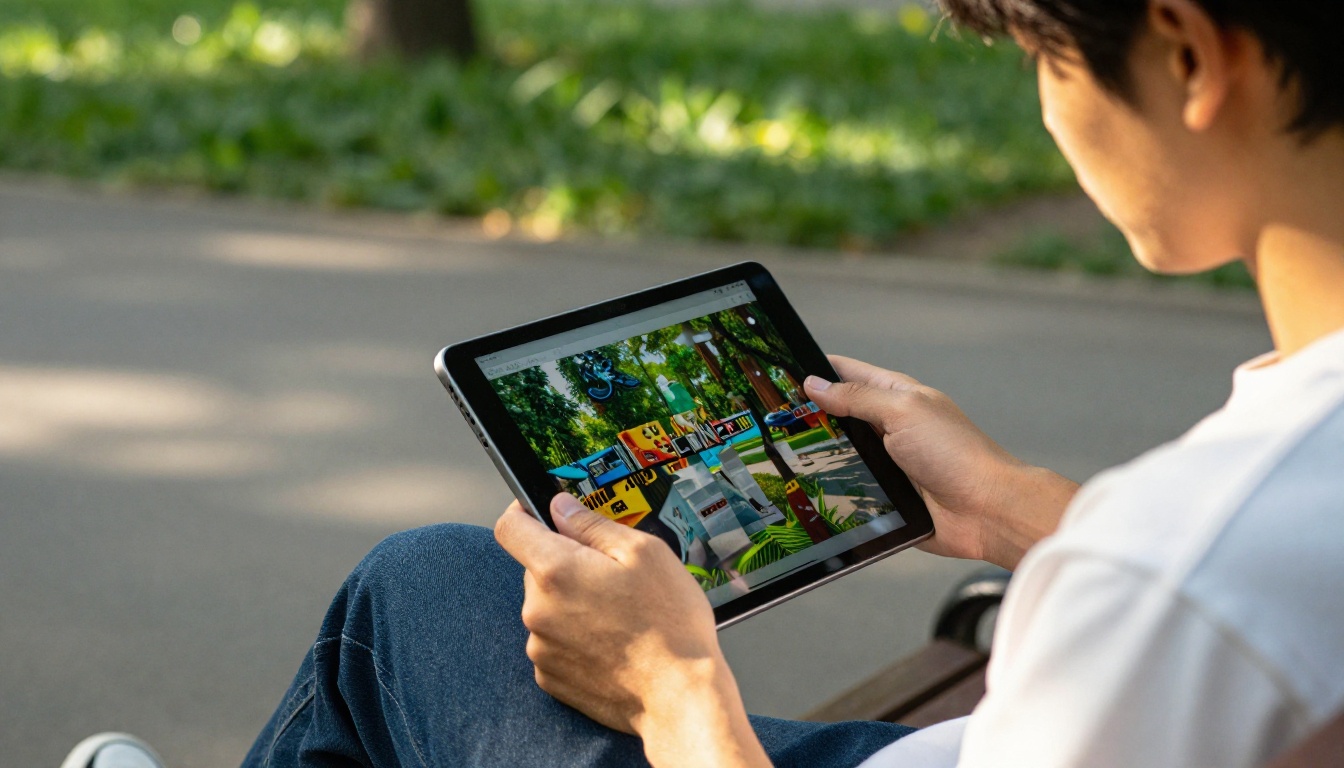
For private documents, the Standard plan adds password protection so only people with the correct password can open your flipbook on their device. This is ideal for internal company documents, client-specific proposals, or premium content that should not be publicly accessible.
What Free Plans Actually Give You
The word "free" is used loosely across this space. Some platforms give you one flipbook total, others add a large watermark across every page, and some lock the share link entirely until you upgrade. Here is an honest breakdown:
Free vs. Paid Plans: What Changes
| Plan Type | Watermark | Flipbook Limit | Mobile Viewer | Custom Branding |
|---|
| Flipbooks AI Free | None | Capped | ✅ Full | ❌ |
| Typical Freemium Competitor | Added | 1-3 | Partial | ❌ |
| Standard / Paid Tier | None | Unlimited | ✅ Full | ✅ |
| Professional / Enterprise | None | Unlimited | ✅ Full | ✅ Advanced |
The Real Limits of "Free"
Free tiers across most platforms restrict some combination of the following:
- Number of active flipbooks: You may hit a cap at 5-10 publications
- Custom branding: Your flipbook may show the platform's own logo in the viewer toolbar
- Analytics access: Viewing who opened it and for how long requires a paid plan
- Password protection: Private documents stay unprotected unless you upgrade
Explore Flipbooks AI pricing to see exactly where each tier draws the line and decide whether the free plan covers your current needs.
When It Makes Sense to Upgrade
If you send flipbooks regularly as part of a professional workflow, the Standard plan removes quantity limits, enables offline downloads, unlocks custom branding, and adds password protection. For marketing teams tracking campaign performance, the Professional plan adds reader analytics and lead generation, showing you which pages your mobile readers spend the most time on and where they drop off.
Mobile Flipbook Use Cases That Work
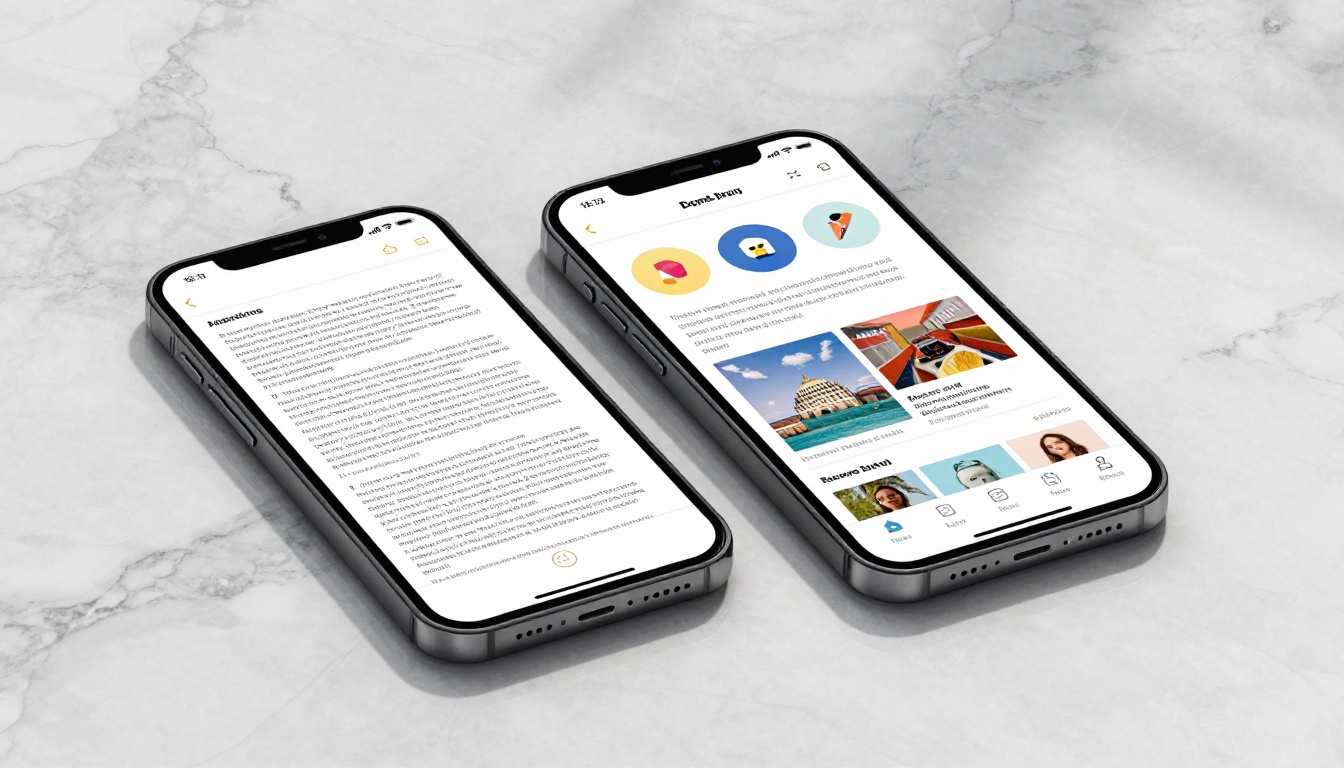
The value of a mobile-optimized flipbook depends entirely on your situation. Here are real-world scenarios where the format outperforms a static PDF every time.
For Sales Teams on the Go
A sales rep meeting a client at a coffee shop does not want to fumble with a PDF attachment that needs a separate app to open. With a flipbook link saved to their phone, they pull it up in seconds and hand the device to the client to swipe through at their own pace.
Flipbooks AI handles this with the Product Catalog tool, which formats catalog PDFs into high-fidelity swipeable publications with clickable product links. Real estate agents use the Real Estate Brochure tool for the same reason: a shareable property brochure that opens instantly on any phone and loads full-resolution photography without lag.

Hospitality teams use the Hotel Brochure and Restaurant Menu Creator tools to publish QR code-linked flipbooks that guests scan at the table or check-in desk, reading beautiful formatted content on their own devices without touching a shared physical menu.
For Educators and Students
A teacher sharing a course handout as a PDF attachment risks having students squint at 10pt body text on a 6-inch phone screen. The same content as a flipbook is readable, swipeable, and actually used.
The Course Material Publisher converts educational PDFs into mobile-friendly flipbooks that students can read during a commute, in the library, or anywhere else. The Training Manual Flipbook serves the same purpose for corporate onboarding programs: new hires access training materials from their phones during orientation without needing to download files.
💡 Pro tip: Students and readers engage significantly longer with interactive flipbooks than static PDFs on mobile, because swiping through pages feels more natural and engaging than scrolling through a vertical document.

For Creatives and Freelancers
A photographer sharing a portfolio PDF loses the visual impact of their work the moment a client tries to pinch-zoom through it on a small screen. A flipbook preserves full image quality, gives each spread the drama of a page turn, and renders at high resolution on Retina and AMOLED mobile displays.
The Digital Portfolio Creator and Photography Portfolio tools convert portfolio PDFs into stunning mobile flipbooks that show work the way it was designed to be seen. The Interactive Lookbook Designer extends this for fashion and creative agencies presenting seasonal collections to clients via mobile.
The Biggest Problems with Mobile Flipbooks
Even with the right tool, a few common issues can degrade the experience. Knowing them ahead of time lets you avoid them entirely.
Slow Load Times
Large PDFs with many full-resolution images are slow to open on 4G connections if the platform serves the entire file at once. The fix is to use a platform that lazy-loads images, serving only the current spread and pre-loading the next one while the reader is engaged. Flipbooks AI handles this with progressive loading built into the viewer, which is why large flipbooks still open quickly on mobile.
⚠️ Warning: Tools that package the entire flipbook as a single HTML file create painful mobile load times for anything over 10 pages. Always test a sample publication on mobile before committing to a platform.
Text Too Small to Read
If your original PDF uses 9pt or 10pt body text, it will require zooming on any phone smaller than 6.5 inches. Before converting, check that your PDF uses at least 11-12pt for body copy. While Flipbooks AI's viewer supports pinch-to-zoom, building readability into the source document creates a better baseline experience.
Broken Layouts on Small Screens
Two-column PDF layouts frequently break on portrait-mode phones, with content overflowing or columns stacking awkwardly. If your PDF uses a wide two-column format designed for print or desktop reading, consider converting to a single-column layout before uploading, or use a flipbook viewer that forces landscape mode for wide-format documents.
PDFs vs. Flipbooks: The Mobile Experience Gap
The performance difference between a raw PDF and a flipbook on mobile is significant enough that they feel like different products entirely. Here is how they compare across every dimension that affects a real mobile reader:
| Experience Factor | Raw PDF on Mobile | Mobile Flipbook |
|---|
| Navigation | Vertical scroll, manual pinch-zoom | Swipe to turn pages, tap to zoom |
| Load time on mobile networks | Slow for large files | Fast, page-by-page loading |
| Visual quality | Preserved but static | High-fidelity with animations |
| Sharing | Requires a PDF viewer app | Opens in any mobile browser |
| Embedded media | Videos and audio not supported | Supported (Standard plan) |
| Reader analytics | None | Available (Professional plan) |
| Custom branding | None | Logo and colors (Standard plan) |
| Offline access | Requires manual download | Built-in downloads (Standard plan) |
| Accessibility | Limited | Better typographic scaling |
Every row in that table represents a friction point your reader encounters when you send a PDF instead of a flipbook. Remove the friction, and more people actually read what you share.
Stop Sending PDFs Your Audience Cannot Read
Your audience is on mobile. Over 60% of web traffic now comes from smartphones and tablets, and that number is higher still for shared content like catalogs, brochures, menus, and reports sent through messaging apps. Sending a raw PDF in that environment is asking your content to fail.
A free PDF to flipbook converter that works on mobile removes every barrier between your document and your reader. No apps, no zooming, no broken layouts. Just tap the link, swipe through the pages, and engage with content that was built for the device people actually use.
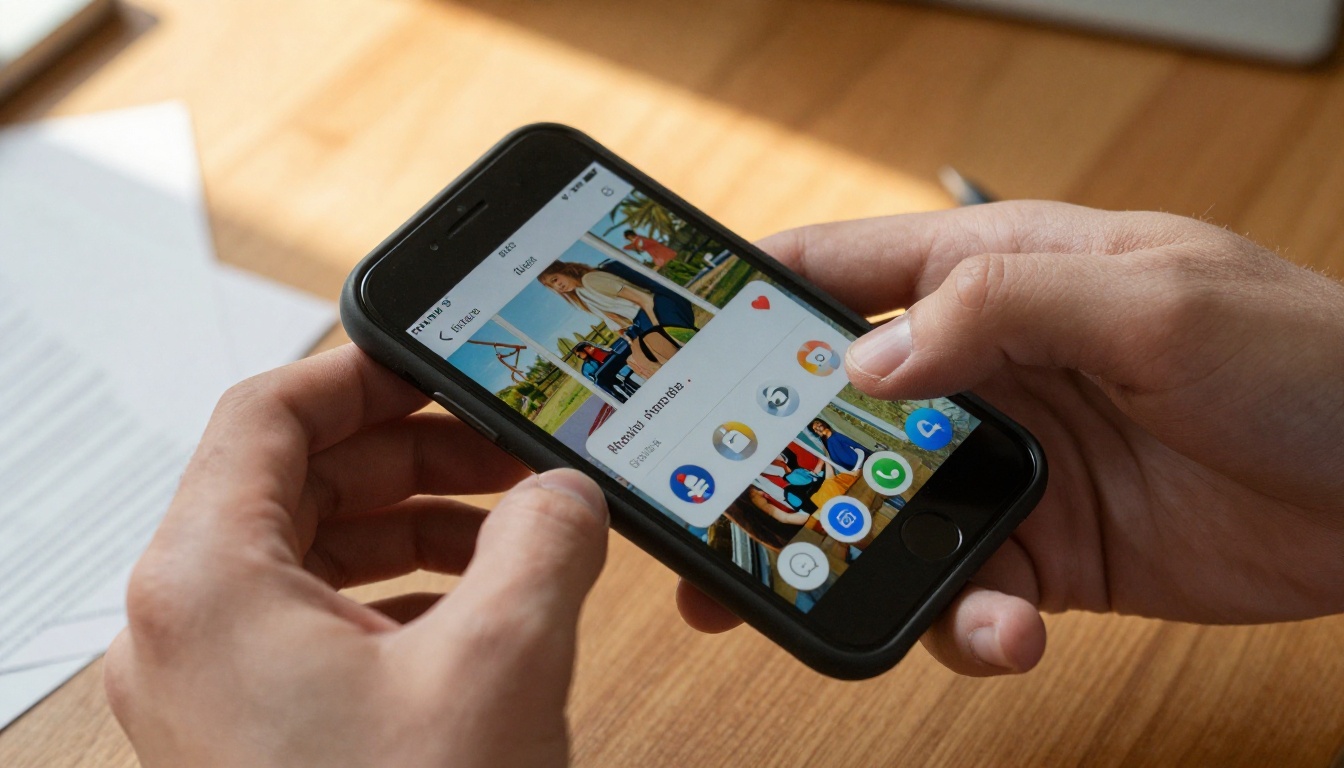
Ready to convert your first PDF? Get started for free on Flipbooks AI. No credit card required. Your flipbook is live and shareable from any mobile device in minutes.
Need a specific tool for your use case? Browse all flipbook tools and templates to find the right fit, from restaurant menus and hotel brochures to annual reports and interactive lookbooks.
For teams with advanced needs, review pricing plans to unlock analytics, offline downloads, password protection, and custom branding across unlimited flipbooks.



