If you have ever searched for a free PDF to flipbook converter, you already know exactly how that search usually ends. You find something that looks promising, upload your file with some optimism, wait through a progress bar, and then hit the wall: a giant watermark stamped across every page, a hard cap at 10 pages when your catalog runs 40, or a page-turn animation so choppy it barely qualifies as interactive. The search for a PDF to flipbook converter that actually works for free is one of the most repeated frustrations across marketing communities, educator forums, and small business groups.
The good news is that the tool you are looking for does exist. Flipbooks AI has changed the standard for what "free" means in the flipbook space, and this article breaks down exactly what separates the tools that deliver from the ones that waste your afternoon.

Why Most Free Converters Disappoint
The promise of free PDF to flipbook conversion sounds simple. Upload a file, get an interactive flipbook. But most tools use "free" as a hook, not a feature. They want your files and your attention just long enough to show you what you cannot have without a paid plan.
The Watermark Trap
The most common bait-and-switch in free flipbook tools is forced branding. You do all the work: design your document, organize your pages, choose the right layout, upload the file, wait for processing, and then the finished result has a platform logo stamped across every single page at full opacity. For a personal project it is annoying. For a client presentation, a sales brochure, or a product catalog, it is completely unusable.
A watermark-free output should not be a premium feature. It is basic respect for your content. Any platform that forces you to carry their advertising in exchange for using their "free" tool is not offering you a free product. They are renting your documents as billboard space.
⚠️ Watch out: Some platforms advertise "free" but only mean "free trial." After 7 days your flipbooks are taken offline unless you upgrade. Always check the plan terms before investing serious time in a conversion project.
Page Limits That Kill Your Work
Most free PDF to flipbook converters cap uploads at 5, 10, or 15 pages. That might work for a one-page flyer or a short resume, but it collapses immediately when you try to convert a product catalog, a training manual, a magazine issue, or a company annual report. Page restrictions are the second-most-common reason users abandon free tools mid-project.
If a converter cannot handle a real-world document length for free, it is not really a free converter. It is a demo.
Conversion Quality Failures
Choppy page-flip animations, missing fonts after conversion, broken image scaling, and non-responsive mobile output are all symptoms of tools that cut corners on their rendering engine. A PDF to flipbook converter that "actually works" means the output looks identical to your original document, the page-turn animation feels smooth and natural, and the result works perfectly on both a 27-inch monitor and a 5.5-inch phone screen.
What a Real Flipbook Converter Needs
Before you commit to any tool, you need a clear checklist. Here is what separates functional from frustrating across every platform in this space.
Page-Flip Quality That Feels Real
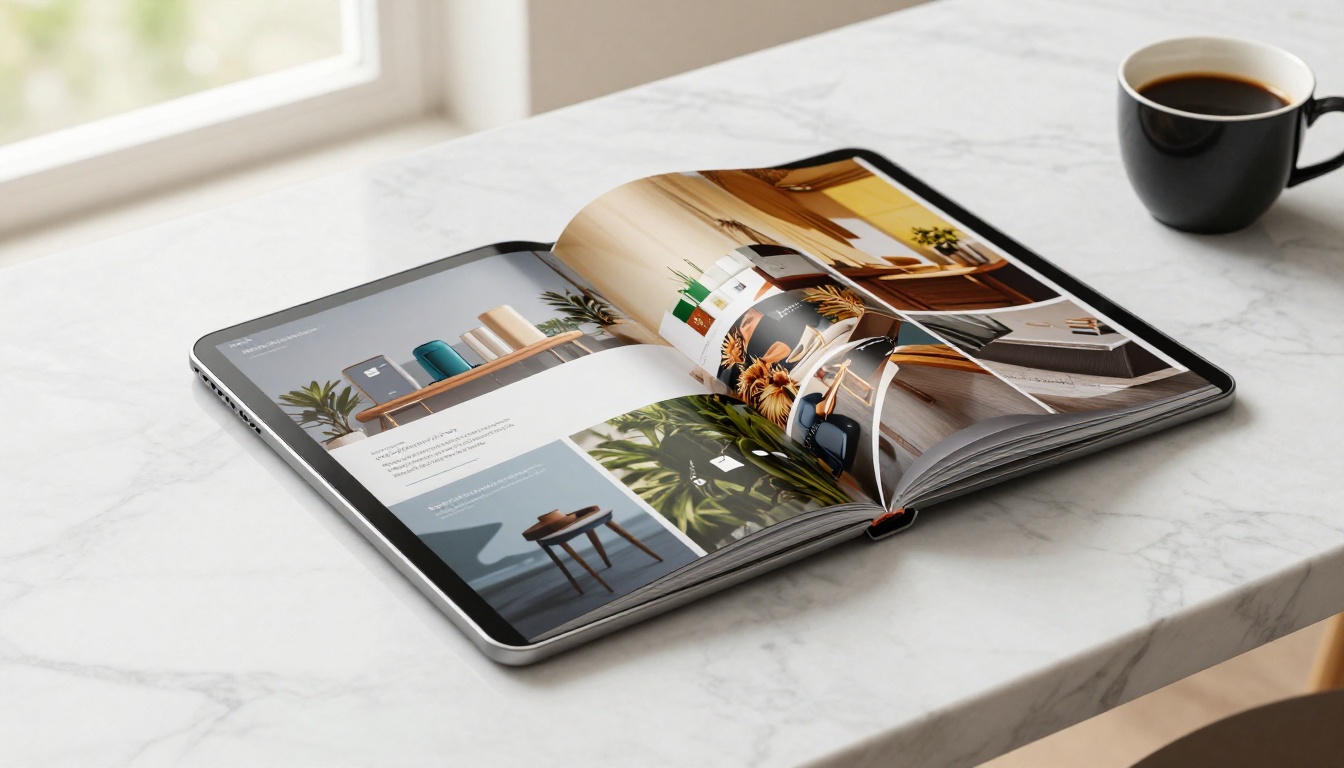
The defining feature of a flipbook is the page-turn animation. This is not cosmetic: it is the signal that makes digital content feel like a physical publication. Smooth, shadow-accurate page turns with realistic paper curl create actual engagement and increase time-on-page. Flat transitions are just glorified PDF viewers with extra steps.
💡 Pro tip: Test any converter with a multi-page document that includes both images and text-heavy pages. If the text renders fuzzy or images appear compressed in the output, the tool is downsampling your content to save on its own storage costs.
Mobile Responsiveness Is Non-Negotiable
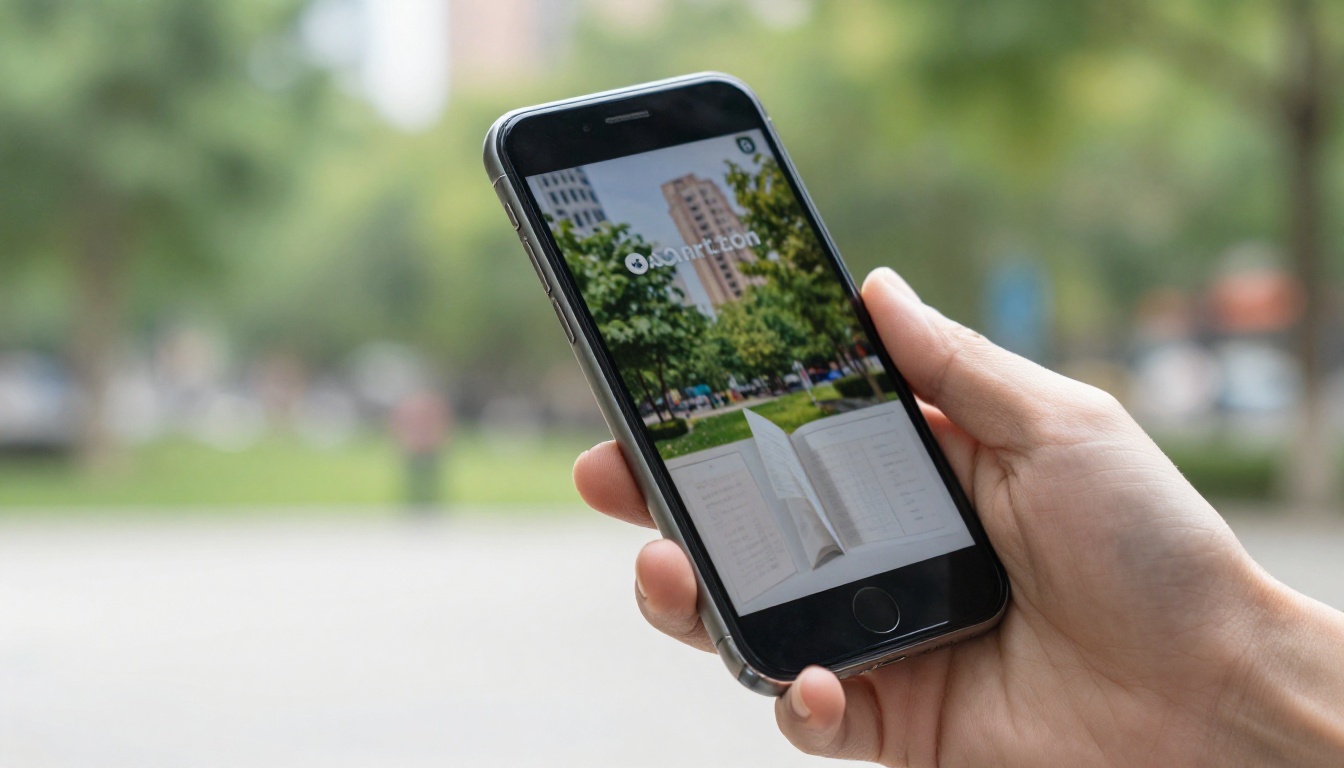
More than 60% of content is consumed on mobile devices. A flipbook that breaks on mobile is not a flipbook, it is a broken experience that reflects poorly on whoever shared it. The best converters generate HTML5 output that adapts to any screen size automatically, without requiring readers to zoom, scroll sideways, or pinch to see your content.
Sharing Without Friction
What is the point of creating a polished flipbook if sharing it is a nightmare? A functional converter should give you:
- A direct shareable link that anyone can open in a browser without signing up
- An embed code for websites, blogs, and landing pages
- Password protection for private documents
- No reader account required: your audience should never need to register to view what you made
Free vs. Paid: What You Actually Get
Most people do not need enterprise-level features. But understanding what "free" actually includes, platform by platform, helps you make a decision before you invest time in a tool that will disappoint you later.
| Feature | Typical Free Tools | Flipbooks AI Free | Flipbooks AI Standard |
|---|
| Watermarks on output | Yes, forced | No | No |
| Page limit per upload | 5 to 15 pages | Unlimited | Unlimited |
| Total flipbooks allowed | 1 to 3 | Up to 3 | Unlimited |
| Mobile responsive output | Sometimes | Yes | Yes |
| Direct share link | Yes | Yes | Yes |
| Embed code for websites | Sometimes | Yes | Yes |
| Password protection | No | No | Yes |
| Custom branding | No | No | Yes |
| Analytics and tracking | No | No | Yes (Professional) |
| Offline downloads | No | No | Yes (Professional) |
| Video and audio embed | No | No | Yes (Standard+) |
The difference between "free" at most platforms and "free" at Flipbooks AI is not small. No watermarks and no page limits on a free account is a genuine advantage that no other major competitor currently matches at the same price point.
How to Convert Your PDF to a Flipbook for Free
Here is the exact process for going from a PDF file to a published, shareable interactive flipbook using Flipbooks AI. No credit card. No buried steps. No watermarks.
Step 1: Sign Up in Under a Minute
Go to flipbooksai.com/account and create your free account. The registration form takes less than 60 seconds to complete. You will get immediate access to the free tier, which includes up to 3 flipbooks with no watermarks and no page count restrictions on uploads.
Step 2: Upload Your PDF
Once you are in the dashboard, click Create New Flipbook and drag your PDF into the upload zone, or click to browse for your file. The platform processes standard PDF files and converts them quickly while preserving original fonts, image quality, and your document layout.
A few things worth knowing before you upload:
- Supported format: PDF only (not Word or PowerPoint directly, though you can export those to PDF first)
- Processing time: typically under 60 seconds for documents under 30 pages
- Image quality: the converter preserves your original image resolution rather than compressing it
💡 Pro tip: Before uploading, export your document in high-quality PDF mode from its source application. Canva, Adobe InDesign, and Google Slides all have a high-quality PDF export option. This ensures crisp text rendering and sharp images in the final flipbook. Avoid uploading scanned PDFs with low DPI.
Step 3: Customize Your Flipbook
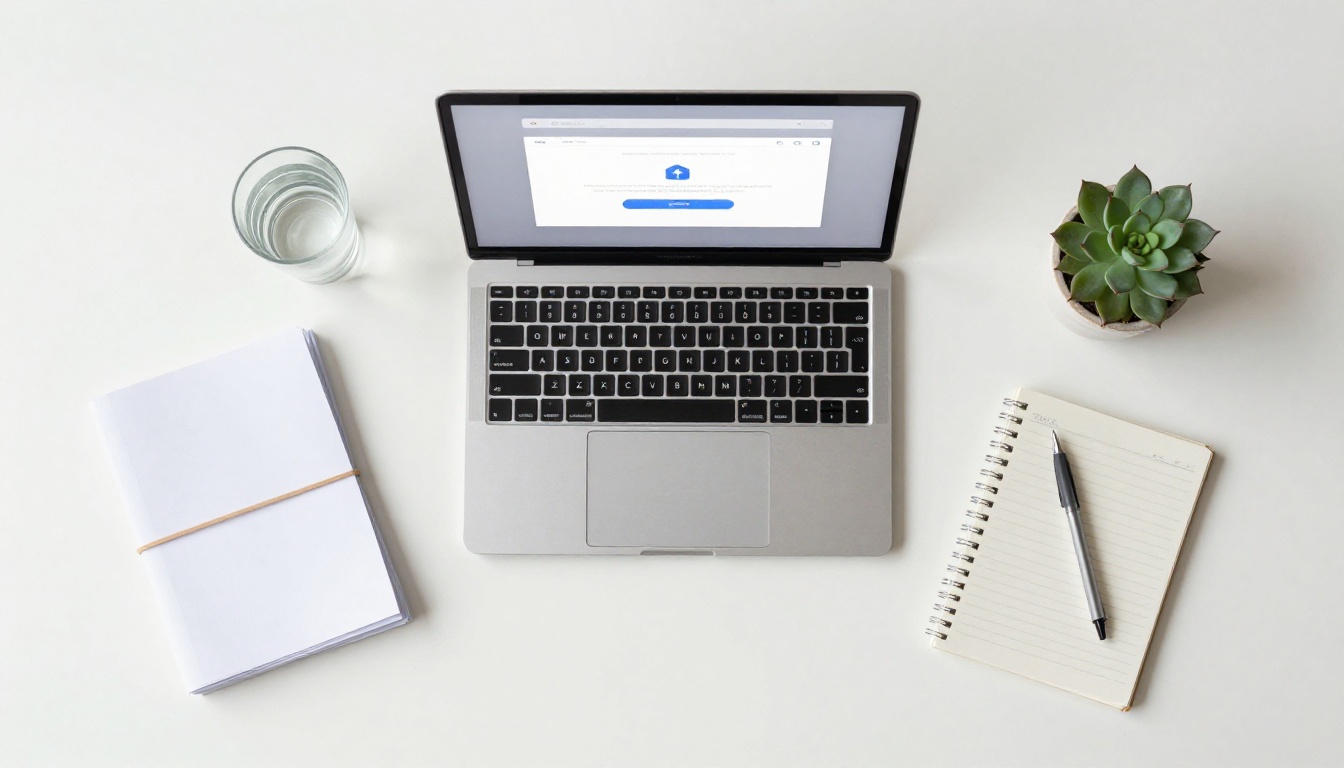
After the PDF converts, the editor opens automatically. Even on the free plan you get access to meaningful customization:
- Background color and texture behind the open book
- Cover style: hardcover, softcover, or magazine format
- Page-turn animation speed: fast for quick browsing, slow for dramatic effect
- Thumbnail strip navigation: toggle on or off depending on document length
- Table of contents: auto-generated from your PDF headings if they exist
These options alone give you a output that looks professionally produced rather than auto-generated.
Step 4: Publish and Share
When your flipbook looks right, hit Publish. You will immediately get:
- A direct URL: copy and paste this into any email, message, or social post
- An embed snippet: paste this HTML into any page on your website to display the flipbook inline
The Embed Flipbook on Website tool provides clean embed code that works with WordPress, Webflow, Squarespace, and any standard HTML page.
✅ Best practice: In email campaigns, send a flipbook link instead of attaching a PDF. Flipbook links load instantly in browsers, work on every device without downloading anything, and keep readers in an interactive experience rather than a static file. On Professional plans you can also see exactly how many people opened it and how far they read.
Who Uses Free Flipbook Converters
The practical applications for a PDF to flipbook converter cover every industry. Here is where the return on a simple upload is most immediate.
Small Businesses and Marketing Teams
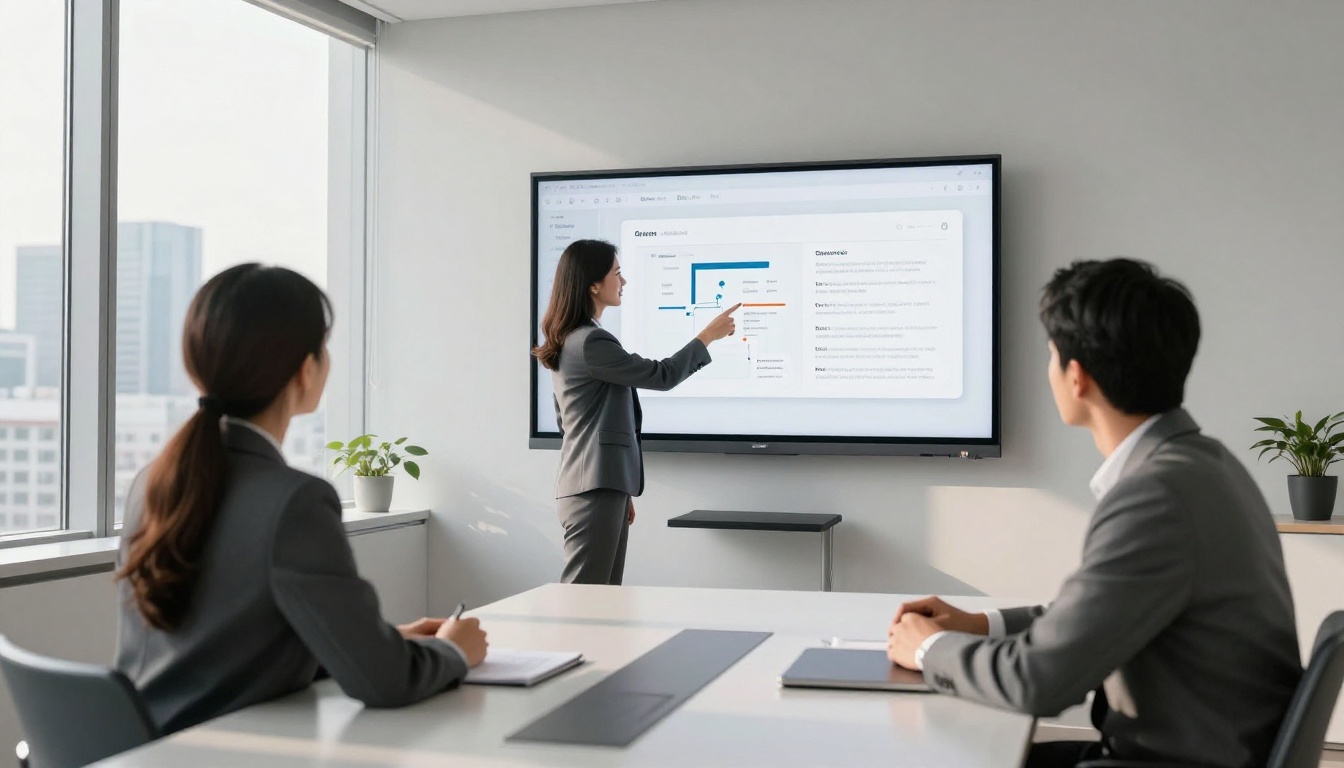
A restaurant can convert its static PDF menu into a mobile-friendly interactive menu clients can browse on their phones at the table or before they arrive. Real estate agents turn property brochures into page-flip presentations that load instantly in a text message link. Marketing teams replace PDF attachments in email campaigns with flipbook links, improving engagement because interactive content holds attention longer than a file download.
Useful tools for businesses:
Educators and Trainers
Teachers can convert lesson packs, worksheets, and course materials into flipbooks that students access on any device without installing anything. Corporate trainers can publish onboarding manuals and compliance documents as branded interactive flipbooks rather than emailing static PDFs that get lost in inboxes.

Freelancers and Creatives
Photographers convert portfolio PDFs into full-screen gallery flipbooks that show their work the way it deserves to be seen. Designers present client proposals as polished interactive documents rather than clunky file attachments. Fashion brands publish seasonal lookbooks that feel like premium print.
| Use Case | Recommended Tool | Primary Benefit |
|---|
| Restaurant menus | Restaurant Menu Creator | Mobile-friendly, shareable link |
| Product catalogs | Product Catalog Generator | Visual browsing experience |
| Real estate brochures | Real Estate Brochure Creator | Professional client-facing output |
| Course materials | Course Material Publisher | Chapter navigation and structure |
| Photo portfolios | Photography Portfolio Flipbook | Image-forward immersive layout |
| Annual reports | Annual Report Creator | Credibility and stakeholder reach |
| Sales presentations | Sales Presentation Flipbook | Interactive client-facing decks |
| Training manuals | Training Manual Flipbook | Organized onboarding content |
Features Worth Upgrading For
The free plan handles a real workload, but some situations call for more. Here is an honest breakdown of what paid features actually deliver.

| Feature | Why It Matters | Plan |
|---|
| Unlimited flipbooks | Agencies and high-volume users quickly hit 3 | Standard |
| Custom branding | Replace platform name with your own logo and colors | Standard |
| Password protection | Private documents for clients or internal teams | Standard |
| Video and audio embed | Add multimedia directly inside flipbook pages | Standard |
| Analytics dashboard | See opens, read time, drop-off pages, device types | Professional |
| Lead capture forms | Collect emails inside the flipbook reading experience | Professional |
| Offline downloads | Readers can save a copy for offline access | Professional |
The jump from free to Standard is worth it the moment you need more than 3 flipbooks or want your own branding on the output. The Professional plan makes sense the moment analytics or lead generation becomes part of your process.
💡 Pro tip: If you are using flipbooks for lead generation, the Professional plan pays for itself quickly. Capturing a reader's email inside an already-engaged browsing experience consistently outperforms a standalone landing page form.
Review pricing plans to pick the right level for where you are right now.
3 Mistakes That Ruin Good Flipbooks
Even with the right tool, these three errors consistently produce disappointing results.
1. Uploading low-quality source PDFs
If your source PDF contains compressed images, pixelated graphics, or rasterized text, the flipbook output will look blurry regardless of which converter you use. Always export from the original design file in high-quality PDF mode. Never upload a re-saved or printed-and-scanned version.
2. Never checking mobile view
You built the flipbook on a desktop. It looks great. You share it. Then someone opens it on a phone and everything is broken. Always preview the mobile version inside the editor before publishing. This takes 10 seconds and saves embarrassment.
3. Linking instead of embedding
When adding a flipbook to a website, always use the embed code, not a plain link. Linking to a third-party URL from your own site means your reader leaves your page entirely. Embedding keeps the experience on your domain where you control the context.
The Bottom Line on Free Flipbook Converters
Most free PDF to flipbook converters are not actually free. They are free previews of a paid product, designed to show you what you cannot have. Watermarks, page limits, and choppy animations are not technical limitations. They are deliberate friction designed to push you toward a purchase.
The standard you should hold any "free" converter to is simple: does it produce a clean, watermark-free, fully-functional flipbook from a real-world document, with sharing options that work for actual professional use cases? For most tools the answer is no. For Flipbooks AI, the answer is yes.
The PDF to Flipbook Converter is available on the free plan right now. No credit card. No watermarks. No page limits on your uploads.
If you know you need more, browse the pricing plans before you start. And if you want to see the full range of what is possible, the tools directory covers everything from restaurant menus to annual reports to photography portfolios.
Create your free account and convert your first PDF today. The difference between sending a PDF attachment and sharing an interactive flipbook is one upload away.



