Static PDFs are functional but forgettable. They sit in downloads folders, require dedicated apps to open, and offer zero interactivity. When you share a PDF by email or link, recipients get a flat, scrollable document that does nothing to hold attention. Free PDF to flipbook tools solve this instantly: they convert any PDF into a digital publication with realistic page-turn animations, mobile-responsive layouts, and shareable links you can send anywhere. Whether you run a business, work in education, or create content professionally, the right tool changes how your audience experiences your documents.
This article breaks down the best free PDF to flipbook tools available right now, what each one does well, and where each one falls short. We also include a step-by-step tutorial using Flipbooks AI so you can go from a raw PDF to a polished, shareable digital publication in under five minutes.
Not every tool that claims to convert PDFs to flipbooks delivers the same result. Before comparing specific options, it helps to know what separates a genuinely useful tool from one that wastes your time.
The Page-Turn Experience
The core feature of any flipbook tool is the page-turn animation. The best ones render smooth, realistic paper curls with proper shadow depth and natural physics. A choppy or plastic-looking flip kills the visual appeal immediately. Look for tools that use HTML5 rendering rather than outdated Flash (which modern browsers no longer support), and check whether the page curl responds to mouse drag or only to a single click.

Mobile Responsiveness
Over 60% of web content is consumed on mobile devices. A flipbook tool that only works well on desktop fails more than half your potential audience. Proper mobile responsiveness means the flipbook scales correctly to any screen without horizontal scrolling, and touch-swipe navigation feels intuitive without needing instructions.
Sharing and Embedding
Sharing options matter as much as the flipbook itself. You need at minimum: a direct shareable link, an embed code for websites, and ideally social media sharing. Professional use cases add password protection for confidential documents and analytics to track who reads what and how far they get.
Watermarks and Branding
This is where many free tools disappoint. A tool that adds its own logo or watermark to your published flipbook is essentially using your content as free advertising. If you share a client-facing document with a competitor's branding stamped across it, it signals immediately that you are using a free tier rather than investing in your presentation quality.
Here is a focused look at the most reliable options available today, with honest assessments of each tool's strengths and limitations.
Flipbooks AI
Flipbooks AI is the strongest free-tier option on this list. The platform converts PDFs to HTML5 flipbooks with smooth page-turn animations, no watermarks on any plan level, and responsive design that works seamlessly across desktop, tablet, and mobile. The free tier gives you access to the core conversion functionality without hidden restrictions, and upgrading to the Standard plan unlocks unlimited flipbooks with additional customization control.
What sets it apart from competitors is the depth of customization available directly from the browser. You can adjust branding colors, add a custom logo, control page-turn speed and animation style, and embed video or audio content within flipbook pages. For specific document types, purpose-built tools handle everything from product catalogs to annual reports to digital magazines. The PDF to Flipbook Converter is the core tool, and it handles every document type reliably.
💡 Pro Tip: Flipbooks AI includes zero watermarks at every plan level. Most competitors add platform branding to free-tier flipbooks that cannot be removed without paying. This makes Flipbooks AI the only truly clean free option on this list.
Issuu
Issuu is one of the oldest names in digital publishing. Its page-flip effect is polished and the platform has a large discovery network where public publications can be found organically by other Issuu users. The free plan covers basic PDF conversions, though it adds Issuu branding to all publications. Storage is limited on the free tier, and download functionality requires a paid account. It remains a strong option for content creators who want discoverability within an existing audience.
Best for: Publishers who want organic discovery through Issuu's readership network.
FlipHTML5
FlipHTML5 offers a desktop application alongside its web tool, which suits users who prefer offline editing or work with sensitive documents they do not want to upload to external servers. The free plan includes the core conversion feature with basic animation options. Output quality is solid, though the interface is more dated compared to newer tools. Large PDF uploads can be slow, and the free tier limits how many flipbooks you can publish and keep live simultaneously.
Best for: Users who need a desktop application option or work with complex multi-chapter PDFs.
Joomag
Joomag positions itself as a full digital publishing suite rather than a simple converter. The free plan is notably more restricted than competitors and nudges users toward paid tiers quickly. Its main strength is the built-in design editor that lets you add pages, import images, and build publications from scratch without needing a source PDF file. If your workflow involves design work rather than simple conversion, this is worth testing.
Best for: Teams creating publications from scratch rather than converting existing PDFs.
Calameo
Calameo is a reliable mid-range option with a clean interface and a straightforward free tier. It handles PDF conversion well and also accepts Word documents, PowerPoint files, and OpenDocument formats, which gives it a broader input compatibility than most. The free plan limits total storage and adds Calameo branding. Analytics are available but restricted to basic view counts on free accounts.
Best for: Teachers, nonprofits, or small organizations on tight budgets who need multi-format document support.
Side-by-Side Feature Comparison
The table below covers the most important feature checkpoints across all five tools, evaluated on their free-tier offerings:
| Feature | Flipbooks AI | Issuu | FlipHTML5 | Joomag | Calameo |
|---|
| No Watermarks | ✅ | ❌ | ❌ | ❌ | ❌ |
| HTML5 Page Flip | ✅ | ✅ | ✅ | ✅ | ✅ |
| Mobile Responsive | ✅ | ✅ | ✅ | ✅ | ✅ |
| Custom Branding | ✅ | ❌ | Paid only | Paid only | Paid only |
| Website Embed Code | ✅ | ✅ | ✅ | Paid only | ✅ |
| Password Protection | ✅ | ❌ | Paid only | Paid only | Paid only |
| Analytics | Paid | Paid | Paid | Paid | Basic |
| Unlimited Flipbooks | Standard+ | Paid | Paid | Paid | Paid |
| Video or Audio Embed | ✅ | Paid | Paid | Paid | ❌ |
| Offline Download | Paid | Paid | ✅ | Paid | Paid |
| Desktop App | ❌ | ❌ | ✅ | ❌ | ❌ |
| Multi-format Input | PDF | PDF | PDF | PDF | PDF, Word, PPT |
⚠️ Warning: Free tools that add platform watermarks to your documents can undermine professional credibility. If you share a client presentation or company brochure with a third-party logo stamped across it, the first impression it creates is the wrong one.
How to Create a Flipbook with Flipbooks AI
This is the fastest workflow from a PDF file to a published, shareable digital flipbook. Most documents complete the full process in under five minutes.
Step 1: Create Your Account
Go to Flipbooks AI and sign up for a free account. No credit card is required for the free tier. Once logged in, you land on the main dashboard where all your flipbooks are managed and organized.

Step 2: Upload Your PDF
Click the "Create New Flipbook" button on the dashboard. Drag and drop your PDF file into the upload zone or click to browse your local file system. Flipbooks AI processes the document automatically, and most files convert within 30 to 60 seconds depending on page count and file complexity.
Step 3: Customize Your Flipbook
Once conversion finishes, the customization editor opens. This is where the presentation quality gets built. You can:
- Set a custom cover thumbnail from any page in the PDF
- Choose a background color, gradient, or texture
- Upload a logo for custom brand identity
- Select the page-turn animation style and adjust its speed
- Add a background audio track to play during reading
- Embed YouTube or Vimeo video links within specific pages
- Set the reading direction (left-to-right or right-to-left for languages like Arabic or Hebrew)
For specific document types, use the dedicated tools: the Interactive E-Book Publisher for long-form books, the Digital Catalog Maker for product or retail catalogs, the Annual Report Creator for corporate documents, or the E-Magazine Publishing Tool for periodicals.
Step 4: Set Privacy and Sharing Options
Before publishing, decide on access:
- Public: Anyone with the link can view the flipbook without restrictions
- Password Protected: Viewers must enter a password before the flipbook loads
- Private: Only your account can access the document (useful for drafts or internal review)
Password protection is included in Flipbooks AI plans without requiring an upgrade, which most competing platforms charge for as a premium add-on.
Step 5: Publish and Share
Click "Publish" to make the flipbook live. You receive three outputs immediately:
- A direct shareable URL you can send via email, messaging, or social media
- An HTML embed code for placing the flipbook inside any website or blog
- Social sharing buttons for one-click posting
Use the Embed Flipbook on Website tool for detailed guidance on adding the flipbook to any webpage. The iframe embed code scales automatically to fit whatever container width you place it in, and any changes you make to the flipbook after publishing update live without needing a new embed code.

✅ Best Practice: Use the direct URL when sharing via email or social media. Use the embed code when placing the flipbook inside a webpage. Both options stay current automatically if you edit the flipbook later, so you never need to re-send links or update embed codes after making changes.
Real-World Use Cases by Industry
Different professionals reach for flipbook tools for very different reasons. Here is how each sector gets practical value from the format.

Businesses and Marketing Teams
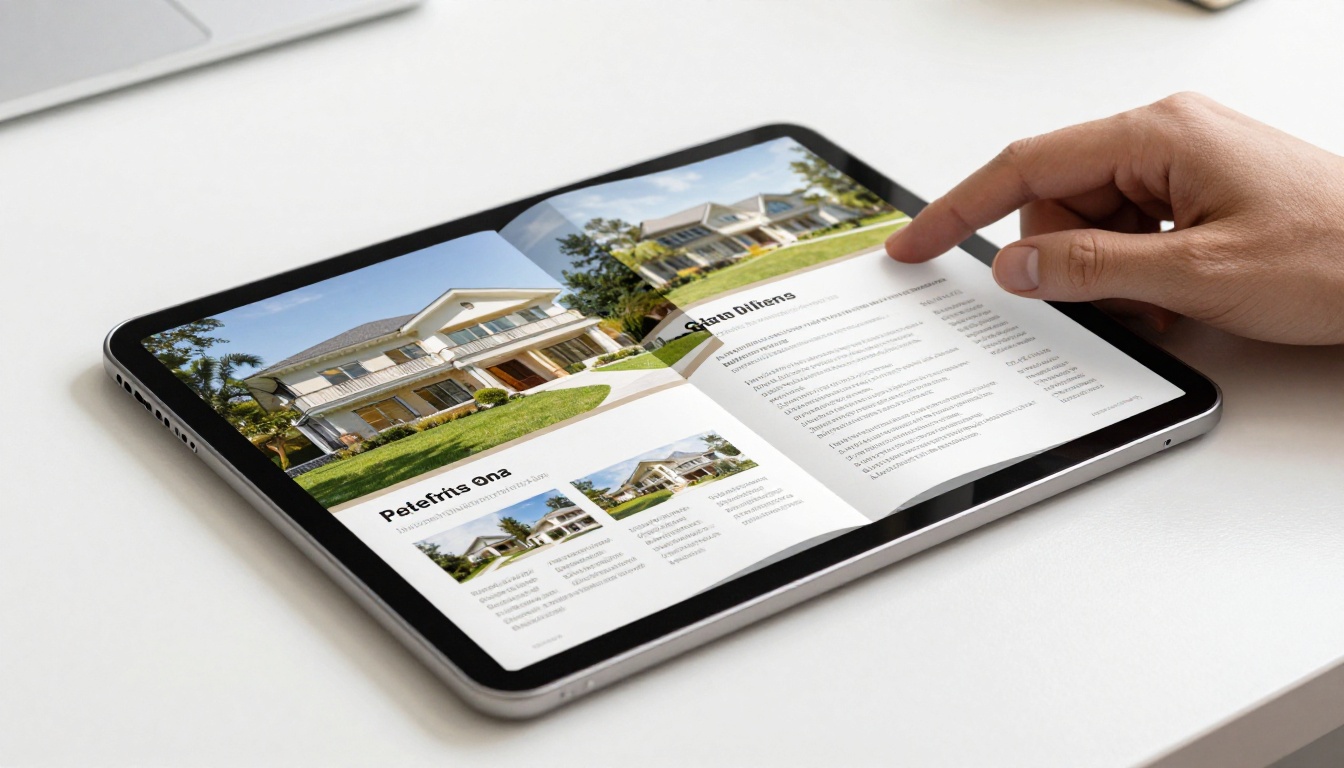
A marketing team producing monthly catalogs or seasonal lookbooks sees immediate benefit from flipbook conversion. Instead of emailing PDF attachments that get ignored in inboxes, they send a link to an interactive publication that works in any browser and tracks reader behavior. Real estate agents use the Real Estate Brochure Creator to turn property listings into scrollable digital brochures that signal premium quality to buyers. Restaurant groups use the Restaurant Menu Creator to maintain a single live menu link that updates automatically when prices or items change, eliminating the need to resend PDF attachments.
Specific tools for businesses:
Educators and Training Teams
Schools and corporate training departments distribute course materials, handbooks, and newsletters as flipbooks to improve how students and employees engage with printed content. People browse page-turn publications differently than they scroll static PDFs: the physical metaphor of turning pages encourages more linear, thorough reading. The Training Manual Flipbook and Course Material Publisher are built specifically for these workflows and handle multi-chapter documents with consistent formatting.
Creative Professionals
Photographers, designers, and artists use digital flipbooks to present portfolios in a format that mimics a physical book or printed magazine, which feels more curated and deliberate than a grid-based website gallery. Wedding studios, fashion agencies, and interior designers all benefit from this presentation mode. The Photography Portfolio Flipbook and Interactive Lookbook Designer give creatives purpose-built tools for each specific format, with customization options tailored to visual-heavy documents.
Flipbooks AI Plan Features at a Glance
When you are ready to move beyond the free tier, here is what each plan level adds:
| Feature | Free | Standard | Professional |
|---|
| Watermarks | None | None | None |
| Number of Flipbooks | Limited | Unlimited | Unlimited |
| Custom Branding | ✅ | ✅ | ✅ |
| Password Protection | ✅ | ✅ | ✅ |
| Video and Audio Embed | ✅ | ✅ | ✅ |
| Analytics | ❌ | ❌ | ✅ |
| Lead Generation Forms | ❌ | ❌ | ✅ |
| Offline Downloads | ❌ | ✅ | ✅ |
| Custom Domain | ❌ | ✅ | ✅ |
| Priority Support | ❌ | ❌ | ✅ |
💡 Pro Tip: The Professional plan at Flipbooks AI adds analytics that show exactly how many people viewed your flipbook, how long they spent on each page, and where they dropped off. For sales teams and marketers using flipbooks as sales collateral, this data is worth more than the plan cost. See the pricing page for current rates.
For the majority of people looking for a free PDF to flipbook tool, the answer is straightforward. If you want the best balance of features at no cost, no watermarks from the very first document, and a clear upgrade path as your needs grow, Flipbooks AI is the right starting point. It covers every common professional use case with dedicated tools for catalogs, menus, brochures, portfolios, annual reports, e-books, and more.
Issuu is worth considering if your primary goal is organic discovery within their publishing ecosystem and you create content that benefits from being found by an external readership. FlipHTML5 is relevant if you specifically need desktop software rather than a browser-based tool. For all other situations, the flexibility and feature depth available on Flipbooks AI at zero cost outperforms everything else on this list.
The decision often comes down to one practical question: do you need something that looks professional from the very first document you publish, or are you testing the format before committing? If it is the former, start with Flipbooks AI and skip every tool that puts its own logo on your work.
Ready to convert your first PDF? Create a free account and have your first flipbook live in under five minutes. Browse the full tools directory to find the right template for your document type, or review pricing plans when you are ready to scale up.



