Sending a PDF attachment is the digital equivalent of handing someone a stack of loose papers. It gets the job done, technically. But there is a better way to share your documents online, and it does not cost anything. A free tool to turn PDFs into beautiful digital books changes the entire experience: your files become interactive, page-turning publications that look polished on every screen, from phones to desktops.
Flipbooks AI is one of the most capable free tools available for this exact purpose. Upload your PDF, and within seconds you have a fully functional digital book with realistic page-flip animations, mobile-responsive design, and shareable links. No watermarks, no design degree required, no complicated software to install.
This article breaks down everything you need to know about converting PDFs into digital books, including who benefits most, how to do it step by step, and what features actually matter when choosing a tool.
Why Plain PDFs Are Losing You Readers
PDFs were designed for printing, not for screens. When someone opens a PDF on their phone, they are zooming in and out, scrolling horizontally, and fighting with a format that was never built for mobile viewing. The result is abandonment. People close the file and move on.
Digital books solve this problem by presenting the same content in a format that feels natural on any device. Pages turn with a satisfying flip animation. Text reflows properly on small screens. Images display at full resolution without awkward whitespace.

The difference in reader attention is significant. A restaurant that shares a digital menu instead of a PDF attachment sees more customers actually reading through the full menu before arriving. A real estate agency that sends an interactive property brochure instead of a static PDF gets more callbacks. The format shapes the experience.
💡 Pro Tip: Digital books are indexed by search engines, which means your content can appear in search results when shared publicly online. A PDF attached to an email cannot do this.
What Makes a Digital Book Different
A digital book is not just a PDF displayed in a browser. The conversion process restructures the content into an interactive HTML5 publication with several features that a raw PDF cannot provide.
| Feature | PDF | Digital Book |
|---|
| Page-flip animation | No | Yes |
| Mobile-responsive | Poor | Fully optimized |
| Embeddable on websites | No | Yes |
| SEO indexable | Limited | Yes |
| Analytics tracking | No | Yes (Professional) |
| Password protection | No | Yes |
| Video and audio embedding | No | Yes |
| Offline download | No | Yes |
The table above illustrates the core functional gap. For anyone sharing documents publicly or with clients, a digital book is simply a more effective format in nearly every category.

The Page-Flip Effect
The page-flip animation is not just aesthetic. It creates a psychological framing that signals to readers: this is a publication worth reading. The same content in a PDF feels like a bureaucratic document. The same content in a flipbook feels like a magazine, a catalog, or a professional report.
Mobile Optimization Matters
Over 60% of web browsing happens on mobile devices. Digital books automatically adapt their layout to fit phone screens without requiring the user to pinch, zoom, or scroll sideways. This alone justifies the conversion for any document meant to be shared online.
How to Convert Your PDF in 3 Steps
The process with Flipbooks AI takes under two minutes for most documents. Here is exactly how it works:
Step 1: Upload Your PDF
Go to Flipbooks AI and create a free account. Once inside the dashboard, click the upload button and select your PDF file. The platform supports files up to several hundred pages and processes them in the cloud, so you do not need a powerful local machine.
Step 2: Customize Your Publication
After conversion, you can personalize the digital book before sharing. Options include:
- Custom branding: Add your logo and choose brand colors for the flipbook interface
- Background themes: Select from various background styles to match your publication's mood
- Page effects: Choose between hard-page and soft-page flip animations
- Table of contents: Automatically generated from your PDF's headings
- Multimedia: Embed video or audio links within specific pages (Standard plan and above)
Step 3: Share or Embed
Once your flipbook is ready, you have several sharing options at your disposal:
- Direct link: A clean URL you can share via email, social media, or messaging apps
- Embed code: An HTML snippet that places the flipbook directly on your website
- Password protection: Lock private publications with a password for internal use
- QR code: Generate a QR code that opens the flipbook instantly on any mobile device
✅ Best Practice: Use the embed option on your website for catalogs, menus, and reports. Visitors can browse the full publication without leaving your site, which keeps them on your page longer and reduces bounce rates.
Who Actually Benefits From This
The use cases for digital books span nearly every industry. The following examples show how different professionals use this format effectively in their day-to-day work.
Restaurants and Hospitality
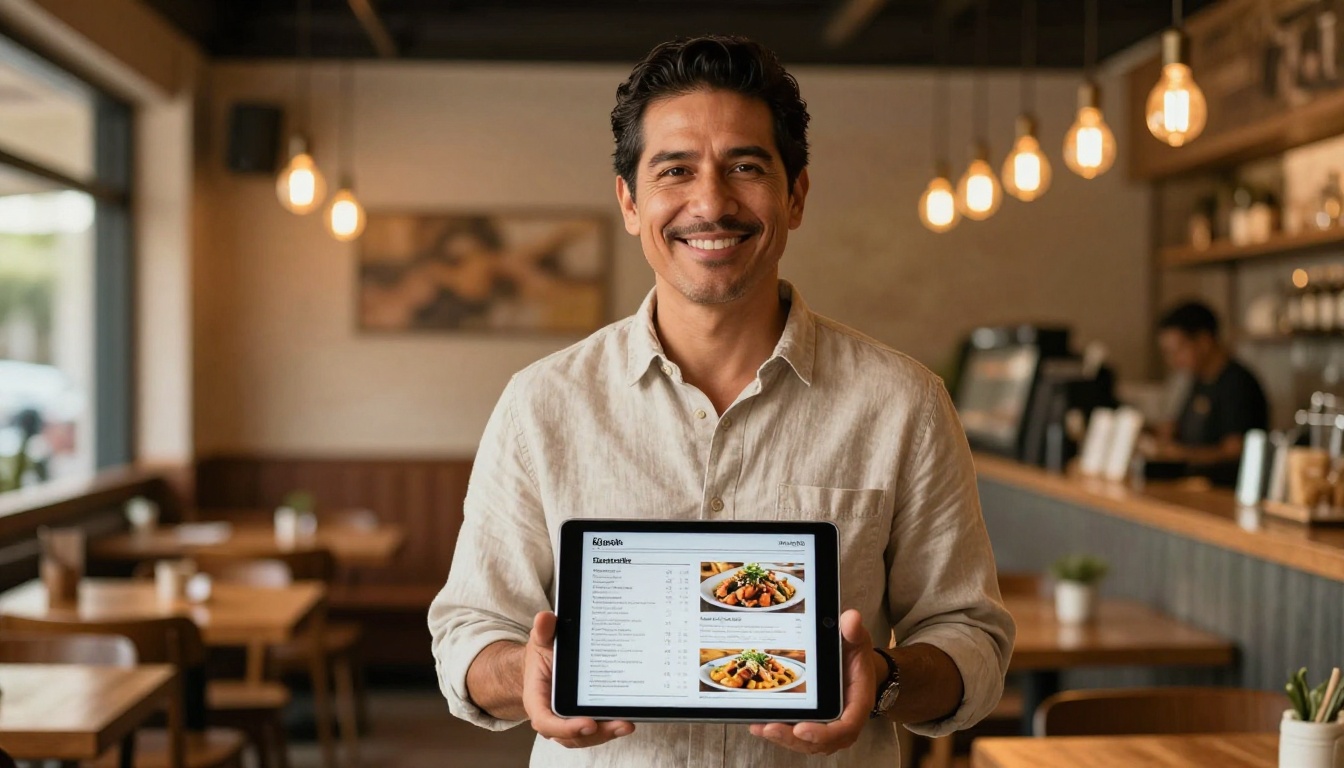
A restaurant can replace its PDF menu with a digital flipbook that customers browse on their phones before visiting. The Restaurant Menu Creator tool makes this process straightforward. Hotels use the same approach for spa and wellness menus, room service guides, and local activity brochures via the Hotel Brochure tool.
Real Estate
Agents who share interactive property brochures stand out in a competitive market. The Real Estate Brochure tool converts property PDFs into high-quality digital publications that showcase listings with the visual weight they deserve. Clients can browse properties at their own pace, zoom into floor plans, and share the link with family members who were not at the showing.
Education
Teachers and course creators use digital books to distribute course materials, lesson plans, and yearbooks. The Course Material Publisher and Yearbook Flipbook Maker tools are built specifically for educational contexts. Students find interactive course materials far more engaging to browse than static PDFs.
Marketing and Business
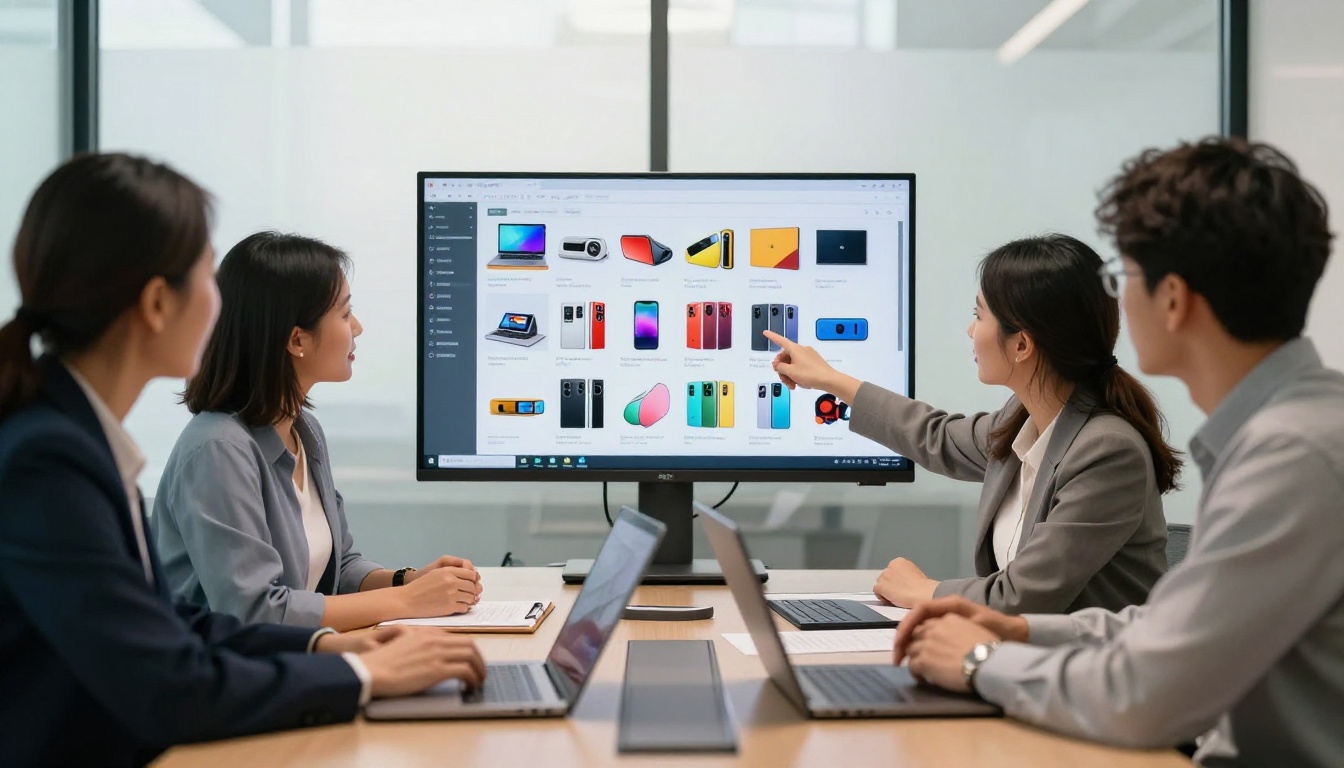
Marketing teams rely on digital books for product catalogs, annual reports, and sales presentations. A Digital Catalog Maker converts a standard product PDF into an interactive catalog that clients can browse online at any time. The Annual Report Creator gives corporate reports a polished, professional presentation that a PDF attachment simply cannot replicate.
Freelancers and Creatives
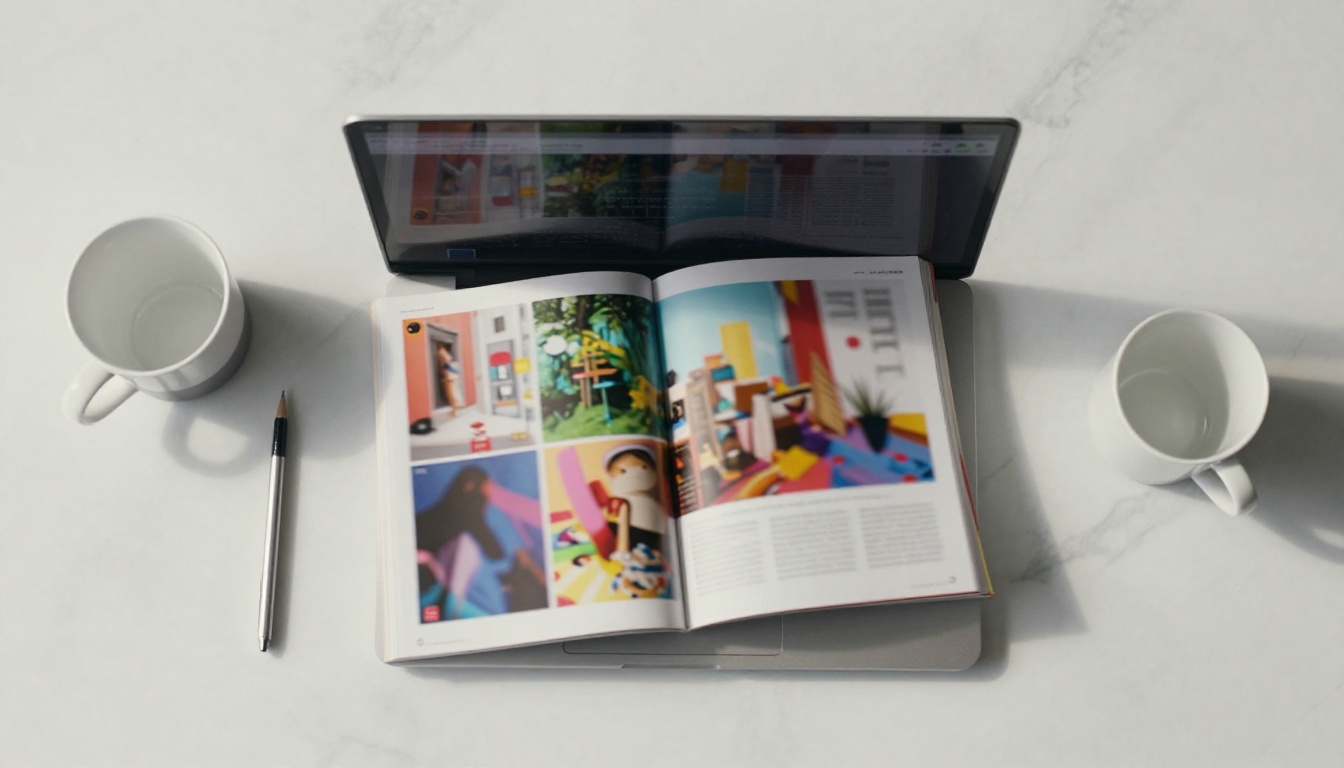
Photographers, designers, and writers use digital portfolios to showcase their work. The Digital Portfolio Creator and Photography Portfolio tools create publications that look and feel like premium printed books without the printing cost.
Features That Actually Matter
Not all digital book tools are equal. When evaluating a free tool to turn PDFs into beautiful digital books, focus on these specific capabilities before committing to a platform.
No Watermarks
Many free tools apply a large watermark to your flipbook unless you upgrade. This is workable for internal testing, but it looks unprofessional for any client-facing use. Flipbooks AI does not add watermarks on any plan, including free use.
Mobile Responsiveness
The flipbook must look correct on a phone screen without any manual adjustment by the reader. Test this before committing to a tool. Poor mobile rendering defeats the purpose of converting from a PDF in the first place.
Embedding Capability
If you need to place the digital book on your website, the tool must provide an embed code that works cleanly across different website builders such as WordPress, Squarespace, and Webflow. The Embed Flipbook on Website tool handles this specifically with a simple copy-paste snippet.
Custom Branding
The ability to add your own logo and remove the platform's branding matters for business use. This creates a consistent brand experience when clients open your publications and removes any confusion about what tool you used to create them.

⚠️ Warning: Some tools compress your PDF heavily during conversion, resulting in blurry images and hard-to-read text. Always preview the final result at full size before sharing with clients or posting publicly.
Comparing the Plan Options
For most individuals and small businesses, the free or standard plan provides everything needed for regular use. Here is a breakdown of what each tier offers on Flipbooks AI:
| Feature | Free | Standard | Professional |
|---|
| Flipbooks | Limited | Unlimited | Unlimited |
| Watermarks | None | None | None |
| Custom branding | Basic | Full | Full |
| Password protection | No | Yes | Yes |
| Embed on website | Yes | Yes | Yes |
| Analytics | No | No | Yes |
| Lead generation | No | No | Yes |
| Offline downloads | No | Yes | Yes |
| Video and audio embed | No | Yes | Yes |
💡 Pro Tip: Start with the free plan to convert your first PDF and test the output quality. Most users find they only need the Standard plan features for consistent business use.
The Professional plan is built for teams that need data on how readers interact with their publications. If you are distributing a sales catalog and want to know which pages receive the most attention, or if you want to capture leads from readers who request more information, the analytics and lead generation features deliver clear return on investment.

Use Cases by Industry at a Glance
Practical Tips for a Better Digital Book
The tool handles the technical conversion, but the quality of your final digital book also depends on the source PDF. A few practices that consistently produce better results:
- Use high-resolution images in your PDF: Images that look fine in print at 300 DPI translate well to screen. Low-resolution web images at 72 DPI may appear blurry after conversion.
- Embed your fonts: Not embedding fonts in your PDF can cause text rendering issues during conversion on platforms that do not have those fonts installed.
- Use clear page headings: These become your table of contents automatically in most tools, making navigation easier for readers.
- Avoid overly complex layered designs: Highly complex PDFs with many overlapping elements occasionally produce minor layout shifts during conversion. Simpler, cleaner layouts convert more reliably.
- Test on mobile before sharing: Open the final flipbook link on your phone before sending it to clients or publishing it publicly.

Beyond PDFs: What Else You Can Do
Once you have converted your first PDF, the broader set of tools available on Flipbooks AI opens up new creative and business possibilities. You are not limited to simple document conversion. The platform includes dedicated creators for specific publication types:
Each tool comes optimized for its specific use case with relevant templates and formatting defaults, saving significant setup time compared to starting from a blank PDF conversion.

Start Publishing Better Documents Today
The gap between a PDF and a digital book is the gap between forgettable and impressive. Your content is the same. Your effort is the same. But the experience your audience has is completely different when they flip through a beautiful, interactive publication instead of scrolling through a static file attachment.
Flipbooks AI makes this conversion free, fast, and accessible to anyone with a PDF ready to share. No design skills are needed, no software to download, and no watermarks on your published work.
Ready to see what your PDF looks like as a digital book? Create your free account and upload your first file in the next two minutes.
If you are ready to access analytics, lead generation, and offline downloads, compare the pricing plans to find the right fit for your needs.
Browse all available tools and templates to find the specific creator built for your industry and use case.



