PDF documents have been the standard for digital document sharing for decades, but they lack the engagement factor that modern audiences expect. Static pages on a screen don't capture attention the way interactive content does. That's where PDF to flipbook conversion changes everything. When you transform a PDF into an interactive flipbook, you're not just changing formats—you're creating an experience that readers remember.
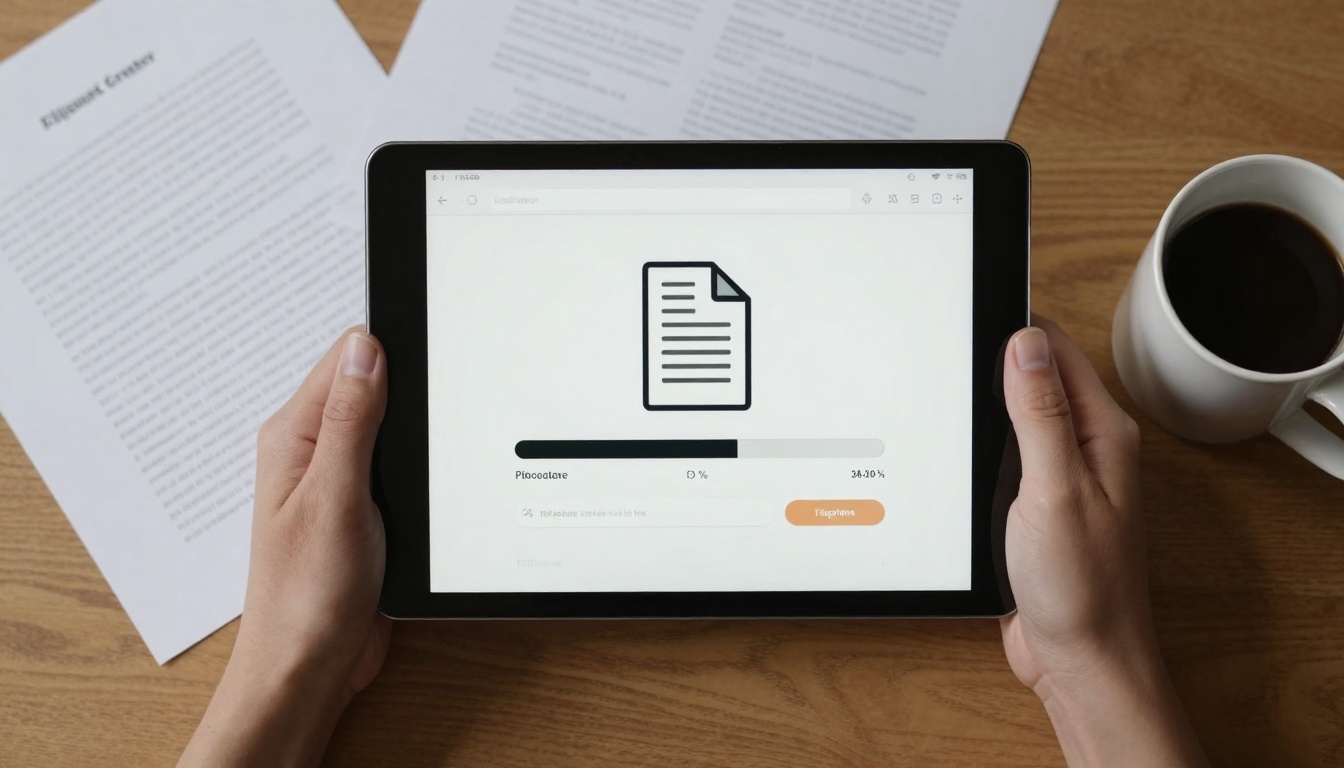
The process starts with a simple upload. Your PDF document gets converted into a digital publication with realistic page-turning animations, embedded multimedia elements, and interactive features that keep readers engaged. This isn't about adding unnecessary bells and whistles—it's about making your content more accessible, more memorable, and more effective at achieving whatever goal you have for that document.
Why Interactive Flipbooks Work Better
Static PDFs suffer from what digital marketers call "scroll fatigue." Readers see a long document and immediately feel overwhelmed. They scroll quickly, missing important information, or they abandon the document entirely. Interactive flipbooks solve this by breaking content into digestible pages with natural progression.
Reader engagement increases by 300-400% when content moves from static PDF to interactive flipbook format. The page-turning motion creates a psychological connection to physical reading, making digital content feel more substantial. People spend more time with flipbook content, absorb more information, and are more likely to take desired actions.
💡 Pro Tip: Start with your most important PDF documents—product catalogs, annual reports, training manuals, or marketing brochures. These high-value documents benefit most from interactive enhancements.
How PDF to Flipbook Conversion Works
The technical process involves several layers that work together seamlessly:
- Document Analysis: The system scans your PDF, identifying page breaks, image placements, text flow, and formatting
- Digital Reconstruction: Each page gets converted into a web-optimized format that maintains your original design
- Interactive Layer Addition: Page-turning mechanics, navigation controls, and multimedia embedding capabilities get added
- Optimization: The final flipbook gets optimized for all devices—desktop, tablet, and mobile
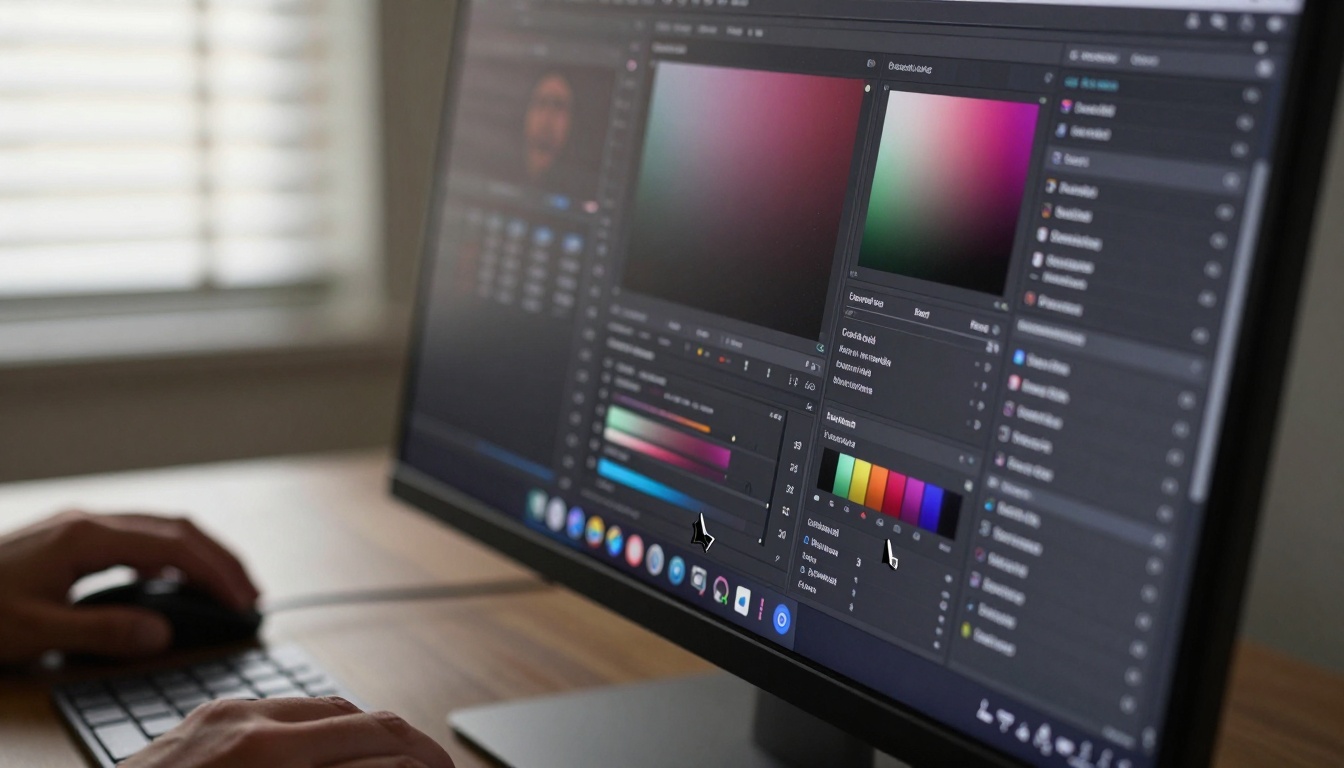
What makes modern flipbook tools particularly effective is their customization depth. You're not stuck with generic templates. You can adjust every visual element to match your brand identity:
- Color schemes that align with your company branding
- Font selections that maintain document consistency
- Navigation controls positioned for optimal user experience
- Background textures that enhance reading comfort
- Page effect options from simple turns to sophisticated 3D animations
Real-World Applications That Matter
Restaurant Industry Transformation
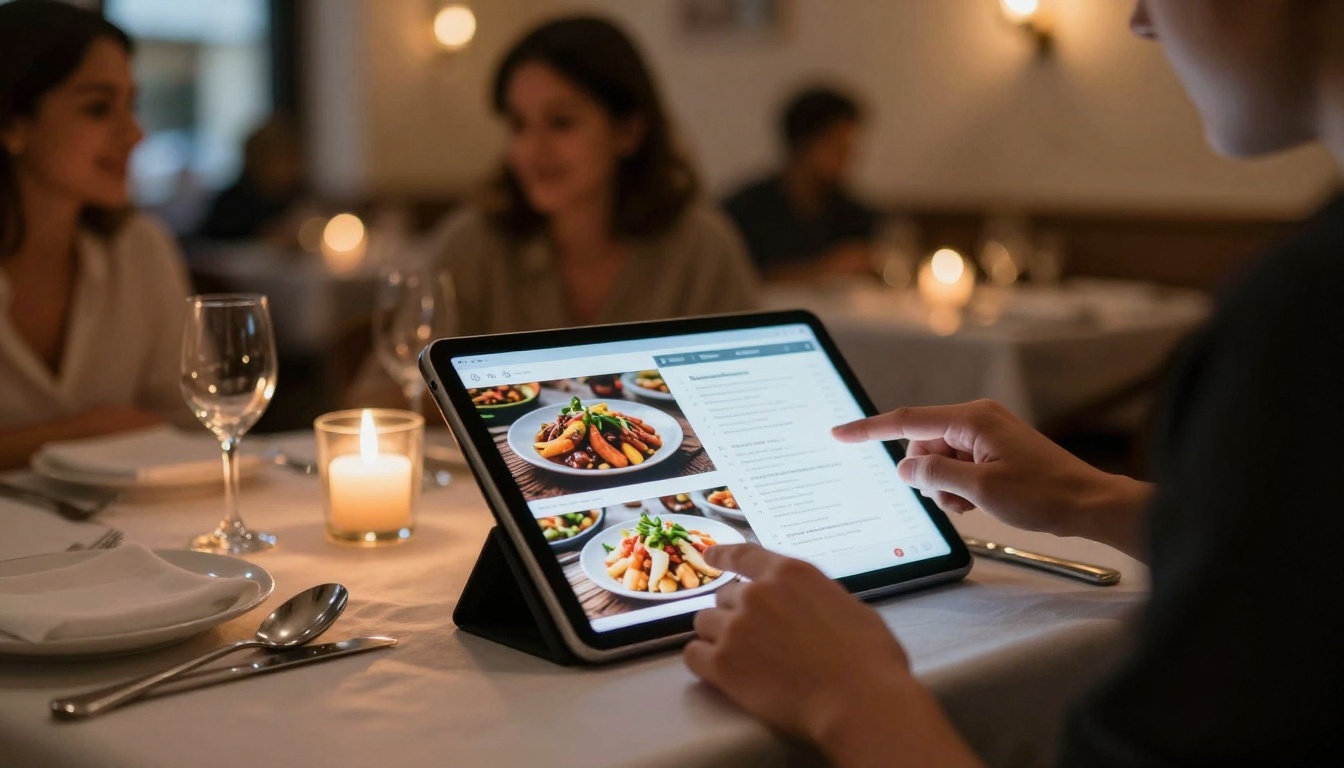
Restaurants face constant menu updates—seasonal changes, price adjustments, new dishes. Printing menus costs money and creates waste. With the Restaurant Menu Creator tool, establishments create interactive digital menus that:
- Reduce printing costs by 80-90%
- Allow instant updates when ingredients change or prices adjust
- Embed video of chef preparations or ingredient sourcing
- Include nutritional information in expandable sections
- Offer multiple language options for diverse customer bases
A typical restaurant sees 30-50% higher engagement with digital flipbook menus compared to PDF versions. Customers explore more dishes, spend more time reviewing options, and ultimately order higher-value meals.
Real Estate Marketing Evolution
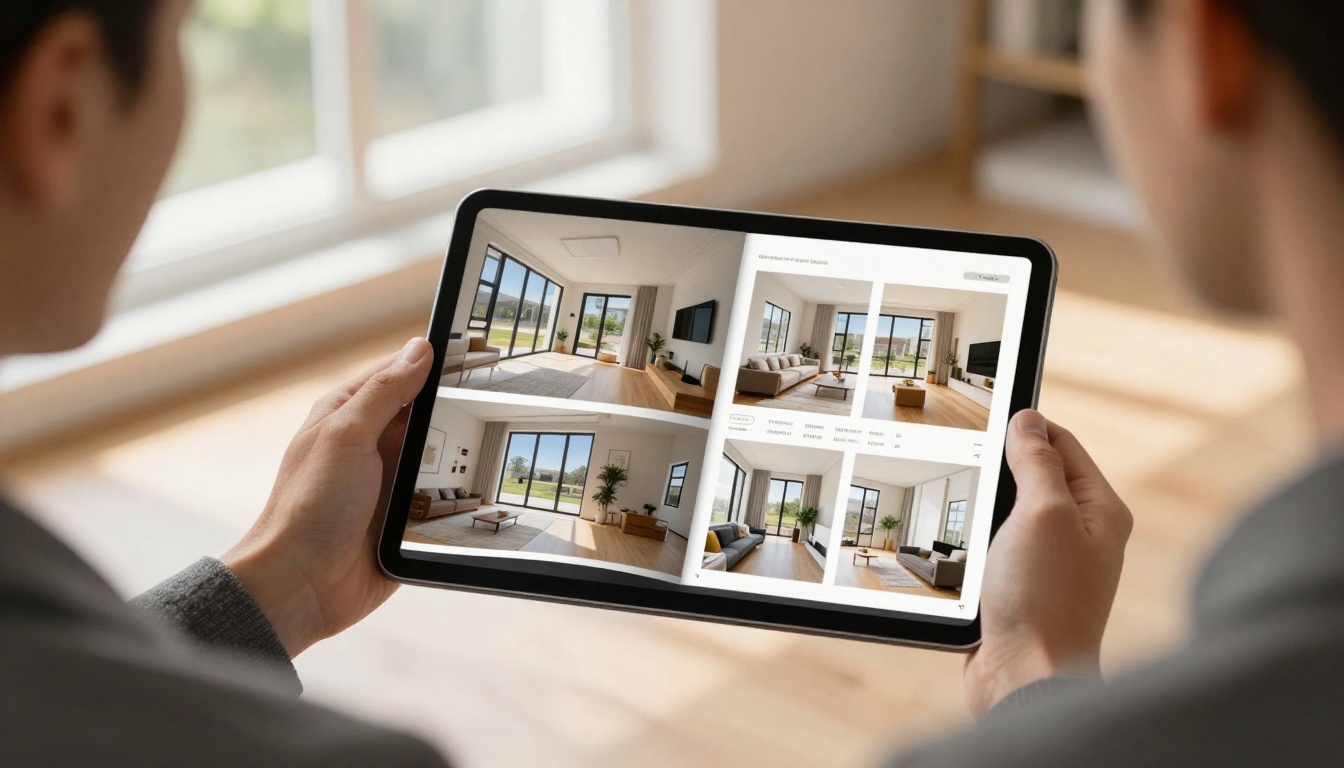
Property listings have moved from paper brochures to PDFs, but now they're evolving again. The Real Estate Brochure Creator enables agents to create property presentations that:
- Embed virtual tours directly within brochure pages
- Include floor plan animations that show room dimensions
- Add neighborhood videos that give location context
- Feature mortgage calculator widgets for instant financial planning
- Provide downloadable documents like inspection reports or disclosure forms
Real estate agencies using interactive flipbooks report 40-60% more qualified leads from digital brochures compared to traditional PDF listings. The interactive format keeps potential buyers engaged longer, helping them make more informed decisions.
Industry-Specific Flipbook Solutions
Different industries have unique document needs. Here's how specialized flipbook tools address specific requirements:

Fashion brands particularly benefit from the Interactive Lookbook Designer. Traditional PDF lookbooks fail to convey fabric movement, drape quality, or how garments fit during motion. Interactive flipbooks solve this by:
- Showing video of models wearing collections
- Highlighting fabric details with zoom capabilities
- Creating mood boards that capture collection themes
- Linking directly to e-commerce product pages
- Tracking which looks get the most viewer attention
Educational Impact and Learning Enhancement
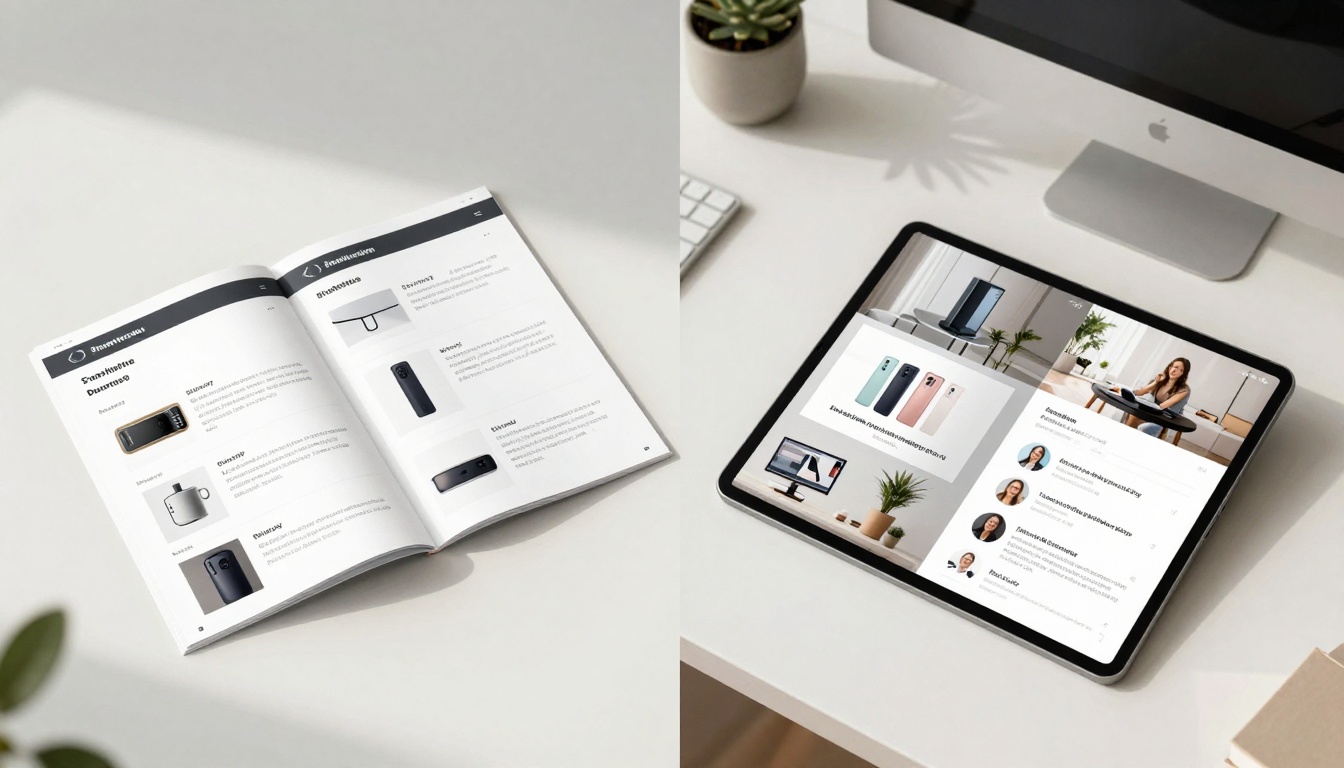
Educational institutions face the challenge of making digital learning materials engaging. The Training Manual Flipbook tool transforms static training documents into interactive learning experiences:
- Embed assessment quizzes at the end of each chapter
- Include video demonstrations of complex procedures
- Add audio narration for different learning styles
- Create interactive diagrams that students can manipulate
- Track progress through learning analytics
Schools and training organizations report 25-40% better retention rates when using interactive flipbook materials compared to traditional PDF handouts. The format aligns with how modern learners consume information—interactively, with multiple media types, and at their own pace.
Business Documentation That Actually Gets Read
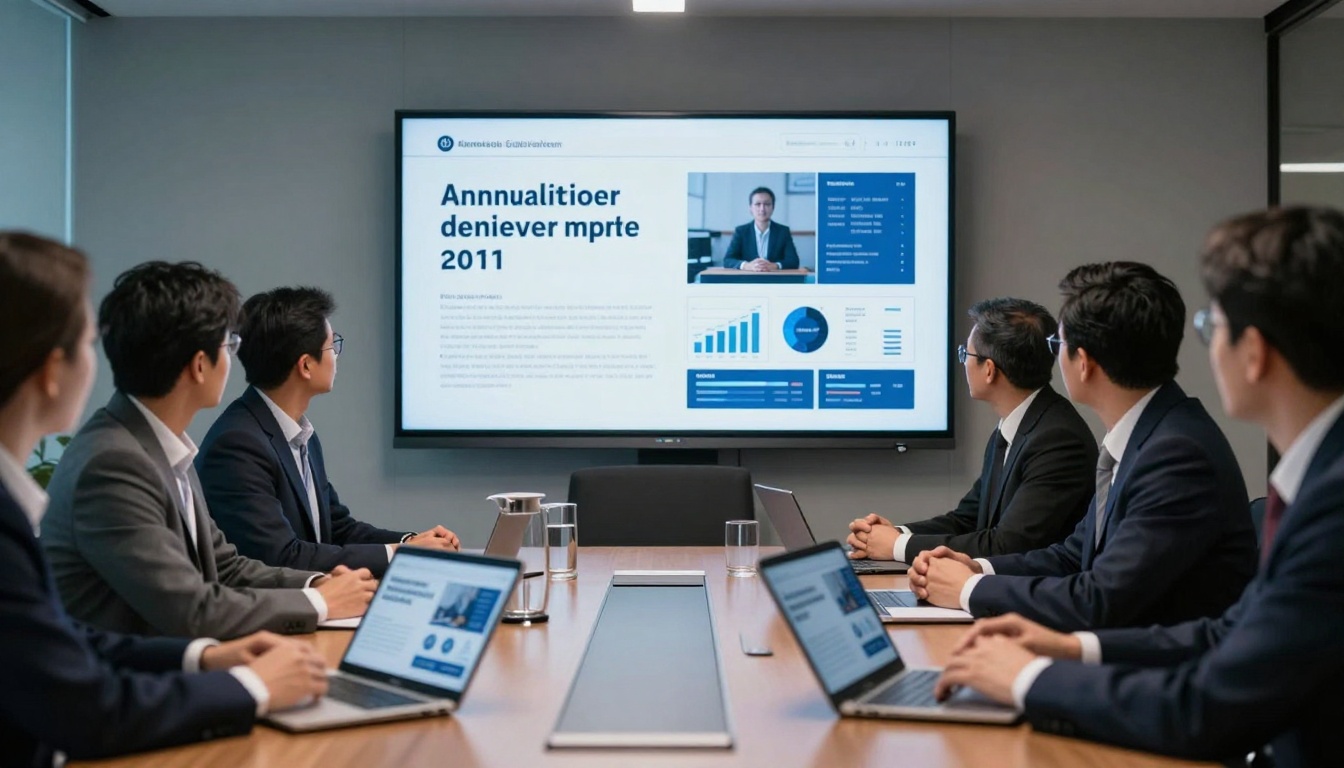
Corporate documents—annual reports, board presentations, sales materials—often get skimmed or ignored entirely. The Corporate Report Maker changes this dynamic by making business documents:
- Visually compelling with data visualization
- Easy to navigate with clickable table of contents
- Interactive with expandable sections for detailed data
- Shareable across teams with permission controls
- Trackable to see which sections get the most attention
Companies using interactive annual reports see stakeholder engagement increase by 200-300%. Investors spend more time with financial data, employees better understand company direction, and partners gain clearer insight into business operations.
Creative Portfolio Presentation

Creative professionals need portfolio formats that showcase their work effectively. The Photography Portfolio Flipbook provides photographers, designers, and artists with:
- Smooth transitions between different work categories
- Full-screen viewing options for maximum impact
- Client testimonial integration alongside relevant work
- Project detail pages explaining creative process
- Contact forms embedded within the portfolio itself
Photographers report 50-70% more client inquiries when using interactive flipbook portfolios compared to PDF or image gallery formats. The professional presentation format signals quality and attention to detail that clients value.
How to Create Your First Flipbook
The process of creating an interactive flipbook from a PDF document follows a straightforward path that anyone can manage, regardless of technical expertise.
Step 1: Choose Your Starting Document
Select a PDF that would benefit from interactive enhancement. Good candidates include:
- Marketing materials that need to stand out
- Training documents that require better engagement
- Product catalogs that should showcase items effectively
- Reports that contain important data needing visualization
Step 2: Upload to the Platform
Visit Flipbooks AI and create your free account. The upload process takes seconds:
- Drag and drop your PDF file
- Automatic processing begins immediately
- Preview generation happens in real-time
- Quality preservation maintains your original formatting
Step 3: Customize the Experience
This is where you make the flipbook uniquely yours:
- Select a template that matches your content type
- Adjust colors to align with brand guidelines
- Configure navigation for optimal user experience
- Add multimedia elements where they enhance content
- Set privacy controls if needed for sensitive documents
Step 4: Publish and Share
Once satisfied with your flipbook:
- Generate shareable links for email distribution
- Create embed codes for website integration
- Set up password protection for confidential materials
- Configure analytics tracking to measure engagement
Step 5: Analyze Performance

The analytics dashboard provides actionable insights:
- Page view duration showing engagement levels
- Navigation patterns revealing how readers explore content
- Geographic distribution of your audience
- Device usage statistics for optimization guidance
- Conversion tracking if you've included call-to-action elements
Comparison: PDF vs Interactive Flipbook
Understanding the differences helps justify the transition from static to interactive formats:
| Feature | Traditional PDF | Interactive Flipbook |
|---|
| Reader Engagement | Low - readers skim quickly | High - average 3-5 minutes per page |
| Multimedia Support | Limited - basic image embedding | Extensive - video, audio, interactive elements |
| Mobile Experience | Poor - requires zooming and scrolling | Excellent - optimized touch navigation |
| Analytics Tracking | None - cannot track reader behavior | Comprehensive - detailed engagement metrics |
| Update Flexibility | Difficult - requires re-uploading entire document | Easy - update individual pages without redoing everything |
| Branding Control | Minimal - limited to document content | Complete - control over interface, colors, navigation |
| Shareability | Basic - file attachment or link | Advanced - embed codes, social sharing, direct links |
The table clearly shows why businesses are migrating from PDF to interactive formats. The advantages aren't marginal—they're transformative for how documents perform.
Pricing Structure and Plan Comparison
Understanding costs helps make informed decisions about which plan fits your needs:
| Plan | Monthly Cost | Annual Cost | Best For | Key Limitations | Recommended For |
|---|
| Basic | Free | Free | Testing the platform | 5 flipbooks limit, basic features only | Individuals exploring the concept |
| Standard | €3/month | €30/year | Small business regular use | No analytics, limited customization | Businesses creating 10-20 flipbooks monthly |
| Professional | €7/month | €70/year | Marketing and sales teams | Higher volume needed to justify cost | Companies with multiple departments using flipbooks |
| Lifetime | €200 one-time | N/A | Long-term heavy users | Higher upfront investment | Organizations planning extensive flipbook deployment |
✅ Best Practice: Start with the free Basic plan to test the platform with your most important PDF document. If results meet expectations, upgrade to Standard for unlimited creation capacity.
The pricing page provides detailed feature comparisons between plans. The Professional plan becomes valuable when you need:
- Advanced analytics for marketing optimization
- Lead generation tools integrated with your CRM
- Team collaboration features for multiple editors
- Priority support for time-sensitive projects
Technical Considerations and Best Practices
Creating effective flipbooks requires attention to several technical details:
File Preparation
Before uploading your PDF:
- Optimize images to balance quality and file size
- Ensure text is searchable (not image-based)
- Check page numbering starts correctly
- Verify hyperlinks work as intended
- Consider page dimensions for optimal display
Content Strategy
Think about how readers will interact with your content:
- Place important information in early pages
- Use multimedia strategically to enhance, not distract
- Create logical flow between related content sections
- Include clear navigation aids for longer documents
- Add interactive elements where they provide genuine value
Performance Optimization
Ensure your flipbook loads quickly and works smoothly:
- Compress large images without sacrificing quality
- Limit video length to essential segments
- Use web-friendly fonts that load efficiently
- Test on multiple devices before finalizing
- Monitor analytics to identify performance issues
Common Mistakes to Avoid
New flipbook creators often make these errors:
- Overloading with multimedia - Every page doesn't need video or audio
- Ignoring mobile optimization - Test thoroughly on smartphones and tablets
- Forgetting analytics setup - You can't improve what you don't measure
- Skipping customization - Generic templates don't build brand recognition
- Neglecting updates - Content that becomes outdated loses credibility
⚠️ Warning: Don't convert PDFs that are already poorly designed. The flipbook format enhances good content but can't fix fundamental design problems. Address basic design issues first, then enhance with interactivity.
Getting Started Today
The barrier to creating your first interactive flipbook has never been lower. With free tools available and straightforward processes, anyone can transform their PDF documents into engaging digital experiences.
Ready to create your first flipbook? Get started for free on Flipbooks AI. The platform provides everything you need—upload tools, customization options, and sharing capabilities—without requiring technical expertise.
Explore all available tools and templates to find the perfect fit for your specific document type. Whether you're creating restaurant menus, real estate brochures, corporate reports, or creative portfolios, specialized tools streamline the process.
Compare pricing plans to choose what works for your budget and needs. The free Basic plan lets you test the concept, while paid plans unlock unlimited creation and advanced features for professional deployment.
The transition from static PDF to interactive flipbook represents more than a format change—it's a strategic upgrade in how you communicate with audiences. Documents become experiences, information becomes engagement, and readers become active participants in your content.



