Converting a static PDF into a dynamic, page-flipping digital publication is no longer a luxury reserved for large publishing houses. With the right free tools available today, anyone can take a flat document and give it the feel of a real book, complete with smooth page-turn animations, clickable links, and mobile-friendly viewing. Whether you are a small business owner distributing catalogs, a teacher sharing course materials, or a photographer showcasing a portfolio, the right tool can make your content stand out instantly. This article breaks down the best free tools to convert any PDF into a page-flip book, what separates the good from the mediocre, and how to make the switch in minutes with Flipbooks AI.
Why PDFs Fall Flat in 2025

The Static PDF Problem
PDFs were designed for print. They work great for contracts, invoices, and archived reports, but they fail completely as a reading experience on screens. Readers scroll through endless pages, lose their place, cannot interact with content, and often give up entirely before reaching the end.
The numbers tell the story:
- Average time spent reading a PDF file is under 90 seconds
- Mobile PDF viewing has a bounce rate of over 70%
- Interactive flipbooks generate 3x longer average reading sessions
- Flipbook content gets shared 4x more often than equivalent PDF links
What a Page-Flip Book Does Differently
A page-flip book preserves your existing PDF layout while layering on interactivity. Readers tap or click pages to turn them naturally. They can zoom into images, click embedded hyperlinks, watch videos, and share individual pages. It behaves like a real publication rather than a file download. For businesses, this difference in reader interaction is measurable and significant, translating directly into more time spent with your content and higher conversion rates on calls-to-action.
💡 Even a basic, free PDF-to-flipbook conversion will dramatically outperform the same content shared as a raw PDF link. The format shift alone changes how people consume your material.

Not all tools are created equal. Before committing to any platform, it is worth evaluating these four factors carefully.
File Size and Page Limits
Free tiers often cap uploads at 10MB or 50 pages. For a simple brochure, this is fine. For a 200-page product catalog or a full annual report, you will hit those walls fast. Always check the actual limits before uploading anything important. A tool that rejects your file after you have already formatted everything is a time-wasting frustration.
Output Quality
Some tools compress your PDF during conversion, reducing image quality and blurring text. Others maintain full fidelity. Look for platforms that explicitly state they preserve original PDF resolution. This matters most for image-heavy documents like photography portfolios, property brochures, and product catalogs where visual sharpness is the whole point.
Sharing and Embedding Options
A flipbook that can only be viewed on the tool's own platform is limited in reach. The best free tools let you share via direct link, embed on your own website with an iframe code, generate a QR code for print materials, or download an offline version. These options dramatically expand where and how your content can live and who can access it.
Customization Depth
Even on a free plan, some platforms let you change background colors, add your own logo, customize the viewer interface, and choose page flip speeds and styles. Others lock all customization behind paid tiers. Knowing what is included in the free tier prevents disappointment after you have already published.
⚠️ Some free tools automatically add their own watermarks or branding to your published flipbook. Always check the terms before using a tool for professional content. A competitor's logo on your company brochure undermines the entire presentation.

Here is a direct comparison of the most widely used free PDF-to-flipbook platforms today.
| Tool | Free Flipbooks | File Size Limit | Watermark Free | Custom Domain | Embed Code |
|---|
| Flipbooks AI | Unlimited (Standard+) | 100MB | Yes | Yes | Yes |
| Issuu | 1 | 500MB | No | No | Limited |
| Flipsnack | 3 | 20MB | No | No | Limited |
| Calameo | 25 | 100MB | No | No | Yes |
| Yumpu | Unlimited | 50MB | No | No | Yes |
✅ For professional publishing without branding interference, choose a platform that commits to zero watermarks on free or standard tiers. This single factor separates tools built for business use from those built for hobbyists.
Flipbooks AI
Flipbooks AI stands out by removing watermarks entirely, even on its entry-level Standard plan. Unlimited flipbook creation, fast conversion speeds, and a clean modern viewer make it the practical choice for businesses and creators who cannot afford to have a competitor's logo on their content. It supports custom branding, embed codes, password protection for private documents, and a full library of purpose-built tools for specific document types.
Issuu
One of the oldest names in digital publishing. The free tier allows a single publication with Issuu branding throughout the viewer. It is fine for a one-off test but impractical for ongoing content publishing at any professional level.
Flipsnack
Solid interface with a free limit of three flipbooks. Customization is strong on paid tiers, but the free plan is heavily restricted. Best for testing whether the flipbook format suits your specific content before committing to a paid subscription.
Calameo
Allows up to 25 publications for free with reasonable file size limits. The interface is older but functional and reliable. Branding appears on all free publications, making it unsuitable for client-facing materials without an upgrade.
Yumpu
Unlimited uploads with ad-supported viewing on the free tier. Works reasonably well for magazine-style content, but ad injection can be jarring for professional presentations and undermines the quality of the reading experience.
Flipbooks AI: The Smartest Free Option
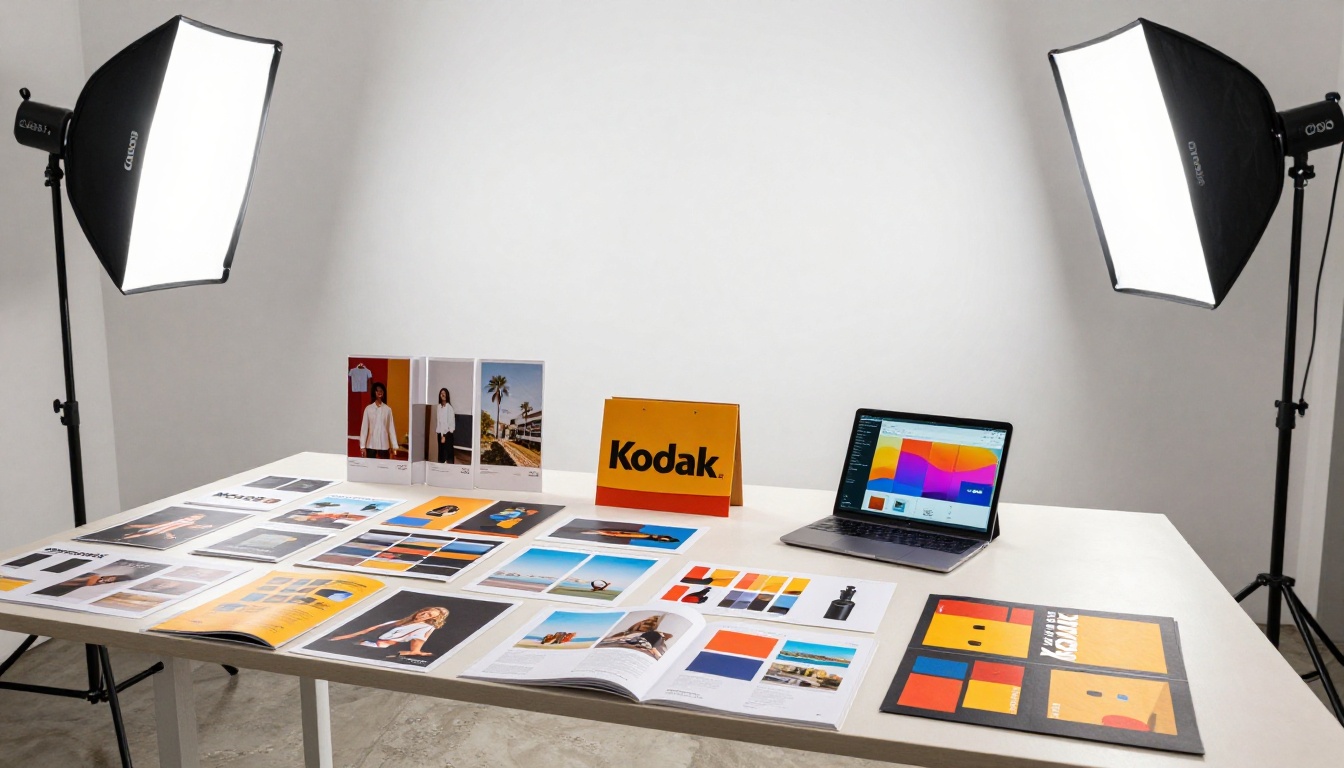
Flipbooks AI was built specifically to address the core frustrations of other platforms. The promise is straightforward: upload your PDF, get a beautiful page-flip publication, share it anywhere, with no watermarks and no hidden restrictions. But the platform goes well beyond basic conversion.
Built for Every Use Case
The platform offers dedicated tools for virtually every document type. For restaurant menus, the Restaurant Menu Creator is purpose-built for that workflow. For product catalogs, the Digital Catalog Maker handles formatting automatically. Real estate agents can use the Real Estate Brochure Creator, while educators can publish through the Course Material Publisher. Creative professionals have access to the Digital Portfolio Creator and Photography Portfolio tools.
Features at a Glance
| Feature | Standard | Professional |
|---|
| Flipbooks | Unlimited | Unlimited |
| Watermarks | None | None |
| Custom branding | Yes | Yes |
| Password protection | Yes | Yes |
| Embed on website | Yes | Yes |
| Mobile-responsive viewer | Yes | Yes |
| Analytics dashboard | No | Yes |
| Lead generation forms | No | Yes |
| Offline downloads | No | Yes |
| Video and audio embed | No | Yes |
| Priority support | No | Yes |
💡 The PDF to Flipbook Converter tool on Flipbooks AI processes files in seconds, even for documents with heavy image content and multiple embedded fonts.
How to Convert Your PDF in 4 Steps

Converting any PDF into a page-flip book on Flipbooks AI takes under five minutes from start to share. Here is the exact process.
Step 1: Create Your Account
Visit Flipbooks AI and sign up. No credit card is required for the Standard plan. Your account gives you immediate access to the full tool library and your personal flipbook dashboard where all your publications are managed.
Step 2: Upload Your PDF
From the dashboard, select your PDF file and begin the upload. Files up to 100MB are accepted. The platform processes your document automatically, preserving all images, fonts, and layouts from the original file. A progress indicator shows each page being rendered in real time.
✅ Flatten fonts and embed all images before uploading your PDF to ensure consistent rendering across all devices and browsers.
Step 3: Customize Your Flipbook
Once uploaded, the editor opens with your converted flipbook ready to adjust. Options include:
- Set your front page by choosing any page as the publication cover image
- Add your branding with logo placement and custom color schemes
- Adjust flip style between soft-page and hard-cover page turn effects
- Enable password protection for confidential documents and client-specific proposals
- Add clickable hotspots to make images and text areas interactive with links
For website integration, the Embed Flipbook on Website tool provides responsive iframe code you can paste directly into any CMS or HTML page.
Step 4: Share or Embed
Click publish and your flipbook goes live instantly with a unique shareable URL. Distribution options include:
- Direct link for email campaigns, social media posts, or direct messaging
- Embed code for websites, landing pages, or client portals
- QR code for print materials, business cards, or signage
- Social share buttons for direct one-click posting
💡 Use password protection for client-specific proposals or internal pricing sheets. The viewer prompts for a password before displaying any page content, keeping sensitive documents secure.
Real-World Uses That Actually Work

Page-flip books solve real problems across industries. Here are five scenarios where the format genuinely outperforms static PDFs.
Education and Training
Teachers distributing course packets as raw PDFs see low completion rates and constant formatting issues across different devices. The same material as an interactive flipbook through the Training Manual Flipbook format keeps students reading and maintains layout consistency. Page progress is visible, content stays organized, and the format renders identically on phones and laptops.
Product Catalogs for Retail
A 50-page product catalog shared as a PDF is rarely read in full. As a flipbook, shoppers browse it like a magazine, turning pages naturally and clicking through to individual product details. The Catalog Flipbook Creator is built specifically for this workflow with layout templates designed for product grids and pricing tables.
Restaurant Menus
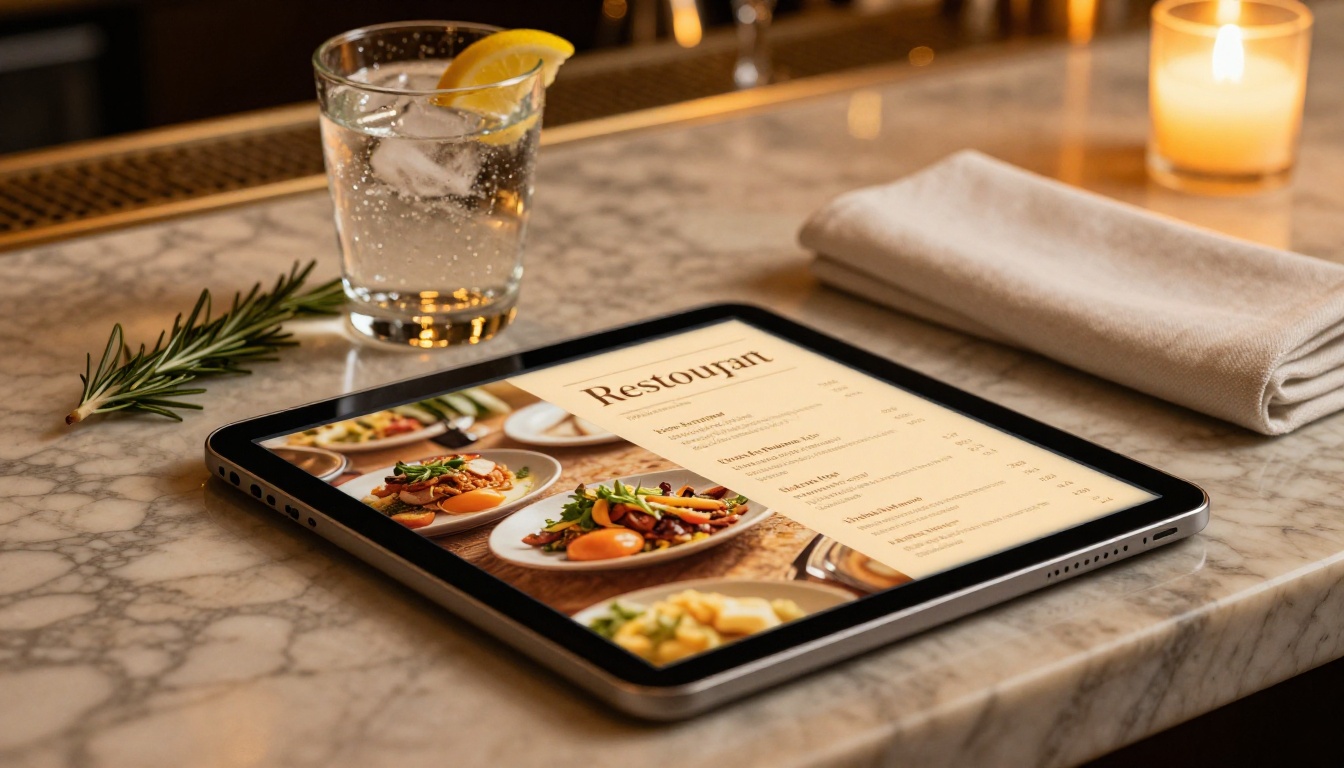
Restaurants discovered during the pandemic that digital menus work far better as flipbooks than as PDF downloads. A properly formatted menu created with the Restaurant Menu Creator and embedded on the restaurant's website lets diners browse the full menu on their phones before arriving, increasing order confidence and reducing table decision time.
Real Estate Property Brochures
Property brochures converted to flipbooks give buyers an immersive browsing experience. The Real Estate Brochure Creator supports high-resolution image embedding, meaning property photography renders at full quality rather than compressing down to small file sizes that sacrifice the visual impact of the listing.
Creative and Photography Portfolios

Photographers, designers, and illustrators using the Photography Portfolio or Portfolio Flipbook Builder tools have a shareable link that functions as a genuine portfolio experience rather than a download request. Clients open the link, see images at full resolution, and flip through naturally on any device without needing to install anything.
Free vs. Paid: What You Actually Get

Understanding what "free" actually means across different platforms prevents frustration later. This table shows the honest breakdown.
| Feature | Free (Other Platforms) | Standard (Flipbooks AI) | Professional (Flipbooks AI) |
|---|
| Flipbook quantity | 1 to 25 | Unlimited | Unlimited |
| Watermark removal | Paid upgrade only | Included | Included |
| Custom branding | Paid upgrade only | Included | Included |
| Embed on website | Limited or none | Full iframe embed | Full iframe embed |
| Password protection | Paid upgrade only | Included | Included |
| Mobile-responsive | Usually yes | Yes | Yes |
| Analytics dashboard | Paid upgrade only | Not included | Included |
| Lead capture forms | Paid upgrade only | Not included | Included |
| Offline downloads | Paid upgrade only | Not included | Included |
| Video embed support | Paid upgrade only | Not included | Included |
The distinction matters most for businesses using flipbooks in professional contexts. Watermarks on free tools from other platforms are a constant reminder that your content is hosted on someone else's system, and that branding conflict undermines your own. With Flipbooks AI, that issue is eliminated from the first publication.
⚠️ "Free forever" claims from smaller platforms deserve scrutiny. Several free flipbook services have moved to paid-only models or shut down entirely with no notice, taking all published content offline. Always check the platform's longevity and business model before building a content library there.
Choosing the right tool depends on how you will use it and what impression your publications need to make.
- One-off personal projects: Any free tool works. Flipsnack or Calameo handle a single test publication adequately.
- Ongoing business content, no branding issues: Flipbooks AI Standard gives you unlimited publications, no watermarks, custom branding, and full embed support without monthly cost surprises.
- Teams needing analytics and lead capture: The Professional plan adds tracking, data capture, and offline downloads that make flipbooks a revenue-driving business tool.
- High-volume educational publishing: The Course Material Publisher and Yearbook Flipbook Maker handle large-scale document publishing without per-document pricing.
- Events and one-time publications: The Event Program Maker delivers professional digital programs for conferences, ceremonies, and corporate events fast.
- Annual reports and business documents: The Annual Report Creator and Corporate Report Maker tools are built for polished, stakeholder-facing publications.
💡 See all available flipbook tools to find purpose-built templates for your specific document type. Purpose-built templates consistently outperform generic uploads in visual quality and layout efficiency because they are designed around the actual structure of each document category.
The page-flip format has shifted from novelty to publishing standard. Documents that once asked readers to scroll endlessly through PDF pages now get read, shared, and revisited. The best free tools to convert any PDF into a page-flip book have removed every barrier that once made this format exclusive to large publishers with dedicated software budgets.
Ready to convert your first document? Create a free account on Flipbooks AI and have your PDF live as a page-flip publication in under five minutes. See all tools and templates to find the right format for your content, or compare pricing plans to choose the tier that fits your publishing volume.



