Your phone is already a powerful publishing tool, and most people have no idea. Whether you are a small business owner who needs a product catalog ready by tomorrow, a student compiling a portfolio, or someone who just wants to flip through memories in style, the free tools to make a flipbook from your phone have gotten remarkably good. No desktop required, no software to install, and in many cases, no credit card either. Flipbooks AI is one of the platforms leading this shift, and by the end of this article you will know exactly how to use it and what else is worth your time.
Why Your Phone Is Ready for This Now
Not long ago, creating a digital flipbook meant sitting at a computer, wrestling with clunky software, and exporting files that barely worked on mobile anyway. That world is gone. Today, browser-based platforms let you upload a PDF, customize the design, and share a live interactive flipbook link — all from your phone's browser, in under five minutes.
The shift happened because of three things: faster mobile browsers, cloud processing (your phone uploads, the server does the heavy lifting), and smarter responsive interfaces that actually work on a 6-inch screen.
What Mobile Flipbook Makers Can Do Today
The gap between desktop and mobile experiences has closed dramatically. Here is what you can now do entirely from your smartphone:
- Upload PDFs directly from your phone's files or cloud storage (Google Drive, iCloud, Dropbox)
- Convert documents into page-turning interactive flipbooks in seconds
- Customize branding: colors, logos, background textures
- Share instantly via a direct link, QR code, or embedded on a website
- Password-protect private flipbooks so only specific people can access them
- Track views with analytics on professional plans
💡 The best tools process everything on their servers, so your phone only needs a decent internet connection, not serious processing power.
Browser vs. App: Which Works Better?
Most of the strongest free flipbook tools are browser-based rather than native apps. This is actually better for mobile users for three reasons: no storage used on your device, no waiting for app updates, and your content lives in the cloud and is shareable by link immediately. A browser-based tool accessed through Chrome or Safari on your phone performs just as well as a dedicated app in most cases.
Several platforms compete in this space. Some are genuinely useful on the free tier. Others lure you in and lock everything behind a paywall. Here is an honest breakdown of the main options.
Flipbooks AI
Flipbooks AI is the strongest all-around option for mobile users who want a real flipbook without watermarks or artificial limits. The platform is fully browser-based, loads cleanly on mobile, and gives you a conversion experience that feels built for phones rather than bolted onto a desktop tool.
What sets it apart for mobile users:
- No watermarks, ever, across all plans
- Clean, responsive interface that works on any mobile browser
- PDF upload and instant page-flip conversion with realistic physics
- Custom branding options including colors, logos, and background textures
- Direct shareable links and QR codes generated from your phone
- Embed codes for adding your flipbook to any website
- Purpose-built tools for specific content types: catalogs, menus, portfolios, brochures, and more
The free tier is genuinely useful. You get real flipbooks, real links, and real sharing options without a watermark stamped across your work.
Other Options Worth Knowing
A few other platforms have mobile-accessible web tools worth mentioning:
Issuu: A well-established digital publishing platform with mobile browser access. The free tier includes Issuu branding on your publications and limited storage. Works well for editorial magazines and newsletters, but the watermark issue is a real drawback.
FlipHTML5: Has a web version accessible from mobile. Free tier includes watermarks and limited storage. The interface feels desktop-first and can feel cramped on a phone screen.
Publuu: Browser-based with a reasonably mobile-friendly interface. Free plan includes basic flipbook creation with a shareable link, though branding customization is limited without paying.
Canva (Presentation mode): Not a true flipbook, but Canva's mobile app lets you create slide-based presentations with some animated transitions. It lacks a dedicated flipbook URL with page-turning physics, so it is not a direct replacement.

| Feature | Flipbooks AI | Issuu (Free) | Publuu (Free) | FlipHTML5 (Free) |
|---|
| No Watermark | Yes | No | No | No |
| Mobile Browser | Yes | Yes | Yes | Partial |
| PDF Upload | Yes | Yes | Yes | Yes |
| Custom Branding | Yes | No | Limited | No |
| Shareable Link | Yes | Yes | Yes | Yes |
| Password Protection | Yes | No | No | No |
| Analytics | Pro Plan | Paid | Paid | Paid |
| Embed Code | Yes | Paid | Paid | Paid |
| Offline Download | Pro Plan | No | No | No |
✅ For most mobile users who want a clean, watermark-free flipbook they can share immediately, Flipbooks AI wins this comparison by a clear margin on the free tier.
How to Make a Flipbook from Your Phone with Flipbooks AI
This process is faster than you expect. Here is the exact workflow, step by step, entirely from a smartphone.
Step 1: Open the Platform
Navigate to flipbooksai.com in your mobile browser (Safari, Chrome, or any modern browser works perfectly). No app download required.
Step 2: Create Your Account
Tap Sign Up or go directly to flipbooksai.com/account. Registration takes under a minute. Signing in with Google is the fastest option from mobile.
Step 3: Upload Your PDF
Once logged in, tap the upload button and select your PDF from:
- Your phone's local storage (Downloads, Files app)
- Google Drive
- iCloud Drive
- Dropbox or OneDrive
💡 If you do not have a PDF yet, create one using Google Slides or Canva on your phone and export it as a PDF before uploading. Both apps handle this well on mobile.
Step 4: Watch the Conversion
The platform converts your PDF into a page-turning flipbook automatically. Depending on file size, this takes between 10 and 60 seconds. You will see a live preview of the result with realistic page-flip physics.
Step 5: Customize the Look
From the mobile editor, you can:
- Change the background color or texture of the flipbook viewer
- Add your logo for branded flipbooks
- Choose page effects: shadow depth, page curl style, transition speed
- Add a custom title and description for SEO and sharing previews
Step 6: Set Your Sharing Options
- Direct link: Copy the URL and paste it anywhere, texts, emails, social media posts
- QR code: Download or screenshot the QR code to use in print materials
- Embed code: Copy the HTML snippet and add the flipbook to your website
- Password: Set a private password to protect confidential documents from unauthorized viewing
Step 7: Publish and Share
Once published, your flipbook is live and accessible on any device, including the phones and tablets of everyone you share it with. Professional plan users get access to analytics showing who opened it, how many pages they read, and when.
What You Can Actually Build from Your Phone
The free tools to make a flipbook from your phone conversation gets much more interesting when you see the real use cases. This is not just about converting documents. It is about creating professional-quality digital publications in minutes, from wherever you happen to be.
Small Business Owners
A restaurant owner can photograph the day's specials, compile them into a one-page PDF using Google Slides on their phone, convert it using the Restaurant Menu Creator, and share a QR code on their table cards — all in about 20 minutes.
A boutique clothing brand can shoot lookbook photos on their phone, export to PDF, and publish a shareable fashion catalog with interactive page-flipping, ready to send to customers via Instagram DM or WhatsApp.
Real estate agents benefit significantly: a property brochure built from phone photos, converted with the Real Estate Brochure Creator, and sent as a link to prospective buyers before they even visit the property.
Students and Educators
Students can compile research papers, presentations, or visual essays into flipbooks and share them with professors via link instead of bulky email attachments. School newsletter teams using the School Newsletter Creator can publish and distribute an entire publication without touching a desktop computer.
Educators building course materials with the Course Material Publisher can update and re-share content from their phone between classes, keeping materials current without going back to a desk.
Creatives and Photographers
A photographer can select their best shots from their phone gallery, assemble them into a PDF using Canva on mobile, and publish a polished photography portfolio within the hour. The result is a shareable link that looks far more professional than a gallery of social media posts.
Wedding photographers can deliver preview albums to clients same-day using the Wedding Album Flipbook tool, from their phone, while still at the venue.

Free vs. Paid: What You Actually Get
Understanding what the free plan includes versus what requires an upgrade helps you decide when to stay free and when paying makes sense.
| Feature | Free | Standard | Professional |
|---|
| Number of Flipbooks | Limited | Unlimited | Unlimited |
| Watermarks | None | None | None |
| Custom Branding | Basic | Full | Full |
| Password Protection | Yes | Yes | Yes |
| Analytics | No | No | Yes |
| Lead Generation | No | No | Yes |
| Offline Downloads | No | No | Yes |
| Embed on Website | Yes | Yes | Yes |
| Custom Domain | No | Optional | Yes |
| Support Priority | Standard | Standard | Priority |
⚠️ The free plan works well for individuals, students, and small projects. If you need to publish more than a handful of flipbooks or want to know who is reading your content, the Standard or Professional plans are worth comparing. Check the pricing page for current rates.
Tips for Better Flipbooks on a Small Screen
Working on mobile has trade-offs. These practical tips help you get professional results even when your entire workspace is a 6-inch display.

Optimize Your PDF Before Uploading
The quality of your flipbook depends heavily on the source file. On your phone:
- Use Google Slides or Canva to design pages (both have solid mobile apps)
- Export at high quality rather than compressed when saving the PDF
- Keep pages at standard dimensions (A4, letter, or 16:9 widescreen) for the best flipbook layout
- Avoid tiny text: readers zoom in on mobile, but well-designed content avoids the need
Use Landscape Mode for Editing
When reviewing or adjusting your flipbook settings, rotating your phone to landscape mode gives you significantly more screen space. The flipbook preview also looks more natural in landscape orientation, especially for two-page spreads that mirror a physical book.
Share Smartly from Mobile
From your phone, sharing a flipbook is as simple as copying a link. For maximum reach:
- Instagram, WhatsApp, iMessage: Send the direct link — it generates a preview card automatically
- Email: Paste the link or include a screenshot thumbnail with the link beneath it
- Print materials: Use the QR code, screenshot it, and insert it into flyers or business cards in Canva
- LinkedIn: Post the link directly — the platform creates a rich preview with title and thumbnail
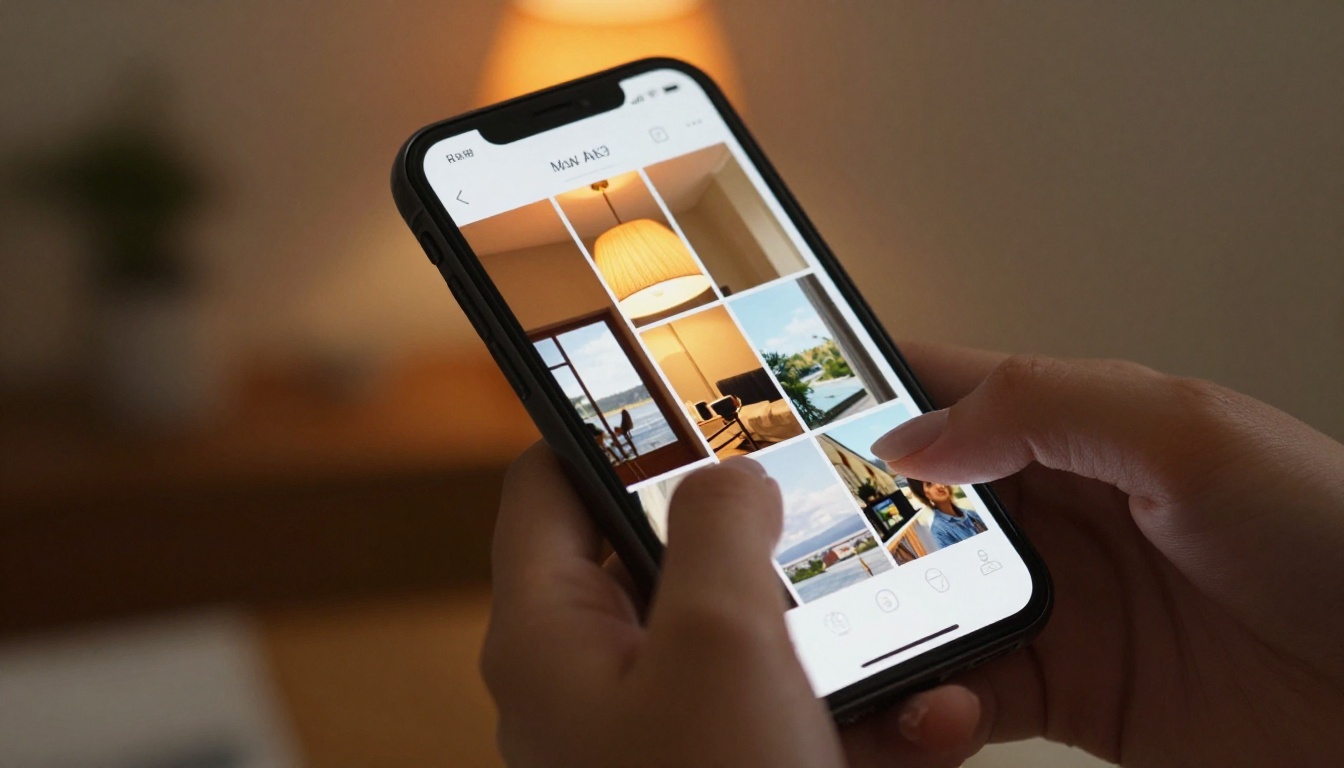
Flipbooks AI offers a full directory of purpose-built tools, each pre-configured for a specific content type. This saves significant setup time when you know what you are making. All of these work directly from a mobile browser:
Browse the complete collection at flipbooksai.com/tools.
When the Free Plan Is Not Enough Anymore
The free tier covers a lot of ground. But here are clear signals that you have outgrown it:
- You are publishing more flipbooks than the free limit allows, and deciding which ones to delete is becoming a problem
- You want to know how people engage with your content: page views, time spent, which devices they use
- You need lead generation — capturing email addresses from readers before they access a gated flipbook
- You are sharing content with clients who need offline access and cannot rely on having internet
- You want a custom domain so your flipbooks live at your own brand URL rather than a shared platform address
When any of these become priorities, moving to a paid plan at flipbooksai.com/account?redirect=pricing is the logical next step.
Start Publishing Today
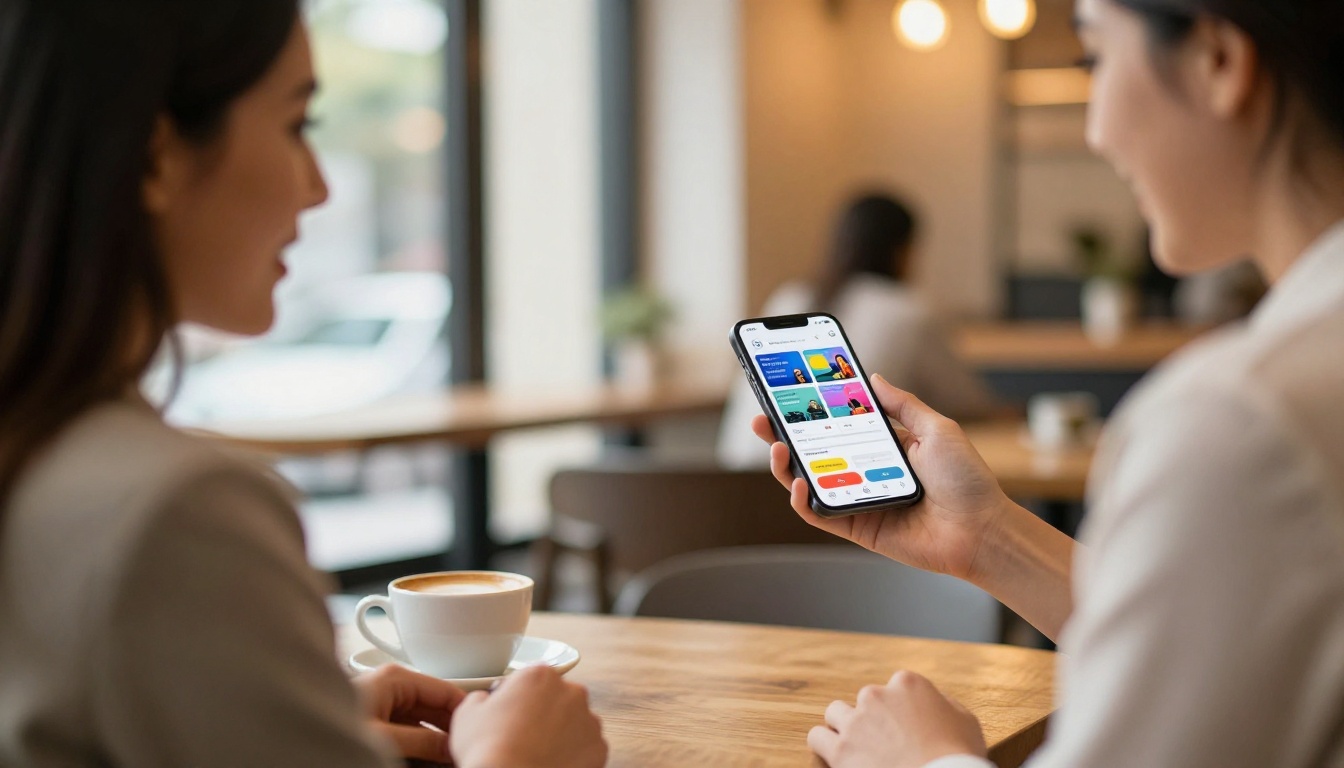
Your phone already has everything it needs to produce a professional, shareable digital flipbook. The tools exist, they are free, and the process takes minutes rather than hours.
The strongest option for most people is Flipbooks AI. It delivers watermark-free flipbooks, real customization, and instant sharing without requiring a desktop computer or a paid subscription to get meaningful results.
Ready to publish your first one? Create your free account and have a live flipbook link ready to share within five minutes.
Want to see everything that is possible? Browse all available tools to find the right fit for your content type. And when you are ready to do more, compare plans to find the option that fits your workflow and budget.



