The gap between a free flipbook tool and a paid one is not just a price tag. It's the difference between a document that does the job and a publication that actually represents your brand. Whether you're a solo content creator trying out digital formats for the first time or a business that sends hundreds of proposals and catalogs every month, picking the wrong tool costs you more than money. It costs you credibility. Flipbooks AI sits squarely in the paid tier, and this article breaks down exactly what that means and what you're really trading when you opt for free.
Free flipbook tools solve a real problem. You have a PDF, you want it to flip like a magazine, and you don't want to pay. In three clicks, done. That convenience is genuinely valuable, and for very specific use cases, free is perfectly fine.
But the moment you hand that link to a client or embed it on your website, the limitations become visible to everyone who sees it.
The Real Limits You Hit Fast
Free plans on most flipbook platforms share the same cluster of restrictions:
- Watermarks on every page: Your client sees another company's logo branded onto your work.
- Limited flipbooks: Usually 1 to 5 total, sometimes with a strict page cap.
- No custom domain or branding: The URL includes the platform's name, not yours.
- No analytics: You have no idea if anyone opened it or how long they spent on it.
- No password protection: Anyone with the link can see it.
- No embedding options: Or very limited ones, often with the watermark still present.
- No offline download: Your reader needs a live internet connection every time.
Most of these are not minor inconveniences. If you're in sales, not knowing whether a prospect opened your proposal is a serious operational gap. If you're in marketing, a watermarked catalog tells your customer you cheaped out.
When Free Is Good Enough
There is a legitimate use case for free tools: internal documents with no brand implications. If you're converting a training PDF for internal team use, sharing a rough draft with a colleague, or testing how a layout looks in flipbook format before committing, free works just fine.
The moment external audiences are involved, the value equation shifts entirely.
💡 A quick test: Would you hand a watermarked brochure to your best client? If not, a watermarked digital flipbook creates exactly the same impression.
What Paid Plans Actually Include
Paying for a flipbook platform buys you control. Control over how your publication looks, who can see it, and what data comes back to you after someone reads it.

No Watermarks, No Exceptions
Every paid plan on Flipbooks AI removes watermarks entirely, from the very first flipbook you publish. This is non-negotiable for any external-facing content, and it's the single feature most users cite when they switch from free alternatives.
Your publication carries your identity, not the platform's.
Analytics and Lead Generation
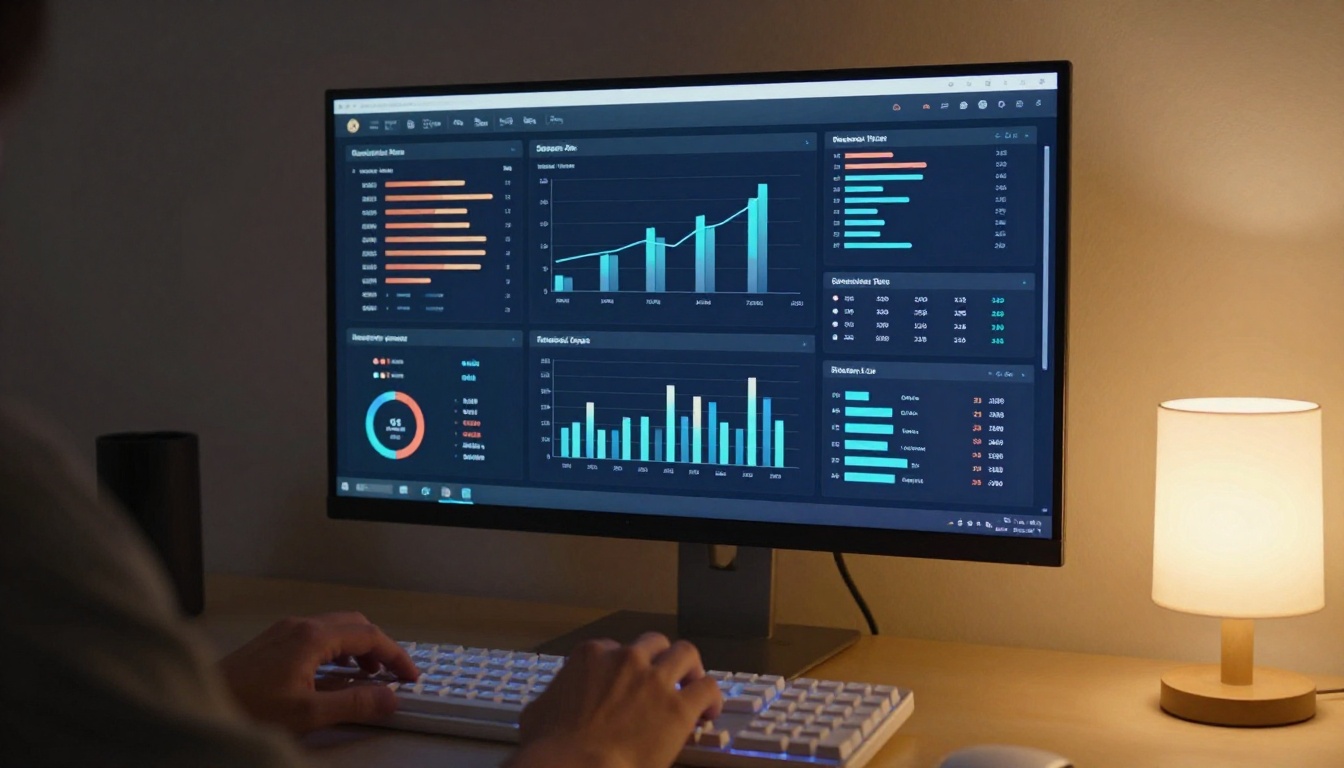
The Professional plan includes reader analytics and lead generation tools. You can see:
- How many times a flipbook was opened
- Average time spent per page
- Geographic data on readers
- Lead capture forms embedded inside the flipbook itself
For sales teams, these numbers are conversion intelligence. Knowing that a prospect spent 14 minutes on your pricing pages tells you something that a blank email response never will.
Custom Branding That Sticks
Paid plans let you set your brand colors, upload your logo, and in some cases use a custom domain. Every touchpoint reads as yours. This matters most when:
- Clients share your flipbook with their colleagues
- You embed it on a partner's website
- The link gets forwarded through email chains you never see
Each time that happens with a branded publication, you're getting passive brand exposure. Each time it happens with a watermarked free version, someone else gets it.
✅ Best practice: Set up your brand kit once in your account settings and every new flipbook inherits it automatically.
Side-by-Side Feature Comparison
Here's where the real numbers live. The table below compares what you typically get from free tools versus the Standard and Professional tiers on Flipbooks AI.
Core Features at a Glance
| Feature | Free Tools | Standard Plan | Professional Plan |
|---|
| Watermark-free | No | Yes | Yes |
| Custom branding | No | Yes | Yes |
| Number of flipbooks | 1-5 | Unlimited | Unlimited |
| Password protection | No | Yes | Yes |
| Embed on website | Limited | Yes | Yes |
| Offline downloads | No | Yes | Yes |
| Analytics | No | Basic | Full |
| Lead generation | No | No | Yes |
| Custom domain | No | No | Yes |
| Video/audio embed | No | Yes | Yes |
| Mobile responsive | Sometimes | Yes | Yes |
Storage and Flipbook Limits
| Limit | Free Tier | Standard | Professional |
|---|
| Flipbooks | 1-5 | Unlimited | Unlimited |
| Pages per flipbook | 10-50 | Unlimited | Unlimited |
| File size | 5-10 MB | Up to 500 MB | Up to 500 MB |
| Storage | Very limited | Generous | Maximum |
⚠️ Free tool page limits are particularly painful for longer documents. A 60-page product catalog or annual report will hit the ceiling immediately on most free platforms.
The price on a free tool is zero. The cost is higher than that.
Your Brand Pays the Price
When you send a free flipbook to a potential client, you're telling them three things implicitly:
- You didn't invest in presentation.
- You're comfortable with another brand's logo on your materials.
- The publication itself is an afterthought.
None of those signals build trust. In a competitive sales cycle, the professionalism of your materials is often the only differentiator a prospect notices before reading a single word.
The actual dollar cost of this is hard to calculate, but easy to feel the first time a deal goes to a competitor whose proposal looked more polished.
Sharing Without Control
Free tools typically give you one link and no control over who follows it. Paid platforms let you:
- Set expiration dates on links
- Require a password before viewing
- Revoke access after a proposal is no longer valid
- Gate content behind a lead capture form
For legal documents, confidential proposals, or premium content, this is not optional. You need to know who has access and be able to pull it back when needed.
💡 Password-protected flipbooks are standard on Flipbooks AI paid plans, with no additional configuration required.
Not every user needs a paid plan on day one. But the profile of users who genuinely benefit from it is broad.
Business Use Cases
For businesses, the math is straightforward. If you're using flipbooks for any of the following, a paid plan pays for itself fast:
- Sales proposals and quotes: No watermarks, password protection, and read-receipt analytics that tell you exactly when a prospect reviewed your document.
- Product catalogs: Use the Product Catalog or Digital Catalog Maker to create professional catalogs that reflect your brand precisely.
- Corporate reports: The Annual Report Creator and Corporate Report Maker produce board-ready documents in minutes.
- Marketing brochures: The Online Brochure Designer handles hotel brochures, real estate materials, and everything in between with clean professional output.
- Restaurant menus: The Restaurant Menu Creator produces QR-linked menus that update without reprinting a single page.

A restaurant owner who publishes a seasonal menu update spends nothing on printing. A real estate agent who sends a branded property brochure as a Real Estate Brochure flipbook stands out from competitors still attaching static PDFs. These are not edge cases. They're the everyday workflow for thousands of professionals.
Content Creators and Publishers
If you're in publishing, education, or content creation, the limits of free tools compound over time:
- E-books and digital publications: The Interactive E-Book Publisher supports embedded video, audio, and lead generation inside the publication itself.
- Portfolios: Designers and photographers using the Digital Portfolio Creator need their work to look exactly as intended, with no third-party branding diluting it.
- Lookbooks: Fashion and retail brands using the Interactive Lookbook Designer cannot afford watermarks on editorial content.
- Training materials: HR teams and educators using the Training Manual Flipbook need password-gated, offline-capable documents for controlled distribution.
💡 The Course Material Publisher is particularly effective for educators who need to share curriculum materials with students in a secure, controlled format.
How to Create a Professional Flipbook
The platform is designed so the entire process from upload to published link takes under five minutes. Here's how it works in practice.

Upload and Convert Your PDF
- Go to Flipbooks AI and sign in or create an account.
- Click New Flipbook and upload your PDF file. Paid plans support files up to 500 MB with no page limits.
- The platform converts every page automatically, maintaining fonts, images, and layout with full fidelity.
- Your flipbook preview appears immediately once processing completes. No waiting, no queue.
Customize Your Publication
- Open the customization panel and apply your brand colors to the viewer interface.
- Upload your logo to replace any default platform branding on the viewer chrome.
- Enable the page-turn sound effect and select a background color or texture that matches your aesthetic.
- If you have video or audio to embed, add those to specific pages from the media panel directly.
- Set mobile behavior: the platform auto-optimizes for phone screens by default with no extra steps.
Share and Embed Your Flipbook
- Click Publish to generate your shareable link instantly.
- Set a password if the document is confidential or for internal audiences only.
- Copy the embed code to place the flipbook directly on your website using the Embed Flipbook on Website tool.
- On the Professional plan, activate lead generation to collect reader information before they access the content.
- Monitor views, average read time, and page-by-page stats from your analytics dashboard.
✅ All published flipbooks on Flipbooks AI are fully mobile-responsive without any extra setup. What you see on desktop renders correctly on every screen size automatically.
Pricing Tiers Worth Paying For
Knowing what each paid tier actually unlocks helps you avoid overpaying or underpaying for your workflow needs.
Standard vs Professional at a Glance
| What You Need | Standard | Professional |
|---|
| Unlimited flipbooks, no watermarks | Yes | Yes |
| Custom branding and password protection | Yes | Yes |
| Embed on website | Yes | Yes |
| Offline downloads | Yes | Yes |
| Reader analytics | Basic | Full |
| Lead capture forms | No | Yes |
| Custom domain | No | Yes |
| Priority support | No | Yes |
Most small businesses and individual creators find the Standard plan more than sufficient for their publishing needs. The Professional plan is built for sales teams, publishers with monetized content, and marketing departments that need data to justify spend on digital publications.
See pricing plans to check current rates and any active offers before committing.
Making the Final Call
Choosing between free and paid comes down to one practical question: who sees this?
If your flipbooks are internal, temporary, or purely experimental, free tools do the job without complaint. If anyone outside your organization reads them, free tools actively work against you.

The cost of a paid flipbook platform is fixed and predictable. The cost of a missed deal because your proposal looked unprofessional is neither. For any business that relies on documents to communicate value, the math usually resolves quickly and decisively.
Paid platforms give you compounding returns over time. The analytics, branding consistency, and access controls you build into your flipbook workflow become infrastructure. Every new document inherits your setup automatically, and every reader interaction generates data you can act on.
Free tools require you to live with their constraints permanently, with no path to the features that matter most when stakes are real.
Ready to create professional flipbooks without limits? Get started for free on Flipbooks AI, then compare plans to find the right fit for how you work. Browse all available flipbook tools to find the perfect match for your specific publishing needs.



