Static documents limit engagement in both educational and professional settings. When students submit research papers as PDFs, instructors miss interactive elements that could enhance understanding. When businesses share reports as static files, clients skip through content without proper engagement. Digital flipbooks solve these problems by transforming ordinary documents into interactive experiences that capture attention and improve information retention.

The transition from paper to pixels isn't just about digitization—it's about creating living documents that respond to user interaction. Flipbooks AI provides tools that make this transformation accessible without technical expertise or significant budget allocation.
Why Digital Flipbooks Matter Today
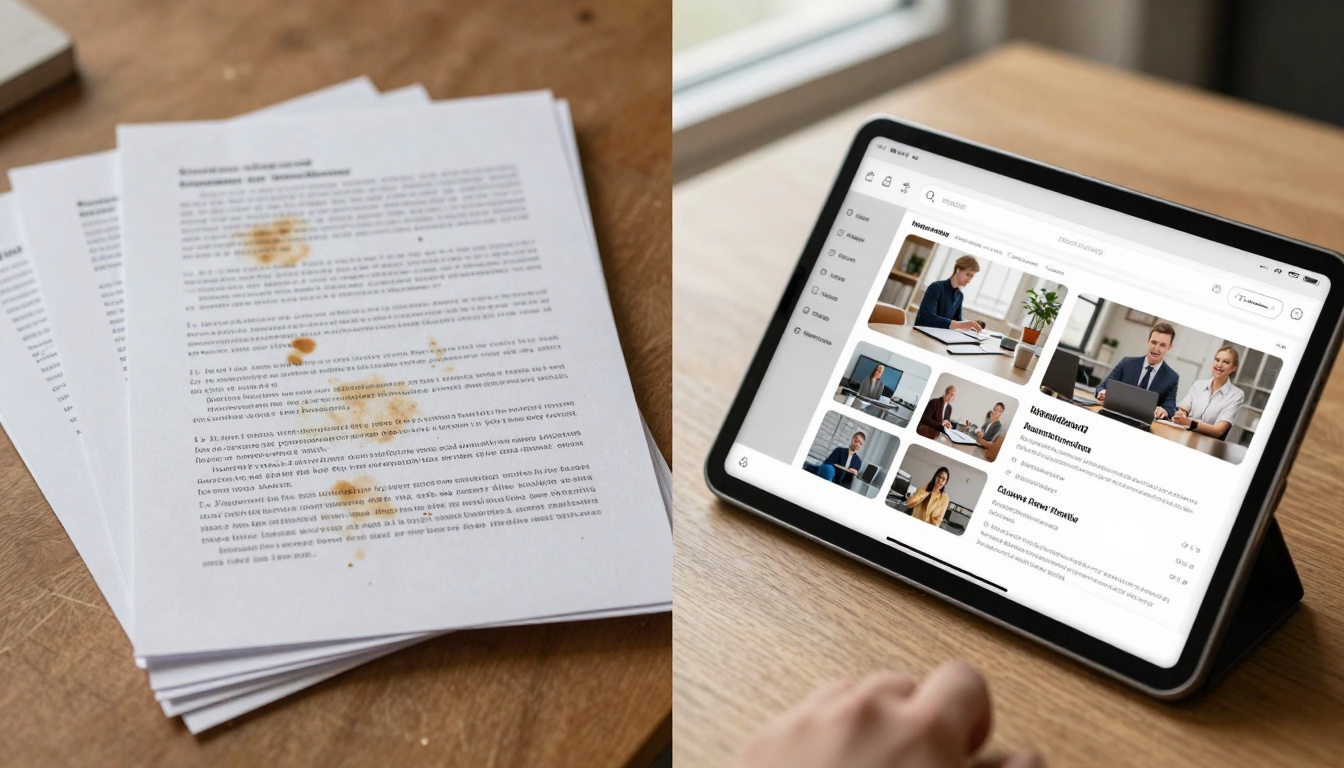
Printed materials suffer from physical limitations that digital solutions overcome. Paper documents can't embed videos demonstrating complex procedures. Static PDFs can't include interactive quizzes for student assessment. Traditional reports can't track which sections receive the most attention from readers.
Digital flipbooks address these gaps through several key advantages:
- Interactive elements: Embed videos, audio narration, clickable links, and animated diagrams
- Mobile responsiveness: Content adapts to smartphones, tablets, and desktop screens
- Analytics tracking: See which pages get attention and how long readers engage
- Easy sharing: Distribute via links, QR codes, or embed directly on websites
- Search functionality: Readers can find specific content without manual scanning
💡 Pro Tip: Start with one document you share frequently—a course syllabus, product catalog, or monthly report. Convert this first to experience the engagement difference.
School Applications That Work
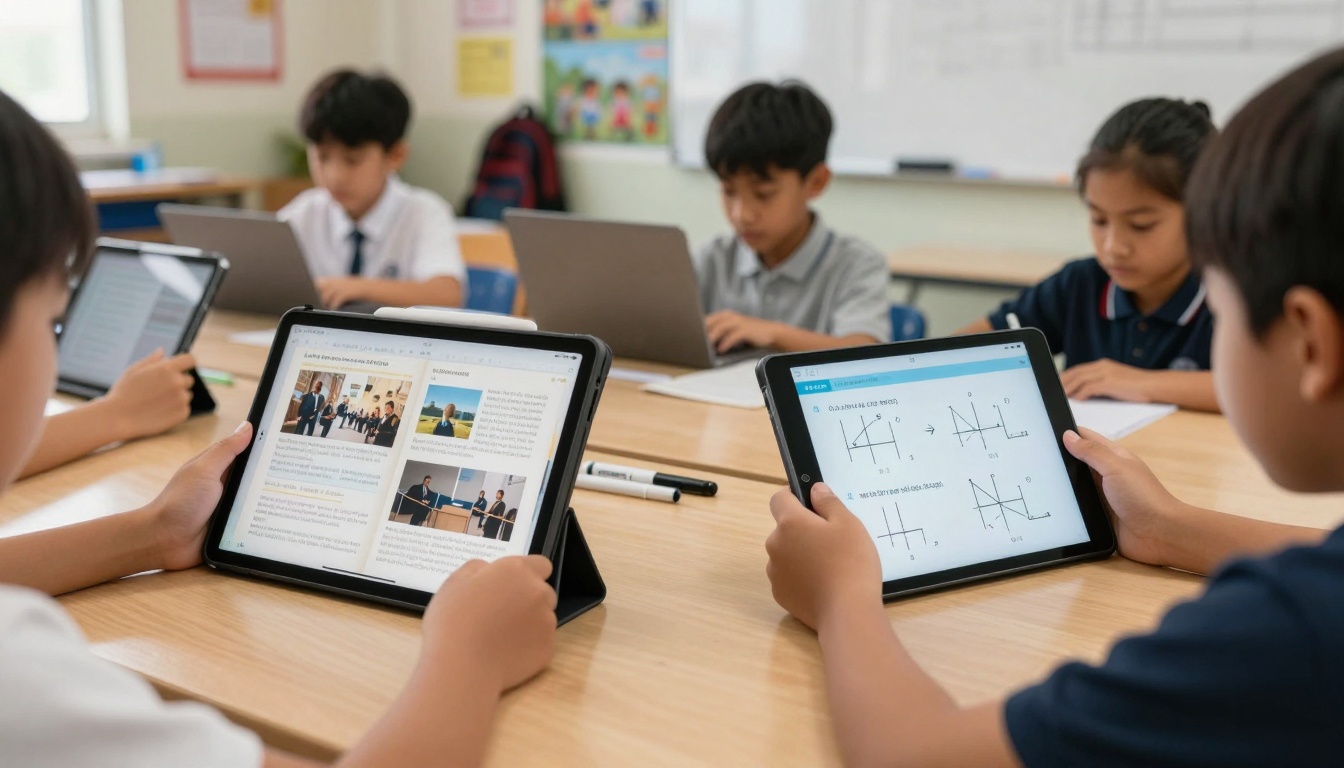
Educational institutions benefit from flipbooks across multiple departments and use cases. Teachers create interactive lesson materials that students can explore at their own pace. Students develop digital portfolios showcasing their work with embedded multimedia elements. Administrators publish school newsletters with clickable event calendars and video messages.
Specific Educational Use Cases
Science Departments: Biology teachers embed microscope video footage alongside textbook diagrams. Chemistry instructors include interactive periodic tables with element properties displayed on hover.
Language Arts: Literature teachers add audio recordings of poetry readings with synchronized text highlighting. Writing instructors create interactive style guides with example corrections.
Mathematics: Calculus professors embed step-by-step problem solutions with animated graphing. Statistics courses include interactive data sets students can manipulate.
History and Social Studies: Teachers create timeline-based presentations with embedded documentary clips at historical moments. Geography courses include interactive maps with regional information layers.
Art and Music Programs: Visual arts departments create digital portfolios with high-resolution image zoom. Music programs embed audio samples alongside sheet music.
Educational Flipbook Tools
Flipbooks AI offers specialized tools for education:
Business Use Cases That Deliver Results
Corporate environments leverage flipbooks for client presentations, internal training, marketing materials, and operational documentation. The interactive format increases message retention while providing measurable engagement data.

Industry-Specific Applications
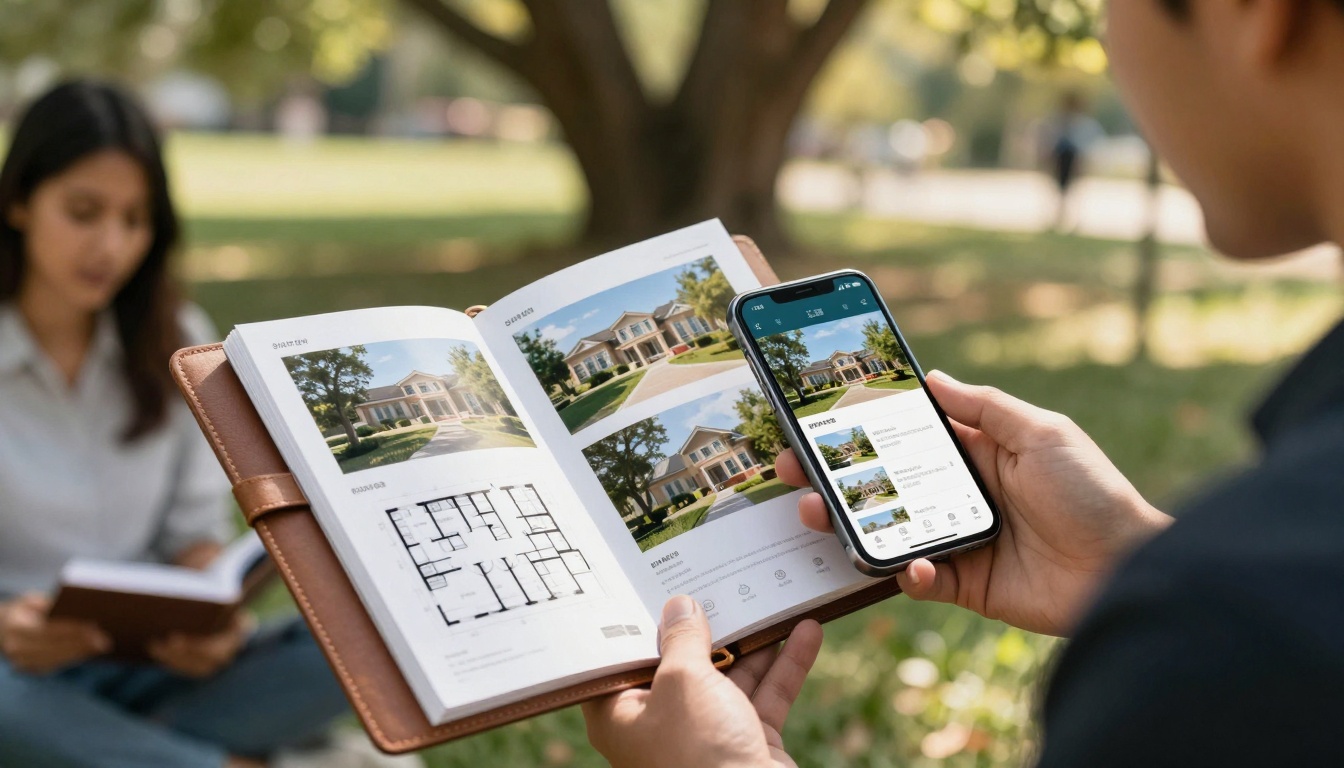
Real Estate: Agents create property catalogs with 360-degree tours, floor plans that expand on tap, and neighborhood video walkthroughs. The Real Estate Brochure Creator tool specializes in this application.
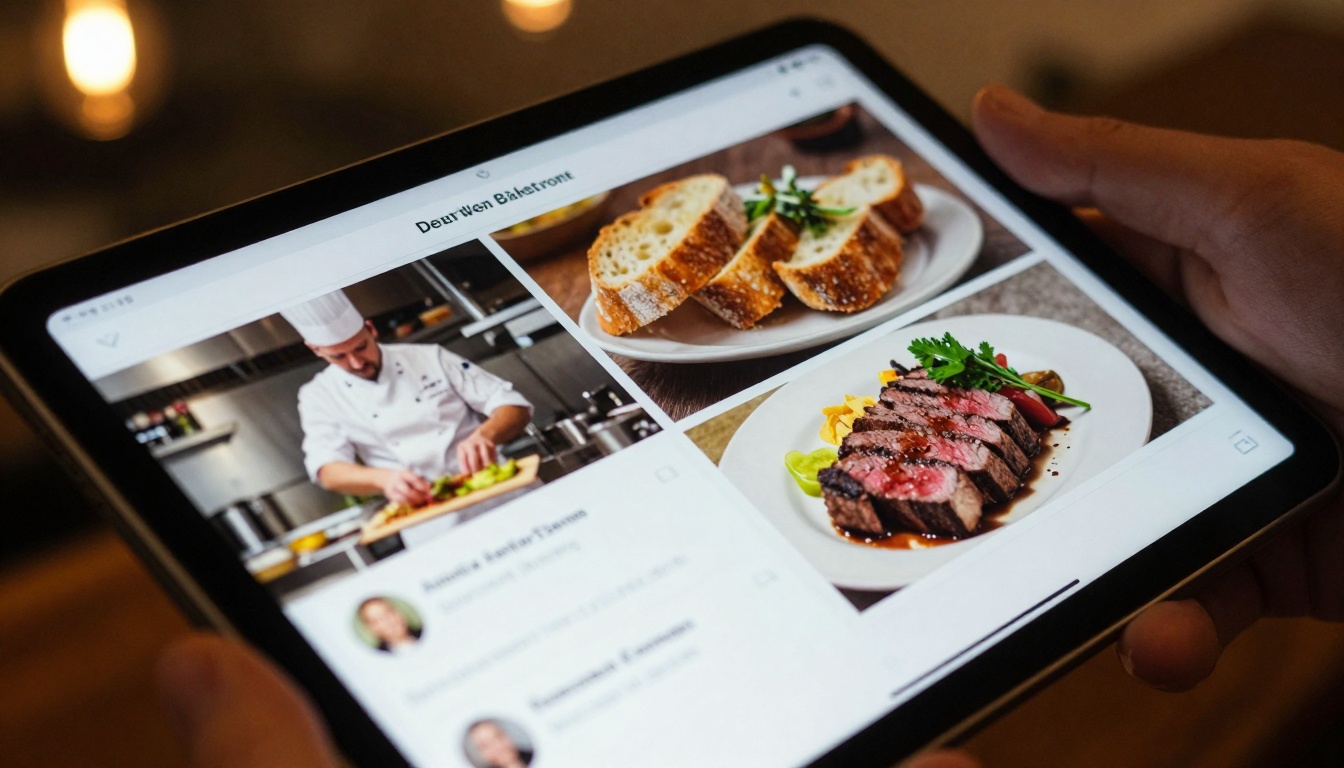
Restaurants and Hospitality: Menus become interactive experiences with chef video introductions, customer review galleries, and reservation integration. The Restaurant Menu Creator handles this transformation.
Retail and E-commerce: Product catalogs show items from multiple angles with zoom functionality, customer testimonials, and direct purchase links. The Product Catalog Generator creates these interactive shopping experiences.
Professional Services: Consultants, architects, and designers create interactive proposals with embedded project examples, client testimonials, and service breakdowns.
Corporate Communications: HR departments develop interactive employee handbooks. Marketing teams create digital brochures with embedded case studies. Executive teams publish annual reports with interactive financial data.
Business Tool Comparison
Not all flipbook solutions deliver equal value. Some free tools impose watermarks, limit functionality, or restrict distribution. Understanding the trade-offs helps make informed decisions.
Feature Comparison Table
| Feature | Basic Free Tools | Flipbooks AI Free Tier | Professional Solutions |
|---|
| Watermarks | Usually present | Never appear | Never appear |
| Flipbook Limit | 1-3 documents | 5 flipbooks | Unlimited |
| Custom Branding | Not available | Limited colors | Full customization |
| Multimedia Support | Basic images only | Images + videos | All media types |
| Analytics | None | Basic views | Detailed engagement data |
| Lead Generation | Not available | Not included | Forms and tracking |
| Offline Access | Online only | Online only | Download options |
| Technical Support | Community forums | Email support | Priority assistance |
Cost-Benefit Analysis
The free tier of Flipbooks AI provides substantial value for testing and limited use:
- 5 complete flipbooks without expiration
- No watermarks on any content
- Basic customization options
- Video embedding capability
- Mobile-responsive output
For sustained use, the Standard plan (€3/month) removes limits while maintaining affordability:
- Unlimited flipbooks across all projects
- Enhanced customization with branding
- Password protection for private content
- Priority processing for faster conversions
⚠️ Warning: Some "free" tools convert documents but require payment to remove watermarks or download files. Always check terms before investing time in document preparation.
Step-by-Step Flipbook Creation Process
Creating your first interactive flipbook requires minimal technical skills. The process follows a straightforward workflow accessible to students, teachers, and business professionals alike.
1. Document Preparation
Begin with your existing materials in standard formats:
- PDF documents (reports, presentations, catalogs)
- Microsoft Office files (Word, PowerPoint, Excel)
- Image collections (JPEG, PNG files)
- Scanned documents (ensure good resolution)
✅ Best Practice: For best results, use PDFs with embedded fonts and high-resolution images. Document dimensions should match your intended viewing format.
2. Platform Selection and Account Setup
Visit Flipbooks AI and create a free account. The registration process takes under two minutes and requires only email verification. No credit card information needed for the free tier.
3. Document Upload and Conversion
Use the drag-and-drop interface to upload your prepared document. The system automatically converts files into flipbook format within seconds to minutes, depending on document complexity.
4. Customization and Enhancement
After conversion, access the editor to improve the viewing experience:
- Add multimedia: Embed YouTube videos, audio narration, or interactive elements
- Adjust branding: Modify colors, fonts, and layout to match your institution or company identity
- Set navigation: Configure page transitions, table of contents, and search functionality
- Insert calls-to-action: Add buttons for contact forms, downloads, or external links
5. Preview and Testing
Before publishing, test the flipbook across different devices:
- Desktop computers with various screen sizes
- Tablets in both portrait and landscape orientations
- Smartphones to ensure mobile responsiveness
- Different browsers (Chrome, Firefox, Safari, Edge)
6. Distribution and Sharing
Once satisfied with the preview, publish and distribute your flipbook:
- Direct link: Share via email, messaging apps, or social media
- QR code: Generate for print materials or physical locations
- Website embedding: Use the provided code to integrate into existing web pages
- Password protection: Restrict access for confidential materials
Advanced Features Worth Considering
Beyond basic conversion, several features significantly enhance flipbook utility for serious educational or business applications.

Analytics and Engagement Tracking
Understanding how audiences interact with content informs future improvements. Professional plans include:
- Page view analytics: See which sections receive most attention
- Time-on-page metrics: Measure engagement duration per section
- Click heatmaps: Visualize interactive element usage
- Device and location data: Understand audience demographics
- Referral tracking: Identify how readers discovered your content
Lead Generation Integration
For business applications, flipbooks can capture prospect information:
- Embedded contact forms: Collect inquiries without leaving the flipbook
- Download gates: Require email for premium content access
- Call tracking: Monitor which content generates phone inquiries
- CRM integration: Connect captured leads to sales systems
Collaborative Features
Team environments benefit from collaboration tools:
- Multi-user editing: Several people can work on the same flipbook simultaneously
- Version history: Track changes and revert to previous iterations
- Commenting system: Leave feedback directly on specific pages
- Approval workflows: Implement review processes before publication
Technical Integration Options
Advanced implementations may require technical integration:
- API access: Programmatically create and manage flipbooks
- Webhook support: Receive notifications about reader interactions
- Custom domain hosting: Serve flipbooks from your own domain
- SSL security: Ensure encrypted data transmission
Common Mistakes to Avoid
Even with excellent tools, certain missteps reduce flipbook effectiveness. Awareness prevents these issues.
Content Preparation Errors
- Low-resolution images: Blurry visuals undermine professional appearance
- Missing fonts: Documents relying on uncommon fonts may render incorrectly
- Excessive file size: Very large documents may process slowly
- Complex layouts: Some advanced PDF formatting may not convert perfectly
Distribution Problems
- Broken links: External references that no longer work frustrate readers
- Missing mobile testing: Content that works on desktop may fail on smartphones
- Inadequate promotion: Creating excellent content without proper distribution
- Access restrictions: Overly strict security preventing legitimate access
Engagement Limitations
- Static conversion only: Missing opportunities for interactive elements
- No analytics implementation: Flying blind without reader behavior data
- Single-format thinking: Assuming one flipbook format works for all audiences
- Neglecting updates: Published content that becomes outdated
💡 Pro Tip: Create a checklist for each flipbook project: content quality, technical testing, distribution channels, and performance tracking.
Making Your Choice
Selecting the right approach depends on your specific needs, budget, and technical capacity. Consider these decision factors:
For Educational Institutions
Elementary and Secondary Schools: Focus on simplicity and classroom integration. The free tier likely suffices for most needs, with occasional Standard plan upgrades for special projects.
Higher Education: Consider departmental subscriptions for frequent use. Professional features like analytics help measure student engagement with course materials.
Training Organizations: The Professional plan delivers ROI through lead generation and detailed participant analytics.
For Business Applications
Small Businesses and Startups: Begin with the free tier for testing, then upgrade to Standard for ongoing use. The €3/month cost represents minimal investment for professional presentation capabilities.
Marketing and Sales Teams: Professional plans justify cost through lead capture and engagement analytics that inform campaign effectiveness.
Enterprise Organizations: Consider volume licensing or custom solutions for department-wide adoption across multiple teams and use cases.
Budget Considerations
| Usage Pattern | Recommended Plan | Monthly Cost | Annual Cost |
|---|
| Occasional testing | Free | €0 | €0 |
| Regular educational use | Standard | €3 | €36 |
| Business marketing | Professional | €7 | €84 |
| Long-term commitment | Lifetime | €200 one-time | N/A |
The lifetime option provides exceptional value for organizations committed to long-term digital transformation. At €200 one-time payment, it eliminates recurring costs while providing all platform features indefinitely.
Next Steps for Implementation
Begin your flipbook journey with practical action rather than extended planning:
- Identify one high-impact document that would benefit from interactive enhancement
- Visit Flipbooks AI to create your free account
- Upload and convert your selected document using the intuitive interface
- Test the results on various devices and with sample audiences
- Evaluate the engagement difference compared to your previous format
- Scale implementation based on successful initial experience
Educational institutions can start with department-level pilots—perhaps converting the most frequently shared syllabus or creating an interactive school newsletter. Business teams might begin with their standard sales presentation or product catalog.
The platform's tools directory provides specialized solutions for specific use cases, from restaurant menus to real estate brochures to digital portfolios. Explore options matching your particular needs rather than adopting generic approaches.
For budget-conscious organizations, the free tier delivers substantial value without financial commitment. The five flipbook limit allows testing across different document types and use cases before deciding on paid upgrades.
Compare pricing plans when ready to scale beyond initial testing. The transparent pricing structure with no hidden fees makes cost forecasting straightforward for educational and business budgeting.
Digital transformation in document presentation represents one of the highest-return investments available to educational and business organizations. The minimal time and financial investment required contrasts sharply with the substantial engagement improvements and operational efficiencies gained through interactive flipbook adoption.



