Sending someone a PDF in 2025 feels like handing them a printed fax. It works, technically. But it does not impress, it does not engage, and it rarely gets read past page two. If you have ever put hours into a beautifully designed document only to watch open rates flatline, the problem is not your content. It is the format. Flipbooks AI fixes that by turning any PDF into an interactive flipbook with realistic page-turn effects in minutes, with no design software, no coding, and no watermarks.
Why PDFs Fall Flat
There is a reason PDF engagement rates are notoriously low. The format was designed in 1993 for print fidelity, not digital experience. In a world where people scroll through animated content daily, a static two-column document feels outdated before it even loads.
The Scrolling Problem on Mobile
When someone opens a PDF on a smartphone, they face zoom issues, awkward scrolling, and text too small to read without pinching. Over 70% of people abandon a PDF before the third page on mobile. That is not a content problem. That is a format problem that costs you attention, credibility, and conversions.
What Readers Actually Respond To
Interactive content consistently outperforms static content across every engagement metric. Page-turning effects trigger a physical memory, the tactile sensation of flipping through a real magazine. That familiarity keeps readers moving forward. Flipbooks also load in a browser tab, which means no download required, no app to install, and no "file too large to send" emails bouncing back at you.
What Makes a Flipbook Different
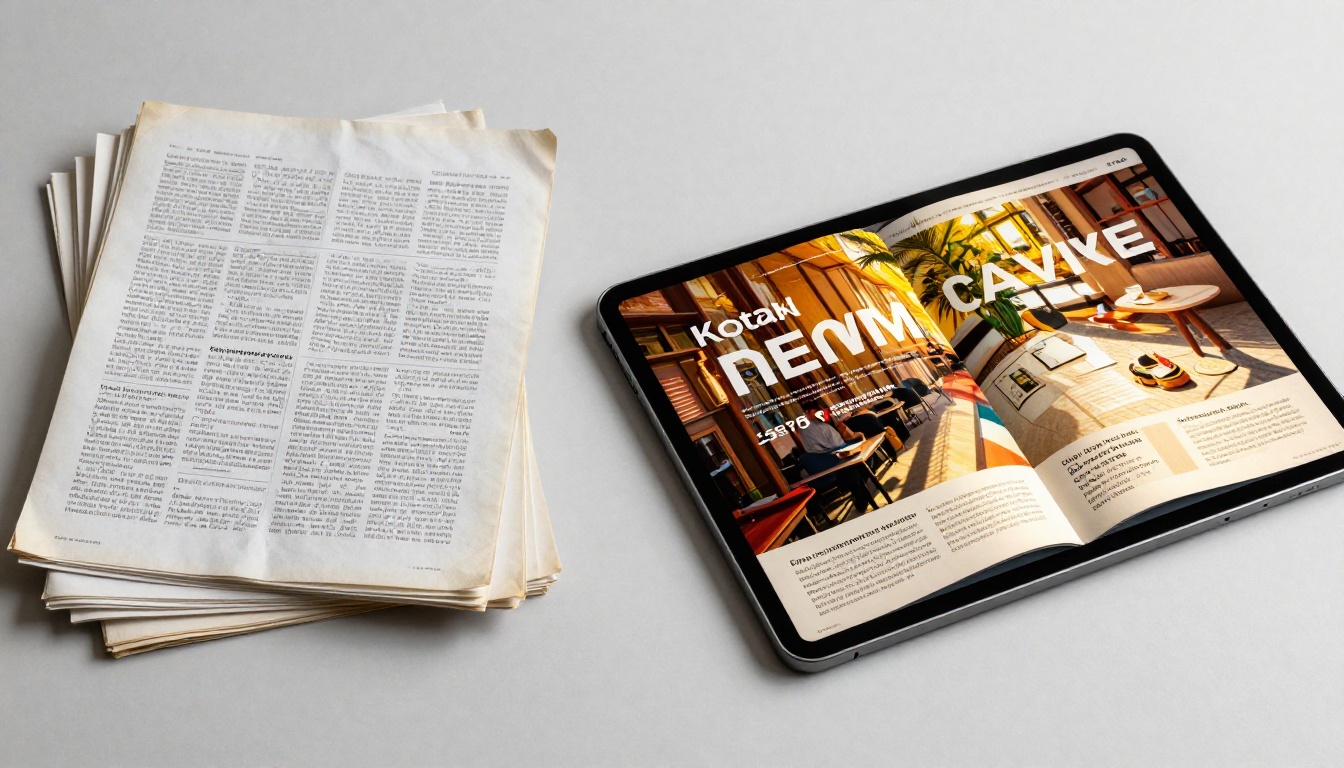
A flipbook is not just a PDF with a fancy animation. It is a fundamentally different reading experience built for digital screens. Here is how the two formats compare side by side:
| Feature | Static PDF | Interactive Flipbook |
|---|
| Mobile-friendly | Requires zoom and scroll | Fully responsive by default |
| Page-turn animation | None | Realistic 3D page flip |
| Shareable via link | Download required | Direct browser link |
| Embed in website | Not possible | One-line embed code |
| Analytics and tracking | None | Built-in viewer statistics |
| Password protection | None | Native feature |
| Multimedia support | Limited | Video and audio embeds |
| Custom branding | None | Colors, logo, and toolbar |
The Impression You Make in the First Three Seconds
Open a flipbook and the first thing you notice is that it behaves like a real publication. Pages curl at the corners. You click and drag to turn them. On mobile, a swipe works naturally. That first impression matters, especially for client proposals, product catalogs, and marketing materials where perception directly equals trust.
Built for a Sharing-First World
PDFs get emailed as attachments. Flipbooks get shared as links. That single difference has significant downstream effects on reach. A shareable link works on social media, in a WhatsApp message, embedded in a website, or in an email signature. No file size limits. No versioning headaches. No compatibility warnings from Outlook.
💡 Pro Tip: A flipbook link is also trackable. You can see exactly how many times it was opened, from which devices, and on which pages readers spent the most time, something a PDF attachment can never give you.
How to Convert a PDF to a Flipbook
The entire process takes under five minutes. Here is exactly how it works using Flipbooks AI:

1. Create Your Free Account
Go to flipbooksai.com/account and sign up. No credit card required to start. You have access to the full conversion tool immediately after registration.
2. Upload Your PDF
Click "New Flipbook" and drag your PDF into the upload zone. The PDF to Flipbook Converter processes your file page by page, preserving all fonts, images, and layouts exactly as you designed them. Most PDFs under 100MB process in under 30 seconds.
✅ Best Practice: Your PDF does not need to be pixel-perfect before uploading. The flipbook rendering handles minor inconsistencies. Focus on content quality and let the converter handle the rest.
3. Customize the Look and Feel
Once your PDF is converted, you enter the customization panel. Here is what you can adjust:
- Branding: Upload your logo and choose your brand color for the flipbook toolbar
- Background: Select from solid colors, gradients, or custom background images
- Page effects: Adjust page-turn shadow intensity and animation speed
- Cover style: Choose between hard cover (book-style) or magazine soft cover
- Navigation: Toggle table of contents, zoom controls, search, and fullscreen mode
- Multimedia: Embed video or audio clips directly onto specific pages
Matching your flipbook toolbar to your brand's primary color takes ten seconds and makes the entire publication feel professionally produced. It is the kind of detail that separates a polished presentation from a generic document.
4. Publish and Share
When you are satisfied with the result, click "Publish." You immediately receive:
- A direct link: A clean URL you can share anywhere, social media, email, messaging apps, QR codes
- An embed code: A single HTML snippet you paste into any website or CMS
- Password protection: An optional password gate for private or confidential documents
That is the complete workflow. Four steps. No design experience. No software installation. Under five minutes from a static PDF to a published, shareable interactive flipbook.
Who Uses Flipbooks and Why
Flipbooks work across every industry that produces documents people need to actually read and remember.

Each industry has one thing in common: they produce visually rich documents that deserve more than a PDF attachment buried in an inbox.
Features That Make a Real Difference
Not all flipbook tools are equal. Here is what stands out at the feature level on Flipbooks AI:

Analytics That Show What Is Actually Happening
On the Professional plan, every flipbook includes a built-in analytics dashboard. You see total views, time spent per page, geographic distribution of readers, and drop-off points. For sales teams, this is critical intelligence. Knowing which pages of a proposal your prospect spent the most time on changes how you open the next conversation.
Lead Generation Without Extra Tools
The Professional plan includes a lead capture gate. Before readers access your flipbook, they see a brief form asking for their name and email. For marketing teams distributing gated content, white papers, industry reports, or product catalogs, this removes the need for separate landing page tools or form builders.
No Watermarks, Ever
The most frustrating aspect of free flipbook tools is the forced watermark stamped across every page. Flipbooks AI does not do that. Even on the Standard plan, your publications are watermark-free and fully branded to you. The reader sees your content, your logo, your colors, nothing else.
Offline Downloads
Readers on the Professional plan can download your flipbook as a standalone offline file. This matters for sales reps presenting at trade shows, conferences, or anywhere without reliable internet. The flipbook experience remains fully intact offline.
Unlimited Flipbooks on Standard and Above
Unlike tools that cap you at five or ten documents on paid tiers, the Standard plan and above give you unlimited flipbooks. For agencies managing multiple clients, or businesses with seasonal catalogs, this is essential.
Real-World Scenarios Where Flipbooks Shine
Restaurants and Hospitality
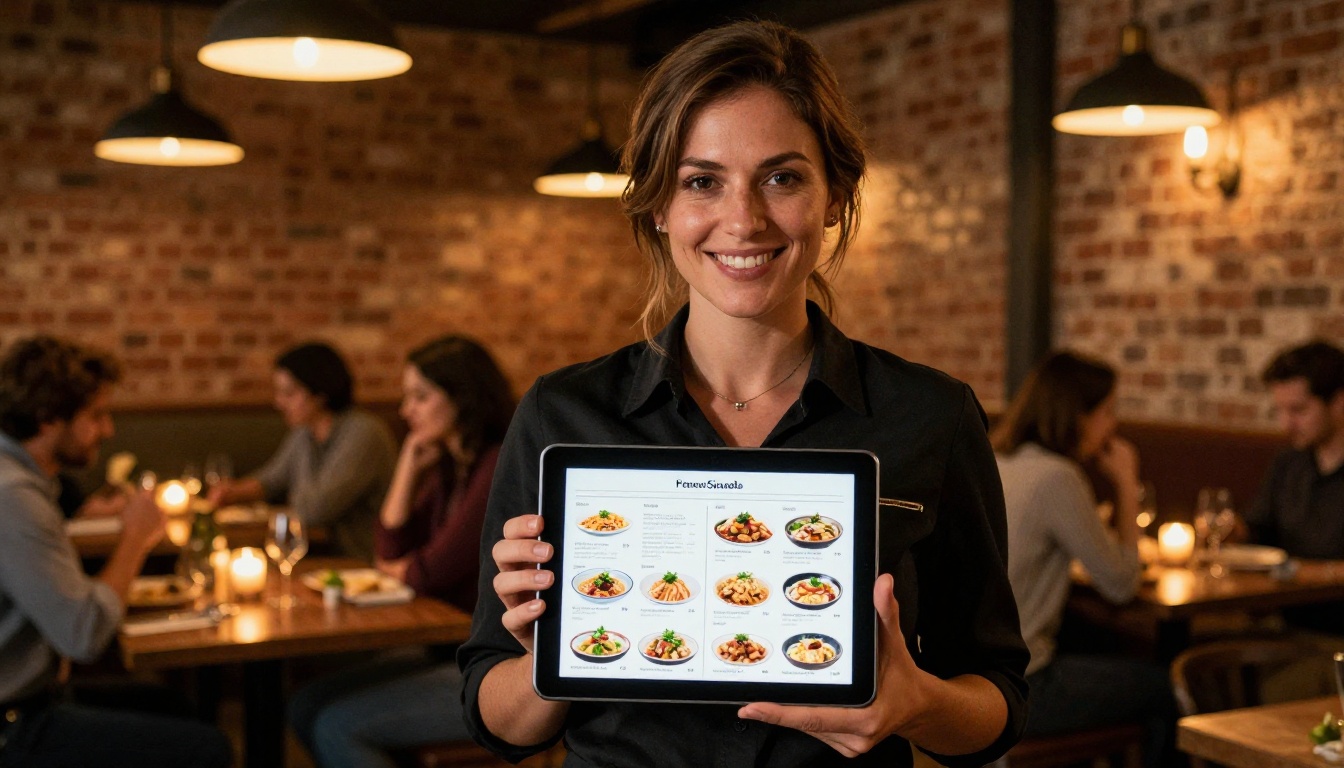
A restaurant that shares a PDF menu link gets one view, maybe. A restaurant that shares a beautifully animated digital menu flipbook gets bookmarks, social shares, and repeat visits. The page-flip effect makes browsing a menu feel like an experience rather than a chore. For hotels, the effect is even more pronounced. A hotel brochure flipbook with full-bleed photography and smooth page turns puts readers in the mindset of a luxury travel magazine before they have even booked.
Real Estate
Agents using PDF property brochures are leaving persuasion on the table. A real estate brochure flipbook can be shared via text message, embedded on a listing page, and viewed on any device without downloading anything. Add analytics and you know exactly which properties your client spent the most time reviewing before the next showing.

Product Catalogs and Retail
Retailers and wholesalers with seasonal catalogs spend significant budget on design and print. Converting that same PDF to a digital catalog flipbook costs almost nothing extra and extends the catalog's reach indefinitely. Buyers share it with colleagues, bookmark specific products, and access it on any device. Print catalogs get thrown away. Digital flipbooks stay accessible year-round.
Education and Corporate Training
Corporate trainers and educators using static PDFs for course materials create unnecessary friction. A training manual flipbook that trainees can access on mobile, navigate by table of contents, and revisit without digging through email attachments produces measurably better engagement. The format also signals that the organization has invested care in the learning experience.
Creative Portfolios
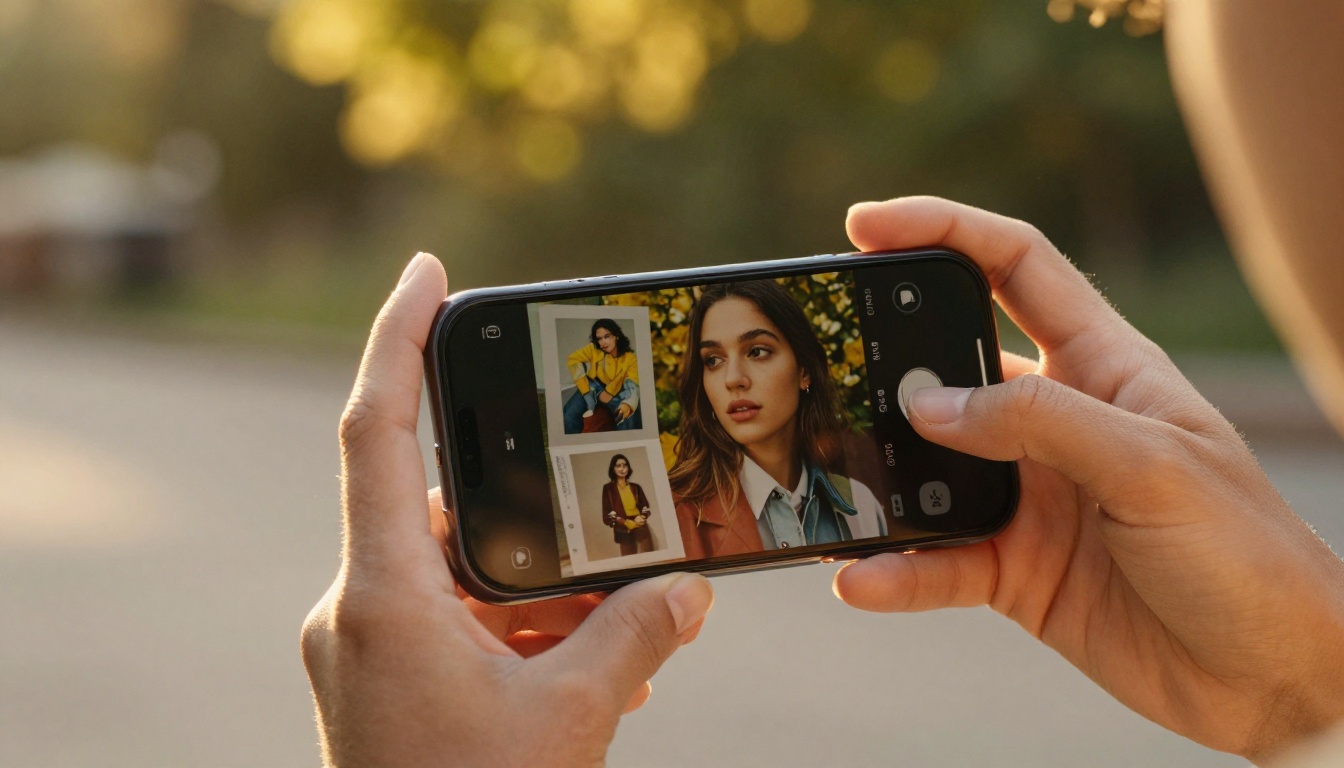
Photographers, designers, and creative agencies that send PDF portfolios are immediately at a disadvantage against those who share a digital portfolio flipbook. The interactive format showcases creative work the way it deserves to be seen, full-screen, high-resolution, with smooth transitions between projects.
Sharing and Publishing Options
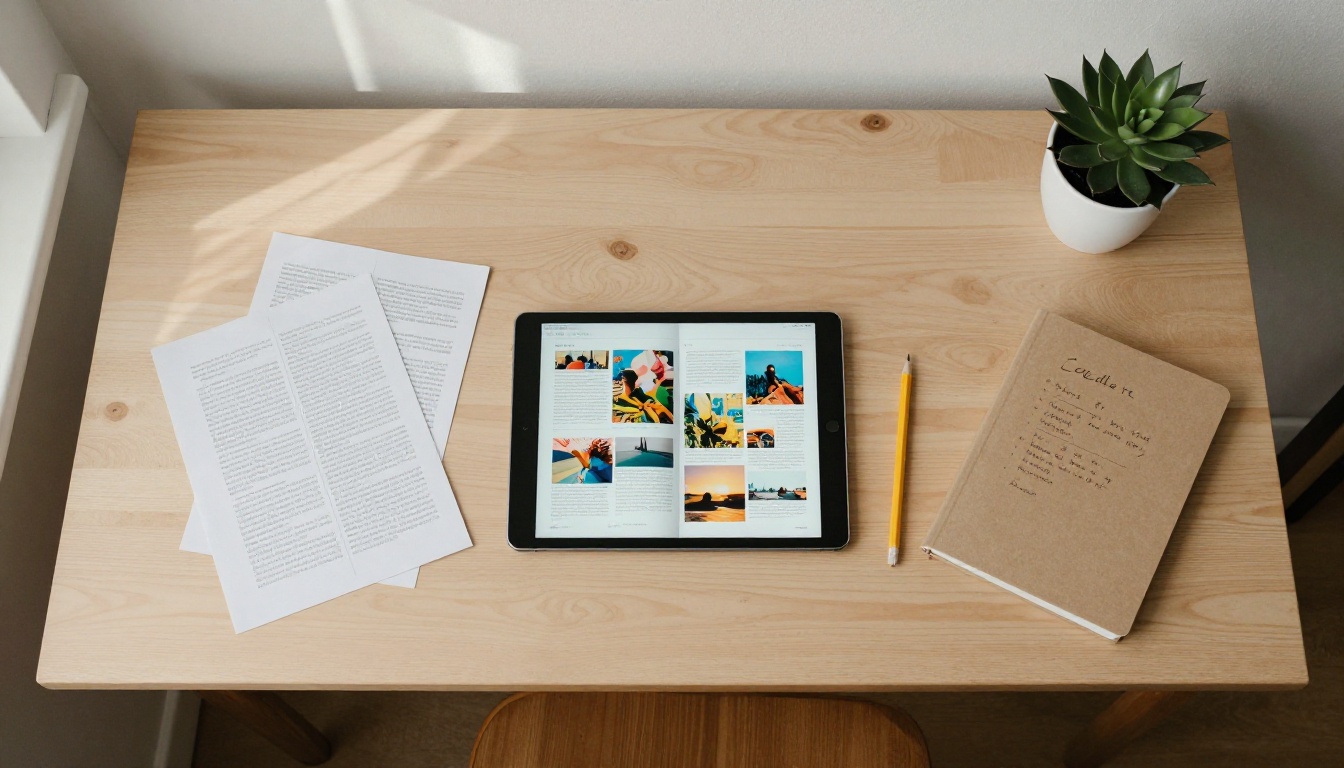
Once your flipbook is live, you have multiple ways to distribute it.
Embed Directly on Your Website
The Embed Flipbook on Website tool generates a single iframe snippet. Paste it into WordPress, Webflow, Squarespace, Shopify, or any CMS. The flipbook renders natively in the page with full interactivity. No plugins, no third-party dependencies, no performance penalties.
⚠️ Note: Set your embed container to a minimum width of 600px for desktop displays. Mobile widths adapt automatically. A narrow embed constrains the page-turn experience and reduces the visual impact.
Direct Links for Email and Social
Every published flipbook gets a clean, shareable URL. This works in email campaigns, LinkedIn posts, WhatsApp messages, Instagram bios, QR codes on print materials, and anywhere else a link functions. Unlike a PDF attachment, there is no file size ceiling and no requirement for the recipient to have any specific software installed.
Password Protection for Sensitive Documents
For documents that should not be publicly indexed, password protection is a one-click option. Set a password before sharing, and anyone following the link sees a password prompt before the flipbook opens. This is particularly useful for internal company documents, client-specific pricing sheets, and confidential proposals.
Plans at a Glance
Flipbooks AI pricing is structured to scale from individual creators to large marketing teams:
| Feature | Free | Standard | Professional |
|---|
| Flipbooks | Limited | Unlimited | Unlimited |
| Watermarks | Yes | No | No |
| Custom branding | No | Yes | Yes |
| Password protection | No | Yes | Yes |
| Video and audio embeds | No | Yes | Yes |
| Embed on website | Yes | Yes | Yes |
| Analytics dashboard | No | No | Yes |
| Lead capture gate | No | No | Yes |
| Offline downloads | No | No | Yes |
| Mobile-responsive | Yes | Yes | Yes |
For most businesses, the Standard plan covers everything needed for professional-grade flipbook publishing. For sales, marketing, and lead generation teams where tracking matters, the Professional plan adds the analytics and capture features that make the investment directly measurable.
💡 Pro Tip: Start with the free plan to convert your first PDF and see the output quality firsthand. No credit card required. You will have a shareable flipbook link within five minutes.

3 Common Mistakes When Sharing Documents Digitally
Before you publish, avoid these frequent missteps:
- Sending the PDF as an email attachment: Attachments get flagged as spam, fail to open on mobile, and cannot be tracked. Use a flipbook link instead.
- Skipping mobile preview: Always check your flipbook on a smartphone before sharing widely. Most of your audience will view it on a phone.
- Forgetting to set a custom domain or branding: A flipbook with your colors and logo builds trust. A generic-looking viewer raises doubt about professionalism.
Make the Switch Today
Every document you send is an opportunity to impress or blend into the noise. The format you choose signals how much you value the reader's time and experience. Interactive flipbooks with realistic page turns, custom branding, mobile-responsive design, and shareable links are not a gimmick. They are simply a better way to present content in a world built around screens.
The gap between a boring PDF and a beautiful flipbook is exactly five minutes and zero design skills. Get started for free on Flipbooks AI and see the difference yourself. Browse all available tools to find the right fit for your specific use case, whether that is menus, catalogs, brochures, portfolios, or corporate reports. And when you are ready to add analytics and lead capture, check out the pricing plans to find what works for your team.
Your next document deserves better than a PDF attachment.



