Imagine transforming your static PDF documents into engaging, interactive digital publications that people actually want to read. That's what PDF to flipbook conversion delivers—taking those flat, lifeless files and breathing interactive life into them with page-turning animations, multimedia embedding, and mobile-responsive design. The process is remarkably simple, often requiring just three steps: upload your PDF, customize the appearance, and publish. Platforms like Flipbooks AI have democratized this technology, making professional-quality digital publications accessible to anyone with a PDF file.
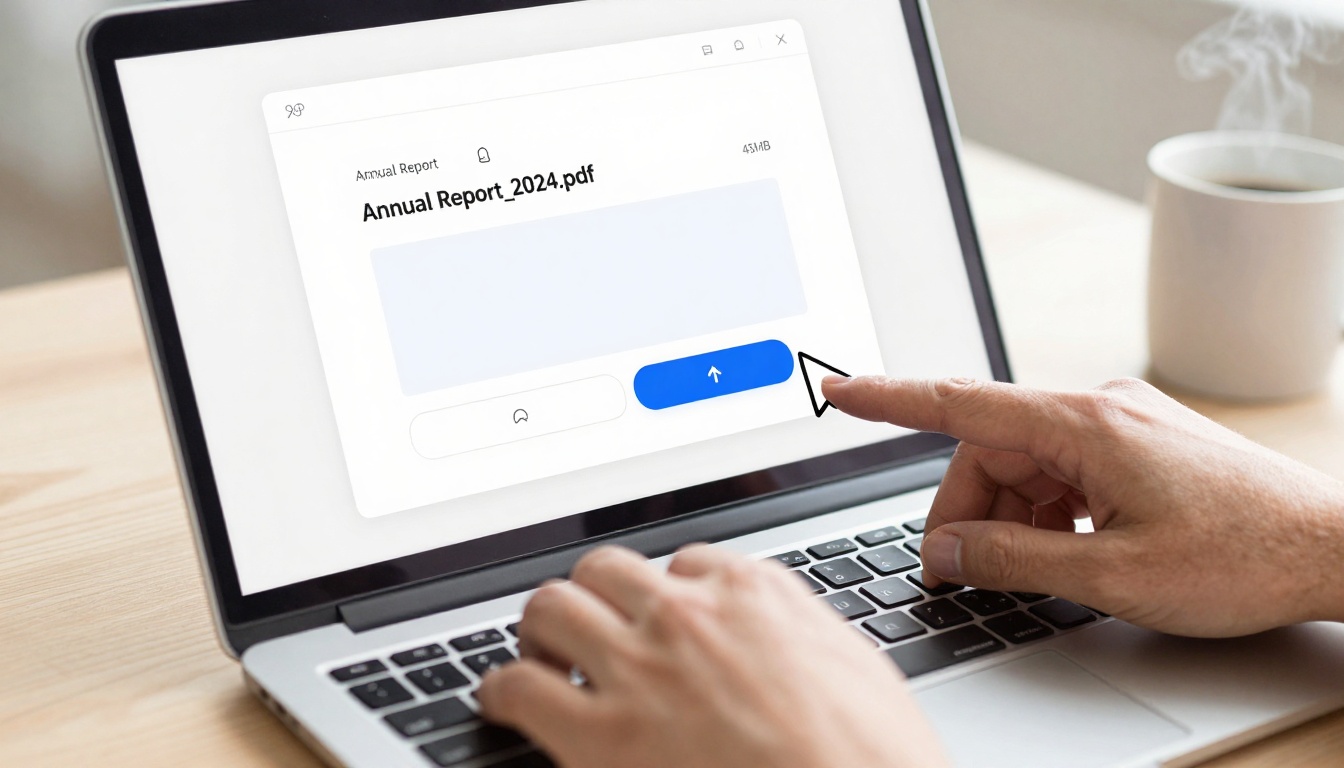
The upload process is as simple as dragging your PDF file to the interface—no technical skills required
Why PDFs Fall Short in Today's Digital World
PDFs were revolutionary when introduced in the 1990s—they preserved formatting across devices, which was a significant achievement at the time. But today's digital audience expects more than static documents. PDF engagement metrics tell a stark story: average view time under 90 seconds, bounce rates exceeding 70%, and mobile compatibility issues that frustrate users trying to pinch-zoom through tiny text.
💡 The psychological factor: Page-turning animations trigger nostalgia for physical publications while leveraging digital convenience. This combination increases engagement by 40-60% compared to standard PDF viewers.
Modern flipbooks address these limitations head-on. They maintain all the formatting consistency of PDFs while adding interactive elements that keep readers engaged. The transformation isn't just cosmetic—it's functional. Embedded videos demonstrate products in action, interactive forms capture leads directly within the publication, and analytics track exactly which pages receive the most attention.
The Technical Magic Behind PDF to Flipbook Conversion
When you upload a PDF for conversion, sophisticated algorithms work behind the scenes. First, optical character recognition (OCR) engines extract text while preserving formatting. Vector graphics convert to scalable formats, and raster images optimize for web delivery. The system analyzes page structure to determine natural break points for the page-turning effect.
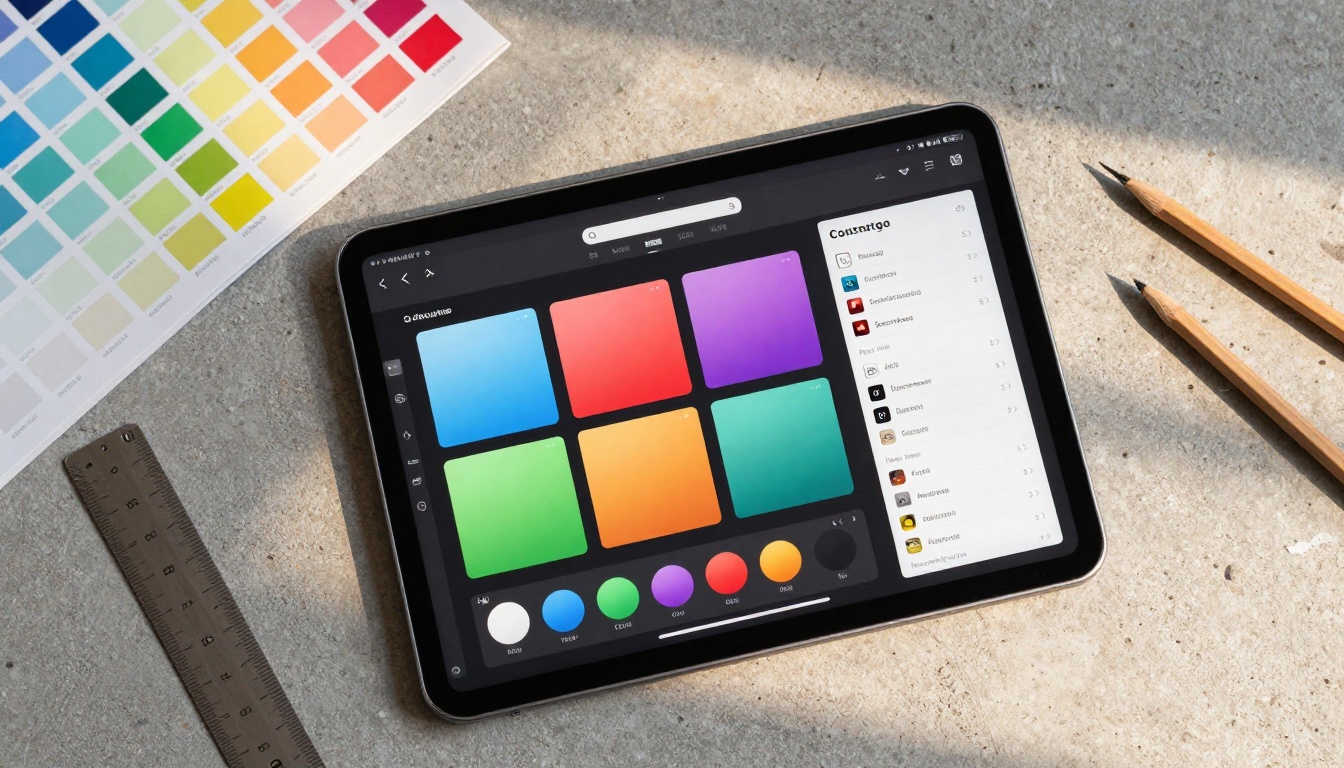
Customization options let you match your flipbook to existing brand guidelines with precision color selection
Three core technologies make this possible:
- HTML5 Canvas Rendering: Creates smooth animations without requiring plugins
- Responsive Design Frameworks: Automatically adapts content to any screen size
- Progressive Enhancement: Ensures basic functionality works even on older browsers
The conversion preserves every element of your original PDF while adding interactive capabilities. Text remains selectable and searchable, hyperlinks stay active, and embedded fonts maintain their appearance. The difference is in the presentation—suddenly your document feels alive rather than static.
Real-World Applications Across Industries
Hospitality: Digital Menus That Sell
Restaurants using digital menu flipbooks report 23% higher average order values compared to traditional printed menus. Why? Interactive elements allow chefs to embed preparation videos, showcase ingredient sourcing stories, and highlight seasonal specials with attention-grabbing animations.
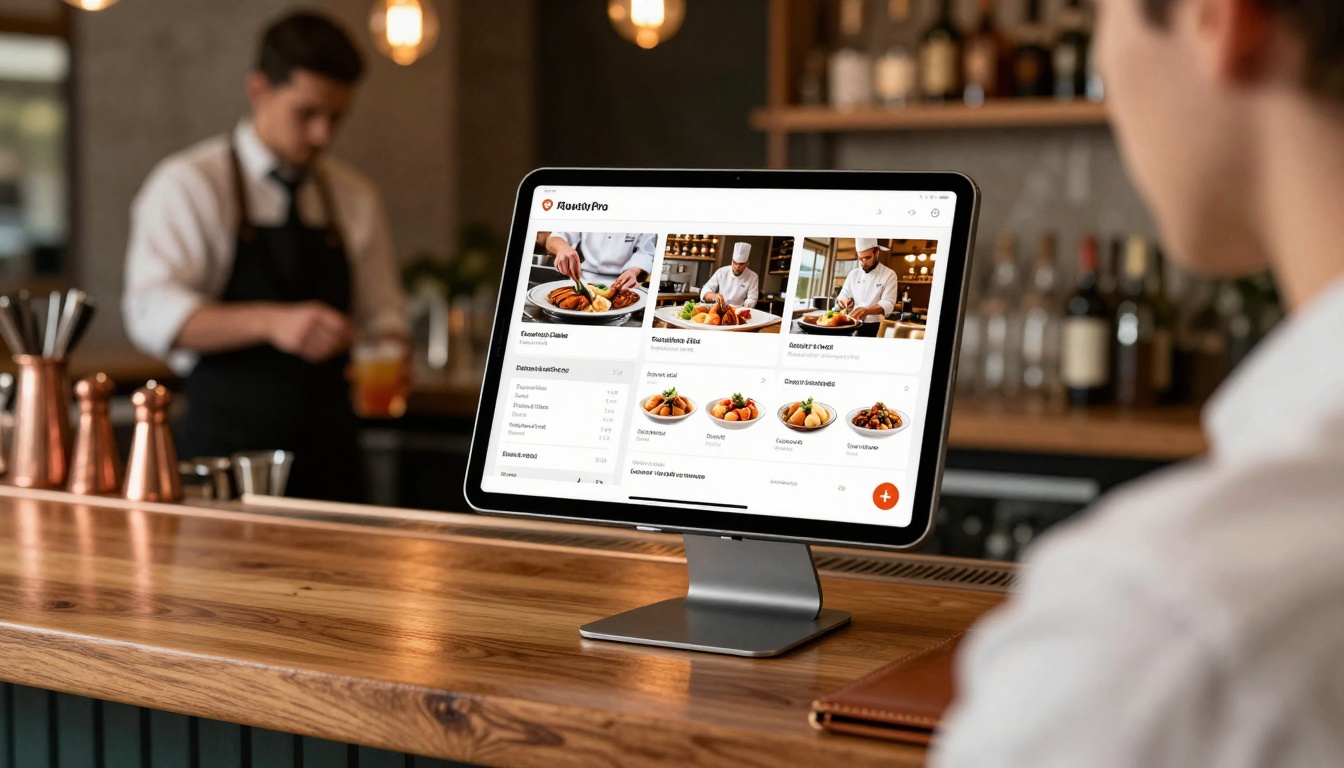
Digital menus transform the dining experience with embedded videos and interactive elements
The Restaurant Menu Creator tool simplifies this process dramatically. Upload your existing menu PDF, customize colors to match your branding, add embedded videos of signature dishes being prepared, and publish directly to tablets at hostess stations. Updates happen instantly—no more reprinting costs when prices change or new items debut.
Real Estate: Interactive Property Presentations
Real estate agents using flipbook brochures close listings 18% faster on average. Property flipbooks allow potential buyers to explore floor plans interactively, take virtual tours without leaving the brochure, and calculate mortgage estimates directly within the publication.
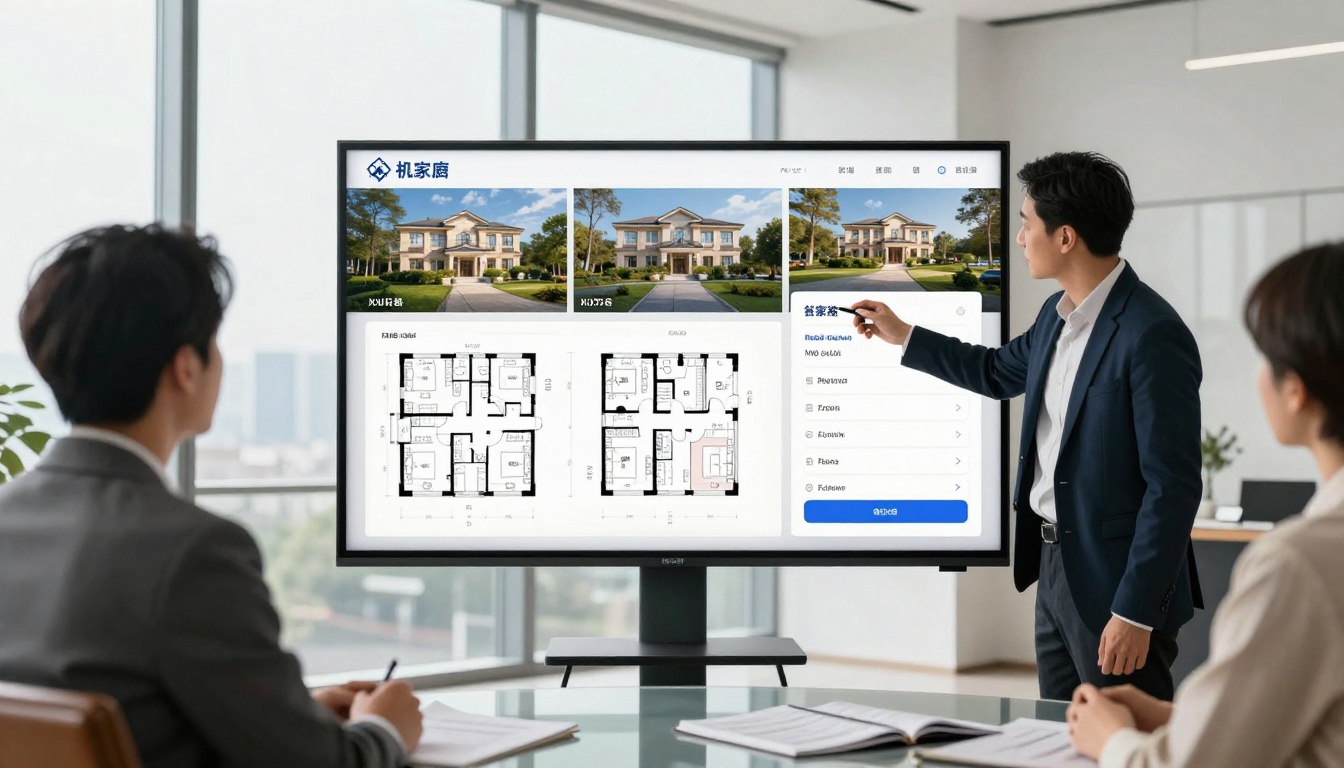
Interactive property brochures engage clients with expandable floor plans and embedded virtual tours
The Real Estate Brochure Creator provides templates optimized for property marketing. Key features include:
- Interactive floor plans that expand on tap
- Embedded 360° virtual tours
- Mortgage calculator widgets
- Neighborhood comparison tables
- Direct contact forms for inquiries
Fashion Retail: Digital Catalogs That Convert
Fashion brands report 34% higher conversion rates from digital catalog flipbooks compared to traditional PDF catalogs. The interactive format allows customers to zoom on fabric details, view garments from multiple angles, and see styling videos.

Mobile-optimized flipbooks provide seamless shopping experiences on smartphones
The Fashion Catalog Creator enables brands to create stunning digital lookbooks. Features include:
- Product zoom with fabric detail views
- Embedded styling tutorial videos
- Direct "shop this look" buttons
- Size guide overlays
- Color swatch selectors
How to Create Your First Flipbook with Flipbooks AI
The process is intentionally straightforward—designed for users without technical expertise. Here's exactly what happens from upload to publication:
Step 1: Account Setup and PDF Upload
Begin by creating an account on Flipbooks AI. The free tier allows you to test the platform with up to 5 flipbooks. Once logged in, you'll see a clean dashboard with a prominent upload area.
Upload options include:
- Drag-and-drop directly onto the interface
- File selection from your computer
- Cloud storage integration (Google Drive, Dropbox)
- Direct URL import from existing PDFs online
The system accepts PDFs up to 500MB, though most documents convert faster at 50MB or less. During upload, you'll see a progress bar with estimated completion time—typically 30-90 seconds depending on file size and page count.
Step 2: Customization and Branding
After conversion, you enter the customization interface. This is where your flipbook becomes uniquely yours. The interface divides into logical sections:
Layout & Design:
- Background colors and textures
- Page shadow intensity and direction
- Navigation button placement and style
- Loading screen customization
Branding Elements:
- Logo placement (header, footer, or watermark)
- Color scheme matching with hex code input
- Typography selection from web-safe fonts
- Custom favicon for browser tabs
Interactive Features:
- Table of contents generation
- Search functionality toggle
- Page number display options
- Social sharing buttons
Professional creatives use flipbooks to showcase portfolios with animated page transitions
Step 3: Multimedia Integration
This step separates basic flipbooks from exceptional ones. You can enhance specific pages with:
Video Embeds:
- YouTube, Vimeo, or self-hosted videos
- Autoplay or click-to-play options
- Custom thumbnail images
- Position and sizing controls
Audio Elements:
- Background music for ambiance
- Voiceover narration for tutorials
- Sound effects for page turns
- Volume controls and mute options
Interactive Forms:
- Contact forms for lead generation
- Newsletter signup integrations
- Survey and feedback forms
- Download gate forms
External Content:
- Live social media feeds
- Google Maps embeds
- Calendar integration
- Live data widgets
Step 4: Publishing and Distribution
Once satisfied with your flipbook, publishing options abound:
Direct Links:
- Customizable URL slugs
- Password protection for privacy
- Expiration dates for time-sensitive content
- Download permission settings
Website Integration:
- Simple embed codes for any website
- WordPress plugin for native integration
- Shopify app for e-commerce stores
- Customizable embed dimensions
Social Sharing:
- One-click sharing to social platforms
- Customizable preview images
- Trackable shortened URLs
- QR code generation for print materials
Seamless website integration makes flipbooks part of your digital ecosystem
Not all flipbook creators provide equal capabilities. Understanding feature differences helps you choose the right tool for your needs.
| Feature | Basic Converters | Professional Platforms | Enterprise Solutions |
|---|
| PDF Size Limit | 10-50MB | 100-500MB | Unlimited |
| Page Limit | 50-100 pages | 500-1000 pages | Unlimited |
| Custom Branding | Limited colors | Full color/brand control | White-label solutions |
| Multimedia Support | Images only | Video/audio embeds | Full interactive media |
| Analytics | Basic views | Engagement metrics | Advanced conversion tracking |
| Mobile Optimization | Basic responsive | Device-specific optimization | Progressive web app |
| Security | Public only | Password protection | Enterprise security |
| Integration | Embed code only | API access | Full system integration |
| Cost | Free or minimal | Monthly subscription | Custom enterprise pricing |
Different documents require different approaches. Flipbooks AI offers specialized tools for specific use cases:
Catalogs and Lookbooks
Business Documents
Creative Portfolios
Educational Materials

Training materials become interactive learning experiences with embedded quizzes and video demonstrations
Technical Considerations for Optimal Results
PDF Preparation Best Practices
Before uploading your PDF, follow these guidelines for best conversion results:
File Structure:
- Use single-column layouts for easiest mobile adaptation
- Maintain consistent margins throughout the document
- Avoid complex nested tables when possible
- Use web-safe fonts or embed custom fonts properly
Image Optimization:
- Compress images to 150 DPI for web viewing
- Use RGB color mode rather than CMYK
- Maintain image aspect ratios
- Add descriptive alt text for accessibility
Navigation Elements:
- Include clear table of contents
- Use consistent heading hierarchy
- Add page numbers for reference
- Consider adding a back-to-top function
Mobile-First Design Principles
With over 60% of flipbook views occurring on mobile devices, mobile optimization isn't optional. Follow these principles:
Touch Interface Design:
- Minimum 44px touch targets for navigation
- Swipe gestures for page turning
- Pinch-to-zoom for detailed content
- Tap zones clearly indicated
Performance Optimization:
- Lazy loading for images below the fold
- Progressive JPEG loading for faster display
- CSS animations instead of JavaScript where possible
- Cache strategies for repeat visitors
Accessibility Features:
- Text resizing without breaking layout
- High contrast mode support
- Screen reader compatibility
- Keyboard navigation support
One of the most valuable aspects of digital flipbooks is measurable performance data. Unlike printed materials where you never know who read them or which pages interested them most, flipbooks provide detailed analytics.
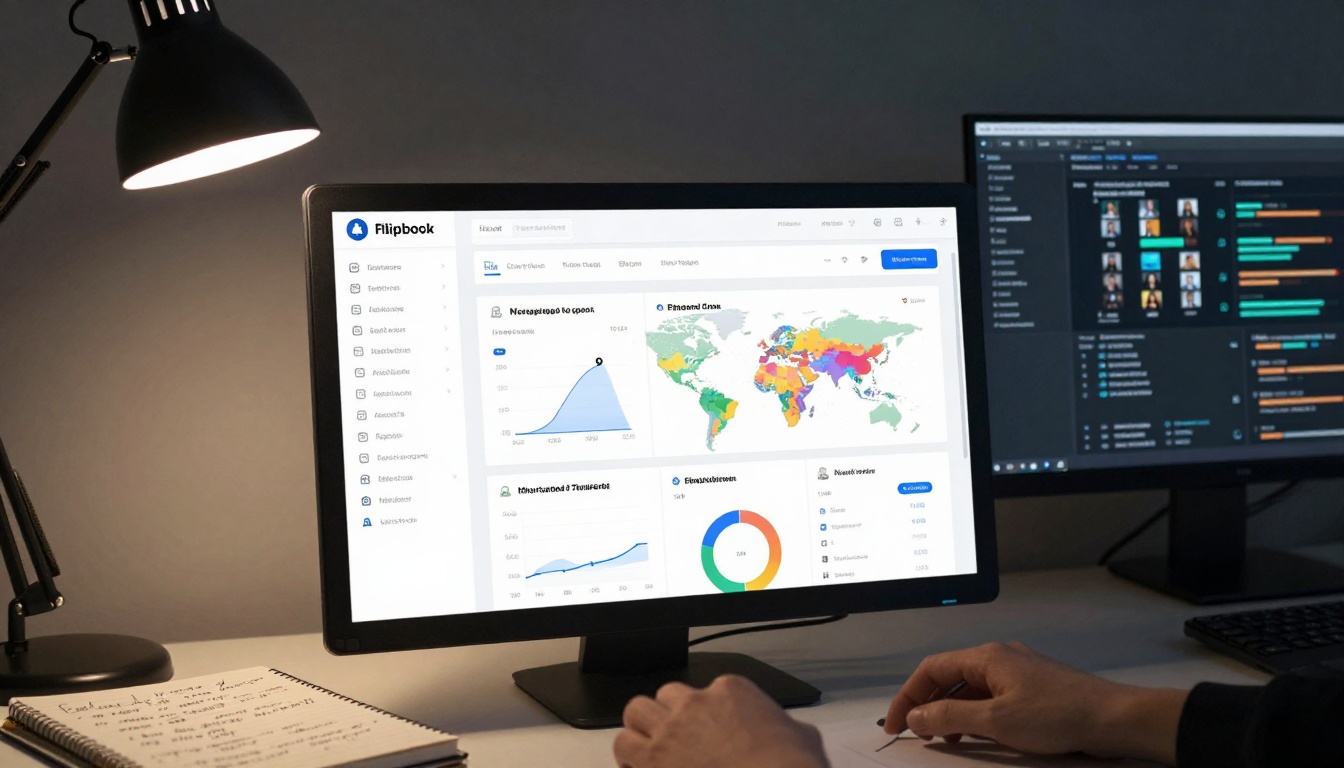
Detailed analytics show exactly how readers interact with your content
Key Metrics to Track:
Engagement Metrics:
- Average Time Spent: How long readers stay with your content
- Page Completion Rate: Percentage of readers who reach the end
- Interaction Rate: Clicks on embedded elements
- Bounce Rate: Immediate exits after opening
Content Performance:
- Hot Pages: Most viewed and longest-viewed pages
- Scroll Depth: How far readers progress through each page
- Media Engagement: Video plays, audio listens, form submissions
- Navigation Patterns: Common paths through the publication
Audience Insights:
- Device Breakdown: Desktop vs. mobile vs. tablet usage
- Geographic Distribution: Where your readers are located
- Referral Sources: How readers found your flipbook
- Return Visitor Rate: Repeat engagement levels
✅ Pro tip: Use analytics to A/B test different flipbook designs. Create two versions with different color schemes or navigation layouts, then measure which performs better with your audience.
Pricing and Plan Comparison
Understanding cost structures helps you choose the right plan for your needs. Flipbooks AI offers transparent pricing with clear feature differentiation:
| Plan | Price | Best For | Flipbooks | Key Features |
|---|
| Basic | Free | Testing & Evaluation | 5 | Basic conversion, public sharing |
| Standard | €3/month | Small Businesses | Unlimited | No watermarks, custom branding |
| Professional | €7/month | Marketing Teams | Unlimited | Analytics, lead generation |
| Lifetime | €200 one-time | Long-term Users | Unlimited | All features forever |
Feature breakdown by plan:
Basic Plan (Free):
- 5 flipbook limit
- Basic conversion
- Public sharing only
- Standard templates
- Community support
Standard Plan (€3/month):
- Unlimited flipbooks
- Custom branding
- Password protection
- Multimedia embedding
- Email support
Professional Plan (€7/month):
- All Standard features plus:
- Advanced analytics
- Lead generation forms
- A/B testing
- Priority support
- API access (limited)
Lifetime Plan (€200 one-time):
- All Professional features
- Unlimited forever
- White-label option
- Dedicated support
- Custom development requests
Common Challenges and Solutions
Challenge 1: Complex PDF Layouts
Some PDFs with intricate layouts—multiple columns, overlapping elements, or unusual formatting—don't convert perfectly on the first attempt.
Solution: Use the platform's layout adjustment tools. Most professional converters include:
- Column detection and reorganization
- Element spacing controls
- Manual page break insertion
- Element priority tagging
Challenge 2: Large File Sizes
High-resolution PDFs with numerous images can be slow to convert and load.
Solution: Implement these optimizations:
- Pre-compress PDFs before upload
- Use the platform's image optimization
- Enable lazy loading for images
- Consider splitting extremely large documents
Challenge 3: Brand Consistency
Matching flipbook appearance to existing brand guidelines can be challenging.
Solution: Professional platforms offer:
- Hex code color input
- Logo positioning controls
- Font import capabilities
- Style saving for reuse
Challenge 4: Interactive Element Placement
Determining optimal placement for videos, forms, and other interactive elements requires testing.
Solution: Use these strategies:
- Heat map analysis of previous publications
- Mobile-first placement consideration
- User testing with small groups
- Iterative improvement based on analytics
Future Developments in Flipbook Technology
The technology continues evolving with several emerging trends:
AI-Powered Enhancements:
- Automatic content summarization
- Smart layout optimization
- Personalized content delivery
- Predictive engagement scoring
Extended Reality Integration:
- AR previews within flipbooks
- 3D model embedding
- Virtual try-on capabilities
- Immersive storytelling elements
Blockchain Applications:
- Content authenticity verification
- Digital rights management
- Limited edition publications
- Creator revenue tracking
Accessibility Advances:
- Real-time translation
- Dynamic text simplification
- Voice navigation controls
- Haptic feedback integration
Getting Started: Your Action Plan
Ready to transform your PDFs into engaging digital publications? Follow this systematic approach:
-
Audit Your Existing PDFs: Identify which documents would benefit most from conversion—typically those with high visibility or conversion potential.
-
Choose Your Tool: Based on your needs outlined above, select the appropriate Flipbooks AI specialized tool or use the general PDF to Flipbook Converter.
-
Start with a Test Document: Convert one representative PDF to understand the process and results before committing larger volumes.
-
Implement Analytics Tracking: From your first flipbook, enable analytics to establish performance baselines.
-
Develop a Conversion Schedule: Plan which documents to convert and when, considering seasonal relevance and business cycles.
-
Train Your Team: Ensure everyone who creates PDFs understands flipbook best practices for optimal source document preparation.
-
Measure and Optimize: Use analytics data to continually improve your flipbooks' effectiveness.
The transition from static PDFs to interactive flipbooks represents more than a technical upgrade—it's a fundamental shift in how you communicate with your audience. The engagement metrics speak clearly: people spend more time with interactive content, remember it better, and act on it more frequently.
Create your first flipbook today on Flipbooks AI and experience the difference interactive publications make. Compare pricing plans to find the right fit for your needs, and explore all available tools and templates to discover specialized solutions for your specific documents.



