There is a moment every designer knows well: you send your portfolio or proposal as a PDF attachment, you follow up two days later, and the client responds with something like "looks good, we will think about it." That is the PDF problem. Static files do not create experiences, and in a market where clients are choosing between five designers with similar credentials, the one who creates a memorable experience wins the work. That is exactly why more designers are switching to interactive flipbooks for their client presentations, and the results are hard to argue with.
Why Static PDFs Are Losing You Work
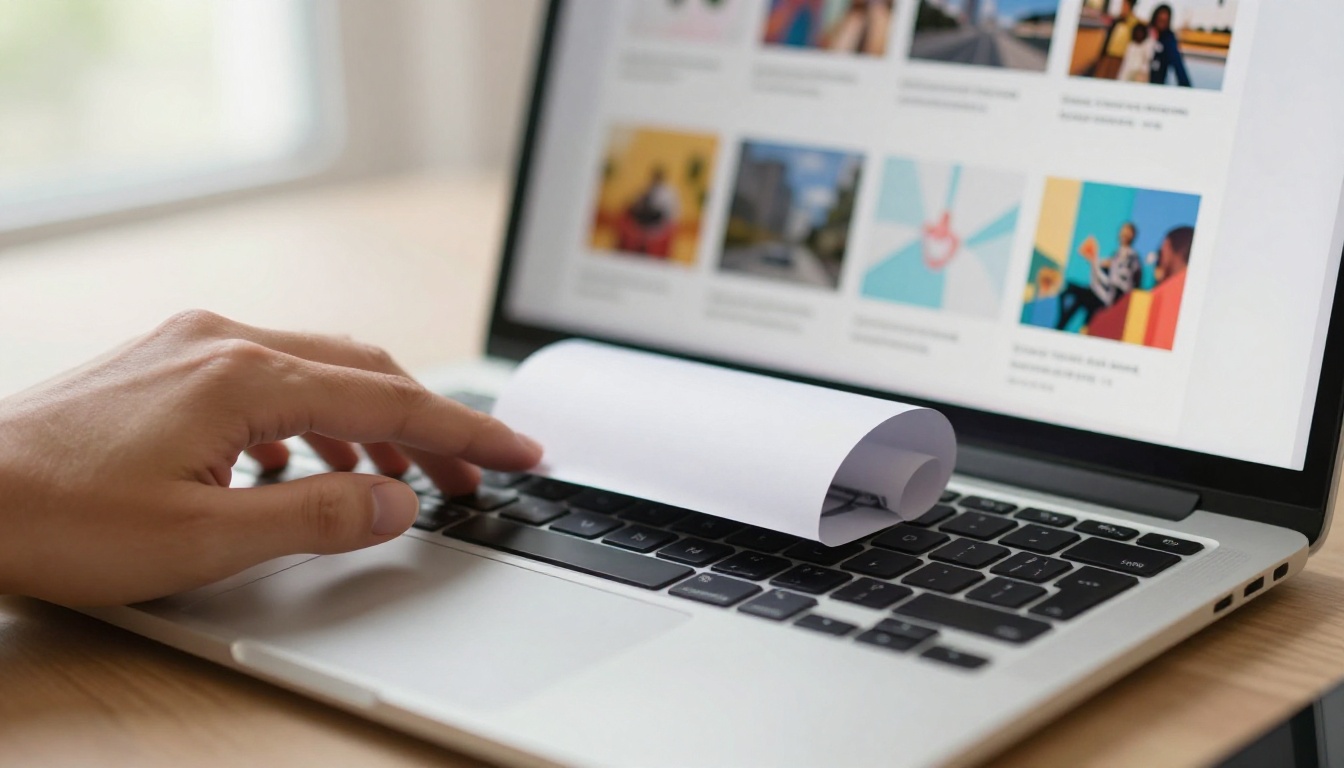
Most designers put enormous effort into their work, then package it in the least exciting format possible: a flat, silent, unresponsive PDF. Clients open it, scroll through, maybe zoom in on something, and close it. There is no sense of pace, no visual drama, no moment of delight. It reads like a spreadsheet when it should feel like a showroom.
The first impression problem
A client receiving your portfolio has already received three others that week. All of them are PDFs. When yours arrives as an interactive flipbook link, with pages that turn, with smooth animations, with your work displayed at full resolution across every device, you have already differentiated yourself before they have read a single word.
First impressions are made in seconds. The format of your presentation communicates your aesthetic judgment more than any single project inside it. A designer who sends a beautifully produced flipbook is implicitly saying: I think carefully about every touchpoint. That is exactly what clients want to hear before they commit to a budget.
What clients actually look for
Clients are not evaluating your work in isolation. They are asking: Is this person worth the investment? Do they pay attention to detail? Are they going to make my project feel this polished?
An interactive flipbook portfolio answers those questions before the work does. It signals craft, intention, and professionalism at the format level. That soft pitch is what converts browsers into buyers, and it happens before any conversation takes place.
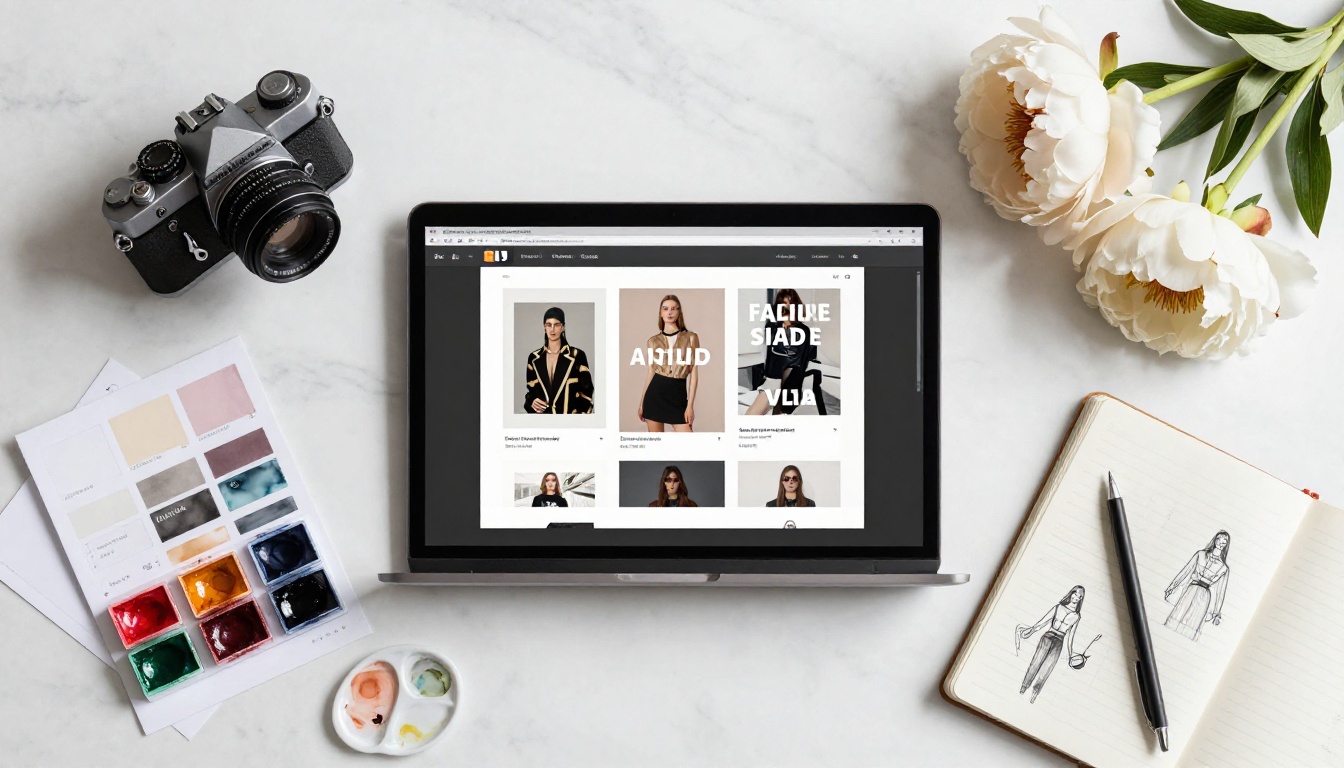
A flipbook is not just a PDF with a page-turn animation. It is a fully interactive, web-native publication that behaves completely differently from a static file attachment.
The page-turn effect that sticks in memory
Human memory is surprisingly tactile. The physical sensation of turning a page, even a simulated one on a screen, creates a different kind of attention than scrolling. Research in cognitive psychology consistently shows that paginated, bounded content is easier to retain than infinite scroll. When a client flips through your portfolio, they experience it rather than simply view it. That experience creates a stronger memory, and stronger memories win recalls when the client is ready to decide.
Mobile versus desktop: both work, always
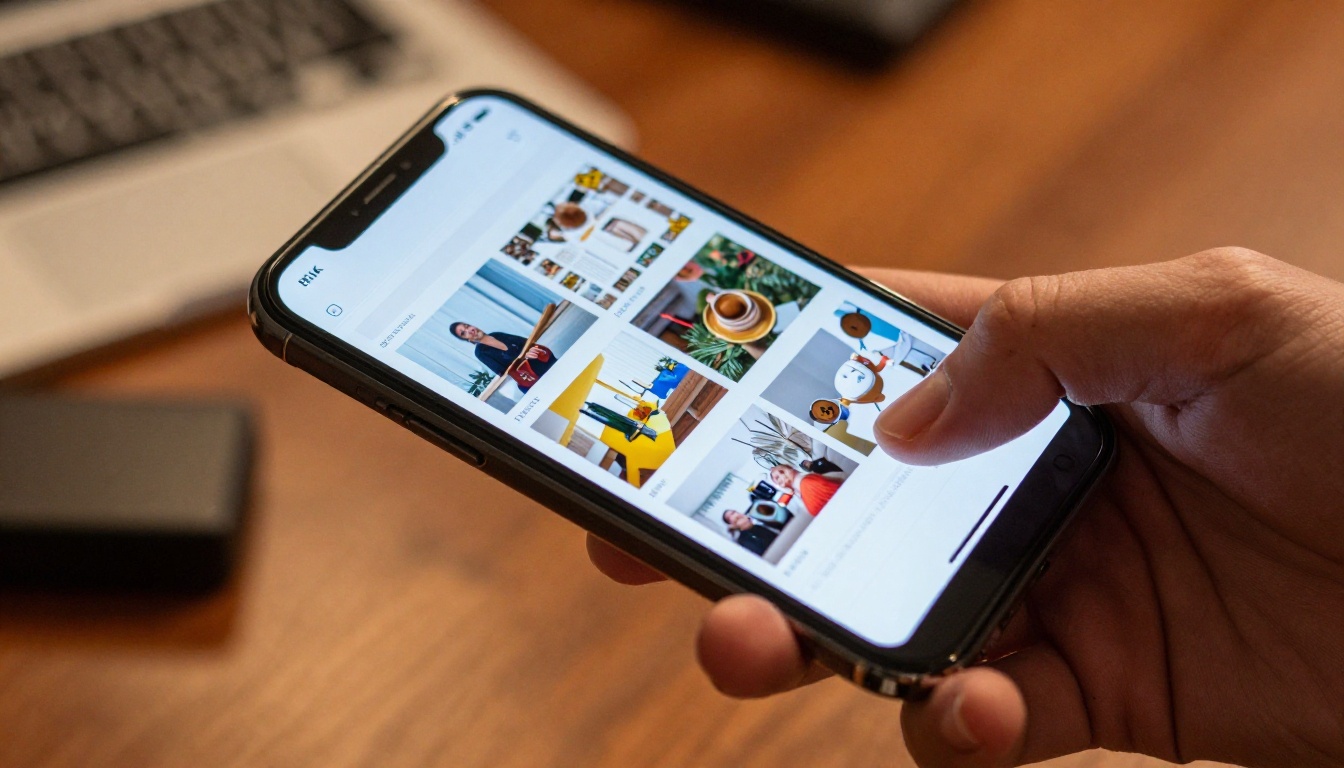
A PDF shared via email often opens as a tiny, unreadable file on mobile. A flipbook shared as a link opens beautifully on any screen size, automatically adjusting layout, maintaining image resolution, and keeping typography crisp and readable. In a world where clients review proposals on their phones between meetings, this is not a minor detail. It is the difference between being read and being dismissed.
💡 Pro tip: A client who can flip through your portfolio on their phone during a commute is far more likely to remember you when they sit down to make a hiring decision.
| Format | Mobile Experience | Shareable | Interactive | Visual Impact |
|---|
| PDF email attachment | Poor (zoom required) | Limited | No | Flat |
| Google Drive PDF | Basic | Moderate | No | Flat |
| Flipbook link | Excellent | Instant share | Yes | Dynamic |
| Website portfolio | Good | Good | Partial | Depends on build |

5 Ways Designers Use Flipbooks to Win Clients
1. Portfolios that do the selling for you
The most common and highest-impact use is portfolio presentation. Instead of attaching a PDF that clients have to download and fumble through, designers share a single link that opens to a beautifully rendered, page-turning experience. With Flipbooks AI, the Digital Portfolio Creator and Portfolio Flipbook Builder let you convert any PDF portfolio into a stunning interactive presentation in minutes, with no coding and no design software required.
What makes it work: Clients click the link and immediately enter an experience. Pages flip. Work fills the screen. There is no loading spinner, no "download to view," no "enable editing." It simply works, on every device, every time.
Result: Designers using interactive portfolios consistently report that clients respond faster, ask more specific questions about individual projects, and are more likely to schedule a discovery call within 24 hours of receiving the link.
2. Proposals clients cannot put down
Most client proposals are walls of text inside a PDF. They are dense, intimidating, and easy to set aside until later, which often means never. A flipbook proposal breaks that pattern entirely.
Imagine sending a proposal where the budget section has a clean comparison table on its own spread, the timeline flows as a visual across a full-bleed page, and your team bios are presented with full portrait photography and individual bio pages. That is not just a proposal. It is a demonstration of what working with you actually feels like.
✅ Best practice: Include 2-3 pages that showcase your process visually. Show your wireframes, color palettes, and previous project results as spreads, not bullet points. Clients should feel your process, not just read about it.
3. Case studies with real depth
Case studies are the most powerful sales tool in a designer's arsenal, and they are consistently the most underpresented. Most designers compress their best case studies into a few paragraphs in a PDF that clients never fully read.
A flipbook case study tells a story with the pacing it deserves. Problem on page one, research and discovery on page two, concepts on page three, final delivery on page four. Each spread has visual breathing room. The client follows your thinking the way they would follow a well-designed magazine feature, and that reading experience creates genuine investment in the outcome of your story.

4. Pricing packages that look premium
Sending a price list as plain text in the body of an email makes your services feel like a commodity purchase. Sending a beautifully typeset four-page pricing guide in flipbook format positions your services as a premium product with considered packaging.
Use the Digital Price List Generator to build a pricing document that includes package descriptions, detailed deliverables, realistic timelines, and client testimonials, all in a format that reinforces the quality clients can expect from your work.
💡 Pro tip: Name your pricing tiers with evocative, context-appropriate labels rather than Bronze, Silver, and Gold. Tiers like "Studio," "Studio Plus," and "Full Production" feel more aligned with design work and signal that you have thought carefully about how you present every aspect of your practice.
5. Follow-up materials that close deals
The follow-up is where most deals are won or lost, and most designers get it wrong. A generic "just following up" email is forgettable. A follow-up that includes a personalized one-page summary flipbook, referencing specific details from your discovery call and showing exactly how your approach addresses the client's stated goals, is nearly impossible to ignore.
This approach works because it signals: I was paying attention. I built this specifically for you. That quality of attentiveness is exactly what clients want to experience before handing over a significant budget. It is also a preview of the kind of client care you will bring to the actual project.

How to Build Your Portfolio Flipbook with Flipbooks AI
Flipbooks AI makes the process straightforward, even if you have never built a digital publication before. Here is exactly how to go from PDF to professional interactive flipbook.
Step 1: Create your account
Go to flipbooksai.com/account and create your account. The Standard plan and above give you unlimited flipbooks with no watermarks, which is non-negotiable for professional client work. Check all available pricing plans to pick what fits your volume and feature needs.
Step 2: Prepare your PDF
Before uploading, make sure your PDF is designed at the correct bleed and trim settings (if applicable), with a consistent grid, a clear typographic hierarchy, and high-resolution images. Flipbooks AI converts exactly what you upload, so quality in equals quality out. Pages should be designed with a horizontal spread view in mind if you want the full cinematic double-page effect when the flipbook is open.
Step 3: Upload and convert
On your dashboard, click to create a new flipbook and upload your PDF. Conversion typically takes under two minutes regardless of page count. Flipbooks AI handles the page-turning mechanics, responsive rendering, and mobile optimization automatically, with no manual configuration required.
Step 4: Customize your branding
Once converted, open the editor to refine how your flipbook is presented:
- Background color: Choose from your brand palette or use a deep neutral for a premium editorial feel
- Page shadows: Adjust the depth and realism of the page-turn shadow effect
- Preview thumbnail: Set a compelling preview image that renders in link previews when shared via email or Slack
- Custom domain: On Professional plans, serve the flipbook from your own domain for a fully branded experience
⚠️ Warning: Do not skip the preview thumbnail. This is the image that appears when you share the link on Slack, email, or LinkedIn. A blank or auto-generated thumbnail significantly reduces click-through rates from clients who receive dozens of links daily.
Step 5: Set sharing permissions
Flipbooks AI gives you precise control over who can access your work:
- Public link: Anyone with the link can view, ideal for general portfolio outreach
- Password protection: Required for confidential client proposals, pricing guides, or sensitive creative briefs
- Embed code: Paste the flipbook directly into your website, proposal page, or a client-facing project hub
The Portfolio Flipbook Builder and Photography Portfolio tools are specifically built for visual creatives, with layouts optimized for full-bleed image-forward work.
Step 6: Share and track results (Professional plan)
On the Professional plan, you gain access to analytics showing exactly who viewed your flipbook, how long they spent on each page, and where they dropped off. This data is extraordinarily useful for shaping follow-up conversations:
- If a client spent three minutes on your pricing page but never responded, address pricing directly in your follow-up
- If they lingered on a specific case study, reference that project when you reconnect
- If they viewed on mobile, keep your follow-up message concise and visual
The Professional plan also includes lead generation forms, offline download access, and the ability to capture contact details from viewers before they access the flipbook, which is valuable for tracking inbound interest from shared links.

Real Results Designers Are Seeing
Designers who switch from PDF to flipbook presentations consistently report three changes: faster response times from clients, higher-quality conversations in initial calls, and far fewer "we will think about it" responses that trail off into silence.
The reason is structural. When a client has spent five minutes genuinely flipping through a well-paced portfolio, they arrive at the discovery call with specific questions. They reference specific projects. They have opinions about what they saw. That quality of engagement only happens when the format is compelling enough to hold focused attention, something a flat PDF almost never achieves.
Before and after: what the format shift changes
| Metric | PDF Portfolio | Flipbook Portfolio |
|---|
| Average client response time | 3-5 days | Under 24 hours |
| Client references specific work | Rare | Common |
| Proposal-to-call conversion rate | Around 20% | 45% to 60% |
| Mobile viewing quality | Poor | Excellent |
| Forwarding ease (to stakeholders) | Re-send attachment | Single link |
| Perceived production value | Standard | Premium |
These figures are not universal, but they reflect a consistent and repeatable pattern: interactive formats create more invested prospects because they require active participation rather than passive scrolling.
Choosing the Right Plan for Your Work
Flipbooks AI offers plans that scale with your needs, whether you are a solo freelancer or running a small studio. Here is a direct comparison of what matters for client-facing work:
| Feature | Free | Standard | Professional |
|---|
| Flipbooks | Limited | Unlimited | Unlimited |
| Watermarks | Yes | No | No |
| Password protection | No | Yes | Yes |
| Custom branding | No | Yes | Yes |
| Analytics per page | No | No | Yes |
| Lead generation forms | No | No | Yes |
| Offline downloads | No | No | Yes |
| Embed on website | No | Yes | Yes |
| Mobile-responsive | Yes | Yes | Yes |
For most freelance designers, Standard is the right entry point: unlimited flipbooks, no watermarks, custom branding, and website embeds. The moment you are pitching larger clients or want behavioral data to sharpen your follow-up strategy, Professional earns its cost back on a single won project.
✅ Best practice: Start every new client relationship with a password-protected proposal flipbook. It signals that this document was made specifically for them, not recycled from a generic template. That perception of personalization has real commercial value.
Different client types respond to different presentation styles. Matching your flipbook format to the specific pitch dramatically increases how well the work lands.
Startup clients: Move fast and care deeply about aesthetics. Use the Interactive Lookbook Designer or a clean portfolio flipbook. Keep it under 12 pages. Lead with results and visual impact, not process documentation.
Corporate clients: Value thoroughness and want to see credibility signals. Use the Sales Presentation Flipbook or the Press Kit Designer. Include credentials, case study metrics, and a clear process overview with defined deliverables.
Real estate agencies: Need professional, property-forward brochures. The Real Estate Brochure Creator is purpose-built for this context, with layouts that present properties beautifully and build brand trust at the same time.
Fashion and retail brands: Respond to visual drama and editorial quality. A Lookbook Flipbook Builder with full-bleed photography makes your pitch feel like a genuine creative collaboration rather than a service transaction.
Restaurants and hospitality: The Restaurant Menu Creator and Hotel Brochure tools let you present branding work in a context that hospitality clients immediately recognize and connect with. Showing the work in its native format removes the imagination gap.
💡 Pro tip: Build one strong "general" portfolio flipbook for cold outreach, then create tailored short-form flipbooks for specific client verticals. The effort of personalization returns disproportionate results at the closing stage.

There is a philosophy that runs through every aspect of great design: nothing is neutral. Every choice, including the font, the spacing, the material, communicates something. The format you use to present your work is not separate from the work. It is part of it.
When you send a flat PDF, you are (unintentionally) communicating that the quality of the presentation did not occur to you as important. When you send a beautifully built interactive flipbook, you are communicating: I care about every touchpoint, including this one.
That is the real answer to how designers use flipbooks to win clients. It is not about the features or the page-turn animation. It is about demonstrating the same level of attention to the client's experience that you promise to bring to their actual project. Clients hire designers to make things feel better. Your pitch is the first thing you make for them.
Start Winning More Work Today
The designers winning the best clients right now are not necessarily doing better work. They are presenting their work in a way that respects the client's time, appeals to their emotions, and makes the decision feel easy.
Ready to make the switch? Create your account on Flipbooks AI and convert your first portfolio or proposal today. Browse all available tools and templates to find the format that fits your niche and client type. When you are ready to add analytics and lead generation to your workflow, compare pricing plans to pick the tier that fits your practice.
Your work is already good enough to win. Now give it the presentation it deserves.



