eCommerce brands have a problem: shoppers arrive, scroll past a few product images, and leave without buying anything. The average online store converts less than 3% of its visitors, and the rest just disappear. The brands that are actually closing that gap are not running more ads or adding pop-ups. They are using interactive digital flipbooks to turn passive browsing into active buying sessions. Flipbooks AI has become the tool of choice for hundreds of ecommerce teams who want to present their products the way a printed catalog would, but with all the power of digital interactivity built in.
Why Static Product Pages Stop Working
Most online stores look the same. A white background, a product photo, a price, and an "Add to Cart" button. That format made sense in 2010. It does not work as well in a world where shoppers are accustomed to the editorial quality of a luxury magazine or the immersive browsing of a well-designed app.
The Attention Span Problem
The average online shopper spends less than 15 seconds deciding whether a product page deserves more of their time. If nothing grabs them in that window, they are gone. Static pages rarely create the sense of story or context that makes a product feel worth owning. There is no visual momentum, no narrative, no reason to keep scrolling.
What Shoppers Actually Want Now
Shoppers want to feel something when they browse. They want context. They want to see how a sofa fits in a real room, how a dress moves on a real body, or how a skincare routine flows from product to product. That is exactly what an interactive flipbook delivers.
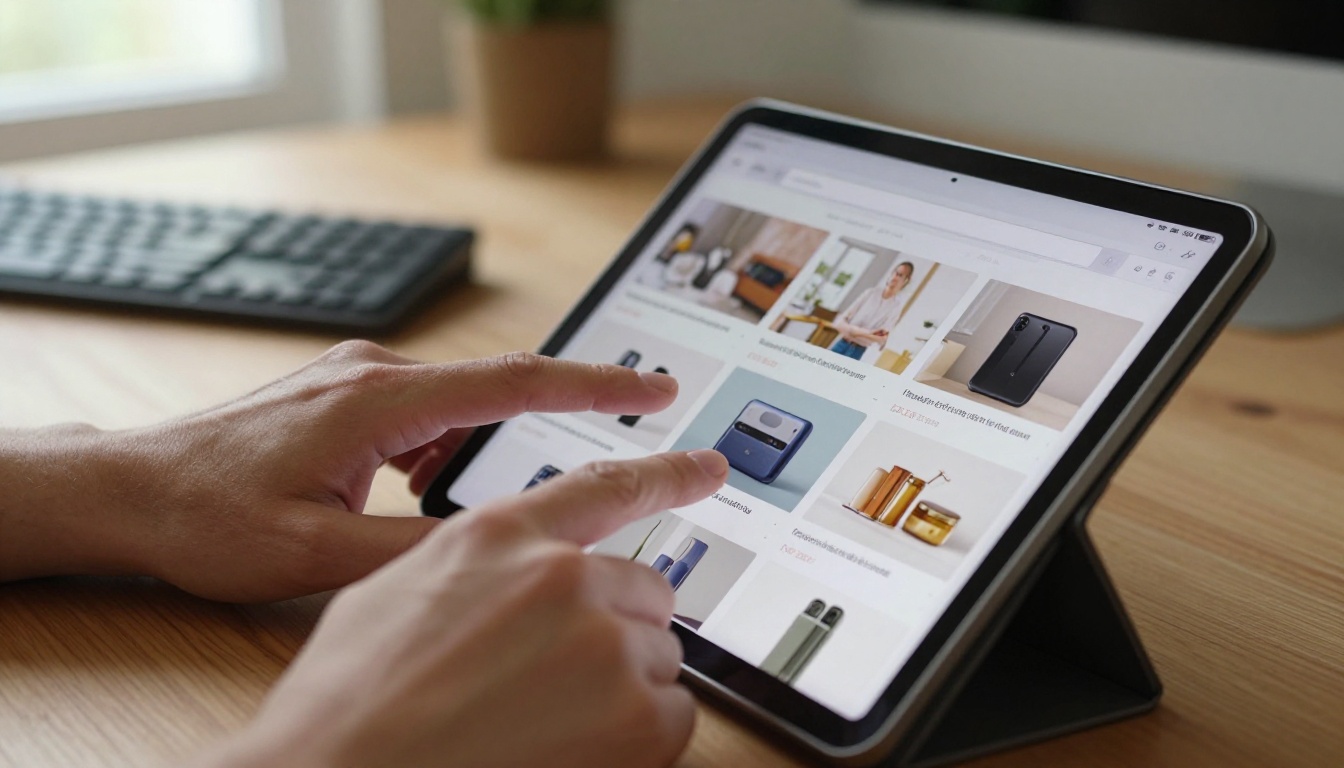
💡 Brands that present products in editorial context, rather than isolated on white backgrounds, see significantly higher time-on-page and repeat visits.
What Makes Flipbooks Different
A flipbook is a digital publication that mimics the experience of flipping through a physical catalog or magazine, complete with realistic page-turn animations, clickable links, embedded media, and mobile-responsive layouts.
Page-Turn Psychology
There is a reason physical catalogs have driven retail sales for over a century. The act of turning a page creates anticipation. It creates a sense of discovery. Digital flipbooks replicate that exact psychological mechanism while layering in everything a static PDF or product grid cannot offer: direct purchase links, video embeds, zoom capability, and real-time analytics.
Flipbooks vs. Static PDFs
| Feature | Static PDF | Interactive Flipbook |
|---|
| Page-turn animation | No | Yes |
| Embedded clickable links | No | Yes |
| Video/audio support | No | Yes |
| Mobile responsive | Limited | Fully responsive |
| Analytics tracking | No | Yes (Professional) |
| Password protection | No | Yes |
| Embed on website | No | Yes |
| Lead generation forms | No | Yes (Professional) |
| Custom branding | No | Yes |
| Offline download | No | Yes |
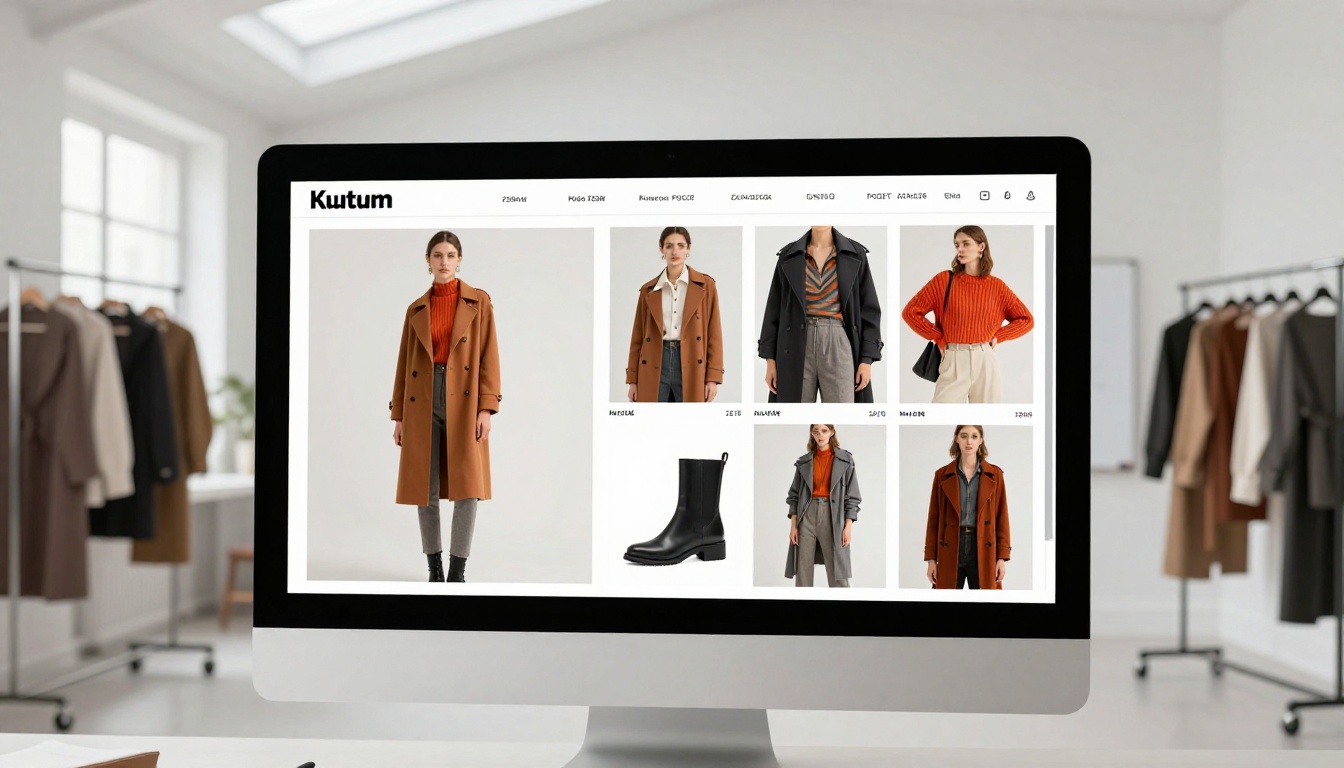
The difference is not just visual. A static PDF is a dead document. A flipbook is an active selling tool.
5 Ways eCommerce Brands Use Flipbooks
The most successful implementations share one thing in common: they treat the flipbook not as a document, but as a sales experience. Here are the five categories where results show up most clearly.
Fashion and Apparel Lookbooks
Fashion brands live and die by visual storytelling. A lookbook that reads like a magazine, with editorial photography, seasonal narratives, and direct product links woven into each spread, converts at dramatically higher rates than a product grid. Using the Interactive Lookbook Designer, fashion brands can build seasonal campaigns that shoppers actually want to spend time with.
A mid-size swimwear brand, for example, can upload a single PDF seasonal lookbook and within minutes have a fully interactive digital edition ready to embed on their homepage, share via email, and link from their Instagram bio. Every product image becomes a direct purchase link.
Furniture and Home Decor Catalogs
Furniture is one of the hardest categories to sell online because shoppers struggle to visualize scale and context. An interactive flipbook solves this by presenting products in styled room settings across magazine-style spreads. The Digital Catalog Maker lets home brands build rich product presentations with multiple images per item, materials breakdowns, and size comparison callouts.
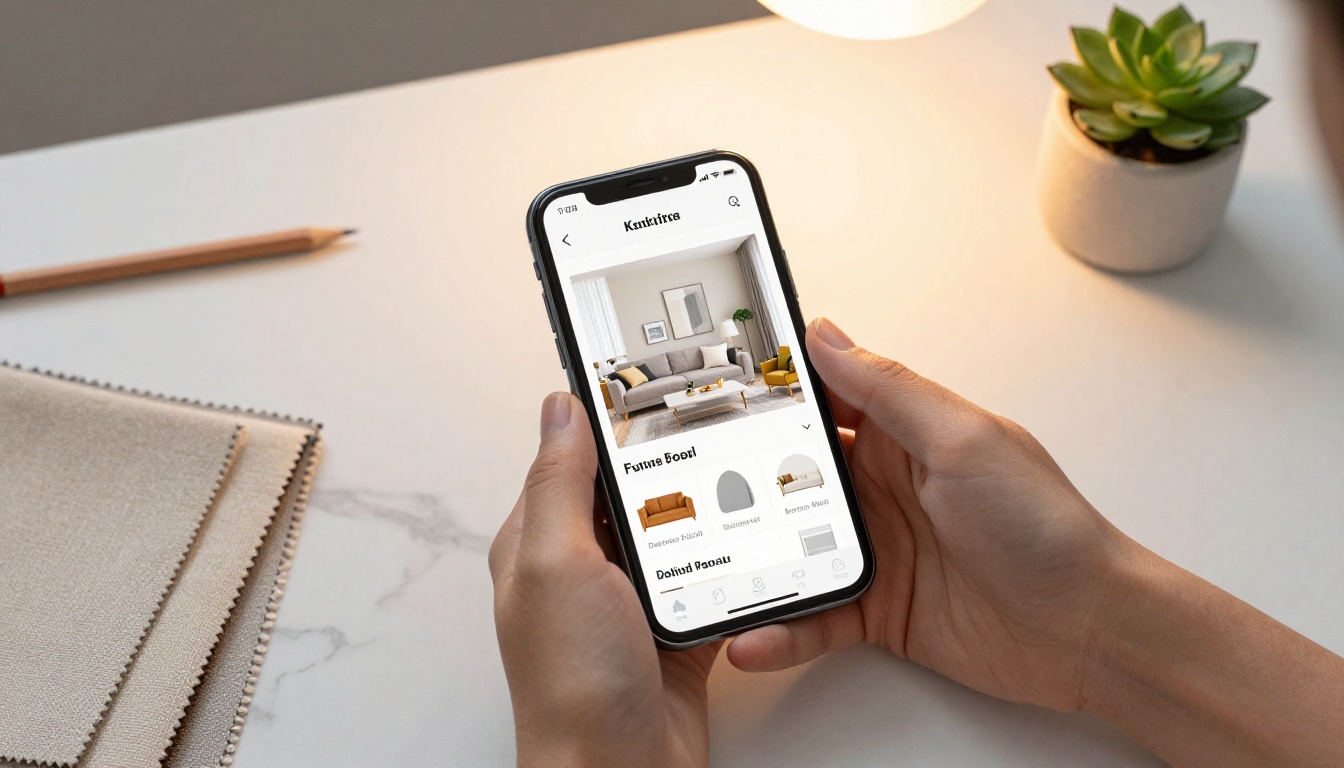
✅ Home decor brands using digital catalogs consistently report longer session times and higher average order values compared to standard product grid browsing.
Beauty and Cosmetics Showcases
Beauty brands benefit from the ability to present products within routines and collections rather than as isolated SKUs. A flipbook-style product catalog can walk a shopper through a complete morning skincare routine, linking every product directly to its cart page, while the editorial photography communicates the brand's premium positioning.
The flat-lay aesthetic, swatchable color pages, and before-and-after spreads that work so well in printed beauty catalogs translate directly to the flipbook format, with the added advantage of click-to-buy at every turn.

Food, Beverage, and Restaurant Menus
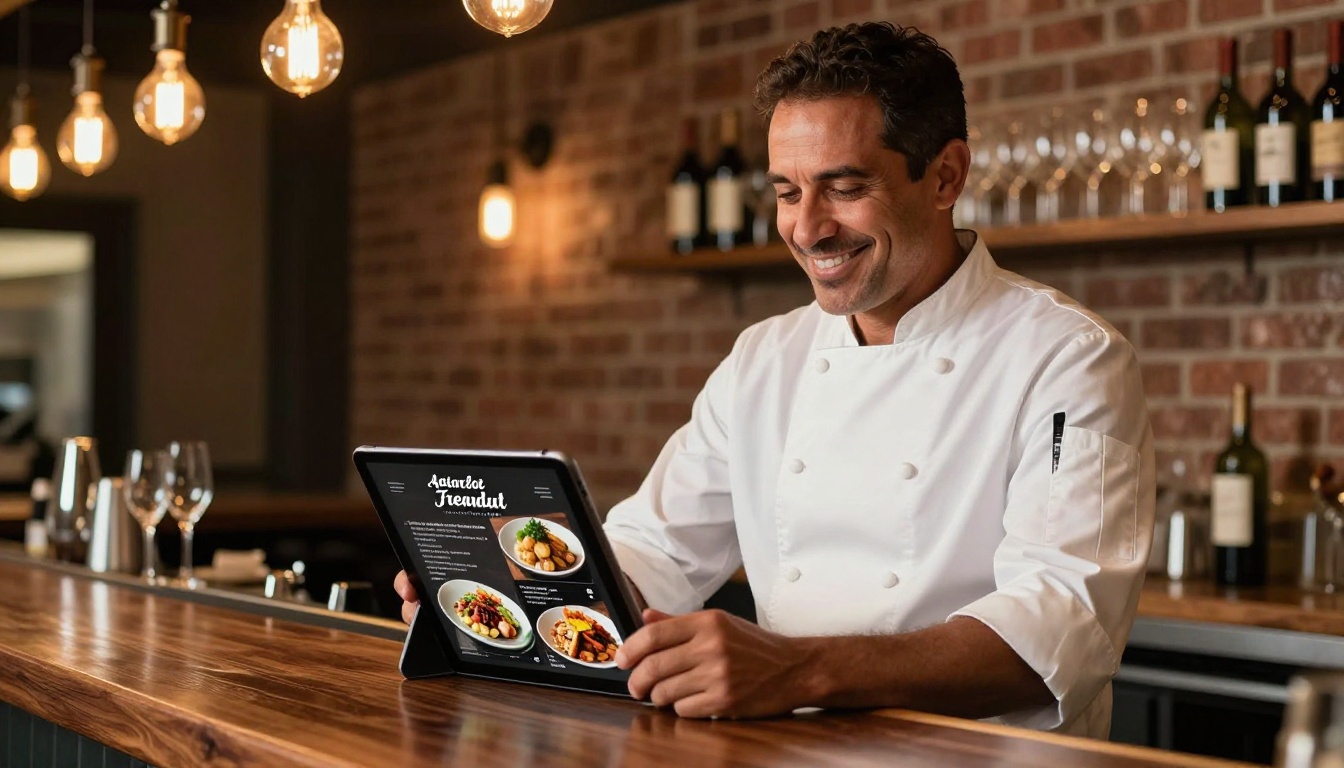
Restaurants and food brands selling direct-to-consumer have found the digital menu format to be one of their highest-performing sales assets. A beautifully photographed menu flipbook creates appetite and urgency in a way a plain HTML menu never does.
The Restaurant Menu Creator lets food operators build pixel-perfect digital menus with mouth-watering photography, portion descriptions, dietary icons, and pricing, all in a format that loads fast on mobile.
Electronics and Tech Product Showcases
Tech brands often struggle with spec-heavy product pages that feel cold and inaccessible. A flipbook-format product catalog lets electronics brands tell the story of why a product matters before hitting the buyer with specs. Feature spreads, comparison tables built into the PDF, and lifestyle photography of the product in use all work together to build desire before the price becomes the deciding factor.
Real-World Scenarios That Drive Sales
Seeing the strategies in the abstract is useful, but understanding how they play out in actual selling contexts makes the decision much clearer.
Scenario 1: Seasonal Campaign Launch
A fashion retailer uploads their summer collection PDF to Flipbooks AI. In under five minutes, they have a fully branded interactive flipbook with page-turn animations, product link hotspots on every item, and a password-protected preview for press and wholesale buyers. The same file is embedded on their website, sent via email as a link, and shared on social as a teaser.
Scenario 2: B2B Wholesale Catalog
A furniture manufacturer creates a trade-only product catalog. They set password protection on the flipbook, keeping pricing and wholesale terms private. Buyers can flip through hundreds of SKUs, zoom into product details, and click through to order forms, all from a single shareable link.
Scenario 3: Post-Purchase Upsell
A beauty brand includes a flipbook link in their post-purchase confirmation email, showing complementary products from the same collection as the item just purchased. Because the flipbook presents products in context rather than as a product grid, click-through rates are significantly higher than a standard "You might also like" section.

💡 Post-purchase flipbooks are one of the most underused tools in ecommerce. They arrive when buyer intent is at its highest and attention is fully focused on the brand.
How to Build Your eCommerce Flipbook
The process is straightforward. Here is how to go from zero to a live, selling flipbook in under 10 minutes.
Step 1: Create your account
Head to Flipbooks AI and sign up. No credit card is required to start. The free plan gives you access to the core creation tools immediately.
Step 2: Prepare your PDF
Your flipbook starts with a PDF. If you already have a product catalog, lookbook, or menu designed in Canva, InDesign, or PowerPoint, export it as a PDF. If you are starting from scratch, design your catalog in any tool and export when ready.
Step 3: Upload and convert
Use the PDF to Flipbook Converter to upload your file. The conversion takes seconds. Your PDF instantly becomes a page-turning interactive publication.
Step 4: Customize your branding
Apply your brand colors, add your logo, choose from page-turn styles, and customize the background. Every element of the flipbook reflects your brand identity, not a generic template look.
Step 5: Add interactivity
This is where the selling happens. Add clickable hotspot links over product images that send shoppers directly to your store's product or cart pages. Embed video clips, audio, or even animated GIFs within pages. Add a lead generation form to capture buyer information before they access the full catalog, a feature available on the Professional plan.
Step 6: Set access and sharing options
Choose how your flipbook is shared:
- Public link: Anyone with the URL can view it
- Password protected: Ideal for trade catalogs, press previews, or exclusive product drops
- Embedded: Use the Embed Flipbook on Website tool to drop it directly onto your homepage, product landing pages, or campaign pages with a single line of embed code
Step 7: Publish and track
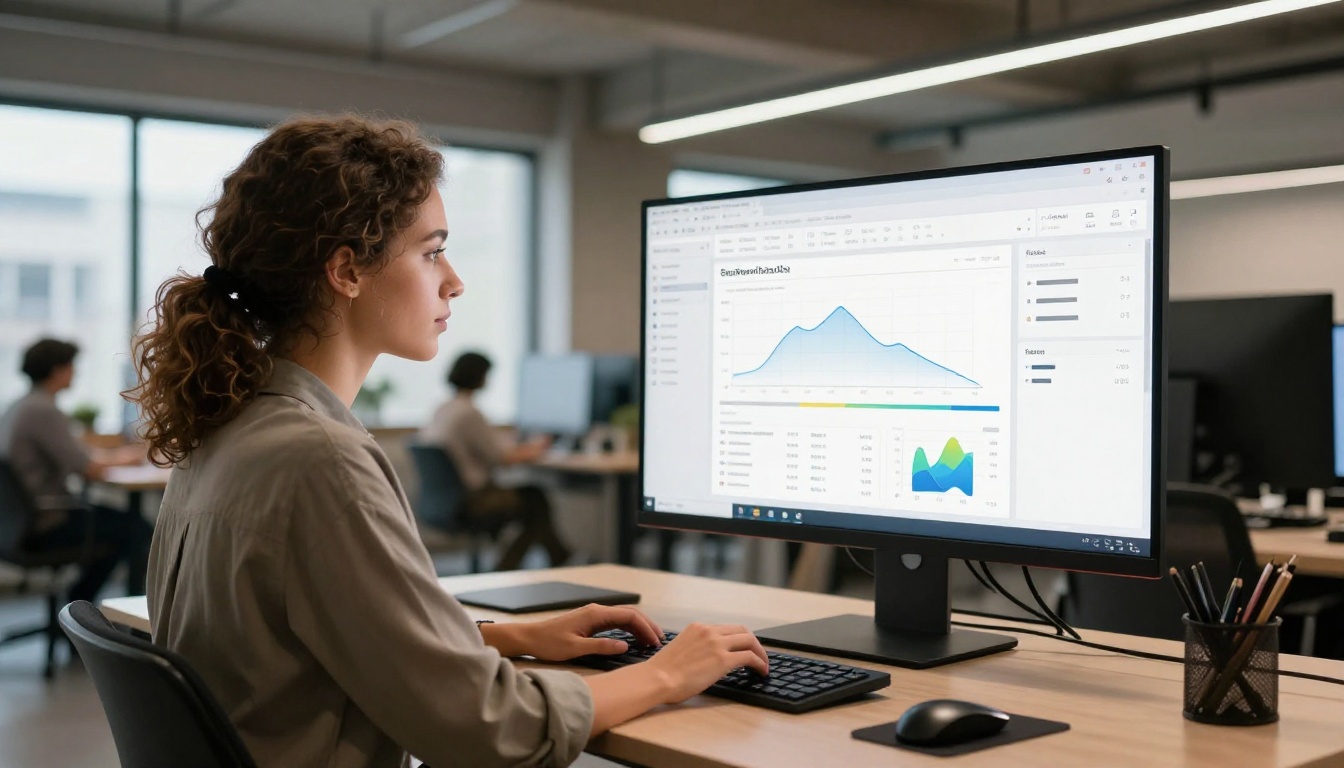
Hit publish. Your flipbook is live. On the Professional plan, open the analytics dashboard to see exactly which pages shoppers are spending time on, which links they are clicking, and where they are dropping off.
⚠️ Do not skip the hotspot links. An interactive flipbook without clickable product links is still just a PDF. The links are what turn a beautiful document into a direct sales channel.
Not all digital formats perform equally in ecommerce. Here is how flipbooks compare to the alternatives brands commonly use.
| Format | Visual Impact | Interactivity | Mobile Experience | Sales Links | Analytics |
|---|
| Static website product grid | Medium | Low | Good | Yes | Yes |
| PDF catalog | Medium | None | Poor | No | No |
| Interactive flipbook | High | High | Excellent | Yes | Yes (Pro) |
| Instagram Shopping | High | Low | Excellent | Limited | Basic |
| Email product carousel | Low | Low | Good | Yes | Limited |
| Printed catalog | High | None | N/A | No | No |
The flipbook format wins on the combination of high visual impact plus full interactivity plus strong mobile performance. No other single format delivers all three at once.
Choosing the Right Plan for Your Brand
Flipbooks AI offers tiered plans designed for businesses at different stages. Here is a quick breakdown of what matters for ecommerce use.
| Feature | Free | Standard | Professional |
|---|
| Number of flipbooks | Limited | Unlimited | Unlimited |
| Watermarks | Yes | No | No |
| Password protection | No | Yes | Yes |
| Custom branding | No | Yes | Yes |
| Analytics | No | No | Yes |
| Lead generation forms | No | No | Yes |
| Offline downloads | No | Yes | Yes |
| Embed on website | No | Yes | Yes |
| Video/audio embeds | No | Yes | Yes |
For most ecommerce brands running seasonal campaigns, a Standard plan delivers the essentials: no watermarks, full embedding, custom branding, and unlimited flipbooks. Brands running wholesale catalogs, press assets, or lead-generation campaigns will want to move to Professional for the analytics and lead capture features.
The Sales Impact Worth Knowing
The brands seeing the strongest results from flipbooks share a few consistent behaviors:
- They treat the flipbook as a primary sales channel, not just a PDF download
- They update their flipbook each season, keeping the catalog fresh and giving returning visitors a reason to open it again
- They embed it above the fold on landing pages, not buried in a "Resources" tab
- They share it via every channel: email campaigns, social media links, QR codes on packaging, and direct links in customer service conversations
- They track the data on Professional plan to see which pages and products are getting the most attention, then adjust their inventory and marketing accordingly

✅ Brands that embed their flipbook directly on their homepage report noticeably longer average session durations compared to those who only share it as a link.
The numbers that matter most in ecommerce, conversion rate, average order value, and return rate, all move in the right direction when shoppers spend more time with products in a rich, contextual presentation. A flipbook does not just look better than a product grid. It sells better because it creates the same immersive, deliberate browsing behavior that physical catalogs have always produced.
Start Selling With Your First Flipbook
The gap between a store that converts at 2% and one that converts at 5% is not always about traffic or ad spend. Often, it comes down to how well the shopping experience presents the products. Interactive flipbooks close that gap by bringing the editorial quality of a printed catalog into the digital world, with every page linked directly to a purchase.
Ready to create your first flipbook? Get started for free on Flipbooks AI and have your first interactive catalog live before the end of the day.
Need help picking the right tools for your specific use case? Browse all available flipbook tools to find the format that fits your product category, whether it is fashion, furniture, food, or anything in between.
Want analytics, lead generation, and full white-label control? Compare pricing plans and choose the tier that matches where your brand is headed.



